If you want a simple, reliable home server for backups, photos and file sharing — and you don’t want to become a systems administrator to run it — this Synology DS224+ review explains why it remains the default 2-bay recommendation in 2026. It pairs a capable Intel processor with Synology’s DSM software, still the most polished NAS operating system you can buy, in a compact two-drive box.
Here’s our verdict up front. The DS224+ is the best 2-bay NAS for most home users, at around $310 / £300 (diskless). It’s an appliance-grade way to run automatic backups of every device in your house, host a private photo library that replaces cloud subscriptions, and stream media locally — all managed through software so approachable that non-technical users genuinely thrive with it. It’s not the fastest NAS, it has no M.2 cache slots, and its two 1GbE ports show their age — but for the target buyer, none of that matters much.
Buy it if you want a set-and-forget home NAS for backups, Synology Photos and file sharing, with the easiest software in the category. Skip it if you need 2.5GbE+ networking, heavy Plex transcoding, or four-plus drive bays — step up to a DS423+ or a higher tier.
Key specs: Intel Celeron J4125 quad-core · 2GB DDR4 (expandable to 6GB) · 2 bays (up to ~40TB) · 2x 1GbE (link aggregation) · 2x USB 3.2 · DSM 7.2 · around $310 / £300 diskless.
Check price: Synology DS224+ (2-bay NAS)
Synology DS224+ at a glance
| DS224+ | DS223 | DS423+ | |
|---|---|---|---|
| CPU | Intel Celeron J4125 (quad-core) | Realtek RTD1619B (quad-core ARM) | Intel Celeron J4125 (quad-core) |
| RAM | 2GB (to 6GB) | 2GB (fixed) | 2GB (to 6GB) |
| Bays | 2 | 2 | 4 |
| Network | 2x 1GbE | 1x 1GbE | 2x 1GbE |
| Hardware transcoding | Yes (Intel iGPU) | Limited | Yes (Intel iGPU) |
| Virtual Machine Manager | Yes | No | Yes |
| Typical price | ~$310 / £300 | ~$200 / £190 | ~$490 / £480 |
The story here is the CPU. The DS224+‘s Intel chip unlocks features the ARM-based DS223 lacks — hardware transcoding for some media, Virtual Machine Manager, and better performance for demanding apps — which is exactly why it’s worth the step up for most buyers. The DS423+ is essentially the same brain with four bays.
Price and what’s in the box
The DS224+ costs around $309.99 / £299.99 diskless — you supply the drives. Budget for those separately: two NAS-rated hard drives (say 4–8TB each) add roughly $200–400 / £190–380 depending on capacity. For which drives to buy, see our Best NAS Drives for Home 2026: Backup & Media Picks Ranked guide, and for the wider field of enclosures, Best Home NAS 2026: Top Picks for Backup, Plex & Photos.
There’s no discounting drama here — Synology holds pricing fairly steady year-round, with occasional modest sale dips. The box includes the enclosure, power supply, two Ethernet cables and drive-mounting hardware; drives and any RAM upgrade are extra.
Design and hardware: small, quiet, sensible
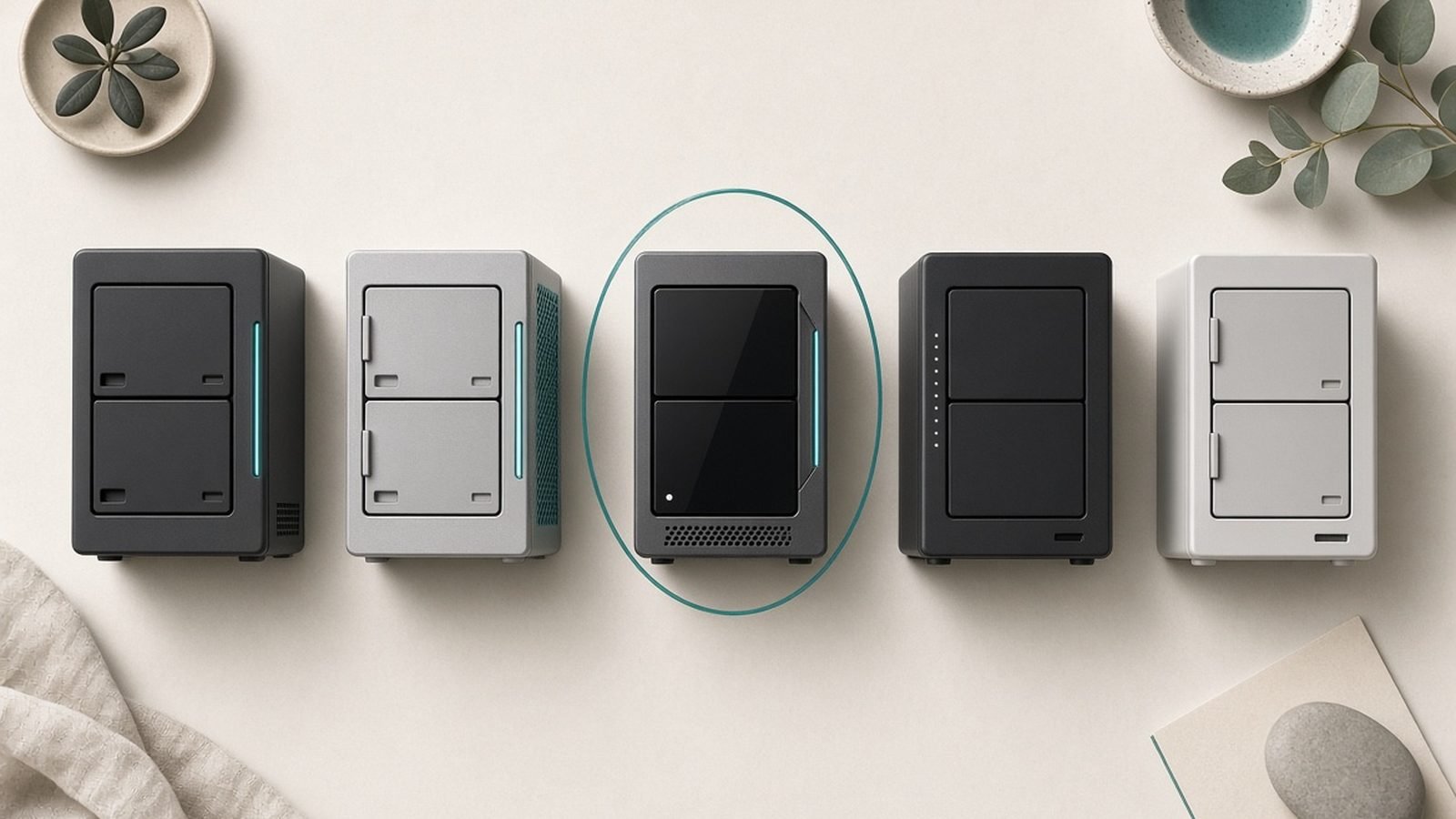
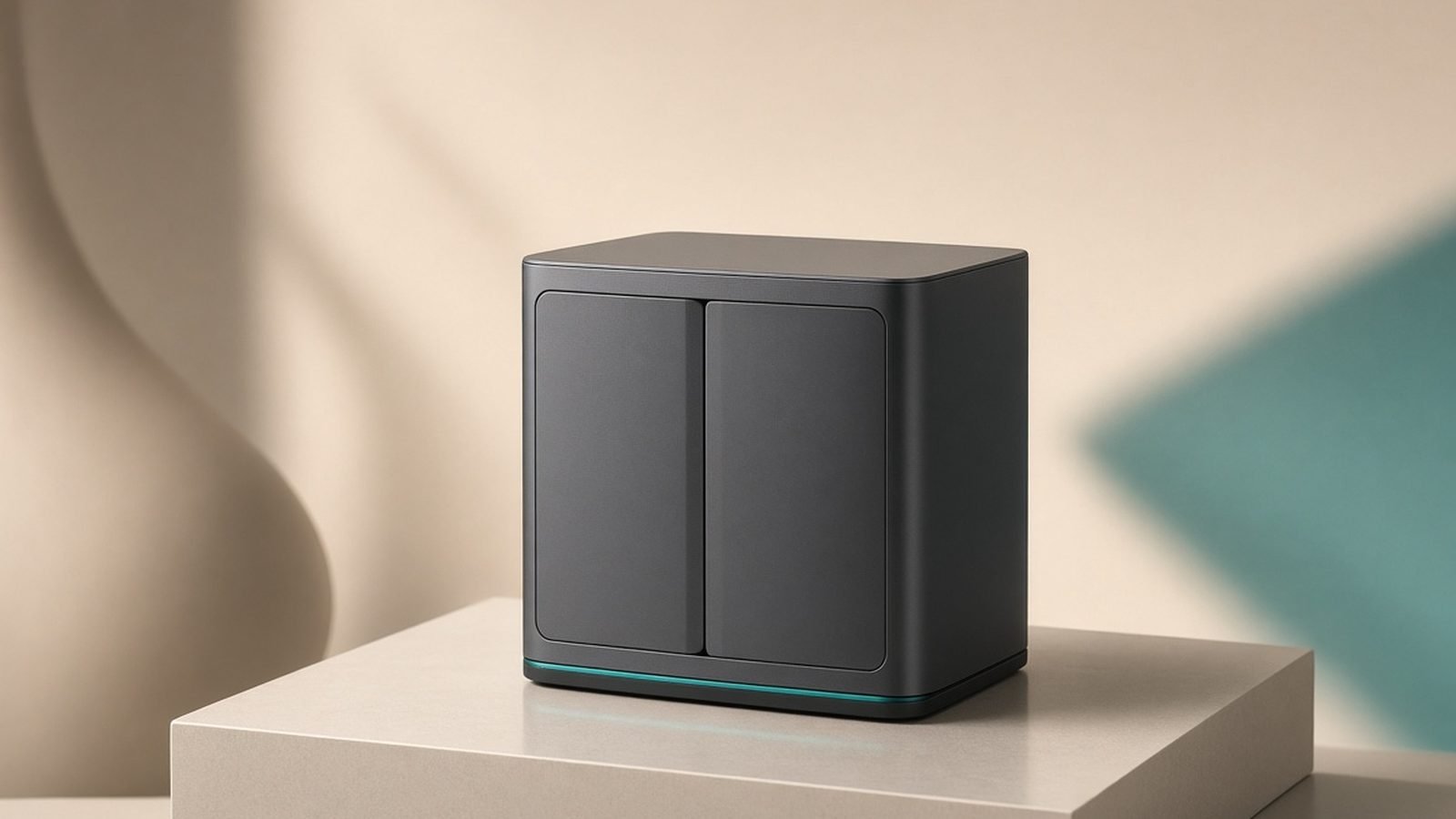
The DS224+ is a compact black two-bay box that tucks neatly onto a shelf or desk. The drive trays are tool-less for 3.5-inch drives (2.5-inch drives need screws), so installation is a five-minute job. It runs quietly — the single fan is unobtrusive in a living space — and sips power, which matters for a device that stays on 24/7.
Around the back you get two USB 3.2 Gen 1 ports (for external backups or a UPS) and two 1GbE network ports that support link aggregation and failover. The RAM is expandable to 6GB via a single accessible SODIMM slot, which is worth doing if you plan to run several apps or Virtual Machine Manager.
The honest hardware gripe: in 2026, dual 1GbE feels dated. There’s no 2.5GbE port and no M.2 NVMe cache slots. For a home NAS doing backups and photos, gigabit is genuinely fine — you’ll saturate a single drive’s speed anyway — but power users eyeing fast multi-user file transfers will feel the ceiling.
DSM software: the real reason to buy Synology
The DS224+‘s hardware is competent; its software is the reason it wins. DSM 7.2 is the most refined NAS operating system available — a clean, desktop-like web interface that makes a home server approachable for people who’d never touch a command line.
The apps that matter for home users are excellent:
- Synology Photos — a private, self-hosted alternative to Google Photos or iCloud, with automatic phone backup, face and subject recognition, and shared albums. For many buyers this alone justifies the NAS, replacing a recurring cloud subscription with a one-time purchase.
- Active Backup for Business (free) — image-level backups of Windows PCs, Macs and even other servers, so a dead laptop is a non-event.
- Hyper Backup — backs up the NAS itself to an external drive or cloud, giving you a proper off-site copy.
- Synology Drive — your own Dropbox-style file sync across devices.
- Container Manager and Virtual Machine Manager — for tinkerers who want Docker containers or a small VM.
Setup is genuinely beginner-friendly: a browser wizard installs DSM, creates your storage pool (SHR is the sensible default for a 2-bay), and walks you through user accounts. Most people are running backups within an hour of unboxing.
Plex and media: capable, with limits
The synology ds224+ plex question comes up constantly, so let’s be precise. The Intel J4125 has an integrated GPU that can hardware-transcode some video formats, which helps when a client device can’t play a file natively. For direct play — where the client supports the file and no conversion is needed — the DS224+ streams comfortably, including multiple simultaneous streams over your home network.
Where it struggles is heavy transcoding, especially 4K HDR content that needs tone-mapping, or several demanding transcodes at once. If Plex is your primary reason for buying a NAS and you have a lot of 4K material, look at a more powerful unit or a dedicated media device. But for a household streaming its own movie and music library to phones, tablets and TVs — mostly direct play — the DS224+ handles it well. Note too that Synology has been steering users toward its own Synology Photos and media apps over third-party Plex, so weigh how much you rely on Plex specifically.
Drive compatibility: an important 2026 note
This deserves its own section because Synology changed its policy. On its 2025-generation Plus models, Synology tightened drive compatibility, effectively pushing buyers toward Synology-branded drives for full functionality. The DS224+, however, is an earlier Plus model that predates that shift — it continues to work with third-party NAS drives (WD Red, Seagate IronWolf and similar) without the same restrictions, which is part of why it remains such a popular recommendation.
The practical takeaway: buy proper NAS-rated drives (not desktop drives) for reliability, and check our Best NAS Drives for Home 2026: Backup & Media Picks Ranked guide for current picks. If drive freedom matters to you, the DS224+‘s more open compatibility is a genuine reason to choose it over some newer Synology models.
DS224+ vs DS223 vs DS423+
The synology ds224+ vs ds223 decision is the most common one, and the DS224+ usually wins. The DS223 is cheaper (~$200 / £190) with an ARM processor, but it gives up Virtual Machine Manager, better transcoding and some app performance. Unless you want the cheapest possible backup box and will only ever store and sync files, the DS224+‘s Intel chip is worth the extra ~$100 / £100.
The ds224+ vs ds423+ question is simply about bays and headroom. The DS423+ is essentially the same processor and software in a four-bay chassis (~$490 / £480). Choose it if you want room to grow beyond two drives — more capacity, or the flexibility of a larger RAID array. For most homes, two bays with large drives is plenty, and the DS224+ saves money.
Who should buy the DS224+ — and who shouldn’t
Synology DS224+ (2-bay NAS) — best 2-bay NAS for most homes
Around $310 / £300 diskless. This is the NAS for people who want reliable automatic backups, a private photo library and easy file sharing, run through the friendliest software in the category — without needing four bays or fast networking.
Pros:
- DSM 7.2 is the most polished, beginner-friendly NAS software available
- Intel CPU unlocks hardware transcoding (for supported formats), VMs and better app performance
- Synology Photos and Active Backup replace cloud subscriptions with a one-time buy
- Quiet, low-power and genuinely set-and-forget
- More open third-party drive compatibility than Synology’s newest Plus models
Cons:
- Only 1GbE networking — no 2.5GbE, showing its age in 2026
- No M.2 NVMe cache slots
- Struggles with heavy 4K Plex transcoding
- Diskless — factor in the cost of drives
- Two bays limit long-term expansion
Verdict: the best 2-bay NAS for the typical home user in 2026. If your goal is dependable backups, a self-hosted photo library and easy file sharing, the DS224+ nails all three with software no rival matches — and it works with the drives you choose.
Want more bays, faster networking or a Plex-focused build? Compare the wider field in our Best Home NAS 2026: Top Picks for Backup, Plex & Photos guide, and pair your pick with the right storage from Best NAS Drives for Home 2026: Backup & Media Picks Ranked.
FAQ: Synology DS224+
Is the Synology DS224+ worth it?
For most home users, yes. At around $310 / £300 diskless, it delivers reliable backups, a private photo library and easy file sharing through DSM, the best NAS software available. It’s not worth it if you need 2.5GbE networking, heavy 4K Plex transcoding or more than two bays — in those cases step up to a DS423+ or a higher tier.
Can the DS224+ run Plex?
Yes, with caveats. It direct-plays media comfortably and can hardware-transcode some formats via its Intel GPU, so it’s fine for a household streaming its own library over the home network. It struggles with heavy 4K HDR transcoding and multiple demanding streams at once. If Plex is your main goal and you have lots of 4K content, consider a more powerful unit.
What’s the difference between the DS224+ and DS223?
The DS224+ has an Intel Celeron J4125, which enables hardware transcoding, Virtual Machine Manager and stronger app performance. The cheaper DS223 uses an ARM processor and drops those features. Unless you only want a basic file-and-backup box, the DS224+‘s Intel chip is worth the extra ~$100 / £100.
Does the DS224+ work with any hard drives?
Yes — unlike Synology’s 2025-generation Plus models, which tightened compatibility toward Synology-branded drives, the DS224+ predates that change and works with third-party NAS drives like WD Red and Seagate IronWolf. Always use NAS-rated drives rather than desktop drives for reliability; see our best-NAS-drives guide for current picks.
How much storage can the DS224+ hold?
Two bays support high-capacity NAS drives for a large total — comfortably tens of terabytes with current drives. Using Synology Hybrid RAID (SHR) with two drives gives you redundancy, so one drive can fail without data loss, at the cost of roughly half your raw capacity. For backups plus a photo library, two 6–8TB drives suit most homes.
Is the DS224+ available in the UK?
Yes — it’s sold diskless through Amazon UK and specialist retailers at around £299.99, with identical hardware to the US model and the same DSM software. UK buyers should budget separately for NAS drives and, optionally, a RAM upgrade to 6GB if they plan to run several apps or virtual machines.
Zen Tech Hub may earn a commission from links on this page, at no extra cost to you.