If you’ve been waiting for Wi-Fi 7 to stop costing as much as a used laptop, this is the router that ends the wait. This TP-Link Archer BE9700 review covers what you actually get for around $199 / £180: tri-band Wi-Fi 7 with a full 320MHz-wide 6GHz band, a 10G WAN/LAN port, and multi-gig wired networking that routers at twice the price still skimp on.
Sold as the Archer BE600 in some listings (same hardware, different label — more on that below), the BE9700 has become the default “just buy this one” recommendation across the big review sites in 2026. In our research, that reputation holds up. It’s not perfect — the paid HomeShield tier is an annoyance and the design is aggressively boring — but as a package, nothing under $250 touches it.
The short verdict: buy the Archer BE9700 if you want genuine Wi-Fi 7 speeds and multi-gig ports in a single router for a small-to-medium home, and you refuse to pay flagship prices. Skip it if you have a very large home (get mesh) or you genuinely need Wi-Fi 7 gaming extras like dual 10G ports and QoS-heavy firmware.
Check price: TP-Link Archer BE9700 (BE600)
Archer BE9700 at a glance
| TP-Link Archer BE9700 (BE600) | |
|---|---|
| Wi-Fi standard | Wi-Fi 7 (802.11be), tri-band |
| Rated speed class | BE9700 (~9.7Gbps combined) |
| 6GHz band | Yes, with 320MHz channels |
| Key ports | 1× 10G WAN/LAN, 2.5G multi-gig LAN, USB 3.0 |
| MLO (Multi-Link Operation) | Yes |
| Coverage (TP-Link claim) | ~2,600 sq ft |
| Device capacity | Up to ~120 devices |
| Security suite | HomeShield (free basics, paid Pro tier) |
| Price | Around $199 / £180 |
Pros:
- Full-fat Wi-Fi 7: 6GHz, 320MHz channels, and MLO at a mid-range price
- 10G WAN/LAN plus 2.5G ports — rare under $200
- Easy setup and solid, stable firmware based on widespread owner feedback
- Handles 100+ devices without falling over
- Excellent value against Asus and Netgear equivalents
Cons:
- Best security and parental-control features sit behind a HomeShield Pro subscription
- Plain, upright plastic design — function over form
- Single-unit coverage; large or awkward homes still need mesh
- No Wi-Fi 7 on the 2.4GHz band matters little, but 6GHz range is inherently short
Price and availability: US and UK
In the US, the Archer BE9700 launched at $229 and now typically sells for around $199 at Amazon and Best Buy, with periodic dips below $180 during sale events. At that street price it’s the obvious answer to the “best Wi-Fi 7 router under $200” question — most competitors with a 10G port start at $250 and climb fast.
The Archer BE9700 UK price sits around £180 at Amazon UK, with Currys and Argos usually within a few pounds. UK stock note: TP-Link lists this hardware as the Archer BE600 on some regional pages and retail listings. If you’re searching UK retailers and BE9700 returns nothing, search BE600 — it’s the same router, and everything in this Archer BE600 review section of the market applies identically. The BE9700 number refers to the speed class; BE600 is the model name.
Check price: TP-Link Archer BE9700 (BE600) Check price: TP-Link Archer BE9700 (BE600)
TP-Link BE9700 specs: what the numbers mean
The headline TP-Link BE9700 specs are the ones budget Wi-Fi 7 routers usually cut. You get all three bands — 2.4GHz, 5GHz, and 6GHz — with the 6GHz band supporting 320MHz-wide channels. That double-width channel is where Wi-Fi 7’s silly speeds come from: a single Wi-Fi 7 laptop close to the router can realistically pull multi-gigabit throughput, something no Wi-Fi 6 router can do.
The combined 9.7Gbps rating is marketing math (you’ll never sum all bands on one device), but the practical takeaway is real: this router has more wireless headroom than any internet plan you can buy in most of the US or UK.
Wired networking is the quiet star. A 10G WAN/LAN port means the BE9700 won’t bottleneck the 2Gbps, 5Gbps, and even 8Gbps fiber plans now rolling out from the likes of AT&T, Frontier, and UK altnets. Additional 2.5G ports handle a NAS, a desktop, or a mesh backhaul. Under $200, that port lineup is close to unique — the Asus RT-BE58U, for example, tops out at 2.5G everywhere.
You also get MLO (Multi-Link Operation), Wi-Fi 7’s genuinely useful trick: compatible devices connect over two bands simultaneously for lower latency and smoother handoffs. If you’re still deciding whether any of this matters for your home, our explainer breaks it down: Is Wi-Fi 7 Worth It in 2026? What You Actually Get.
Design and setup
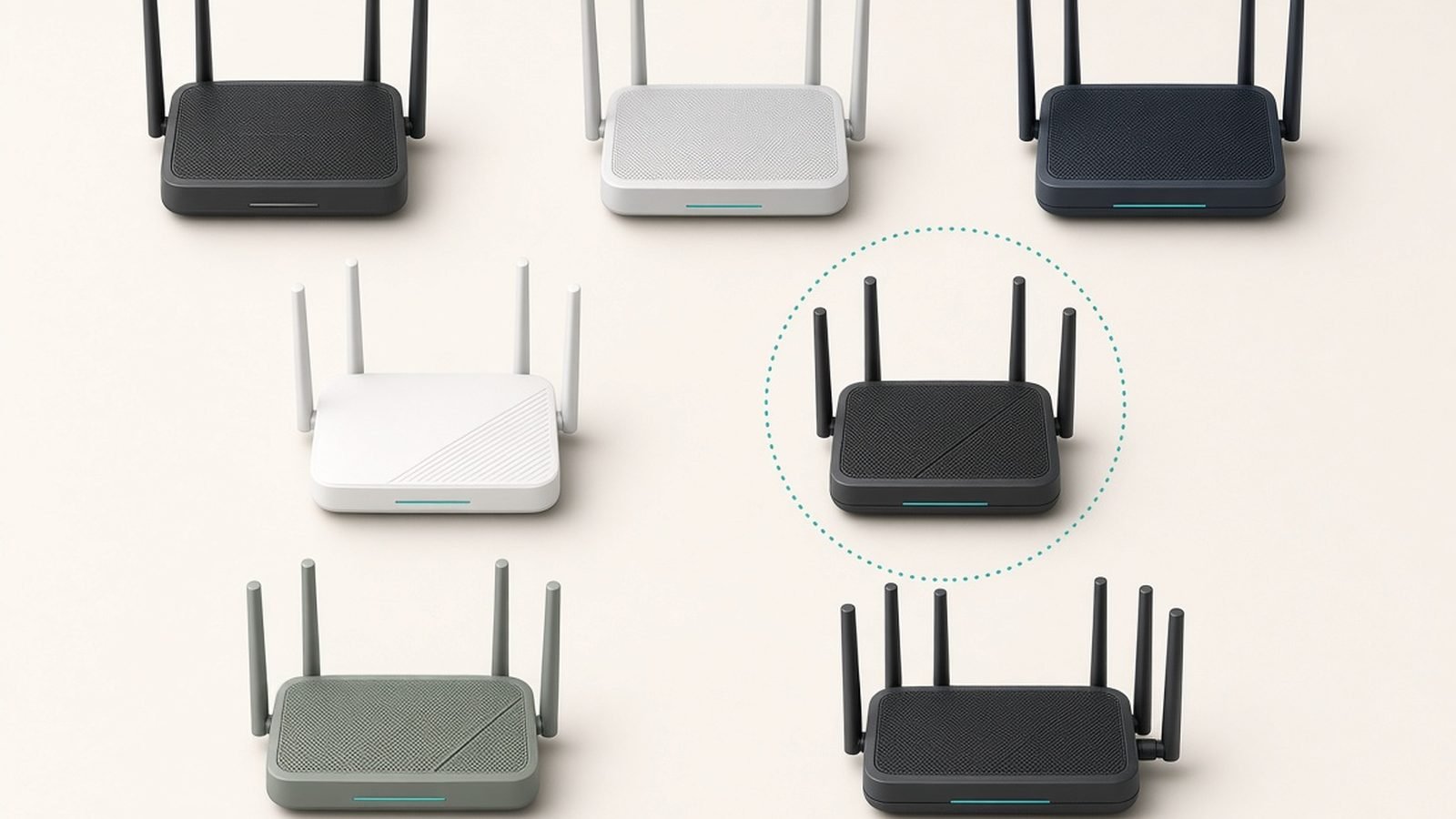
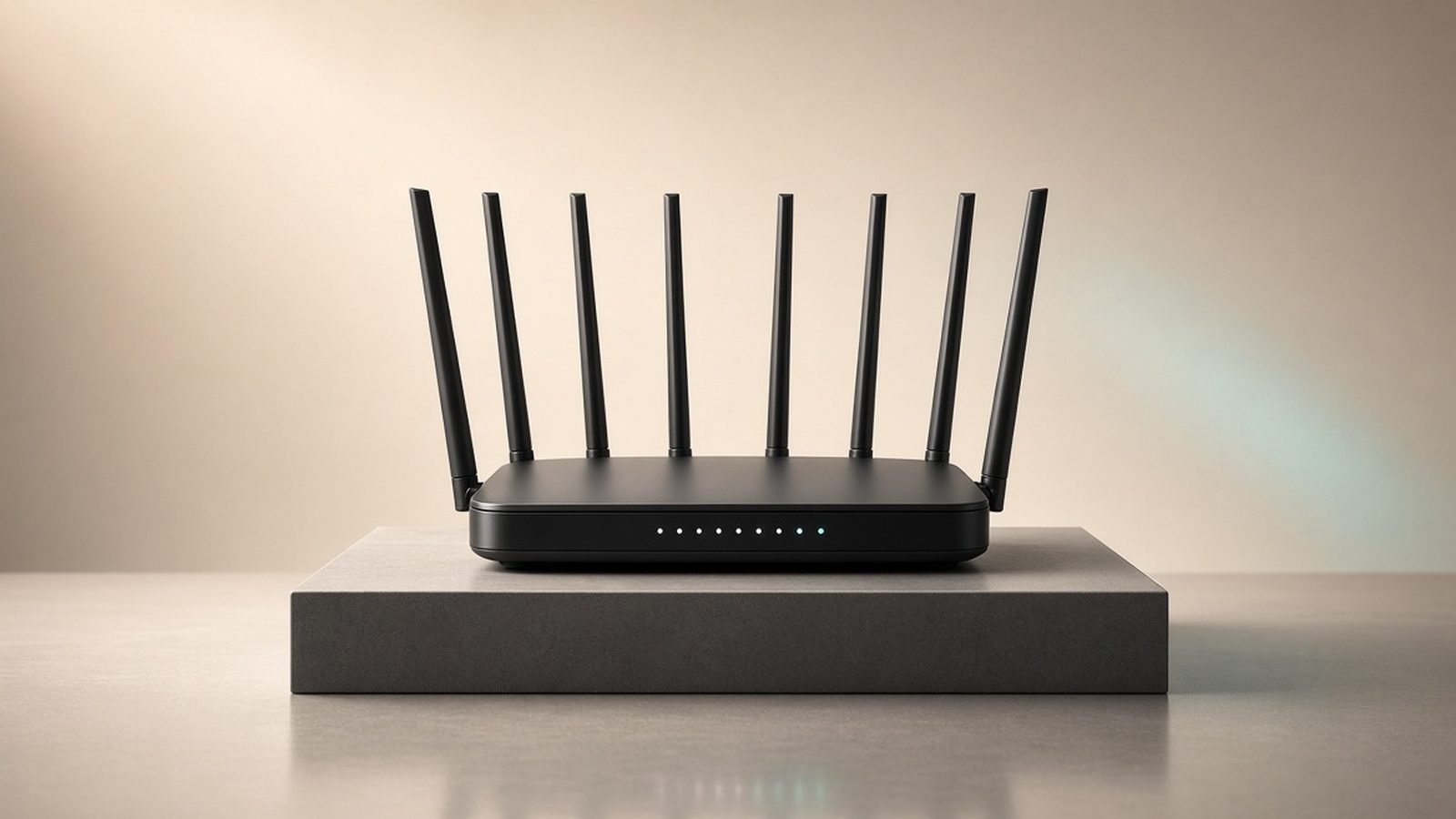
Nobody buys the BE9700 for its looks, and that’s fine. It’s an upright black plastic slab with six fixed antennas hidden inside fins — no adjusting, no positioning fuss, and no RGB. It stands about the height of a hardback book and is light enough to wall-mount. Next to Asus’s spider-shaped gaming routers it looks like office equipment. On a bookshelf, that’s arguably a win.
Setup, based on hundreds of owner reports, is a 10-minute job: plug in, open the Tether app, follow the prompts. The app detects your connection type automatically, and firmware updates apply during onboarding. If you’re replacing an ISP router, the only extra step is putting the ISP box in modem/bridge mode. Non-technical buyers consistently rate TP-Link’s setup among the easiest in the industry, and the BE9700 continues that streak.
Real-world speed: what owners and testers actually see
We’ll be straight with you: we base our performance analysis on aggregated results from independent lab tests and large volumes of owner feedback, not our own bench. The pattern across sources is unusually consistent for this router.
Close range (same room, Wi-Fi 7 client): testers routinely record throughput well past what a gigabit internet plan can feed it, courtesy of the 320MHz 6GHz band. If you have a multi-gig plan and a recent laptop or flagship phone, you’ll see internet speed tests that finally match what you pay for.
Mid-range (one floor or a couple of rooms away): the 6GHz band fades — that’s physics, not a BE9700 flaw — and devices drop to 5GHz, where performance remains strong and typically still saturates gigabit connections through a wall or two.
Far range and through walls: at the edges of its ~2,600 sq ft rated coverage, the BE9700 behaves like every good single router: usable, not spectacular. Owners in brick-heavy UK homes report the familiar drop-off in far corners. MLO helps devices cling to the best available band rather than stubbornly hanging onto a weak 6GHz signal.
The consensus from testing outlets is that the BE9700 trades blows with routers costing $350+ at short and medium range, and only clearly loses to bigger flagships at extreme distance. For a typical three-bed house or flat, that’s the right trade.
Features: HomeShield, VPN, IoT network, and MLO
The firmware is more capable than the price suggests:
- HomeShield security: the free tier covers basic network scans and simple parental controls. Real-time IoT protection, detailed content filtering, and advanced reporting need HomeShield Pro at roughly $6/£5 a month. This is our biggest gripe — Asus bundles equivalent protection free with AiProtection. Factor the subscription in only if you’ll actually use it; plenty of owners never do.
- VPN client and server: the BE9700 runs OpenVPN and WireGuard both directions. You can route your whole network through a commercial VPN, or dial home securely from abroad. WireGuard support at this price is a quiet standout.
- Dedicated IoT network: spin up a separate SSID for smart-home gear so your cheap plugs and cameras never share a network segment with your laptop. Simple, effective, and something many pricier routers still lack.
- MLO and 320MHz: both fully enabled here, unlike some budget Wi-Fi 7 routers (including TP-Link’s own BE3600) that quietly drop the 6GHz band or narrow channels.
- EasyMesh: if you later need more coverage, the BE9700 can form a mesh with compatible TP-Link extenders and routers rather than being replaced outright.
Living with it: Tether app vs web UI
Day to day, most owners live in the Tether app: speed tests, device lists, pausing the kids’ internet, guest networks. It’s polished and fast, though it does push HomeShield Pro upsells more than we’d like.
The web interface is where the depth lives — VPN configuration, port forwarding, VLAN-adjacent IoT settings, address reservation, and per-band tuning. It’s not as deep as Asus firmware (no full Merlin-style tinkering), but it covers what 95% of home users will ever touch, and it’s laid out logically. Long-term stability reports are strong: the common owner refrain is that they set it up and forgot it existed. For a router, there’s no higher praise.
Archer BE9700 vs the competition
Archer BE9700 vs BE9300 (Archer BE550)
The BE550 (BE9300 class) is the BE9700’s slightly older sibling, often around $180 / £170. The gap is smaller than the model numbers suggest: both are tri-band Wi-Fi 7 with a 10G port. The BE9700 refreshes the design, nudges up 5GHz performance, and tends to ship with newer firmware features first. If you find the BE550 heavily discounted — under $150 — it’s a fine buy. At near-identical prices, get the BE9700 in the archer be9700 vs be9300 fight.
Archer BE9700 vs Archer BE3600
The $99 / £90 BE3600 is dual-band only — no 6GHz, no 320MHz channels. It’s genuinely good for the money (2.5G ports included), but it delivers Wi-Fi 7 in name more than in speed. Pay the extra $100 if any of your devices support 6GHz; skip it if none do and money’s tight.
Archer BE9700 vs Archer GE800
TP-Link’s own flagship gaming router costs around $550 / £500 and adds a quad-band radio, dual 10G ports, and RGB theatrics. It’s meaningfully faster at range and for multi-gig LAN transfers. It is not three times better for normal humans. Gamers with fiber to burn, sure; everyone else, the BE9700 is the smarter spend.
Archer BE9700 vs Asus
The closest archer be9700 vs asus matchup is the RT-BE92U (around $250 / £240): similar tri-band Wi-Fi 7, similar 10G port, plus Asus’s free lifetime AiProtection security. If you’d otherwise pay for HomeShield Pro long-term, the Asus math can even out. If you’d never subscribe anyway, the BE9700 gives you comparable performance for $50+ less. Cheaper Asus models like the RT-BE58U lack any 10G port, which settles that comparison quickly.
Archer BE9700 vs Eero Pro 7
Different tools. The Eero Pro 7 (around $300 / £300 per unit) is a mesh system: dead simple, phenomenal whole-home coverage in multi-packs, but locked-down settings and a subscription for advanced features. One BE9700 will out-perform one Eero Pro 7 in raw speed and configurability; a three-pack of Eeros will out-cover it in a 4,000 sq ft house.
For the full field, see our ranked guide: Best Wi-Fi 7 Routers 2026: Top Picks for Every Budget.
TP-Link Archer BE9700 review verdict: should you buy it?
Yes — for most people upgrading to Wi-Fi 7 in 2026, this is the router to buy. So, is the Archer BE9700 worth it at around $199 / £180? Emphatically, if: you have (or plan to get) an internet plan over 500Mbps, you own at least one Wi-Fi 7 or Wi-Fi 6E device, and your home is under roughly 2,500 sq ft. It’s the rare product where the value pitch and the performance pitch are the same pitch.
Not the right fit? Two alternatives cover the gaps:
TP-Link Archer BE3600 — if $200 is too much
Around $99 / £90. The step-down pick. You lose the 6GHz band and the 10G port, but keep Wi-Fi 7 features like MLO on 5GHz, plus 2.5G ports. For gigabit-or-slower internet plans and mostly older devices, it’s 80% of the experience for half the price. More budget options live in our roundup: Best Wi-Fi Routers Under $100 / £100 in 2026.
- Pros: Wi-Fi 7 features at a Wi-Fi 6 price; 2.5G ports; same easy Tether setup
- Cons: No 6GHz band; no 10G port; won’t flatter multi-gig internet plans
Amazon Eero Pro 7 — if you need whole-home mesh
Around $300 / £300 per unit, less per node in multi-packs. The mesh alternative for larger or awkwardly shaped homes where no single router reaches. Setup is the easiest in networking, and Alexa households get bonus integration. Accept the trade: fewer settings, and Eero Plus is a subscription.
- Pros: Best-in-class coverage in multi-packs; effortless setup; graceful roaming between nodes
- Cons: Expensive per node; minimal manual controls; subscription pressure for security features
For more router coverage, guides, and troubleshooting, visit our networking hub: Networking & Wi-Fi.
FAQ: Archer BE9700
Is the Archer BE9700 the same as the Archer BE600?
Yes. BE600 is the model name; BE9700 describes the speed class (roughly 9.7Gbps combined across bands), and TP-Link uses the two interchangeably by region and retailer. UK listings more often say Archer BE600. Hardware, ports, firmware, and performance are identical, so buy whichever listing is cheaper.
Is the Archer BE9700 worth it without Wi-Fi 7 devices?
Mostly, yes — if you’re buying a router anyway. Wi-Fi 7 routers run Wi-Fi 6/6E and older devices perfectly, and the BE9700’s 10G port future-proofs faster internet plans. But if every device you own is Wi-Fi 5/6 and your plan is under 500Mbps, a cheaper router serves you fine today.
What internet speed do I need to justify the Archer BE9700?
There’s no hard floor, but the value case strengthens above 500Mbps and becomes obvious at 1Gbps and beyond. The 10G WAN port means the router won’t cap 2Gbps or 5Gbps fiber plans. On a 100Mbps plan, you’re paying for headroom you won’t feel — buy cheaper.
Does the Archer BE9700 need a subscription?
No. Routing, Wi-Fi 7 features, VPN, IoT network, and basic HomeShield security are all free forever. The optional HomeShield Pro subscription (around $6/£5 monthly) adds real-time threat blocking and advanced parental controls. Many owners never subscribe; if you know you will, price Asus alternatives with free security first.
How many devices can the Archer BE9700 handle?
TP-Link rates it for around 120 simultaneous devices, and owner reports back this up in smart-home-heavy households. The dedicated IoT network helps keep dozens of low-bandwidth gadgets from cluttering your main bands. For typical homes with 30–60 devices, it has ample headroom.
Is the Archer BE9700 good for gaming?
Yes, for everyone short of the obsessive tier. Low latency on 6GHz, MLO for stable connections, and multi-gig wired ports cover competitive play comfortably. What you don’t get are gaming-router extras — granular QoS dashboards, game acceleration, dual 10G ports — found on the Archer GE800 and Asus ROG models at 2–3× the price.
Zen Tech Hub may earn a commission from links on this page, at no extra cost to you.