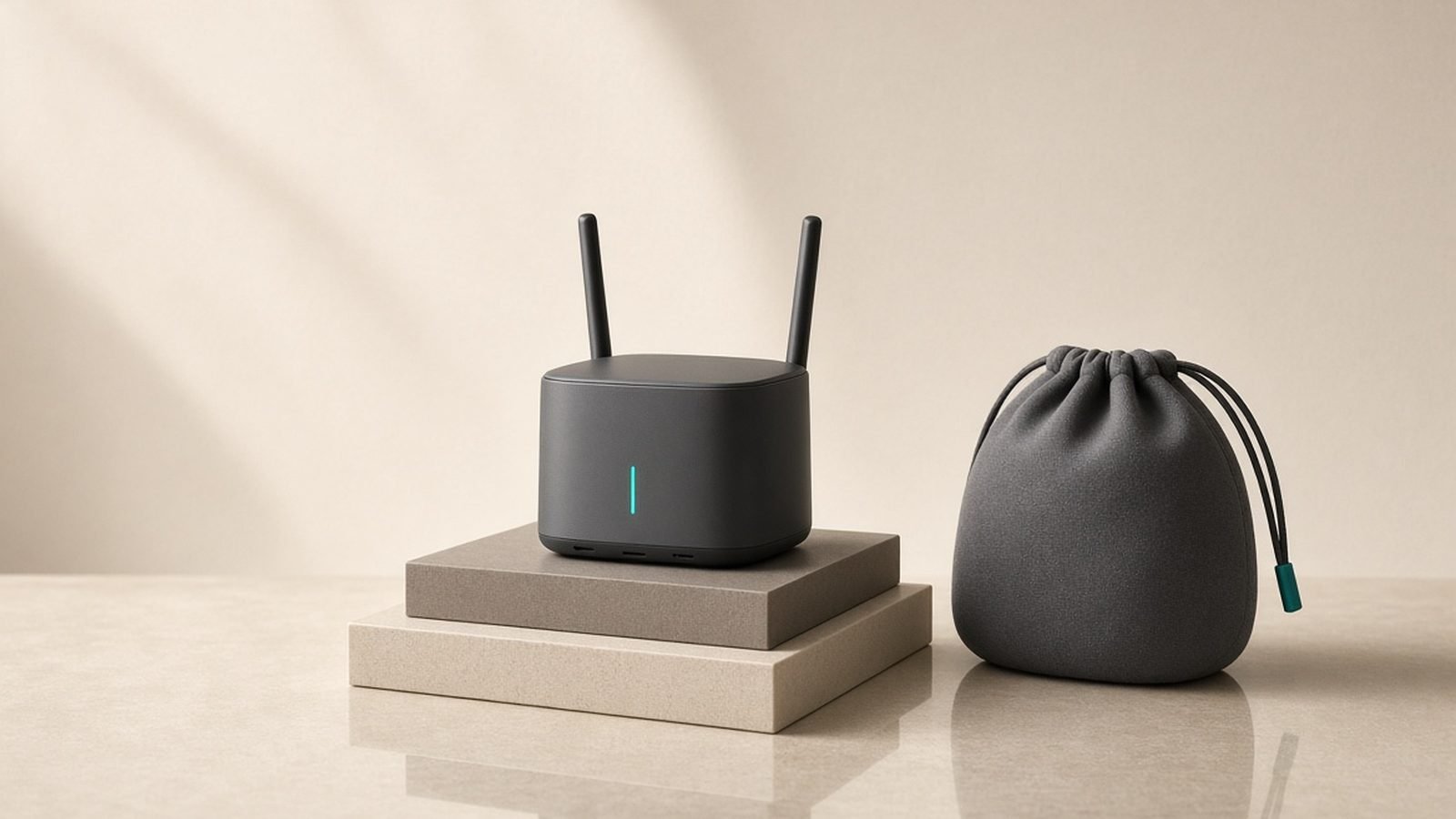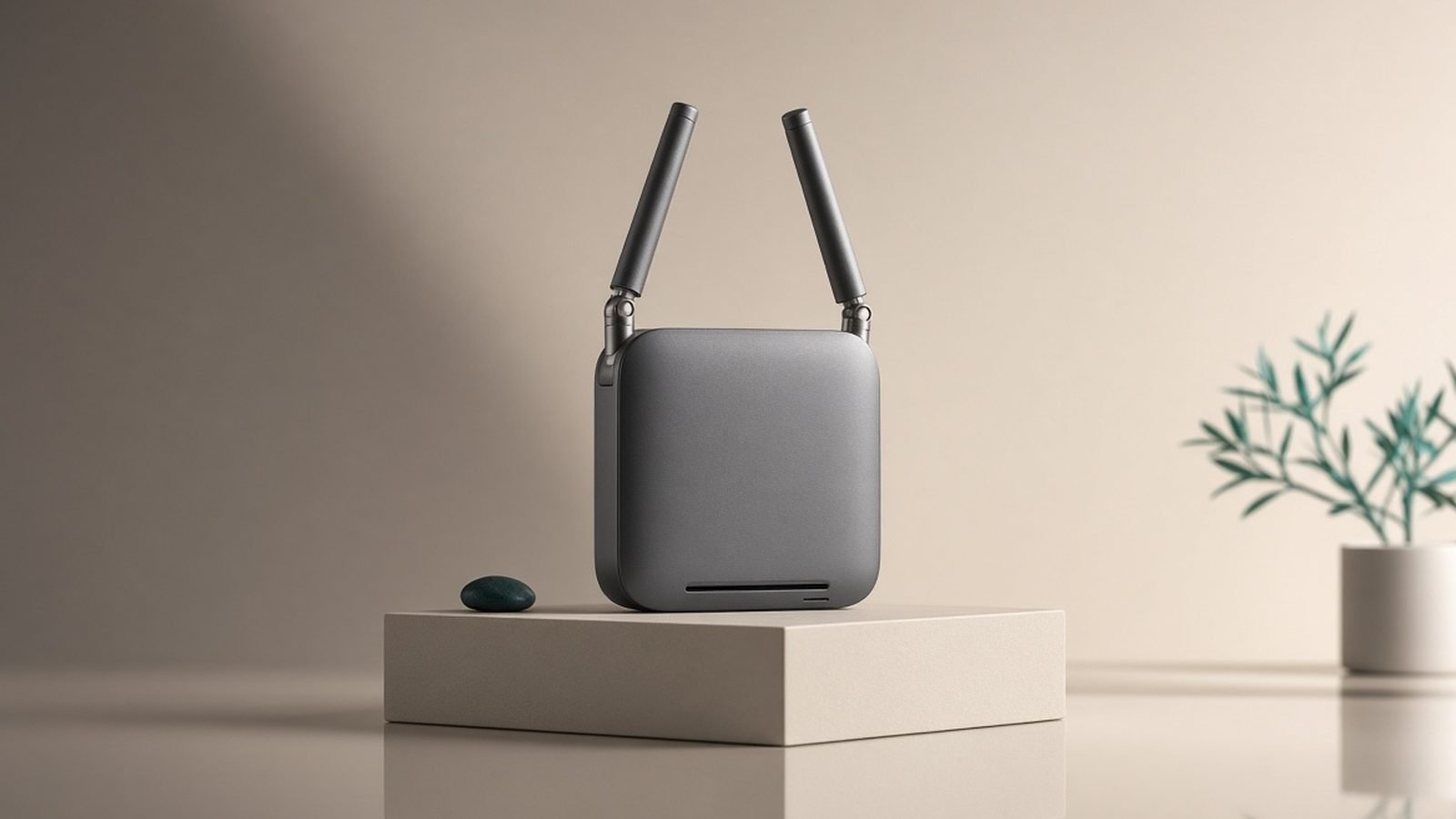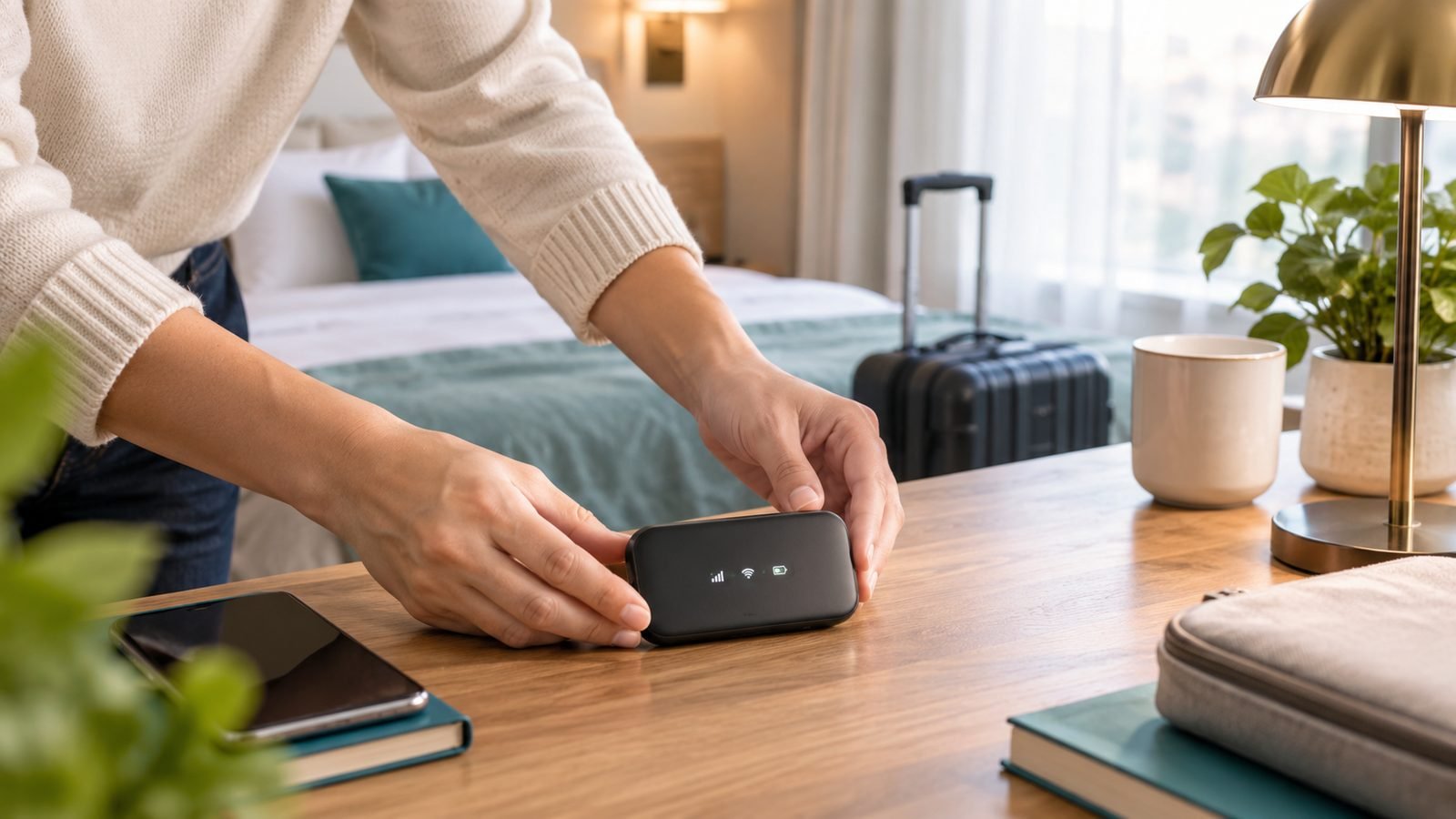
A travel router is a pocket-sized Wi-Fi router you carry on trips. It connects to a hotel, café or Airbnb network on your behalf, then creates your own private, secure network that all your devices join — so you log in to the hotel Wi-Fi once, everything you own rides that single connection, and you can run a VPN over the whole lot for security. The hotel sees one device; you get a familiar, protected network wherever you go.
Whether you need one depends on how you travel. Frequent travellers, remote workers and anyone who values security on public Wi-Fi get real value; someone who takes one holiday a year and only carries a phone probably doesn’t. Below we explain exactly what a travel router does, the problems it solves, and how to decide.
What a travel router actually does
Physically, it’s a router shrunk to the size of a deck of cards, often powered over USB-C from a power bank or laptop. Functionally, it sits between the network you’re visiting and your own devices, doing four main jobs.
1. It shares one login across all your devices
Hotel and café captive portals often cap you at 1–4 devices, or charge per device. A travel router connects to that network once and rebroadcasts its own network to everything behind it — laptop, phone, tablet, e-reader, streaming stick. The venue counts one device; you connect a dozen.
2. It secures you on public Wi-Fi
Public networks are shared with strangers, and isolation between guests is inconsistently enforced. A travel router puts a firewall (NAT) between your devices and everyone else on the hotel network, and — the big one — it can run a VPN at the router level, encrypting traffic for every device behind it, including gadgets like a Fire TV Stick that can’t run VPN apps themselves.
3. It gives you one familiar network everywhere
You set up your travel network once, at home, with a name and password you choose. Every trip after that, your devices auto-join the same network — you never re-enter Wi-Fi details on each device in each hotel. Only the router’s upstream connection changes.
4. It makes casting and local devices work
Chromecast, AirPlay and file sharing need all devices on the same network — usually impossible on isolated hotel Wi-Fi. Because your devices join your router’s network, casting Netflix to the hotel TV or sharing files between your laptop and phone works exactly as it does at home.
How does a travel router work?
The key mode is repeater (some brands call it hotspot or WISP mode). The router joins the venue’s Wi-Fi as if it were a normal client, authenticates through the captive portal, then broadcasts your own private network on the other side. Your devices connect to your network; your network connects to the hotel’s.
Most travel routers also accept an Ethernet uplink — plug the room’s wired port into the router’s WAN socket for a faster, more stable connection that sometimes skips the portal entirely. And many can take a USB tether from your phone, turning cellular data into Wi-Fi for all your devices as a backup when local Wi-Fi is hopeless.
For a full walkthrough — repeater setup, captive portals, the MAC-clone trick and VPN configuration — see our guide at Best Travel Routers 2026: Wi-Fi 7 & VPN-Ready Picks, which also ranks the current models.
Travel router vs phone hotspot
The obvious question: why not just use my phone’s hotspot? They overlap, but solve different problems.
- A phone hotspot shares your cellular data. Great where there’s good signal and generous data, but it drains your battery, burns your data allowance, and roaming abroad can be costly. It doesn’t help you use the free Wi-Fi that’s already there.
- A travel router shares the local Wi-Fi you’ve already paid for (or that’s free), adds security and a VPN, and doesn’t touch your cellular data or phone battery. Where there’s no Wi-Fi at all, it can fall back to your phone’s data via USB tether — best of both.
In short: hotspot for cellular data on the move; travel router to make hotel and café Wi-Fi safe, shared and convenient.
Who needs a travel router?
You’ll likely get real value if you’re:
- A frequent traveller or digital nomad — the one-time setup pays off across dozens of trips, and the security matters when you live on public Wi-Fi.
- A remote worker — a stable, VPN-protected network for work calls and sensitive files, independent of whatever the hotel provides.
- Travelling with several devices — a laptop, phone, tablet and a streaming stick quickly hit device caps a router sidesteps.
- Security-conscious — you want everything encrypted on untrusted networks, including devices that can’t run a VPN app.
- A cord-cutter who streams on the road — casting to hotel TVs and keeping your own streaming logins is far easier behind your own network.
Who doesn’t need one?
Be honest with yourself before buying:
- Occasional holidaymakers carrying just a phone — a VPN app on the phone does most of the security job with nothing extra to pack.
- People who mostly use cellular data — if you rarely touch hotel Wi-Fi, a router has little to do.
- Anyone who won’t do a little setup — travel routers reward five minutes of home configuration; if that sounds like a chore, the payoff shrinks.
A travel router is a “buy it if the shoe fits” gadget, not a universal must-have. If you recognised yourself in the “who needs one” list, it’s one of the highest-value small purchases a traveller can make. If not, skip it and save the money.
What to look for if you buy one
Four things matter more than headline speed:
- VPN support (WireGuard/OpenVPN client). The security payoff hinges on this — make sure the router can run a VPN client, not just pass one through.
- Wi-Fi standard. Wi-Fi 6 is the value pick; Wi-Fi 7 adds future-proofing if you travel a lot. Bands matter here too — see Wi-Fi Bands Explained: 2.4GHz vs 5GHz vs 6GHz.
- Ports and power. An Ethernet WAN port for wired rooms, USB for tethering, and USB-C power so a power bank runs it.
- Ease of setup. Touchscreen models and app-driven routers make portal logins painless; firmware-based ones (like OpenWrt) offer more control but a steeper curve.
Our current ranked picks, from touchscreen flagships to budget champions, are in Best Travel Routers 2026: Wi-Fi 7 & VPN-Ready Picks.
Check price: Recommended travel router
Limits and downsides
Honest trade-offs before you pack one:
- It can’t beat the venue’s speed. A travel router can’t exceed the hotel’s upstream bandwidth, and repeater mode roughly halves its own throughput — fine on most hotel Wi-Fi, but no miracle.
- Some networks fight it. Enterprise (WPA2-Enterprise) logins and a few aggressive portals resist repeater mode; a handful of cruise lines ban personal routers outright.
- One more thing to carry and charge. It needs power and a couple of minutes’ setup per venue.
- A phone VPN may be enough. If security is your only concern and you carry one device, a VPN app is lighter.
FAQ
What is a travel router used for?
Mainly four things: sharing one hotel or café Wi-Fi login across all your devices, securing public Wi-Fi with a router-level VPN and firewall, giving you one familiar network in every location, and making casting and local file sharing work. It’s most useful for frequent travellers, remote workers and anyone carrying multiple devices.
Do I really need a travel router?
Only if you travel often, carry several devices, work remotely on the road, or care about security on public Wi-Fi. Occasional travellers with just a phone can get most of the security benefit from a VPN app alone. It’s a high-value gadget for the right traveller and unnecessary for the casual one — match it to how you actually travel.
Is a travel router better than a phone hotspot?
They do different jobs. A hotspot shares your cellular data and battery; a travel router makes the local Wi-Fi you’ve already got safe, shared and convenient without touching your data plan. Many travel routers can also tether to your phone as a fallback, giving you both options in one device.
Does a travel router work with hotel Wi-Fi captive portals?
Yes. In repeater mode it joins the hotel network, and you log in to the captive portal once from any device behind the router — then every device is authenticated. If the portal resists a router, a MAC-address clone trick makes it accept the connection. Our travel-router guide covers the exact steps: Best Travel Routers 2026: Wi-Fi 7 & VPN-Ready Picks.
Can a travel router run a VPN?
Yes, and it’s the main security benefit. Load a WireGuard or OpenVPN configuration from your VPN provider and the router encrypts traffic for every device behind it — including ones that can’t run VPN apps, like streaming sticks and smart-home gadgets. Enable the kill switch so nothing leaks if the tunnel drops.
Will a travel router make hotel Wi-Fi faster?
No — it can’t exceed the hotel’s upstream speed, and repeater mode typically halves its own throughput. What it improves is stability and security: it often holds a weak corridor signal better than a phone, and a wired uplink (where the room has an Ethernet port) usually beats the room’s Wi-Fi.
Zen Tech Hub may earn a commission from links on this page, at no extra cost to you.