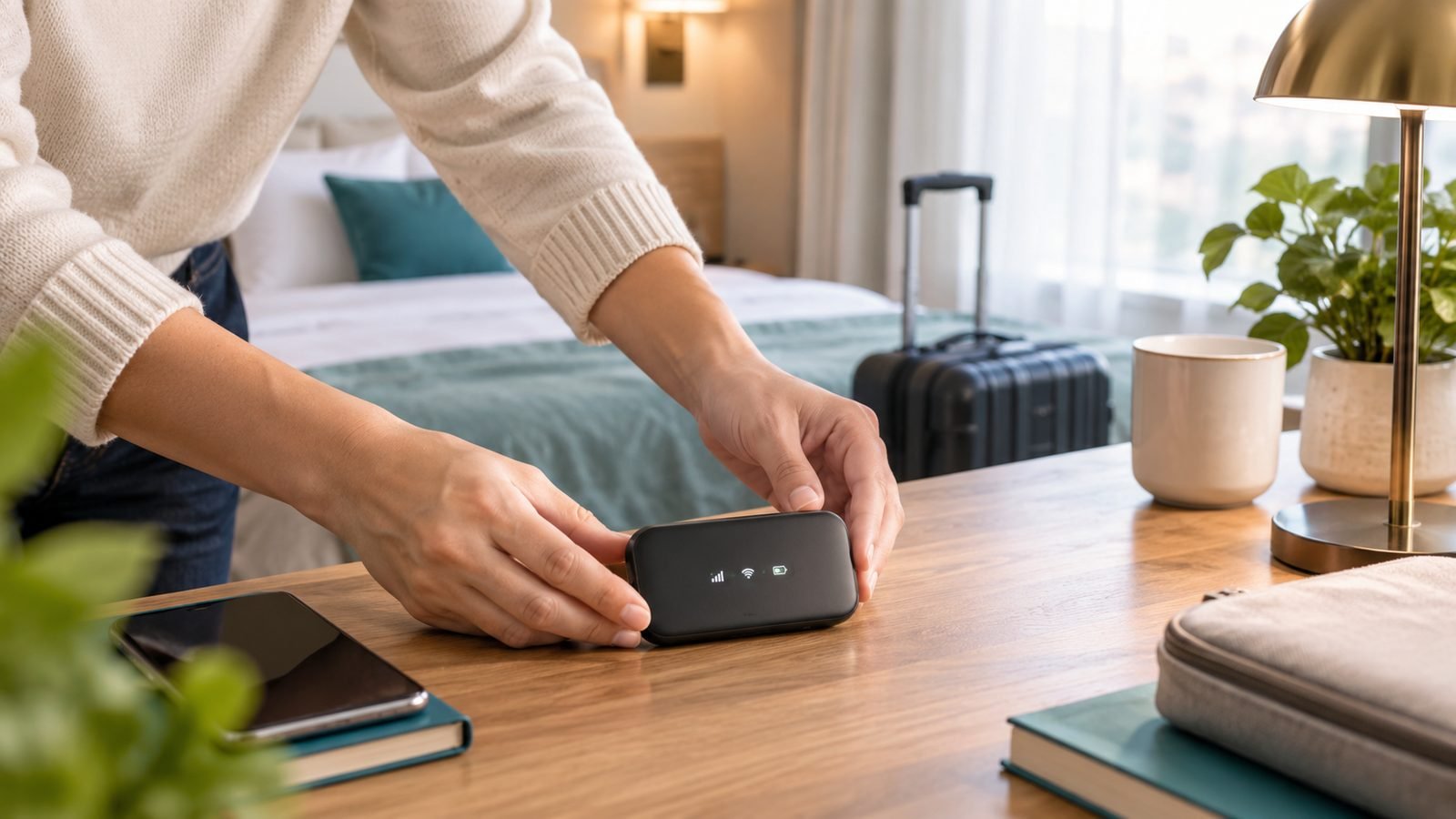
Hotel Wi-Fi is the last place your laptop should be naked. Once you know how to use a travel router, you check in, log in once through the hotel’s portal, and every device you own — laptop, phone, tablet, Chromecast — sits behind your own private, VPN-protected network. The hotel sees one device. You get all of them.
This guide walks through the full travel router hotel Wi-Fi setup: repeater mode, captive portal logins (including the MAC address clone trick), a WireGuard VPN walkthrough, and casting Netflix to the hotel TV. Total time: 10 minutes at home, then 2 minutes per hotel forever after.
Why learn how to use a travel router in a hotel?
Three reasons, in order of importance:
Hotel Wi-Fi security. Hotel networks are shared with hundreds of strangers, and client isolation is inconsistently enforced. A travel router puts a real firewall (NAT) between you and everyone else, and routes all traffic through a VPN at the router level — including devices like a Fire TV Stick that can’t run VPN apps.
One login for everything. Captive portals typically limit you to 2–4 devices per room. Connect the router once and every device behind it rides that single login.
Cast to the TV in your hotel room. Chromecast and AirPlay need every device on the same network — impossible on isolated hotel Wi-Fi. Your own router’s network makes casting work like it does at home.
What you need
- A travel router (three solid picks below)
- A USB-C PD charger and cable — most hotel USB ports are too weak; a 20W+ phone charger is fine
- 10 minutes at home before your trip
Quick comparison of the routers this guide covers:
| Router | Price | Wi-Fi | Best for |
|---|---|---|---|
| GL.iNet Slate 7 (GL-BE3600) | around $170 / £150 | Wi-Fi 7, dual-band | Frequent travellers; touchscreen makes portal logins painless |
| GL.iNet Beryl AX (GL-MT3000) | around $90 / £80 | Wi-Fi 6 | Best value; same OpenWrt features, no screen |
| TP-Link Roam 7 (TL-WR3602BE) | around $130 / £120 | Wi-Fi 7 | Mainstream users who want an app, not a firmware |
Our primary walkthrough uses the Slate 7, GL.iNet’s Wi-Fi 7 flagship. Its touchscreen shows connection status plus shortcuts for repeater setup and VPN toggling, which removes most of the check-in-day friction. In our research and across hundreds of owner reports, it’s the current sweet spot for frequent travellers.
Check price: GL.iNet Slate 7 (GL-BE3600)
The Beryl AX runs the same GL.iNet firmware, so every step below applies identically — you just use the web admin panel or app instead of a screen. If you travel a few times a year, save the money.
Check price: GL.iNet Beryl AX (GL-MT3000)
The TP-Link Roam 7 is the pick if OpenWrt-based firmware sounds like homework. Setup runs through TP-Link’s familiar app, it supports WireGuard/OpenVPN client mode, and it handles the same repeater workflow with fewer options and fewer sharp edges.
Check price: TP-Link Roam 7 (TL-WR3602BE)
Still choosing? Our full ranked list is at Best Travel Routers 2026: Wi-Fi 7 & VPN-Ready Picks, and we’ve gone deep on the Slate 7 in GL.iNet Slate 7 Review: The Ultimate VPN Travel Router?.
Step 1: Set up your travel router at home first
Never do first-time setup in a hotel room at 11pm. At home:
- Power the router, join its default Wi-Fi (credentials on the underside), and open the admin panel —
192.168.8.1for GL.iNet, the Tether app for TP-Link. - Set a strong admin password.
- Rename the router’s Wi-Fi network (SSID) and set your own password. This is the network all your devices will use in every hotel. Join your laptop, phone, tablet and streaming stick to it now, at home, once.
- Update the firmware.
- Test repeater mode against your home Wi-Fi (Step 2 below) so you’ve done it once before it matters.
That last point is the whole trick of how to use a travel router well: your devices never change networks again. Only the router’s upstream connection changes.
Step 2: Connect to hotel Wi-Fi in repeater mode
Repeater mode (GL.iNet calls it “Repeater”; TP-Link calls it “Hotspot” or WISP mode) means the router joins the hotel’s Wi-Fi as a client, then rebroadcasts your own private network.
On the Slate 7, tap Repeater on the touchscreen, pick the hotel SSID, and enter the password from the check-in slip (many hotel networks are open — just select and connect). On the Beryl AX or via web admin: Internet → Repeater → Scan, choose the network, save. On the Roam 7: Tether app → Internet Connection → Hotspot/WISP, select the hotel network.
If the room has an Ethernet port, use it instead — plug into the router’s WAN port. Wired hotel connections are usually faster, more stable, and sometimes skip the captive portal entirely.
Step 3: Beat the captive portal (login page)
Connect a phone or laptop to your router’s Wi-Fi and open a browser. The hotel’s login page should pop up; enter your room number/surname or the access code, and the router’s connection is authenticated for every device behind it.
If the portal doesn’t appear, browse to a plain HTTP site like neverssl.com — captive portals often can’t intercept HTTPS, so a non-encrypted page forces the redirect. On GL.iNet firmware, make sure the VPN is off until the portal login is done; an active VPN blocks the redirect.
The MAC address clone trick
Some portals refuse to authenticate a router, or you’ve already burned your device allowance logging in from your phone. This is where MAC address clone earns its keep on hotel Wi-Fi:
- Log in to the portal from your phone directly on the hotel network. Note the phone’s Wi-Fi MAC address (Settings → About/Wi-Fi details — use the per-network address iOS/Android shows for that SSID).
- In the router: GL.iNet Internet → MAC address → Clone (it can clone the MAC of a connected client automatically); TP-Link Tether has an equivalent MAC clone setting.
- Turn Wi-Fi off on the phone, reconnect the router in repeater mode. The portal now sees the already-authorised MAC and waves the router through.
This is also the standard fix when a portal “remembers” a device limit against you: clone, authenticate, done.
Step 4: Travel router VPN setup (WireGuard walkthrough)
Router-level VPN is the payoff for hotel Wi-Fi security: every device is encrypted, including ones that can’t run VPN apps.
- In your VPN provider’s dashboard (NordVPN, Surfshark, Proton, Mullvad — anything with WireGuard config export), generate a WireGuard configuration file for a server near your destination or home.
- GL.iNet: VPN → WireGuard Client → Add Configuration, upload or paste the
.conffile, then toggle it on — on the Slate 7 you can flip the VPN from the touchscreen or the hardware switch. TP-Link Roam 7: VPN Client → WireGuard, import the same file. - Enable the kill switch / “block non-VPN traffic” option so nothing leaks if the tunnel drops.
- Verify: visit an IP-checker site from a device behind the router; it should show the VPN server’s location.
Remember the ordering: portal login first, VPN second. And if hotel Wi-Fi blocks WireGuard (rare, but it happens on aggressive networks), most providers offer OpenVPN over TCP port 443, which looks like ordinary HTTPS and almost always gets through.
Step 5: Cast Netflix to the hotel TV
Because your Chromecast, Fire TV Stick or Apple TV joined your router’s network back at home, casting in a hotel needs no reconfiguration:
- Plug your streaming stick into the TV’s HDMI port (bring a short HDMI extender — hotel TVs love recessed ports).
- Power it from USB-C/USB — use your own charger if the TV’s port is weak.
- It auto-joins your travel network. Cast from your phone as normal.
One caveat: some hotel TVs lock HDMI input switching. The source button on the TV’s physical side panel usually still works — or ask the front desk.
Cruise ships, Airbnbs and conference Wi-Fi quirks
Travel router on a cruise ship: ship Wi-Fi plans are per-device and expensive, which makes a router tempting — but check the cruise line’s policy first, as several (notably Carnival) explicitly ban personal routers and can detect rebroadcast SSIDs. Where tolerated, buy a one-device plan, authenticate via MAC clone, and keep your SSID hidden and transmit power low. Expect satellite latency; VPNs at sea are often unusably slow, so toggle off unless needed.
Airbnbs: usually normal home Wi-Fi with no portal — repeater mode connects in seconds. The router still matters: you shouldn’t trust a host’s network any more than a hotel’s.
Conference Wi-Fi: often enterprise (WPA2-Enterprise) networks with username logins that repeater mode can’t join. Use the venue’s guest network instead, or make your phone’s hotspot the router’s upstream — GL.iNet routers can tether over USB, your escape hatch anywhere Wi-Fi is hopeless.
Troubleshooting: portal loops, blocked repeaters, slow speeds
The portal keeps looping back. Clear it in order: disable VPN, set the router’s DNS to “automatic/from ISP” (portals hijack DNS; custom DNS breaks the redirect), open neverssl.com, and re-login. Still stuck? MAC clone from a device that authenticated directly.
Internet worked, then died hours later. Portals expire sessions every 12–24 hours. Re-open a browser and log in again — or clone the MAC of a device whose session is still live.
Repeater won’t connect at all. Move the router nearer the door (hotel APs live in corridors), prefer the 5 GHz version of the hotel SSID, or use the Ethernet port if the room has one.
Speeds are bad. A repeater shares one radio between upstream and downstream, roughly halving throughput — normal, and rarely the bottleneck on 20 Mbps hotel Wi-Fi. If the VPN is the drag, switch to a nearer WireGuard server.
Which router should you buy? For most frequent travellers, the Slate 7’s touchscreen genuinely changes the routine — portal status, repeater setup and VPN toggle without opening a laptop — and Wi-Fi 7 keeps it relevant for years. Buy the Beryl AX if you travel occasionally and want 90% of the function for half the price; buy the Roam 7 if you want an app-driven setup with no firmware learning curve.
More networking guides live in our hub: Networking & Wi-Fi.
FAQ: travel routers in hotels
Is it legal to use a travel router in a hotel?
Yes, in the US and UK using a travel router in a hotel is legal. A minority of hotel terms of service prohibit rebroadcasting the network, and some cruise lines ban personal routers outright — worst case is being asked to stop. Keep your SSID inconspicuous and transmit power low, and it’s a non-issue in practice.
Can a hotel see what I’m doing through a travel router?
The hotel sees one device (your router) and, without a VPN, the domains you visit via DNS and unencrypted metadata. With a router-level WireGuard or OpenVPN tunnel enabled, the hotel sees only encrypted traffic to a single VPN server — which is precisely why travel router VPN setup is worth the five minutes.
How do I connect a travel router to a captive portal?
Put the router in repeater mode on the hotel SSID, then open a browser on any device connected to the router. The portal loads there; log in once and every device behind the router is authenticated. If it won’t load, disable your VPN, browse to neverssl.com to force the redirect, or clone the MAC of an already-authorised device.
Do travel routers work on cruise ships?
Technically yes — MAC cloning lets one paid plan cover several devices — but check policy first, because some cruise lines (Carnival among them) explicitly prohibit personal routers and monitor for them. Where allowed, expect high-latency satellite internet, keep the VPN off unless needed, and don’t expect streaming-grade speeds at sea.
Will a travel router make hotel Wi-Fi faster?
No — it can’t exceed the hotel’s upstream speed, and repeater mode typically halves the router’s own throughput. What it can improve is stability: a good travel router holds a weak corridor signal better than a phone or TV stick, and an Ethernet uplink, where available, usually beats the room’s Wi-Fi.
Zen Tech Hub may earn a commission from links on this page, at no extra cost to you.