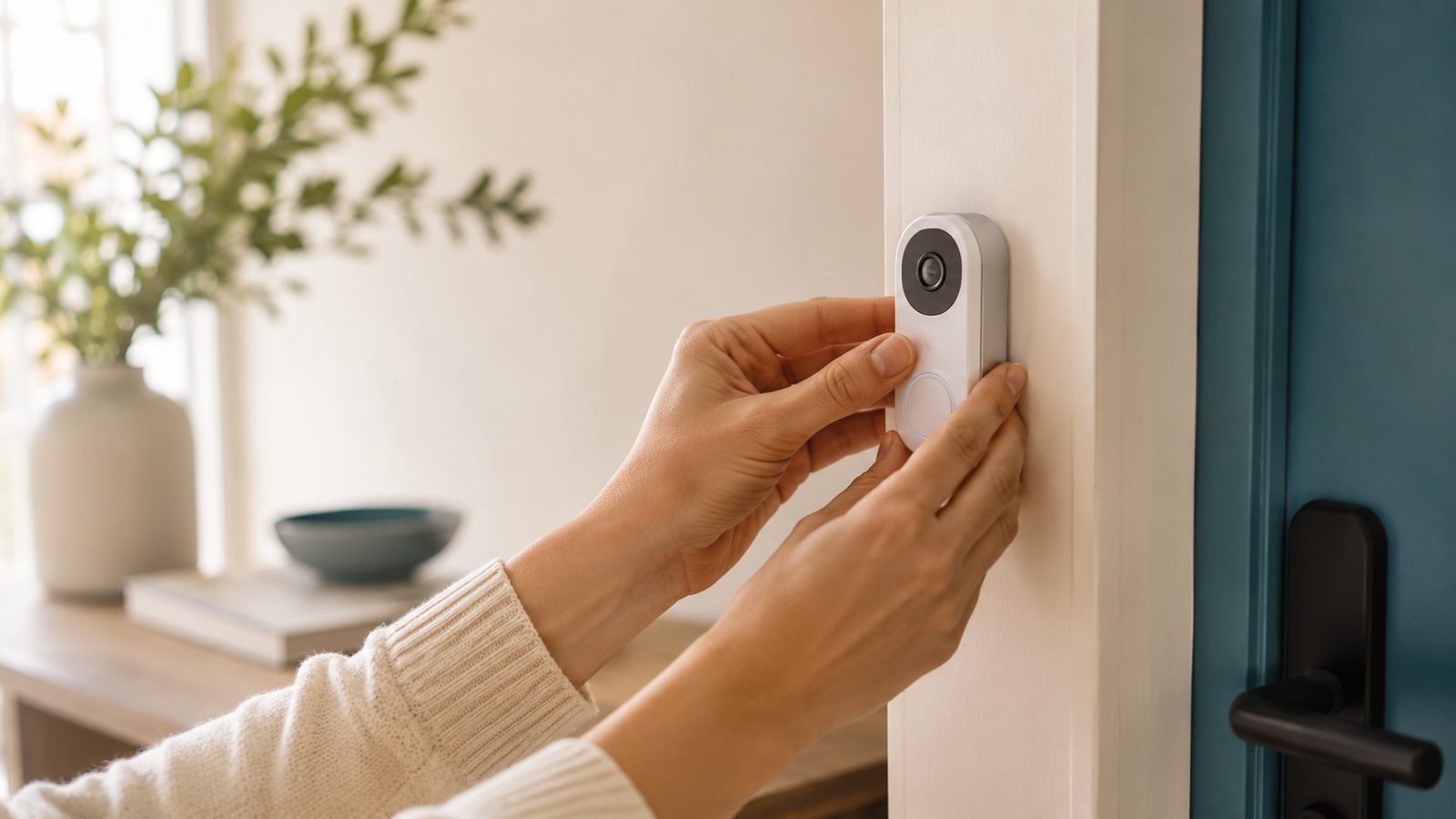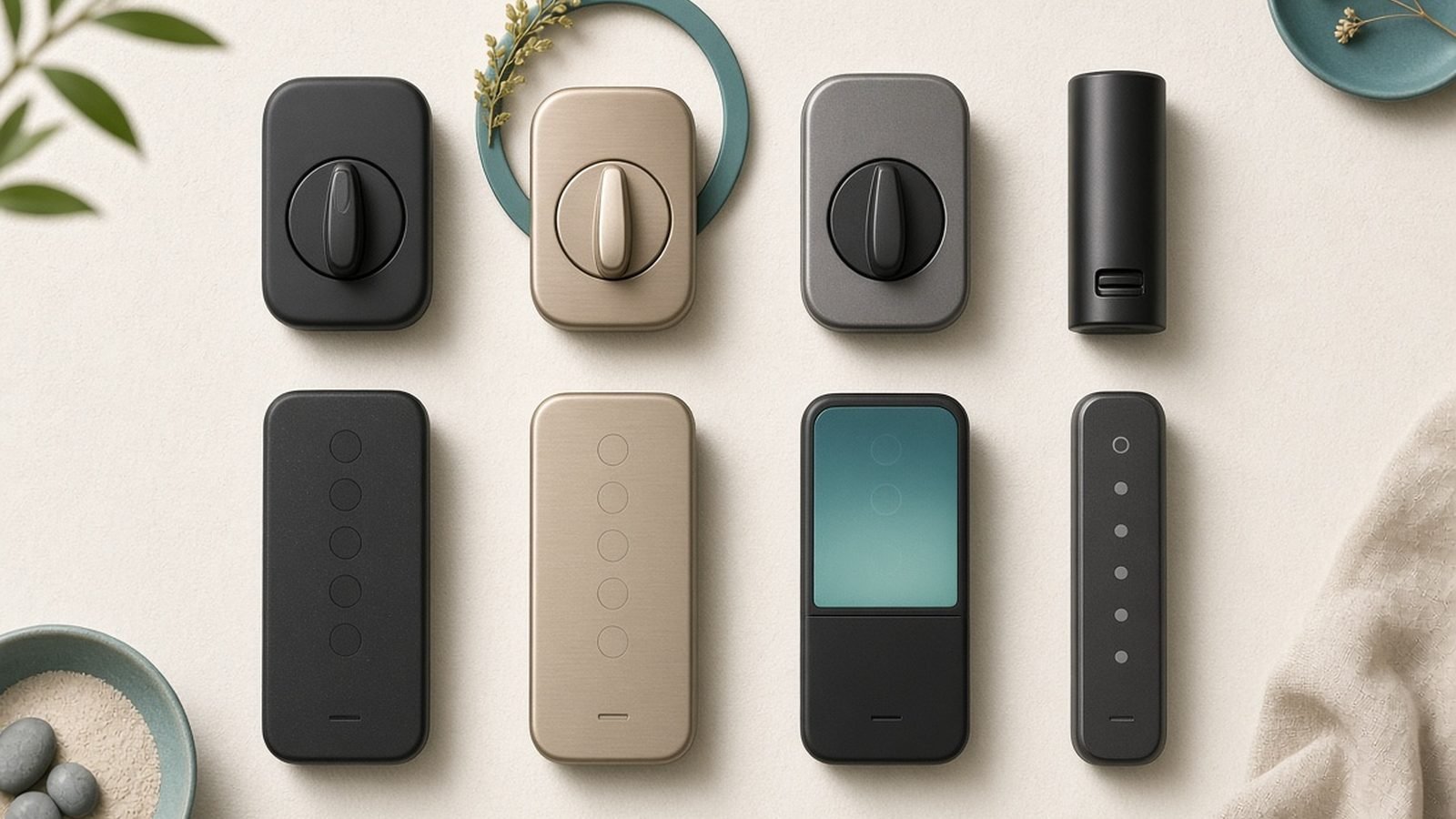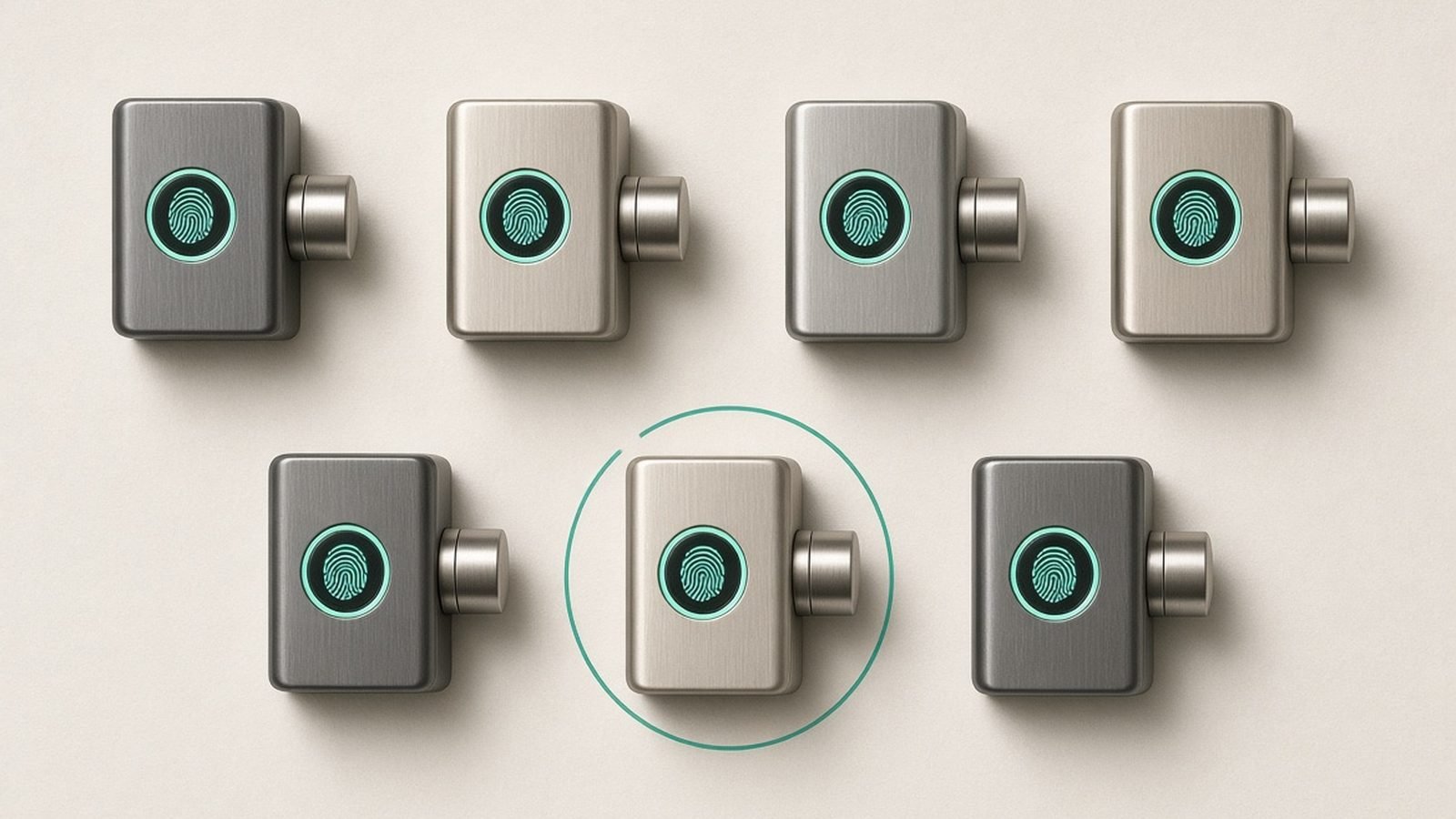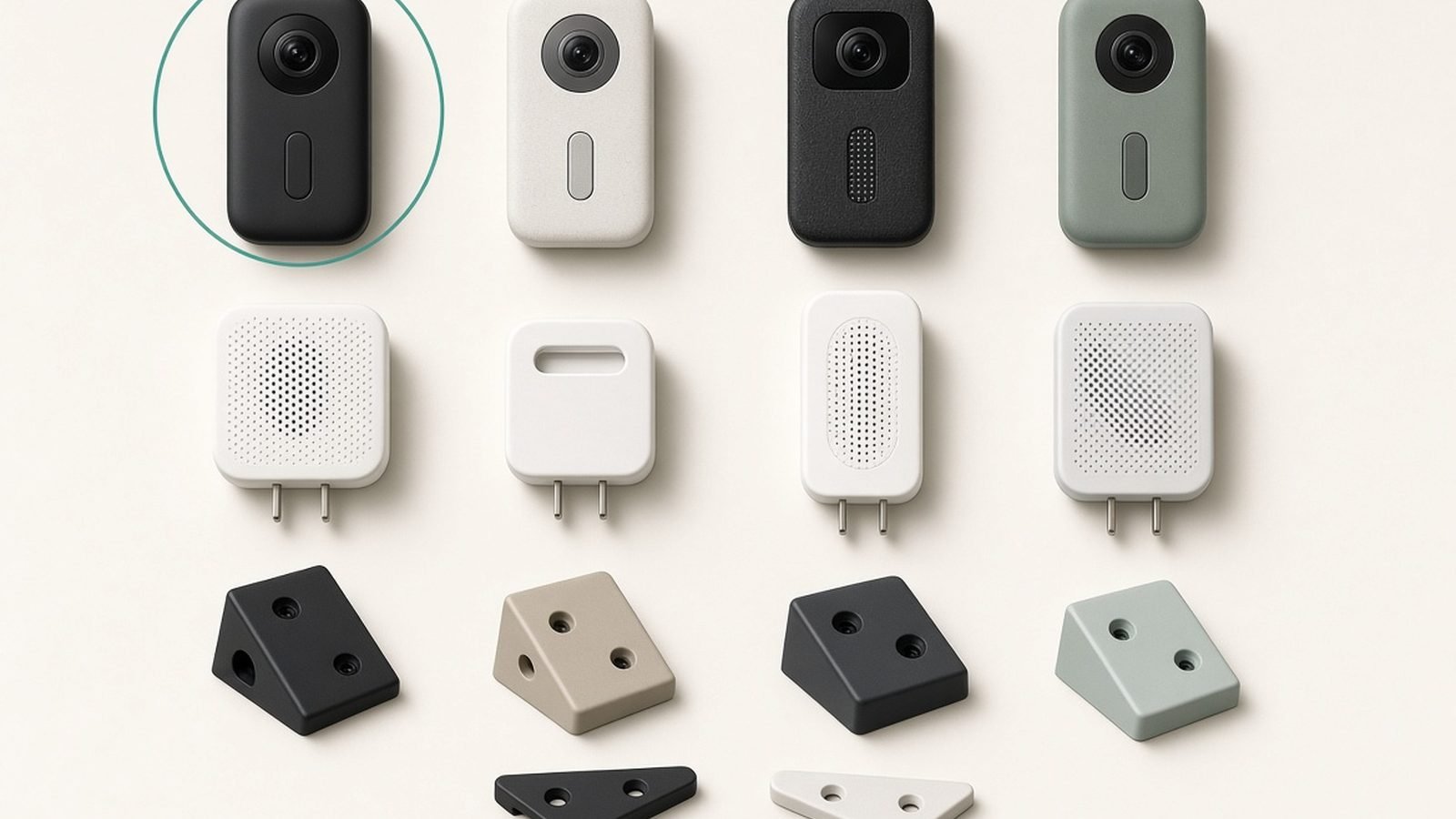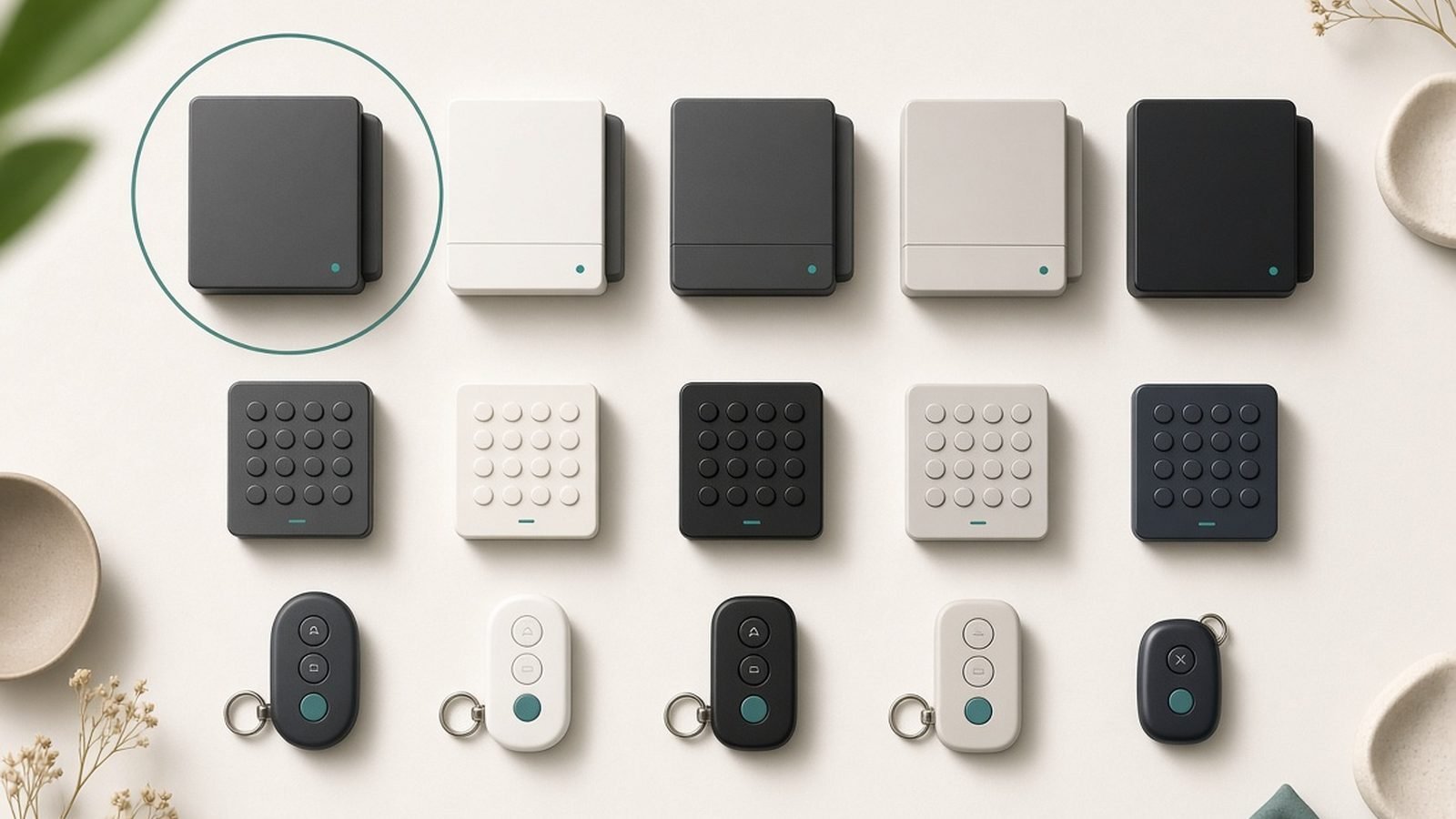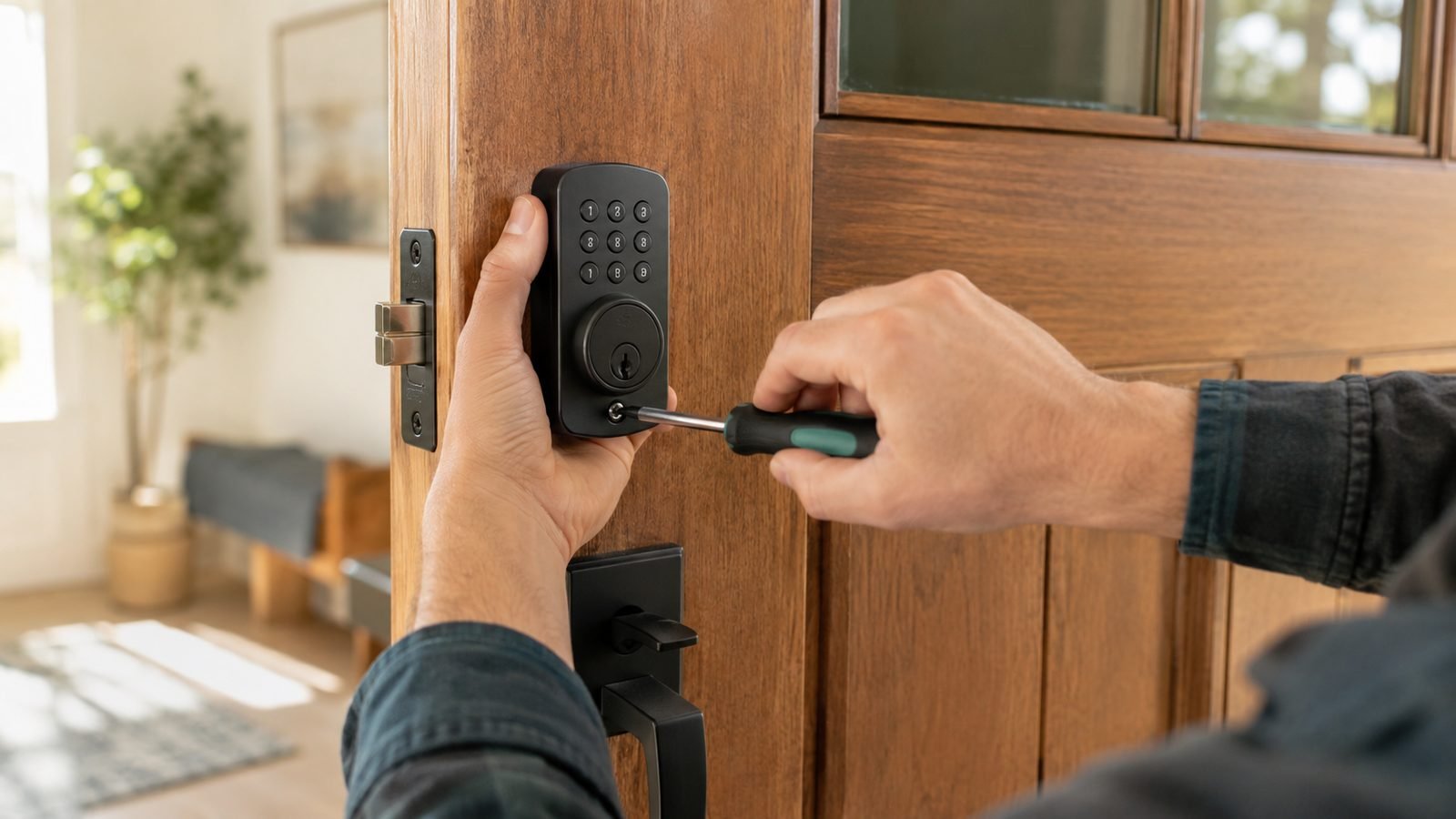
Most guides on how to install a smart lock assume you have an American single-cylinder deadbolt — useless if you live in the UK, where your front door is probably uPVC or composite with a multipoint mechanism and a euro cylinder. This smart lock installation guide covers both markets: door measurements, a full US deadbolt swap, UK no-drill retrofits, app setup, Matter pairing, and fixes for a grinding lock.
Budget 30–45 minutes for a deadbolt swap, 10–15 for a UK clamp-on retrofit — no locksmith needed if your existing lock works smoothly.
Quick answer: which install path are you on?
| Your door | Best install method | Hero pick | Typical price | Time |
|---|---|---|---|---|
| US/Canada door with a deadbolt | Full deadbolt replacement | Aqara Smart Lock U100 | around $190 / £160 | 30–45 min |
| UK uPVC/composite with euro cylinder | Clamp-on retrofit over the thumbturn | SwitchBot Lock Ultra | around $170 / £160 | 10–15 min |
| UK/EU door, want Matter built in | Euro-cylinder retrofit | Nuki Smart Lock (4th gen) | around £139 (EU/UK only) | 15–20 min |
| US door, want a mainstream keypad | Full deadbolt replacement | Yale Assure Lock 2 | around $160 / £199 (Linus L2 in UK) | 30–45 min |
Before you buy: will a smart lock fit your door?
“Do smart locks fit any door?” is the question behind most returns. The split is geographic.
US and Canadian doors almost always use a cylindrical deadbolt above the handle. If yours locks from inside with a thumbturn, virtually any American-market smart lock (Aqara, Yale, Schlage, Kwikset) will replace it. Two measurements matter:
- Backset: door edge to centre of the deadbolt hole — 2-3/8 in (60 mm) or 2-3/4 in (70 mm). Most locks include an adjustable latch covering both, but check the smart lock backset measurement against the spec sheet anyway.
- Bore hole: typically 2-1/8 in (54 mm). Doors thinner than 1-3/8 in or thicker than 2 in may need an extension kit.
UK doors are different animals. Most uPVC and composite front doors use a multipoint lock — lift the handle, hooks engage at three or more points, then a euro-profile cylinder secures everything. A US-style deadbolt lock won’t fit. Your options for a smart lock for UK doors are:
- Clamp-on retrofit (SwitchBot Lock Ultra): a motor grips your existing interior thumbturn and rotates it. Nothing about the door changes.
- Euro-cylinder retrofit (Nuki): mounts over the inside end of the cylinder and turns the key or cam. Smart lock euro cylinder installation sometimes means swapping in an “emergency function” cylinder that accepts a key on both sides at once — a £15–£30 part.
- Full smart handle replacements (Yale Linus L2 plus cylinder swap): tidier, but more invasive and rarely necessary.
Wooden UK doors with a 5-lever mortice deadlock are the hard case: few smart locks handle them, so a nightlatch conversion is usually the pragmatic route.
Whatever the door: if the existing lock is stiff or grinds, fix that first. A motor can’t overcome misalignment — it just drains batteries trying.
Tools you’ll need
- Phillips screwdriver (PH2) — not a drill driver, which strips screws and cracks faceplates
- Tape measure for the backset and door thickness
- Masking tape and a pencil for marking strike adjustments
- The manufacturer app downloaded and an account created before you start
- Optional: a small file for strike-plate adjustment; PTFE spray for a stiff euro cylinder
That’s it for a replacement. No-drill retrofits often need nothing but the included adhesive pad and hex key.
How to install a smart lock on a US deadbolt door
These steps use the Aqara Smart Lock U100 — a fingerprint, keypad and Apple Home Key deadbolt at around $190 / £160 — but the process is nearly identical for the Yale Assure Lock 2 and Schlage Encode.
Check price: Aqara Smart Lock U100
Step 1 — Remove the old deadbolt. Door open, bolt retracted: unscrew the two long bolts on the interior thumbturn plate and pull both halves away, then remove the two edge screws and slide out the old latch.
Step 2 — Set the new latch. Adjust the U100’s latch to your 60 or 70 mm backset (it twists between positions), insert it per the arrow marking, and screw the faceplate down snugly.
Step 3 — Mount the exterior keypad. Feed the cable under the latch — never over it, the number-one cause of dead keypads — and seat the exterior assembly with its spindle through the latch hub. Hold it level with masking tape.
Step 4 — Fit the mounting plate and interior unit. Screw the interior plate to the exterior half through the door, connect the cable, and attach the interior assembly with the thumbturn pointing the right way for “unlocked”.
Step 5 — Test before batteries. Turn the thumbturn manually with the door open; the bolt should throw and retract with zero resistance. If it drags, loosen the mounting screws a quarter turn — overtightening warps the mechanism and is the most common install error in owner reports.
Step 6 — Insert batteries and calibrate. Run the U100’s calibration cycle with the door open, then closed.
To replace a deadbolt with a smart lock like the Yale Assure Lock 2 (around $160, keypad model), the steps are identical; Yale’s slimmer interior body suits tight trim.
Check price: Yale Assure Lock 2
How to install a smart lock on UK doors (no-drill retrofits)
SwitchBot Lock Ultra — the 10-minute clamp-on
The SwitchBot Lock Ultra (around $170 / £160) is the answer for renters and uPVC multipoint doors. It clamps over your existing interior thumbturn and rotates it — the exterior is untouched, your keys still work, no drilling.
- Clean the door surface around the thumbturn with the included wipe.
- Choose the adapter that grips your thumbturn (three sizes included) and test the fit.
- Adjust the base height so the adapter sits centred, then stick it down with the 3M pad, pressing firmly for 60 seconds.
- Run calibration in the SwitchBot app: turn the lock once each way so it learns both positions.
- If your multipoint door needs the handle lifted before locking, keep that habit — you lift, the motor turns. Add SwitchBot’s outdoor keypad for keyless entry.
Based on hundreds of owner reports, the adhesive holds for years on flat uPVC; textured composite doors do better with the optional screw-mount plate.
Check price: SwitchBot Lock Ultra
Nuki Smart Lock (4th gen) — the euro-cylinder classic
Nuki’s 4th-gen lock (around £139, EU/UK only — no US version) mounts over the inside of your euro cylinder and turns your own key, which stays captive in the device. It clamps onto the cylinder’s protruding end, or sticks on with an adhesive plate if the cylinder sits flush.
One prerequisite: with a key left inside the cylinder, can someone still unlock from outside with a second key? If not, swap in an emergency-function cylinder first — measure the two lengths from the central fixing screw (e.g. 35/45), buy the same split, and get a 3-star TS 007 rated one while you’re at it.
Nuki’s killer feature is native Matter-over-Thread support — it joins Apple Home, Google Home or Alexa without a proprietary bridge.
Check price: Nuki Smart Lock (4th gen)
Yale’s UK answer is the Linus L2 (around £199), a euro-cylinder retrofit in the same mould with Yale’s app ecosystem and keypad accessories.
Pairing and app setup: codes, fingerprints, auto-lock
Spend ten minutes here — this is where smart locks earn their keep.
- Give every household member their own PIN or fingerprint. Individual credentials mean useful entry logs and easy revocation.
- Enroll each fingerprint twice at slightly different angles, plus a second finger — cold-morning recognition improves dramatically. If fingerprint entry is your priority, our reader roundup goes deeper: Best Fingerprint Smart Locks of 2026: Top Picks Ranked
- Set auto-lock to 60–120 seconds. Instant auto-lock is how people lock themselves out on day one; set a PIN and stash a spare key before enabling it.
- Use time-boxed guest codes for cleaners or dog walkers rather than permanent ones.
Connecting to Alexa, Google Home, Apple Home and Matter
The Nuki 4th gen speaks Matter natively over Thread and pairs straight into any Matter controller. The Aqara U100 supports Apple Home Key directly and joins Matter via an Aqara Zigbee hub; SwitchBot’s Lock Ultra needs a SwitchBot Hub 2 or 3. The Yale Assure Lock 2 comes in Wi-Fi, Zigbee and Z-Wave variants — buy the radio that matches your ecosystem rather than adding a bridge later.
One honest caveat: basic lock/unlock works everywhere over Matter, but fingerprint management and entry logs stay in the maker’s own app. New to Matter? Start here: What Is Matter? The Smart Home Standard Explained (2026)
Troubleshooting a grinding, jamming or misaligned lock
- Motor strains or grinds mid-throw (US deadbolt): the bolt is hitting the strike plate. Rub pencil graphite on the bolt, lock the door to see where it marks, then file the strike 1–2 mm that way.
- Works with the door open but not closed: same strike-plate fix. Wooden doors swell in winter — leave extra clearance in July.
- Calibration fails repeatedly: loosen the mounting screws a quarter turn; warped housings from overtightening mimic dead motors.
- UK retrofit slips on the thumbturn: switch to a smaller adapter or add the supplied shim tape — a fit problem, not a motor problem.
- Batteries die in weeks: the motor is fighting friction. Lubricate the cylinder with PTFE spray (never WD-40, which gums up pins) and recheck alignment.
Renter-friendly and no-drill options
To install a smart lock without drilling — or without your landlord ever knowing — the SwitchBot Lock Ultra is the strongest option: adhesive mount, fully reversible, exterior untouched. The clamp-mounted Nuki also removes without a trace. Even a “full” US deadbolt swap is renter-viable: it uses the existing holes, and the original deadbolt refits in ten minutes when you move out. Keep the old lock in a labelled bag.
Security best practices after install
- Delete the default or installer PIN immediately.
- Enable wrong-code lockout (most locks freeze the keypad after 5–10 failed attempts).
- Turn on low-battery alerts and replace cells at 20%, not 5%.
- Keep one mechanical key off-site.
- Enable two-factor authentication — the app account is the real attack surface, not the radio.
- UK doors: pair the retrofit with a 3-star or SS312 Diamond cylinder — a £160 smart lock on a snappable £8 cylinder is security theatre.
Add a doorbell camera and you’ll see who’s there before you remotely unlock: Best Video Doorbells With No Subscription (2026)
FAQ
Do smart locks fit any door? No. US-style smart locks need a standard single-cylinder deadbolt with a 60 or 70 mm backset. UK uPVC and composite doors with multipoint locks need a retrofit device like the SwitchBot Lock Ultra or Nuki instead. Wooden doors with 5-lever mortice deadlocks are the trickiest and usually need a nightlatch conversion or a locksmith’s input.
Can I install a smart lock myself, or do I need a locksmith? If your existing lock operates smoothly, yes — a US deadbolt swap needs one screwdriver and 30–45 minutes, and UK clamp-on retrofits take 10–15 minutes with no tools. Call a locksmith only if the door is misaligned, you’re unsure about cylinder sizing, or you have a mortice deadlock.
Will a smart lock work on a uPVC door with a multipoint lock? Yes, via retrofit. A SwitchBot Lock Ultra clamps over your interior thumbturn, and a Nuki mounts over the euro cylinder — both leave the multipoint mechanism and the outside of the door unchanged. You still lift the handle to engage the hooks before the motor turns the cylinder.
What is a backset measurement on a smart lock? The backset is the distance from the edge of the door to the centre of the deadbolt bore hole: 2-3/8 in (60 mm) or 2-3/4 in (70 mm) on standard doors. Almost all current smart locks include an adjustable latch covering both sizes, but measure before buying to be safe.
Do smart locks still work if the power or Wi-Fi goes out? Yes. The lock runs on its own batteries, so PINs, fingerprints and the mechanical key keep working during an outage — you only lose remote access and notifications until Wi-Fi returns. Battery life runs roughly 6–12 months depending on the lock and how well-aligned your door is.
Recommended locks by door type: our verdicts
You now know how to install a smart lock on either door type — here’s the hardware worth installing.
Aqara Smart Lock U100 — best for US deadbolt doors (around $190 / £160)
Pros: fingerprint + keypad + Apple Home Key in one unit; adjustable backset latch; strong battery life in owner reports; no subscription. Cons: Matter integration requires an Aqara hub; exterior unit is bulky on narrow stiles.
The most complete US deadbolt replacement for the money. Buy it if you have a standard deadbolt and want fingerprint entry.
SwitchBot Lock Ultra — best for UK doors and renters (around $170 / £160)
Pros: genuinely no-drill; fits multipoint uPVC and composite doors; fully reversible; optional fingerprint keypad outside. Cons: interior unit is chunky; needs a SwitchBot hub for Matter and remote access.
The path of least resistance for a smart lock for UK doors. Buy it if you rent, or your door has a multipoint mechanism you don’t want to touch.
Nuki Smart Lock (4th gen) — best euro-cylinder retrofit with Matter (around £139, no US model)
Pros: native Matter over Thread, no bridge needed; polished app and auto-unlock geofencing; clean install over the cylinder. Cons: may require an emergency-function cylinder swap; not sold in the US.
Buy it if you’re in the UK or EU and want the tidiest Matter-native retrofit.
Yale Assure Lock 2 — best mainstream keypad deadbolt (around $160 / £199 as Linus L2 in UK)
Pros: slim interior body; Wi-Fi, Zigbee or Z-Wave variants; huge accessory ecosystem. Cons: no fingerprint on the base model; Wi-Fi variant is battery-hungry in owner reports.
Buy it for a proven, boring-in-a-good-way keypad deadbolt from the biggest name in locks.
For more smart home guides and roundups, browse the hub: Smart Home
Zen Tech Hub may earn a commission from links on this page, at no extra cost to you.