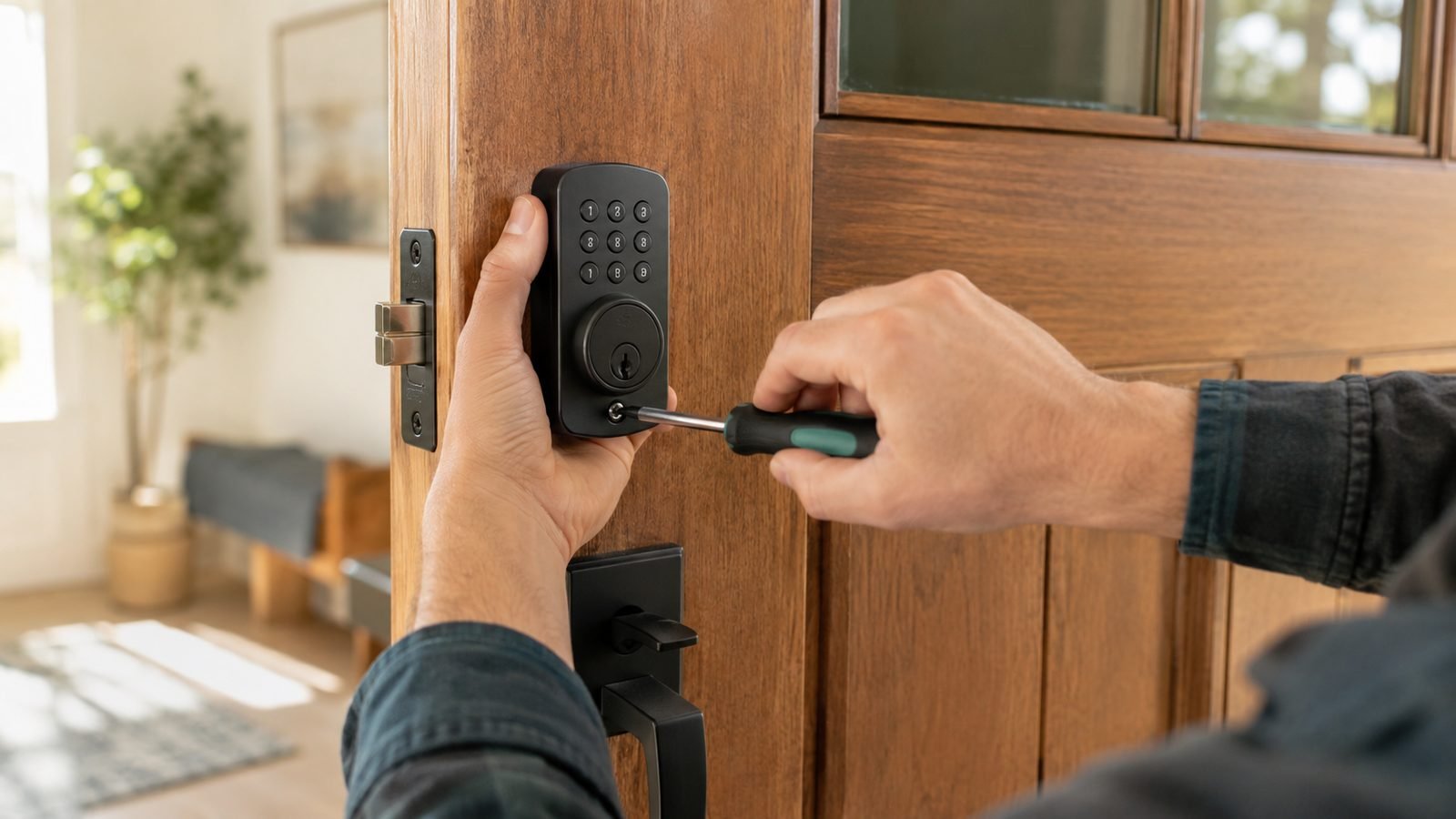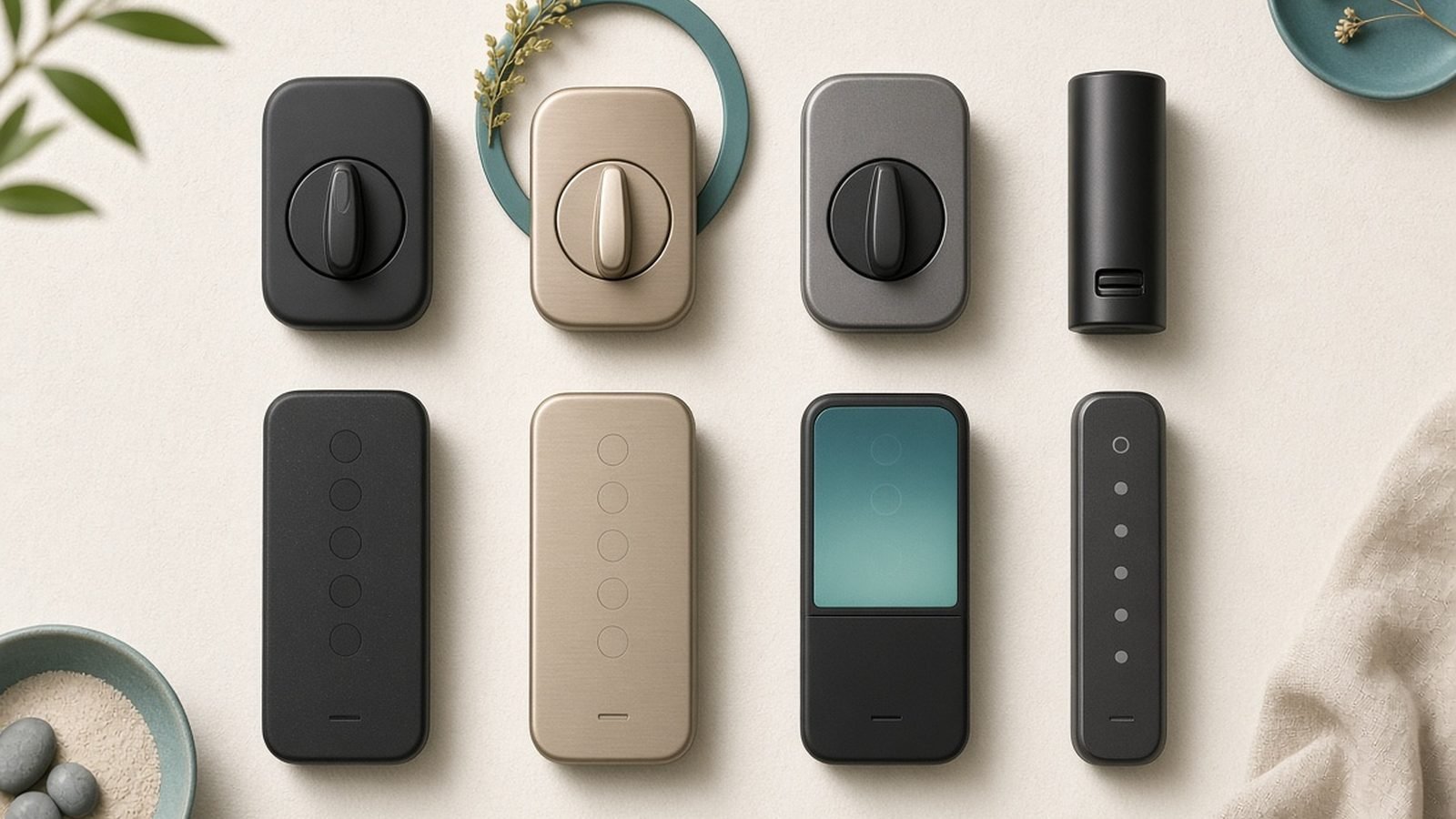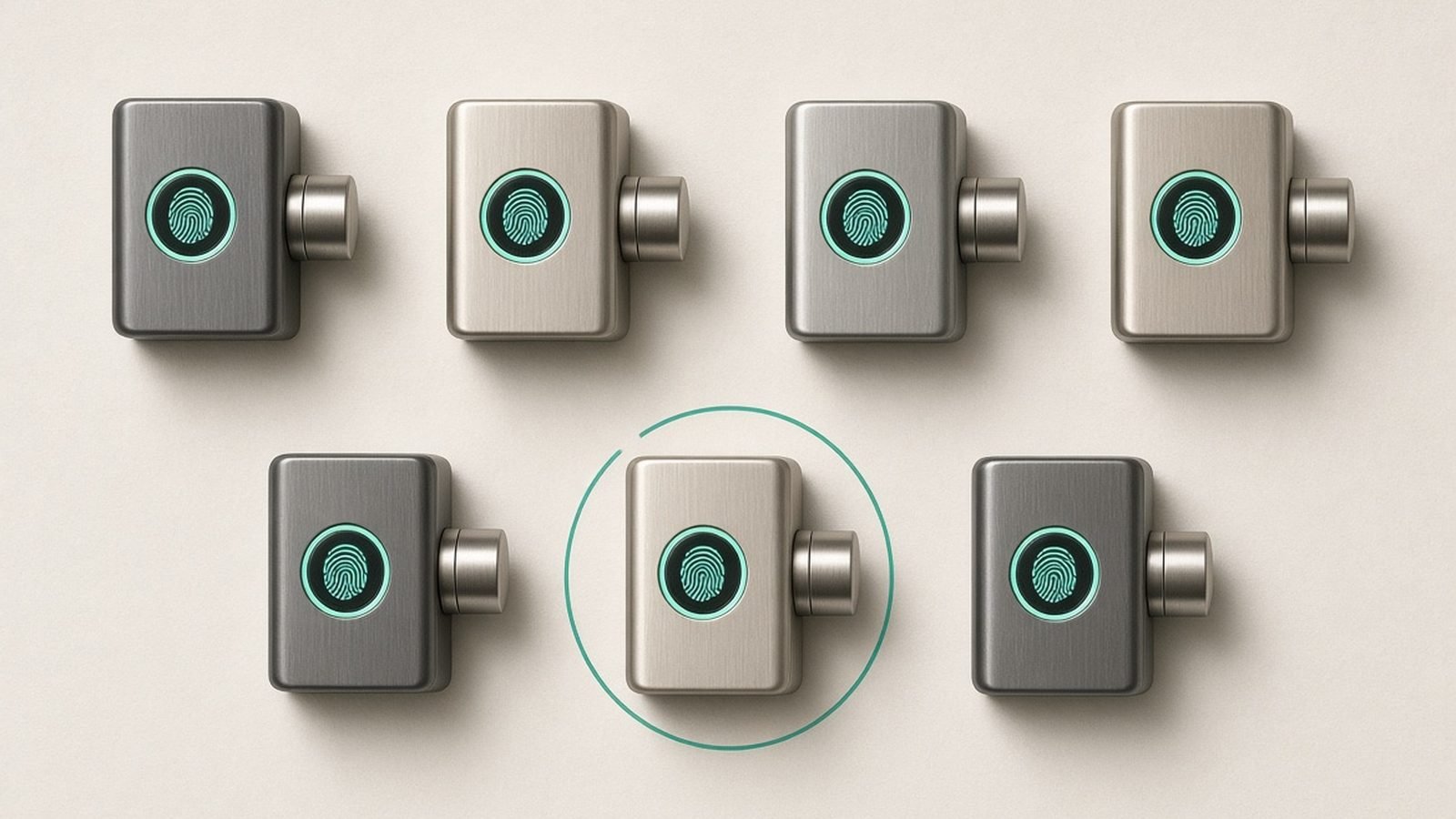
The best fingerprint smart lock gets you through your front door in under a second, with no phone, no code, and no key. That’s the whole pitch — and in 2026 the technology is finally reliable enough to trust as your primary way in. After researching the current field in depth and aggregating hundreds of owner reports across US and UK retailers, we’ve ranked five locks that actually deliver, and flagged the trade-offs the spec sheets won’t tell you.
One thing most roundups ignore: US and UK doors are mechanically different animals. American homes mostly use single-cylinder deadbolts; British and European homes mostly use multipoint locks with euro cylinders. A lock that’s brilliant on one is often physically impossible to fit on the other, so we’ve called out compatibility for every pick.
Why Fingerprint Beats Codes and Phone Keys for Daily Use
Keypads work, but punching a 6-digit code with shopping bags in one hand gets old fast, and codes get shared, shoulder-surfed, and forgotten. Phone-based unlocking — Bluetooth proximity, app taps, even Apple Home Key — is slick until your phone is dead, buried in a bag, or in your kid’s hands.
A fingerprint is always with you, can’t be texted to a stranger, and modern capacitive sensors match in 0.3–1 second. For households with children too young for phones, it’s transformative: enrol their finger once and they can let themselves in after school. Every lock below also includes a keypad or phone backup, because no biometric sensor is perfect — more on cold-weather reliability further down.
Fingerprint Smart Locks at a Glance
| Lock | Best for | Price (approx.) | Door type | Smart home | Power |
|---|---|---|---|---|---|
| Aqara Smart Lock U100 | Best overall | $190 / £160 | US deadbolt | Apple Home Key, HomeKit, Alexa, Google | 4x AA |
| Yale Assure Lock 2 Touch | Best premium | $280 / £199 (Linus L2 in UK) | US deadbolt (UK: euro cylinder via Linus L2) | HomeKit, Alexa, Google, Matter module | 4x AA |
| Eufy Video Smart Lock S330 | Best with video | $400 / £350 | US deadbolt | Alexa, Google | Rechargeable + AA backup |
| Ultraloq Bolt Fingerprint (Matter) | Best Matter-over-Thread | $199 / £179 | US deadbolt | Matter (HomeKit, Alexa, Google, SmartThings) | 4x AA |
| SwitchBot Lock Ultra | Best for UK/euro doors | $170 / £160 | Retrofit: US thumbturn & UK euro cylinder | Matter via hub, Alexa, Google, HomeKit | Rechargeable |
Best Overall: Aqara Smart Lock U100
Around $190 / £160
If you want one answer, this is it. In our research, no other lock packs this much unlocking flexibility into a sub-$200 deadbolt: a fast capacitive fingerprint reader, a full keypad, physical keys, NFC cards, and — the headline feature — Apple Home Key, so iPhone and Apple Watch users can tap to unlock like a transit card. That combination usually costs $300+, which is why any honest Aqara U100 review starts with value.
The fingerprint sensor sits at thumb height on the front of the escutcheon, right where your hand naturally lands. Based on hundreds of owner reports, first-try recognition is strong once you enrol each finger twice (a trick worth doing on every lock here). The keypad supports one-time and scheduled guest codes, which Airbnb hosts will appreciate, and it all works locally — no cloud round-trip to open your door.
The catches: a small but persistent minority of owners report the reader occasionally taking a beat to wake, adding half a second to unlocks. The interior assembly is bulky, it runs on AA batteries (roughly 6–8 months in typical use), and you’ll want Aqara’s hub for HomeKit automations beyond Home Key. It’s also deadbolt-only, so UK multipoint doors are out — see our SwitchBot pick instead.
Pros:
- Fingerprint, keypad, Home Key, NFC and key backup in one lock
- Excellent price for the feature set; a genuine smart lock with fingerprint and keypad done right
- Local control, temporary and scheduled guest codes
- Quiet, reasonably fast motor
Cons:
- Reader occasionally lags on wake
- Chunky interior unit
- AA batteries rather than rechargeable
- US-style deadbolt only; hub needed for full Aqara automations
Who it’s for: Apple households and anyone in North America who wants the most ways to unlock per dollar spent.
Check price: Aqara Smart Lock U100 Check price: Aqara Smart Lock U100
Best Premium: Yale Assure Lock 2 Touch
Around $280 in the US; in the UK, the Yale Linus L2 (~£199) is the closest equivalent for euro-cylinder doors
Yale has been making locks since 1840, and the Assure Lock 2 Touch feels like it — this is the most polished fingerprint deadbolt you can buy. The reader is consistently quick in aggregated owner feedback, among the most reliable first-try sensors in this class, and the slim keypad version looks like hardware, not a gadget.
Two features justify the premium. DoorSense knows whether the door is actually closed, not just whether the bolt is thrown, so auto-lock never fires the bolt into an open frame. And Yale’s code management is the best in the business: every user gets a named, trackable credential with optional time restrictions, and the app history tells you exactly whose finger or code opened the door and when. For families juggling cleaners, dog walkers and teenagers, that audit trail matters.
Ecosystem support is broad — HomeKit, Alexa, Google, and Matter via swappable modules — though the modular approach means checking you’re buying the right SKU. It’s AA-powered, and at this price a rechargeable battery wouldn’t have hurt. UK buyers should note the Assure is a US deadbolt; Yale’s Linus L2 brings similar smarts (though fingerprint access comes via the separate Yale keypad with fingerprint reader) to euro-cylinder doors.
Pros:
- Fast, consistent fingerprint reader
- DoorSense makes auto-lock genuinely trustworthy
- Named, time-restricted, trackable codes with full history
- Widest ecosystem support here, including Matter
Cons:
- Expensive, and modules add cost
- AA batteries at a premium price
- UK route requires the Linus L2 variant
Who it’s for: buyers who want the most refined experience and detailed access logs, and will pay for it.
Check price: Yale Assure Lock 2 Touch Check price: Yale Assure Lock 2 Touch
Best With Video: Eufy Video Smart Lock S330
Around $400 / £350
The S330 answers a simple question: why bolt a video doorbell next to your lock when one device can do both? It combines a motorised deadbolt, fingerprint reader, keypad and a 2K camera with two-way audio — and, crucially for a Eufy product, footage stores locally on built-in storage with no monthly subscription. If you’re allergic to camera fees, that pairs nicely with our guide to the best video doorbells without a subscription Best Video Doorbells With No Subscription (2026).
In our research the fingerprint reader is quick and well positioned, and owners consistently praise being able to see who’s at the door and unlock it from the same app screen. The rechargeable battery (with AA backup slot) lasts months between top-ups, and Alexa and Google integration covers announcements and voice control.
The honest counterargument: $400 is a lot, and if you already own a doorbell camera you’re paying for redundant hardware. There’s no HomeKit or Matter support, the combined unit is large on the door, and if the device fails you lose both your lock and your camera at once. Buy it to consolidate, not to accessorise.
Pros:
- Lock, 2K doorbell camera and intercom in one install
- No subscription — local storage included
- Quick fingerprint reader plus keypad backup
- Rechargeable battery with AA failsafe
Cons:
- Expensive; redundant if you own a video doorbell
- No HomeKit/Matter
- Physically imposing on the door
- Single point of failure for two functions
Who it’s for: renters-turned-owners starting a security setup from zero, or anyone who wants camera plus lock with one hole in the wall and no fees.
Check price: Eufy Video Smart Lock S330 Check price: Eufy Video Smart Lock S330
Best Matter-over-Thread: Ultraloq Bolt Fingerprint (Matter)
Around $199 / £179
If you’re building around Matter — the cross-platform standard that lets one device work with Apple, Google, Amazon and Samsung simultaneously — the Ultraloq Bolt Fingerprint is the cleanest way to get a fingerprint deadbolt into that world. It speaks Matter over Thread natively: no proprietary bridge, low power draw, and mesh networking that gets stronger with every Thread device you add. New to the standard? Start with our Matter explainer What Is Matter? The Smart Home Standard Explained (2026).
U-tec’s fingerprint hardware has been strong since the original U-Bolt, and this model continues that: aggregated owner feedback puts first-try recognition and unlock speed near the top of the class, with the sensor built into the front face alongside a backlit keypad. Auto-unlock via phone proximity works as a backup, and the lock operates fully locally over Thread.
Trade-offs: you need a Thread border router (HomePod mini, Apple TV 4K, newer Echo or Nest hubs) for remote access and the full smart experience — without one it’s Bluetooth-only. The U-tec app is functional but noticeably less polished than Yale’s or Aqara’s, and firmware updates have historically been slower to land. Deadbolt format only, so it’s a US-market pick first.
Pros:
- Native Matter-over-Thread; works with every major ecosystem at once
- Fast, dependable fingerprint reader
- Fully local control, solid battery life from 4x AA
- Fair price for Matter-native hardware
Cons:
- Needs a Thread border router to shine
- App lags competitors in polish
- No Home Key tap-to-unlock
- US deadbolt format
Who it’s for: smart home tinkerers and anyone hedging across ecosystems who wants an Ultraloq Bolt Fingerprint Matter setup that won’t be orphaned by a platform change.
Check price: Ultraloq Bolt Fingerprint (Matter) Check price: Ultraloq Bolt Fingerprint (Matter)
Best for UK and Euro-Profile Doors: SwitchBot Lock Ultra
Around $170 / £160 (with Keypad Vision)
Here’s the pick most US-centric roundups miss entirely. If you’re searching for the best smart lock in the UK with fingerprint access, your problem isn’t features — it’s that your multipoint door physically can’t take an American deadbolt. The SwitchBot Lock Ultra solves it by clamping over your existing interior thumbturn, including UK euro cylinders and Scandinavian ovals, and turning it with a motor. Your existing keys, cylinder and insurance-approved multipoint mechanism stay exactly as they are.
Fingerprint access comes from the paired Keypad Vision unit mounted outside, which adds a capacitive reader, PIN pad and even face recognition. Because nothing about the door’s locking hardware changes, it’s landlord- and rental-friendly: installation is adhesive-and-clamp, no drilling, typically 15 minutes. The Ultra’s motor is notably faster and quieter than earlier SwitchBot locks, and battery life from the rechargeable pack stretches many months.
Downsides are cosmetic and structural. The interior unit is chunky and unmistakably a gadget on your door. Matter and remote access require a SwitchBot hub, and because it’s turning your existing mechanism, a stiff or misaligned multipoint lock will stay stiff — fix the door first.
Pros:
- Fits UK euro-cylinder and multipoint doors no deadbolt can
- No drilling; ideal for renters and listed buildings
- Fingerprint, PIN and face unlock via Keypad Vision
- Rechargeable battery, quick motor
Cons:
- Chunky interior unit
- Hub required for Matter and remote control
- Inherits any stiffness in your existing mechanism
Who it’s for: UK and European homes, renters anywhere, and anyone unwilling to replace their existing cylinder.
Check price: SwitchBot Lock Ultra Check price: SwitchBot Lock Ultra
Fingerprint Reliability: Cold, Wet Weather and Small Fingers
This is the section every fingerprint door lock review should include and few do. Capacitive sensors read the electrical properties of your skin, and three things degrade that reading: very cold dry skin, wet fingers, and worn or tiny prints.
Based on the owner reports we aggregated, expect noticeably more first-try failures below freezing — cold fingers read poorly on every brand, and gloves obviously don’t work at all. Rain is a lesser issue; a quick wipe of finger or sensor usually fixes it. Elderly users with worn prints and children under about five have measurably higher failure rates on all capacitive sensors, which is why fingerprint deadbolt reliability planning means enrolling each person’s finger at least twice, at slightly different angles, and adding a second finger from the other hand.
The practical rule: fingerprint should be your fastest way in, never your only way in. Every lock on this list backs the sensor with a keypad, phone unlock, or physical key — treat that as non-negotiable when shopping beyond our picks.
Deadbolt vs Retrofit vs Multipoint: Fit Check for US and UK Doors
Before you buy anything, identify your door. US/Canada: if you have a separate deadbolt above the handle, the Aqara, Yale Assure, Eufy and Ultraloq all replace it directly in the standard 2-1/8” bore. UK/Europe: if lifting the handle engages hooks along the door edge, you have a multipoint lock with a euro cylinder — full-replacement American deadbolts will not fit, and the SwitchBot Lock Ultra (or Yale’s Linus L2) is your route in.
Retrofit locks like the SwitchBot also suit US renters, since they leave the exterior untouched. One more UK note: if your home insurance specifies BS3621 or TS007 hardware, a retrofit that keeps your existing certified cylinder is the safest compliance path.
Installation Difficulty Compared
Ranked easiest to hardest, based on documented installs and owner feedback: the SwitchBot Lock Ultra is a 15-minute, no-tools job. The Aqara U100, Yale Assure 2 and Ultraloq Bolt are standard deadbolt swaps — a screwdriver and 20–40 minutes if your door is well aligned. The Eufy S330 takes longest, closer to 45–60 minutes, because you’re also positioning a camera and its cabling channel.
The single biggest failure mode isn’t the lock — it’s a misaligned strike plate forcing the motor to fight the frame, which murders batteries and triggers jam errors. Our step-by-step guide covers alignment fixes before you mount anything How to Install a Smart Lock: Step-by-Step (US & UK Doors).
FAQ
Are fingerprint smart locks safe?
Yes, with caveats. Quality locks store fingerprint data as encrypted mathematical templates on the lock itself — never as images, and never in the cloud. The realistic risks are the same as any lock: a weak door frame or a cheap cylinder. Pick a lock with local storage, a solid mechanical backup, and ANSI Grade 1/2 (US) or a retained certified cylinder (UK).
Do fingerprint door locks work in winter?
Mostly, with more retries. Capacitive sensors struggle with very cold, dry skin, and gloves defeat them entirely, so expect more second attempts below freezing. Enrol multiple fingers, keep the keypad code memorised, and if you’re in a genuinely harsh climate, favour locks with Home Key or phone unlock as a glove-friendly backup.
Can kids use fingerprint smart locks?
Generally yes from around age five or six. Younger children’s fingerprints are small and shallow, which raises failure rates on all capacitive sensors. Enrol a child’s finger two or three times, re-enrol every six months or so as they grow, and give older kids a personal keypad code so you get a named entry in the log either way.
What’s the best fingerprint smart lock for UK doors?
The SwitchBot Lock Ultra with Keypad Vision is our pick, because it retrofits over the euro-cylinder thumbturn on multipoint doors without replacing insurance-approved hardware. Yale’s Linus L2 with the fingerprint keypad is the more established-brand alternative. Standard American-style fingerprint deadbolts — Aqara U100, Ultraloq Bolt — won’t physically fit UK multipoint doors.
Do I need a hub or bridge for a fingerprint smart lock?
For fingerprint and keypad unlocking at the door: no, every pick here works standalone. For remote access and automations: usually yes. The Ultraloq Bolt needs a Thread border router, Aqara and SwitchBot use their own hubs for full functionality, and Yale’s connectivity depends on which module you buy. Budget $30–80 extra if you don’t own compatible gear.
How long do batteries last in a fingerprint deadbolt?
Typically six to twelve months on 4x AA cells for the Aqara, Yale and Ultraloq, and several months per charge for the rechargeable SwitchBot and Eufy. Heavy traffic, cold weather and a misaligned strike plate all shorten that. Every lock here warns you in-app well before dying, and all offer an emergency contact-charge or key backup.
Verdict: Which Fingerprint Smart Lock Should You Buy?
For most people in the US, the Aqara Smart Lock U100 is the best fingerprint smart lock of 2026 — no rival offers fingerprint, keypad, and Apple Home Key together anywhere near its price. Pay up for the Yale Assure Lock 2 Touch if you want the fastest, most consistent reader and proper per-person access logs. The Eufy S330 earns its price only if it’s replacing both a lock and a doorbell camera — pair the decision with our no-subscription camera guide Best Home Security Cameras With No Subscription in 2026. Go Ultraloq Bolt if Matter-over-Thread is your architecture. And if you’re in the UK or renting, the SwitchBot Lock Ultra isn’t the compromise option — it’s the only one on this list that respects how your door actually works.
For more buying guides and setup walkthroughs, browse our smart home hub Smart Home.
Zen Tech Hub may earn a commission from links on this page, at no extra cost to you.