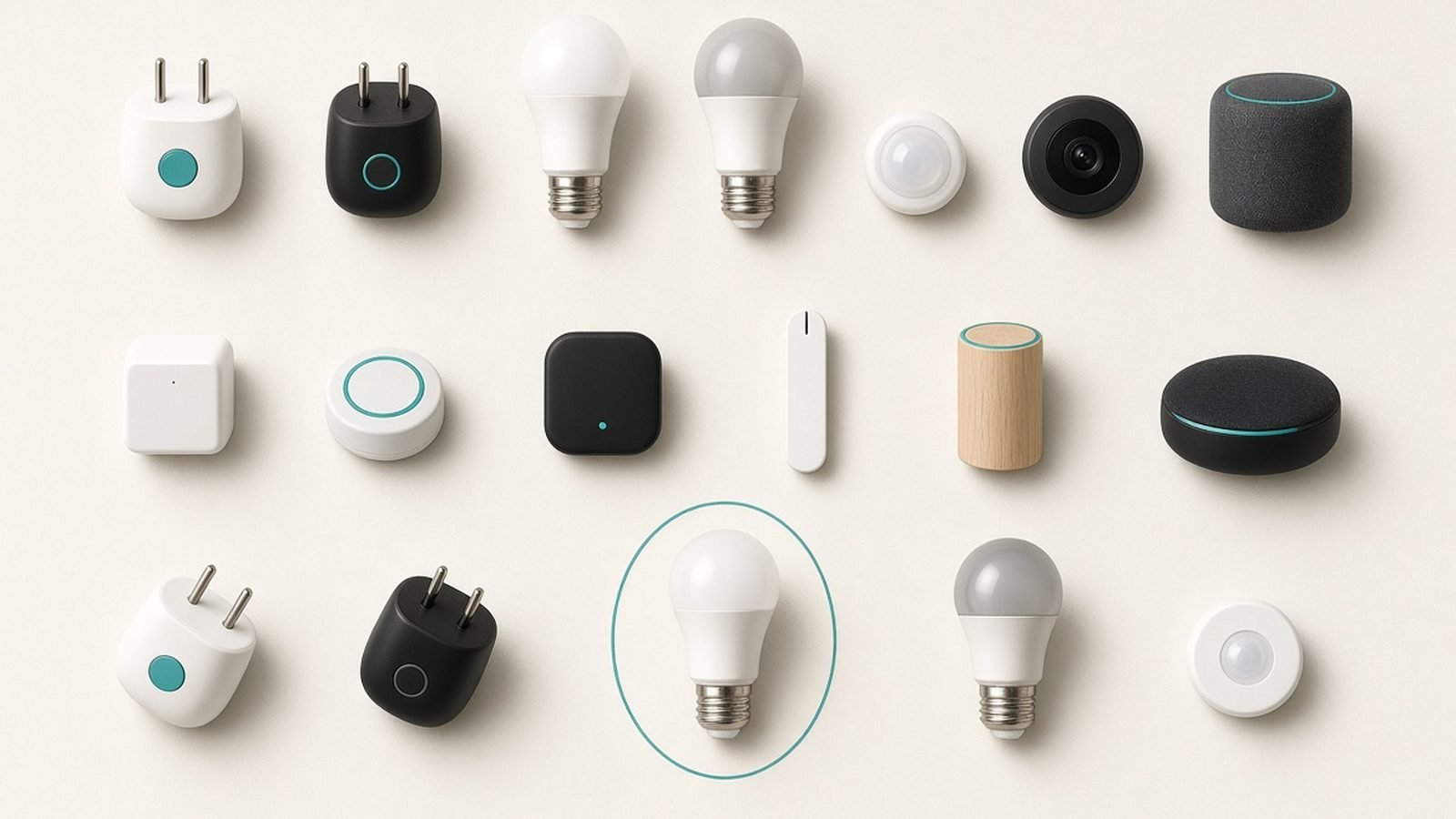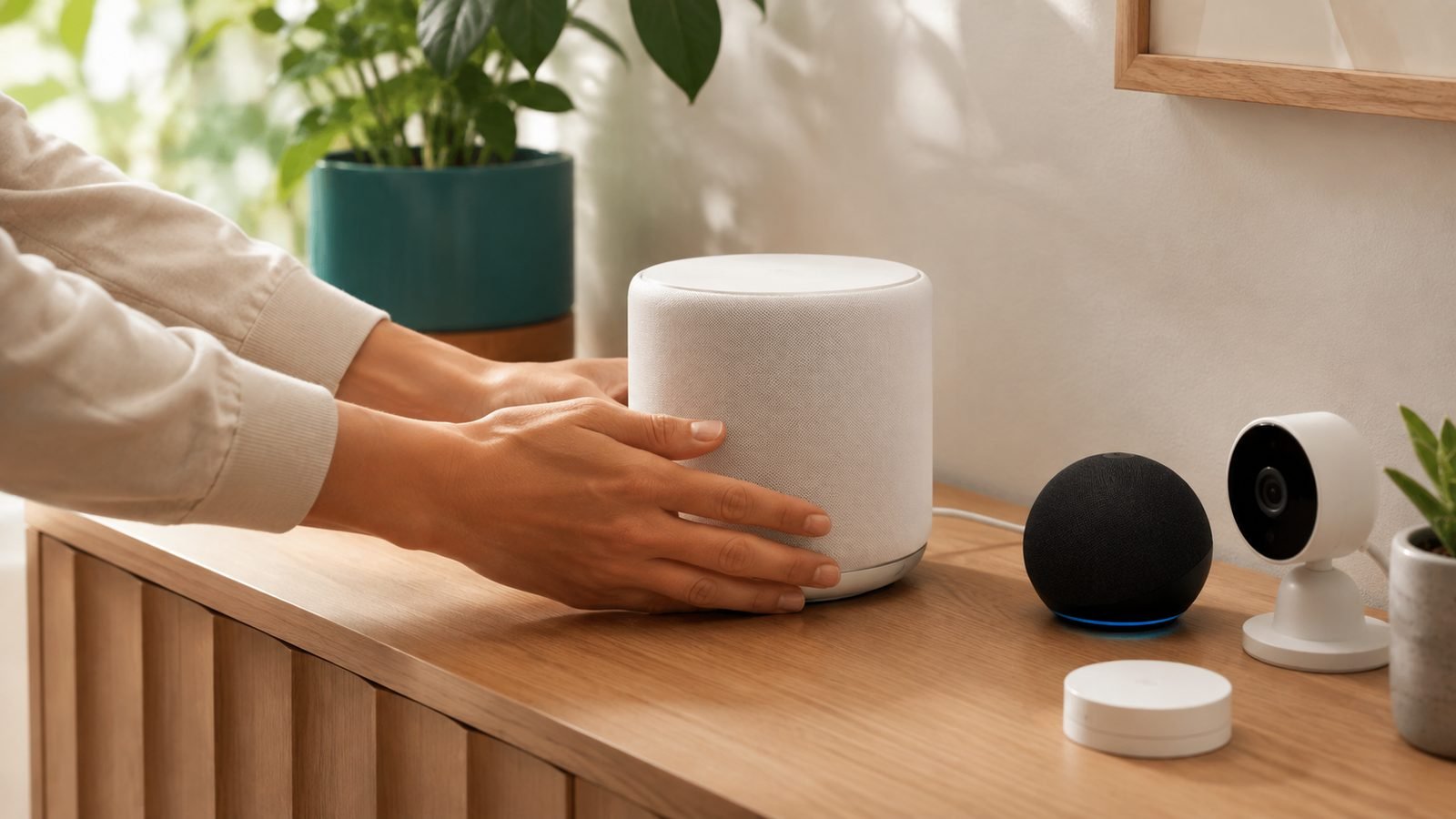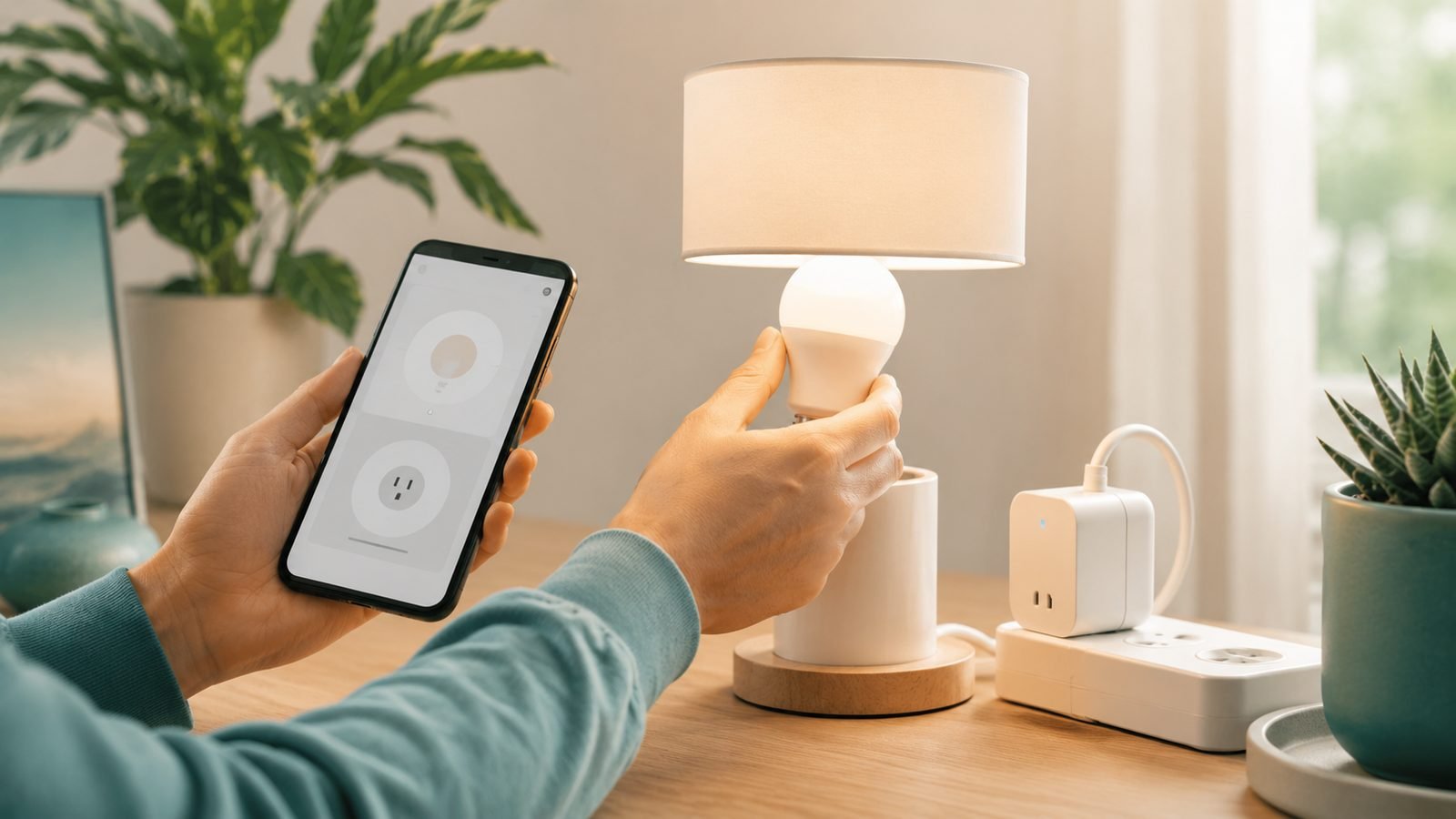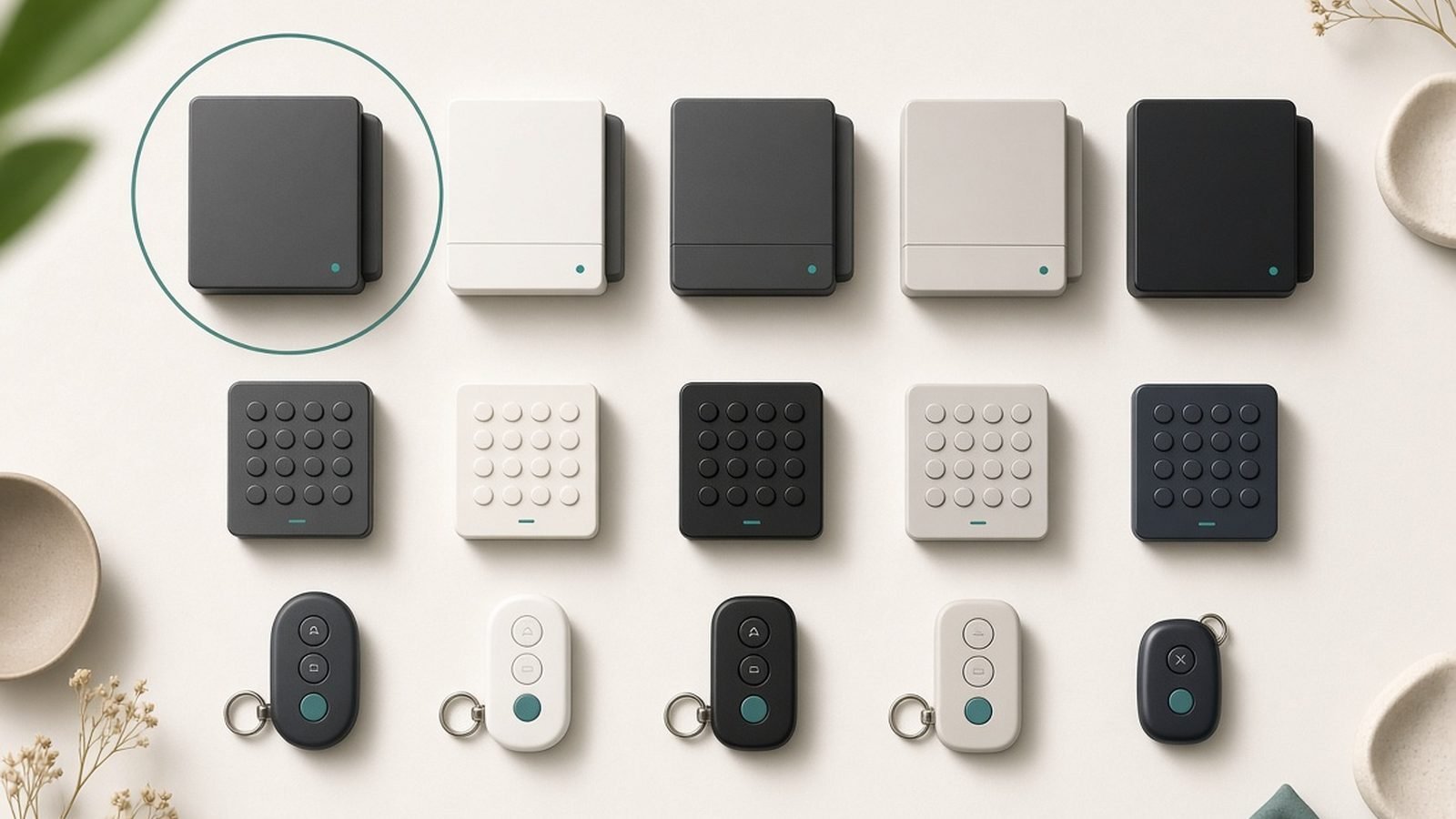
So, what is Matter smart home technology, and why does the logo now appear on almost every smart plug, bulb and lock you can buy? In one sentence: Matter is a universal language that lets smart home devices from different brands work with Alexa, Google Home, Apple Home and Samsung SmartThings at the same time — no proprietary hub, no “works with” sticker roulette.
Matter launched in late 2022, and after a shaky first couple of years it has matured into something genuinely useful. In 2026 the spec covers everything from lights and locks to robot vacuums, appliances and (finally, partially) cameras. This guide is the plain-English version of the Matter protocol explained: what it is, how Thread fits in, what hardware you actually need, and whether it’s worth building your smart home around it.
Matter in one paragraph
Matter is an open connectivity standard run by the Connectivity Standards Alliance (CSA), backed by Apple, Google, Amazon, Samsung and 700+ other companies. It defines how devices identify themselves, how they’re securely added to a network, and how they’re controlled — over your existing Wi-Fi and Ethernet, or over a low-power mesh network called Thread. A Matter-certified bulb doesn’t care whether you talk to it through Siri, Alexa or Google Assistant; it speaks one language to all of them, locally, without routing commands through a distant cloud server.
That last part matters more than people realise. Because Matter runs locally, devices respond faster and keep working when your internet goes down — the difference between a light that flicks on instantly and one that pauses to phone a data centre first.
The problem Matter solves: the old ecosystem wars
Before Matter, buying smart home gear meant picking a side. A HomeKit-certified lock often didn’t work with Google Home. A Zigbee sensor needed the right brand of hub. Households with an iPhone user and an Android user — which is to say, most households — ended up running two half-broken systems side by side.
Manufacturers hated it too. Building a device meant certifying for three or four ecosystems separately, each with its own chips, cloud integrations and licensing fees. Small brands couldn’t afford it, so shelves filled with devices that worked with one assistant and ignored the rest.
Matter’s fix is blunt and effective: one certification, one setup flow (scan a QR code), one security model, and native support built into every major platform. The device makers win, and so do you — a Matter plug bought today will still pair with whatever ecosystem you switch to in three years. That future-proofing is the single best reason the standard exists.
Matter vs Thread vs Wi-Fi vs Zigbee: what does what
This is where most people get confused, so let’s untangle it. The core matter vs Thread difference: Matter is the language; Thread and Wi-Fi are the roads it travels on.
- Matter is the application layer — the vocabulary devices use (“turn on”, “set to 40%”, “door is locked”).
- Wi-Fi carries Matter for power-hungry, high-bandwidth devices: plugs, appliances, vacuums, cameras.
- Thread carries Matter for small, battery-friendly devices: sensors, bulbs, locks, buttons. It’s a self-healing mesh network — every mains-powered Thread device relays signals for its neighbours, so the network gets stronger as you add devices.
- Ethernet carries Matter for hubs and bridges.
And zigbee vs Matter? Zigbee is the older mesh standard that Thread effectively replaces. Zigbee devices can’t speak Matter directly, but a Matter bridge (like Aqara’s or Philips Hue’s hubs, or SmartThings) can translate an entire fleet of Zigbee devices into Matter. Your existing Hue bulbs aren’t obsolete — they just need their bridge to do the talking. If you’re weighing up whether to stay in the Hue ecosystem at all, see our guide to the best Philips Hue alternatives. Best Philips Hue Alternatives in 2026: Cheaper Smart Bulbs
| Technology | What it is | Best for | Needs a hub? |
|---|---|---|---|
| Matter | The shared device language | Everything (it rides on the networks below) | Needs a controller |
| Thread | Low-power mesh network | Sensors, locks, bulbs, buttons | Needs a Thread border router |
| Wi-Fi | Your existing network | Plugs, cameras, appliances, vacuums | No |
| Zigbee | Legacy low-power mesh | Existing sensors/bulbs | Yes — hub can bridge to Matter |
| Bluetooth LE | Short-range radio | Matter setup/commissioning only | No |
What you need to start: do I need a Matter hub?
Short answer: you don’t need a “Matter hub” as a separate product, but you do need two roles filled — and one box often fills both.
1. A Matter controller. This is the brain that stores your automations and lets you control devices away from home. Any recent Amazon Echo, Google Nest speaker/display, Apple HomePod or Apple TV 4K, or Samsung SmartThings hub is a Matter controller. If you own any smart speaker bought since 2023, you almost certainly already have one.
2. A Thread border router — explained simply. Thread devices live on their own mesh network, and a border router is the bridge between that mesh and your Wi-Fi. Without one, a Matter-over-Thread bulb has nothing to join. The good news: border routers are baked into hardware you may already own — HomePod mini, HomePod (2nd gen), Apple TV 4K (Wi-Fi + Ethernet model), Nest Hub (2nd gen), Nest Wi-Fi Pro, Echo (4th gen), Echo Hub, newer Echo Show models, and Aqara’s M3 hub. Since the Thread 1.4 update rolled out, border routers from different brands finally cooperate on a single Thread network instead of building rival meshes — one of the quiet fixes that made Matter dramatically more reliable.
If you’re starting from zero, buy one device that does everything. Our pick is the Amazon Echo Show 8 (4th Gen) — around $180 / £160 — because it’s a Matter controller, Thread border router and Zigbee hub in a single box, and it doubles as a genuinely good kitchen display. We compare it against Google’s option in our Echo Show 8 vs Nest Hub face-off. Echo Show 8 vs Google Nest Hub (2026): Best Smart Display
Check price: Amazon Echo Show 8 (4th Gen)
Matter compatible devices list: what works in 2026 (and the gaps)
Matter has shipped steady spec updates — 1.2 through 1.4 added appliances, robot vacuums, energy management and water heaters; Matter 1.5 (late 2025) finally added the camera specification, plus soil sensors and closures like blinds and gates. Here’s the honest state of the matter compatible devices list in mid-2026:
| Device category | Matter support in 2026 | Reality check |
|---|---|---|
| Bulbs & lighting | Excellent | Mature since day one; huge choice at every price |
| Smart plugs & switches | Excellent | Energy monitoring supported since Matter 1.3 |
| Locks | Very good | Strong choice; some extras (fingerprint sharing) still app-only |
| Sensors (motion, contact, climate) | Very good | Air quality, smoke/CO added in 1.2 |
| Thermostats | Good | Core control works; schedules often better in the maker’s app |
| Robot vacuums | Good | Start/stop/rooms work; maps and no-go zones stay in-app |
| Appliances (washers, fridges, ovens) | Fair | Spec exists; certified models still trickling out |
| Cameras & doorbells | Early | Spec landed in Matter 1.5; first certified cameras only now arriving |
| Energy (EV chargers, solar, batteries) | Growing | Matter 1.4 groundwork; adoption is accelerating in the UK/EU |
The pattern is clear: simple devices are basically solved, complex devices work at a basic level, and cameras are the last frontier. If a device’s headline feature is deep and proprietary — a robot vacuum’s AI obstacle photos, a video doorbell’s package detection — expect to keep the manufacturer’s app installed alongside Matter.
Setting up a Matter device, step by step
One of Matter’s genuine wins is that setup is the same for every device, on every platform:
- Find the QR code. Every Matter device ships with an 11-digit pairing code and QR code — on the device, the box, or both. Don’t throw the box away before checking.
- Open your ecosystem’s app. Apple Home, Google Home, Alexa or SmartThings — tap “Add device” and scan the code.
- Wait for commissioning. The app verifies the device’s certificate, joins it to your Wi-Fi or Thread network and encrypts everything. Usually 30–60 seconds.
- Name it and assign a room. Done. No brand account, no separate app, no email sign-up — unless you want the manufacturer’s extra features.
In our research across hundreds of owner reports, the most common setup failure is a router issue, not a Matter issue: pairing needs Bluetooth on your phone and IPv6 enabled on your network, and some mesh routers ship with IPv6 half-configured. If commissioning fails, reboot the router and check those two settings before blaming the device.
Matter multi admin: run Alexa, Google and Apple at once
This is the feature that quietly ends the ecosystem wars. Matter multi admin lets a single device be joined to multiple ecosystems simultaneously, with full control in each. Pair a plug with Alexa, then share it to Apple Home from the Alexa app (or by generating a new pairing code), and now “Alexa, turn on the lamp” and “Hey Siri, turn on the lamp” both work — natively, locally, with state kept in sync.
For mixed households this is transformative. The Android user automates from Google Home, the iPhone user from Apple Home, and the Echo in the kitchen answers everyone. No bridges, no IFTTT duct tape, no arguing about whose ecosystem wins.
Two caveats from aggregated user feedback: automations don’t transfer between ecosystems (each platform keeps its own), and each additional “fabric” adds a little memory overhead on cheap devices — a handful of budget bulbs cap out at two or three ecosystems. For most homes, neither is a real-world problem.
Where Matter still falls short in 2026
Honesty time. Matter is good now, but it isn’t finished:
- Cameras are barely here. The Matter 1.5 camera spec is real, but certified cameras and doorbells are only just reaching shelves, and big incumbents (Ring, Nest) are in no hurry to open their subscription-funded gardens.
- Advanced features stay proprietary. Matter standardises the common core. Robot vacuum mapping, a lock’s fingerprint management, a thermostat’s learning algorithms — all still live in manufacturer apps.
- Platform inconsistency. The same device can expose slightly different capabilities in Apple Home versus Google Home, because platforms adopt new Matter clusters at different speeds. Based on hundreds of owner reports, Alexa and SmartThings are currently quickest to support new device types.
- Bridges add a layer. Zigbee-to-Matter bridging works well, but firmware updates for bridged devices still flow through the maker’s app.
None of these are deal-breakers. All of them are worth knowing before you expect one app to rule everything.
Is Matter worth it? Should you buy Matter-only devices now?
Yes — with one qualifier. In 2026, for the core categories (plugs, bulbs, switches, sensors, locks, thermostats), there is almost no reason to buy a device without Matter certification. Prices have reached parity, reliability issues from the 2023 era are largely fixed, and Matter support means the device survives any future ecosystem switch. Is Matter worth it as a buying filter? Absolutely.
The qualifier: don’t buy a device for a Matter feature that doesn’t exist yet. If you want a video doorbell today, buy the best doorbell for your ecosystem and treat Matter support as a bonus, not a requirement. And if you have a large existing Zigbee setup, don’t rip it out — bridge it. That’s the entire point of the standard.
For everything else in the category, our smart home hub has ecosystem-by-ecosystem buying guides. Smart Home
Recommended Matter starter kit (US & UK)
Based on spec research and aggregated owner feedback, this four-piece kit gets you a controller, a Thread border router and your first three device types — all Matter, all future-proof.
Amazon Echo Show 8 (4th Gen) — the controller pick
Around $180 / £160. One box, three jobs: Matter controller, Thread border router and Zigbee hub, plus a smart display you’ll actually use. It’s the cheapest way to fill every infrastructure role at once, and Alexa’s Matter support is among the fastest-moving of the big platforms.
Pros
- Controller + Thread border router + Zigbee radio in one purchase
- Excellent speaker and display for the price
- Adaptive screen makes it a great kitchen/hallway hub
Cons
- Locks you into Alexa for voice (multi-admin still lets other apps in)
- Apple-first homes are better served by a HomePod mini
Who it’s for: anyone starting a Matter home from scratch, especially mixed Android/iPhone households.
Check price: Amazon Echo Show 8 (4th Gen)
Nanoleaf Essentials A19 bulb — the first-device pick
Around $20 / £18. The classic cheap entry into Matter-over-Thread: screw it in, scan the code, and you have your first Thread device online in a minute. Colours are punchy for the money and Thread means no Wi-Fi congestion.
Pros
- One of the cheapest Matter-over-Thread devices anywhere
- Thread keeps it off your crowded Wi-Fi
- Solid colour quality for the price
Cons
- Needs a Thread border router (see above)
- Nanoleaf’s history of firmware quirks — much improved, not spotless
Who it’s for: first-timers who want to see Thread working for under $25 / £20.
Check price: Nanoleaf Essentials A19 bulb
TP-Link Kasa KP125M / Tapo P110M — the smart plug pick
Around $37 / £30 for the two-pack in the US (the UK equivalent is the Tapo P110M, around £30). Matter-over-Wi-Fi with real-time energy monitoring — the feature that turns a novelty plug into a bill-cutting tool. More energy-tracking options in our dedicated guide. Best Smart Plugs With Energy Monitoring in 2026
Pros
- Energy monitoring exposed via Matter 1.3+
- Rock-solid Wi-Fi reliability in owner reports
- Cheap enough to scatter around the house
Cons
- Wi-Fi, not Thread — each plug is one more device on your router
- Energy dashboards are richer in TP-Link’s own app
Who it’s for: anyone who wants to automate heaters, lamps or dehumidifiers and see exactly what they cost to run.
Check price: Kasa KP125M Matter plug
Aqara Hub M3 — the power-user pick
Around $130 / £120. A Matter controller and bridge that pulls Aqara’s superb, cheap Zigbee sensors into any Matter ecosystem, with Thread border routing and local automations that keep running if your internet dies.
Pros
- Bridges Aqara’s huge, inexpensive Zigbee sensor lineup into Matter
- Thread border router + local automation engine on board
- Works alongside Apple/Google/Amazon rather than replacing them
Cons
- Overkill if you only want a handful of plugs and bulbs
- Aqara’s app is dense — powerful, not pretty
Who it’s for: tinkerers building out dozens of sensors on a budget. Pair it with a fingerprint lock — several of our favourites are Aqara’s. Best Fingerprint Smart Locks of 2026: Top Picks Ranked
Which should you buy? Most people: the Echo Show 8 plus the Nanoleaf bulb and a Kasa/Tapo plug — full Matter infrastructure and three device types for around $240 / £210. Power users and sensor addicts: swap in (or add) the Aqara M3. UK readers heating-obsessed by energy prices should also see our best smart thermostats guide, where Matter support is now a scoring criterion. Best Smart Thermostats UK 2026: tado vs Hive vs Nest
FAQ: what is Matter smart home tech — quick answers
Does Matter work without the internet?
Yes — that’s one of its core advantages. Matter commands run locally over your home network, so lights, plugs and automations keep working during an internet outage. You’ll lose remote access from outside the house and voice assistants that process speech in the cloud, but in-home control and locally stored automations carry on.
Do I need a Matter hub to use Matter devices?
Not a dedicated hub, but you need a Matter controller — a recent Echo, Nest speaker, HomePod, Apple TV 4K or SmartThings hub — for automations and remote access. Matter-over-Thread devices additionally need a Thread border router, which is built into many of those same controllers, including the HomePod mini and Echo Show 8.
What’s the difference between Matter and Thread?
Matter is the language; Thread is one of the networks it travels over. Thread is a low-power mesh radio ideal for battery devices like sensors and locks, while bigger devices use Matter over Wi-Fi. A Thread device needs a border router to reach the rest of your network; a Matter Wi-Fi device doesn’t.
Will my existing Zigbee devices work with Matter?
Not directly, but through a bridge, yes. Hubs like the Aqara M3, Philips Hue Bridge and SmartThings translate their Zigbee devices into Matter, so an entire existing sensor or bulb collection appears in Apple Home, Google Home and Alexa. You keep the hub; you gain the compatibility.
Can I use Alexa, Google Home and Apple Home at the same time?
Yes. Matter’s multi-admin feature lets one device join several ecosystems simultaneously with synced state. Pair the device with your first platform, then use that app’s share/pairing-code option to add it to the others. Each platform keeps its own automations, but everyone in the house controls the same devices.
Is Matter secure?
Matter’s security is genuinely strong: every device carries a cryptographic certificate verified at setup, all traffic is encrypted end to end, and local control means less of your data transits the cloud. No standard makes a $10 bulb from an unknown brand trustworthy, but Matter certification sets a meaningfully higher floor than the pre-Matter free-for-all.
Zen Tech Hub may earn a commission from links on this page, at no extra cost to you.