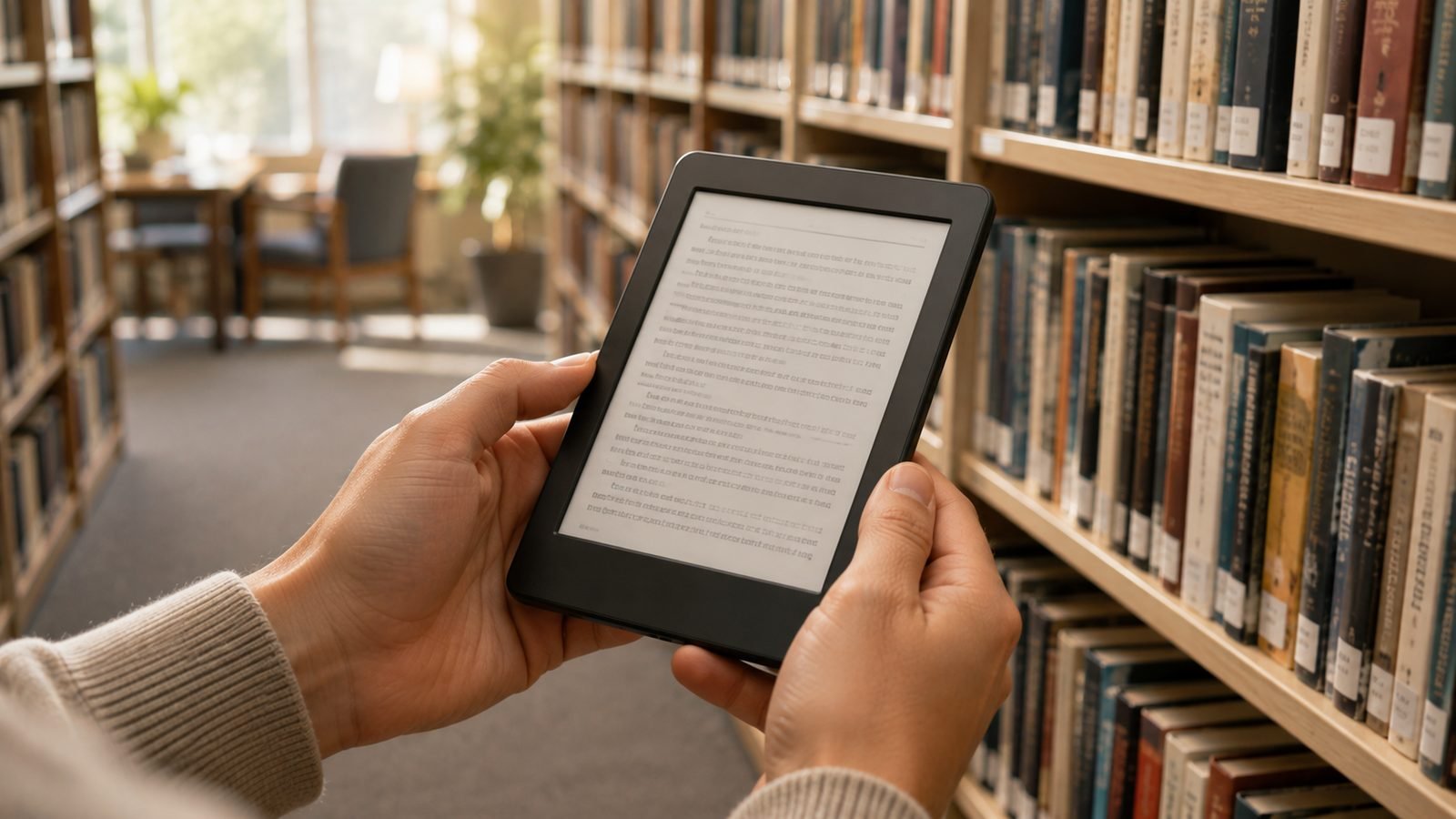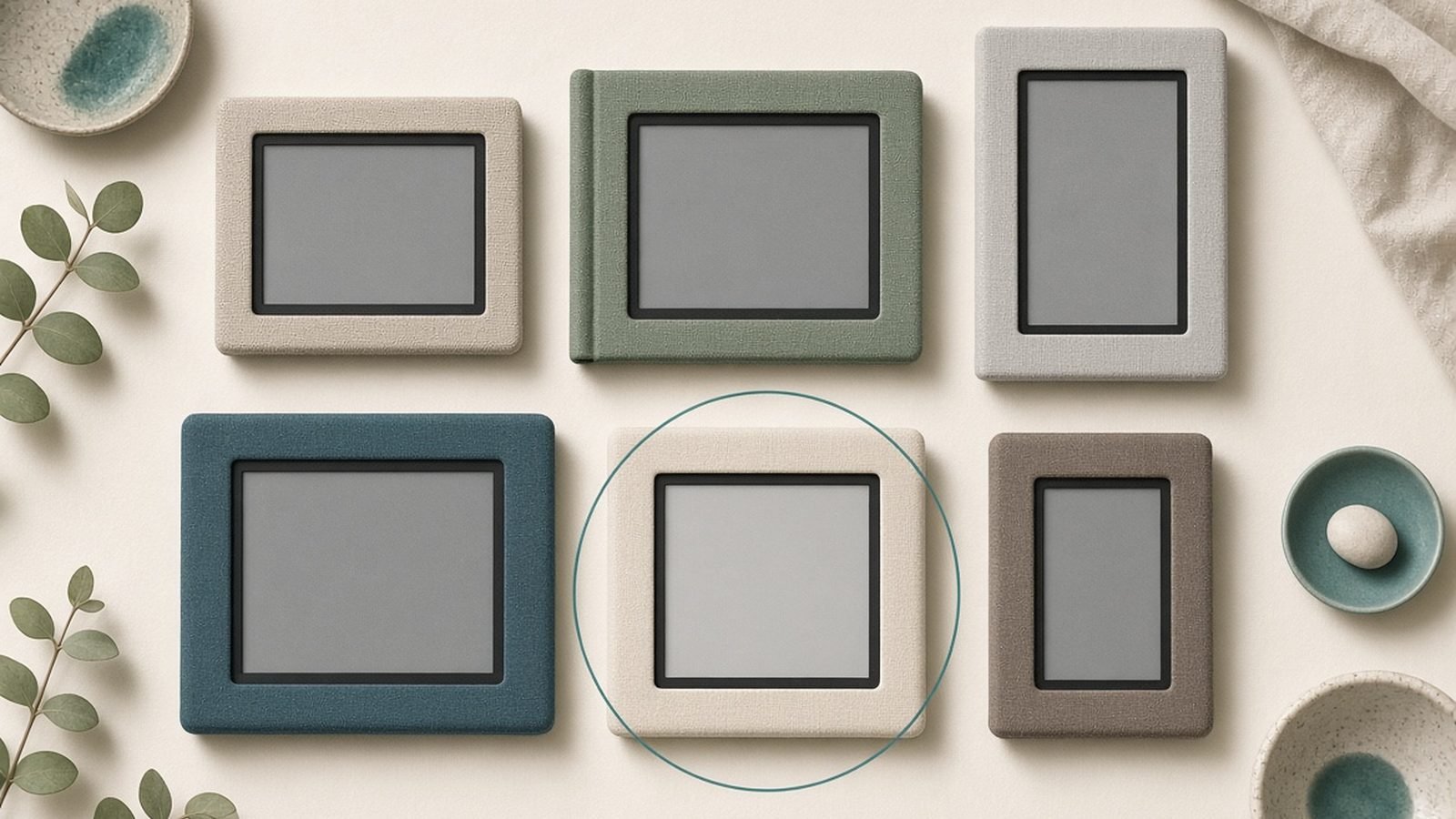
If you’re asking “which Kindle should I buy,” here’s the honest answer most reviews bury: almost everyone should buy the Kindle Paperwhite, and almost nobody needs to spend more. Amazon now sells six distinct Kindles, and the pricing ladder is designed to tempt you upward. Our job in this ranking is the opposite - to stop you overbuying.
Update, 1 October 2026: Amazon has replaced this entire line-up with a redesigned range built around flush-front displays, with new US and UK prices and a 28 October ship date for the Paperwhite and Colorsoft. The model-by-model advice below describes the outgoing generation, which is the one likely to be discounted while stock lasts — see our report on the new 2026 Kindle line-up and its prices.
We’ve spent this Kindle comparison for 2026 digging through spec sheets and aggregated owner feedback to work out who each model is actually for. Below you’ll find a one-screen decision table, a ruthless ranking, and the real trade-offs behind the marketing. Prices are shown in dual currency (US / UK) and shift constantly, so treat them as a guide.
Every 2026 Kindle at a glance
| Model | Screen | Price (US / UK) | Best for |
|---|---|---|---|
| Kindle (2024) | 6in, 300ppi | ~$110 / ~£95 | Cheapest entry, pockets and travel |
| Kindle Paperwhite (12th gen) | 7in, warm light, IPX8 | ~$160 / ~£160 | Most people - the default pick |
| Paperwhite Signature Edition | 7in, 32GB, wireless charge | ~$200 / ~£190 | Heavy libraries who hate ads |
| Kindle Colorsoft | 7in colour | ~$250-280 / ~£250-270 | Cookbooks, comics, colour highlights |
| Kindle Scribe / Scribe Colorsoft | 10.2-11in + pen | ~$400 / ~$630 | Note-takers and markup |
| Kindle Kids / Paperwhite Kids | 6in / 7in | ~$130 / ~$180 | Sneaky best value (see below) |
Short version: Paperwhite for most, the Kids bundle if the maths works, and everything else only for a specific need.
Best for most: Kindle Paperwhite (12th gen)
The Paperwhite is the Kindle we’d hand to nine out of ten people who ask. It hits the sweet spot every other model orbits: a 7-inch 300ppi display, an adjustable warm front light, IPX8 waterproofing for the bath or pool, weeks of battery, and - new for this generation - noticeably snappier page turns. In the perennial kindle vs paperwhite debate, this is exactly why the Paperwhite wins for most readers: the base Kindle saves money, but the Paperwhite fixes the two things people complain about most.
Based on owner reports, the bigger screen and warm light are the upgrades people notice daily, while waterproofing is the one they’re quietly grateful for later.
Pros - Big, crisp 7in screen with warm, adjustable light - IPX8 waterproof - genuinely bath and beach safe - Fastest page turns of any Kindle so far
Cons - Lock-screen ads unless you pay to remove them - No wireless charging at this tier - Same 16GB most people will never fill
Who it’s for: basically everyone. If you don’t have a specific reason to read further, buy this and stop.
Check price: Kindle Paperwhite (12th gen)
Worth the upgrade? Paperwhite Signature Edition
The Signature Edition is the same excellent Paperwhite with three additions: 32GB of storage, Qi wireless charging, and an auto-adjusting front light that reacts to your room. Crucially, it also ships with no lock-screen ads by default.
Here’s the kindle paperwhite vs signature edition maths that matters. On the standard Paperwhite, removing ads costs around $20 / £10. So a big chunk of the Signature premium is really you pre-paying for an ad-free device and quadruple the storage. If you listen to a lot of Audible audiobooks (which eat space) or you simply hate ads, the gap shrinks to almost nothing and the wireless charging becomes a free bonus.
Pros - 32GB - the pick for heavy Audible/audiobook users - Ad-free out of the box - Wireless charging and auto-brightness
Cons - Same screen and speed as the cheaper Paperwhite - Wireless charging is a nice-to-have, not a reason alone - Overkill if you only read text ebooks
Who it’s for: people with large libraries, audiobook listeners, and anyone who wants ad-free without the fiddly add-on.
Check price: Kindle Paperwhite Signature Edition
Cheapest: Kindle (2024) - who it’s for
The entry-level Kindle is the lightest and cheapest way in, and if budget is the whole story, it’s a perfectly good ereader. You still get a sharp 300ppi screen - the same pixel density as the Paperwhite - in a smaller, more pocketable 6-inch body.
The compromises are real, though. There’s no waterproofing, the front light is cooler (no warm-tone adjustment for night reading), and the screen is smaller. As the cheapest Kindle in the range, it’s ideal for a first ereader, a spare for travel, or a gift where every pound counts.
Pros - Lowest price and lightest weight - Same 300ppi sharpness as pricier models - Compact - fits a jacket pocket
Cons - No waterproofing - Cooler light, harsher for bedtime reading - Smaller 6in screen
Who it’s for: budget buyers, first-timers, and travel spares. Everyone else should stretch to the Paperwhite.
Update, 9 October 2026: Amazon replaced this model on 1 October with a flush-front 2026 Kindle, listed at Amazon UK on 9 October at £134.99 with ads or £149.99 without, while the 2024 model above was on a limited-time deal at £84.99 with ads. Before paying the difference, read our report on the light-bleed complaints about the 2026 Kindle: owners describe a glow at the screen edges in dark mode, and Amazon has said it is expected at high brightness.
Kindle Colorsoft: who actually needs colour
The Colorsoft brings a colour E Ink screen to the Kindle line, and the newer 16GB entry tier improved its value story considerably. Colour highlights, colourful book covers, and the odd diagram all look better here than on any grey-scale Kindle.
But be clear-eyed. In our research and across owner reports, the colour is muted and pastel rather than tablet-vivid, and black-and-white text is marginally less crisp than on the standard Paperwhite because of the extra colour filter layer. If you read mostly novels, you’re paying more for a slightly worse text experience.
On kindle colorsoft vs scribe: the Colorsoft is the compact colour reader, while the Scribe is the big-screen writing device - different jobs entirely, so don’t cross-shop them on colour alone.
Pros - Genuine colour highlights, covers and comics - 16GB tier makes the price easier to swallow - Same 7in size and waterproofing as Paperwhite
Cons - Colour is muted, not vivid - B&W text slightly less crisp than Paperwhite - A clear premium over the mono models
Who it’s for: comic, manga, cookbook and study readers who colour-code notes. Novel-only readers can skip it.
Kindle Scribe & Scribe Colorsoft: reading plus writing
The Scribe is the outlier - a 10.2-to-11-inch Kindle with an included pen, built for people who want to read and write on one device. You can mark up documents, keep notebooks, and journal directly on the E Ink display. The new Scribe Colorsoft (launched January 2026) adds colour ink and colour writing to that formula. Our full Kindle Scribe review digs into the writing experience, and our best e-ink tablets for note-taking guide compares it with Kobo, Boox and reMarkable rivals.
The catch is price. A standard Scribe lands around $400 / £380, but the Colorsoft version jumps to roughly $630 / around £600 - a big premium purely for colour ink and pen. Based on owner reports, the writing feel is excellent and the large page is a joy for PDFs, but this is a niche tool, not a Paperwhite replacement.
Pros - Large screen, superb for PDFs and notes - Pen included; natural writing feel - Colorsoft adds colour ink and markup
Cons - Expensive - Colorsoft especially - Big and heavy for one-handed reading - Overkill if you never write
Who it’s for: students, professionals and journalers who genuinely want to annotate. Pure readers shouldn’t pay the tax.
Check price: Kindle Scribe (2024) / Scribe Colorsoft (2026)
Kindle Kids: the sneaky best deal
Here’s the trick almost nobody spots. The Kindle Kids and Paperwhite Kids editions are the same hardware as the adult models, but they bundle a protective cover, a two-year worry-free replacement guarantee, and a year of Amazon Kids+ - and they always ship ad-free.
Do the sums. The Paperwhite Kids at around $180 / £170 is barely more than a standard Paperwhite, yet you get a case (worth ~$30), a two-year no-questions guarantee, and no ads. There are no ads to remove and no cartoon branding on the device itself. For a klutzy adult - not just kids - the guarantee alone can justify it. It’s quietly one of the best-value picks in the whole range.
Pros - Same hardware plus case, guarantee and Kids+ - Ad-free by default - Two-year worry-free replacement
Cons - Kids+ auto-renews unless cancelled - Parental setup out of the box - Slightly higher sticker than the bare model
Who it’s for: parents obviously - but also butter-fingered adults who want the free case and guarantee.
Check price: Kindle Kids / Paperwhite Kids
Ads, storage and cover add-ons explained
Three settings quietly change the price on every Kindle. Ads: most models default to “with special offers” (lock-screen ads). Removing them costs roughly $20 / £10 at checkout, or comes free on Signature and Kids editions. Storage: 16GB holds thousands of ebooks; only heavy audiobook users need 32GB. Covers: official covers are pricey, and solid third-party cases cost a fraction - budget for one either way, because a bare E Ink screen is fragile.
When Kindles go on sale (Prime Day and Black Friday)
Kindles are among the most heavily and predictably discounted gadgets Amazon sells. Prime Day (July, and a second event in October) and Black Friday routinely knock 20-40% off, and the entry Kindle has dipped under $85 during past events. Our advice: unless you need one now, wait for a sale. The best kindle black friday deals tend to hit the Paperwhite and Colorsoft hardest, and we refresh this ranking before each major event.
The verdict
Buy the Kindle Paperwhite. It’s the right call for the overwhelming majority and the answer to “which Kindle should I buy” in almost every case. Step up to the Signature Edition only if you want ad-free plus 32GB, grab the Kindle (2024) to save money, and consider the Kids bundle for its case-and-guarantee value. Reserve the Colorsoft for colour needs and the Scribe for writing. Don’t overbuy.
For the wider picture, see our Best E-Readers 2026: Kindle & Kobo Picks Compared (US & UK) roundup and the Tablets & E-Readers.
FAQ
Kindle vs Paperwhite - what’s the real difference? The base Kindle is smaller (6in), cheaper, and lightest, with a cooler light and no waterproofing. The Paperwhite has a larger 7in screen, an adjustable warm light, IPX8 waterproofing, and faster page turns. For most people the Paperwhite’s extras are worth the modest premium; the base Kindle is best kept for budgets and travel spares.
Is the Colorsoft or Scribe better for me? Different tools. The Kindle Colorsoft is a compact 7in colour reader for comics, cookbooks and colour highlights. The Scribe is a large 10-11in device built for writing and PDF markup with an included pen. Choose Colorsoft for colour reading, Scribe for note-taking. Very few people need both. See Kindle Scribe Colorsoft Review: Worth $630 in 2026?.
Should I pay to remove Kindle ads? Ads appear only on the lock screen, never inside books, so many people happily leave them on. Removing them costs about $20 / £10. If ads bother you, the Signature Edition and Kids editions come ad-free by default, which can make them better value than removing ads on a cheaper model.
Is Kindle Unlimited worth it with a new Kindle? It depends on how much you read. Kindle Unlimited is a separate subscription from the hardware and suits heavy readers who go through several titles a month. If you mostly borrow from your library, it may not pay off. See Is Kindle Unlimited Worth It in 2026? An Honest Breakdown and How to Borrow Library Books on Kindle (Free, via Libby) 2026.
Which Kindle is best for a child? The Kindle Kids or Paperwhite Kids editions. They pair the same hardware with a case, a two-year worry-free guarantee, a year of Amazon Kids+, and no ads - often better value than the adult model. For a comparison of colour options, see Kindle Colorsoft vs Paperwhite: Is Colour Worth $90 More?.
Zen Tech Hub may earn a commission from links on this page, at no extra cost to you.