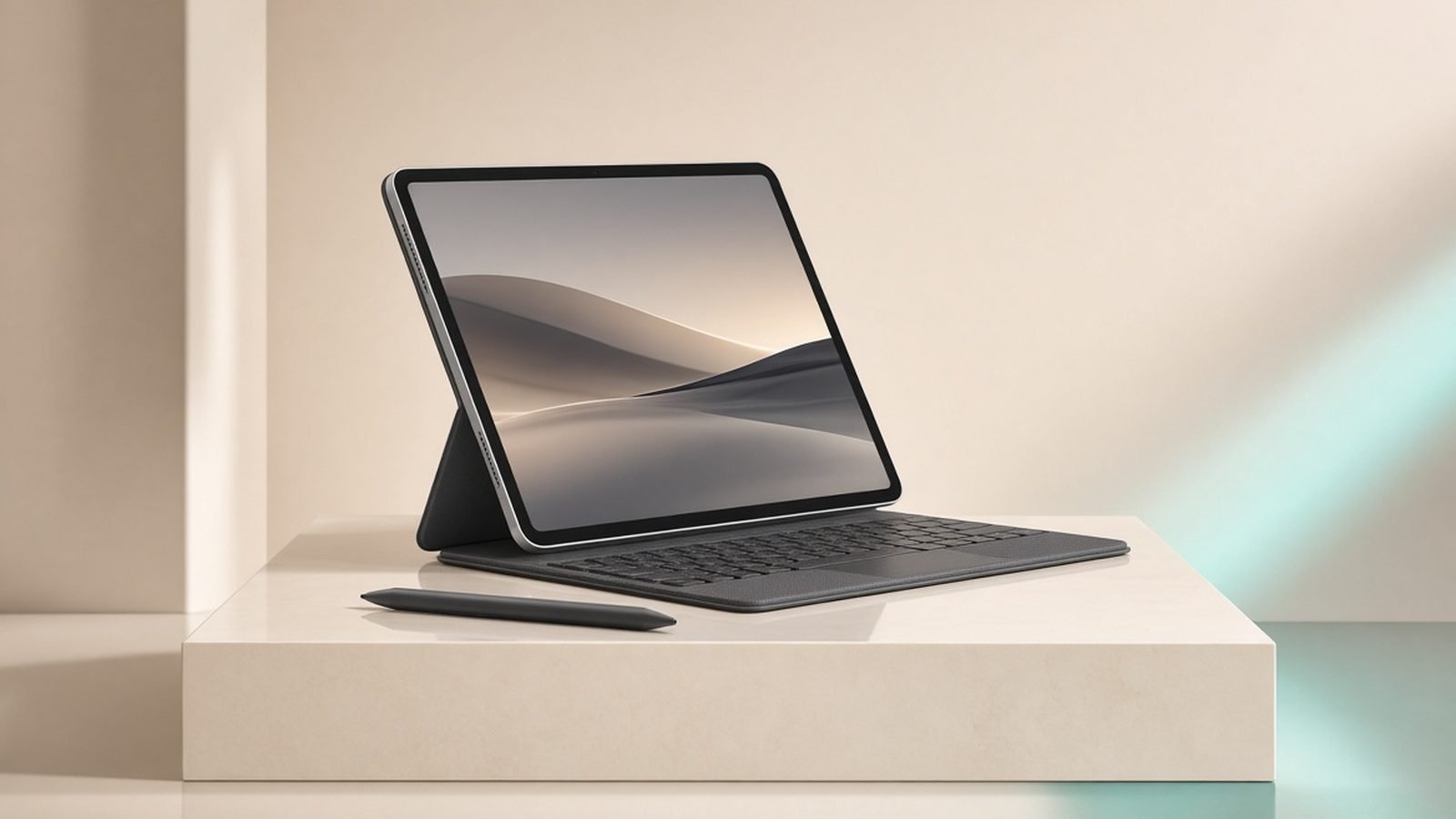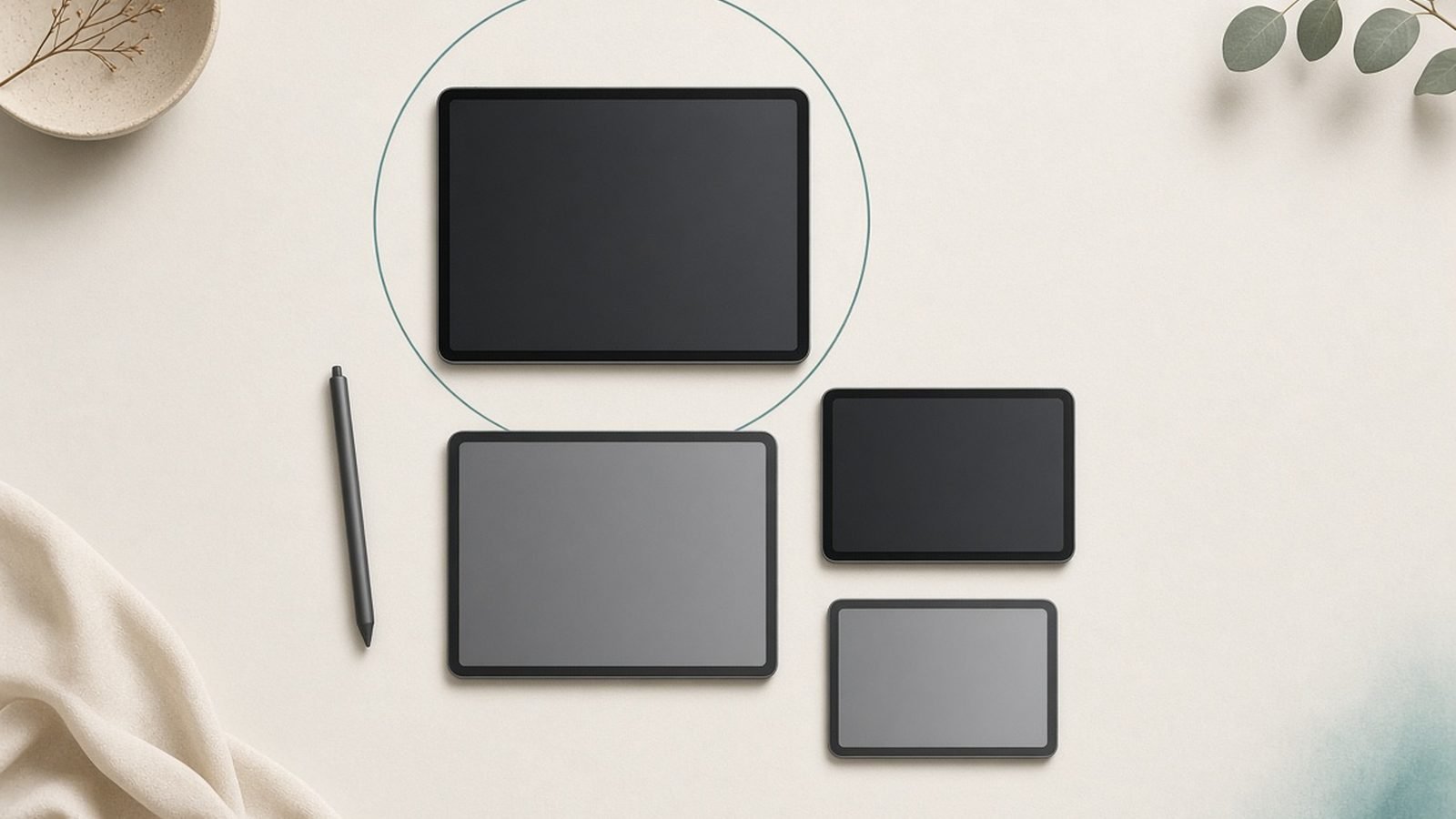
If you are asking “which iPad should I buy,” the honest answer is that most people are about to overspend. Apple’s 2026 lineup runs from a $299 base tablet to a $1,299 Pro that outguns some laptops, and Apple is very good at nudging you up the ladder. This guide does the opposite. We turned the whole confusing range into a four-question decision tree, so you can match yourself to the right iPad in about two minutes and skip the spec-sheet rabbit hole.
We built these recommendations from close spec research and aggregated owner feedback rather than fresh lab benchmarks, and we flag every real trade-off, including the accessory “gotchas” Apple would rather you discovered after checkout.
The 2026 iPad lineup at a glance
Here is the whole range, with dual US and UK pricing. Prices float with sales, so treat these as the current baseline.
| Model | Chip | Display | Apple Pencil | US price | UK price | Best for |
|---|---|---|---|---|---|---|
| iPad 11-inch (A16) | A16 | 11” 60Hz LCD | USB-C Pencil / Pencil 1 | ~$299–$349 | ~£299–£329 | Most people |
| iPad mini 7 | A17 Pro | 8.3” 60Hz LCD | Pencil Pro | ~$399–$499 | ~£449–£499 | Reading, travel |
| iPad Air 11” (M3) | M3 | 11” 60Hz LCD | Pencil Pro | ~$549–$599 | ~£579–£599 | Students, creators |
| iPad Air 13” (M3) | M3 | 13” 60Hz LCD | Pencil Pro | ~$749–$799 | ~£779–£799 | Big-canvas notes/drawing |
| iPad Pro 11”/13” (M5) | M5 | Tandem OLED 120Hz | Pencil Pro | ~$999 / $1,299 | ~£999 / £1,299 | Pros only |
Answer four questions, get your iPad
Do you need Apple Intelligence, or a stylus with pressure and tilt for real drawing? If no to both, the base iPad 11-inch is almost certainly enough.
Is pocketability the priority (transit, one-handed reading, cockpit/field use)? Go iPad mini 7.
Are you a student or creator who wants power, AI features and the good keyboard, but not a four-figure bill? The iPad Air M3 is the sweet spot.
Do you edit multi-track video, 3D, or ProRAW daily and want an OLED, 120Hz display? Only then does the iPad Pro M5 make sense.
If you answered “no” to all four, buy the cheapest one that fits. That is not a cop-out; it is the correct answer for the majority of buyers.
Best for most people: iPad 11-inch (A16)
This is the value king and the model most readers should buy. The 2025 refresh doubled base storage to 128GB and keeps the A16 chip, USB-C, and Touch ID. For web, streaming, email, YouTube, kids, kitchens, and note-taking, it does everything the pricier iPads do, just without the flourishes.
The catch is what it leaves out. There is no Apple Intelligence (the A16 lacks the memory Apple’s on-device AI needs), no Pencil Pro support, and the screen is a 60Hz LCD that is not laminated, so there is a slight air gap under the glass that drawing purists will notice. Is the base iPad good enough? For most homes, yes, easily.
Pros - Cheapest iPad worth buying, by a wide margin - 128GB base storage is genuinely generous now - All-day battery, light, USB-C
Cons - No Apple Intelligence - Only the older USB-C Apple Pencil / Pencil 1, no Pencil Pro - 60Hz, non-laminated display
Who it’s for: families, students on a budget, anyone who mainly consumes content. Skip if: you want AI features or serious drawing.
Check price: iPad 11-inch (A16, 2025)
Best small iPad: iPad mini 7 (A17 Pro)
The mini 7 is the one iPad no other model replaces. Its 8.3-inch body fits a jacket pocket, one hand, or an aircraft tray, which makes it the best iPad for reading, travel, transit gaming, and use as a field or cockpit reference device. The A17 Pro chip is quick, and crucially the mini 7 supports the Apple Pencil Pro, so it doubles as a pocket notebook.
You pay a small “small tax,” it costs more than the far larger base iPad, and the display is still 60Hz. There is no first-party keyboard case, so it is not a laptop stand-in. But nothing else Apple makes is this portable.
Pros - Genuinely pocketable 8.3-inch design - Apple Pencil Pro support for quick notes - Fast A17 Pro, supports Apple Intelligence
Cons - Costs more than the larger base iPad - 60Hz display, no keyboard ecosystem - Small screen limits productivity
Who it’s for: commuters, travelers, readers, pilots and field workers. Skip if: you want one iPad to also be a laptop.
Check price: iPad mini 7 (A17 Pro)
Best value-to-power: iPad Air M3 (11-inch and 13-inch)
If you want the classic “iPad vs iPad Air vs iPad Pro” question settled in one line: the iPad Air M3 is the sweet spot for almost everyone who needs more than the base model. You get desktop-class M3 performance, full Apple Intelligence, Pencil Pro support, and Magic Keyboard compatibility, without the Pro’s price. For students and creators, this is the one to beat, and our pick for the best iPad for students in 2026.
The 11-inch Air is the do-everything size for notes, essays, and light photo work. The 13-inch Air gives you a big canvas for drawing and split-screen multitasking for far less than a 13-inch Pro, which is why it is our favorite affordable pick for the best iPad for drawing that does not involve pro-level color work.
The one honest limitation across both: the display is a 60Hz laminated LCD, not the Pro’s 120Hz ProMotion OLED. Scrolling and Pencil latency are a touch behind the Pro. For the vast majority of users that gap is invisible in daily use.
There is also a timing angle. Industry chatter points to a possible price rise on the next M5-class Pro, and Air pricing tends to drift with it. If you have been waiting, buying the Air M3 now rather than gambling on a pricier future lineup is the safer play.
Pros - M3 power and full Apple Intelligence - Pencil Pro and Magic Keyboard support - Two sizes; still hundreds less than the Pro
Cons - 60Hz LCD, no ProMotion or OLED - Keyboard and Pencil are extra - No Face ID
Who it’s for: students, note-takers, hobbyist artists, anyone wanting a laptop-lite. Skip if: you truly need OLED/120Hz, or you only browse and stream.
Check price: iPad Air 11-inch (M3)
Check price: iPad Air 13-inch (M3)
For a deeper look, see our full iPad Air M3 Review: The Only iPad Most People Should Buy and the head-to-head in iPad Air M3 vs iPad Pro M5: Don’t Pay $400 More by Mistake.
For pros only: iPad Pro M5 (11 / 13)
The iPad Pro M5 is the most powerful tablet made, and for most people that is exactly why it is the wrong buy. You get a stunning tandem OLED display with 120Hz ProMotion, the M5 chip, Wi-Fi 7, Face ID, and 12–16GB of RAM depending on storage. It is a legitimate laptop replacement for the right workflow.
That workflow is narrow: multi-track 4K video, heavy 3D, pro photo pipelines, music production, or anyone who genuinely lives in demanding creative apps all day. If that is not you, the Air does 90% of the job for hundreds less. Remember the accessories, too, the Magic Keyboard and Pencil Pro can add $300–$450 on top, which pushes a real-world 13-inch Pro setup well past most laptops.
Pros - Best-in-class tandem OLED, 120Hz - M5 power, Wi-Fi 7, Face ID, more RAM - True laptop-class creative machine
Cons - Overkill and overpriced for most buyers - Accessories add $300–$450 - Possible price rises make value worse
Who it’s for: working creative pros with demanding daily apps. Skip if: you are “future-proofing”, the Air is the smarter future-proof.
Check price: iPad Pro 11 / 13 (M5)
Storage, accessories and Apple Pencil compatibility explained
Storage. Base iPad and Air both start at 128GB, which is plenty for most. Only jump to 256GB+ if you shoot lots of video, keep large offline libraries, or plan to use the Pro for pro media work. You cannot expand any iPad, so choose once and choose right.
The Apple Pencil gotcha. This trips up more buyers than anything else. The Apple Pencil Pro (~$129 / £129) adds squeeze, barrel roll, and hover, and works with the Air, Pro, and mini 7. It is not compatible with the base iPad 11-inch, which uses the older USB-C Apple Pencil / Pencil 1 instead. If drawing or serious note-taking is your reason for buying, that single fact should push you to the Air, not the base model.
Keyboards. Only the Air and Pro support the Magic Keyboard for a true laptop feel. The base iPad and mini rely on cheaper third-party or Bluetooth options. Factor keyboard cost into your budget before you fall in love with a sticker price.
Should you buy refurbished or last-gen iPads?
Often, yes. Apple Certified Refurbished units carry the same warranty as new and typically save 15%. A previous-generation iPad Air M2 or an older iPad Pro M4 can be superb value if you find one discounted, both still run current iPadOS and Apple Intelligence comfortably. Based on owner reports, the main risks are battery age on third-party marketplaces and buying a model too old to get software updates. Stick to Apple Refurbished or reputable sellers, check the chip generation, and avoid anything pre-Apple-silicon if AI features matter to you.
Which iPads to avoid in 2026
The base iPad if you want to draw or use AI. The Pencil and Apple Intelligence limits make it a false economy for creators.
An 11-inch Pro bought “to save money” over the 13-inch. If you need the Pro, you usually need the bigger canvas; if you don’t, buy the Air.
Any very old, non-Apple-silicon iPad from a marketplace listing, no Apple Intelligence and a shorter support runway.
A maxed-out base iPad. Once you add storage and a keyboard, you are in Air territory anyway. Just buy the Air.
Verdict: the quick pick
Most people: iPad 11-inch (A16). Cheapest iPad worth buying.
Small and portable: iPad mini 7.
Students and creators (our overall best iPad 2026): iPad Air M3, 11-inch for most, 13-inch for big-canvas work.
Demanding pros only: iPad Pro M5.
If you are torn, default to the Air M3. It is the model the fewest buyers regret.
FAQ
Is the base iPad good enough in 2026? For most people, yes. The iPad 11-inch (A16) handles web, streaming, email, note-taking, and schoolwork with ease, and 128GB base storage is generous. The only reasons to skip it are Apple Intelligence and Apple Pencil Pro support, neither of which it offers. If those do not matter to you, save the money.
What is the best iPad for students? The iPad Air M3, most students want the 11-inch. It runs Apple Intelligence, supports the Pencil Pro for handwritten notes and the Magic Keyboard for essays, and costs hundreds less than a Pro. The base iPad works for lighter courses, but the Air is the long-term pick for a four-year workload.
What is the best iPad for drawing? For hobby and semi-pro artists, the iPad Air M3 (the 13-inch if you want room to work) hits the value sweet spot with Pencil Pro support. Working professionals who need OLED color accuracy and 120Hz ProMotion should step up to the iPad Pro M5. Avoid the base iPad, it does not support the Pencil Pro.
iPad Air vs iPad Pro, which should I buy? Buy the Air unless you edit multi-track 4K video, do heavy 3D, or run pro creative apps all day. The Pro’s tandem OLED, 120Hz, and M5 chip are superb but wasted on browsing and note-taking. With accessories adding $300–$450, the Pro only earns its price for genuine professional workloads.
Should I wait for the next iPad? Probably not. Chatter points to possible price rises on future Pro models, which tends to lift the whole lineup. The current Air M3 and Pro M5 are excellent and will stay supported for years. If you need an iPad now, buying now, ideally on a deal or refurbished, is the safer move.
Related reading
iPad Air M3 Review: The Only iPad Most People Should Buy
iPad Air M3 vs iPad Pro M5: Don’t Pay $400 More by Mistake
Best Tablets Under $500 in 2026: 7 Picks for US & UK Buyers
Galaxy Tab S11 vs iPad Air M3: Android or Apple in 2026?
How to Use an iPad as a Second Monitor (Mac & Windows)
Zen Tech Hub may earn a commission from links on this page, at no extra cost to you.