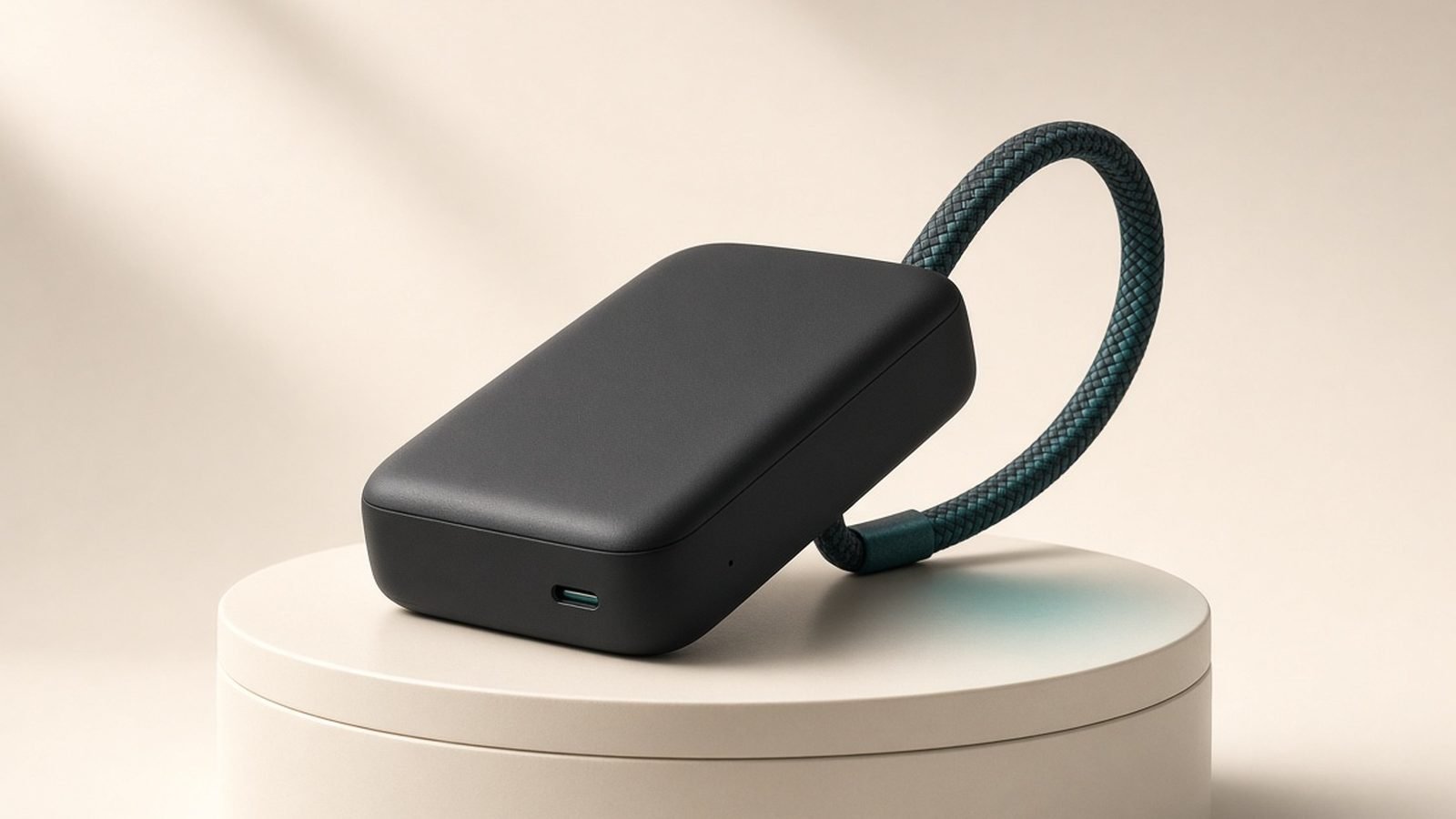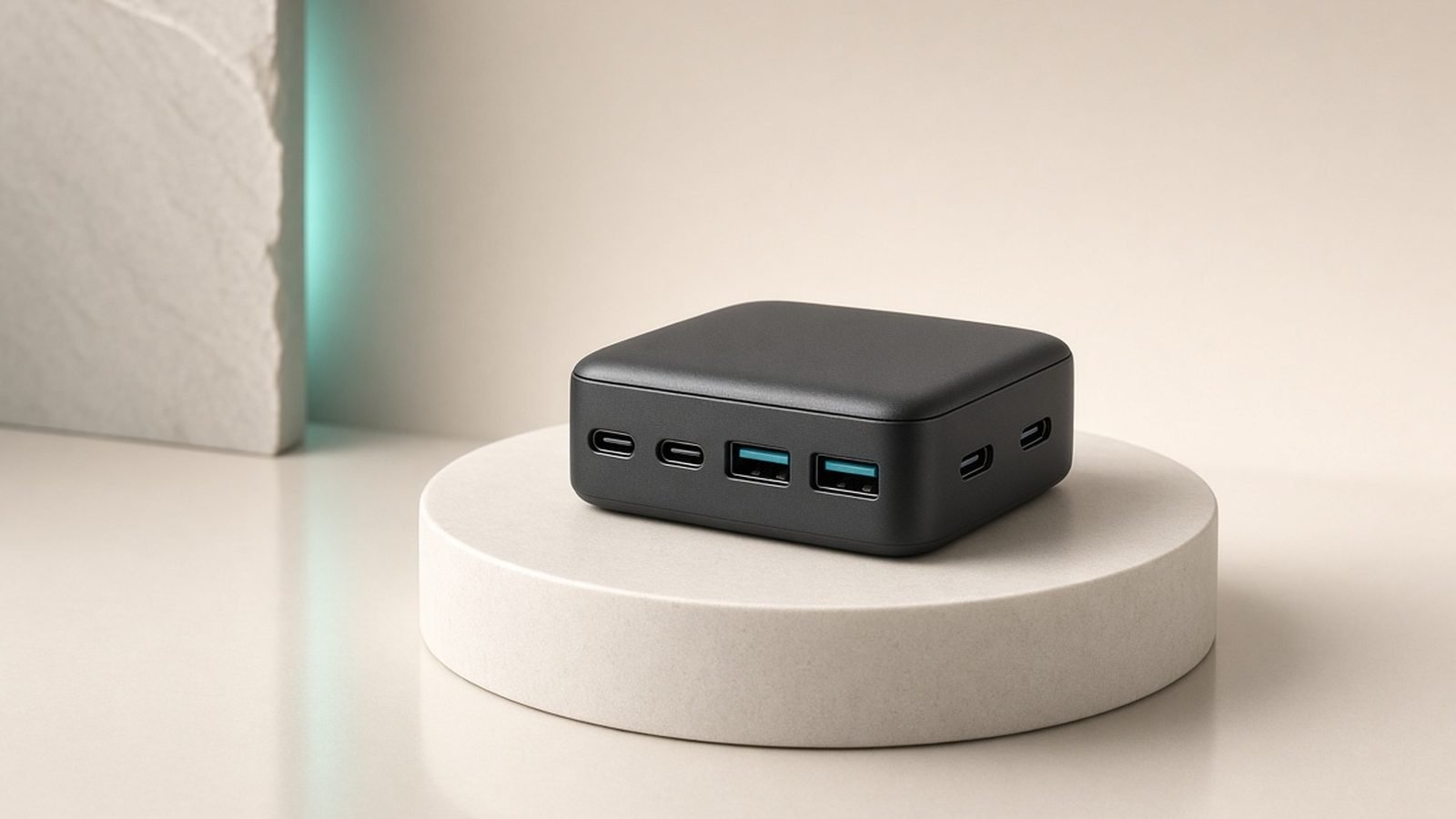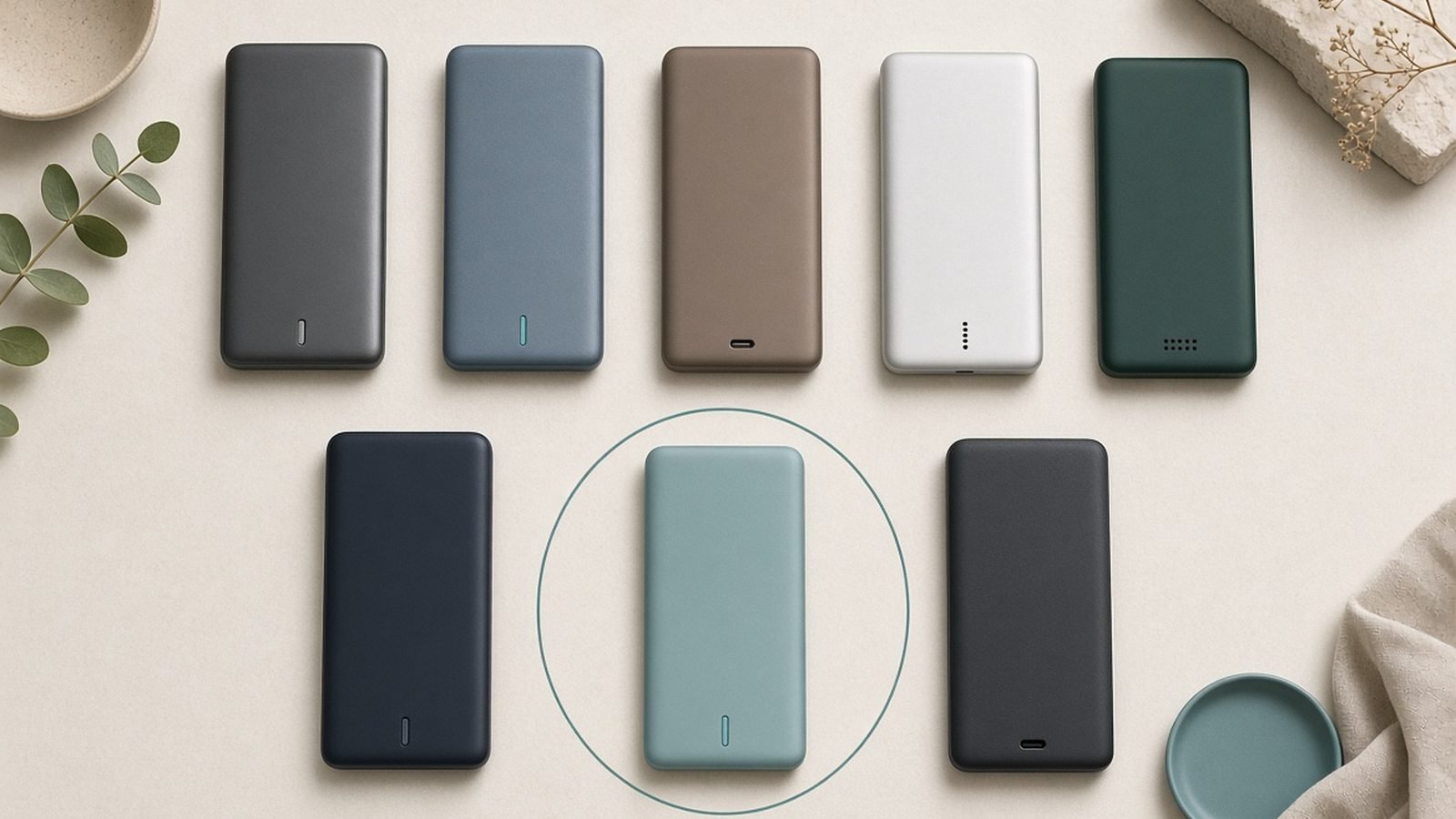
Finding the best power bank for laptop charging comes down to one brutal test: can it charge a MacBook Pro 16 or a gaming ultrabook while you’re actually using it? A 30W bank that trickle-charges your phone will lose ground against a laptop under load. You need sustained 100W+ USB-C Power Delivery output, a genuine 20,000-25,000mAh cell, and a capacity that stays under the 100Wh airline limit so it can legally board a plane with you.
In our research for this guide, we compared spec sheets, teardown data and hundreds of owner reports across every serious 100W+ bank shipping in 2026. Five earned a recommendation. Here they are, from the do-everything default to the sub-$60 budget option.
For the wall-charger side of your kit, see our companion guide to GaN chargers. Best GaN Chargers 2026: 30W to 160W Compared & Ranked
Our Top Laptop Power Bank Picks at a Glance
| Power Bank | Capacity / Wh | Max Output | Weight | Price (US / UK) | Best For |
|---|---|---|---|---|---|
| Anker Laptop Power Bank (25K) | 25,000mAh / 90Wh | 165W total, 100W per port | ~595g | around $119.99 / £99.99 | Best overall |
| Anker Prime 26,250mAh | 26,250mAh / 94.5Wh | 300W total, 140W per port | ~660g | around $199.99 / £179.99 | Best premium |
| UGREEN Nexode 25,000mAh | 25,000mAh / 90Wh | 200W total, 140W per port | ~665g | around $99.99 / £89.99 | Best value |
| EcoFlow Rapid Pro X | 27,650mAh / 99.54Wh | 300W total | ~700g | around $279.99 / £249.99 | Power users |
| Baseus 20,000mAh 100W | 20,000mAh / 72Wh | 100W single port | ~490g | around $59.99 / £54.99 | Best budget |
All five stay under the 100Wh airline limit — more on the exact TSA and UK CAA rules below.
Best Overall: Anker Laptop Power Bank (25,000mAh, 165W)
Anker’s flagship laptop power bank is the pick we’d hand to 90% of readers, and it’s the one that made the “power bank with built in cable” concept genuinely useful rather than a gimmick. Two USB-C cables are built into the unit itself: one retractable cable that pulls out to about 2.3 feet, and a second short cable that doubles as the carry strap. You will never again arrive at an airport gate with a bank and no cable.
The numbers are exactly what a laptop demands. It delivers up to 100W from a single port and 165W total across its four outputs (two built-in cables, one USB-C port, one USB-A). In practical terms, that’s a MacBook Pro 14 or most 16-inch machines charging at full or near-full speed while you keep a phone and earbuds topped up on the side. The 25,000mAh capacity works out to 90Wh — comfortably airline-legal — and based on hundreds of owner reports, real-world delivered energy is enough for roughly one full charge of a MacBook Pro 16 or about 1.3-1.5 charges of a 13-14 inch ultrabook.
Recharging the bank itself takes well under an hour to 50% with a 100W input, so a coffee stop between flights meaningfully refills it. The small display showing wattage in and out, plus remaining time estimates, removes the guesswork cheaper banks force on you.
The trade-off is heft. At roughly 595g (1.3lb), it’s a brick you plan around, not one you forget in a jacket pocket. And the retractable cable mechanism, while rated for thousands of pulls, is a moving part that a plain port will always outlast. Owner feedback on the mechanism has been strongly positive so far, but it’s the one long-term question mark.
We’ve covered this bank in much more depth in our standalone review. Anker Laptop Power Bank Review (25K, 165W): Worth It?
Pros:
- Two built-in USB-C cables — retractable plus strap-style — so you’re never cable-less
- 100W single-port / 165W total handles a MacBook Pro plus accessories
- 90Wh capacity is airline-legal with room to spare
- Clear display with real-time wattage and time-remaining estimates
- Fast self-recharge
Cons:
- Heavy at ~595g
- Retractable mechanism is a potential long-term wear point
- Street price fluctuates; wait for the frequent $90-110 deals
Check price: Anker Laptop Power Bank (25,000mAh, 165W)
Verdict: The safest recommendation in the category. Enough power for any USB-C laptop, airline-legal capacity, and the built-in cables solve the most common real-world failure: forgetting the right cable.
Best Premium: Anker Prime Power Bank (26,250mAh, 300W)
The Anker Prime 26,250mAh is what you buy when one laptop isn’t the whole problem. Its 300W total output can drive a 140W-class laptop port and still push serious wattage to two more devices simultaneously — think a MacBook Pro 16, an iPad Pro and a phone all charging at once from a single brick.
Two things justify the price over the standard Anker laptop power bank. First, the 140W single-port output: that’s full-speed charging for a MacBook Pro 16 with the right USB-C cable, where 100W banks charge it slightly below its maximum rate. (Yes, the cable matters at 140W — you need a 240V/EPR-rated one. Our USB-C cable explainer covers why. USB-C Cable Types Explained: Speeds, Watts and Labels) Second, the recharge speed: with a sufficiently powerful wall charger, the Prime refills from empty in around 37 minutes per Anker’s spec, which owner reports broadly corroborate. No other bank in this guide comes close.
The smart display is genuinely useful rather than decorative — per-port wattage, battery health, temperature — and the optional magnetic charging base turns it into a grab-and-go dock on your desk. At 94.5Wh, it’s still airline-legal.
Who shouldn’t buy it: anyone charging a single sub-100W laptop. You’d be paying roughly double the UGREEN Nexode’s price for headroom you’ll never touch. This is a tool for people running a laptop plus a full bag of USB-C devices, or anyone who values the 37-minute turnaround.
Pros:
- 300W total output charges a laptop and two other devices at full speed
- 140W single port maxes out a MacBook Pro 16
- Roughly 37-minute self-recharge is the fastest in class
- Excellent display with per-port stats and battery health
- Optional charging base makes daily top-ups frictionless
Cons:
- Around $199.99 / £179.99 — expensive
- Charging base sold separately
- Overkill for a single laptop under 100W
Check price: Anker Prime Power Bank (26,250mAh, 300W)
Verdict: The best portable charger for laptop power users carrying multiple high-draw devices. If you only charge one laptop, save the money and buy the 165W Anker or the UGREEN below.
Best Value: UGREEN Nexode 25,000mAh 200W
If you strip away the built-in cables and the brand-name premium, the UGREEN Nexode 25,000mAh is the best watts-per-pound (and watts-per-dollar) deal of 2026. For around $99.99 / £89.99 — with street prices regularly dipping to about $91 — you get 200W total output and, crucially, 140W from a single USB-C port. That’s Anker Prime-level single-port power at half the Prime’s price.
In our research, this is the bank that keeps winning the spreadsheet comparison. A 25,000mAh / 90Wh cell, three ports (two USB-C, one USB-A), a small display for input/output wattage, and pass-through charging. Owner reports consistently confirm it sustains high output into a laptop without the thermal throttling that plagued earlier 100W-class banks — UGREEN’s larger casing works in its favor there, even if it costs points on looks.
The compromises are physical. It’s chunkier than the Anker despite similar capacity, there’s no built-in cable, and the display is more basic than either Anker’s. Self-recharge is quick (around 90 minutes with a suitable 100W charger, per aggregated owner feedback) but not in the Prime’s league.
For a deeper look at how these two brands compare across their lineups, see our head-to-head. Anker vs UGREEN in 2026: Which Charging Brand Wins?
Pros:
- 140W single-port output at a mid-range price
- 200W total across three ports
- 90Wh — airline-legal 25000mAh power bank capacity
- Display shows real-time wattage
- Frequently discounted below $95 / £85
Cons:
- Bulkier casing than the Anker equivalents
- No built-in or included premium cable
- Basic display compared with Anker Prime
Check price: UGREEN Nexode 25,000mAh 200W
Verdict: The rational choice. Nearly all of the flagship performance for significantly less money — you’re only giving up the built-in cables and some polish.
Best for Power Users: EcoFlow Rapid Pro X (27,650mAh, 300W)
EcoFlow made its name in portable power stations, and the Rapid Pro X reads like a power station engineer was asked to build a power bank. The result: 27,650mAh — a 99.54Wh capacity that sits as close to the 100Wh airline ceiling as physics and lawyers allow — with 300W total output and a self-recharge speed that rivals the Anker Prime.
That 99.54Wh figure is the headline. It’s roughly 10% more onboard energy than the 90Wh Anker and UGREEN banks while remaining fully airline-legal, which translates to meaningfully more laptop runtime per trip. Combined with 300W output, it will fast-charge a 140W-class laptop and two other devices simultaneously, and the rugged casing is built for field work rather than café work. Owner reports from photographers and drone pilots — EcoFlow’s natural audience — praise how it shrugs off being tossed into hard cases.
The costs are equally clear. At around $279.99 / £249.99 it’s the most expensive bank here by a wide margin, and at roughly 700g it’s the heaviest. This is not an everyday-carry item for most people; it’s a mobile power hub for those whose work genuinely drains 100Wh in a day.
Pros:
- 99.54Wh — maximum airline-legal capacity
- 300W total output for multi-device fast charging
- Very fast self-recharge
- Rugged build quality suited to field use
Cons:
- Premium price, around $279.99 / £249.99
- Heavy (~700g) for daily carry
- Overkill unless you routinely drain 90Wh banks
Check price: EcoFlow Rapid Pro X (27,650mAh, 300W)
Verdict: The maximum legal power bank. Buy it if you’re a creator, engineer or drone pilot who measures days in watt-hours; skip it if you just want your laptop alive on a flight.
Best Budget: Baseus 20,000mAh 100W Power Bank
Proof that laptop-class charging no longer requires laptop-class spending. The Baseus 20,000mAh delivers a genuine 100W from its USB-C port for around $59.99 / £54.99 — a spec that cost $130+ only a couple of years ago. There’s a digital display for charge percentage, a second USB-C port and a USB-A port, and a 72Wh capacity that clears airline rules easily.
Set expectations correctly and it delivers. 100W will charge a MacBook Air, a 13-14 inch ultrabook, or a Steam Deck at full speed, and it’ll keep a MacBook Pro 16 gaining charge under moderate load. The 72Wh cell yields roughly one full charge of a 13-inch laptop or about 70-80% of a MacBook Pro 16, based on typical conversion efficiency and owner-reported results.
Where the budget shows: the bank itself recharges slowly compared with everything above (expect a couple of hours), the plastic casing feels less premium, and sustained-output consistency in owner reports is a notch below Anker and UGREEN — some users report the 100W output stepping down during long high-draw sessions as the bank warms up. For students and occasional travelers, none of that outweighs the price.
Pros:
- Genuine 100W laptop power bank output for under $60 / £55
- Digital display for remaining charge
- 72Wh — well under airline limits
- Light for the class at ~490g
Cons:
- Slow self-recharge
- Plastic build
- Some owner reports of output stepping down when hot
Check price: Baseus 20,000mAh 100W Power Bank
Verdict: The budget pick for anyone whose laptop draws 100W or less. Spend the $40 you saved on a good GaN wall charger instead. Best GaN Chargers 2026: 30W to 160W Compared & Ranked
How Much Wattage and Capacity Do You Actually Need?
The best power bank for laptop use is the one matched to your machine’s actual draw, not the biggest number on the box. Here’s the quick math.
Wattage: Check your laptop’s original charger. A MacBook Air ships with 30-35W, a MacBook Pro 14 with 70-96W, a MacBook Pro 16 with 140W, and most Windows ultrabooks with 65-100W. A laptop power bank 100W output covers everything except the biggest machines under heavy load. The critical scenario is charging while working: a MacBook Pro 16 rendering video can draw 60-90W by itself, so a 100W input keeps it gaining charge, while a 60W bank would only slow the drain.
Capacity: Battery capacity in laptops is quoted in watt-hours: about 52Wh for a MacBook Air 13, 70-73Wh for a MacBook Pro 14, and 100Wh for a MacBook Pro 16. Power bank conversion is never lossless — expect roughly 80-85% of a bank’s rated Wh to actually reach your laptop. So a 90Wh bank realistically delivers 72-77Wh: one-plus full charges of an Air, about one charge of a Pro 14, and 70-80% of a Pro 16.
Ports and cables: If you charge a phone and earbuds too, prioritize total output (165W+) over single-port numbers. And at 140W, your cable becomes the bottleneck — only EPR-rated USB-C cables carry more than 100W. USB-C Cable Types Explained: Speeds, Watts and Labels
If your priority is phone-first charging with occasional laptop top-ups, a MagSafe/Qi2 bank may fit your pocket better. Best MagSafe & Qi2 Power Banks 2026: Which One Wins?
Can You Fly With These? TSA and Airline 100Wh Rules
This is the section that saves you a confiscated $200 brick at security, and it’s why every pick above stays under 100Wh.
US (TSA/FAA): Lithium power banks must travel in carry-on baggage only — never checked luggage. Banks up to 100Wh need no approval and no quantity limit beyond “reasonable personal use.” Banks between 101Wh and 160Wh require airline approval and are limited to two per passenger. Over 160Wh is prohibited on passenger aircraft entirely. The power bank airplane 100Wh limit is why manufacturers cluster at 25,000-27,000mAh: at the standard 3.6V cell voltage, 27,777mAh is the mathematical ceiling.
UK (CAA) and EU: The rules mirror the US framework — carry-on only, 100Wh without approval, 100-160Wh with airline approval (maximum two). For readers searching for the best power bank for laptop UK travel specifically: every bank in this guide clears CAA rules without paperwork. One extra wrinkle in 2025-2026: several Asian carriers (and a growing number globally) now prohibit using or charging power banks in-flight and require them kept in sight rather than in overhead bins. Check your specific airline before assuming you can work off battery power mid-flight.
Practical tips: Keep the Wh rating visible — security officers look for the printed label, and unlabeled banks can be refused. Fly with the bank partially discharged if you can. And if an airline gate-checks your cabin bag, pull the power bank out first; it still can’t ride in the hold.
How We Evaluate Laptop Power Banks
Zen Tech Hub doesn’t run a battery lab, and we won’t pretend otherwise. Our recommendations are built on three layers of research. First, spec verification: we confirm claimed wattage, Power Delivery profiles (including 140W/28V EPR support) and Wh ratings against manufacturer documentation and regulatory filings, and we flag marketing math — like brands quoting mAh at 3.6V cell voltage to look bigger. Second, aggregated owner evidence: hundreds of verified-purchase reviews and long-term forum reports per product, weighted toward sustained-output behavior, thermal throttling and reliability over months, not unboxing impressions. Third, independent teardown and measurement data from testers we trust, where it exists.
A bank only gets recommended when all three layers agree. When owner reports surface a consistent weakness — like the Baseus stepping down output when hot — we tell you, because a recommendation you can’t trust is worthless. Something not working as advertised? Start with our troubleshooting guide. Power Bank Not Charging? 9 Fixes That Actually Work
FAQ
Can a power bank charge a MacBook Pro 16 while I’m using it?
Yes, if it sustains enough output. A MacBook Pro 16 draws roughly 40-90W in use, so a 100W bank keeps it charging under most workloads, and a 140W bank (Anker Prime, UGREEN Nexode 200W, EcoFlow Rapid Pro X) charges it at full speed even under heavy load. You’ll also need an EPR-rated USB-C cable to carry more than 100W.
What is the largest power bank allowed on a plane?
100Wh (about 27,000mAh at 3.6V) is the limit for carry-on without airline approval under both US TSA/FAA and UK CAA rules. Banks of 101-160Wh need airline approval, limited to two per passenger. Anything over 160Wh is banned from passenger flights. Power banks are never allowed in checked luggage, regardless of size.
How many laptop charges does a 25,000mAh power bank give?
A 25000mAh power bank holds about 90Wh, and after typical 80-85% conversion efficiency, delivers roughly 72-77Wh to your device. That’s about 1.4 full charges of a MacBook Air 13 (52Wh battery), one charge of a MacBook Pro 14 (70-73Wh), or 70-80% of a MacBook Pro 16 (100Wh).
Is 100W enough for a laptop power bank?
For most laptops, yes. MacBook Airs, 13-14 inch ultrabooks and most Windows machines charge at full speed from 100W. The exceptions are 16-inch workstations and gaming laptops with 140W+ chargers — they’ll still charge from 100W, just more slowly under heavy load. If that’s your machine, choose a 140W-capable bank.
Are built-in cables on a power bank worth it?
In our research, yes — forgetting or losing a cable is the single most common owner complaint across the category, and the Anker laptop power bank’s retractable design solves it outright. The trade-off is a mechanical wear point that a plain USB-C port doesn’t have. If you’re disciplined about carrying cables, the UGREEN Nexode saves you money instead.
Why does my 100W power bank charge my laptop slowly?
Usually the cable, not the bank. Cables without e-marker chips cap at 60W, and only EPR-rated cables exceed 100W. Heat can also cause banks to step down output during long sessions, and a nearly empty bank may reduce output to protect its cells. Our fix-it guide walks through diagnosis step by step. Power Bank Not Charging? 9 Fixes That Actually Work
Verdict: Which One Should You Buy?
For most people, the answer is the Anker Laptop Power Bank (25K, 165W) at around $119.99 / £99.99 — often less on sale. It has enough power for any mainstream laptop, airline-legal capacity, and built-in cables that eliminate the most common real-world failure. It’s the default.
Check price: Anker Laptop Power Bank (25,000mAh, 165W)
Choose differently if:
- You want maximum value: the UGREEN Nexode 25,000mAh 200W delivers 140W single-port charging for around $99.99 / £89.99 — the best pure spec-per-dollar buy of 2026.
- You carry multiple high-draw devices: the Anker Prime 26,250mAh 300W charges three things at full speed and refills itself in about 37 minutes.
- You live off-grid or on set: the EcoFlow Rapid Pro X packs the maximum airline-legal 99.54Wh with 300W output and a rugged shell.
- You’re on a budget: the Baseus 20,000mAh 100W does genuine laptop charging for around $59.99 / £54.99, with honest compromises in recharge speed and build.
Whichever you pick, pair it with a proper EPR-rated cable and a fast GaN wall charger so the bank itself refills quickly between uses — and browse the rest of our charging coverage for the full setup. Accessories & Charging
Zen Tech Hub may earn a commission from links on this page, at no extra cost to you.