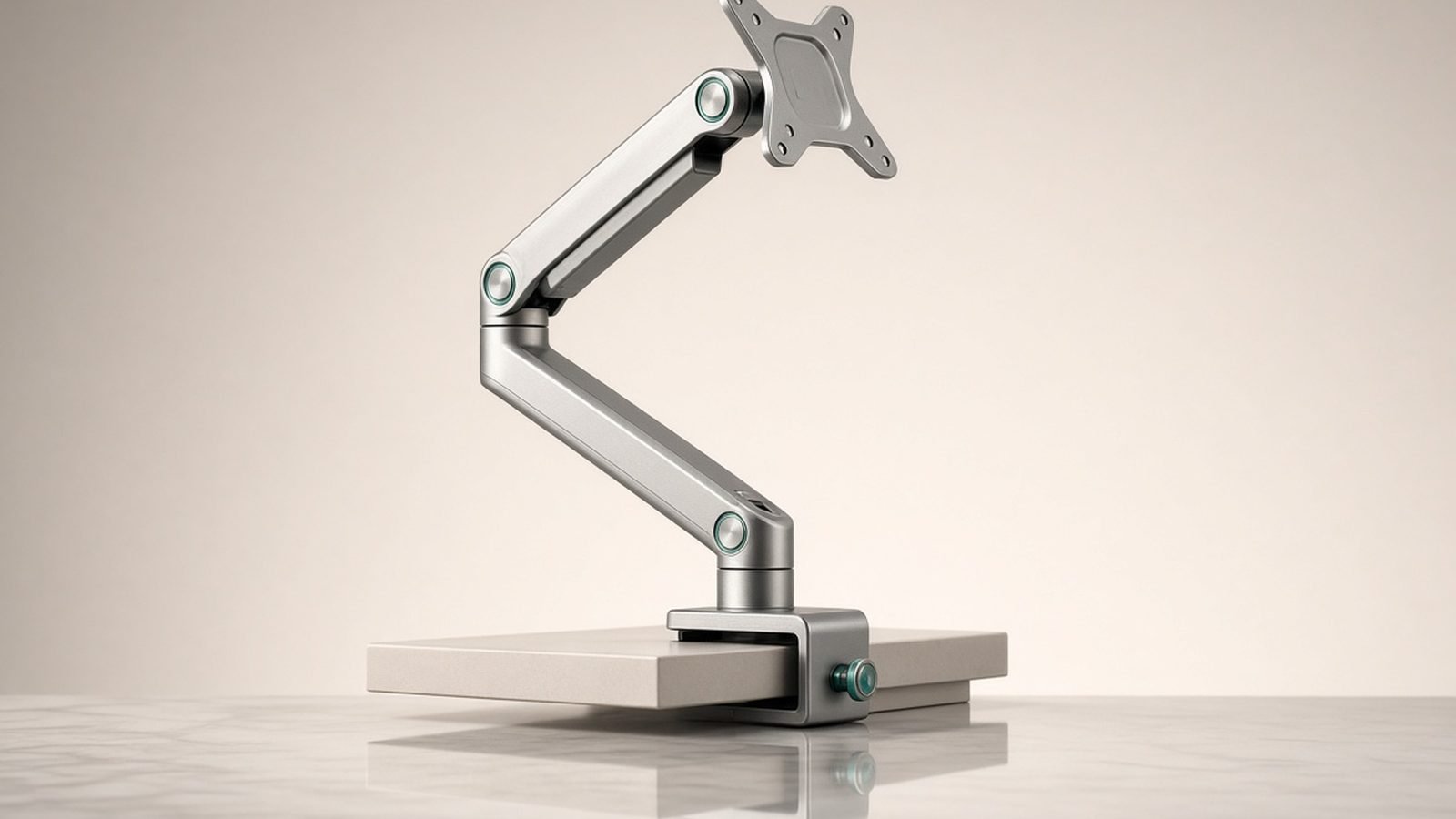
The monitor arm market is flooded with $30 lookalikes, yet this Ergotron LX review keeps coming back to one stubborn fact: the arm Ergotron launched over a decade ago is still the one everything else gets measured against. It costs two to three times what the budget crowd charges, and based on hundreds of owner reports spanning years of daily use, it’s still the arm most people never need to replace.
So is it worth it in 2026? For most people running a 24 to 34-inch monitor, yes — with a few honest caveats about price, looks, and where the LX runs out of muscle.
Verdict Up Front
Score: 9/10. The Ergotron LX monitor arm is the best single-monitor arm for the vast majority of desks. Its constant-force spring delivers one-handed, drift-free adjustment that cheaper gas-spring arms only approximate when new, and its 10-year warranty is the longest in the category. You pay a premium — around $165 street / £160 in the UK — and the industrial styling won’t win design awards. But if you want to buy a monitor arm once and forget it exists, this is that arm.
Score basis: research analysis of official specs, independent testing and owner feedback — not first-party measurement.
| Ergotron LX | Ergotron HX | Amazon Basics Premium | |
|---|---|---|---|
| Price | ~$165 street / £159.99 | ~$339 / £289 | ~$110 / £99.99 |
| Weight capacity | 7–25 lb (3.2–11.3 kg) | 20–42 lb (9.1–19.1 kg) | 7–25 lb |
| Max screen size | 34 in (incl. ultrawide) | 49 in ultrawide / 42 lb | 32 in |
| Vertical lift | 13 in (33 cm) | 11.5 in (29.2 cm) | 11.3 in |
| Warranty | 10 years | 10 years | 1 year |
| Best for | 24–34 in monitors | Heavy ultrawides, 40 in+ | Budget buyers |
Check price: Ergotron LX Single Monitor Arm
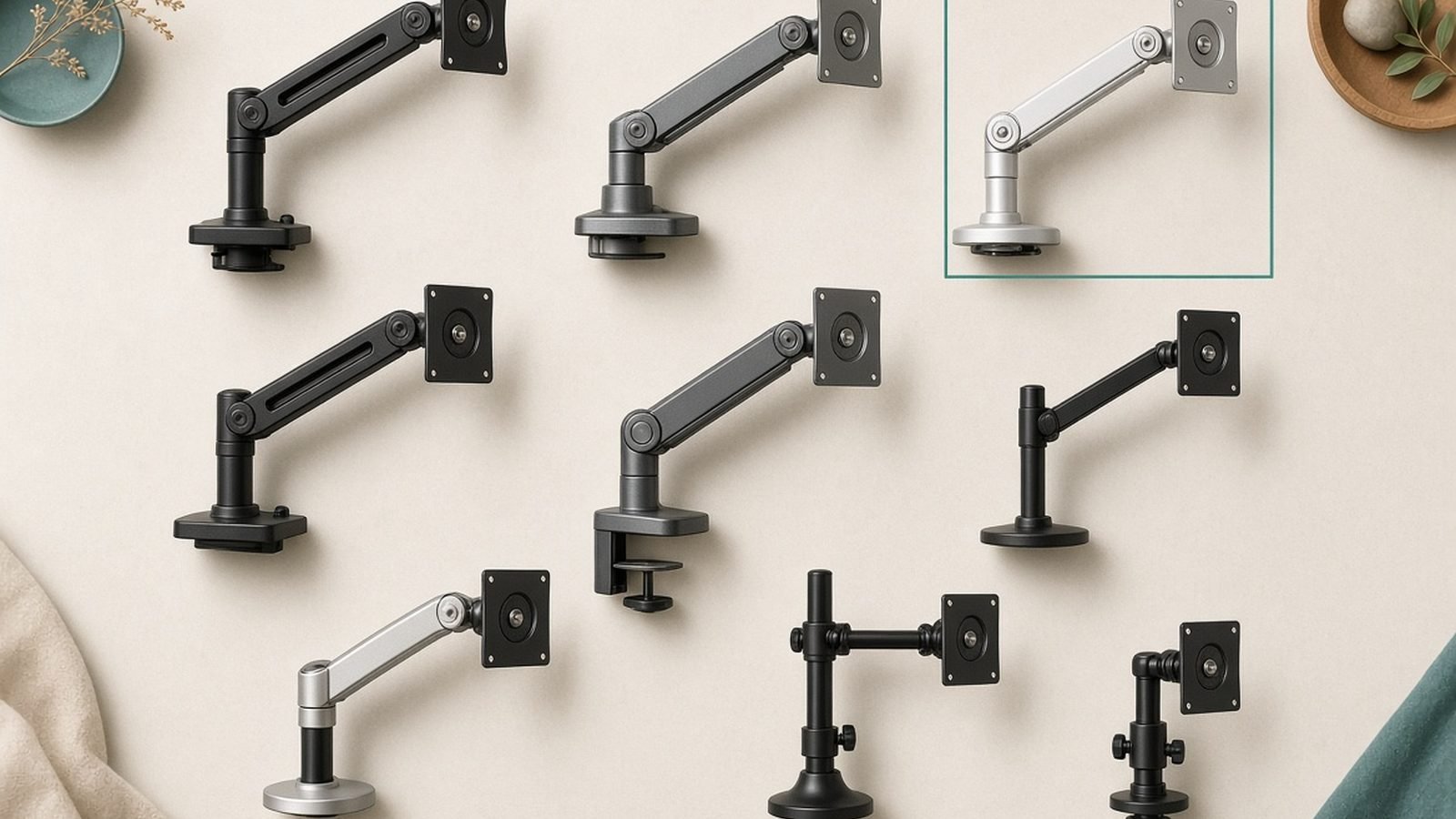
Price and Versions: Single, Dual and Tall Pole
Ergotron lists the LX single at around $224 / £160, but US street pricing routinely sits near $165 on Amazon, and it dips below $150 during sale events. In our research, the white and matte black colorways sometimes carry a small premium over the classic polished aluminum.
The family breaks down into four variants worth knowing:
- LX Single (45-241-026 and color variants) — the standard arm reviewed here.
- LX Tall Pole (45-537-026) — same arm on a 13.3-inch pole, giving extra height for standing desks, stacked setups, or very tall users. Buy this version if you’re over six feet tall or plan to add a second arm later.
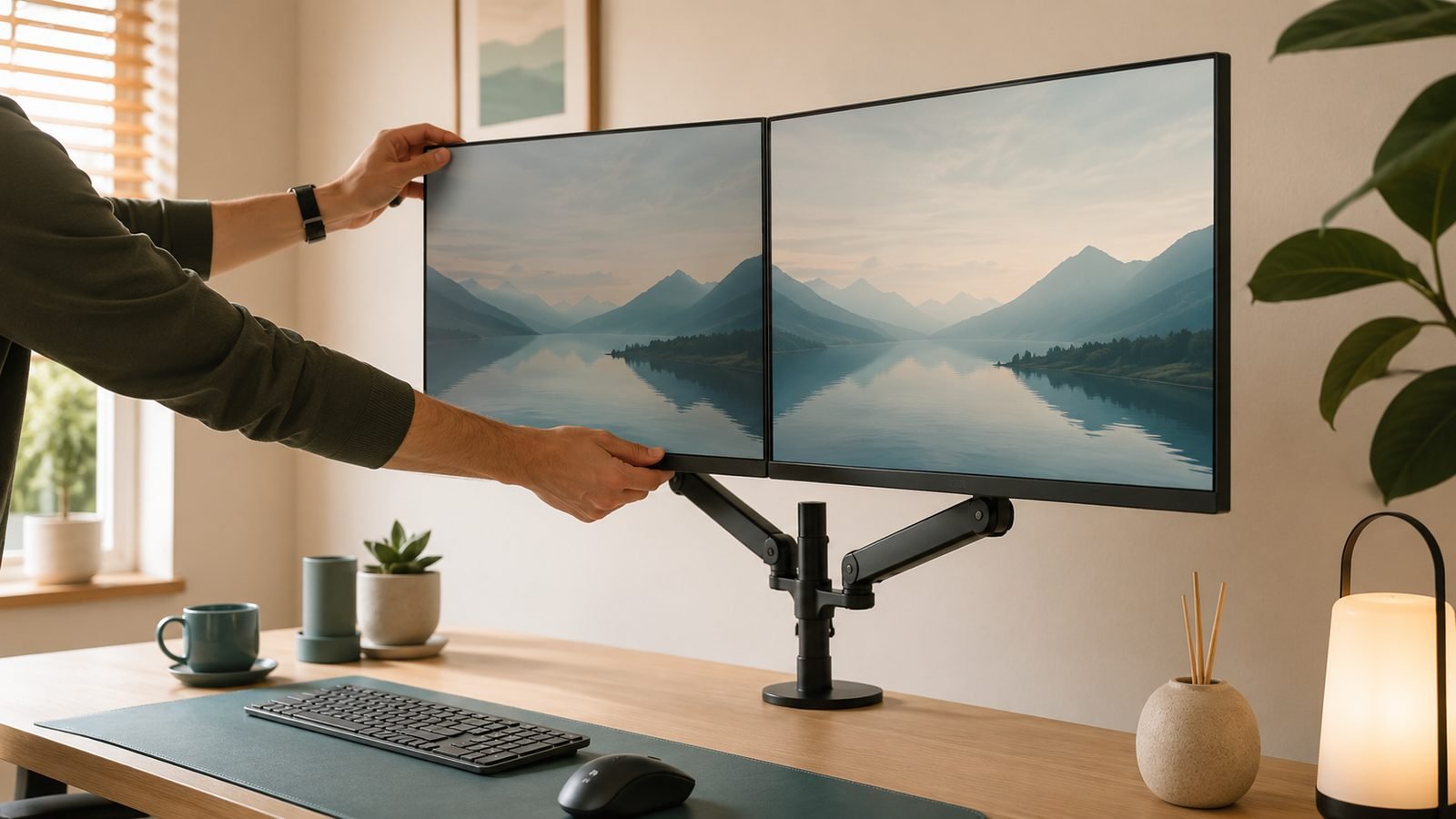
- LX Dual Side-by-Side (45-245-026) — two arms on one tall pole for a proper Ergotron LX dual monitor setup, rated for two displays up to 27 inches and 20 lb each. Typically around $370 / £320.
- LX Dual Stacking — one monitor above the other; niche, but the go-to for traders and coders who want vertical real estate.
If there’s any chance you’ll go dual-screen, the tall-pole single is the smart hedge: you can clamp a second LX arm onto the same pole later instead of rebuying the whole kit.
Check price: Ergotron LX Single Monitor Arm
Ergotron LX Installation: Clamp, Grommet and Desk Thickness
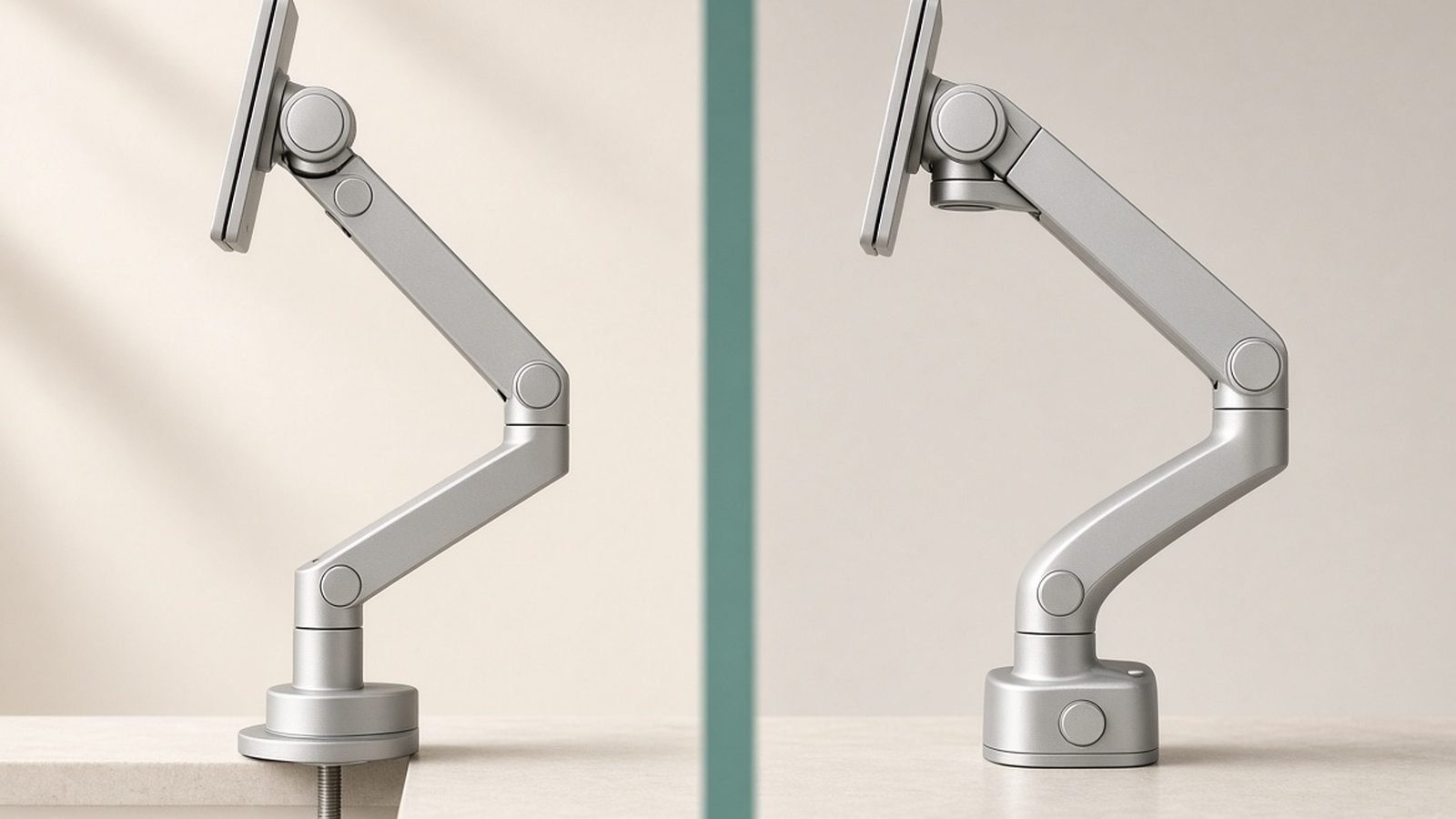
Ergotron LX installation is a genuine one-person, 15-minute job. The box includes both a two-piece desk clamp and a grommet mount, and the arm attaches to your monitor’s 75 x 75 or 100 x 100 mm VESA holes with captive thumbscrews-style bolts — no fishing for dropped screws behind the desk.
The clamp is where cheap arms cut corners and the LX doesn’t. It spreads load across a wide steel plate rather than a narrow jaw, which matters if your desk is particle board or an IKEA hollow-core top. Owner reports of desk damage are rare, but we’d still recommend a reinforcement plate on hollow-core desks like the IKEA Linnmon.
Desk thickness compatibility:
| Mount type | Supported thickness | Notes |
|---|---|---|
| Standard clamp | 0.4–2.4 in (10–60 mm) | Fits nearly every desk, including thick butcher block |
| Grommet mount | 0.4–2.4 in (10–60 mm) | Needs a 0.4–2.0 in hole; cleanest look |
| Hollow-core desks | Any, with plate | Add a steel reinforcement plate to spread the load |
| Glass desks | Not recommended | Clamping force can crack tempered glass edges |
One setup tip that solves 90% of complaints: tension adjustment. The LX ships tuned for mid-weight monitors, and light screens (under ~10 lb) can slowly rise if you don’t back the spring tension off with the included hex key. It’s a two-minute fix Ergotron documents clearly, but plenty of one-star reviews trace back to skipping it.
Adjustment Range and Motion Quality
This is what you’re actually paying for. The LX uses a patented constant-force (CF) spring rather than the gas cylinder found in almost every budget arm. Gas springs feel fine out of the box but are consumable — seals wear, pressure drops, and after two or three years many budget arms develop the dreaded slow sag. A properly tensioned CF spring doesn’t have that failure mode, which is how Ergotron gets away with a 10-year warranty while Amazon Basics offers one.
The numbers: 13 inches of vertical lift (best in class — the HX manages 11.5), 25 inches of extension, 360-degree panning, 75 degrees of tilt, and full portrait rotation. Pull the screen close for detail work, push it flat against the wall, flip to portrait for documents — all one-handed, and it stays exactly where you leave it. Owner feedback is remarkably consistent on longevity, with frequent reports of LX arms still holding position after 8–10 years of daily use — not a sentence anyone writes about $40 arms.
Pros:
- Constant-force spring: smooth, one-handed adjustment that doesn’t degrade
- Class-leading 13-inch vertical lift and 25-inch extension
- 10-year warranty backed by a company that honors it
- Polished aluminum construction; clamp and grommet mounts included
- Integrated cable channel keeps runs tidy
- Tall-pole version expands to dual-monitor later
Cons:
- Two to three times the price of decent budget arms
- Utilitarian, office-catalog styling — the black version helps
- 25 lb ceiling rules out heavy 38 in+ ultrawides (that’s HX territory)
- Light monitors need a tension adjustment out of the box
- Cable channel is snug for thick cables
Ergotron LX Weight Limit vs Real Monitors: What the Evidence Shows
The official Ergotron LX weight limit is 7 to 25 lb (3.2–11.3 kg), with a stated maximum screen size of 34 inches. Both numbers matter: too light and the arm floats up, too heavy and it sags. Here’s how the spec maps to popular real-world displays, without stands:
- 27-inch (Dell U2723QE, ~10 lb / 4.6 kg): Trivial. The LX barely notices it. This is the sweet spot where motion feels almost weightless.
- 32-inch (LG 32UN880-class, ~13–17 lb): Comfortable. Most 32-inch 4K panels land at 12–17 lb without their stand, well inside spec with headroom for a light bar or webcam.
- 34-inch ultrawide (LG 34WK95U, Dell U3425WE, ~15–18 lb): This is the Ergotron LX ultrawide 34 question, and the answer is yes — with a check. Most flat and gently curved 34-inch ultrawides weigh 14–18 lb sans stand and sit securely on the LX; based on hundreds of owner reports, sag here almost always traces to under-tensioning, not the arm’s limits. The exceptions are heavy aggressive-curve gaming models — if the no-stand weight tops ~20 lb, step up to the HX.
One more spec people miss: the minimum 7 lb rating. Very light 24-inch panels (some weigh 6 lb) may need the tension backed off entirely, and a few featherweight monitors never feel perfectly planted.
Cable Management and Warranty
Cable management is functional rather than fancy: a plastic channel runs under the lower arm, with clips along the pole. It swallows a DisplayPort cable and a power lead cleanly; add a thick USB-C run and a webcam cable and you’ll reach for velcro ties. It’s a quibble.
The warranty is not. Ten years outlasts the monitor you’ll hang on it, and Ergotron has a long-standing reputation for shipping replacement parts without drama. Amortized, a $165 arm costs $16.50 a year — cheaper than replacing a $50 arm every two or three years when its gas spring gives up.
For desk-wide ergonomics beyond the arm itself — monitor height, keyboard position, chair setup — see our full guide: Ergonomic Desk Setup Guide: Fix Your Posture in a Day
Ergotron LX vs HX vs Amazon Basics
Ergotron LX vs HX comes down to weight. The HX (~$339 / £289) is rated for 20–42 lb and screens up to 49-inch super-ultrawides, with a beefier hinge and sleeker styling. If you run a Samsung Odyssey G9, a 40-inch-plus ultrawide, or any panel over 20 lb, buy the HX — the LX physically can’t hold it. At 34 inches and below, the HX is overkill and actually offers less vertical lift (11.5 vs 13 inches).
LX vs Amazon Basics Premium is a family feud: the Amazon Basics Premium Single Monitor Arm (~$110 / £99.99) is manufactured by Ergotron and is mechanically a near-clone of the LX. Same constant-force design, near-identical range of motion, roughly $55 cheaper. The trade-offs are a 1-year warranty instead of 10, fewer color options, no tall-pole ecosystem, and — per aggregated owner feedback — slightly less consistent finish quality. If you’re confident an arm that survives year one will keep going, it’s the best value in the category. We break the two down bolt-by-bolt here: Amazon Basics Monitor Arm vs Ergotron LX: Save $60?
Check price: Amazon Basics Premium Single Monitor Arm
Who Should Buy Something Cheaper
Honest answer: plenty of people. Skip the LX if any of these describe you:
- You never adjust your monitor. If you set height once and touch it annually, a $35 gas-spring arm from HUANUO or NB North Bayou does the job. Sag matters less when nothing moves.
- You’re on a light 24-inch panel. The LX’s spring is tuned for heavier screens; a budget arm holds 6 lb fine, and you’d be paying for capacity you’ll never load.
- The warranty doesn’t move you. The Amazon Basics Premium gets you ~90% of the LX experience for ~65% of the price. That’s the rational-buyer play.
- You own a heavy ultrawide. Don’t buy cheaper — buy the HX. An overloaded LX will sag at full extension and no tension screw will save it.
Still comparing across brands? Our full roundup ranks the LX against ten rivals: Best Monitor Arms 2026: Single, Dual & Ultrawide Ranked
FAQ
What is the Ergotron LX weight limit?
The Ergotron LX supports monitors from 7 to 25 lb (3.2–11.3 kg) up to 34 inches. The minimum matters too: screens lighter than 7 lb may drift upward unless you reduce spring tension with the included hex key. For monitors over 25 lb, or screens larger than 34 inches, step up to the Ergotron HX, rated for 20–42 lb.
Can the Ergotron LX hold a 34-inch ultrawide?
Yes. Most 34-inch ultrawides weigh 14–18 lb without their stand, comfortably inside the LX’s 25 lb rating. Owner reports confirm stable, sag-free performance once tension is set correctly. The exceptions are heavy curved gaming models — check your monitor’s no-stand weight, and if it exceeds roughly 20 lb, choose the HX for extra margin.
Is the Ergotron LX worth it over cheaper arms?
For anyone who adjusts their monitor regularly or plans to keep the arm for years, yes. Its constant-force spring avoids the gas-cylinder sag that kills budget arms, and the 10-year warranty outlasts the category. If you set your monitor once and leave it, or you’re on a tight budget, the Ergotron-built Amazon Basics Premium is the smarter buy.
Does the Ergotron LX work for dual monitors?
Not the standard single arm, but Ergotron sells an LX Dual Side-by-Side model (two arms, one tall pole) rated for two displays up to 27 inches and 20 lb each. Alternatively, buy the LX Tall Pole single now and clamp a second LX arm onto the same pole later — the cheapest upgrade path to dual screens.
How thick can my desk be for the Ergotron LX?
The included two-piece clamp fits desk surfaces from 0.4 to 2.4 inches (10–60 mm) thick, and the grommet mount covers the same range through a hole in the desk. Hollow-core desks like the IKEA Linnmon work but benefit from a steel reinforcement plate. Ergotron advises against clamping to glass desks.
Is Ergotron LX installation difficult?
No. It’s a one-person job of roughly 15 minutes: fix the clamp or grommet base, drop the pole in, slide the arm on, and bolt the VESA plate to your monitor’s 75 x 75 or 100 x 100 mm holes. The only commonly missed step is adjusting spring tension for your monitor’s weight — do it, and the arm holds position perfectly.
Final Score: 9/10
Twelve-plus years after launch, the answer to “is Ergotron worth it?” is still yes for most desks. The LX pairs the best motion in its class with a warranty nobody matches, and it holds everything up to a 34-inch ultrawide without complaint. It loses a point for the premium price and dated looks — and if you’re weight-limit-adjacent, the HX exists for a reason. But as a buy-once tool you’ll stop thinking about the day it’s installed, the Ergotron LX remains the default recommendation.
Check price: Ergotron LX Single Monitor Arm
Browse more desk and charging gear: Accessories & Charging
Zen Tech Hub may earn a commission from links on this page, at no extra cost to you.