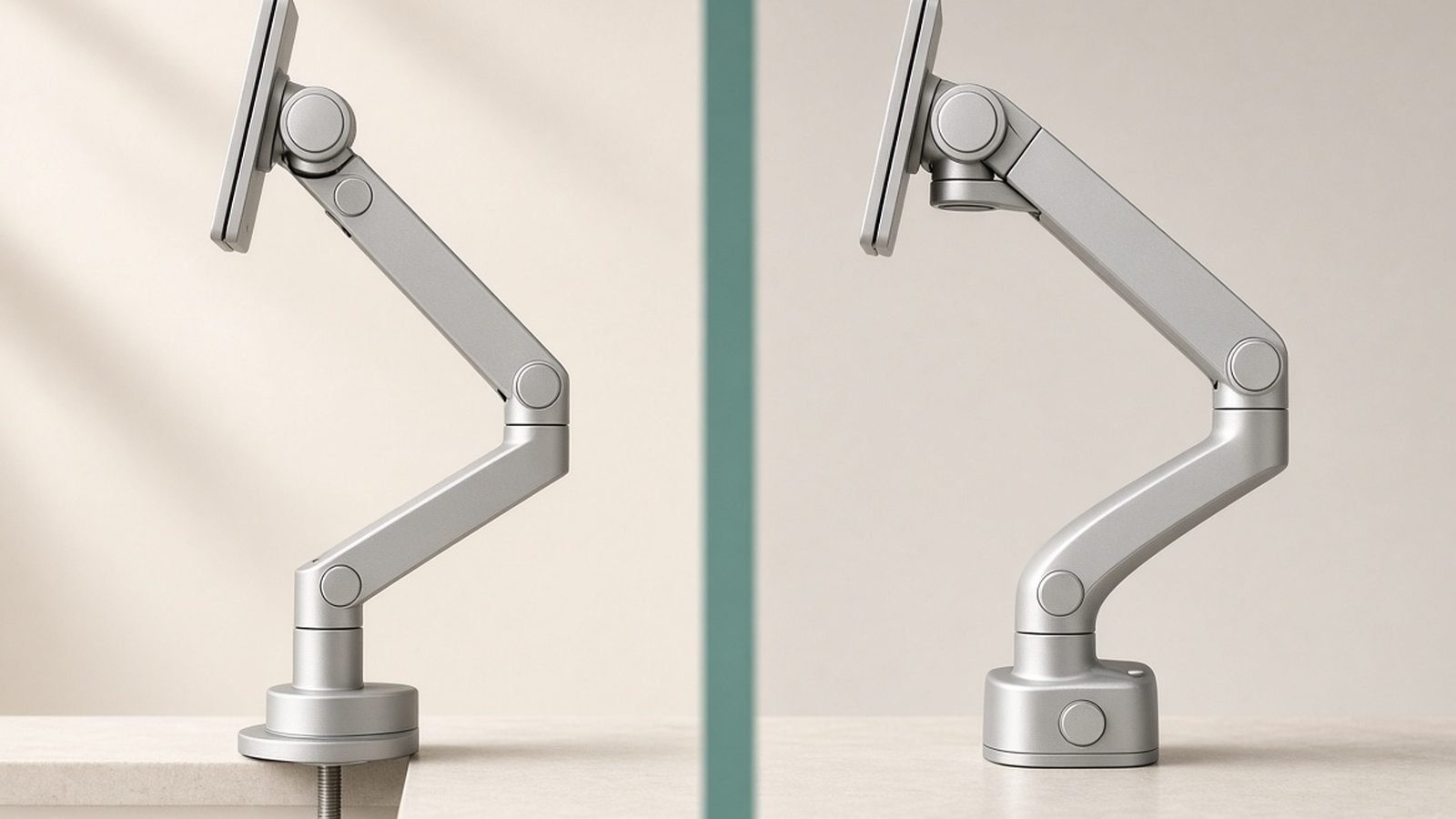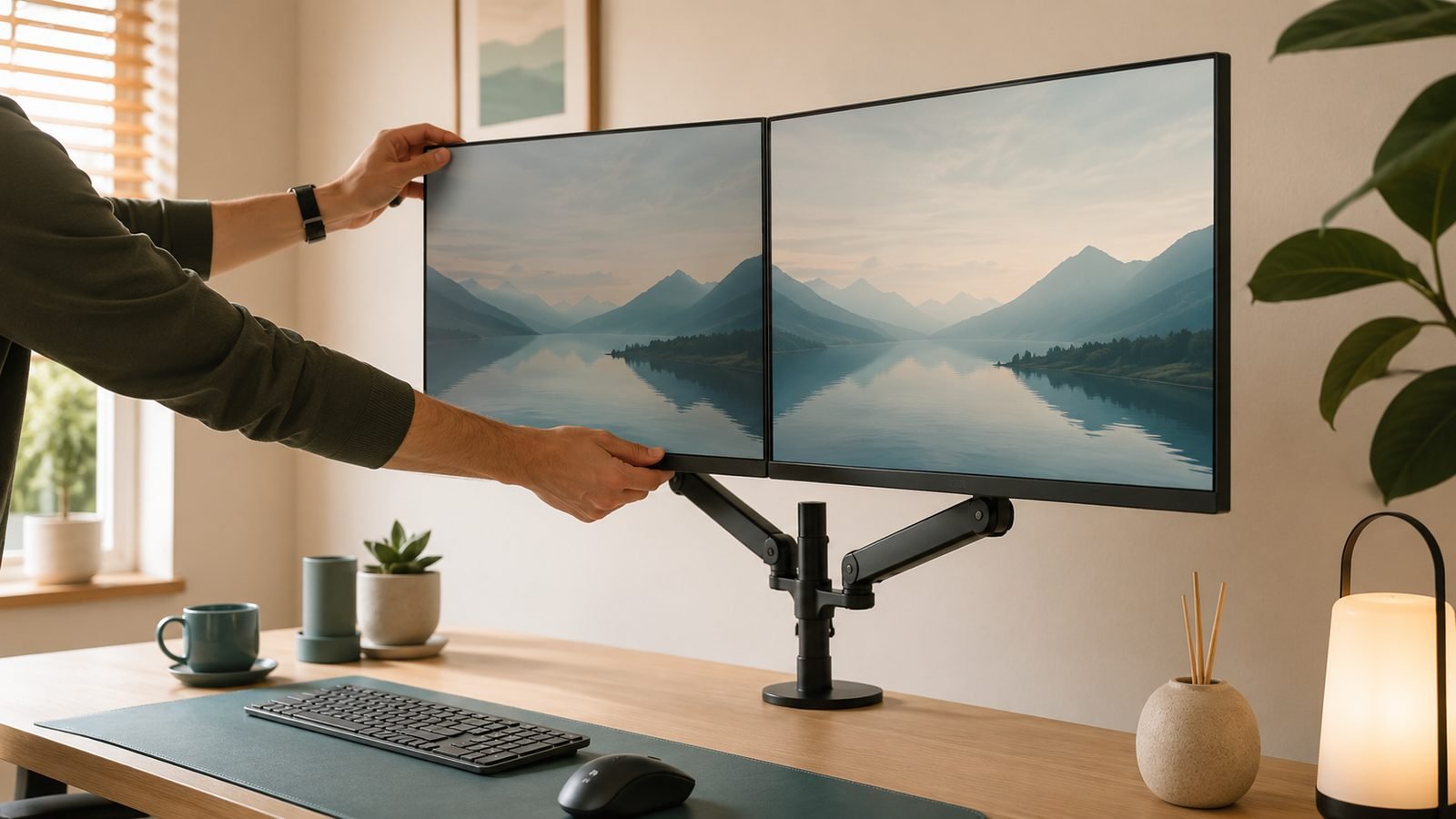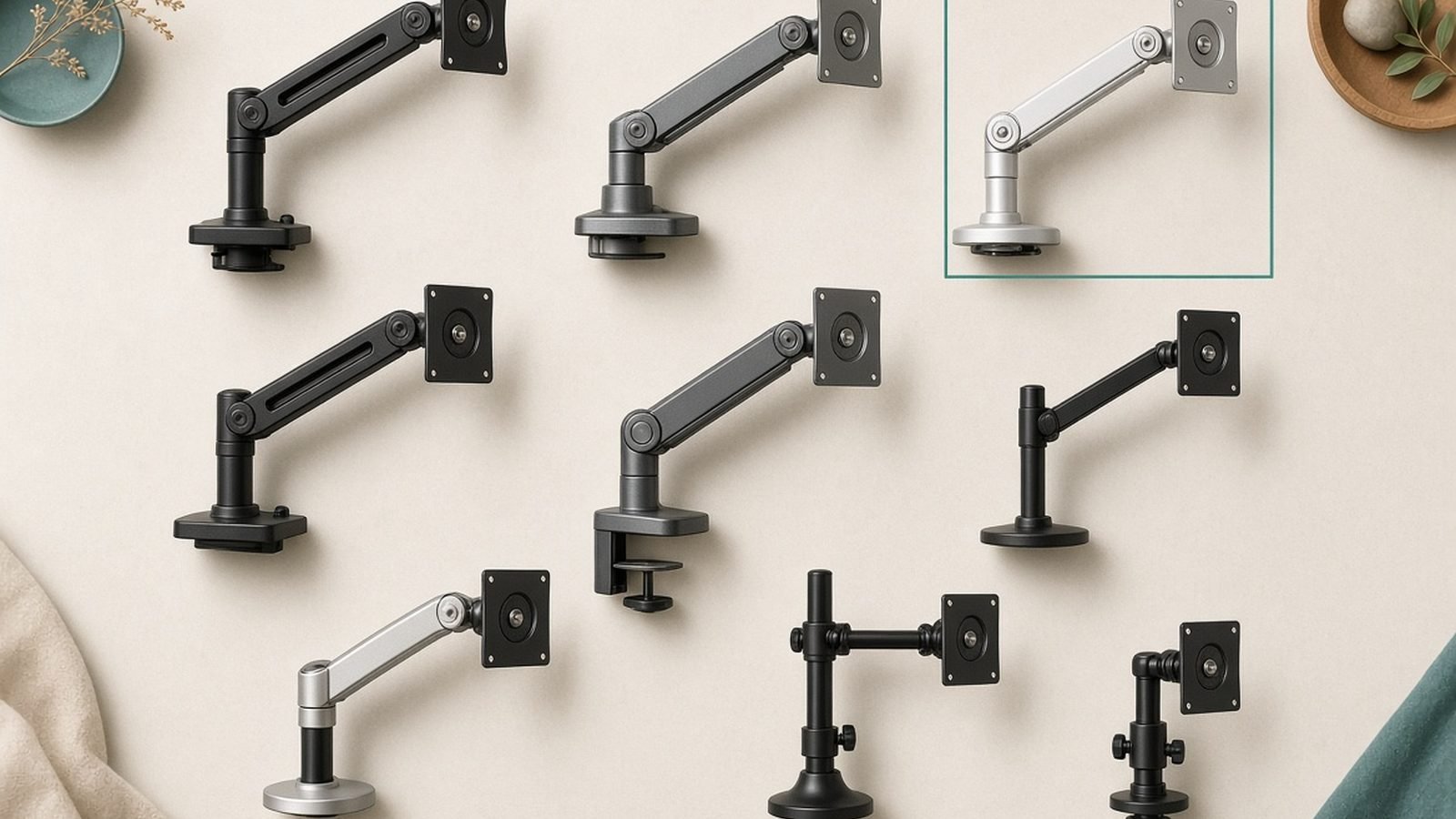
A good monitor arm is the cheapest upgrade that changes how your desk feels every day. The best monitor arm floats your screen at exactly the right height, frees up a shocking amount of desk space, and swings the display wherever you need it. The wrong one sags overnight, wobbles every time you type, and fights every adjustment.
The real question in 2026 isn’t whether you need an arm — it’s whether you need the $165 Ergotron or the $33 North Bayou. In our research, combining spec analysis, teardown reports and hundreds of aggregated owner reviews across US and UK retailers, the honest answer depends almost entirely on your monitor’s weight and how often you move it. Here’s the straight answer for single screens, dual setups and heavy ultrawides.
Top Picks at a Glance
| Pick | Model | Capacity | Max Screen | Price (US / UK) | Best For |
|---|---|---|---|---|---|
| Best overall | Ergotron LX | 7–25 lb (3.2–11.3 kg) | 34” | ~$165 street / £159.99 | Anyone who repositions daily |
| Best value | Amazon Basics Premium Single | 7–25 lb (3.2–11.3 kg) | 32–34” | around $110 / £99.99 | Ergotron motion, 30% less |
| Best budget | North Bayou F80 | 4.4–19.8 lb (2–9 kg) | 30” | around $33 / £27.99 | Set-and-forget single screens |
| Best dual | HUANUO Dual Monitor Arm | 4.4–19.8 lb per arm | 2× 27” | around $46 / £39.99 | Fixed side-by-side setups |
| Best for ultrawides | Ergotron HX | 20–42 lb (9.1–19.1 kg) | 49” | around $339 / £289 | 38–49” ultrawides, OLED super-wides |
Quick shortcut: monitor under 20 lb that you rarely move? Buy the North Bayou F80. Adjust position several times a day? The Ergotron LX or Amazon Basics is worth every penny. Anything over 25 lb — most 45–49-inch super-ultrawides — needs the HX.
Best Overall: Ergotron LX Single Monitor Arm
Around $224 list, ~$165 street / £159.99
The ergotron lx has been the default recommendation for over a decade, and 2026 hasn’t changed that. It supports monitors from 7 to 25 lb and up to 34 inches, which covers everything from a 24-inch office panel to most 34-inch ultrawides (more on the weight caveat below). Its constant-force spring mechanism is the reason people pay the premium: the arm moves with one hand, stops exactly where you leave it, and — based on hundreds of long-term owner reports — keeps doing that for five to ten years without drooping.
The build quality gap over budget arms is obvious the moment you pick one up: polished aluminum, integrated cable channels that actually hold cables, 13 inches of vertical range, and a 10-year warranty that Ergotron genuinely honors. It’s also the arm bolted to hospital carts and trading desks, which tells you something about its duty cycle.
The trade-off is purely financial. At three to four times the price of a north-of-$30 gas spring monitor arm, the LX is hard to justify if you set your monitor once and never touch it again. And note the fine print: a 34-inch ultrawide is fine on the LX only if it weighs under 25 lb without the stand — most LG and Dell 34-inch panels do, but check yours. We break the LX down in far more detail in our full review. Ergotron LX Review: Is the Classic Monitor Arm Worth It?
Pros
- Silky, one-handed adjustment that holds position for years
- 7–25 lb capacity covers most monitors up to 34 inches
- 10-year warranty — the longest in the category
- Excellent integrated cable management
Cons
- 3–4x the price of budget gas-spring rivals
- Heavier 34-inch ultrawides (over 25 lb) need the HX instead
- Frequently out of stock in the UK at list price
Who it’s for: anyone who repositions their screen daily, shares a desk, or simply wants to buy one arm and never think about it again.
Check price: Ergotron LX Single Monitor Arm
Best Value: Amazon Basics Premium Single Monitor Arm
Around $110 / £99.99
Here’s the worst-kept secret in desk accessories: the amazon basics monitor arm in its “Premium” trim is widely understood to be manufactured by Ergotron. Side-by-side comparisons consistently show near-identical geometry, the same constant-force mechanism, the same 7–25 lb capacity, and the same buttery motion as the LX — for roughly 30% less money.
So what do you give up? Three things, in our research. The warranty drops from 10 years to 1, which matters for a spring mechanism you’re hoping lasts a decade. The finish is a plain matte black with no polished-aluminum option. And Amazon’s quality control appears slightly looser: a small but persistent minority of owner reports mention arms arriving with stiff joints that need Allen-key tuning out of the box.
If you’re comfortable with those compromises, this is the smartest buy on this page for a single 24–32-inch monitor. If you want the full head-to-head, we’ve written one. Amazon Basics Monitor Arm vs Ergotron LX: Save $60?
Pros
- Ergotron-grade motion and build for ~30% less
- Same 7–25 lb capacity as the LX
- Clamp and grommet hardware both included
Cons
- 1-year warranty vs Ergotron’s 10
- Matte black only; no finish options
- Slightly less consistent out-of-box QC per owner reports
Who it’s for: buyers who want LX performance, plan to keep the arm on one desk, and would rather bank the £60/$55 difference.
Check price: Amazon Basics Premium Single Monitor Arm
Best Budget: North Bayou F80
Around $33 / £27.99
The North Bayou F80 is the arm that made premium brands nervous. For under $35 you get a genuine gas spring monitor arm — not a cheap tension-knob post — supporting 17–30-inch monitors between 4.4 and 19.8 lb, with full tilt, swivel, rotation and a proper clamp-or-grommet base. For a fixed single-monitor setup, it does 85% of what the LX does at a fifth of the price.
The remaining 15% is where your money goes with Ergotron. The F80’s adjustment is noticeably stiffer, and getting the gas spring tension dialed for your specific monitor takes ten minutes with the included hex key rather than working perfectly out of the box. Cable management is clip-on plastic covers that owners describe as functional but ugly. And long-term reports are more mixed: most F80s hold position fine for years, but sag after 18–24 months shows up in owner feedback at a rate you simply don’t see with Ergotron.
One genuine limitation: the F80 tops out at 30-inch screens, so it’s the wrong choice as a monitor arm for 34 inch ultrawide setups — step up to the Amazon Basics arm for those.
Pros
- Real gas-spring adjustment for under $35 / £30
- Solid 19.8 lb capacity for the price
- Clamp and grommet mounting both included
Cons
- Stiffer motion; tension needs manual tuning
- Not rated for screens over 30 inches
- Cable clips look cheap; higher long-term sag rate than Ergotron
Who it’s for: anyone with a 24–27-inch monitor who’ll set the position once, plus students, second desks and home-office setups on a tight budget.
Best Dual Setup: HUANUO Dual Monitor Arm
Around $46 / £39.99
If you run two screens, a dedicated dual mount beats two single arms on both price and desk clutter. The HUANUO dual is the best-selling option in the category on both sides of the Atlantic, holding two monitors up to 27 inches and 19.8 lb each on independent gas-spring arms. For the price of a single mid-range arm you mount both displays, reclaim the space two stands were hogging, and get each screen at matched height — the thing dual-stand setups almost never achieve.
The honest caveat, echoed across hundreds of owner reports: this is the best dual monitor arm for fixed positions, not constant repositioning. With two 27-inch panels loaded, nudging one screen can transmit a brief wobble to the other through the center pole. Owners who set both monitors once report years of happy service; daily adjusters notice the flex, and their upgrade path is two Ergotron LX arms at four times the cost.
Also check your desk: two 27-inch monitors side by side need roughly 48 inches of width and a sturdy rear edge for the clamp. Pair it with our guide to running two external screens from a laptop. How to Connect Two Monitors to a Laptop (USB-C Guide)
Pros
- Mounts two 27-inch screens for the price of one mid-range arm
- Independent height, tilt and rotation per screen
- Massive desk-space reclaim versus two stands
Cons
- More wobble than Ergotron when repositioning frequently
- 27-inch / 19.8 lb per-arm ceiling rules out big ultrawides
- Center pole design limits how far apart screens can sit
Who it’s for: dual-24 or dual-27 setups — coders, traders, support desks — where the screens get positioned once and used hard.
Check price: HUANUO Dual Monitor Arm
Best for Heavy Ultrawides: Ergotron HX
Around $339 / £289
Every arm above has a hard ceiling around 25 lb. The Ergotron HX exists for everything beyond it: 20–42 lb of capacity for 38-inch, 45-inch and 49-inch ultrawides, big curved gaming panels like Samsung’s Odyssey line, and the new wave of heavy OLED super-wides. Nothing else in mainstream retail handles this class of monitor with the same composure — based on aggregated owner feedback, the HX holds a 49-inch Odyssey G9 rock-steady where cheaper “heavy duty” arms visibly bounce.
The mechanism is the LX’s constant-force design scaled up, with the same 10-year warranty. The price is the obvious pain point; the footprint is the less obvious one. The HX’s pole and base are substantial, and it demands a deep, rigid desk — a heavy ultrawide cantilevered off a flimsy 18-inch-deep top is asking for trouble.
Pros
- 20–42 lb capacity — the only mainstream arm for 45–49” super-wides
- Rock-solid stability with heavy curved panels
- Same 10-year warranty as the LX
Cons
- Expensive at around $339 / £289
- Large pole and base footprint; needs a rigid desk
- Overkill for anything under 20 lb — lighter monitors sit at the bottom of its tension range
Who it’s for: owners of 38–49-inch ultrawides and heavy OLED panels. If your monitor weighs over 25 lb without its stand, this is realistically your only good option.
Weight, VESA and Desk Compatibility Checklist
Ninety percent of monitor arm disappointment comes from skipping three checks before buying a vesa mount desk arm.
1. Monitor weight without the stand. Find your panel’s “weight without stand” spec — it’s usually 30–40% lighter than the boxed weight. Then make sure it sits comfortably inside the arm’s range, not at either extreme. An arm at the bottom of its tension range floats upward; at the top, it sags. A 25 lb monitor on a 25 lb-rated arm is a bad time.
2. VESA pattern. Nearly every monitor from 24 to 34 inches uses 75×75 mm or 100×100 mm VESA holes, and every arm here supports both. Watch for two exceptions: some thin panels and Apple-adjacent displays need an adapter bracket, and some curved gaming monitors recess their VESA mount so deeply you’ll need the longer screws usually included in the box.
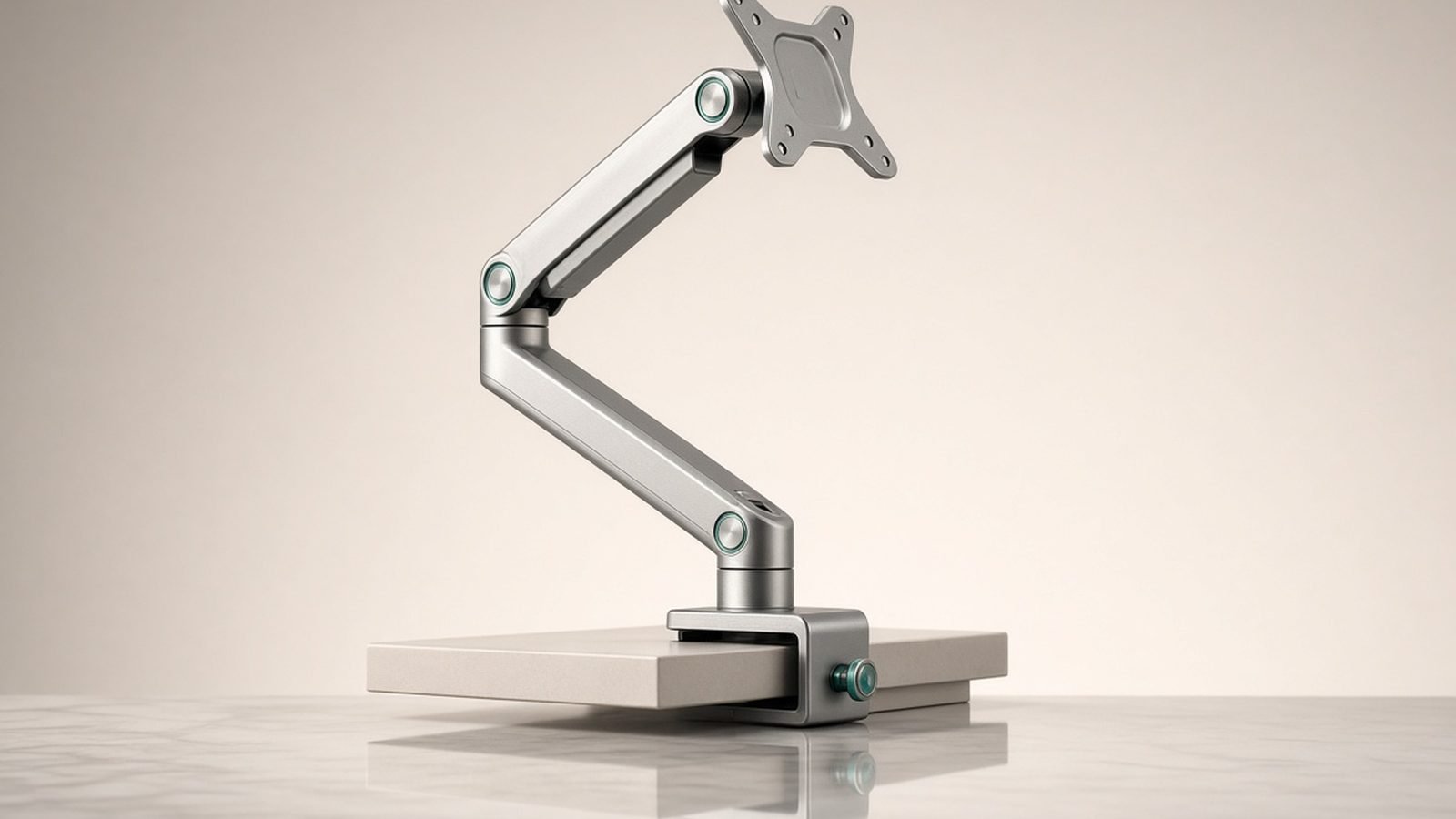
3. Desk thickness and edge. Clamps here typically accept desks from about 0.4 to 2.4 inches thick and need a few inches of clear, rigid rear edge. IKEA hollow-core tops (Linnmon, we’re looking at you) can crush under a clamped heavy arm — use a reinforcement plate or a grommet mount through a solid section.
| Your monitor (weight w/o stand) | Buy this |
|---|---|
| Under 20 lb, up to 30” | North Bayou F80 |
| 7–25 lb, up to 34”, fixed dual | HUANUO Dual |
| 7–25 lb, up to 34”, frequent adjustment | Ergotron LX or Amazon Basics Premium |
| 20–42 lb, 38–49” | Ergotron HX |
Clamp vs Grommet vs Wall Mounting
Every arm in this guide ships with both desk-mount options, so the clamp vs grommet mount decision is about your desk, not the arm.
Clamp is the default: it grips the rear edge of the desk, installs in five minutes, and leaves no permanent mark. Choose it for rented offices, standing desks and anything you might rearrange. Its weakness is thin or overhanging desk edges and desks pushed flush against a wall, where the clamp’s rear jaw has no room.
Grommet bolts through a hole in the desk — either an existing cable grommet or one you drill. It’s noticeably more rigid, especially with heavy arms like the HX, and works when the desk sits against a wall. The cost is a hole in the desk and a slightly fiddlier install.
Wall mounting frees the desk entirely and is great for shallow desks under 24 inches deep. But you must hit studs or use masonry anchors — drywall alone will not hold a 20 lb monitor on a cantilevered arm — and you lose the ability to move the desk. For most people, a clamp on a sturdy desk is the right call.
Installation Walkthrough and Common Mistakes
Installation takes 15–30 minutes solo. The sequence that avoids the classic mistakes:
- Mount the base first, clamp or grommet, and torque it properly. A base with any play amplifies into visible screen wobble.
- Attach the VESA plate to the monitor while the panel is face-down on a towel — never while holding it in mid-air. Most arms use a quick-release plate, so the heavy lift is a simple hook-on.
- Set the gas spring tension with the monitor attached. This is the step everyone gets wrong. Tension screws are calibrated against load; adjusting them unloaded tells you nothing. Turn toward ”+” if the screen sinks, ”−” if it drifts up, in half-turn increments.
- Route cables with slack at the joints. Leave a service loop at each pivot point. Cables pulled taut through the channels are the number-one cause of “my arm won’t stay in position” complaints — the cable, not the spring, is fighting the arm.
The other common mistake is positioning: the top of the screen should sit at or just below eye level, roughly an arm’s length away. Our ergonomics guide covers the full posture picture. Ergonomic Desk Setup Guide: Fix Your Posture in a Day
How We Evaluate Monitor Arms
Zen Tech Hub recommendations are built on structured research, not marketing sheets. For this guide we compared specifications and load ratings across 20+ arms, analyzed teardown reports for the spring mechanisms in each price tier, and aggregated hundreds of verified owner reviews from US and UK retailers — weighting 12-month-plus reports most heavily, because sag and joint wear are the failures that matter. We never invent lab measurements, and prices are marked “around” where they fluctuate.
For the best monitor arm uk pricing specifically, note that Ergotron street prices swing more than in the US — the Amazon Basics arm is frequently the stronger UK value when the LX sits at full RRP.
FAQ
Is the Ergotron LX really worth 4x the price of a budget arm? Only if you adjust your monitor regularly or plan to keep the arm for many years. The LX’s constant-force mechanism, 10-year warranty and long-term reliability justify the premium for daily adjusters. If you position a sub-20 lb monitor once and leave it, a North Bayou F80 delivers most of the benefit for a fraction of the cost.
Will these arms hold a 34-inch ultrawide? The Ergotron LX and Amazon Basics Premium both officially support 34-inch monitors up to 25 lb, which covers most 34-inch ultrawides — check your panel’s weight without the stand. The North Bayou F80 tops out at 30 inches. For 38-inch and larger, or anything over 25 lb, you need the Ergotron HX.
Is the Amazon Basics monitor arm really made by Ergotron? It’s widely understood to be Ergotron-manufactured, and side-by-side comparisons show near-identical mechanisms and motion to the LX. The differences are the warranty (1 year versus 10), the plain matte finish, and slightly less consistent out-of-box quality control according to owner reports. Functionally, most owners can’t tell them apart.
Are gas spring arms better than mechanical spring arms? Gas spring and constant-force mechanical designs both allow smooth, one-handed adjustment, and both beat old tension-knob posts. What matters more is build quality: Ergotron’s constant-force mechanism holds calibration for many years, while cheap gas springs are more prone to gradual sag after 18–24 months of heavy loads.
Will a monitor arm damage my desk? A clamp on a solid desk leaves at most faint pressure marks, preventable with the included pads. The real risk is hollow-core desks — popular budget IKEA tops can deform under a heavily loaded clamp. Use a steel reinforcement bracket, or grommet-mount through a solid section, if your desk is hollow.
Can I use a monitor arm with a standing desk? Yes — arms and standing desks are a natural pair, since the arm keeps your screen at the correct eye height in both sitting and standing positions. Use a clamp mount, keep cables loose with a generous service loop so height changes don’t snag, and mind the rear clearance as the arm swings when the desk moves.
Verdict: Which Monitor Arm Should You Buy?
For most people, the Amazon Basics Premium Single is the sweet spot — near-Ergotron motion at around $110 / £99.99, with the warranty as the only meaningful sacrifice. If you want the best monitor arm full stop, with the decade-long warranty and resale-proof build, buy the Ergotron LX and never think about it again.
On a tight budget with a sub-30-inch screen, the North Bayou F80 is a genuine bargain, not a compromise you’ll resent. Running two 27-inch screens in fixed positions, the HUANUO dual does the job for the price of one mid-range single arm. And if you’ve got a 38–49-inch ultrawide, skip the deliberation — the Ergotron HX is the only arm here rated to hold it.
Browse the rest of our desk setup and charging coverage for what to bolt on next. Accessories & Charging
Zen Tech Hub may earn a commission from links on this page, at no extra cost to you.