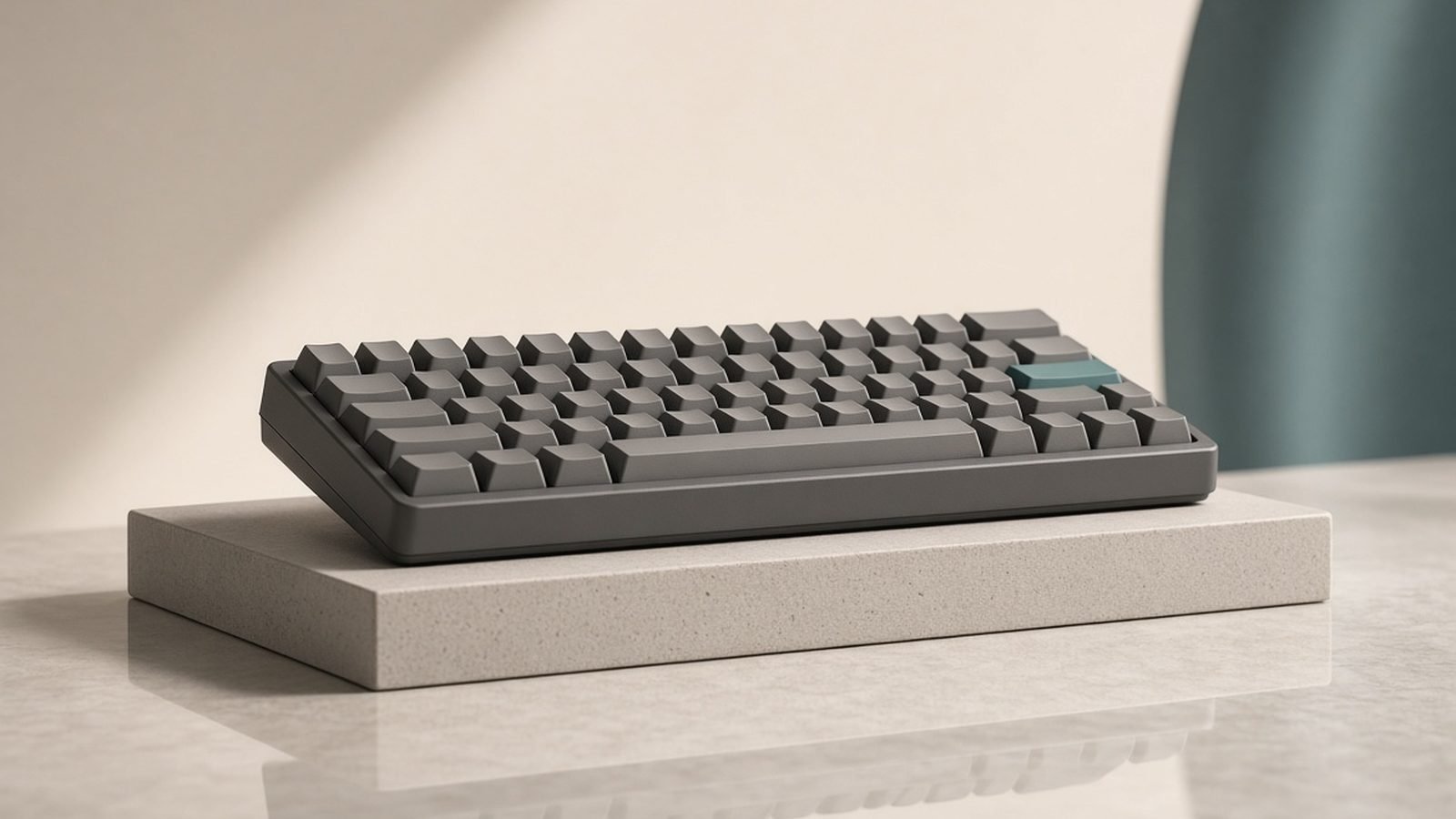
If you want the sound, feel and build of a boutique custom mechanical keyboard without sourcing parts and soldering, the Keychron Q Series is the range that made that possible — and in 2026 it’s still the smartest entry into the hobby. This Keychron Q Series review covers the whole lineup, from the compact Q1 to the full-size Q6, and explains which size to buy, what makes them special, and where they fall short of a true bespoke build.
The short verdict: the Keychron Q Series is the best pre-built custom mechanical keyboard you can buy from around $180 / £170, offering a full CNC aluminium case, gasket mounting, hot-swap sockets, double-shot PBT keycaps and full QMK/VIA programmability out of the box. The trade-offs are weight (these are heavy slabs of metal), price (well above a mainstream board), and — on the original wired Q models — no wireless. The newer Q Max variants fix that last point with 2.4GHz and Bluetooth.
Who should buy it: enthusiasts and enthusiast-curious buyers who want endgame build quality without a group buy. Who shouldn’t: budget buyers, and anyone who needs wireless but picks an original wired Q by mistake.
From around $180 / £170 · CNC aluminium · gasket mount · hot-swappable · QMK/VIA · double-shot PBT
Check price: Keychron Q1 (Q Series)
Keychron Q Series at a glance
| Model | Layout | Notable |
|---|---|---|
| Q1 | 75% (compact w/ arrows) | The default pick; most popular |
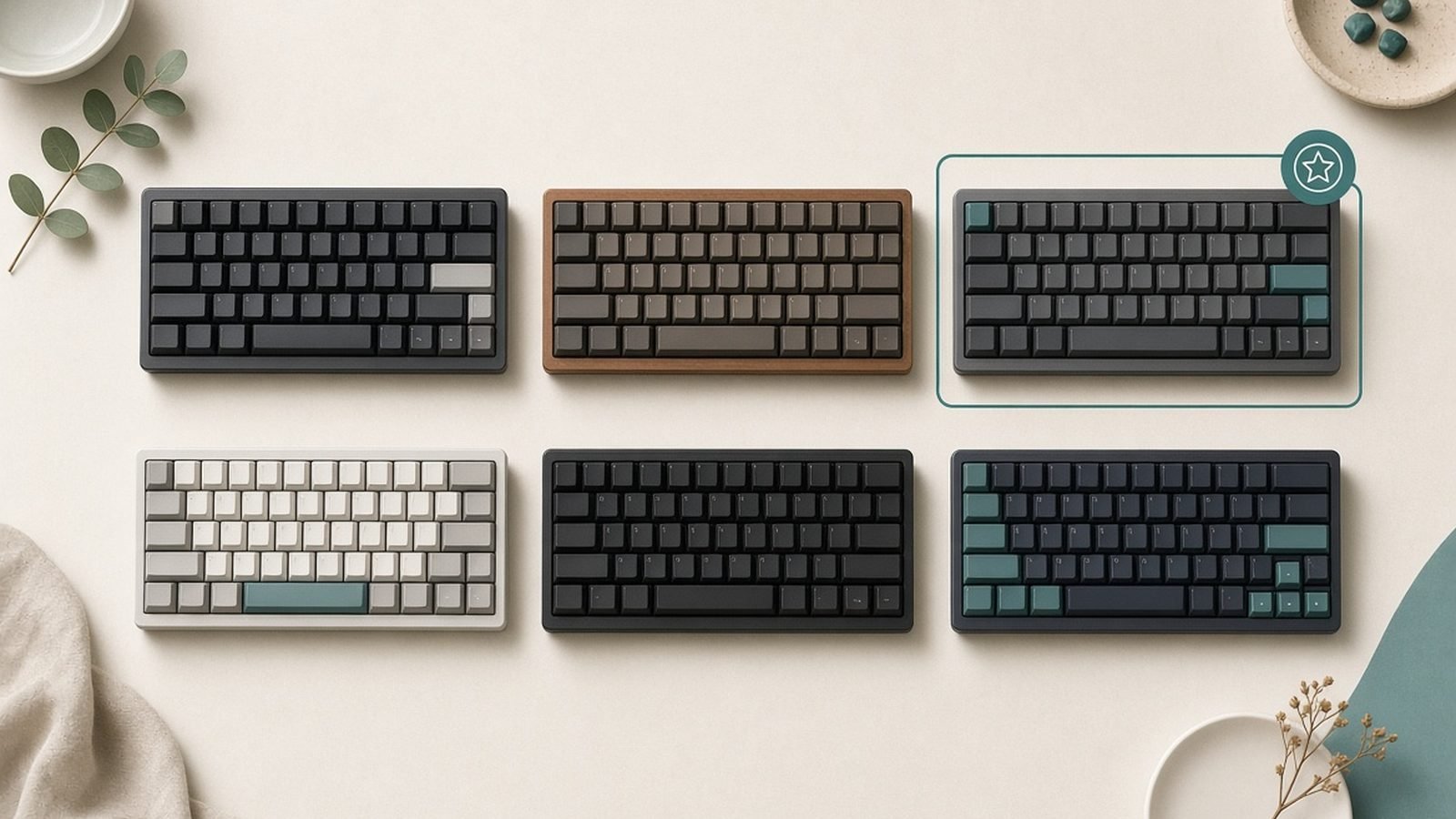
| Q2 | 65% | Smaller, no function row |
| Q3 | TKL (tenkeyless) | For those wanting a floating function row |
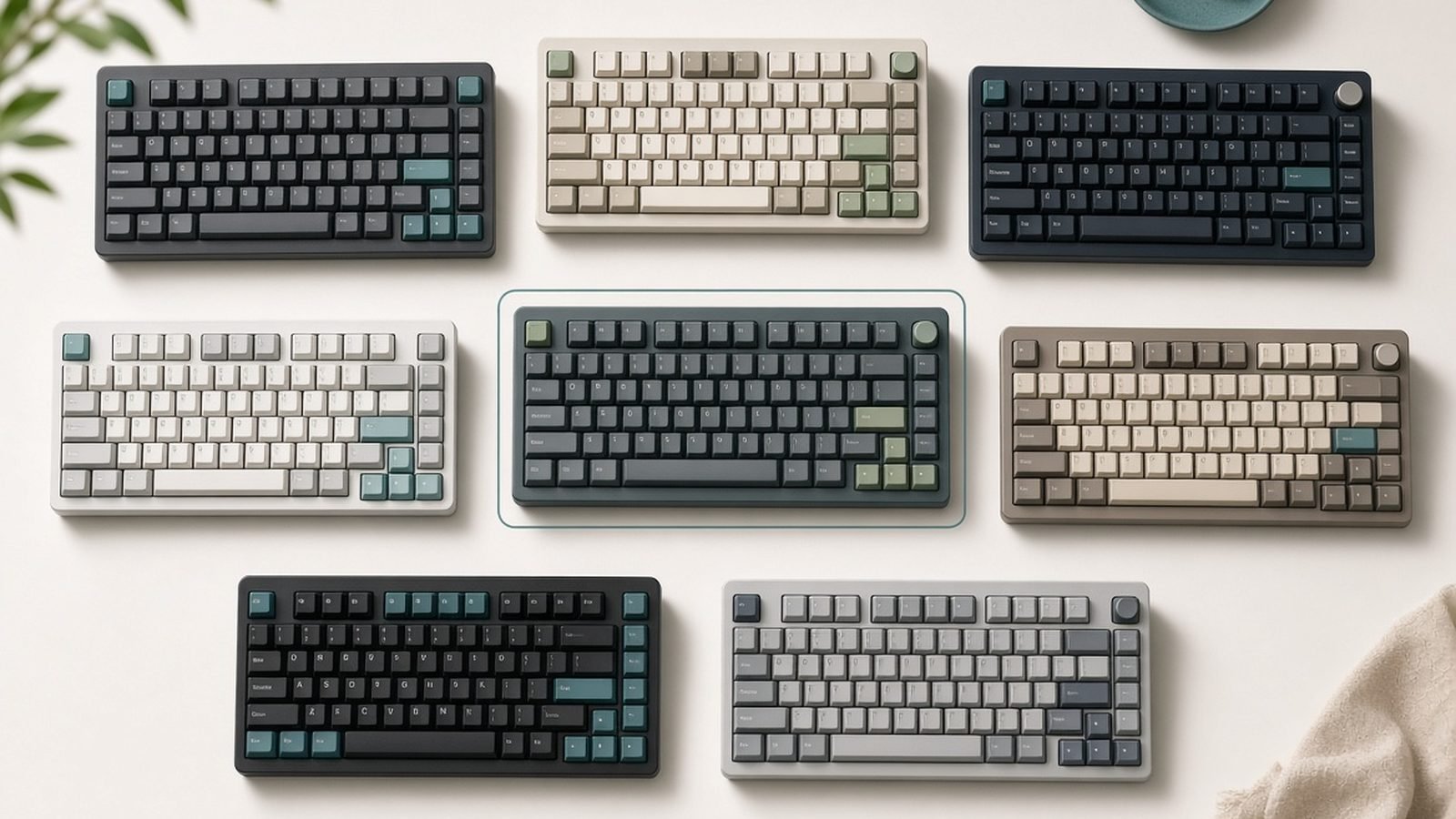
| Q5 | 96% | Near full-size, includes numpad, compact |
| Q6 | Full-size (100%) | Full numpad and function row |
| Q Max variants | Same sizes | Add 2.4GHz + Bluetooth wireless |
Shared spec: CNC-machined aluminium case, gasket-mount design, hot-swap sockets (3/5-pin MX), double-shot PBT keycaps, QMK/VIA, screw-in stabilisers, sound-dampening foam, USB-C. Price: from around $180 / £170 depending on size and whether you choose a knob version.
Pros
- Full CNC aluminium case and gasket mount — premium sound and feel out of the box
- Hot-swap sockets accept any 3- or 5-pin MX switch, no soldering
- Full QMK/VIA programmability, including deep firmware access
- Double-shot PBT keycaps that resist shine for years
- Genuine custom-keyboard experience without a group buy
Cons
- Heavy — 1.5kg+ on larger models; not remotely portable
- Expensive versus mainstream boards
- Original Q models are wired only (get a Q Max for wireless)
- Stock switches and stabs are good, not perfect — enthusiasts still tune them
- Tall case benefits from a wrist rest
Build quality: the aluminium slab
The Q Series’ defining feature is the case. Every model uses a CNC-machined aluminium body, and the difference from a plastic-cased board is immediate: it feels like a single dense object, not an assembly of parts. Pick up a Q1 and the weight — well over a kilo — tells you where the money went. This is the build that used to require a boutique group buy and months of waiting; Keychron put it on a shelf.
Inside, the boards use a gasket-mount design: the plate is suspended on soft gaskets rather than screwed rigidly to the case, giving a slightly cushioned keystroke and, crucially, a deeper, more refined sound. Combined with layers of sound-dampening foam, the stock Q boards produce the muted, marbly typing sound enthusiasts chase. Based on aggregated owner reports, the Q Series’ out-of-box sound is the single most-praised aspect and the main reason it converted so many people from mainstream boards.
The keycaps are double-shot PBT — the legends are moulded, not printed, so they don’t wear off, and PBT resists the greasy shine that plagues cheaper ABS caps. Multi-year owner reports consistently show Q boards still looking new after heavy daily use. The one universal caveat: these are tall, heavy boards. They’re not moving off your desk, and most people will want a wrist rest, ideally paired with the rest of a proper setup from our Best Mechanical Keyboards 2026: Typing & Gaming shortlist.
Which Q model should you buy?
Size is the real decision, and it comes down to how you use the right-hand side of a keyboard.
- Q1 (75%): the default recommendation. It keeps arrow keys and a function row while trimming the numpad, so your mouse stays close. If you’re unsure, this is the one.
- Q2 (65%): smaller still, dropping the function row (accessed via a layer). Great for minimal desks; a short adjustment period if you use F-keys a lot.
- Q3 (TKL): a classic tenkeyless with a floating, exposed-switch top plate. Choose it if you like the traditional layout and the industrial look.
- Q5 (96%): squeezes a numpad into a near-full-size footprint. The pick if you need numbers but hate wasted space.
- Q6 (full-size): the full 100% layout with a proper numpad and function row, for spreadsheet-heavy work.
Many models come in a knob version with a rotary encoder (usually volume by default, remappable) for a small premium — a genuinely nice quality-of-life touch. In the Q1 vs Q3 question specifically, pick the Q1 if mouse proximity matters and the Q3 if you prefer a standard TKL and a floating-key aesthetic.
Wireless: original Q vs Q Max
This is the most important buying distinction in 2026, and the easiest to get wrong. The original Q Series is wired only — a single USB-C cable, no Bluetooth, no dongle. For a desk board that never moves, that’s fine, and the wired models often cost a little less.
But Keychron now sells Q Max variants of the same boards, which add both 2.4GHz (via a dongle, with low latency suitable for gaming) and Bluetooth multi-device switching, while keeping the aluminium case, gasket mount and hot-swap sockets. Unless you specifically want to save money on a permanently-wired board, the Q Max is the version most people should buy — it removes the Q Series’ single biggest limitation for a modest premium. If wireless flexibility is your priority above all, also weigh the options in our Best Wireless Keyboards 2026: Top Boards for Work guide before committing.
Typing, customisation and QMK/VIA
Out of the box, a Q board types like a tuned enthusiast keyboard: stable, deep-sounding and cushioned. The screw-in stabilisers arrive lightly lubed and are better than most stock stabs, though committed enthusiasts still pull them for a full lube-and-tune. That’s the nature of the hobby — the Q Series gets you 90% of the way with zero effort, and leaves the last 10% open to tinker with.
The hot-swap sockets are the gateway to that tinkering: they accept any 3- or 5-pin MX-style switch, so you can turn a Q into a quiet office board (silent linears), a heavy tactile typing instrument, or a fast gaming board without ever touching a soldering iron. Switch choice is where the Q Series’ feel is truly personalised, and it’s why the boards hold their value.
On the software side, full QMK/VIA support means you can remap every key, build layers and macros, and — for power users — flash custom firmware. VIA runs in a Chromium browser with no install; changes save to the board’s onboard memory and follow it between computers. For programmers who lean on custom layers and macros, this is a decisive advantage over software-locked productivity boards like the Logitech MX Keys S Review 2026: Best Productivity Keyboard?.
Value and verdict
At from around $180 / £170 — more for larger sizes, knob versions and Q Max wireless — the Q Series is expensive next to a mainstream keyboard, and that’s the honest headline. What you’re buying is a genuine custom-keyboard experience with none of the group-buy waiting, parts-sourcing or soldering that the hobby traditionally demanded. Measured against a true bespoke build, a Q board costs less and arrives next week; measured against a $50 plastic board, it costs several times more.
That maths works if you care about how a keyboard sounds and feels, and if you’ll use the hot-swap and QMK/VIA flexibility. If you just want a reliable board to type on and don’t care about the hobby, it’s more keyboard than you need. For the right buyer, though, the Keychron Q Series remains the best on-ramp to premium mechanical keyboards in 2026 — buy the Q Max version in your preferred size and you’ll have an endgame board out of the box.
FAQ
Are Keychron Q Series keyboards worth the price?
For enthusiasts and the enthusiast-curious, yes. You get a CNC aluminium case, gasket mount, hot-swap sockets, double-shot PBT keycaps and QMK/VIA — a genuine custom-keyboard package that used to require a group buy — for from around $180 / £170. If you don’t care about switch feel or sound and just want to type, it’s more than you need. The value is in the build and customisation, not raw typing utility.
What’s the difference between the Q Series and Q Max?
The original Q Series is wired only. The Q Max variants add 2.4GHz wireless (via a low-latency dongle) and Bluetooth multi-device switching, while keeping the same aluminium case, gasket mount and hot-swap sockets. For most buyers in 2026 the Q Max is the version to get — the wired-only limitation is the original Q’s biggest drawback, and Q Max removes it for a modest premium.
Which Keychron Q model should I buy?
The Q1 (75%) is the default — it keeps arrows and a function row while dropping the numpad, so your mouse stays close. Choose the Q3 for a traditional TKL, the Q2 for a smaller 65% desk, and the Q5 or Q6 if you need a numpad. Knob versions add a remappable rotary encoder for a small premium. When unsure, start with the Q1.
Are Keychron Q keyboards hot-swappable?
Yes. Every Q Series board has hot-swap sockets that accept any 3- or 5-pin MX-style switch, so you can change switches by hand with no soldering. That lets one board become a quiet office keyboard, a heavy tactile typing board or a gaming board over time, and it’s a big reason the Q Series holds its value.
Do the Q Series keyboards work on Mac?
Yes. They ship with both Mac and Windows keycaps and a hardware toggle, support macOS natively, and let you remap everything through QMK/VIA in a Chromium browser. Mac-specific media keys and modifiers work out of the box, and the customisation follows the board between machines via onboard memory.
Is the Keychron Q Series good for gaming?
The wired Q models are fine for casual gaming but lack wireless. For gaming specifically, the Q Max version’s 2.4GHz dongle offers low-latency wireless suitable for fast games, and hot-swap sockets let you fit fast linear switches. That said, dedicated gaming keyboards offer features like higher polling and analogue switches that the Q Series doesn’t prioritise — it’s a typing-first board that games well, not a competitive esports tool.
Zen Tech Hub may earn a commission from links on this page, at no extra cost to you.