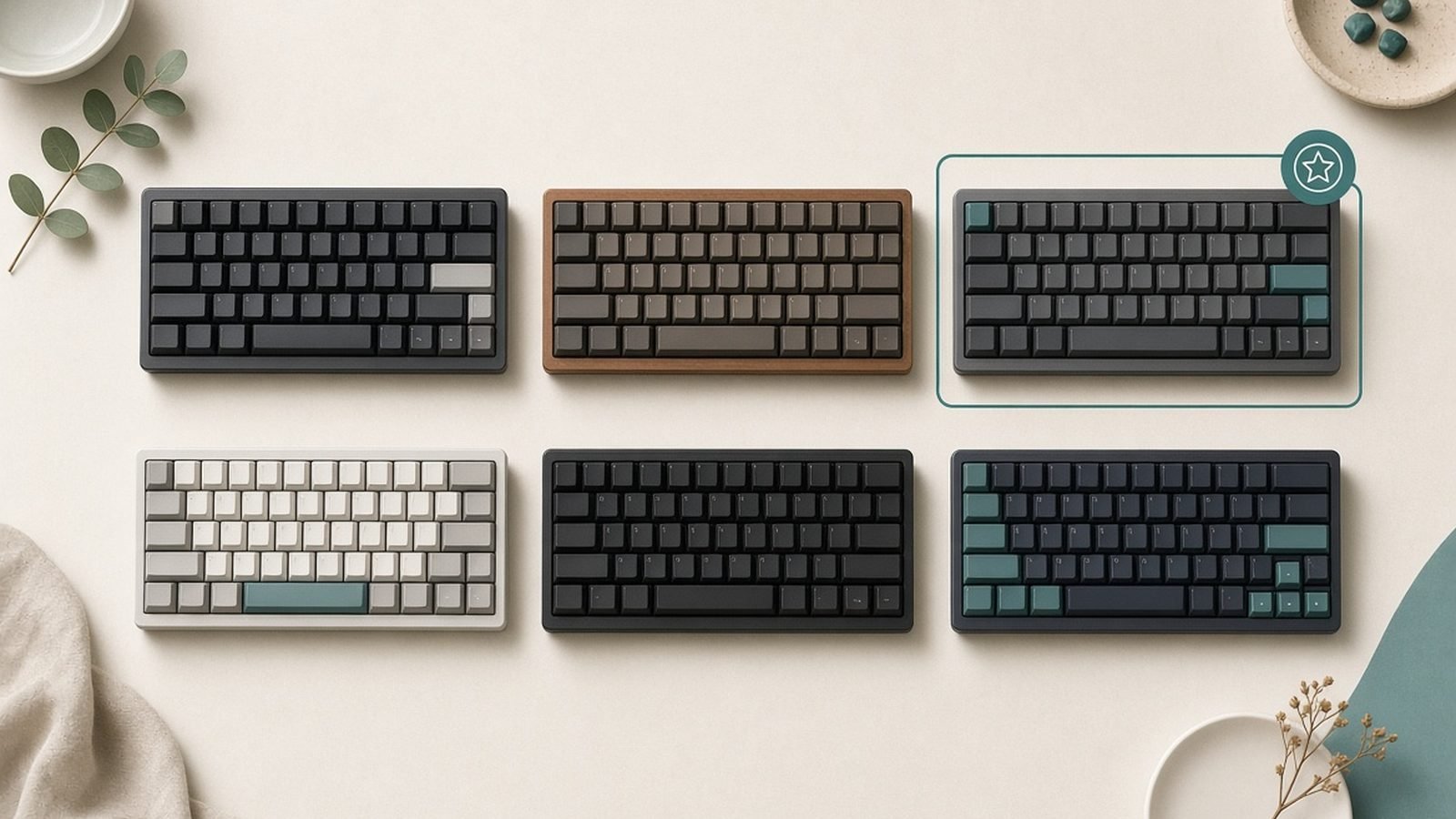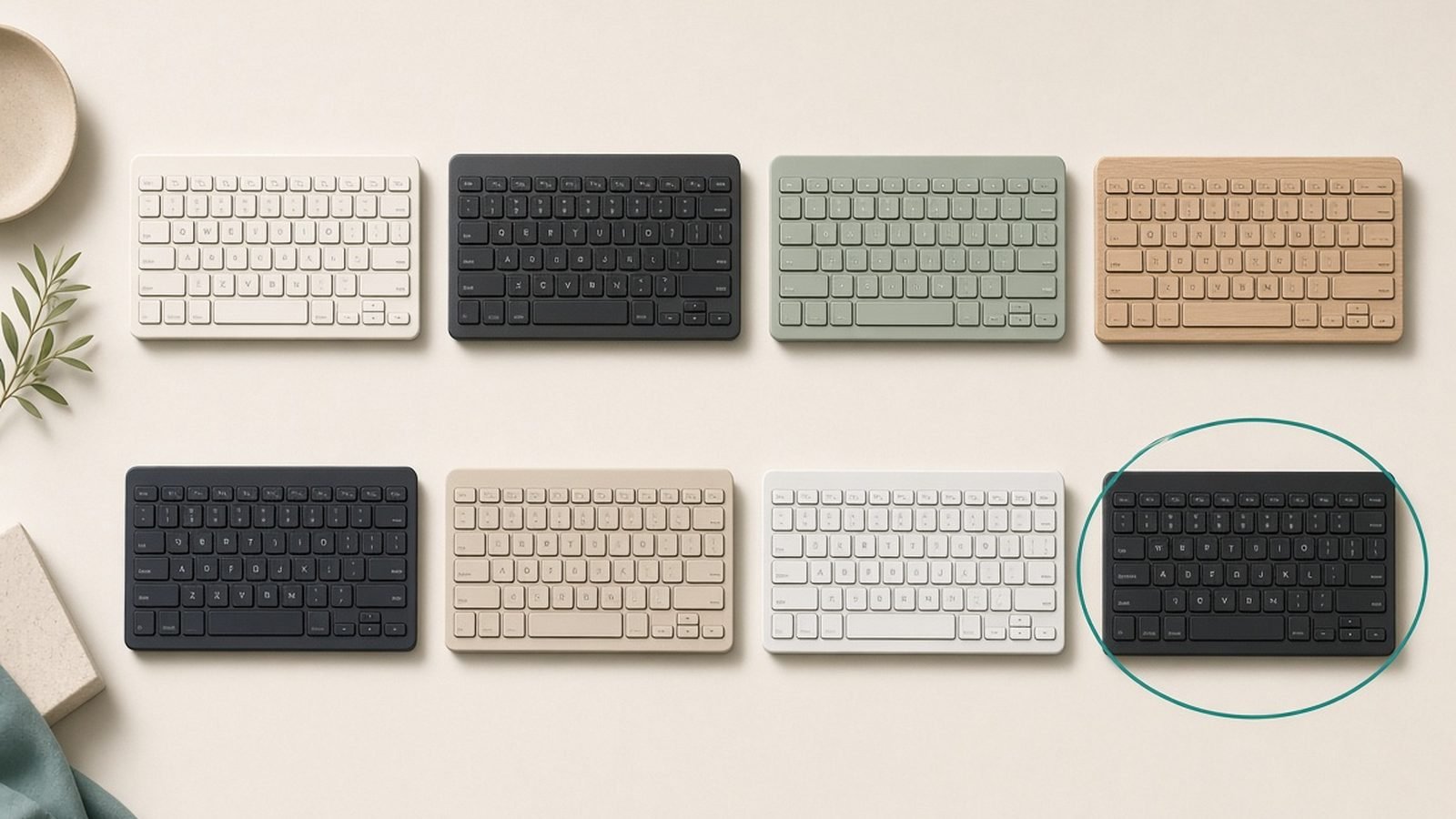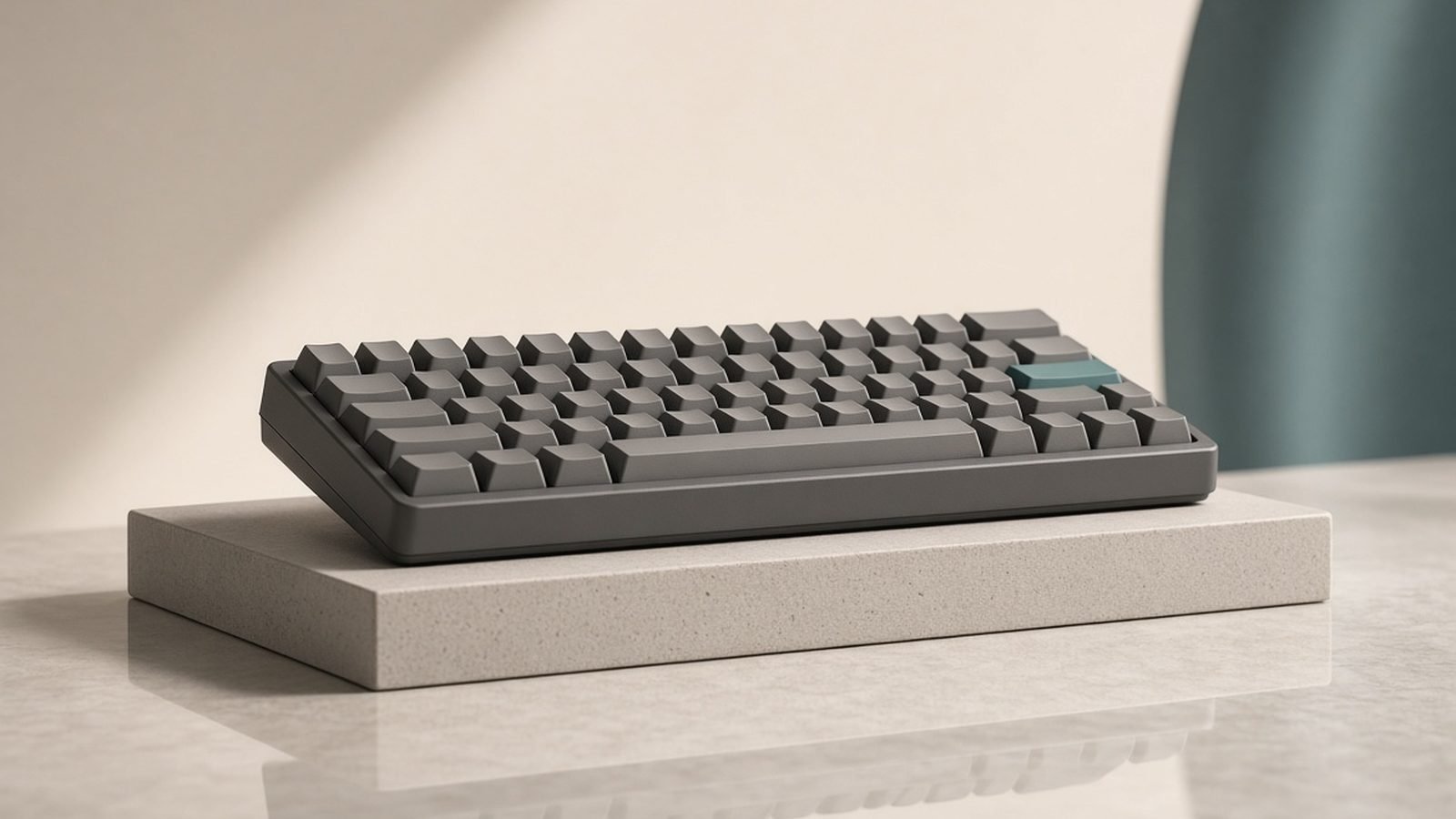
The best mechanical keyboard for most people in 2026 is the Keychron K8 Pro — a wireless, hot-swappable board with a satisfying typing feel and full Mac/Windows support. Gamers who want the fastest possible input should get the Wooting 80HE with its analog Hall-effect switches; those wanting a slim, portable board should look at the NuPhy Air75 V2; and the budget pick is the excellent-value Keychron V-series.
A mechanical keyboard is the accessory you touch every single minute at a desk, and the upgrade you feel most immediately. The difference from a mushy membrane board is not subtle — better feedback, better durability, and the ability to tune the feel to exactly what you like. But the market is enormous and jargon-heavy, and it’s easy to overspend on the wrong thing.
This guide ranks the keyboards genuinely worth buying, based on published specs, switch characteristics and aggregated owner feedback rather than hype. We’ve split them by use — typing, gaming, portability, budget — so you buy for how you actually work and play. If a slim, quiet office board suits you better than a mechanical one, see our Best Wireless Keyboards 2026: Top Boards for Work guide.
Best mechanical keyboard at a glance
| Pick | Keyboard | Best for | Type | Price (US / UK) |
|---|---|---|---|---|
| Best overall | Keychron K8 Pro | All-round typing + wireless | Hot-swap, 87-key | $59.99–$89.99 at Keychron US (sold out there); not in Keychron’s UK store |
| Best for gaming | Wooting 80HE | Fastest input, competitive gaming | Hall-effect analog | $199.99 / €219.99 at Wooting (no pound price listed) |
| Best portable | NuPhy Air75 V2 | Slim, travel, Mac | Low-profile wireless | around $129.95 / £119 (July 2026 check) |
| Best budget | Keychron V-series (V1/V3) | Value hot-swap | Wired, hot-swap | $44.99–$69.99 at Keychron US (limited stock); not in Keychron’s UK store |
| Best premium typing | Keychron Q-series (Q1 Pro) | Enthusiast feel, gasket mount | Wired/wireless, aluminium | $149.99–$167.99 at Keychron US (limited stock); not in Keychron’s UK store |
| Best mainstream gaming | Logitech G515 Lightspeed | Wireless gaming, low-profile | Wireless, GL switches | around $139.99 / £129.99 (July 2026 check) |
Price and stock check, 2 October 2026. Every Keychron and Wooting figure in this guide was checked against the makers’ own stores. On Keychron’s US store the K8 Pro was listed at $59.99 to $89.99 depending on backlight, frame and hot-swap options (reduced from $79.99 to $119.99), but all 31 of its US-layout configurations showed as sold out. The V1 and V3 were listed from $44.99 barebone and at $59.99 to $69.99 assembled, with only three V1 configurations and no V3 configurations in stock. The Q1 Pro was listed at $149.99 barebone and $167.99 assembled, with a single barebone configuration in stock. Wooting listed the 80HE at $199.99, or €219.99.
Stock at Keychron’s own store is not the whole market — retailers may still hold these boards — but it is worth knowing before you buy. The same store listed newer boards in each family: the wireless K8 Max at $94.99 to $124.99 (one configuration in stock), the wired V1 8K and V3 8K at $74.99 (in stock), and the Q1 Max at $209.99 to $229.99 (several configurations in stock). This guide has not assessed those newer models, so they are noted here as availability context, not as recommendations.
US vs UK: the Keychron UK store (keychron.uk) did not list the K8 Pro, the standard V1 or V3, or the Q1 Pro at all on 2 October 2026. Its UK-layout range was built around the newer wireless models instead: the K8 Max at £119.99, the V1 Max and V3 Max at £109.99, and the Q1 Max at £219.99. UK buyers after the exact boards recommended here will be relying on third-party retailers, where we could not verify a current pound price, so the earlier pound estimates have been removed. Wooting’s product page showed dollar and euro prices only. The NuPhy and Logitech prices are unchanged from the July 2026 check and were not re-verified in this update.
How we picked
Zen Tech Hub keyboard rankings are built from spec analysis and aggregated real-world evidence, not marketing. For this guide we compared switch types and actuation, build construction (plate, mounting, case material), connectivity, software, and layout, then weighed them against hundreds of verified owner and enthusiast reviews across US and UK retailers. We prioritised typing feel, build quality and value, and for gaming boards, input latency and switch technology. No brand influences our rankings.
The most important concept to grasp: the switch defines the feel. Linear switches (smooth, no bump) suit gaming and fast typists; tactile switches (a bump at actuation) suit typists who like feedback; clicky switches add sound. Hot-swappable boards let you change switches without soldering, which is why we favour them — you can tune the board to you.
Best overall: Keychron K8 Pro
Hot-swappable 87-key (TKL), wireless — $59.99 to $89.99 on Keychron’s US store (2 October 2026), sold out there
For the best mechanical keyboard that suits nearly everyone, it’s hard to beat the Keychron K8 Pro. It’s a tenkeyless (87-key) board that connects over Bluetooth or USB-C, works seamlessly with both Mac and Windows (with keycaps and a switch for each), and — crucially — is hot-swappable, so you can change switch feel later without soldering. Out of the box it feels good: sound-dampening foam and a solid typing sound that belie the price.
It runs QMK/VIA firmware, meaning you can remap every key and build macros through a simple app — a level of customisation usually reserved for pricier enthusiast boards. Battery life is strong, the build is sturdy, and the tenkeyless layout frees up desk space and lets your mouse sit closer, which is better for your shoulder over a long day.
The trade-offs are minor: the plastic case doesn’t have the dense feel of an aluminium enthusiast board, and there’s no number pad (buy the K4 Pro if you need one). But as a do-everything board that types well, goes wireless, and can grow with you, it’s the easy recommendation. For the full picture, see our dedicated Keychron K8 Pro Review: The Default Work Keyboard, Still?.
Pros:
- Hot-swappable — change switch feel without soldering
- Wireless (Bluetooth) and wired, Mac + Windows ready
- Full remapping via QMK/VIA firmware
- Great typing feel and sound for the price
Cons:
- Plastic case lacks the heft of aluminium boards
- No number pad in this layout
- Tall profile may want a wrist rest
Who it’s for: Almost anyone wanting one great wireless board for work that can be tuned over time.
Best for gaming: Wooting 80HE
Hall-effect analog switches — $199.99 or €219.99 on Wooting’s store (2 October 2026)
The best gaming keyboard 2026 has produced is the Wooting 80HE, and it wins on genuinely new technology, not RGB. It uses a hall effect keyboard design: magnetic analog switches that let you set the exact actuation point (how far you press before a key registers), from a feather-light 0.1mm to a firm 4mm. You can also use rapid trigger, which resets the key the instant you lift, so repeated presses register faster than any mechanical switch allows.
For competitive gaming — shooters, fighting games, anything where milliseconds count — this is a real advantage, and it’s why Hall-effect boards have swept the competitive scene. The analog switches also enable gamepad-style variable input (walk vs run with pressure) in games that support it. Build quality is excellent and the software is deep without being confusing.
The catch is that it’s expensive, and for typing or general use it’s overkill — a sub-$100 tactile board feels just as nice to type on. Non-gamers should save the money. But if you play competitively, the 80HE is the current benchmark. Pair it with a low-latency wireless mouse and a tidy desk — our Best Desk Setup Accessories 2026: Upgrade Your Workspace guide covers the rest — for the full advantage.
Pros:
- Adjustable actuation and rapid trigger — a real competitive edge
- Analog input enables pressure-sensitive controls
- Excellent build quality and deep, usable software
- Hot-swappable Hall-effect switches
Cons:
- Expensive
- Overkill for typing and general use
- Learning curve to tune actuation well
Who it’s for: Competitive gamers who want the fastest, most tunable input available.
Best portable: NuPhy Air75 V2
Low-profile wireless, 75% layout — around $129.95 / £119
If you move your keyboard between home, office and bag — or you just prefer a slim profile closer to a laptop’s — the NuPhy Air75 V2 is the pick. It’s a low-profile mechanical board, far thinner than a standard one, in a compact 75% layout that keeps the arrow keys and function row while shedding the number pad. It connects over Bluetooth, 2.4GHz wireless, or USB-C, and pairs beautifully with a Mac.
Despite the slim build, NuPhy has tuned the typing feel and sound well, with low-profile switches that are hot-swappable — rare and welcome at this height. The keycaps and design are genuinely nice, and for anyone transitioning from a laptop keyboard, the shorter travel feels familiar while still being unmistakably mechanical.
The trade-offs come with the form factor: low-profile switches have less travel and a slightly less “deep” feel than full-height ones, and it costs more than a standard board of similar spec. But as a portable, desk-friendly mechanical keyboard, especially for Mac users, it’s the best of its kind. It works well with a portable-first setup — see our Best Portable Monitors 2026: For Laptops & Travel guide for a matching mobile kit.
Pros:
- Slim, portable low-profile design
- Triple connectivity; excellent Mac support
- Hot-swappable low-profile switches (uncommon)
- Attractive build and typing sound for the height
Cons:
- Low-profile feel isn’t for everyone (shorter travel)
- Pricey for the spec
- 75% layout drops the number pad
Who it’s for: Mac users, travellers and anyone wanting a slim mechanical board that suits a laptop lifestyle.
Best budget: Keychron V-series (V1 / V3)
Wired, hot-swappable — $44.99 barebone to $69.99 assembled on Keychron’s US store (2 October 2026)
The best budget mechanical keyboard is Keychron’s own V-series. It’s wired-only, which is the main saving over the K-Pro line, but you still get a hot-swappable PCB, QMK/VIA remapping, sound-dampening foam, and a genuinely good typing feel — a feature set that would have cost twice as much a couple of years ago. For a first mechanical keyboard, it’s outstanding value.
Because it’s hot-swappable and fully remappable, it’s also the best board to learn the hobby on: try different switches, remap keys, and understand what you like before spending more. The build is plastic but solid, the layouts range from compact (V1, 75%) to full-size (V6), so you can pick your footprint.
The only real compromise is the lack of wireless — if you need Bluetooth, step up to the K-Pro line. But for a wired desk board that types well and can be customised endlessly, nothing beats it at the price. It’s the value anchor of the whole category.
Pros:
- Hot-swappable and fully remappable at a budget price
- Good typing feel with factory foam damping
- Multiple layouts available
- The best board to learn the hobby on
Cons:
- Wired only — no wireless
- Plastic build
- No Mac keycaps in some variants (function still works)
Who it’s for: First-time buyers and anyone wanting maximum customisation for minimum money.
Best premium typing: Keychron Q-series (Q1 Pro)
Aluminium, gasket-mounted, wired/wireless — $149.99 barebone to $167.99 assembled on Keychron’s US store (2 October 2026)
If typing feel is your priority and budget allows, the Keychron Q1 Pro is the enthusiast board that doesn’t require joining a forum to buy. It’s a full aluminium case with a gasket-mounted plate — a construction that gives the typing a soft, cushioned bounce and a deep, refined sound that plastic boards can’t match. It’s genuinely heavy, sits planted on the desk, and feels like a premium object.
The Pro version adds Bluetooth to the Q-series’ wired base, keeps the hot-swap PCB and QMK/VIA remapping, and includes the foam and dampening that make modern Keychrons sound so good out of the box. For someone who spends all day typing and wants the nicest possible feel without building a custom board, this is it.
The trade-offs are weight (not one for the bag) and price. For gaming or portability, other picks serve better. But for a stationary daily driver focused on typing pleasure, the Q1 Pro is a superb, near-endgame board. Set it on a good desk with a matching mouse and the setup is complete — and if you ever want a slimmer board for the office, our Best Wireless Keyboards 2026: Top Boards for Work guide has those picks.
Pros:
- Aluminium gasket-mount build — superb typing feel and sound
- Wireless plus wired; hot-swappable and remappable
- Premium, planted, high-quality feel
- Excellent factory sound tuning
Cons:
- Heavy — not portable
- Premium price
- Overkill for gaming
Who it’s for: All-day typists who want an enthusiast-grade feel without building custom.
Best mainstream gaming: Logitech G515 Lightspeed
Low-profile wireless, GL switches — around $139.99 / £129.99
Not every gamer wants to learn Hall-effect actuation curves. For a straightforward, reliable wireless gaming keyboard, the Logitech G515 Lightspeed is the pick. It’s a low-profile board with Logitech’s excellent Lightspeed wireless (effectively lag-free), a slim design that keeps your wrist comfortable, and the polished software and reliability Logitech is known for.
It won’t match the Wooting’s adjustable actuation or rapid trigger, but for the large majority of gamers who play for fun rather than ranked competition, it’s more than fast enough and far simpler to live with. The low-profile switches feel good for both gaming and typing, making it a genuine dual-purpose board, and battery life is strong.
Choose it over the Wooting if you value simplicity, wireless freedom and a slimmer profile over the last few milliseconds of competitive edge. It’s the sensible mainstream gaming board. For a Logitech productivity companion, our Logitech MX Master 4 Review: Still the Best Work Mouse? covers the mouse most people pair with it.
Pros:
- Reliable, near-lag-free Lightspeed wireless
- Slim low-profile design, comfortable for long sessions
- Good for both gaming and typing
- Polished Logitech software and support
Cons:
- No adjustable actuation or rapid trigger
- Not hot-swappable
- Pricier than wired mainstream boards
Who it’s for: Casual and mainstream gamers who want simple, reliable wireless without the Hall-effect learning curve.
How to choose a mechanical keyboard
Four decisions cover most of the choice:
- Switch type first. Linear (smooth, no bump) suits gaming and fast typing; tactile (a bump you can feel) suits typists who like feedback; clicky adds a loud click. If unsure, tactile is the safe all-round choice. A hot-swappable board lets you change your mind later without soldering — worth prioritising.
- Layout and size. Full-size has a number pad; tenkeyless (TKL/87-key) drops it to save space and bring your mouse closer; 75% and smaller go more compact. For most people, TKL or 75% is the sweet spot unless you crunch numbers daily.
- Wireless or wired. Wireless (Bluetooth or 2.4GHz) frees your desk; wired is cheaper and lag-free. For gaming, use wired or a proper low-latency 2.4GHz dongle (Lightspeed), not plain Bluetooth.
- Build and budget. Plastic cases are fine and light; aluminium gasket-mount boards feel and sound better but cost and weigh more. Spend where you’ll feel it — for typists, the build; for gamers, the switch tech.
FAQ
What is the best mechanical keyboard for typing?
For most people, the Keychron K8 Pro — it types well, goes wireless, and is hot-swappable so you can tune the feel. If you want the very best typing feel and don’t need portability, the aluminium, gasket-mounted Keychron Q1 Pro is a near-endgame board. Both handle Mac and Windows and let you remap every key.
Are mechanical keyboards better for gaming?
Yes, generally — they offer faster, more consistent input and better durability than membrane boards. For competitive play, Hall-effect boards like the Wooting 80HE add adjustable actuation and rapid trigger for a real edge. For casual gaming, any good mechanical or low-profile board like the Logitech G515 is more than fast enough.
What does hot-swappable mean and why does it matter?
Hot-swappable means you can pull out and replace the switches by hand, with no soldering. It matters because switch feel is personal — hot-swap lets you try linear, tactile or clicky switches and change your mind later without buying a new board. Every board we most recommend (K8 Pro, V-series, Q1 Pro, Wooting) is hot-swappable.
Are expensive mechanical keyboards worth it?
Up to around $100, yes — the jump from membrane to a good hot-swap mechanical board is large and worth it. Above that, you’re paying for build quality (aluminium, gasket mount) and typing refinement, which matter to all-day typists and enthusiasts but are optional for everyone else. Gamers should spend on switch technology, not case metal.
What is the best budget mechanical keyboard?
The Keychron V-series ($44.99 barebone to $69.99 assembled on Keychron’s US store on 2 October 2026) — it’s wired, but you still get a hot-swappable PCB, full key remapping and a genuinely good typing feel, which is remarkable at the price. It’s also the best board to learn the hobby on. If you need wireless, step up to the K8 Pro.
Do I need special switches for a quiet office?
For a quieter board, choose linear or tactile switches (not clicky) and a board with factory sound-dampening foam, like the Keychron K8 Pro or Q1 Pro. “Silent” switch variants exist that dampen the sound further. Avoid clicky switches (often called “blue”) in shared spaces — they’re deliberately loud and colleagues will notice.
Verdict: which mechanical keyboard should you buy?
For most people, the Keychron K8 Pro is the best mechanical keyboard of 2026 — wireless, hot-swappable, great to type on, and ready for Mac or Windows. On a budget, the Keychron V-series delivers most of that experience wired for far less. Typists who want the finest feel should get the Keychron Q1 Pro.
Gamers split two ways: the Wooting 80HE for competitive players who want the fastest, most tunable input, or the simpler Logitech G515 Lightspeed for reliable wireless without the learning curve. And if you travel or love a slim profile, the NuPhy Air75 V2 is the one to carry. Buy for your switch feel and your layout, favour hot-swap, and you’ve bought a keyboard you’ll enjoy for years.
Zen Tech Hub may earn a commission from links on this page, at no extra cost to you.