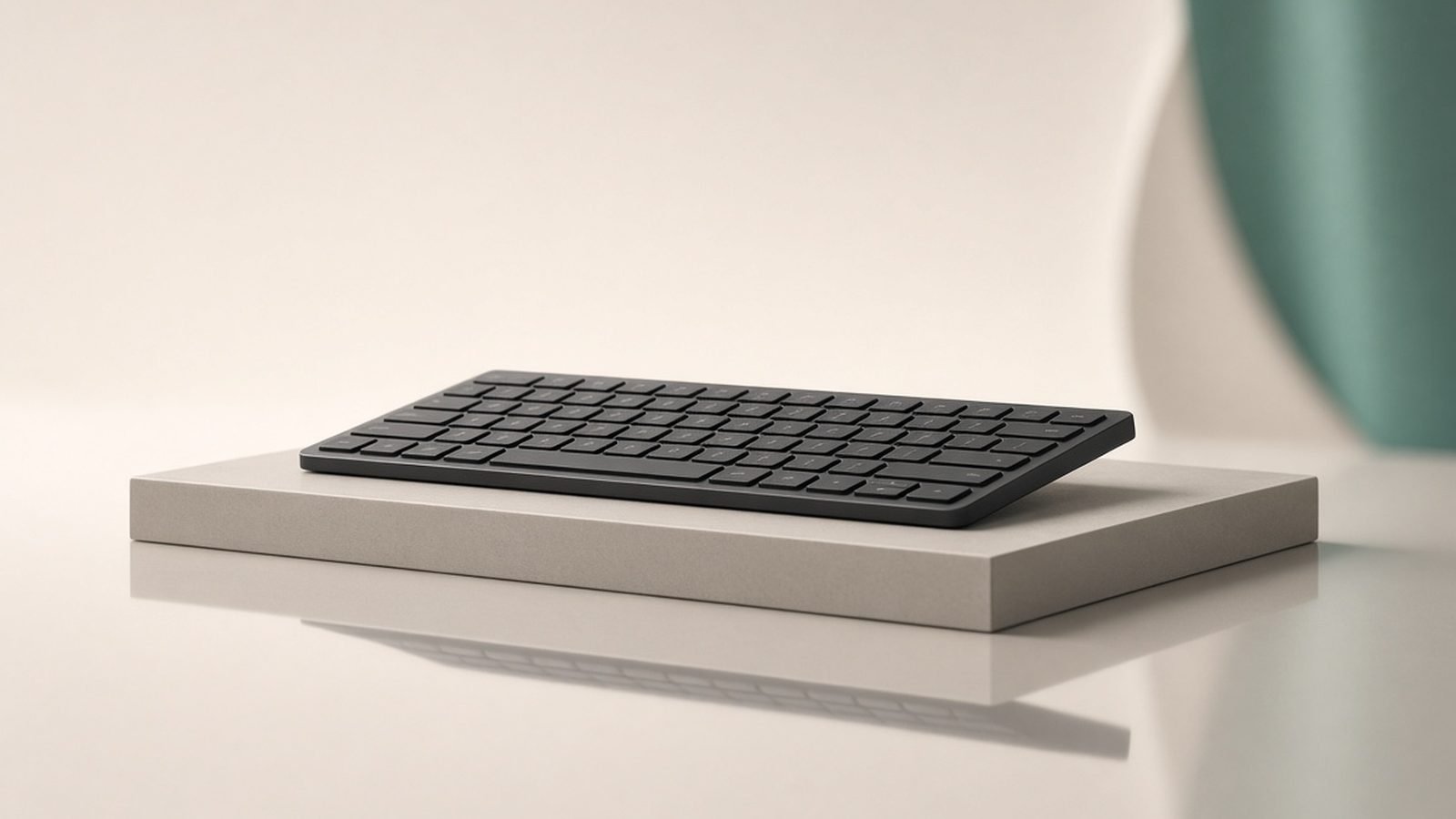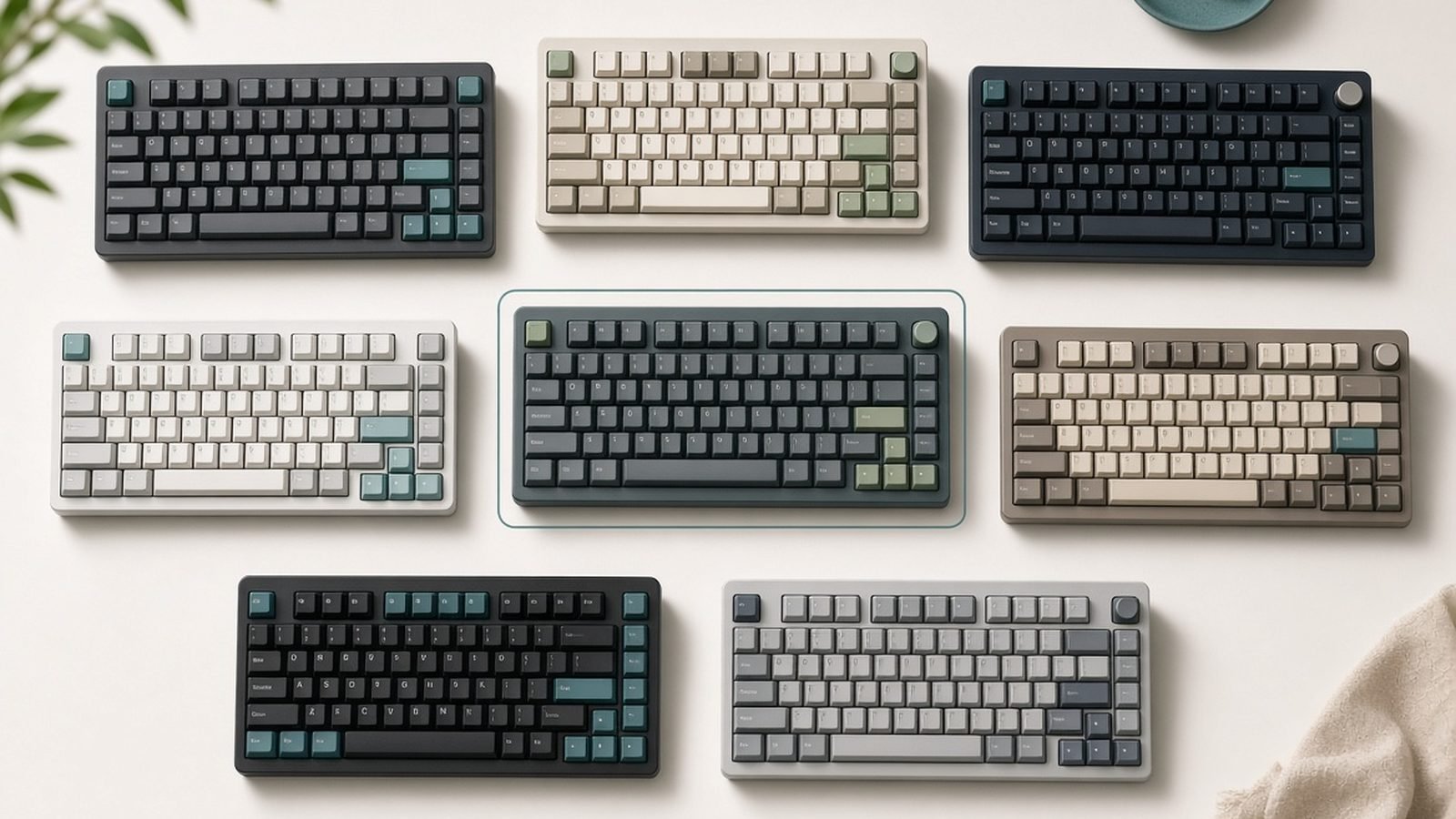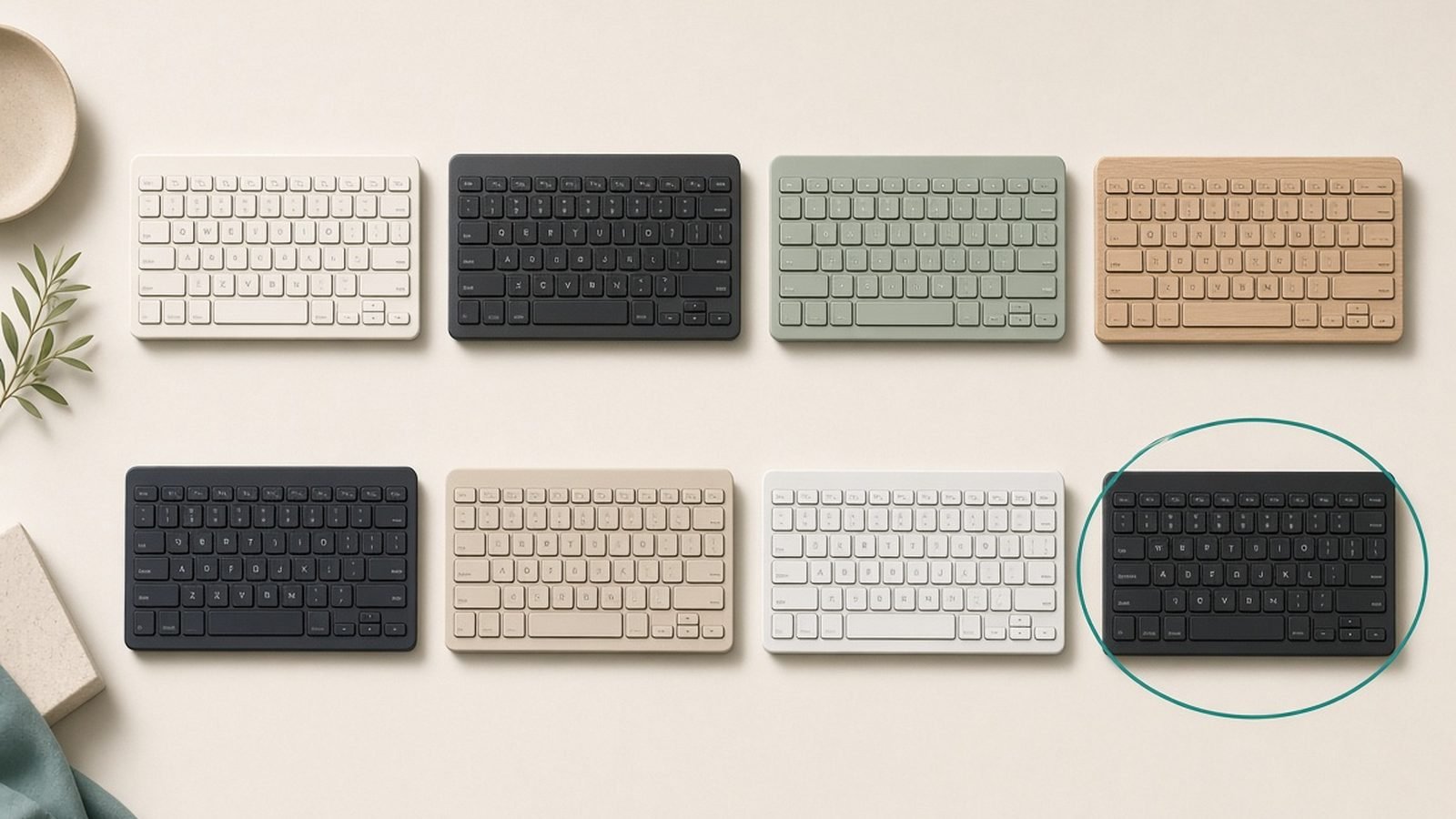
The Keychron K8 Pro launched back in 2022, and in 2026 it’s still the keyboard we see on more work-from-home desks than any other mechanical board. This Keychron K8 Pro review takes the long view: not “is it good out of the box”, but does it still make sense to buy one today, now that Keychron’s own V-series and Max boards undercut or outgun it in specific ways?
The short answer: yes, with caveats. Based on hundreds of owner reports spanning multiple years of use, the K8 Pro remains one of the safest tenkeyless purchases you can make — especially for Mac users and for UK buyers who need a proper ISO layout. But its Bluetooth-only wireless and merely-okay stock stabilisers mean it’s no longer the automatic pick it once was.
Verdict Up Front
The Keychron K8 Pro is still the default recommendation for a wireless, hot-swappable work keyboard around $95 / £94 — provided you’re fine with Bluetooth instead of a 2.4GHz dongle, and you’re willing to spend ten minutes in VIA making it yours.
It nails the fundamentals: a tenkeyless (TKL) layout that keeps your mouse close, genuine Mac and Windows support with a hardware toggle, hot-swap sockets for any 3-pin or 5-pin MX switch, and full QMK/VIA programmability. Where it shows its age is wireless latency for anything fast-paced, slightly rattly stock stabilisers, and a 4,000mAh battery that’s good rather than class-leading.
Who should buy it: office and hybrid workers, Mac users, programmers, and anyone entering the hobby who wants one board that can evolve with them.
Who shouldn’t: competitive gamers (Bluetooth latency), anyone who needs a numpad daily (get the V6 Max instead), and people who want a silent, low-profile board for open-plan offices.
| Keychron K8 Pro | Keychron V6 Max | Logitech MX Mechanical | |
|---|---|---|---|
| Layout | TKL (87/88-key) | Full-size (100%) | Full-size, low profile |
| Price | around $94.99 / £94 | around $99.99 / £99 | around $169.99 / £169.99 |
| Wireless | Bluetooth 5.1 only | Bluetooth + 2.4GHz | Bluetooth + Logi Bolt |
| Hot-swappable | Yes (3/5-pin MX) | Yes (3/5-pin MX) | No |
| QMK/VIA | Yes | Yes | No (Logi Options+) |
| UK ISO option | Yes, via keychron.uk | Yes | Yes |
| Best for | Most people | Numpad users | Logitech ecosystem, quiet offices |
Price, Versions and UK ISO Availability
The K8 Pro’s pricing has stayed remarkably stable: around $94.99 / £94 for the fully assembled RGB hot-swap version with an aluminium frame. Cheaper configurations exist — white backlight, plastic frame, non-hot-swap “barebone-lite” builds — but in our research the RGB aluminium hot-swap model is the one to get. The cost difference is small and the resale and upgrade value is much better.
For UK buyers, this is one of Keychron’s genuine strengths. The Keychron K8 Pro UK ISO version — with the tall Enter key, the extra key beside left Shift, and a proper £ on the 3 — ships from keychron.uk with UK-localised keycaps. Most boutique keyboard brands treat ISO as an afterthought or skip it entirely; Keychron builds and stocks it properly. If you touch-type on ISO, don’t settle for ANSI and a remap.
Switch options at checkout are Gateron G Pro Red, Brown or Banana (a tactile with a rounder bump than Brown). Because the board is hot-swappable, your choice here isn’t permanent — more on that below.
Build Quality and Design
The K8 Pro is a chunky, high-profile board: plastic case, aluminium frame on the recommended config, and a weight just over 1kg that keeps it planted. It’s tall enough that we’d point most people towards a wrist rest — see our Ergonomic Desk Setup Guide: Fix Your Posture in a Day guide for pairing suggestions.
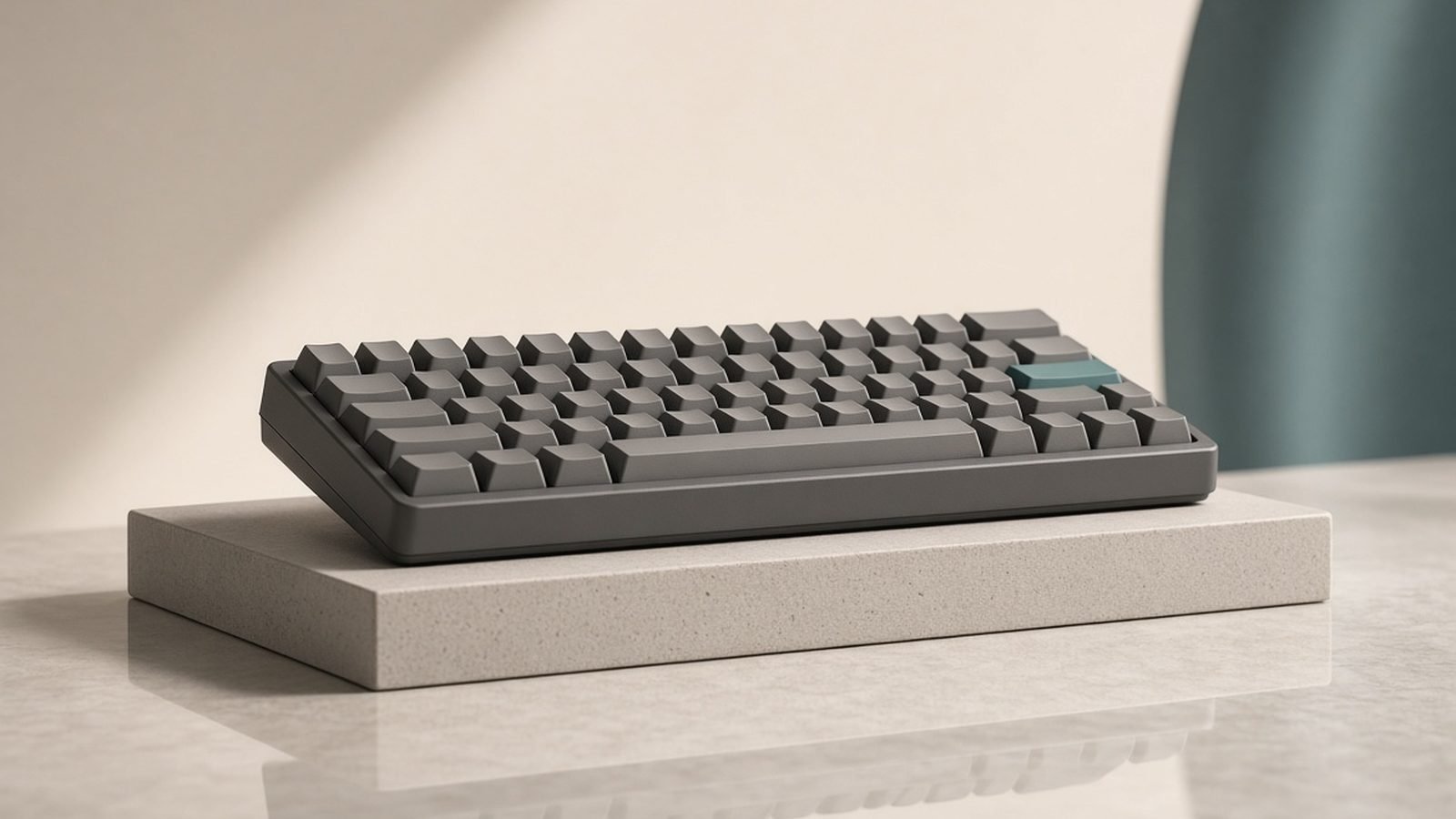
Compared with the original K8, the Pro’s biggest structural upgrades are a gasket-adjacent mounting design with sound-absorbing foam and, crucially, double-shot PBT keycaps in OSA profile instead of the old shiny-prone ABS. Multi-year owner reports consistently show the PBT caps resisting shine and legend wear far better than the K8’s — after years of daily typing, most boards still look close to new.
The long-term reliability picture is genuinely good. Trawling owner communities, the recurring complaints are minor: the volume of the stock switches, occasional Bluetooth quirks after OS updates, and stabiliser rattle. Reports of dead sockets, failed batteries or broken hinges are rare for a board this widely owned, which is exactly what you want to see in a hot swappable keyboard review candidate that’s been on sale this long.
One quirk worth knowing: the high-profile case plus OSA keycaps gives a noticeably tall typing position. Some people love the sculpted feel; flat-keyboard converts may need a week to adjust.
Typing Experience and Switch Options
Out of the box, the K8 Pro sounds and feels like a solid mid-tier board: deeper and more muted than the hollow original K8, thanks to the foam layers, but not as refined as Keychron’s own V or Q series. The screw-in stabilisers arrive lightly lubed, and this is the board’s most consistent criticism — based on hundreds of owner reports, the spacebar and backspace have a faint rattle on many units. It’s fixable with a £10 tube of dielectric grease and twenty minutes, but a stock K8 Pro isn’t the thock machine YouTube might have promised you.
The hot-swap sockets are the real story. They accept any 3-pin or 5-pin MX-style switch, which means the K8 Pro can be a quiet office board (Gateron Silent Reds), a tactile programmer’s board (Boba U4T), or a budget-endgame build with whatever’s trending. For a work keyboard you’ll use for five-plus years, that flexibility is worth more than any stock tuning.
For typists choosing at checkout: Browns are the safe office pick, Reds suit people who bottom out lightly, and Bananas are the enthusiast-approved choice with the nicest stock feel of the three.
Pros
- Hot-swap sockets (3- and 5-pin) make it endlessly upgradeable
- Double-shot PBT keycaps that genuinely last years
- Full QMK/VIA programmability — rare at this price with wireless
- Proper Mac support: correct legends, hardware Mac/Win toggle, extra keycaps in the box
- UK ISO layout actually stocked and supported via keychron.uk
- Stable pricing around $94.99 / £94 with frequent sales
Cons
- Bluetooth only — no 2.4GHz dongle, so not ideal for gaming
- Stock stabilisers rattle slightly on many units
- Tall case demands a wrist rest for most people
- Stock PBT keycaps aren’t shine-through, so the RGB reads as underglow rather than lit legends
- Battery life is fine, not exceptional, with RGB on
Wireless Performance and Keychron K8 Pro Battery Life
Wireless is where the K8 Pro shows its 2022 DNA. It connects over Bluetooth 5.1 to up to three devices, with quick-switch shortcuts on Fn+1/2/3. For typing, email and coding, owners overwhelmingly describe the connection as stable and the latency as unnoticeable. For fast-paced gaming, it isn’t — there’s no 2.4GHz dongle option, and Bluetooth’s inherent latency is perceptible in shooters. Keychron reserves 2.4GHz for its “Max” line, which is the clearest sign of where the K8 Pro sits in 2026.
On Keychron K8 Pro battery life: the 4,000mAh cell is rated for roughly 100 hours with backlight off, and real-world owner reports back that up — several weeks of office use per charge with the lights off. Turn the RGB up and that collapses to a few days, which is typical for RGB wireless boards. Charging is USB-C, and the board works perfectly in wired mode, so a dead battery never stops you working.
Two practical notes from long-term owners: the board sleeps aggressively to save power, and the wake-from-sleep delay (a second or so) is the most commonly cited daily annoyance. And macOS users should keep the OS toggle set correctly — the Mac/Windows switch on the side governs both legends and media key behaviour, and it’s the first thing to check when keys “stop working”.
Keychron QMK VIA Setup: A 10-Minute Walkthrough
Programmability is the K8 Pro’s biggest advantage over office boards like the MX Mechanical, and the Keychron QMK VIA setup is genuinely beginner-friendly:
- Plug in via USB-C. VIA only works in wired mode — wireless customisation isn’t supported.
- Open usevia.app in Chrome or Edge. No install needed; it uses WebHID. If the board isn’t detected, download the K8 Pro JSON definition from Keychron’s site and load it under Settings → Design.
- Remap anything. Click a key, click its new function. Changes save to the keyboard’s onboard memory instantly — they follow the board to any computer, wireless included.
- Set up layers. Layer 0/1 are Mac base and Fn; 2/3 are Windows. Most people’s first wins: Caps Lock to Ctrl or Esc, media keys where they want them, and a layer-tap key for arrows on the home row.
- Add macros. VIA’s macro editor handles text snippets and shortcut chains — email sign-offs, screenshot combos, IDE shortcuts.
Full QMK firmware flashing is there for power users, but in our research fewer than one in ten owners ever need to go beyond VIA. For programmers weighing this board against others, our Best Mechanical Keyboards for Programming in 2026 guide covers how QMK/VIA compares to software-based remapping.
K8 Pro vs K8 vs V-Series: Which to Buy
The K8 Pro vs K8 question is easy in 2026: pay the difference for the Pro. The original K8’s ABS keycaps shine within months, it has no QMK/VIA support, and its hollow-sounding case was the main complaint in every early hot swappable keyboard review. The Pro fixes all three for roughly $20 / £20 more.
Against Keychron’s own V-series and Max boards, it’s closer:
- Keychron V1/V3 (wired): better stock sound and tuning for less money, but no wireless. If your keyboard never leaves a desk with a cable, the V3 is arguably the better typing instrument.
- Keychron K8 Pro: the wireless TKL sweet spot — Bluetooth, hot-swap, QMK/VIA, ISO availability.
- Keychron V6 Max (around $99.99 / £99): if you want a numpad, this is the smarter buy than any full-size K-series board. It adds 2.4GHz wireless — solving the K8 Pro’s biggest weakness — for barely more money.
If Keychron launched a “K8 Max” with 2.4GHz tomorrow, it would end this debate. Until then, the K8 Pro holds the TKL wireless slot in the lineup.
Weaknesses After Long-Term Use
A fair Keychron K8 Pro review has to weigh how the board ages, and the multi-year picture is mostly reassuring with a few consistent gripes:
- Stabiliser rattle doesn’t fix itself. Units that rattle at month one rattle at year three unless you lube them. Budget twenty minutes or accept it.
- Bluetooth quirks after OS updates. A minority of macOS and Windows owners report re-pairing being needed after major updates. Annoying, not fatal.
- The wake-from-sleep pause remains the most common daily friction in long-term ownership threads.
- Battery degradation is modest. Owners several years in report noticeably shorter but still multi-week (backlight-off) endurance. Wired mode is the permanent fallback.
- Firmware support has been solid. Keychron has kept QMK sources and VIA definitions available, which bodes well for another five years of use.
None of these are dealbreakers at this price. They’re the difference between a 9/10 and the 8.5 we land on.
Alternatives
Keychron V6 Max — around $99.99 / £99
The full-size sibling that fixes the K8 Pro’s wireless gap. You get 2.4GHz with a dongle plus Bluetooth, hot-swap sockets, QMK/VIA, and a numpad — for about five dollars more. Buy this instead if you do spreadsheet-heavy work or want lower-latency wireless; skip it if desk space is tight and your mouse arm matters more than a numpad.
Logitech MX Mechanical — around $169.99 / £169.99
The corporate-friendly option: low-profile switches, quiet, excellent multi-device switching via Logi Bolt, and native pairing with MX mice. It is not hot-swappable and not QMK-programmable, and it costs nearly double the K8 Pro. Buy it if you’re invested in the Logitech ecosystem or need the quietest possible mechanical board for shared spaces — our Logitech MX Keys S vs MX Mechanical: Which to Buy? comparison digs into that decision. Skip it if you want to tinker; the K8 Pro does more for less.
Check price: Logitech MX Mechanical
For more keyboard, charging and desk accessory coverage, browse the Accessories & Charging.
FAQ
Is the Keychron K8 Pro good for Mac? Yes — it’s one of the best mechanical keyboards for Mac at any price. The Keychron K8 Pro Mac experience includes correct Command/Option legends out of the box, a hardware Mac/Windows toggle, spare Windows keycaps included, and function-row media keys that behave like Apple’s. VIA remapping works on macOS through any Chromium browser.
Does the Keychron K8 Pro have 2.4GHz wireless? No. It’s Bluetooth 5.1 only (three devices) plus wired USB-C. For typing and office work, Bluetooth latency is a non-issue; for competitive gaming it’s noticeable. If you want a 2.4GHz dongle from Keychron, look at the Max line — the V6 Max is the closest equivalent.
How long does the Keychron K8 Pro battery last? Keychron rates the 4,000mAh battery at up to around 100 hours with the backlight off, and owner reports consistently describe two to four weeks of office use per charge. With RGB at medium-high brightness, expect roughly three to five working days. It charges over USB-C and works wired while charging.
Is the K8 Pro worth it over the regular K8? Yes, decisively. For roughly $20 / £20 more you get QMK/VIA programmability, double-shot PBT keycaps instead of shine-prone ABS, screw-in stabilisers, sound-dampening foam, and a better-sounding case. In the k8 pro vs k8 debate, the only reason to buy the original is a steep clearance discount.
Can I buy the Keychron K8 Pro with a UK ISO layout? Yes. Keychron sells a proper UK ISO version — ISO Enter, £ on the 3, correct Alt Gr — through keychron.uk, with local shipping that avoids surprise import fees. This is rarer than it should be among mechanical keyboard brands, and it’s a big reason the K8 Pro remains our default UK recommendation.
What switches should I choose for an office? Gateron G Pro Browns are the safe pick: tactile but reasonably quiet. If colleagues sit close, the smartest route is any stock switch now, then hot-swapping in silent switches like Gateron Silent Reds later — no soldering required.
Final Score: 8.5/10
Four years on, the Keychron K8 Pro is no longer exciting — it’s something better: proven. The stock stabilisers deserve a tune and the lack of 2.4GHz wireless is the one spec that dates it, but no other board around $95 / £94 combines wireless, hot-swap sockets, QMK/VIA, genuine Mac support and a real UK ISO option. Until Keychron ships a K8 Max, this is still the default work keyboard — and a well-earned one.
Score basis: research analysis of official specs, independent testing and owner feedback — not first-party measurement.
Zen Tech Hub may earn a commission from links on this page, at no extra cost to you.