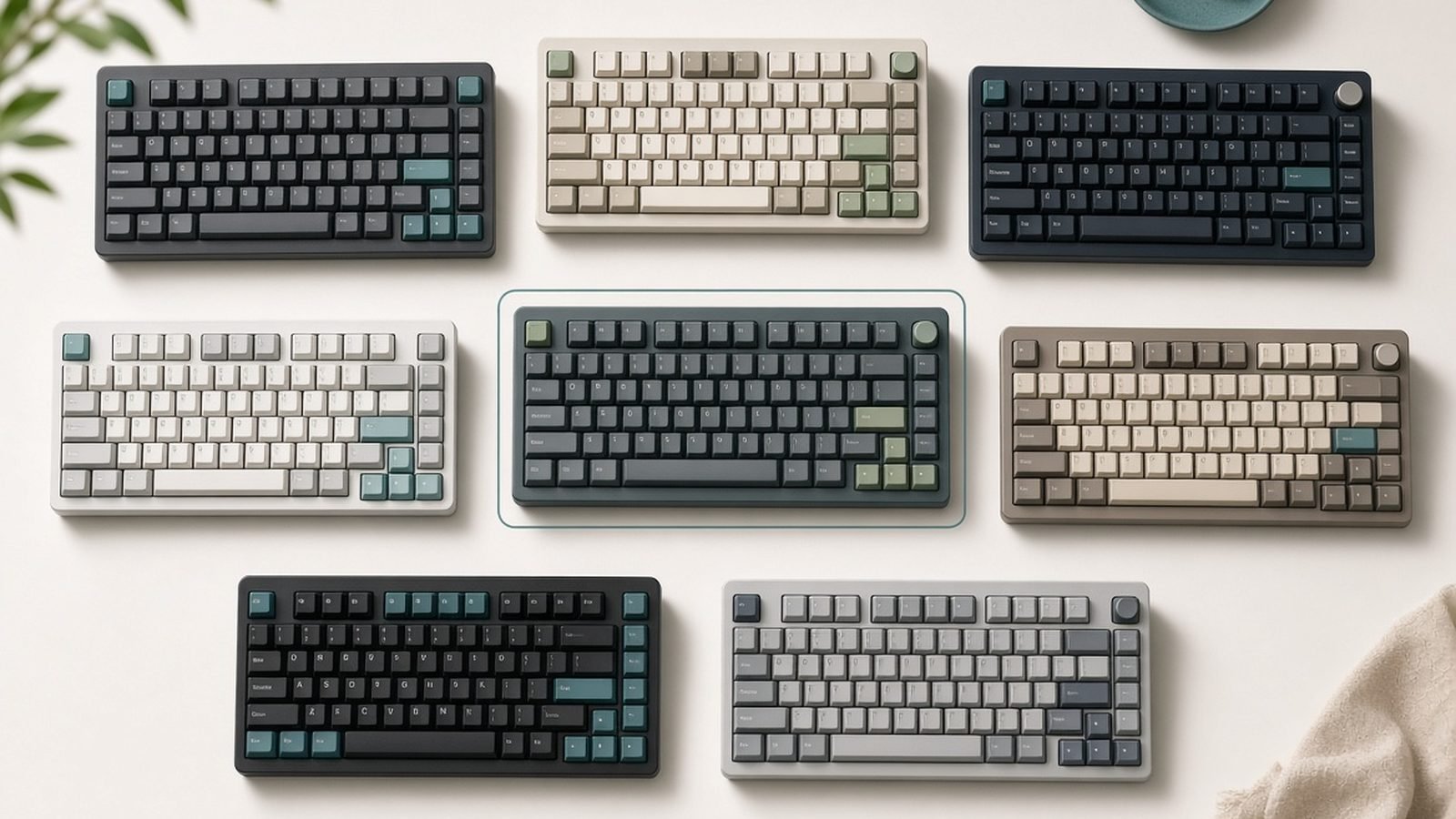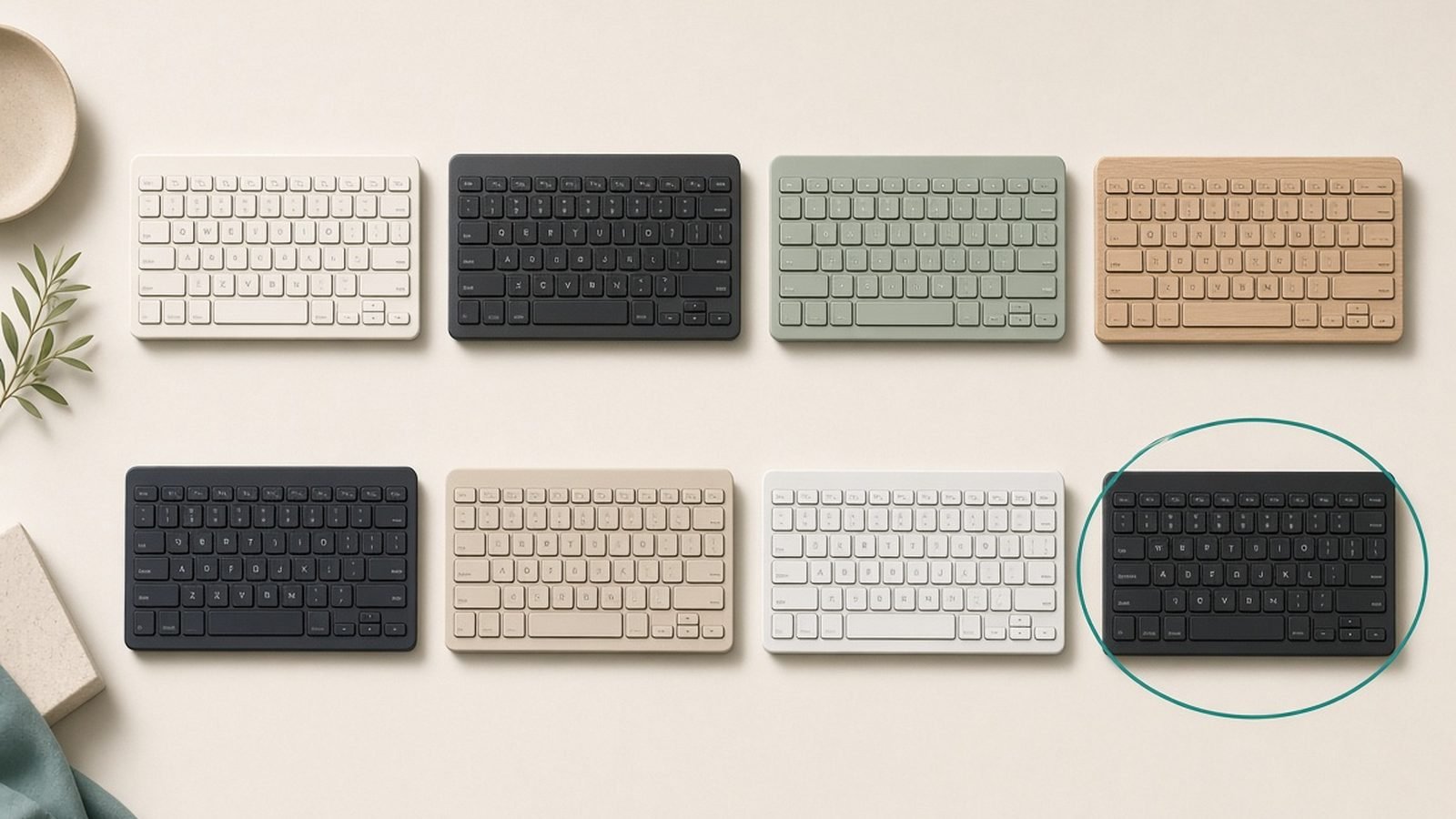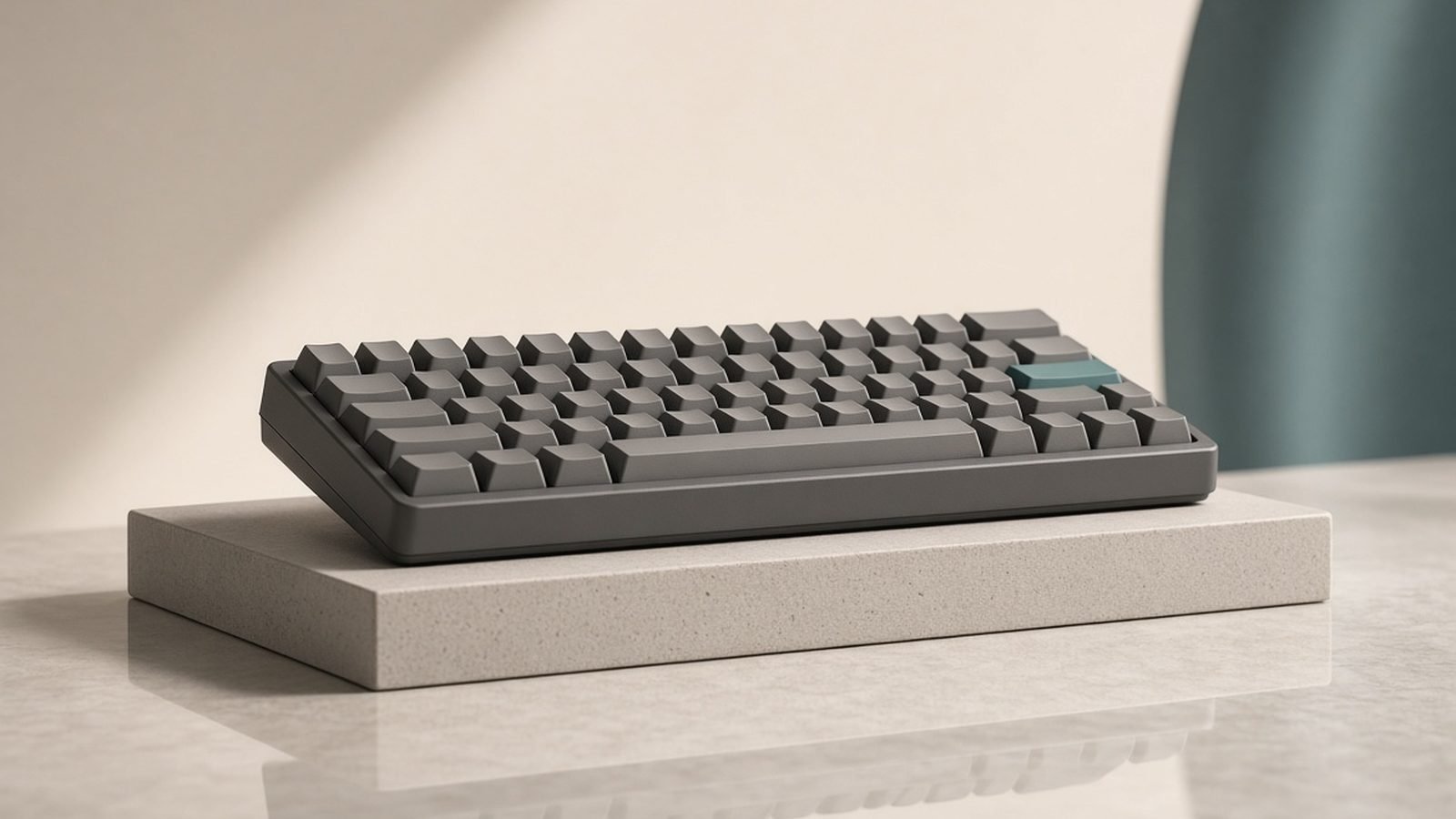
If you type for a living, your keyboard is the one tool you touch more than any other — and the best mechanical keyboard for programming isn’t the same board a gamer or a spreadsheet jockey should buy. Programmers hammer modifiers, live on symbol rows, and benefit enormously from remappable layers: putting arrow keys under your right hand, or a macro that types => or wraps a selection in brackets.
For 2026 we researched the current market, cross-referenced spec sheets, and aggregated hundreds of owner reports from developer communities to land on six boards worth your money. Keychron dominates this list for a simple reason: no other brand ships QMK/VIA open-source firmware, hot-swap sockets, wireless, and Mac/Windows support at these prices. But we’ve also included the best low-profile office option and the strongest alternative brand, so there’s a pick here whatever your setup looks like.
The Best Mechanical Keyboard for Programming: Top Picks at a Glance
| Keyboard | Best for | Layout | QMK/VIA | Wireless | Price (approx.) |
|---|---|---|---|---|---|
| Keychron K8 Pro | Best overall | TKL (80%) | Yes | Bluetooth + wired | $95 / £94 |
| Keychron Q1 Max | Best premium | 75% | Yes | 2.4GHz + BT + wired | $220 / £210 |
| Keychron V6 Max | Best full-size value | 100% | Yes | 2.4GHz + BT + wired | $100 / £99 |
| Logitech MX Mechanical | Best low-profile for offices | Full-size, low-profile | No | Bolt + BT | $170 / £170 |
| Keychron K2 HE | Best hall effect | 75% | Web configurator | 2.4GHz + BT + wired | $140 / £130 |
| NuPhy Air75 V3 | Best alternative brand | 75%, low-profile | Yes | 2.4GHz + BT + wired | $130 / £120 |
Best Overall: Keychron K8 Pro
Around $95 / £94 — the default answer when anyone asks us for the best mechanical keyboard for programming, and it has been for a while.
The Keychron K8 Pro is a tenkeyless (TKL) wireless board with the feature set that matters for coding: QMK/VIA firmware for full remapping, hot-swappable switch sockets so you can change switches without soldering, Bluetooth for up to three devices plus wired USB-C, and a physical Mac/Windows toggle that developers who switch between a MacBook and a Linux desktop will quietly love.
The QMK/VIA support is the headline for programmers. Open the VIA web app and you can remap anything in minutes — no proprietary software, no account. Popular developer setups we’ve seen in owner communities: Caps Lock remapped to Ctrl (or Esc for Vim users), a function layer that puts arrows on IJKL so your hands never leave home row, and dedicated keys for VS Code commands like “Go to Definition” (F12) or multi-cursor shortcuts. Because it’s true QMK firmware, your remaps live on the keyboard itself and follow you to any machine.
Trade-offs are real but livable. The stock ABS keycaps on some configurations feel thin and will shine over time, and the stock stabilizers are merely okay — the spacebar can sound a little rattly out of the box. Based on hundreds of owner reports, both are solved cheaply: a $30 PBT keycap set and five minutes with stabilizer lube transform the board. Bluetooth latency is fine for typing, irrelevant for coding, but there’s no 2.4GHz dongle at this tier — step up to the K8 Max line if you want one.
Pros:
- QMK/VIA remapping — the gold standard for a qmk via keyboard under $100
- Hot-swap sockets: try new switches without buying a new board
- TKL layout keeps your mouse close while keeping the F-row and nav cluster
- Bluetooth multi-device plus wired, Mac/Windows toggle
- ISO variants genuinely available (see the UK section below)
Cons:
- Stock keycaps and stabilizers are the obvious cost-cutting
- No 2.4GHz dongle on this model
- Plastic case flexes a touch under pressure
Verdict: if you want one answer to “what’s the best keyboard for programmers?”, it’s this. Read our full breakdown in Keychron K8 Pro Review: The Default Work Keyboard, Still?.
Best Premium: Keychron Q1 Max
Around $220 / £210 — the “buy once, stop thinking about keyboards” option.
The Q1 Max is a full-aluminium 75% board with a double-gasket mount, meaning the plate floats on silicone gaskets rather than being screwed rigidly to the case. The result, consistently described across owner reports and independent reviews, is a softer, deeper, quieter typing feel that cheaper tray-mount boards simply can’t replicate. At roughly 1.6kg it does not move on your desk.
Everything the K8 Pro does, the Q1 Max does better: QMK/VIA, hot-swap, Bluetooth for three devices, plus a 2.4GHz dongle with 1000Hz polling for latency that’s indistinguishable from wired. Stock keycaps are double-shot PBT and the stabilizers come properly tuned — none of the K8 Pro’s “fix it yourself” caveats apply.
For programmers specifically, the 75% layout is arguably ideal: you keep the F-row (debugger hotkeys, rename symbol) and dedicated arrows while giving up only the nav cluster, which VIA lets you tuck onto a layer. The rotary knob is genuinely useful once remapped — owners map it to zoom, horizontal scroll through long lines, or volume.
The honest case against it: $220 is a lot for a keyboard, the weight makes it a desk fixture rather than a bag companion, and if you’ve never used a mechanical board you won’t yet appreciate what the extra $120 over a K8 Pro buys. This is a board for people who already know they’ll type on it for five years.
Pros:
- Gasket-mount aluminium build; top-tier stock typing feel and sound
- 2.4GHz + Bluetooth + wired, with 1000Hz wireless polling
- QMK/VIA, hot-swap, quality PBT caps and tuned stabilizers out of the box
- Programmable rotary knob
Cons:
- Premium price
- Heavy and tall — most people will want a wrist rest
- Overkill if you just want “a decent mechanical keyboard”
Verdict: the endgame pick. If your keyboard budget stretches to it, nothing else here types better.
Best Full-Size Value: Keychron V6 Max
Around $100 / £99 — for developers who refuse to give up the numpad.
Plenty of programmers genuinely need a numpad: finance devs, data engineers keying test values, anyone who lives in spreadsheets half the day. The V6 Max is the rare full-size board that’s also a proper enthusiast board — QMK/VIA firmware, hot-swap sockets, double-shot PBT keycaps, sound-dampening foam, and tri-mode connectivity (2.4GHz, Bluetooth, wired) — for about a hundred dollars. That combination barely existed at this price two years ago.
In our research, owner feedback on the V6 Max is strikingly positive for the money: the pre-lubed switches and foam-filled case produce a sound and feel most people associate with boards costing twice as much. The case is plastic rather than aluminium, which is the main thing separating it from Keychron’s Q6 Max.
The trade-off is the footprint. A full-size board pushes your mouse further right, which ergonomics research consistently links to increased shoulder strain over long sessions — one reason many developers moved to TKL and 75% layouts in the first place. If you want the numpad only occasionally, consider a TKL plus a separate wireless numpad instead. See our Ergonomic Desk Setup Guide: Fix Your Posture in a Day guide for how keyboard width affects posture.
Pros:
- Full QMK/VIA and hot-swap under $100/£100
- 2.4GHz + Bluetooth + wired
- Surprisingly good stock sound for the price
- Numpad for numeric-heavy work
Cons:
- Big desk footprint pushes your mouse wide
- Plastic case
- Heavy enough that it’s not portable anyway
Verdict: the best value on this list if a numpad is non-negotiable.
Best Low-Profile and Office-Quiet: Logitech MX Mechanical
Around $170 / £170 — the mechanical keyboard you can bring into an open-plan office without apologising.
The MX Mechanical is Logitech’s answer to a specific person: someone who wants mechanical feedback but works around other humans, uses two or three computers, and has zero interest in firmware, switches, or keycap profiles. The tactile quiet switches (the variant we’d recommend for shared spaces) give a clear bump with a muted sound closer to a good laptop keyboard than a clacky enthusiast board.
Its killer feature is the ecosystem. Logi Bolt and Bluetooth pairing across three devices with instant switching, Logi Options+ Flow if you pair it with an MX Master mouse, and backlighting that activates as your hands approach. If you already use an MX Master 4, this board completes the set — see our Logitech MX Master 4 Review: Still the Best Work Mouse?.
The compromises are exactly what an enthusiast would predict: switches are not hot-swappable, there’s no QMK or VIA (remapping happens in Logi Options+, which is far more limited and per-computer rather than on-board), and the low-profile keycaps aren’t standard, so customisation is effectively off the table. Battery life is strong — weeks with backlight, months without, based on owner reports.
If you’re choosing between this and Logitech’s non-mechanical flagship, our Logitech MX Keys S vs MX Mechanical: Which to Buy? comparison covers that head-to-head.
Pros:
- Quietest genuinely mechanical typing experience here — office-safe
- Excellent multi-device switching across Bolt and Bluetooth
- Low-profile mechanical keyboard design keeps wrists flatter with no wrist rest
- Great battery life and smart backlighting
Cons:
- No QMK/VIA; remapping is limited and software-dependent
- Not hot-swappable, non-standard keycaps
- Pricey for its feature set next to Keychron
Verdict: the pick for multi-device office workers who value quiet and convenience over customisation.
Check price: Logitech MX Mechanical
Best Hall Effect: Keychron K2 HE
Around $140 / £130 — for the developer who codes all day and games at night.
Hall effect (HE) switches replace physical metal contacts with magnetic sensors, so the keyboard knows exactly how far each key is pressed. That unlocks features contact switches can’t do: adjustable actuation (set keys to trigger at a feather-light 0.5mm or a deliberate 3.8mm), rapid trigger for gaming, and assigning two actions to one key at different depths.
The K2 HE packs this into a 75% board with a wood-accented rosewood trim, 2.4GHz/Bluetooth/wired connectivity, and Keychron’s web-based launcher for configuration. For hall effect keyboard typing specifically, owner consensus is that the Gateron double-rail magnetic switches feel smooth and stable — closer to a good linear than the vague, wobbly feel early HE boards had. Setting a deeper actuation point for typing meaningfully cuts accidental keypresses, then a gaming profile can flip the same keys to hair-trigger.
Why isn’t it our overall pick? The HE ecosystem is still maturing for pure typists. Switch choice is limited to magnetic options (no swapping in your favourite tactiles), configuration runs through Keychron’s web launcher rather than standard QMK/VIA, and tactile-switch fans won’t find an equivalent bump here — magnetic switches are inherently linear in feel. If you never game, the K8 Pro or Q1 Max gives you more typing-focused flexibility for the money.
Pros:
- Adjustable actuation: customise typing feel per key
- Rapid trigger makes it a legitimately good gaming board too
- Tri-mode wireless with 1000Hz polling
- Distinctive design, solid stock sound
Cons:
- Linear-only feel; no tactile magnetic option
- Web launcher, not standard QMK/VIA
- HE switch ecosystem still small
Verdict: the best dual-purpose board here — buy it if your evenings involve shooters as well as side projects.
Best Alternative Brand: NuPhy Air75 V3
Around $130 / £120 — proof that low-profile doesn’t mean compromised.
If the MX Mechanical is low-profile for pragmatists, the NuPhy Air75 V3 is low-profile for enthusiasts. It’s a slim 75% board with genuine QMK/VIA support, hot-swappable low-profile switches in a wide range of feels (linear, tactile, and silent options), and — unusually for a slim wireless board — up to 1000Hz polling over the 2.4GHz dongle. Nothing else in the low-profile class matches that spec sheet.
For programmers, it hits a sweet spot: laptop-like key travel that’s easy to move to and from a MacBook keyboard, full remappability for layers and macros, and a board thin and light enough to actually carry between office and home. Battery life is strong, and the build quality, per aggregated owner reports, is a clear step up from earlier Air75 generations.
The recurring criticism in owner feedback is the keycap profile. NuPhy’s low-profile caps have a distinctive spacing and shape that some typists adapt to in a day and others never love — it’s the single most divisive thing about the board. Third-party low-profile keycap options are also far more limited than standard-profile boards.
Pros:
- The most capable low-profile mechanical keyboard for the money
- QMK/VIA plus hot-swap in a slim board — rare combination
- 1000Hz wireless polling; genuinely portable
- Wide low-profile switch selection
Cons:
- Keycap profile divides opinion
- Limited aftermarket keycap options
- Low-profile travel isn’t for everyone — try before committing if you can
Verdict: the best keyboard here for hybrid workers who commute with their board and still want full programmability.
Layout Guide for Coders: 75%, TKL or Full-Size?
The 75 percent vs TKL keyboard question is the most common one we see from developers, so here’s the short version.
75% (Q1 Max, K2 HE, Air75 V3): everything TKL offers, compressed. You keep the F-row and arrow keys but lose the separate nav cluster — Home/End/PgUp/PgDn either shrink to a single column or move to a function layer. For coding this matters: Home and End are constant companions when editing lines. On a QMK board you’ll solve it with a layer in ten minutes; on a fixed-firmware 75% board, think harder.
TKL / 80% (K8 Pro): the pragmatic default. Full F-row, full nav cluster, dedicated arrows — every key a programmer regularly uses, minus only the numpad. Your mouse sits about 10cm closer than with a full-size board, which your shoulder will thank you for over a career.
Full-size (V6 Max, MX Mechanical): only if you use the numpad weekly. The ergonomic cost of the extra width is real, and a detachable numpad gives you the best of both.
We’d steer most programmers to TKL or 75%, and to 60/65% boards only if you’re comfortable living on layers full-time.
Switches Explained: Linear vs Tactile for Long Coding Sessions
Switch choice is personal — the best mechanical keyboard for programming with tactile switches can feel wrong to a linear devotee — but patterns emerge across thousands of developer owner reports.
Tactile switches (Gateron Brown/Baby Kangaroo, Keychron’s tactile options) give a small bump at the actuation point. Most typists coming from laptop keyboards find tactiles the easiest transition, and the feedback helps accuracy on symbol-dense code. Our default recommendation for programmers.
Linear switches (Gateron Red/Yellow, Gateron Jupiter Red) travel smoothly with no bump. They’re quieter than clickies, favoured by gamers, and some fast typists prefer the uninterrupted stroke. Bottoming out hard on linears all day can fatigue fingers; lighter springs help.
Clicky switches (Blues): satisfying, loud, and a firing offence on open floor plans or calls. Skip them unless you work alone.
The beauty of hot-swap boards like the K8 Pro, V6 Max, Q1 Max and Air75 V3 is that this decision isn’t permanent — a sample pack of switches costs a few dollars and you can change your mind in an afternoon.
UK ISO Layout Availability (What UK Buyers Should Know)
Most US-written keyboard guides ignore this entirely, so let’s fix that: if you’re hunting for the best keyboard for coding in the UK, layout matters as much as switches.
ISO vs ANSI in practice: UK ISO boards have a tall Enter key, a shorter left Shift with \ beside it, and " and @ swapped relative to US layouts. If you learned to type on UK keyboards, buying ANSI means retraining muscle memory on symbols you use constantly in code — quotes, pipes, backslashes.
Who actually stocks ISO: Keychron’s UK store (keychron.uk) sells proper UK ISO variants of the K8 Pro, V-series and Q-series boards, priced in sterling with UK shipping — a genuine differentiator, since many enthusiast brands ship ANSI-only. Logitech sells the MX Mechanical in UK ISO through mainstream retailers. NuPhy is the weak spot: the Air75 V3 is broadly ANSI-first, with ISO availability inconsistent, so check the listing carefully before ordering.
A counterpoint worth considering: a meaningful minority of UK developers deliberately switch to ANSI because programming symbols (#, ~, backslash) sit in more convenient positions and keycap set availability is roughly ten times better. If you’re buying a hot-swap board you plan to customise, ANSI is the pragmatic choice; if you share the machine with UK-trained family or type prose all day, stick with ISO.
Also remember UK prices include VAT — the £94 K8 Pro and $95 K8 Pro are closer in real cost than the numbers suggest.
FAQ
Is a mechanical keyboard actually better for programming?
Better is subjective, but three advantages are concrete: per-key remapping and layers (on QMK/VIA boards) reduce hand movement for arrows, symbols and shortcuts; switch choice lets you tune feel and noise to your environment; and mechanical boards typically outlast membrane boards by years. No keyboard makes you code faster by itself — but a well-configured one reduces friction and strain over thousands of hours.
What is the best mechanical keyboard for programming overall?
For most developers, the Keychron K8 Pro: QMK/VIA remapping, hot-swap switches, wireless and wired connectivity, and Mac/Windows support for around $95 / £94. Budget-stretchers should go straight to the Q1 Max for its aluminium gasket-mount build. Office workers who need quiet and multi-device switching are better served by the Logitech MX Mechanical despite its weaker customisation.
Are hall effect keyboards good for typing, or just gaming?
Modern hall effect boards like the Keychron K2 HE type genuinely well — adjustable actuation lets you set a deeper trigger point that reduces typos, and current magnetic switches feel smooth and stable. The caveat: they’re all linear in feel, with no true tactile bump available. If you love tactile switches and never game, a conventional QMK board remains the better typing tool.
What’s the difference between QMK and VIA?
QMK is the open-source firmware running on the keyboard itself; VIA is the friendly app (now web-based) for configuring QMK boards in real time without compiling anything. Together they let you remap keys, build layers, and create macros that are stored on the keyboard — so your Caps-Lock-as-Ctrl setup works on any computer you plug into, with no software installed.
Should UK programmers buy ISO or ANSI?
If your muscle memory is UK-trained and you type a lot of prose, buy ISO — keychron.uk and Logitech both stock proper UK layouts. If you’re an enthusiast who’ll customise keycaps, or you find # and \ placement annoying for code, ANSI is worth the short adjustment period and offers vastly better keycap availability. Whichever you choose, don’t mix layouts across your machines.
Are wireless mechanical keyboards responsive enough for coding?
Yes, comfortably. Typing latency requirements are far looser than competitive gaming, and even Bluetooth’s ~10-20ms is imperceptible when writing code. The best wireless mechanical keyboard options here — Q1 Max, V6 Max, K2 HE and Air75 V3 — also include 2.4GHz dongles polling at 1000Hz, which is functionally identical to wired. The real wireless consideration is battery discipline, not lag.
Verdict: Which Should You Buy?
- Most programmers: the Keychron K8 Pro (~$95 / £94). The complete QMK/VIA feature set at a price that leaves room for better keycaps later.
- You want the endgame now: the Keychron Q1 Max (~$220 / £210). Aluminium gasket-mount typing feel nothing else on this list touches.
- You need a numpad: the Keychron V6 Max (~$100 / £99). Unmatched full-size value.
- Open-plan office, multiple machines: the Logitech MX Mechanical (~$170 / £170). Quiet, seamless, zero tinkering.
- You code by day and game by night: the Keychron K2 HE (~$140 / £130). Adjustable actuation covers both jobs.
- You commute with your keyboard: the NuPhy Air75 V3 (~$130 / £120). The most capable slim board money buys.
Whatever you pick, spend the first evening in VIA (or the vendor’s configurator) setting up a navigation layer and remapping Caps Lock. That thirty minutes of setup is where the real productivity gain of the best mechanical keyboard for programming actually lives — the switches are just the part that feels nice.
Zen Tech Hub may earn a commission from links on this page, at no extra cost to you.