XPPen has spent the last several years turning the drawing-tablet market on its head by offering big, capable pen displays and tablets for a fraction of Wacom’s prices. In 2026 it’s one of the two go-to budget-to-midrange brands (alongside Huion), and its hardware is genuinely good. Verdict: buy XPPen if you want a large, feature-rich drawing tablet or pen display at a low price and you’re comfortable with slightly rougher software and support than the market leader — for hobbyists, students, and cost-conscious pros, it’s outstanding value. Just don’t expect Wacom’s polish or resale value.
The trade-offs are real but manageable: driver quirks, mixed customer-service experiences, and a brand that still doesn’t carry the professional cachet of the incumbent. This profile covers where XPPen shines and where it falls short.
Company overview
XPPen (the brand of Hanvon Ugee group) is a Chinese company founded in 2005, with roots in Japan and offices across several regions. It sits within the broader Hanvon Ugee digital-input group, which also produces OEM pen technology — so XPPen is part of a large, established pen-hardware operation rather than a fly-by-night newcomer.
XPPen’s strategy has been straightforward: match or exceed Wacom on visible specs — screen size, resolution, laminated glass, color coverage, pen pressure levels — while charging much less. Over time it has built a solid reputation among illustrators and animators on a budget, sponsored art communities and contests, and expanded from tablets into pen displays, styluses, and accessories. Its reputation in plain terms: excellent value and improving quality, held back by software polish and inconsistent support that keep it a step behind Wacom for demanding professionals.
What XPPen makes
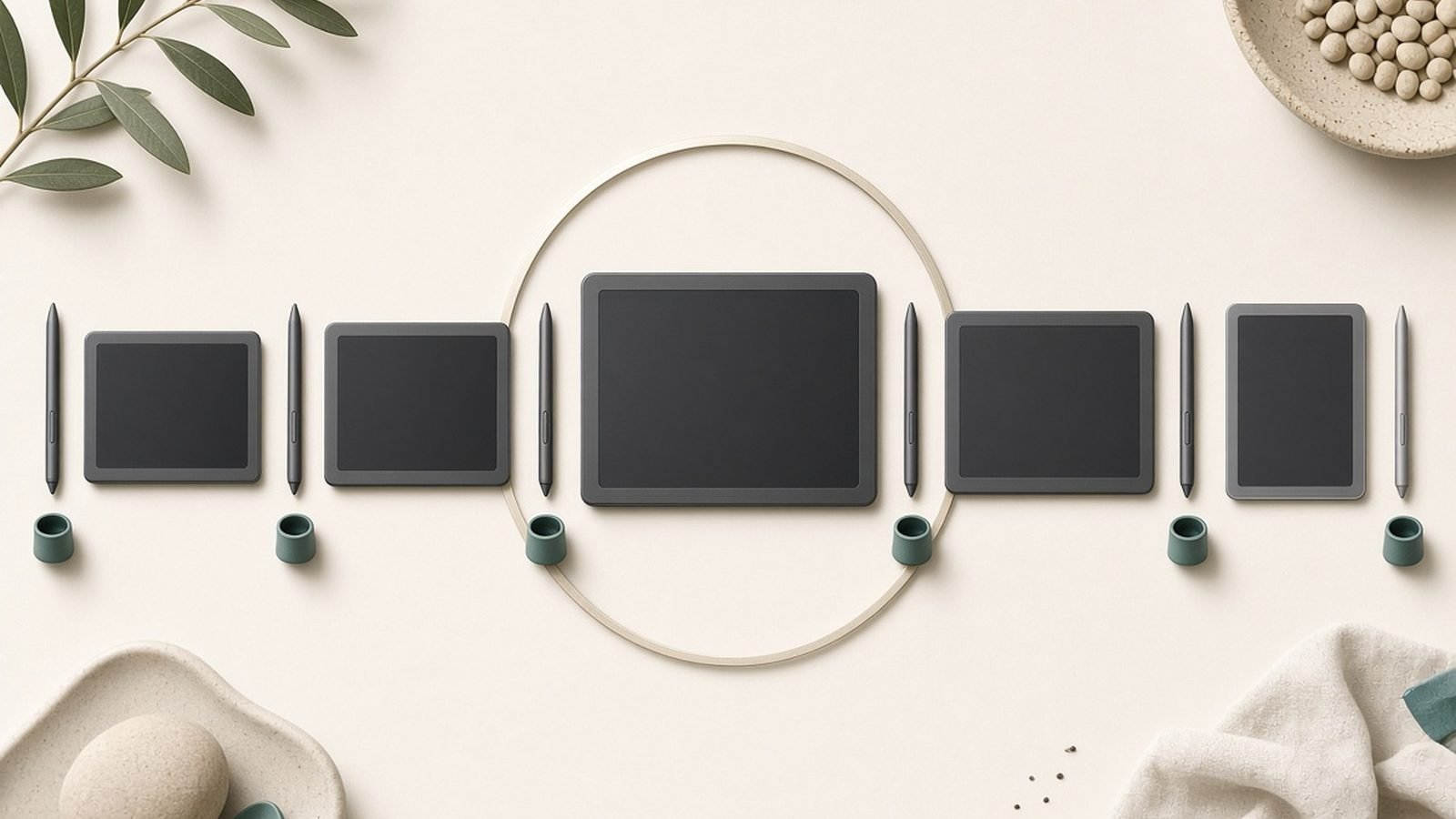
XPPen’s consumer lineup covers:
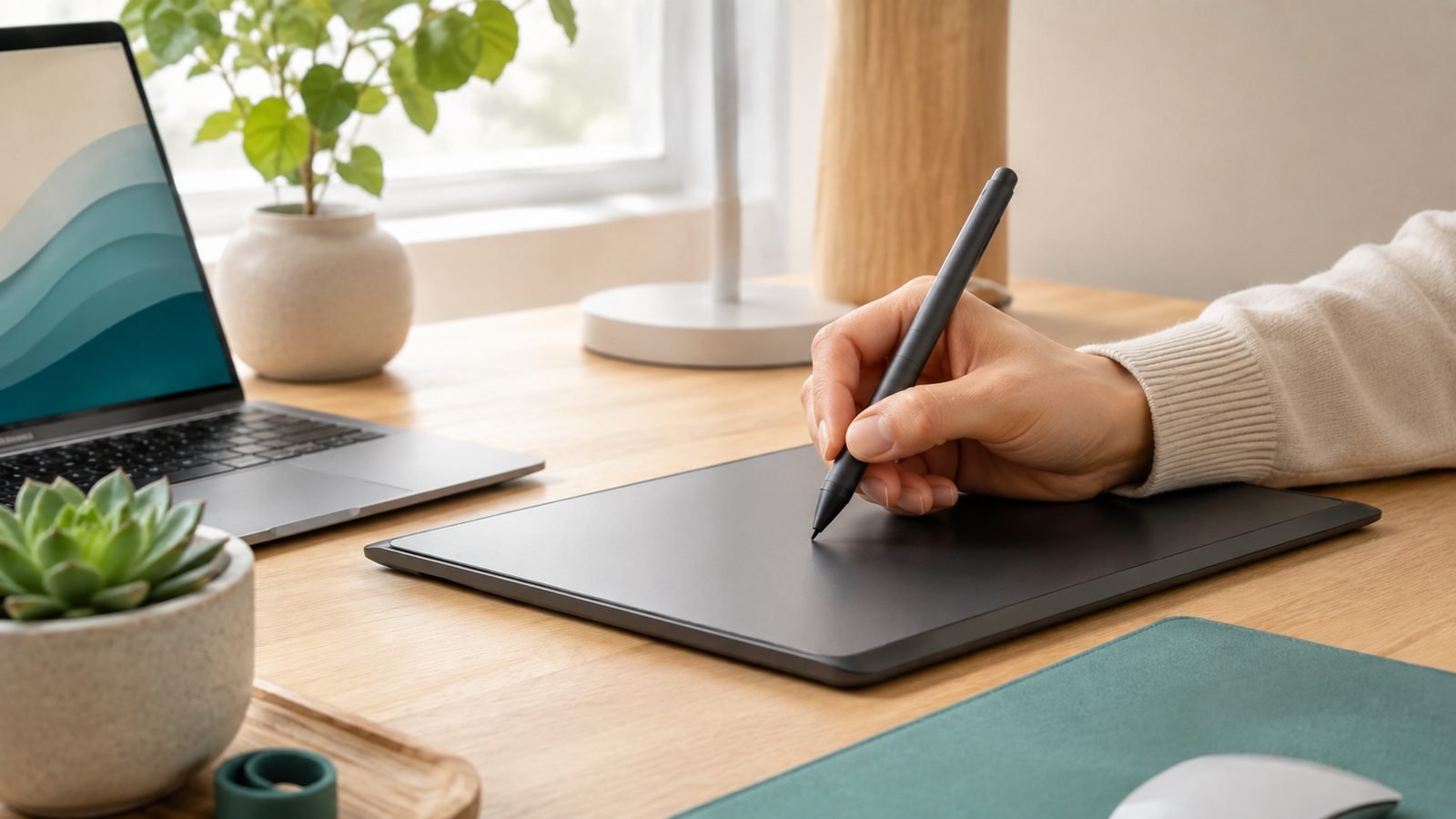
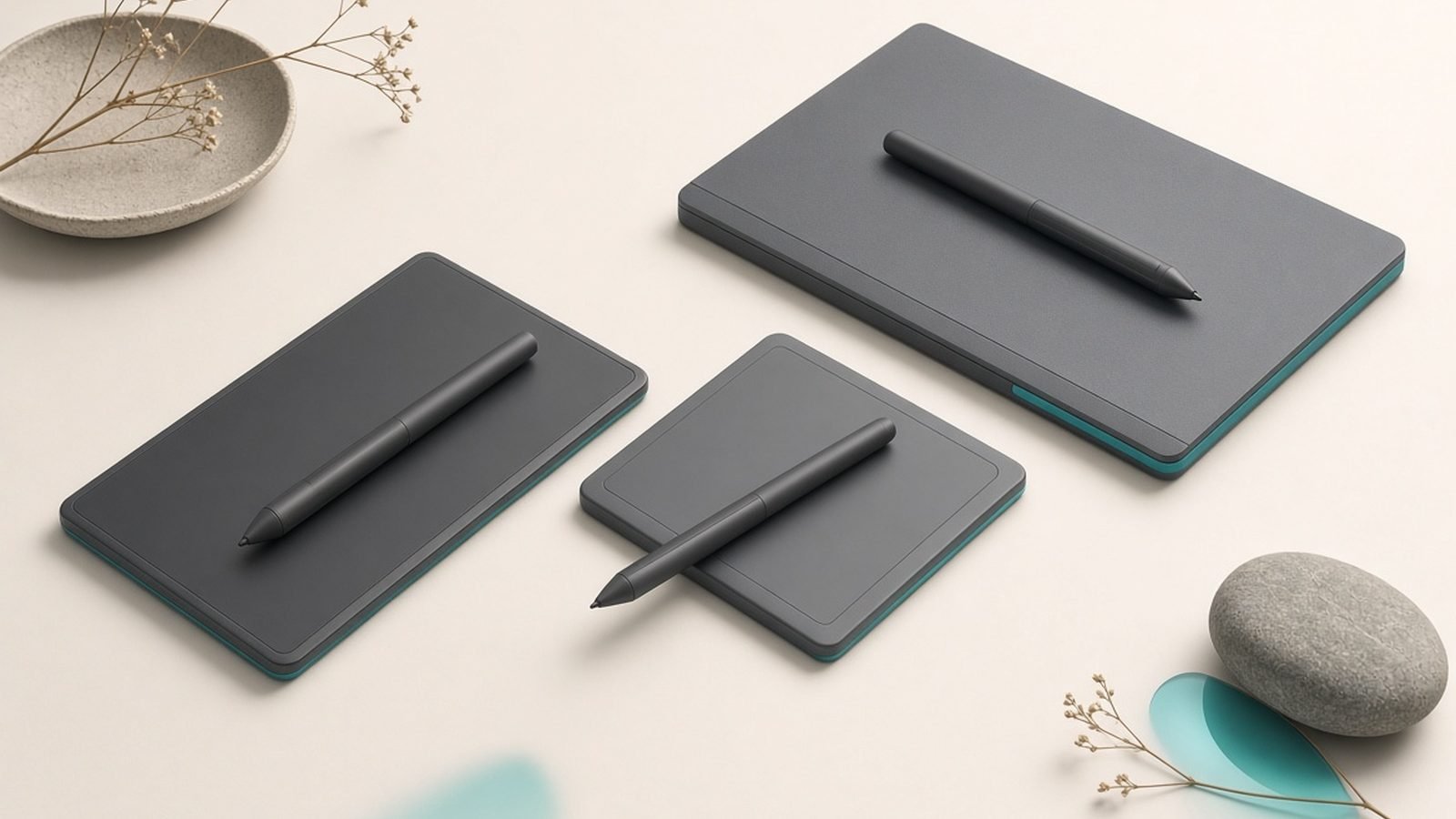
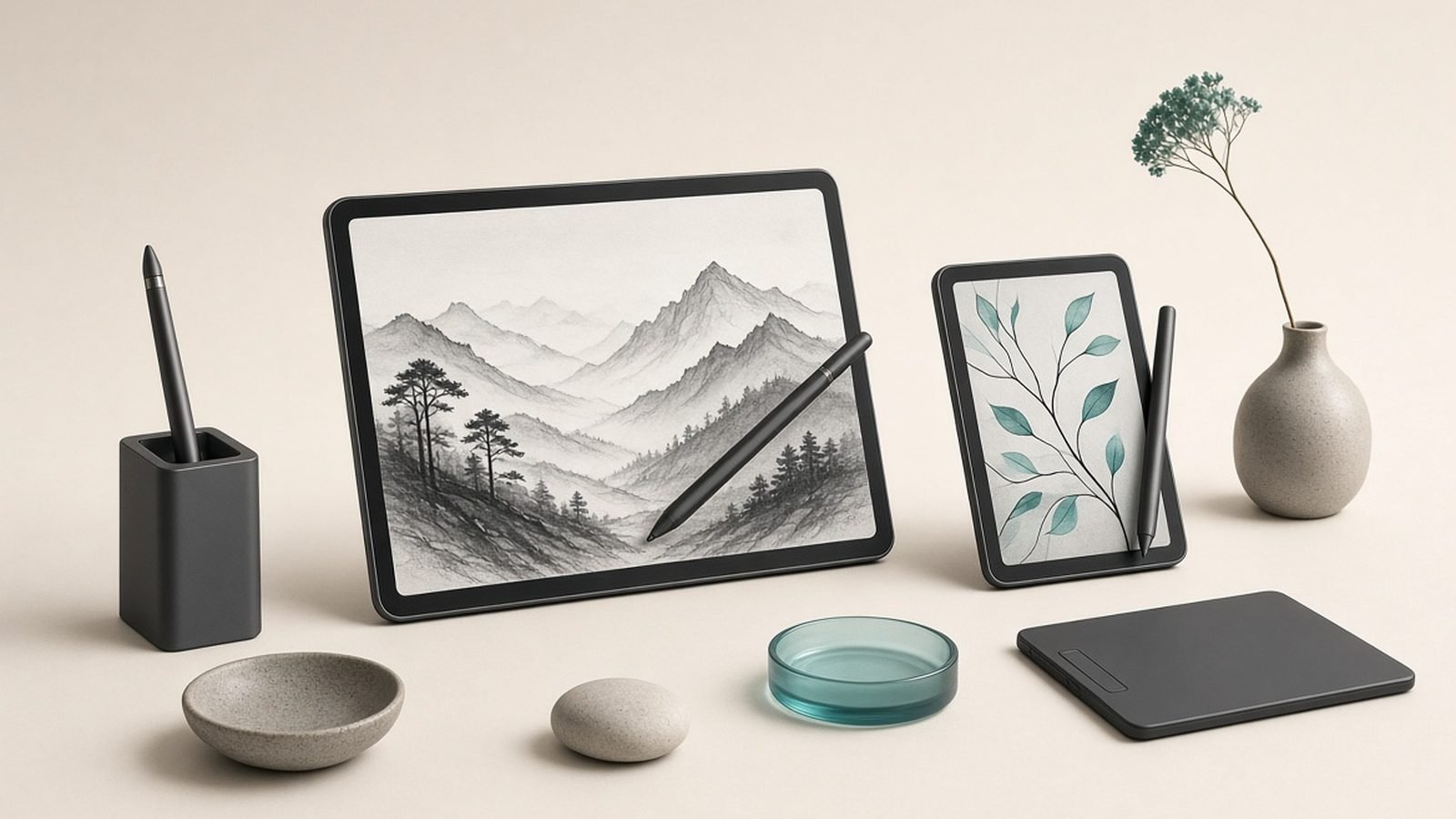
- Pen tablets (Deco series): Screenless tablets you draw on while watching your monitor — the affordable entry point, popular with beginners and animators.
- Pen displays (Artist series): Screens you draw directly on, from compact models to large studio panels, including the higher-end Artist Pro line with better color and thinner glass.
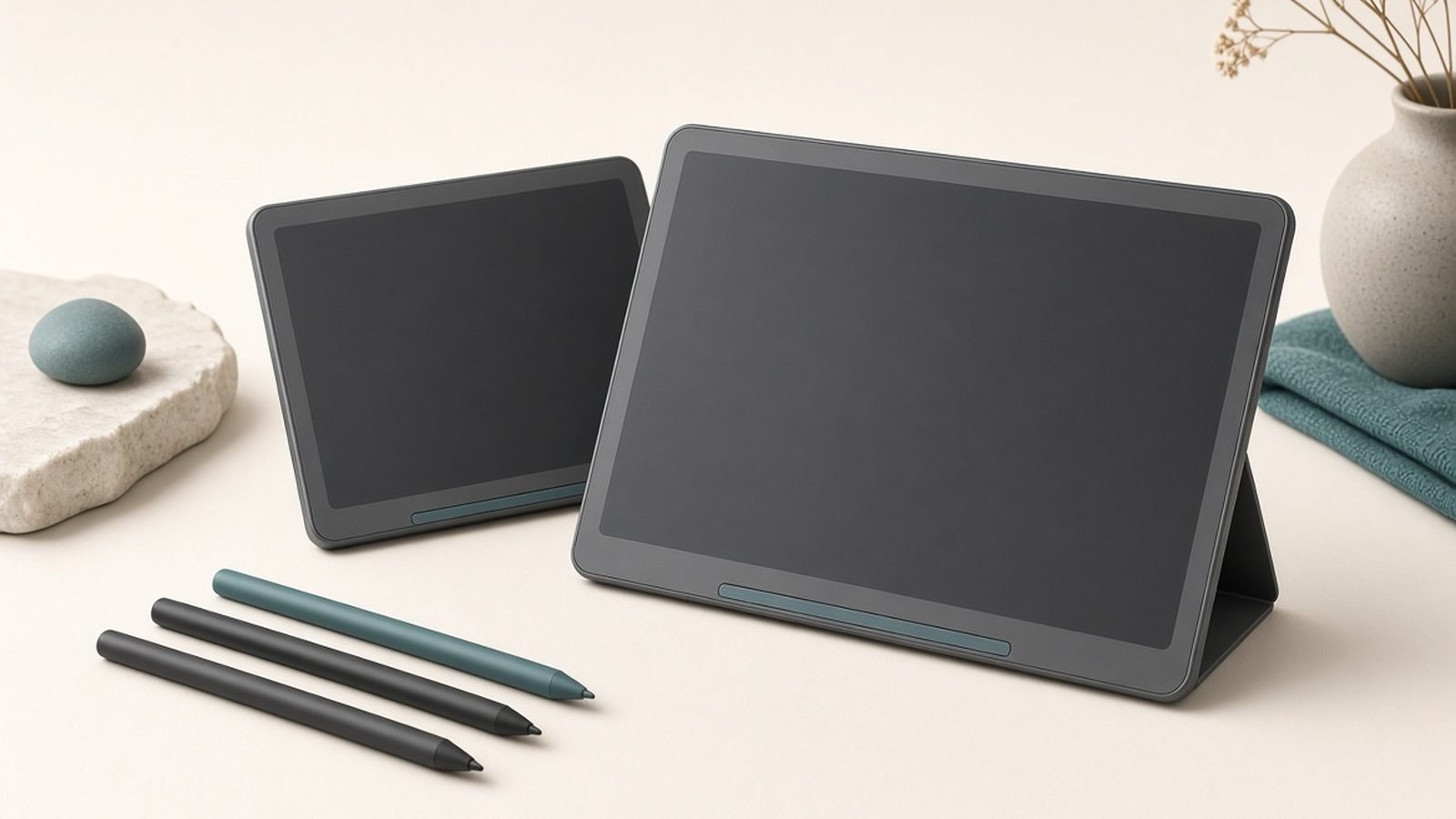
- Standalone/Android drawing tablets (Magic Drawing Pad): A portable, tablet-style device for drawing on the go without a computer.
- Styluses: Battery-free X3 Pro smart-chip pens with high pressure sensitivity and low activation force.
- Accessories: Stands, drawing gloves, replacement nibs, and shortcut remotes.
Standout XPPen products in 2026
XPPen Artist Pro 16 (Gen 2) — around $499 / £459. A large, laminated 4K pen display with strong color coverage and the excellent X3 Pro pen, at a price well below a comparable Wacom Cintiq. It’s a frequent value standout on our Best Drawing Tablets for Beginners 2026 (From $40) guide and one of the clearest illustrations of XPPen’s pitch.
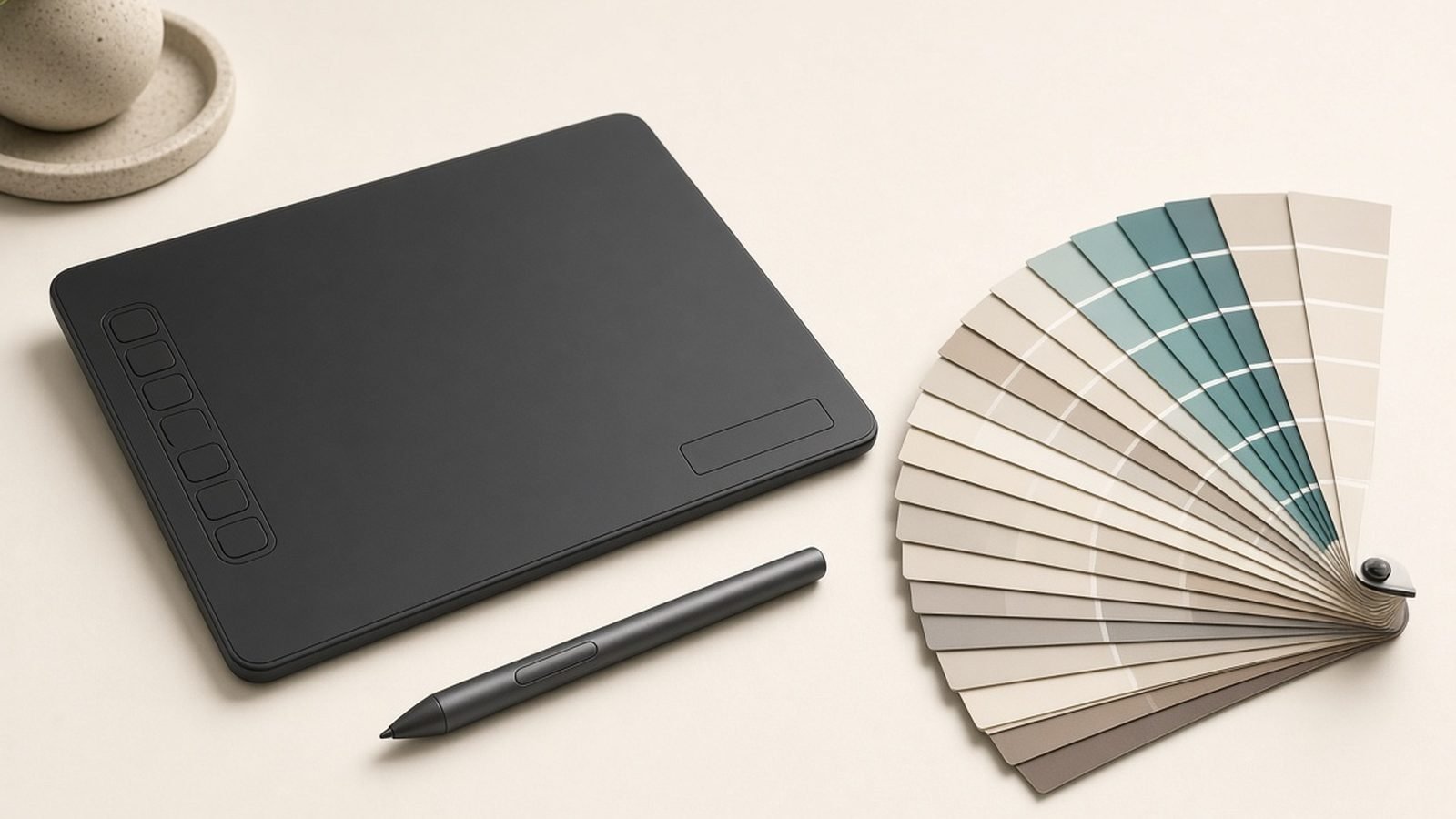
XPPen Deco Pro (Gen 2) — around $129 / £119. A premium screenless pen tablet with a dial, mechanical wheel, and a large active area — a lot of hardware for the money and a solid pick for retouchers and animators.
XPPen Deco 01 V2 / Deco MW — around $50 / £45. The budget entry tablets that make digital drawing accessible for near-nothing, ideal for absolute beginners testing the waters.
XPPen Magic Drawing Pad — around $499 / £459. A standalone Android drawing tablet that competes with entry iPad-plus-stylus setups, aimed at people who want to draw without a computer. Worth weighing against tablet options in our Best Tablets for Students 2026: Notes & Study roundup.
XPPen Artist 22 Plus — around $699 / £649. A large 22-inch pen display for people who want a big canvas on a desk without paying studio-flagship prices.
For most people, the best-value XPPen purchase is a mid-size Artist pen display or a Deco Pro tablet, depending on whether you want to draw on a screen or a surface.
Strengths
Exceptional price-to-spec ratio. XPPen consistently offers large laminated screens, 4K panels, and high pressure sensitivity for far less than Wacom — the core reason to consider the brand.
Good pens. The battery-free X3 Pro stylus has low activation force and high pressure sensitivity, and owners generally rate the drawing feel as very good, if not quite Wacom-level.
Full range of sizes and formats. From $50 beginner tablets to large studio displays and standalone Android devices, there’s an XPPen for most budgets and workflows.
Frequent bundles. XPPen often includes stands, gloves, and extra nibs, and runs promotions that sweeten the value further.
Improving color accuracy. The Artist Pro line now offers wide gamut coverage suitable for color-critical illustration at midrange prices.
Weaknesses & criticisms
Software polish. XPPen’s drivers work but are less refined than Wacom’s, with occasional pressure-curve, calibration, or multi-monitor quirks that require fiddling. Compatibility with every creative app isn’t as bulletproof.
Inconsistent customer support. Owner reports on warranty and RMA experiences vary by region — some smooth, some slow. Support isn’t as reliably strong as the value would suggest.
Weaker resale value. XPPen hardware depreciates faster than Wacom, so the low upfront price is partly offset if you plan to resell.
Brand cachet and pro adoption. Studios still standardize on Wacom, so XPPen carries less professional weight, and some workflows are simply tested against Wacom first.
Build feels a notch below. Materials and finish are good for the price but generally don’t match the premium feel of top-tier Wacom gear.
Reliability & support
XPPen hardware is generally reliable for the money, and its pen displays and tablets hold up well to regular hobbyist and semi-pro use. The most common issues owners cite are software-related — driver conflicts, the occasional need to reinstall to fix pressure sensitivity, and calibration drift on some pen displays — rather than outright hardware failure. Screens and pens tend to last, and the battery-free stylus removes a common wear point.
Warranties typically run around one year and vary by region and retailer. The weakest link is support consistency: while many buyers report smooth replacements, others describe slow responses or shipping hassles when something goes wrong, particularly outside major markets. Buying from Amazon or an authorized local retailer tends to make returns and warranty claims easier. Overall, XPPen is dependable enough for most users, but it doesn’t yet match Wacom’s reputation for painless long-term support — factor that in if you rely on the tool for paid work.
Who should buy XPPen
Buy XPPen if you want the most drawing tablet for your money — a big laminated pen display or a well-equipped tablet at a price that undercuts Wacom substantially. It’s an excellent choice for beginners, students, hobbyists, and budget-conscious professionals who are comfortable doing a little driver troubleshooting and don’t need the market leader’s polish or resale value.
Look elsewhere if you need bulletproof app compatibility, the most refined pen feel, and the strongest support and resale — that’s still Wacom territory. And weigh XPPen against Huion, its closest rival, which competes on nearly identical terms. Our Best Drawing Tablets for Beginners 2026 (From $40) guide ranks the current field, and students choosing between a dedicated tablet and a do-everything device should also read Best Tablets for Students 2026: Notes & Study.
FAQ
Is XPPen a good brand?
Yes. XPPen makes capable, affordable drawing tablets and pen displays that offer excellent value, with good battery-free pens and a full range of sizes. The trade-offs are less polished software, more variable customer support, and lower resale value than Wacom.
Is XPPen reliable?
Generally yes. The hardware holds up well for hobbyist and semi-professional use, and the battery-free pen removes a common failure point. Most complaints are about driver quirks and inconsistent support rather than hardware breaking, so buy from an authorized retailer to ease any warranty claims.
Where is XPPen from and who owns it?
XPPen is a Chinese brand founded in 2005, part of the larger Hanvon Ugee digital-input group. It has offices in several regions and is an established pen-hardware maker, not a newcomer.
Is XPPen better than Wacom?
XPPen wins decisively on price and often matches Wacom on raw specs like screen size and resolution. Wacom wins on pen feel, software polish, app compatibility, build quality, and resale value. Budget buyers usually pick XPPen; professionals who need reliability and support often stay with Wacom.
XPPen vs Huion — which should I buy?
They’re direct rivals with very similar pricing and value. Decisions often come down to the specific model on sale, the exact features you want, and regional support and stock. Compare the current standout models from each in our Best Drawing Tablets for Beginners 2026 (From $40) guide.
Do I need to charge the XPPen stylus?
No. XPPen’s modern X3 Pro pens are battery-free, drawing power wirelessly from the tablet. There’s nothing to charge and no risk of the pen dying mid-session, which is one reason the brand’s drawing feel is so competitive.
Zen Tech Hub may earn a commission from links on this page, at no extra cost to you.