Wacom is the default name in digital drawing, and in 2026 it remains the brand professionals reach for first. Its pens feel the most natural, its drivers are the most widely supported by creative apps, and its hardware tends to last for years. Verdict: buy Wacom if you want the most refined pen feel, rock-solid app compatibility, and long-term reliability, and you’re willing to pay a premium for it — but if budget is your top concern, rivals now offer 80–90% of the experience for much less. For pros and serious students, Wacom is still the safe, no-regrets choice.
The catch is price. Wacom charges more than any competitor at every tier, and the gap is real. This profile covers where that premium is justified, where it isn’t, and who should look at Huion or XPPen instead.
Company overview
Wacom Co., Ltd. was founded in 1983 and is headquartered in Kazo, Saitama, Japan. It’s publicly traded in Tokyo and has spent four decades focused almost entirely on pen and touch input technology. That single-minded focus is a big part of its reputation: Wacom didn’t diversify into phones or laptops — it perfected the stylus.
Wacom’s core advantage is its patented electromagnetic resonance (EMR) pen technology, which powers a battery-free, pressure-sensitive stylus that never needs charging. The company also licenses its pen technology to third parties (Samsung’s S Pen and many “Wacom-powered” laptops and e-note devices use Wacom feel-inspired or Wacom-licensed tech), which quietly makes it one of the most widely used pen platforms in the industry. Among illustrators, animators, photo retouchers, and industrial designers, Wacom is the reference standard, and studios frequently standardize on its hardware.
What Wacom makes
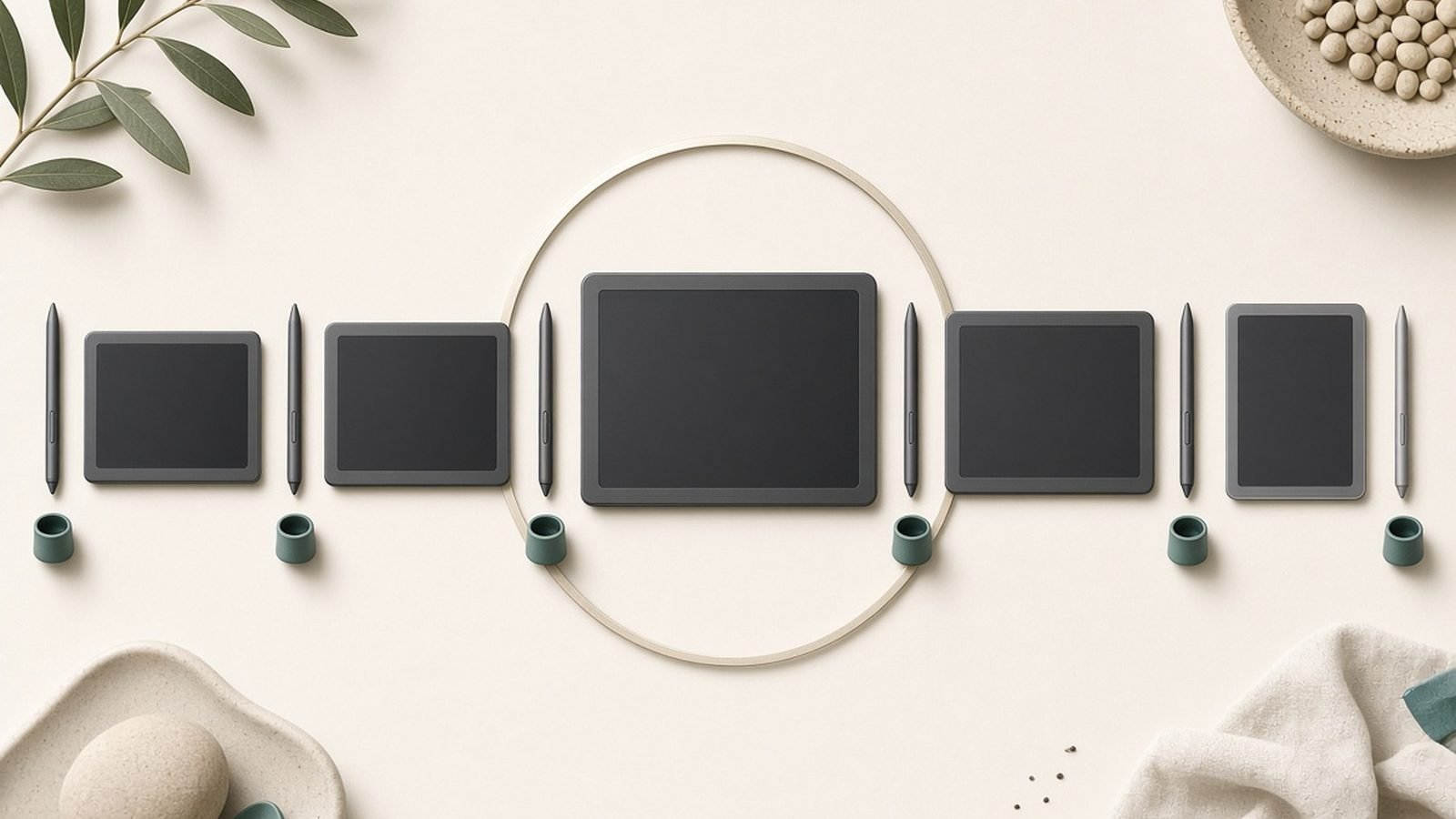
Wacom’s lineup splits into a few clear families:
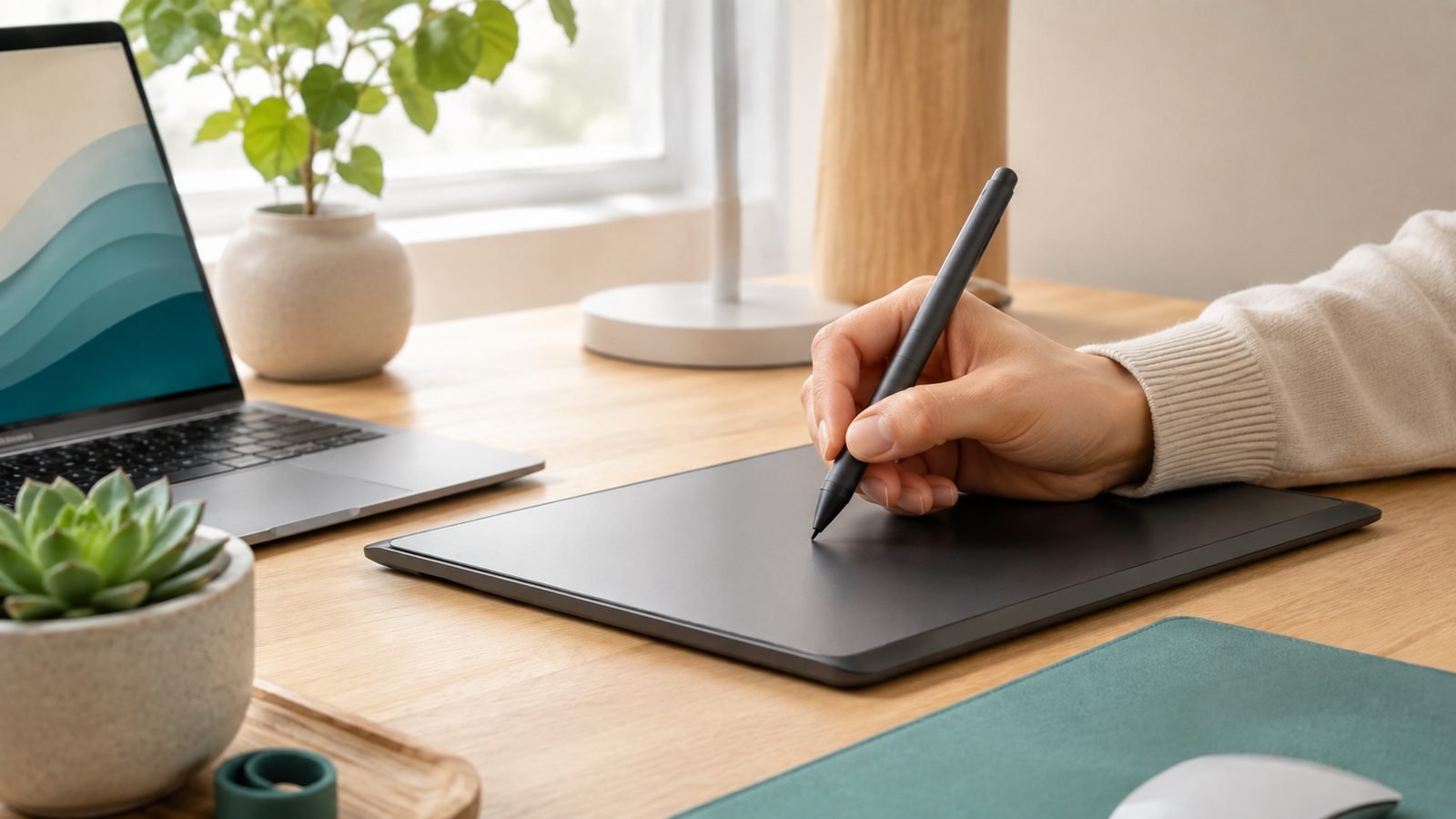
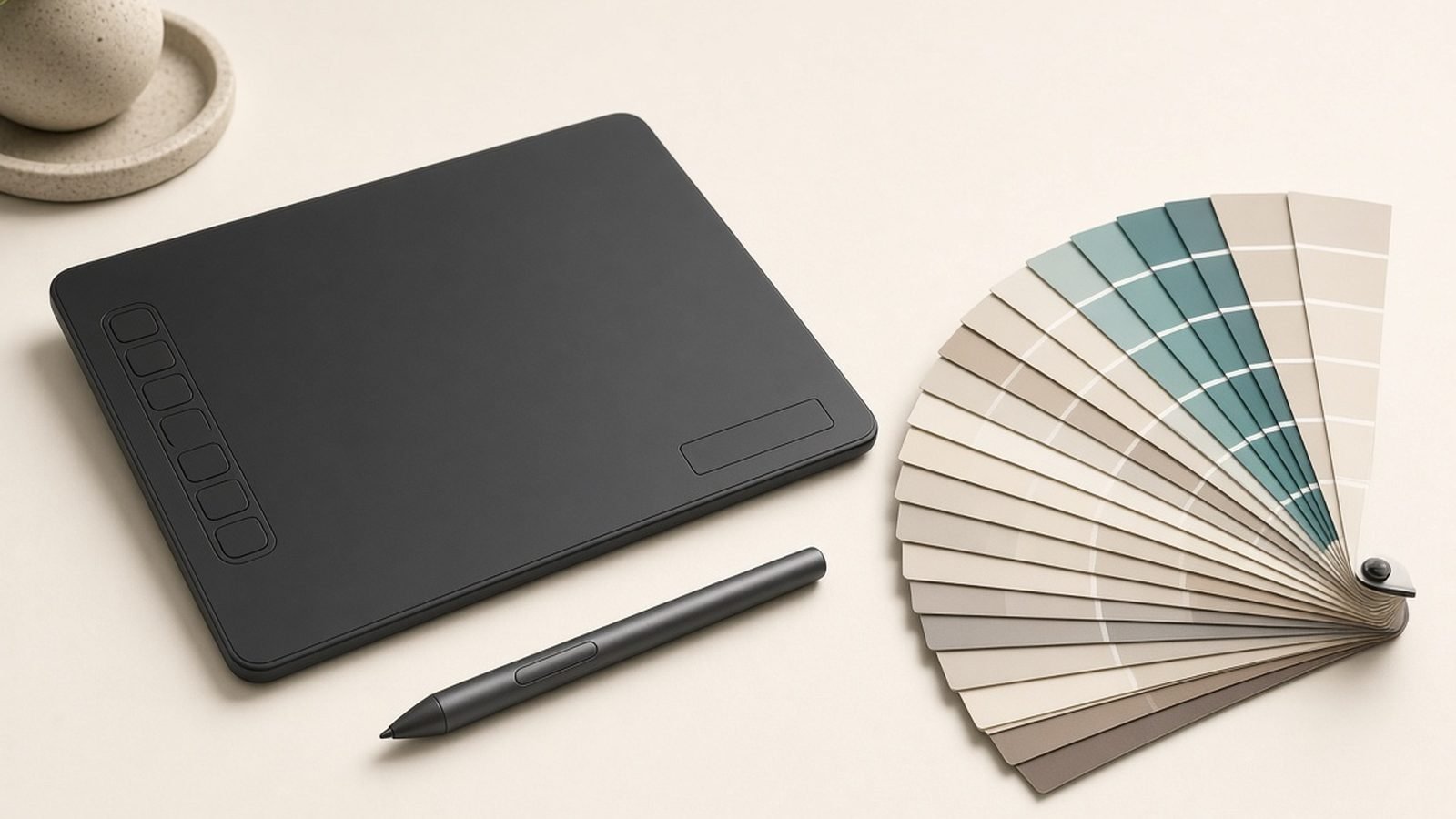
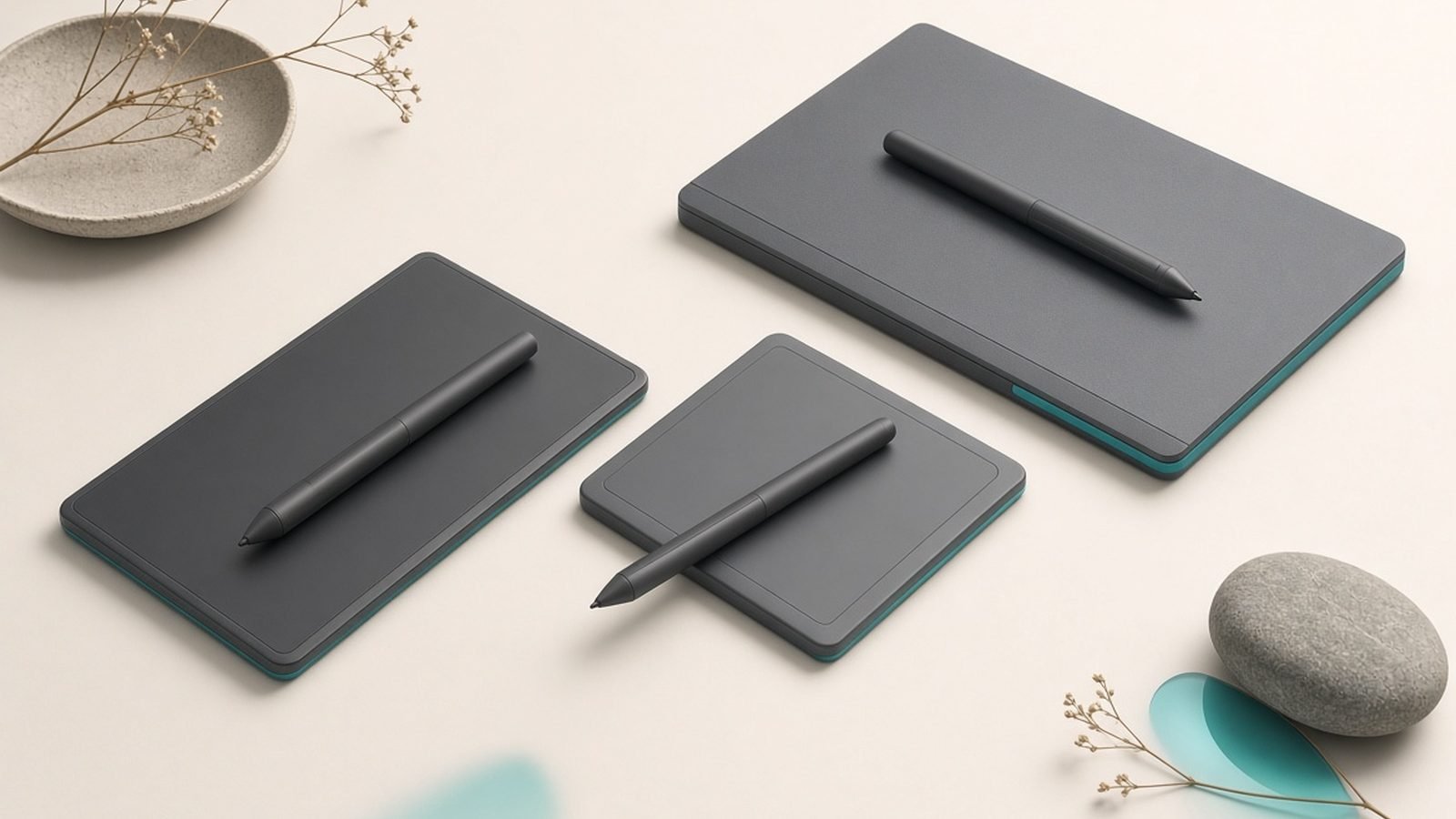
- Pen tablets (Intuos, Intuos Pro): Flat tablets with no screen; you draw on the surface and watch your monitor. The entry point to the brand and still hugely popular with retouchers and animators.
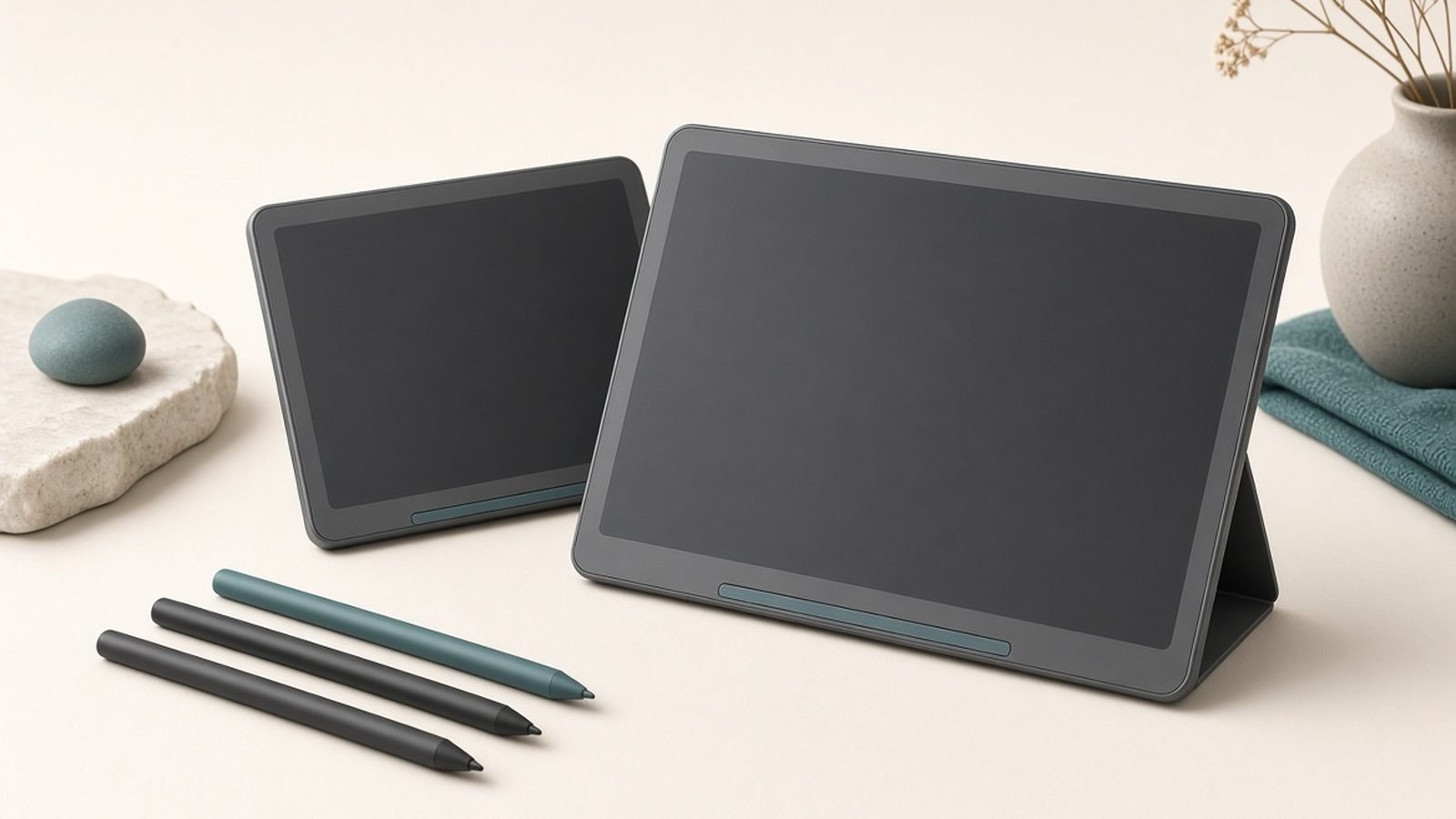
- Pen displays (Cintiq, Cintiq Pro): Screens you draw directly on, so the cursor sits under your pen. The professional standard for illustration and concept art.
- Wacom One: A more affordable pen-display and pen-tablet range aimed at newcomers, students, and hobbyists.
- Wacom Movink: A thin, portable OLED pen display aimed at creatives who work on the move.
- Wacom MobileStudio Pro / standalone devices: Windows-based drawing computers (a smaller, more niche part of the range).
- Pens and accessories: The Pro Pen 3, replacement nibs, stands, and texture sheets.
Standout Wacom products in 2026
Wacom Intuos Pro (Medium) — around $379 / £349. The professional pen tablet that remains a studio staple: a large, textured drawing surface, the excellent Pro Pen 3 with 8,192 pressure levels, and customizable ExpressKeys. It’s the classic recommendation for photo retouchers and animators who work looking at their monitor, and a fixture on our Best Drawing Tablets for Beginners 2026 (From $40) guide.
Wacom Cintiq 16 — around $649 / £599. The most accessible way into drawing directly on a screen. It trades the Pro model’s higher color accuracy and etched glass for a lower price, and it’s a common first pen display for illustrators moving up from a tablet.
Wacom Cintiq Pro 27 — around $3,499 / £3,199. The flagship pen display: a large 4K screen with strong color coverage aimed at professional studios. It’s overkill for most people but shows where the brand’s ceiling sits.
Wacom One (12/13) — around $399 / £379. The budget-friendlier pen display for students and hobbyists, and a sensible pick if you also want something that pairs well with a school workflow — see our Best Tablets for Students 2026: Notes & Study roundup for how it compares to iPad-based options.
Wacom Movink 13 — around $749 / £699. A remarkably thin OLED pen display for creatives who need to draw on a screen away from the desk. It’s the modern showcase for Wacom’s portable ambitions.
For most people, the single best entry to the brand is an Intuos Pro or a Wacom One, depending on whether you prefer to draw on a surface or a screen.
Strengths
Best-in-class pen feel. The Pro Pen 3 is widely regarded as the most natural-feeling stylus available, with excellent pressure and tilt response and battery-free operation.
Unmatched app and OS compatibility. Because Wacom is the industry standard, its drivers are the ones creative apps (Photoshop, Clip Studio Paint, Krita, Procreate-adjacent workflows, Blender) are tested against most thoroughly.
Durability and resale value. Wacom hardware routinely lasts many years, and used Intuos and Cintiq units hold their value better than rivals — a real cost offset.
Professional trust. Studios and educators standardize on Wacom, so learning it is a transferable skill and support resources are everywhere.
Battery-free EMR pens. No charging, no lag from a dead stylus, and pens that are lighter and better balanced than many battery-powered alternatives.
Weaknesses & criticisms
Price. This is the big one. Wacom is the most expensive option at every tier, and competitors now deliver most of the experience for far less money.
Driver frustrations. Despite being the standard, Wacom’s desktop driver has a long history of occasional glitches — pressure sensitivity dropping out, the driver needing a restart, or conflicts after OS updates. It’s usually fixable, but it’s a recurring owner complaint.
Feature parity has eroded. Rivals often match or exceed Wacom on paper specs (screen size, resolution, laminated glass) at lower prices, so the premium increasingly buys polish and reliability rather than a clear spec lead.
Some ranges feel slow to update. Wacom’s cadence can lag behind faster-moving competitors, and lower-end models sometimes stick around a long time.
Accessories add up. Replacement nibs, stands, and higher-end pens are extra, and the total cost of a full setup climbs quickly.
Reliability & support
Reliability is one of Wacom’s strongest arguments. Its tablets and displays are built to endure daily professional use, and it’s common to find Intuos and Cintiq units still working well after five years or more. Warranties are typically one to two years depending on region and product, which is standard for the category.
The most consistent knock isn’t hardware — it’s the driver software. Over the years, owners have reported intermittent issues where pressure sensitivity stops working or the pen becomes unresponsive until the Wacom service is restarted, often after a Windows or macOS update. Wacom generally patches these, and clean driver reinstalls resolve most cases, but it’s the friction point that comes up most in owner feedback. Customer support is reasonably regarded, and because Wacom is so widely used, community troubleshooting resources are extensive. Overall, buy Wacom for long-term hardware dependability, and expect to do the occasional driver housekeeping.
Who should buy Wacom
Buy Wacom if you’re a professional or a committed student who wants the most refined pen experience, the broadest app compatibility, and hardware that will last for years — the Intuos Pro for surface drawing, a Cintiq or Wacom One for on-screen drawing. It’s the right call when your work depends on the tool and you don’t want to gamble on reliability or resale value.
Look elsewhere if budget is your primary constraint. Huion and XPPen now offer large, laminated pen displays and capable tablets for substantially less, and for many hobbyists the difference no longer justifies Wacom’s premium. Compare the full field in our Best Drawing Tablets for Beginners 2026 (From $40) guide, and if you’re a student weighing a drawing tablet against a do-everything iPad, our Best Tablets for Students 2026: Notes & Study roundup lays out the trade-offs.
FAQ
Is Wacom a good brand?
Yes. Wacom is the industry-standard brand for digital drawing, known for the best pen feel, the widest app compatibility, and excellent durability. Its main weakness is price — rivals now offer most of the experience for less — and its drivers can occasionally need attention.
Is Wacom reliable?
Very. Wacom hardware is built for daily professional use and routinely lasts many years, with strong resale value. The most common complaint is software rather than hardware: the desktop driver can occasionally glitch after OS updates, usually fixable with a restart or clean reinstall.
Where is Wacom from and who owns it?
Wacom is a Japanese company founded in 1983 and headquartered in Kazo, Saitama. It’s publicly traded in Tokyo and is independent, not owned by a larger tech group.
Is Wacom better than Huion or XPPen?
Wacom leads on pen feel, app compatibility, build quality, and resale value, while Huion and XPPen win decisively on price and often match Wacom on raw specs. Pros and studios usually pick Wacom; budget-focused hobbyists and students increasingly choose Huion or XPPen.
Should a beginner start with Wacom?
A beginner can start with the affordable Wacom One or a basic Intuos, but many newcomers do fine with a cheaper Huion or XPPen tablet and upgrade later. If you want a tool that will still serve you as you turn pro, starting with Wacom is a reasonable long-term investment.
Do Wacom pens need charging?
No. Wacom’s EMR pens are battery-free — they draw power wirelessly from the tablet, so there’s nothing to charge and no risk of the stylus dying mid-session. This is one of the brand’s signature advantages.
Zen Tech Hub may earn a commission from links on this page, at no extra cost to you.