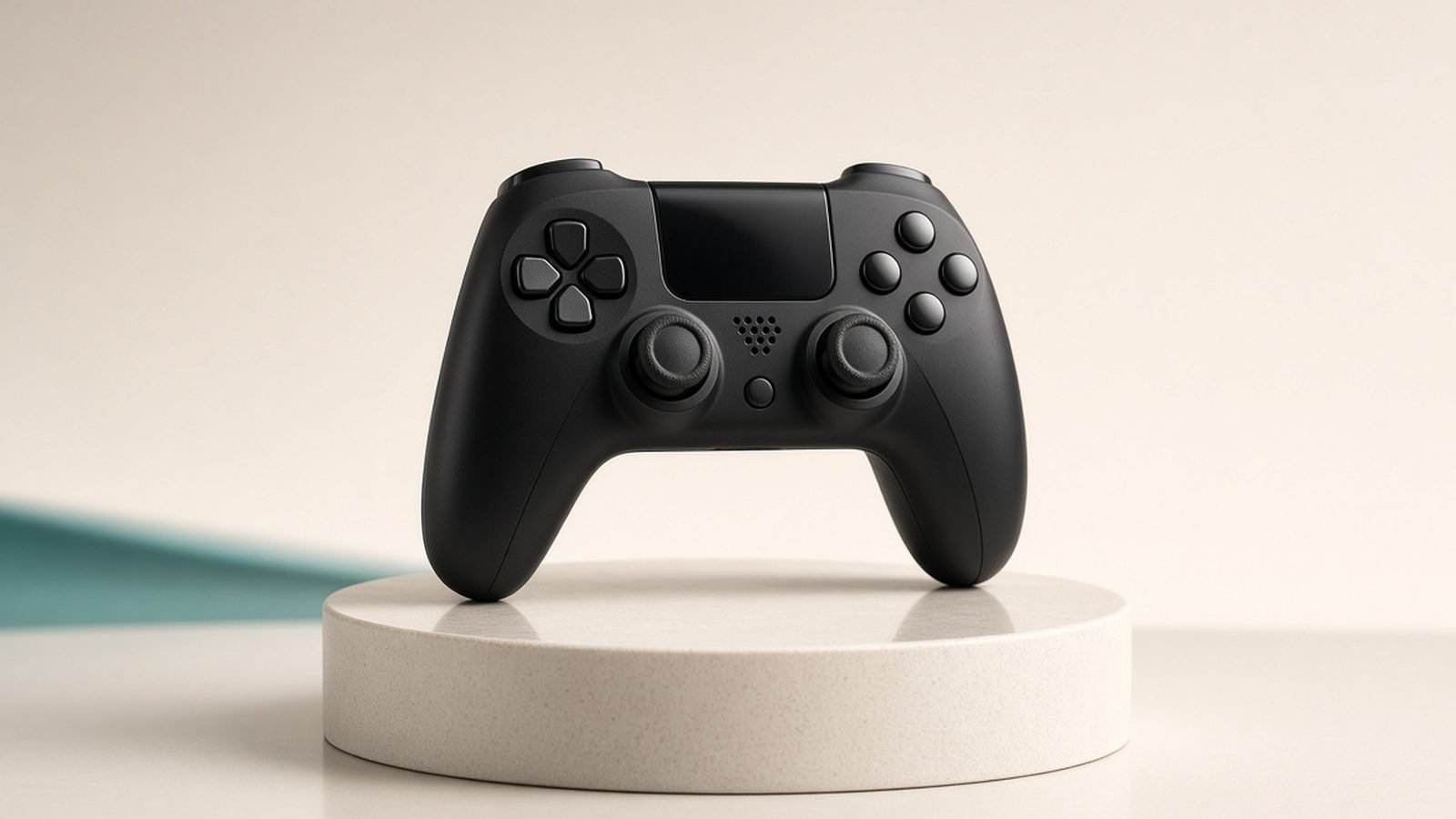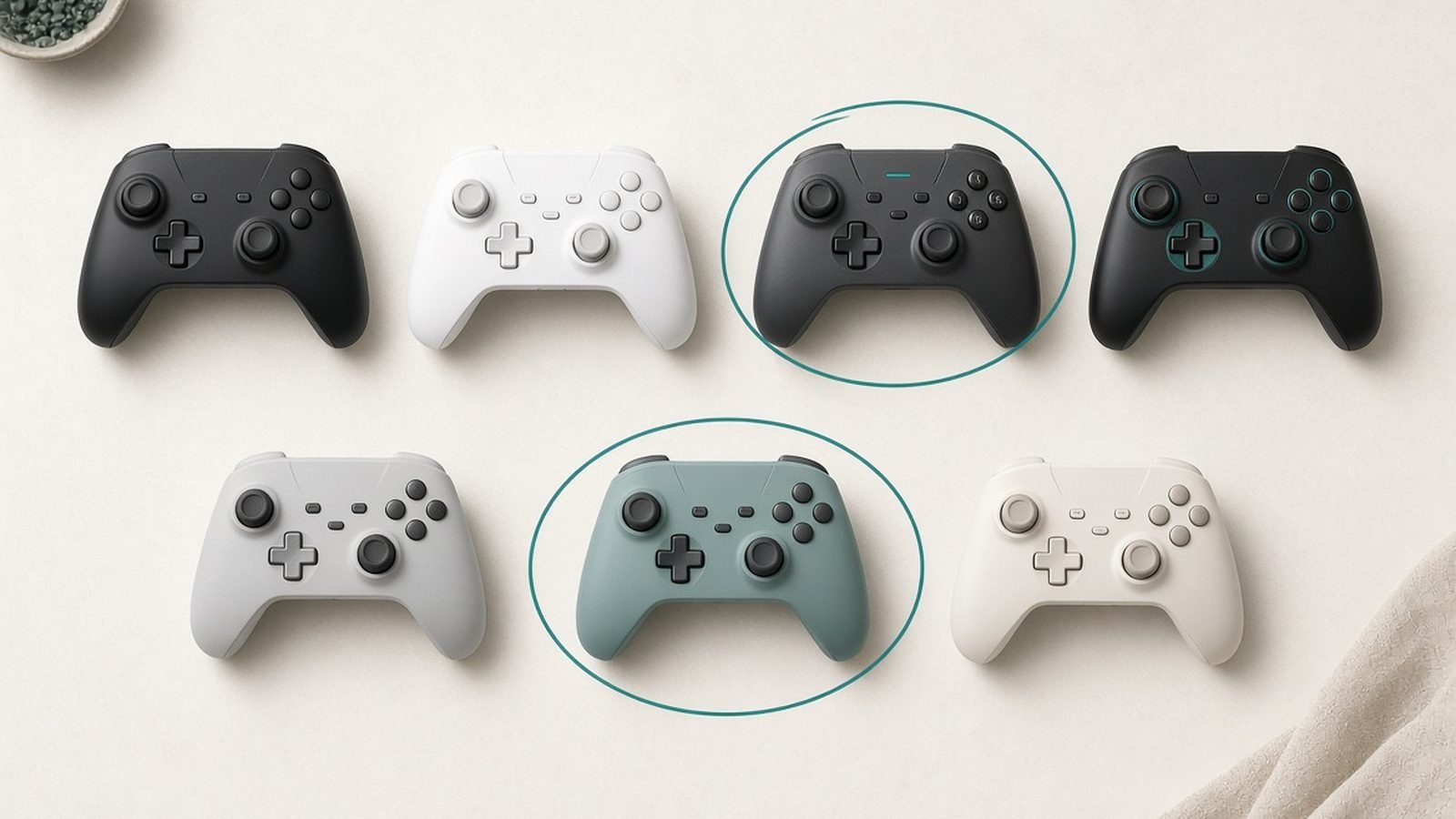
This 8BitDo Ultimate 2 review comes down to one uncomfortable question for every big controller brand: how is a $60 pad allowed to include TMR anti-drift sticks, back paddles, trigger locks, and a charging dock in the box? The answer, based on our spec research and aggregated owner feedback, is that it mostly isn’t allowed to be this good at the price — and that’s exactly why the 8BitDo Ultimate 2 wireless has become the default recommendation for PC players who don’t want to spend $150 on a pro pad.
It isn’t flawless. There’s no Xbox console support, and 8BitDo’s software still trails the polish of the big brands. But if you game on PC, Android, or Steam Deck, this is the value benchmark of 2026.
Verdict and score: 4.5 / 5
The short version: the best value PC controller you can buy right now. The Ultimate 2 delivers drift-resistant sticks and enthusiast features at a price that undercuts nearly everything with the same feature list.
| Feature | 8BitDo Ultimate 2 Wireless | GameSir Cyclone 2 |
|---|---|---|
| Price (approx.) | around $59.99 / £49.99 | around $49.99 / £44.99 |
| Sticks | TMR (anti-drift) | TMR (anti-drift) |
| Triggers | Hall-effect + trigger locks | Hall-effect |
| Back paddles | 2 | 2 |
| Charging dock | Included | Not included |
| Polling rate | Up to 1000Hz (2.4GHz) | Up to 1000Hz (2.4GHz) |
| Xbox console support | No | No |
Check price: 8BitDo Ultimate 2 Wireless
Who it’s for: PC and Android players who want pro-tier features (paddles, TMR sticks, remapping) without a pro-tier price.
Who should skip it: Xbox console owners (unsupported) and anyone who wants a fully polished, DualSense-grade software suite.
Design, build and the charging dock
The Ultimate 2 keeps the familiar 8BitDo silhouette — a comfortable, Xbox-style layout with offset sticks — but adds a more textured grip and an RGB “fire ring” around each stick that you can tune or switch off. Build quality punches above the price: the shell feels dense, the face buttons are crisp, and the whole thing avoids the hollow, creaky feel that usually defines the budget tier.
The headline extra is the charging dock in the box. Drop the pad on when you’re done and it’s topped up for the next session — no fishing for a cable. At $60 that inclusion alone reframes the value equation, because rivals treat a dock as a paid accessory.
Two back paddles and two extra shoulder buttons give you a genuine six remappable “pro” inputs, and the trigger locks let you switch the triggers between full analog travel and a short mouse-click throw for shooters.
TMR sticks: why drift shouldn’t happen
The reason this pad matters is the tmr joystick controller hardware. TMR (tunnelling magnetoresistance) sticks read position magnetically, like Hall-effect sticks, so there’s no physical potentiometer to wear out — which is the root cause of classic 8bitdo ultimate 2 drift complaints on older, conventional pads.
Compared with Hall-effect, TMR modules typically draw less power (better for battery life) and, based on owner reports, deliver a slightly smoother, less “notchy” feel near centre. No stick technology is a lifetime guarantee, but going magnetic essentially removes the wear-based drift that plagues standard controllers after a year of heavy use. For a $60 pad, having drift-resistant sticks at all is the story.
Latency and performance testing (2.4GHz vs Bluetooth)
We don’t run first-party lab benchmarks, so here’s how we assess latency honestly: we weight manufacturer specs against aggregated reviewer and owner testing, and we tell you the methodology reviewers use so you can judge it yourself. The credible approach is a high-speed camera capturing the gap between a button press and the on-screen response, averaged over many presses across each connection mode.
Across published testing, the pattern is consistent. The 2.4GHz dongle with its up-to-1000Hz polling rate is the mode competitive players want — reviewers and owners describe it as effectively indistinguishable from wired for reaction-based games. Bluetooth is fine for slower or handheld play but adds the latency and polling penalty you’d expect from the standard, so it’s the convenience option, not the esports option. Wired USB-C remains the safe default for zero-compromise input. The takeaway: use the 2.4GHz dongle for anything twitchy, and don’t judge the pad by its Bluetooth mode.
Software and remapping
The 8bitdo ultimate software (desktop app plus mobile) handles the deep stuff: remapping every button, saving profiles, tuning stick sensitivity and dead zones, adjusting trigger travel, vibration, and the RGB ring. The capability is genuinely broad for the money, and you can store profiles on the controller itself.
The honest caveat, echoed across owner reports, is polish. The app works but feels more utilitarian than Sony’s or Xbox’s suites — occasional clunky navigation and a learning curve on profile management. You’ll get everything done; you just won’t enjoy the journey as much as the hardware.
Compatibility: PC, Switch, Android
The Ultimate 2 wireless is built for Windows PC, Android, Steam / Steam Deck, and Apple devices, connecting via 2.4GHz, Bluetooth, or USB-C. That’s the sweet spot for most buyers.
A word on 8bitdo ultimate 2 switch compatibility: the plain “Ultimate 2 Wireless” reviewed here targets PC/mobile, and 8BitDo sells separate Switch-oriented models in the Ultimate line for Nintendo players. If Switch is your main platform, confirm the exact SKU before buying rather than assuming every “Ultimate 2” box works on the console. The big absence across the board is Xbox — there’s no official Xbox console support, so Game Pass-on-console players should look elsewhere.
How it compares to Xbox and GameSir rivals
Against Microsoft’s own pads, the Ultimate 2 wins on features-per-dollar every time — a standard Xbox Wireless Controller has no paddles, no TMR sticks, and no dock, while the Elite Series 2 costs roughly three times as much. The trade is Xbox console support, which 8BitDo can’t offer.
The real fight is the GameSir Cyclone 2 (around $49.99 / £44.99), the other standout tmr joystick controller of this generation. It’s a little cheaper and offers swappable faceplates, but it ships without a charging dock and its software draws similar “needs work” criticism. Choose the Cyclone 2 to save a few dollars and customise the look; choose the Ultimate 2 for the trigger locks and the included dock.
Check price: GameSir Cyclone 2
It’s also worth a note on the 8bitdo ultimate 2 vs ultimate c question people search for: the Ultimate C is 8BitDo’s stripped-back budget pad — wired-leaning, no TMR sticks, no paddles, no dock. It’s cheaper, but it’s a different class of product. If drift resistance and pro features are why you’re here, the Ultimate 2 is the one to buy.
For the full field, see our Best PC Controllers 2026: Wired, Wireless and Pro Picks roundup and our premium head-to-head, DualSense Edge vs Xbox Elite Series 2: Best Pro Controller?.
Should you buy it?
Yes — for most PC and Android players, this is the easiest recommendation in the category. You get drift-resistant TMR sticks, six extra pro inputs, trigger locks, and a charging dock for around $60 / £50. Nothing at this price matches that spec sheet, and the build quality doesn’t feel like a compromise.
Pros
TMR anti-drift sticks at a budget price
Charging dock included in the box
Back paddles and trigger locks
Up to 1000Hz polling over 2.4GHz
Broad PC / Android / Steam support
Cons
No Xbox console support
Software less polished than big brands
Switch support depends on buying the right model
Buy it if you want pro features without the pro price. Skip it if you’re locked into Xbox or you demand a flawless companion app.
Already have a PS5 pad and just want it working on your PC? See How to Connect a PS5 Controller to PC (Steam, Bluetooth, Wired). And for everything controllers, our Gaming has the rest.
FAQ
Does the 8BitDo Ultimate 2 have stick drift?
It uses TMR (tunnelling magnetoresistance) sticks, which read position magnetically with no physical potentiometer to wear out. That removes the most common cause of drift on conventional controllers. Based on owner reports the sticks stay accurate over time, though no stick technology can be guaranteed drift-free forever.
What’s the difference between the Ultimate 2 and the Ultimate C?
The Ultimate C is 8BitDo’s stripped-back budget pad — no TMR sticks, no back paddles, no trigger locks, and no charging dock. The Ultimate 2 sits a class above with drift-resistant sticks and full pro features. Spend the extra if anti-drift hardware and remapping matter to you.
Does the 8BitDo Ultimate 2 work on Switch and Xbox?
There’s no official Xbox console support. For Switch, the “Ultimate 2 Wireless” reviewed here targets PC and mobile, while 8BitDo sells separate Switch-oriented Ultimate models — confirm the exact SKU before buying if Nintendo is your platform.
Is 2.4GHz or Bluetooth better for gaming?
Use the 2.4GHz dongle for anything competitive. Its up-to-1000Hz polling is effectively wired-grade in published testing, while Bluetooth adds latency and is better suited to slower or handheld play. Wired USB-C is the zero-compromise fallback.
Is the 8BitDo Ultimate 2 good value?
For PC and Android players, it’s arguably the best value pad of 2026. TMR sticks, paddles, trigger locks, and a charging dock for around $60 is a feature set rivals charge far more for — the main compromises are no Xbox support and rough-edged software.
Zen Tech Hub may earn a commission from links on this page, at no extra cost to you.