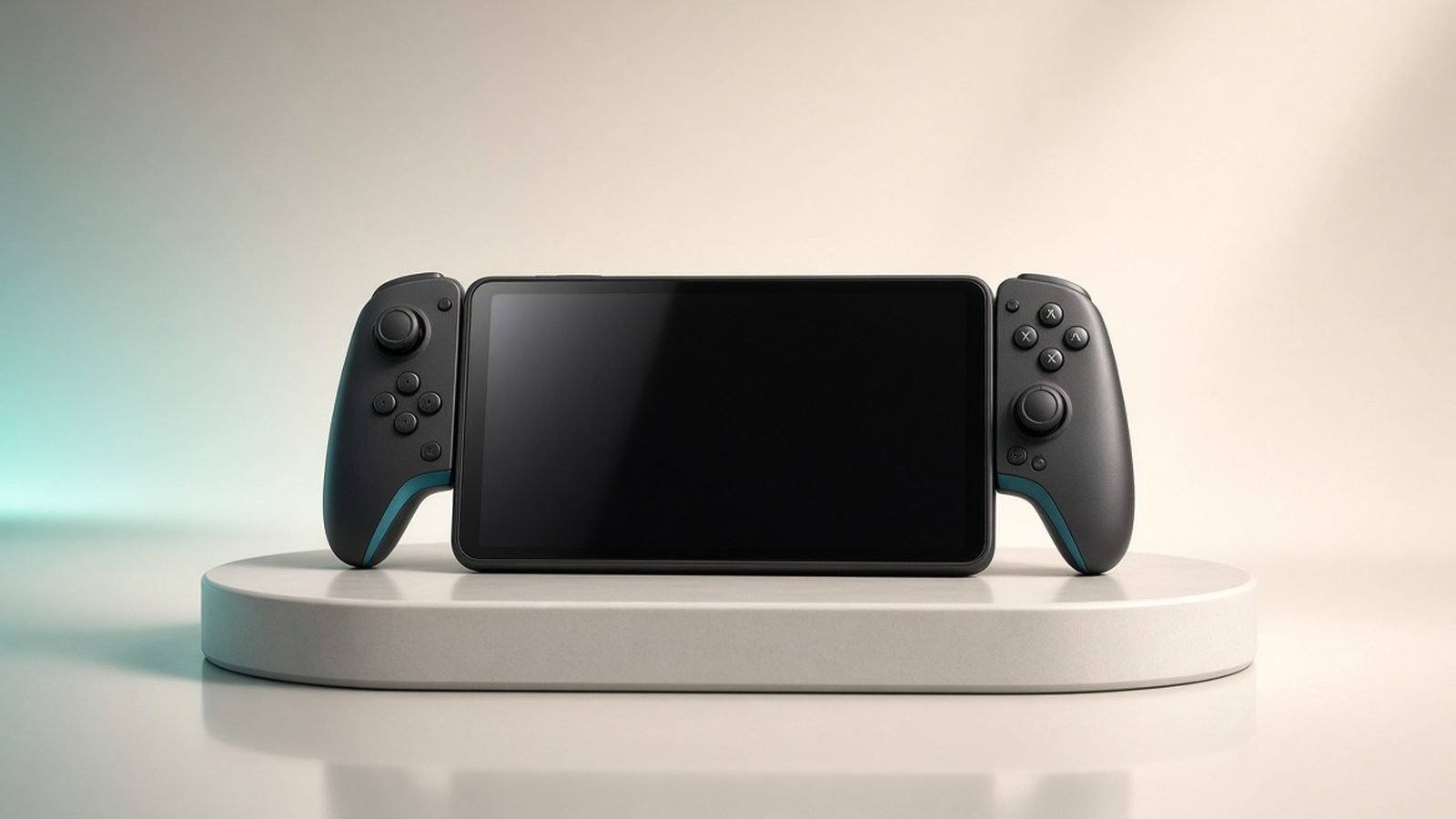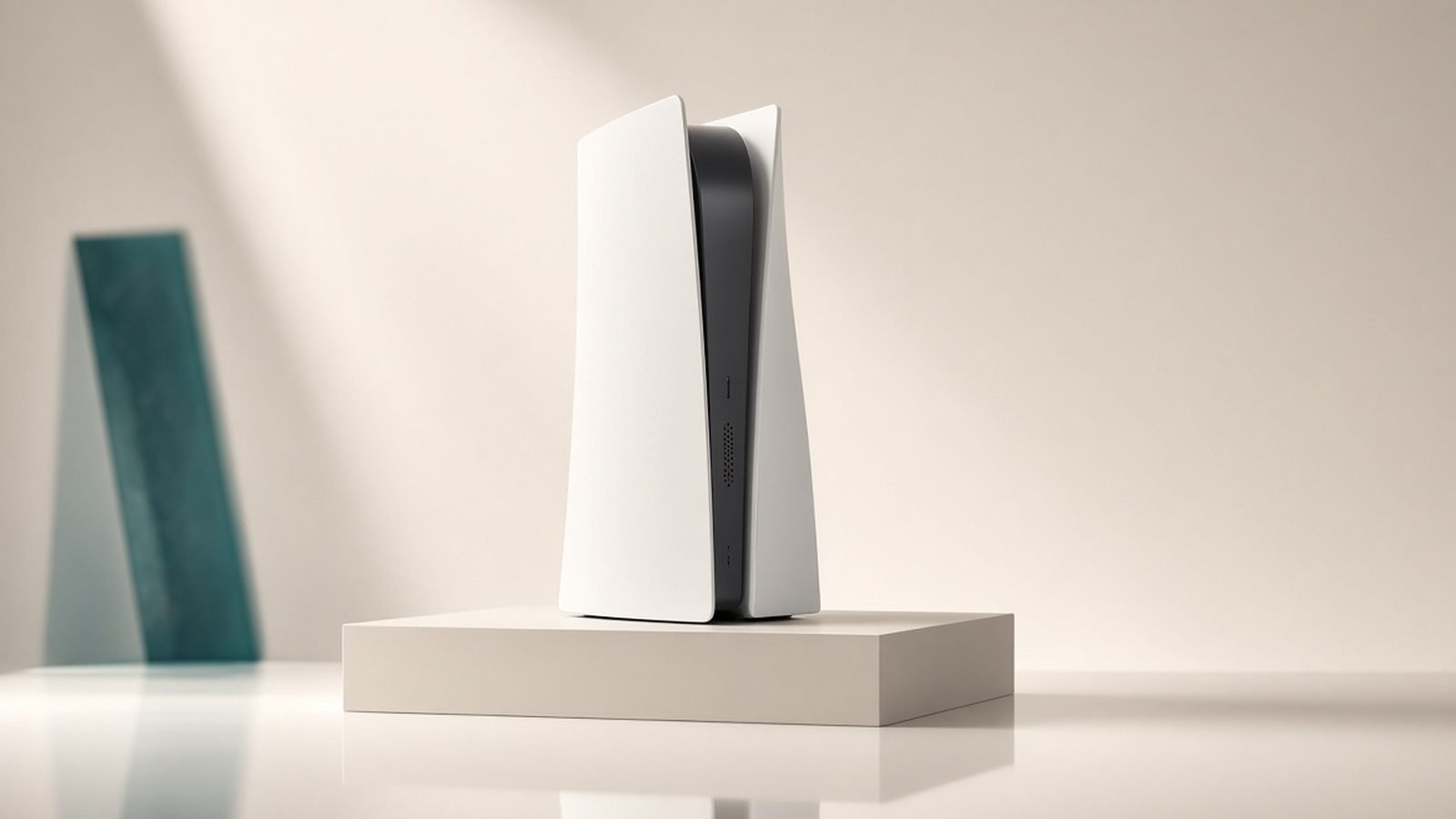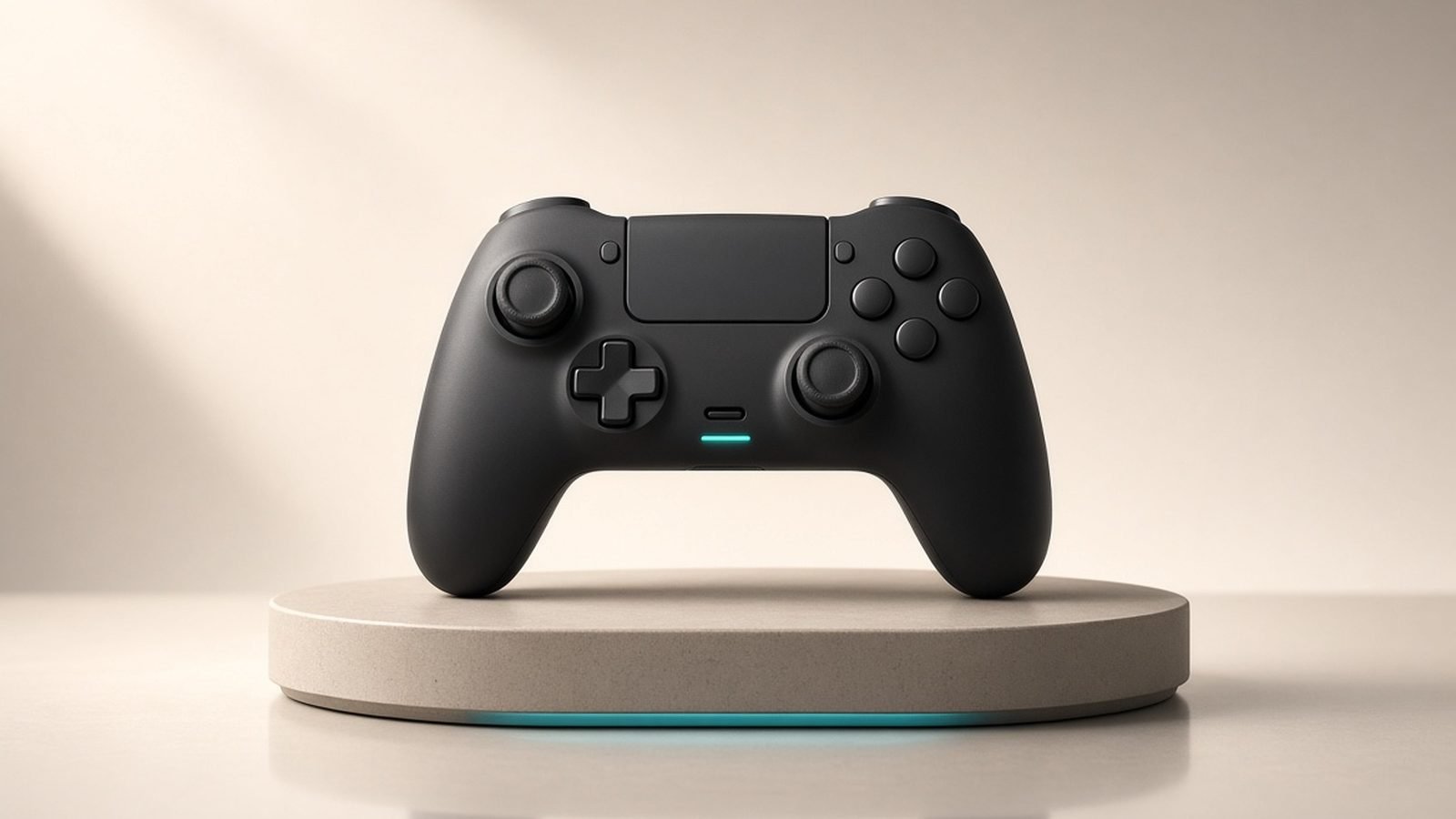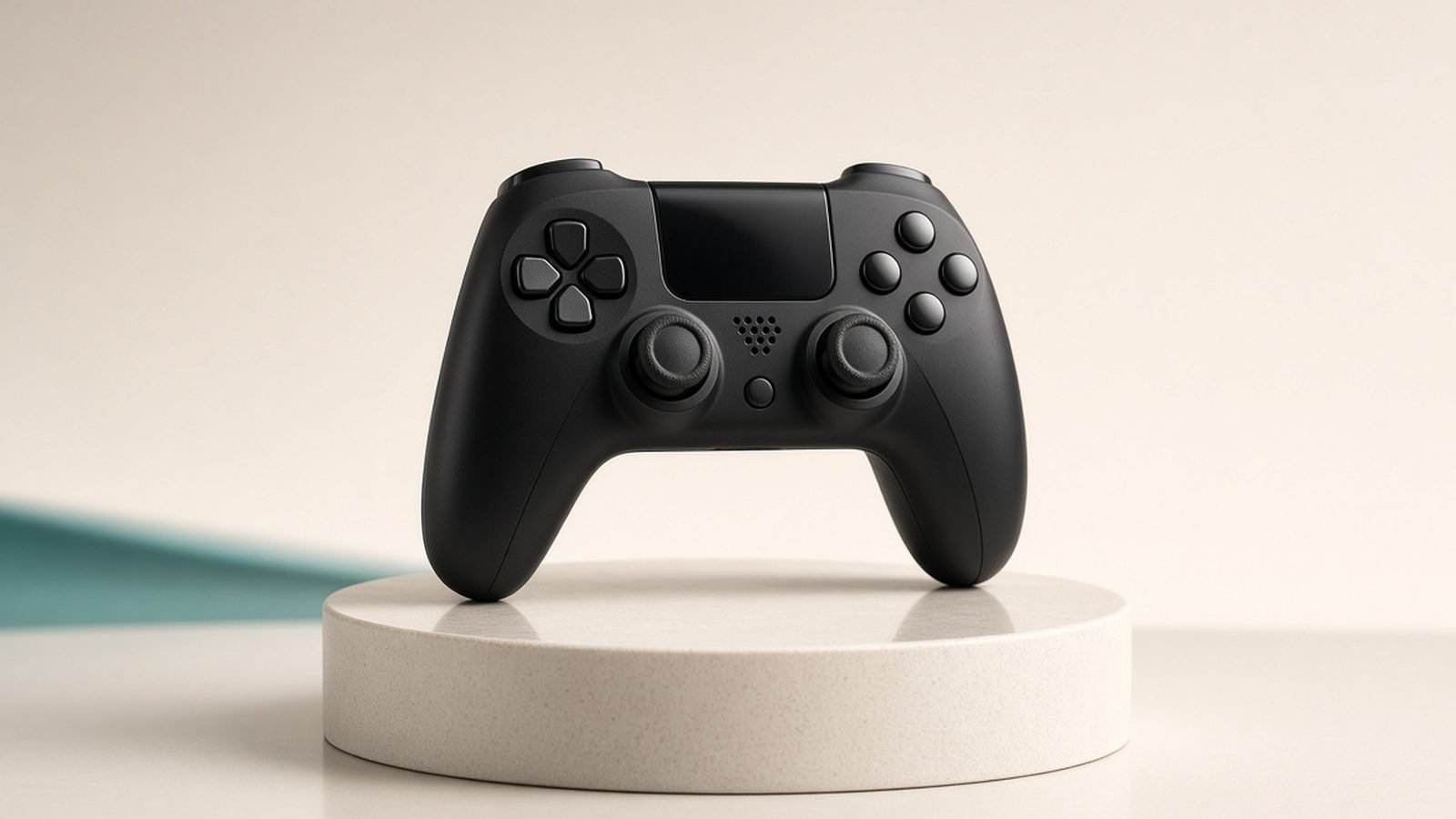
Short version: the Switch 2 Pro Controller is the best-feeling gamepad Nintendo has ever shipped, and it is also one of the hardest to unreservedly recommend at the price. So is the switch 2 pro controller worth it if you already have a pair of Joy-Con 2 in the box? For most people who play more than a couple of hours a week in handheld-plus-TV mode, yes. For everyone else, the maths gets tight fast.
At around $84.99 / £74.99 it is a genuine premium purchase, not an impulse add-on. This review breaks down what you actually get for the money, where Nintendo cut a corner it shouldn’t have, and which cheaper pads get you 80% of the way there.
Check price: Switch 2 Pro Controller
The verdict up front
The Switch 2 Pro Controller earns its keep on ergonomics, battery life and the new remappable back buttons. Those three things, together, make it the most comfortable and complete first-party gamepad Nintendo has built. If you play long sessions, docked, and you want a controller you can forget about, this is it.
The catch is the stick hardware. Based on owner reports and Nintendo’s own teardown coverage, the sticks still use potentiometer (contact-based) technology rather than Hall effect or TMR sensors, which is the same underlying design that made “Joy-Con drift” a household phrase. At $85, paying flagship money for parts with a known long-term failure mode is the single biggest reason to hesitate.
Score: 8/10. Superb to hold, frustrating to fully trust.
Score basis: research analysis of official specs, independent testing and owner feedback — not first-party measurement.
Design, ergonomics and build quality
Pick it up and the appeal is immediate. The grips are longer and slightly more contoured than the original Switch Pro Controller, the face buttons have a crisper click, and the whole shell feels dense without being heavy. In our research across launch reviews and owner threads, the single most consistent piece of praise is comfort: this is a pad you can hold for a three-hour session without your hands complaining.
The D-pad is a proper single-piece cross and handles fighting-game inputs and 2D platformers cleanly. The triggers have a satisfying travel, and the textured grips resist sweaty-palm slippage far better than the glossy Joy-Con 2 rails.
Build quality reads as premium throughout. The colour-matched accents (there’s a subtle look tied to the console’s neon scheme) and the “C” GameChat button sit flush and feel intentional rather than tacked on. Nothing here creaks or flexes.
Pros
Best-in-class ergonomics for long sessions
Excellent D-pad and tactile face buttons
Solid, premium build with no flex
Cons
Heavier than some third-party rivals
Premium price for the shell you’re holding
The GL/GR back buttons and the headphone jack
This is the headline upgrade and the clearest answer to “what’s new.” The switch 2 pro controller gl gr buttons are two rear paddles you can remap on the fly using a dedicated remap button on the back, no menu diving required. Assign a jump, a reload, a dodge or a camera flick to GL/GR and you keep your thumbs on the sticks. For shooters, action games and anything twitchy, it’s a real competitive and comfort win.
They aren’t as aggressive as the clicky paddles on an Xbox Elite or a Scuf, but they’re well placed and easy to reach without accidental presses. The per-game remapping being handled on the controller itself, rather than buried in system settings, is the kind of small polish that adds up.
The other quietly great addition is a 3.5mm headphone jack on the bottom edge. Plug in wired earbuds or a headset and you get low-latency audio straight from the pad while playing docked, something the console alone makes awkward. For late-night play without waking the house, it’s more useful than it sounds.
Performance, battery life and GameChat
Connectivity is rock solid over the console’s updated wireless. Latency feels tight in fast games, and re-pairing is instant. Motion controls are precise for gyro aiming, and rumble is punchy without the buzzy vibe of cheaper pads.
The switch 2 pro controller battery life is the other legend-tier stat here. Nintendo rates it at roughly 40 hours per charge, and owner reports broadly back that up in real use. That’s genuinely multi-week battery for most people, and it comfortably outlasts the internal cells in the Joy-Con 2. It charges over USB-C and can be played while charging.
The dedicated GameChat “C” button ties into the Switch 2’s built-in voice and screen-sharing chat. If you play with friends across the system, having a physical shortcut to launch and manage GameChat mid-session is a legitimately handy touch rather than a gimmick.
The stick question: still no Hall effect
Here’s where the review turns critical. Nintendo has, again, chosen conventional potentiometer sticks. These work beautifully out of the box, the response is smooth and accurate, but the technology physically wears against a contact strip over time, which is the root cause of drift.
Meanwhile, most of the third-party competition has moved to Hall effect or newer TMR magnetic sticks that don’t have that contact-wear failure mode. So the concern around switch 2 pro controller drift isn’t fearmongering, it’s a reasonable worry about a $85 product using the same class of part that generated years of headlines and lawsuits.
To be fair: it’s too early for long-term drift data on this specific pad, and Nintendo’s warranty support on Joy-Con drift has improved. But if you want a guarantee against drift, this isn’t the pad that gives it to you, and that stings at flagship pricing. If you’re already dealing with stick issues on your Joy-Cons, our Switch 2 Joy-Con 2 Drift: How to Fix It (and Prevent It) guide covers your options.
Joy-Con 2 vs Pro Controller: who needs which
The honest switch 2 pro controller vs joy-con 2 breakdown comes down to how and where you play.
| Switch 2 Pro Controller | Joy-Con 2 (pair) | |
|---|---|---|
| Price | around $84.99 / £74.99 | Included with console |
| Best for | Docked, long sessions | Handheld, local co-op, motion |
| Battery | ~40 hours | Shorter, plus mouse mode drain |
| Back buttons | Yes (GL/GR, remappable) | No |
| Headphone jack | Yes | No |
| Split for 2 players | No | Yes |
| Stick tech | Potentiometer | Potentiometer |
Buy the Pro Controller if you mostly play on the TV, favour longer sessions, or want the back buttons and audio jack. Stick with Joy-Con 2 if you’re primarily handheld, love the new mouse-style motion features, or need two controllers for couch co-op on a budget. Note that neither option upgrades you to anti-drift sticks, so the Pro Controller is a comfort-and-features upgrade, not a reliability one.
Cheaper Switch 2 Pro Controller alternatives
If $85 is more than you want to spend, or the potentiometer sticks are a dealbreaker, there are strong cheaper switch 2 pro controller alternatives that fix the exact thing Nintendo left on the table.
8BitDo Ultimate 2 Bluetooth
At around $49.99 / £44.99, the 8BitDo Ultimate 2 Bluetooth is the standout value pick. It pairs with Switch and Switch 2 (via firmware update), and crucially it uses anti-drift magnetic-style sticks, directly answering the reliability worry that shadows the first-party pad. You also get remappable back buttons, deep software customisation and a charging dock in the box.
The trade-offs are real: the app-based setup has a learning curve, and the in-hand feel, while excellent for the price, isn’t quite as luxe as Nintendo’s grips. But as a do-everything pad that won’t drift, it’s exceptional value and our current budget recommendation.
Pros
Anti-drift sticks at a budget price
Back buttons, charging dock and rich customisation
Works across Switch 2 and PC
Cons
Software setup is fiddly
Slightly less premium feel than the Pro Controller
Check price: 8BitDo Ultimate 2 Bluetooth (Switch)
There’s a fuller breakdown in our 8BitDo Ultimate 2 Review: The Best Value PC Controller of 2026, and PowerA’s officially licensed wired and wireless pads are worth a look if you want first-party compatibility for closer to $30, accepting shorter feature lists and no magnetic sticks. For cross-platform players, our Best PC Controllers 2026: Wired, Wireless and Pro Picks roundup has more options that double up on Switch 2 and PC.
For everything else you might bolt onto the console, see our Best Nintendo Switch 2 Accessories 2026: What’s Worth Buying guide and the wider Gaming.
FAQ
Is the Switch 2 Pro Controller worth it over the Joy-Con 2?
If you play mostly docked and in long sessions, yes. The 40-hour battery, superior ergonomics, remappable GL/GR back buttons and headphone jack are genuine upgrades over the Joy-Con 2 for seated play. If you’re mainly a handheld or local co-op player, the included Joy-Con 2 already cover your needs and the $85 is better saved.
Does the Switch 2 Pro Controller have drift problems?
It’s too early for reliable long-term data on this specific model. However, based on owner reports and teardown coverage, it uses potentiometer sticks, the same contact-based technology behind earlier Joy-Con drift. That doesn’t guarantee failure, but it means the pad lacks the anti-drift protection some cheaper rivals now offer.
What are the GL and GR buttons?
GL and GR are two paddles on the back of the controller that you can remap to any input using a dedicated button, no menus needed. Map actions like jump, reload or dodge to them and keep your thumbs on the sticks. They’re a meaningful advantage in shooters and action games and are a headline feature of this pad.
How long does the Switch 2 Pro Controller battery last?
Nintendo rates it at around 40 hours per charge, and owner reports broadly support that figure in normal use. That’s multi-week battery life for most players and clearly outlasts the Joy-Con 2. It charges over USB-C, and you can keep playing while it tops up.
Is there a cheaper Switch 2 controller that avoids drift?
Yes. The 8BitDo Ultimate 2 Bluetooth, at around $49.99 / £44.99, adds Switch 2 support via update and uses anti-drift magnetic-style sticks, plus back buttons and a charging dock. It’s less luxe than Nintendo’s pad and needs some app setup, but it’s the strongest value choice if drift resistance is your priority.
Zen Tech Hub may earn a commission from links on this page, at no extra cost to you.