Choosing the best capture card for streaming 2026 is less about finding one “winner” and more about matching a card to what you actually play on. A PS5 Pro pushing high-refresh 4K needs a different card than a Switch 2 capped at 4K60, and a Steam Deck or ROG Ally needs something else entirely. Buy the wrong one and you either overpay for headroom you’ll never use, or you throttle your gaming display to 60Hz every time you go live.
This guide skips the generic ranking. Below, we break down five cards we rate highly for 2026 — from a plug-and-play first card to a true HDMI 2.1 flagship — and tell you exactly who each one is for. All picks are based on published specs, manufacturer documentation and aggregated owner feedback, not invented lab numbers.
Comparison table: specs and price (USD / GBP)
| Card | Best for | Capture | Passthrough | Price (USD / GBP) |
|---|---|---|---|---|
| Elgato Game Capture 4K X | Overall / PS5 & Xbox | 4K60 HDR10, up to 1080p240 | 4K144, 1440p120, 1080p240, VRR | ~$199 / ~£180 |
| AVerMedia Live Gamer Ultra S | Value 4K | 4K60 HDR/VRR | 1080p240 | ~$230 / ~£210 |
| Elgato Game Capture Neo | Budget / first card | 1080p60 | 4K60 | ~$120 / ~£105 |
| AVerMedia Live Gamer Ultra 2.1 | HDMI 2.1 flagship | 4K60 HDR | 4K144, VRR | ~$300 / ~£270 |
| AVerMedia Elite Go GC313Pro | Handhelds | 1080p60 | USB-C DP Alt Mode | ~$150 / ~£130 |
How to choose: passthrough vs capture resolution
Two numbers matter, and people constantly confuse them.
Capture resolution is what your card records and sends to OBS — what your viewers see. Passthrough resolution is what your card forwards to your own monitor or TV so you can actually play. These are almost never the same number, and that’s fine.
Most streamers capture at 1080p60 even on a 4K console, because 1080p is what looks clean on Twitch and YouTube after compression, and it’s far kinder to your encoder and upload. What you don’t want to compromise is passthrough — if your card can only pass 4K60, then plugging a 120Hz or VRR console through it drops you to 60Hz while you stream.
So the rule for 2026: buy for passthrough, not for capture. If your console or PC does high-refresh 4K or VRR, you need a card that passes it through untouched. If it doesn’t, you’re wasting money on HDMI 2.1. That single distinction decides most of the picks below.
Best overall: Elgato Game Capture 4K X
The Game Capture 4K X is the card we’d hand to most console streamers in 2026. It records 4K60 with HDR10, captures up to 1080p240 for high-refresh clips, and — critically — passes through 4K144, 1440p120, 1080p240 and VRR over HDMI 2.1. That combination means it won’t cripple your gaming display, which is where cheaper cards fall down.
It’s also the sweet spot for the best capture card for PS5 and Xbox Series X. Standard PS5 and Series X top out at 4K120/VRR, and the 4K X passes all of it. Setup is USB-C and OBS-friendly, though you’ll want to confirm your PC has a full USB 3.2 Gen 2 (10Gbps) port — that’s a hard requirement for the higher-bandwidth modes, and owner reports consistently trace capture dropouts back to a slower port.
Pros
4K60 HDR capture with genuine HDMI 2.1 passthrough (4K144, VRR)
Handles high-refresh 1080p capture up to 240fps for clips
Clean OBS integration; broad console and PC support
Cons
Needs a true USB 3.2 Gen 2 port to hit top modes
Overkill if you only game at 4K60
Best for: PS5, PS5 Pro (at 4K120) and Xbox streamers who want one card that does everything without throttling their display.
Check price: Elgato Game Capture 4K X
Best value 4K: AVerMedia Live Gamer Ultra S (GC553Pro)
If you want real 4K60 capture with HDR and VRR but the flagship prices sting, the Live Gamer Ultra S is the value play. It records 4K60 with HDR, supports VRR, and passes through 1080p240 for high-refresh play — and it typically sells for a fair bit less than AVerMedia’s own 2.1 model.
The trade-off is passthrough ceiling: 1080p240 is excellent for competitive 1080p players, but if your console runs 4K at 120Hz or above, this card will hold your own display to a lower mode. It’s therefore ideal for people who play at high-refresh 1080p or accept 4K60, and want maximum capture quality per pound. Note that full feature access — HDR, higher bitrate profiles — needs AVerMedia’s software installed, so it’s a touch less plug-and-play than Elgato.
The elgato vs avermedia question really lands here: Elgato tends to win on out-of-box simplicity and software polish, AVerMedia on raw capture value. If you tinker, AVerMedia rewards you.
Pros
4K60 capture with HDR and VRR at a keen price
Strong 1080p240 passthrough for competitive players
Excellent capture quality for the money
Cons
Passthrough tops out below high-refresh 4K
Full features require software download and setup
Best for: value-focused streamers who want top-tier capture and play at high-refresh 1080p or 4K60.
Check price: AVerMedia Live Gamer Ultra S GC553Pro
Best budget: Elgato Game Capture Neo
The Game Capture Neo is where most people should actually start. It’s genuinely plug-and-play — no external power, no software gymnastics — and it captures a clean 1080p60 while passing 4K60 straight to your TV. That last part matters: even though it only records 1080p, a Switch 2, PS5 or Xbox still sees a 4K60 image on your own screen.
That makes it a strong best budget capture card and arguably the best capture card for Switch 2 for most people. Switch 2 outputs 4K60 in docked mode, the Neo passes that through untouched, and 1080p60 is exactly what you’d stream anyway. You lose nothing that a Twitch or YouTube audience will notice. What you don’t get is 4K recording or high-refresh passthrough — if you want archival 4K clips or 120Hz play, look higher up.
Pros
True plug-and-play, no external power needed
4K60 passthrough despite 1080p capture
Ideal, affordable first card
Cons
No 4K recording
60Hz passthrough ceiling — not for 120Hz play
Best for: first-time streamers, Switch 2 owners, and anyone who streams at 1080p and doesn’t need 4K clips.
Check price: Elgato Game Capture Neo
Best HDMI 2.1 flagship: AVerMedia Live Gamer Ultra 2.1
This is the card for one specific person: someone running a PS5 Pro or a high-end gaming PC who refuses to drop below high-refresh 4K while streaming. The Live Gamer Ultra 2.1 is true HDMI 2.1, with 4K144 VRR passthrough, so a PS5 Pro pushing 4K120 — or a PC at 4K144 — reaches your monitor completely untouched.
The catch is money and the chain. At around $300 / £270 it’s the priciest pick here, and HDMI 2.1 is only as good as its weakest link: your console, both cables and your monitor all have to be genuine 2.1, or you quietly fall back to a lower mode and wonder why. Capture itself is 4K60 with HDR — plenty — but you’re paying the premium almost entirely for that passthrough ceiling. If your setup isn’t end-to-end 2.1, buy the 4K X instead and save the difference.
Pros
Genuine 4K144 VRR passthrough — no compromise for PS5 Pro / high-end PC
4K60 HDR capture
Future-proof for high-refresh 4K setups
Cons
Most expensive card here
Entire chain (console, cables, monitor) must be true HDMI 2.1
Best for: PS5 Pro and enthusiast PC streamers who play at 4K120/144 and won’t accept a downgraded display.
Check price: AVerMedia Live Gamer Ultra 2.1
Best for handhelds: AVerMedia Elite Go GC313Pro
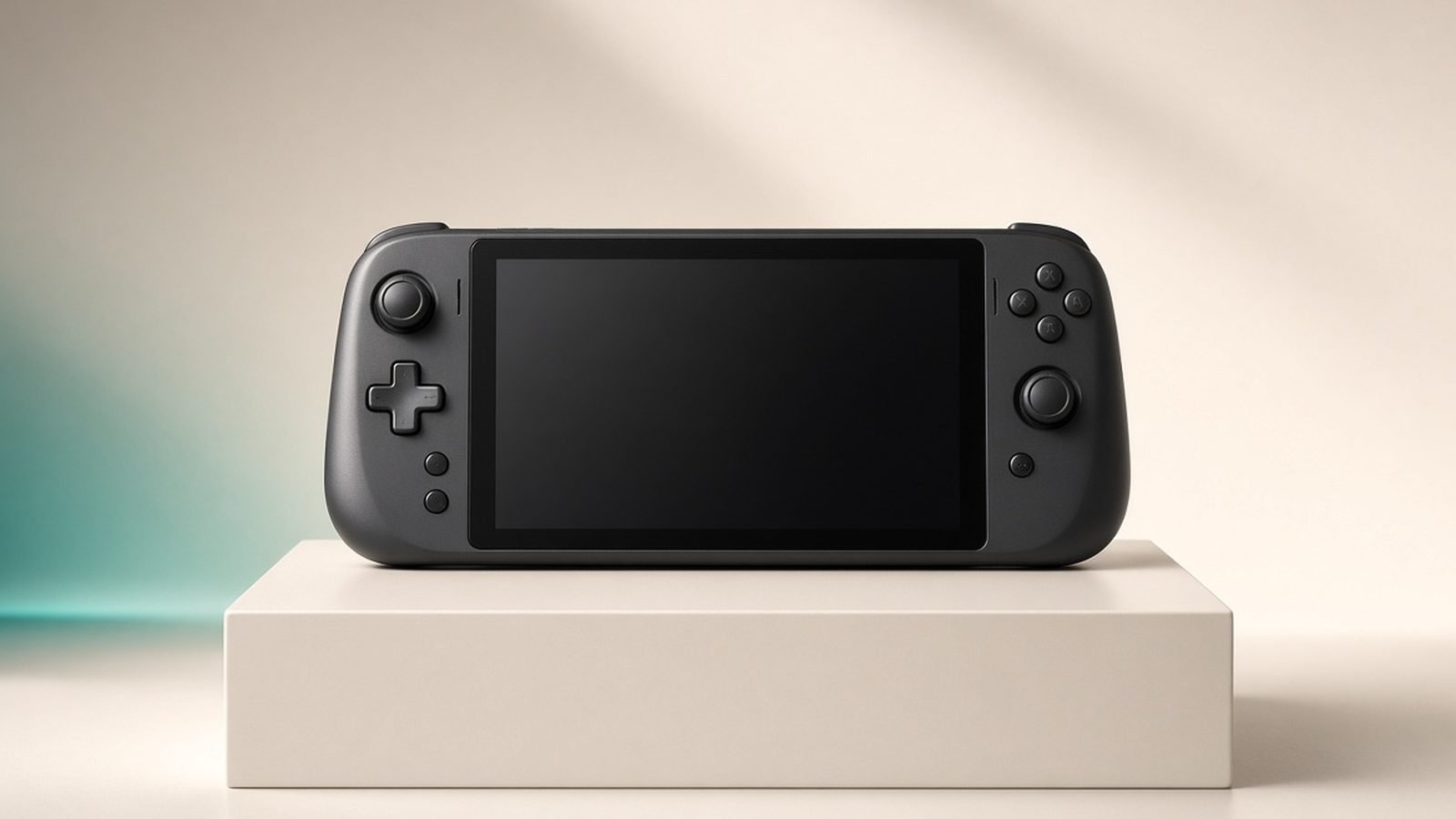
Handhelds are a different problem. A Steam Deck or ROG Ally outputs video over USB-C (DisplayPort Alt Mode), not HDMI, and it also needs charging while you play. The Elite Go GC313Pro is built for exactly this: it captures over USB-C DP Alt Mode and passes power through, so it records your capture card for handheld gaming pc session while keeping the device charged in a single connection.
Capture is 1080p60 only, which is the native comfort zone for handheld streaming anyway. It’s a niche card, but for handheld-first creators it removes a genuinely annoying wiring headache — no dongle stack, no dead battery mid-stream. If you mostly play on a Deck, Ally or Legion Go, this is the obvious pick; if you only occasionally dock a handheld to a TV, a standard HDMI card may suffice.
Pros
USB-C DP Alt Mode capture — native for handhelds
Charges the handheld while capturing
Compact and travel-friendly
Cons
1080p60 capture only
Overspecialised if you don’t stream handhelds
Best for: Steam Deck, ROG Ally and Legion Go streamers who want capture and charging in one cable.
Check price: AVerMedia Elite Go GC313Pro
Do you need 4K capture, or just 4K passthrough?
Here’s the honest answer most buying guides bury: the vast majority of streamers do not need 4K capture. After Twitch and YouTube compression, a well-encoded 1080p60 stream looks excellent, uses far less bandwidth, and is easier on your PC. What you almost always want is 4K (or high-refresh) passthrough, so your own gameplay stays crisp and smooth.
That’s why the Game Capture Neo — a 1080p capture card with 4K60 passthrough — is the right answer for so many people. You’d only step up to true 4K capture (the Ultra S, or the 4K X) if you specifically want to record 4K clips for editing, YouTube VODs or archival. And you’d only reach for HDMI 2.1 (the Ultra 2.1) if you play at 4K120/144 and won’t tolerate a downgraded display.
Match the card to your console, not to a spec-sheet ego trip. New to all this? Start with Do You Need a Capture Card to Stream in 2026? It Depends, then wire it up with How to Set Up a Capture Card for PS5, Xbox and Switch 2.
Verdict: which capture card should you buy?
Most console streamers: Elgato Game Capture 4K X — it does everything and won’t throttle your display.
Best value with real 4K capture: AVerMedia Live Gamer Ultra S.
First card / tight budget / Switch 2: Elgato Game Capture Neo.
PS5 Pro or high-end PC at 4K120+: AVerMedia Live Gamer Ultra 2.1.
Handheld streamers: AVerMedia Elite Go GC313Pro.
Sorting out your whole handheld setup? See Best Handheld Gaming PCs 2026: Picks for Every Budget, and browse more guides on the Gaming.
FAQ
What is the best capture card for streaming in 2026?
For most console streamers, the Elgato Game Capture 4K X is the best all-round pick because it captures 4K60 HDR while passing through 4K144 and VRR, so it never downgrades your gaming display. On a budget, the Elgato Game Capture Neo is the smarter buy — it captures a clean 1080p60 and still passes 4K60 through to your TV.
Do I need 4K capture to stream in 4K quality?
No. Twitch and YouTube compress heavily, so a well-encoded 1080p60 stream looks excellent and is far easier on your PC and upload. You only need true 4K capture if you want to record 4K clips or VODs for editing. What matters more is 4K or high-refresh passthrough, so your own screen stays sharp.
What is the best capture card for the Switch 2?
The Switch 2 outputs 4K60 in docked mode, so you don’t need an expensive HDMI 2.1 card. The Elgato Game Capture Neo passes 4K60 through untouched while capturing 1080p60 — everything a Switch 2 stream needs. Only step up if you also stream a PS5 Pro or high-end PC at higher refresh rates.
Elgato vs AVerMedia — which is better?
Elgato generally wins on plug-and-play simplicity and software polish, making it ideal for beginners. AVerMedia often delivers more capture performance per pound but expects you to install software and tune settings. If you value a fuss-free setup, choose Elgato; if you want value and don’t mind tinkering, AVerMedia is excellent.
Are capture card prices the same in the UK?
Roughly, but not identical. UK prices include VAT, so expect figures like £180 for the 4K X versus around $199 in the US. Currency shifts and regional stock also move prices, so the best capture card UK buyers should check retailer listings at purchase time rather than converting the dollar figure directly.
Zen Tech Hub may earn a commission from links on this page, at no extra cost to you.