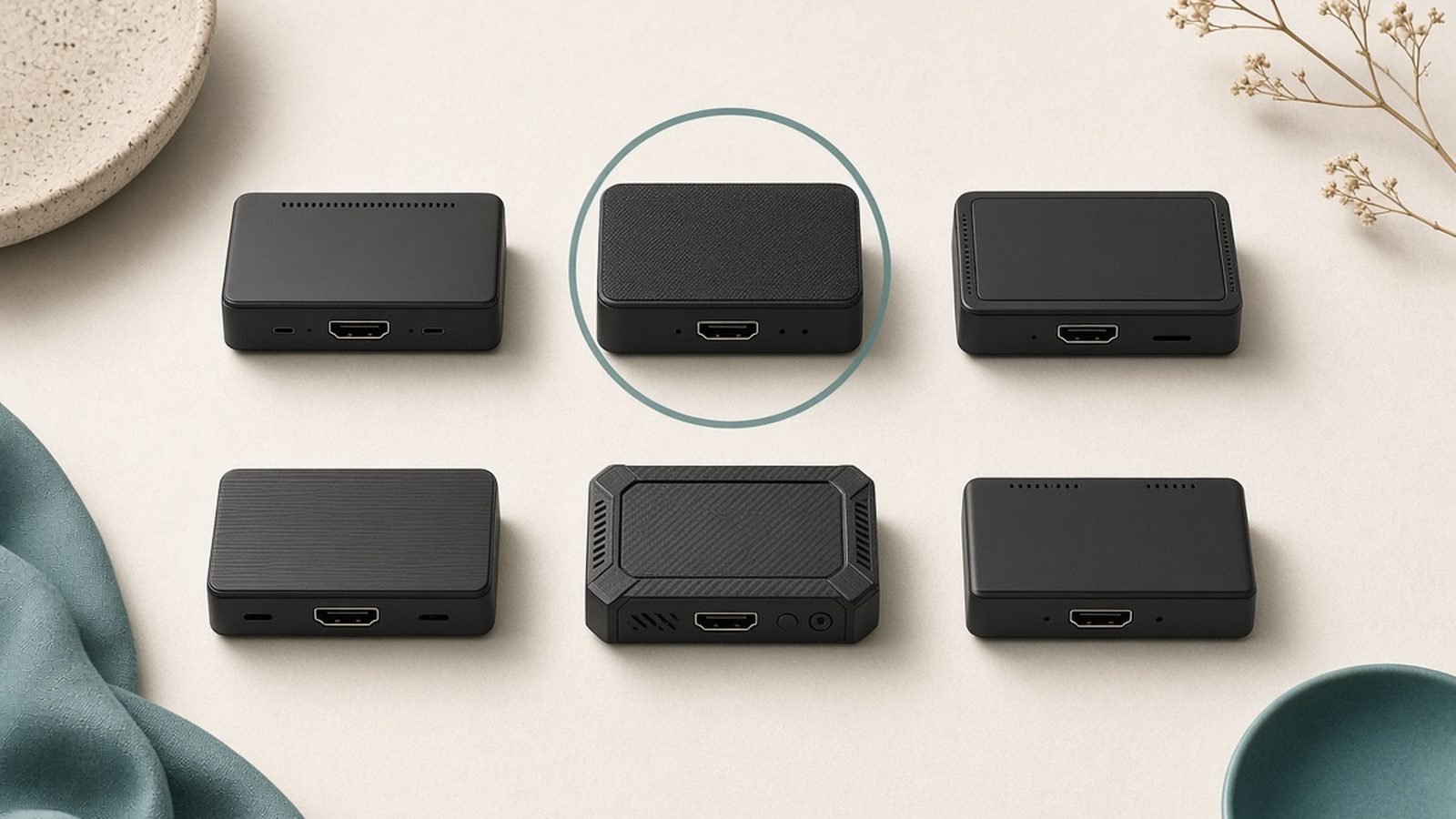
Short version: do you need a capture card to stream? Not always. Plenty of people go live every night without one, and plenty of others waste $150 on a card they never plug in. Whether you need one comes down to a single question — what are you streaming from, and where does it need to end up?
This guide breaks it down by setup type, so you can stop guessing. We’ll cover the built-in console apps, single-PC streaming, and the specific moments a capture card stops being optional and becomes the only thing that works. No upsell, no fear-mongering — just where the line actually sits in 2026.
The short answer by setup type
Here’s the decision at a glance. Find your setup and read across.
| Your setup | Capture card needed? | Why |
|---|---|---|
| PC games, streaming from the same PC | No | OBS grabs the game directly |
| PS5 / Xbox using the built-in Twitch/YouTube app | No | The console broadcasts itself |
| PS5 / Xbox with a custom overlay, alerts, facecam scene | Yes | You need the feed inside OBS |
| Nintendo Switch 2 to Twitch/YouTube | Yes | No native streaming app exists |
| Two-PC (gaming PC + streaming PC) | Yes | The card moves the game feed between machines |
| Retro consoles, DSLR as webcam, second video source | Yes | Any HDMI source OBS can’t see natively |
If your row says “No,” you can skip most of this article and just start streaming. If it says “Yes,” keep reading — we’ll tell you exactly what to get.
Streaming from PS5/Xbox built-in: what you give up
Both the PS5 and Xbox Series X|S can broadcast to Twitch or YouTube straight from the console. No PC, no card, no OBS. For Twitch streaming from console on a budget, it genuinely works — press the Create/share button, log in, and you’re live.
The catch is control. The built-in apps give you a fixed layout: your gameplay, a small webcam window, and the platform’s default chat overlay. That’s it.
What you give up: - Custom overlays and scenes — no branded frames, starting-soon screens, or scene switching. - Alerts — no follower/sub notifications, no sound effects, no on-screen goals. - Multi-source layouts — you can’t add a second camera, a music widget, or a “be right back” scene. - Fine audio control — no separate mic and game volume mixing.
For a casual streamer who just wants friends to watch, none of that matters. The moment you want your channel to look like a channel, the built-in app hits a wall — and that’s where a card comes in.
Single-PC streaming: why you don’t need one
This is the most common misunderstanding we see, so let’s kill it. If you play games on a PC and stream from that same PC, you do not need a capture card.
OBS Studio (and Streamlabs) includes a feature called Game Capture — a software source that pulls the frame buffer directly from the game you’re running. It’s the entire capture card vs OBS Game Capture debate settled in one line: for a single-PC setup, OBS Game Capture is your capture method, and it’s free.
A capture card digitises an HDMI signal. When the game already lives on the same machine as OBS, there’s no HDMI signal to digitise — the frames are right there in memory. Adding a card would mean routing your PC’s video out and back in, which adds cost, latency, and cable clutter for zero benefit.
So for a capture card for one PC setup: the answer is no. Spend that money on a better mic or a proper webcam instead. The only exception is streaming a console into a single PC — that’s a different HDMI source, and it does need a card.
When a capture card becomes essential
Here’s where “it depends” turns into a firm yes. A capture card is genuinely required — not just nice-to-have — in these cases:
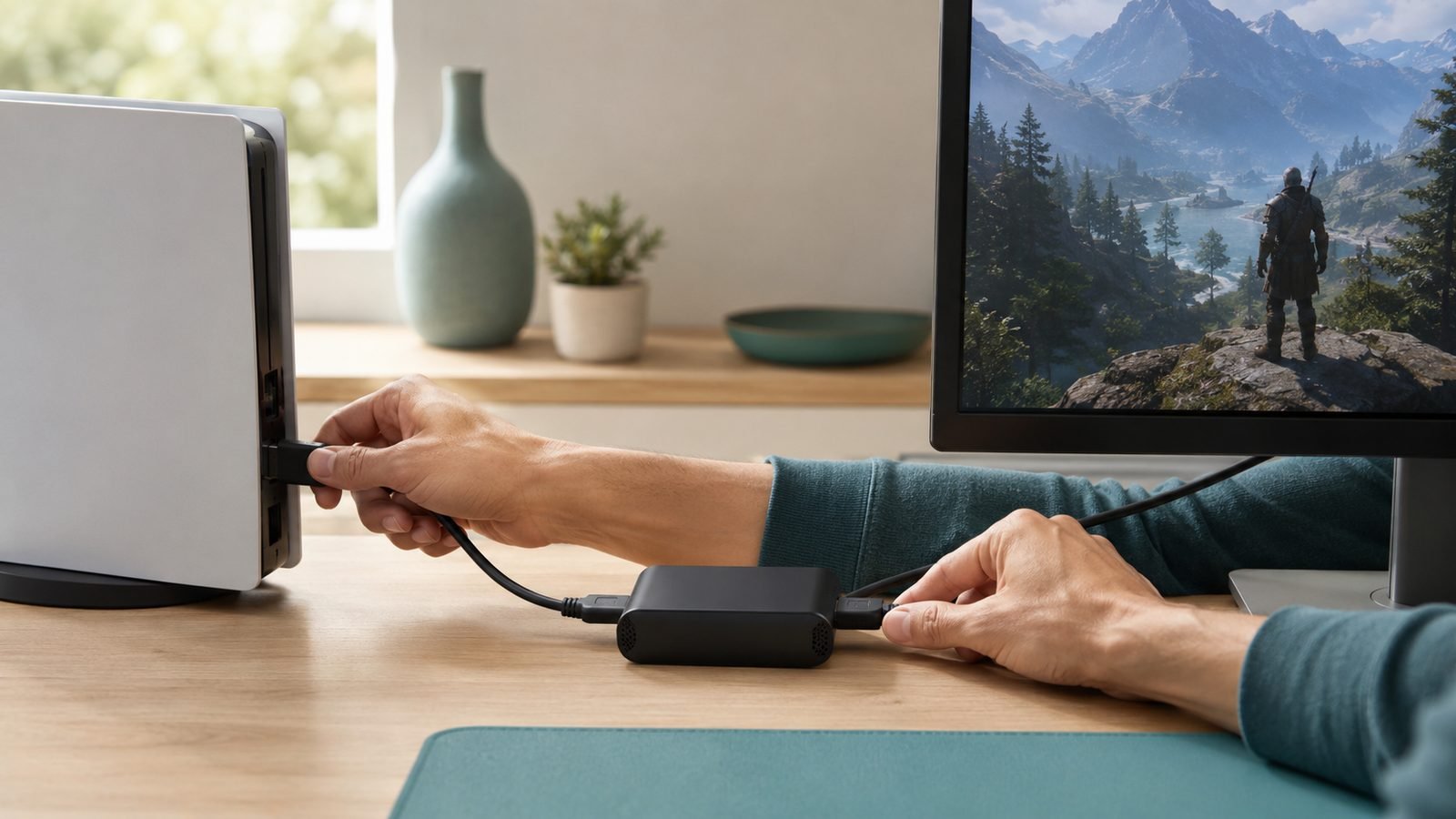
Console streaming with real production. If you want overlays, alerts, and custom scenes over PS5 or Xbox gameplay, the console feed has to reach OBS on a PC. A card is the bridge. This is the honest answer to when do you need a capture card: the second you want console footage inside streaming software.
Nintendo Switch 2. This is the big one. The Switch 2 has no native Twitch or YouTube streaming app. There is no built-in broadcast button that puts you live. If you want to stream Switch 2 gameplay at all, a capture card is the only route — full stop. That’s not a marketing line; it’s a hardware limitation, and it makes the card non-negotiable for Nintendo streamers.
Dual-PC setups. The dual PC streaming setup explained simply: one PC runs the game, a second PC runs OBS and handles encoding, so streaming never steals performance from your framerate. A capture card carries the game feed from PC one into PC two. Without it, the two machines can’t share video. This is how most full-time streamers run, and the card is the linchpin.
If none of these apply to you, you can stream from PS5 without capture card using the built-in app and be perfectly fine.
What capture cards cost in 2026 (USD/GBP)
Pricing has settled into clear tiers. You don’t need the expensive one unless your console outputs 4K/120.
Entry (1080p60, 4K passthrough): around $120 / £105. Handles Twitch’s realistic quality ceiling with room to spare.
Step-up (4K60 capture, 4K120 passthrough): around $200 / £180. For 4K/120Hz consoles and creators who also record high-quality VODs.
Budget no-name cards: $25–$40. Tempting, but based on owner reports these often struggle with HDR, audio desync, and driver stability. Fine for testing, frustrating long-term.
Common myths
“A capture card improves your stream quality.” No. It captures a signal — it doesn’t upscale or enhance it. Your quality ceiling is set by your bitrate, encoder, and the platform (Twitch still tops out around 6,000–8,000 kbps for most). A card just gets the feed in.
“Capture cards add noticeable lag.” Not to your gameplay. Modern cards use HDMI passthrough, so your TV shows the console feed directly with effectively zero added latency. The slight delay only exists in the OBS preview, which viewers never notice.
“Pros use capture cards, so I need one to look pro.” Pros use them because they run consoles or dual-PC rigs. A single-PC streamer with OBS Game Capture can look every bit as polished. The card is about source, not prestige.
Our recommended first cards
If you’ve concluded you need one, don’t overthink it — two cards cover almost everyone.
Elgato Game Capture Neo — best first card
The Neo is the easy entry pick. It does 1080p60 capture with 4K60 HDR passthrough, connects over USB, and works with OBS out of the box. For console streamers, Switch 2 owners, and anyone whose stream tops out at 1080p (which is most of Twitch), it’s all the card you need. Based on owner reports, the plug-and-play setup is its biggest strength — few driver headaches, quick to go live.
Pros: Affordable; simple setup; 4K passthrough so your TV stays sharp; compact. Cons: Captures at 1080p, not 4K; fewer advanced features than pricier cards.
Best for: First-time console and Switch 2 streamers who want it to just work. Around $120 / £105.
Check price: Elgato Game Capture Neo
Elgato Game Capture 4K X — for 4K/120Hz consoles
Step up here if your PS5 or Xbox Series X outputs 4K/120 and you want to record VODs at full quality. The 4K X captures 4K60 (and higher framerates at lower resolutions) with 4K120 HDR passthrough, so your gameplay stays buttery on the TV while OBS records pristine footage. It’s also the more comfortable choice for dual-PC rigs.
Pros: 4K60 capture; 4K120 passthrough; great for high-quality VOD archives; dual-PC ready. Cons: Costs more; overkill if you only stream 1080p to Twitch.
Best for: 4K console streamers, VOD-focused creators, and dual-PC setups. Around $200 / £180.
Check price: Elgato Game Capture 4K X
Want the full field, including AV1 and PCIe options? See our Best Capture Cards for Streaming 2026: Console and PC Picks. Ready to wire it up? Follow How to Set Up a Capture Card for PS5, Xbox and Switch 2.
Verdict
Do you need a capture card to stream? If you stream PC games from one PC, no — OBS Game Capture already does the job. If you stream from a PS5 or Xbox and are happy with the built-in app, also no. You do need one for custom console production, dual-PC rigs, and — with no exceptions — the Nintendo Switch 2. Match the card to the console: the Neo for 1080p and Switch 2, the 4K X for 4K/120. Buy for your setup, not the hype.
FAQ
Can I stream from a PS5 without a capture card? Yes. The PS5’s built-in broadcast feature sends gameplay straight to Twitch or YouTube with no card and no PC. You’ll get a basic layout with a small webcam window, but no custom overlays, alerts, or scene switching. It’s ideal for casual streaming; you only need a card once you want a produced, branded look.
Do I need a capture card for a single-PC streaming setup? No. When you play and stream on the same PC, OBS Game Capture pulls the game directly from memory — that’s the whole point of the feature. A capture card only digitises an external HDMI signal, which a single-PC setup doesn’t have. Save the money for a better mic or webcam instead.
Why does the Switch 2 need a capture card? The Nintendo Switch 2 has no native Twitch or YouTube streaming app, so there’s no way to broadcast directly from the console. A capture card routes the Switch 2’s HDMI output into OBS on a PC, which then streams it. For Nintendo streamers, this makes a capture card genuinely mandatory rather than optional.
Does a capture card cause input lag? Not on your gameplay. Modern cards pass the console signal straight through to your TV over HDMI, so what you play on stays instant. A small delay exists only in the OBS preview window, which your viewers never see and which doesn’t affect how the game feels in your hands.
Capture card vs OBS Game Capture — what’s the difference? OBS Game Capture is free software that grabs a game running on the same PC. A capture card is hardware that digitises an external HDMI feed — a console or a second PC. They solve different problems: Game Capture for single-PC PC streaming, a card for consoles and dual-PC setups. You rarely need both.
Explore more streaming and console guides on our Gaming.
Zen Tech Hub may earn a commission from links on this page, at no extra cost to you.