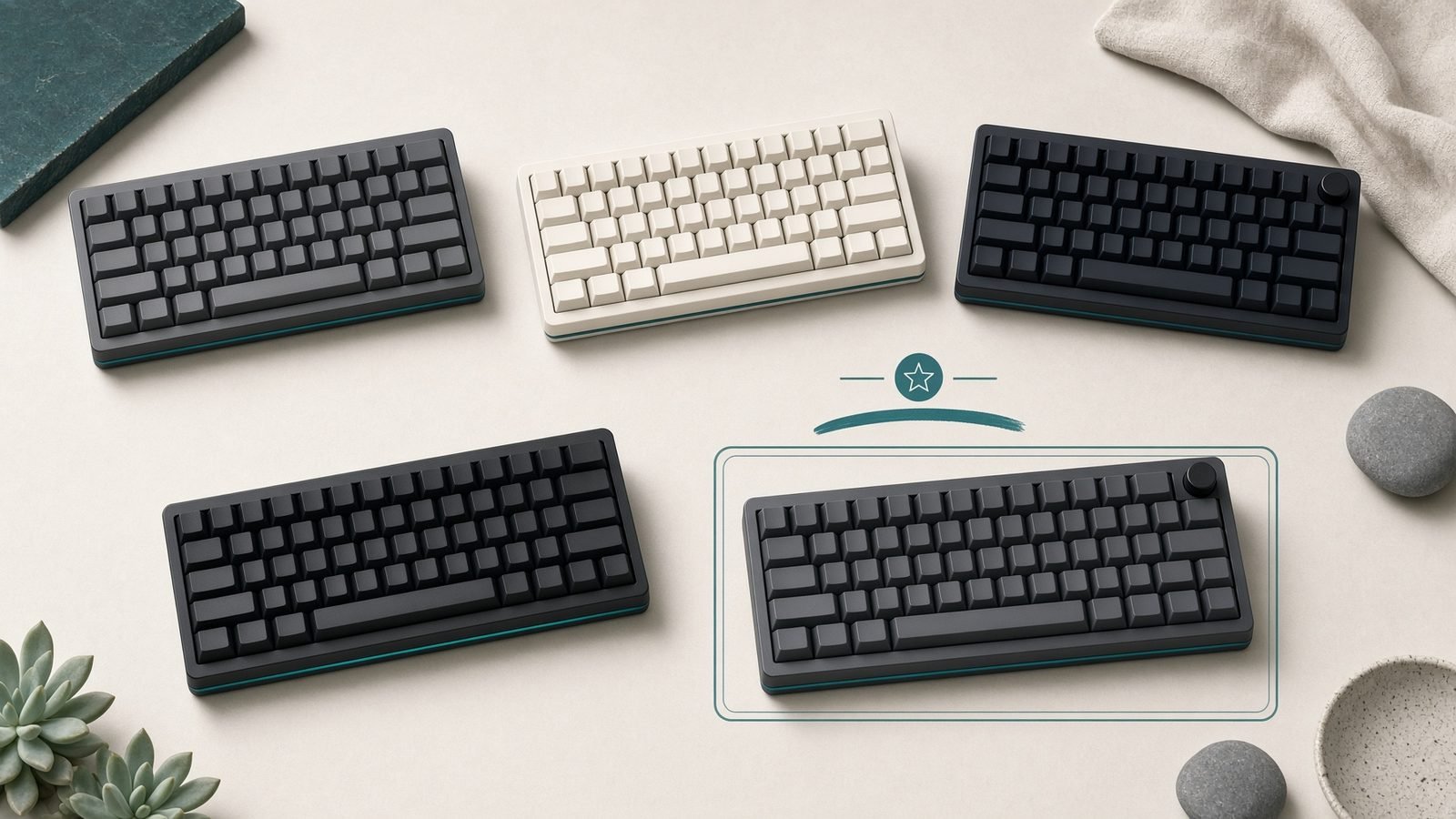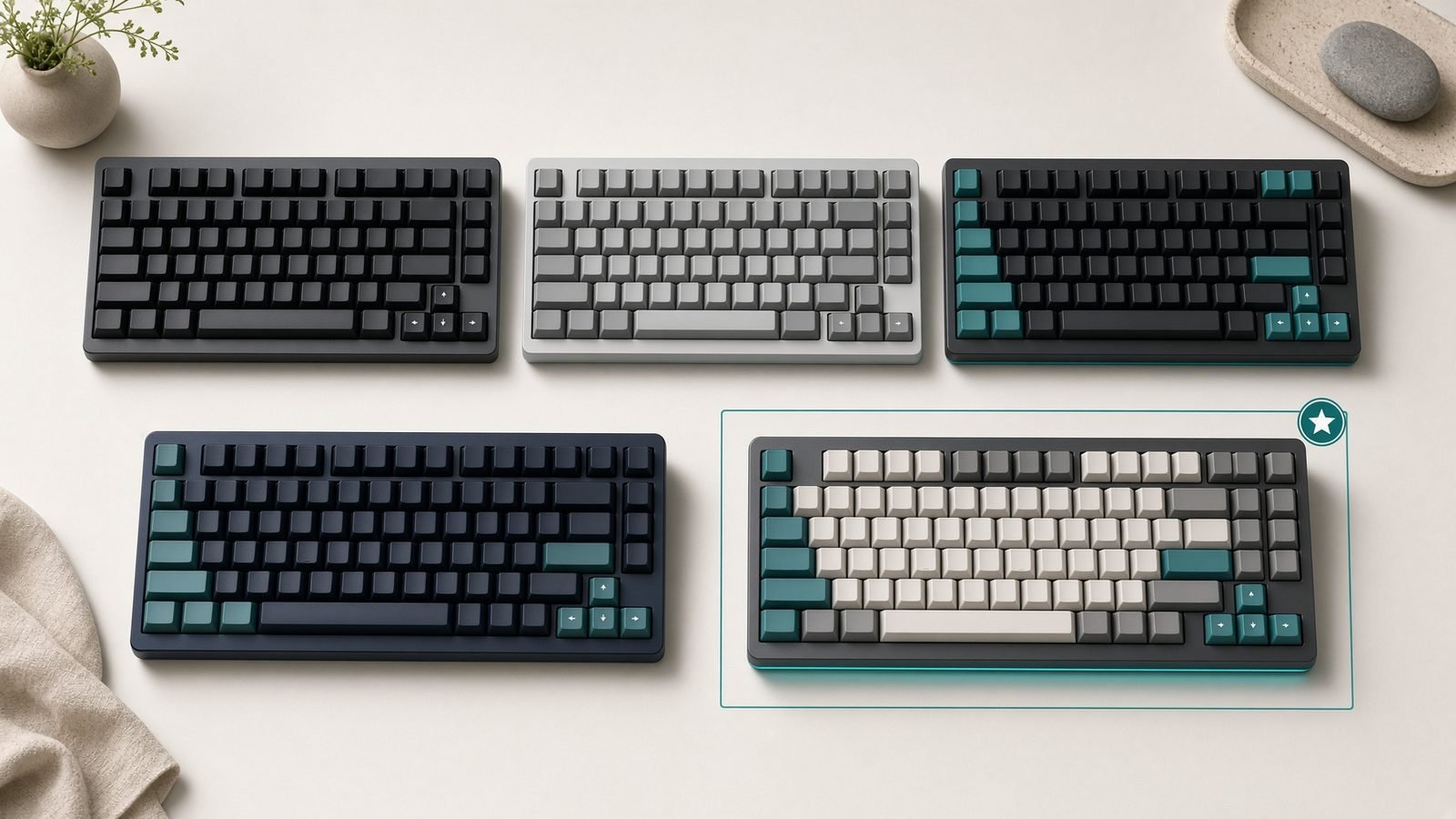
If you play competitive FPS, you have heard the acronym-soup pitch by now: magnetic switches, rapid trigger, adjustable actuation, analog input. So what is a hall effect keyboard, and does it actually make you faster, or is it just marketing aimed at your wallet? This guide strips the jargon down to what matters. We will explain how the switches work, why rapid trigger changed competitive shooters, where the tech genuinely helps, and why tournaments started banning some of its features. No hype, no fabricated benchmarks, just a clear picture of the trade-offs.
Here is the short version up top, then the detail.
| Term | What it means | Why you care |
|---|---|---|
| Hall effect switch | A magnet + sensor detects key depth analogically | No physical contact to wear out |
| Rapid trigger | Resets the key the instant you lift, by movement not fixed point | Faster counter-strafing and repeats |
| Adjustable actuation | You set the trigger depth (e.g. 0.1–3.4mm) | Tune per game, per key |
| Analog input | Key reports how far it is pressed | Gamepad-style movement on WASD |
| Snap tap / SOCD | Auto-resolves conflicting key presses | Now banned in several titles |
How a Hall Effect Switch Works (Magnets, No Contacts)
A traditional mechanical switch registers a keypress when two metal leaves physically touch and complete a circuit. That contact point is fixed, and over years it can wear, corrode, or chatter.
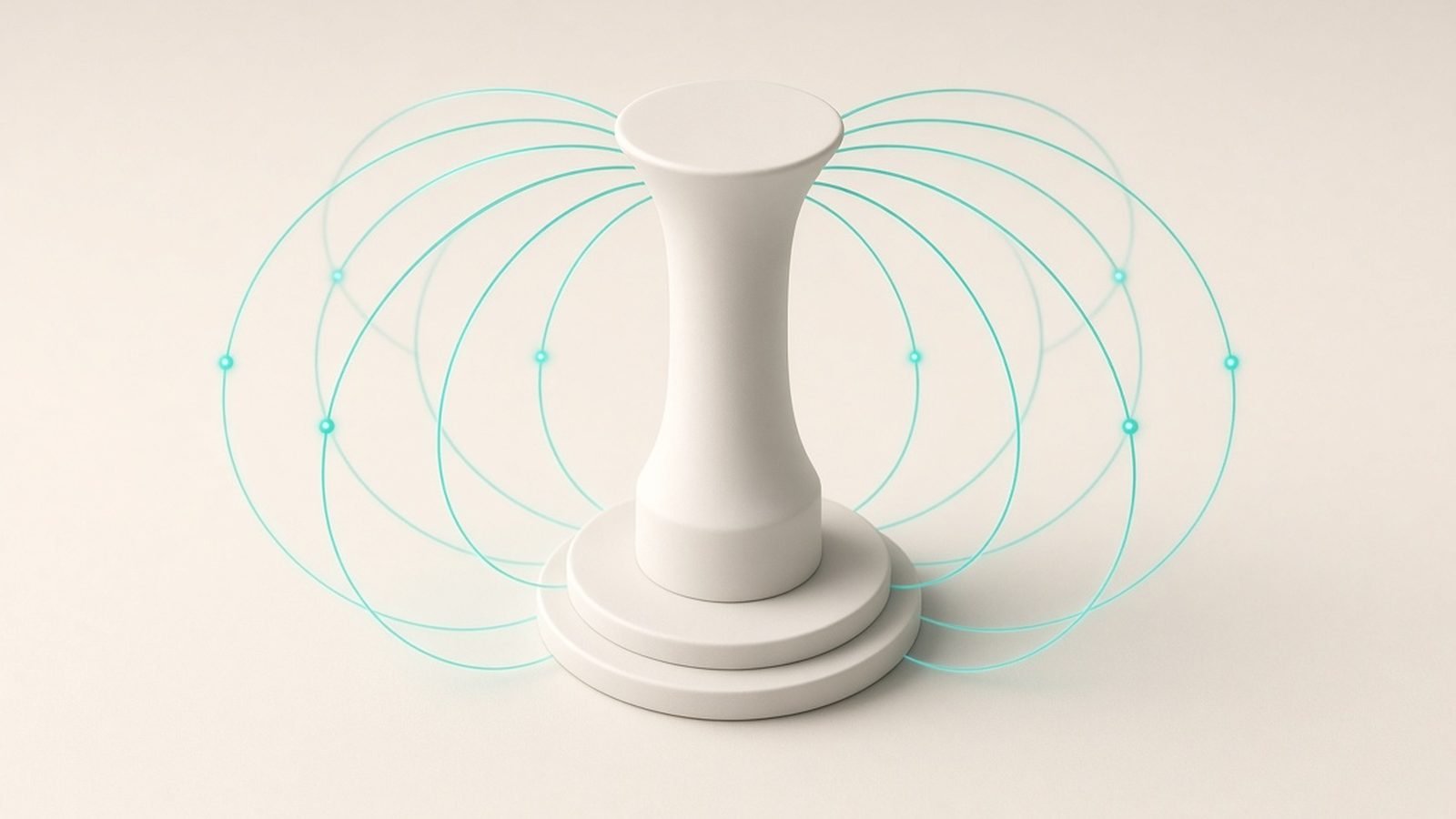
A hall effect switch works differently. Each switch has a tiny magnet on the moving stem. As you press down, the magnet moves closer to a sensor on the PCB, and the sensor reads the changing magnetic field. Because the board can measure the strength of that field continuously, it knows exactly how far down the key is at any moment, not just “pressed” or “not pressed.”
That single design change unlocks everything else. There are no metal contacts to degrade, and the board gets an analog depth signal instead of a simple on/off. Wooting popularised the format for gaming, and its Wooting 80HE (around $199 / £190) remains the reference implementation we will cite throughout.
You will also see TMR switches marketed as the next step. TMR (tunnelling magnetoresistance) is a more sensitive sensor type than classic hall effect, promising steadier readings at very shallow actuation. In the TMR vs hall effect switches debate, the practical difference for most players is small today; both deliver the same headline features, and TMR is best treated as a refinement rather than a revolution.
Rapid Trigger: Why It Changed Competitive FPS
Rapid trigger explained simply: instead of a key resetting only when it rises past a fixed point, it resets the moment you start lifting, based on relative movement. Press, and it fires almost immediately; release even a fraction, and it deactivates.
Why does that matter? Counter-strafing in Counter-Strike and Valorant. To stop moving and shoot accurately, you tap the opposite direction key. With rapid trigger, the transition between A and D happens with almost no dead zone, so your character stops on a dime. Based on aggregated owner reports, this is the single feature that converts skeptics; the counter-strafe feel is noticeably crisper than a standard board.
It is not a cheat code. It sharpens a mechanic you already have to execute correctly. But at a high level, tighter movement is a real, repeatable edge.
Adjustable Actuation and Dual-Step Inputs
On an adjustable actuation keyboard, you choose how far a key travels before it registers, often anywhere from roughly 0.1mm to the full 3.4mm of travel, per key.
Shallow actuation (say 0.3mm) makes movement keys hair-trigger fast. Deeper actuation on keys like R or B reduces accidental presses. You tune the board to the game.
Analog depth also enables dual-step / dual actuation: one key can fire two different commands depending on how far you press it. A light press walks, a full press sprints; or a half-press throws a utility while a full press does something else. Combined with analog WASD, which reads like a gamepad stick for smooth movement in driving and flight games, this is where hall effect stops being “a faster mechanical board” and becomes its own input category.
Hall Effect vs Mechanical: Durability and Feel
In the hall effect vs mechanical keyboard comparison, durability leans magnetic. With no physical contact to actuate, there is nothing to wear out or develop chatter, and manufacturers rate the switches for very high lifespans. Contactless sensing also sidesteps the debounce delay traditional switches need.
Feel is more nuanced. Magnetic switches are typically linear and smooth, and modern boards ship with sound-dampening foam and gaskets that feel excellent. But tactile and clicky fans have fewer options, and the hot-swap ecosystem is narrower because switches must be magnetic and sensor-compatible. If you love a specific tactile switch, a great traditional mechanical still wins on personal feel. If you want performance features and longevity, hall effect leads.
The Controversy: Snap Tap and Tournament Bans
Here is where the hype met a wall. Because the board sees analog input and can process key logic, vendors added SOCD handling, marketed by Razer as Snap Tap. When you press A then D without releasing A, it instantly prioritises the newest key, resolving the conflict for you and making direction changes effectively automatic.
That crossed a line. In 2024 Valve banned Snap Tap-style automation from Counter-Strike 2, and other titles including Valorant restrict SOCD handling that resolves opposing inputs. The snap tap banned verdict is now the consensus in competitive shooters: rapid trigger and adjustable actuation are fine because you still perform the input, but automatic SOCD resolution is treated as automation.
The takeaway: buy hall effect for rapid trigger and tuning, not for snap tap. Any board worth owning lets you disable SOCD features to stay tournament-legal, and reputable firmware makes this easy.
Do You Actually Need One?
Honest answer: most people do not need one. So are hall effect keyboards worth it?
Buy one if you play ranked CS2, Valorant, or Apex and want every legal movement edge, or if analog WASD and per-key tuning genuinely appeal to you. In our research, competitive FPS players are the clear winners.
Skip it if you mainly type, play slower-paced or single-player games, or already love a tactile mechanical board. You will pay a premium for features you will rarely touch. The tech is real and the best boards are superb, but the value is concentrated in fast, movement-heavy shooters.
Recommended Boards at Each Price
Wooting 80HE — the reference (around $199 / £190). The board every review benchmarks against. Mature firmware, excellent rapid trigger, deep per-key tuning, and a polished full-size-minus layout. Best for players who want the definitive implementation and will use the features.
Pros: gold-standard software, superb feel, tournament-legal toggles. Cons: premium price, sold direct so stock can be tight.
Endgame Gear KB65HE — the value pick (around $149 / £140). A 65% hall effect board that delivers the core experience, rapid trigger and adjustable actuation, for meaningfully less. Best for players who want the tech without the flagship outlay.
Pros: strong price-to-feature ratio, compact competitive layout. Cons: smaller software ecosystem than Wooting, fewer keys for non-gaming use.
Check price: Endgame Gear KB65HE
Razer Huntsman V3 Pro Mini — the analog-optical cousin (around $139 / £140). Not hall effect but analog optical, using light instead of magnets to read depth. It offers rapid trigger and adjustable actuation too, useful for understanding that “analog gaming keyboard” spans more than one sensor tech. Best for players already in Razer’s ecosystem.
Pros: rapid trigger, familiar Synapse software, 60% form factor. Cons: optical not magnetic, Synapse is heavier than rivals’ apps.
Check price: Razer Huntsman V3 Pro Mini
Want the full shortlist with layouts and firmware notes? See our Best Hall Effect Keyboards 2026: Rapid Trigger Rankings roundup.
Verdict
Hall effect keyboards are the real deal for competitive FPS, and the hype is mostly earned, with one asterisk. Rapid trigger and adjustable actuation are legitimate, legal advantages that sharpen movement. Snap tap is not; it is banned where it matters, so ignore it as a buying reason. If you grind ranked shooters, a board like the Wooting 80HE or the cheaper Endgame Gear KB65HE is worth it. If you mostly type or play casually, keep your mechanical and spend elsewhere.
Ready to pick one? Start with our Best Hall Effect Keyboards 2026: Rapid Trigger Rankings guide, then round out your kit via the Gaming.
FAQ
Is a hall effect keyboard better than a mechanical one? For competitive gaming, generally yes: rapid trigger, adjustable actuation, and no wearing contacts give a real edge and longer life. For typing feel or tactile preference, a good traditional mechanical can still win. It depends on whether you will actually use the performance features you are paying extra for.
Is snap tap banned everywhere? Not everywhere, but in the games that matter for it. Valve banned Snap Tap-style SOCD automation in Counter-Strike 2, and Valorant restricts it too. Rapid trigger and adjustable actuation remain legal in those titles. Any reputable board lets you disable SOCD features to stay compliant, so keep it off for ranked play.
What is the difference between TMR and hall effect switches? Both sense magnetic depth analogically. TMR (tunnelling magnetoresistance) uses a more sensitive sensor than classic hall effect, promising steadier shallow readings. In practice the day-to-day difference is small right now; treat TMR as a refinement rather than a reason to wait, and judge boards on firmware and build quality instead.
Do hall effect keyboards make you a better player? They remove friction rather than aim for you. Rapid trigger tightens counter-strafing so movement mechanics you already perform become crisper and more consistent. That is a genuine but modest edge, most noticeable at higher skill levels. It will not replace practice, and it will not carry a low-mechanics player up the ranks.
Are hall effect keyboards worth it for casual gamers? Usually not. The value concentrates in fast, movement-heavy shooters. If you play slower or single-player games, or mostly type, you will pay a premium for features you rarely touch. A quality mechanical board serves you just as well. Spend the difference on a better mouse or monitor instead, like our Best Gaming Mouse Under $50 in 2026: Top Budget Picks picks.
For a mouse to match, see Razer Viper V3 Pro vs Logitech Superlight 2 DEX Compared.
Zen Tech Hub may earn a commission from links on this page, at no extra cost to you.