You bought the console. Now the upsells start. Search “Switch 2 accessories” and you get a wall of grips, skins, and no-name battery packs, most of which you do not need. This guide cuts through it: the best Switch 2 accessories worth your money in 2026, plus the ones we’d honestly tell you to skip.
We’ve built this around aggregated owner reports, manufacturer specs, and how the Switch 2 hardware actually behaves — not invented lab benchmarks. Where a cheaper option does the job, we say so. And with the US console price rise that landed on September 1, 2025, every dollar you spend on extras counts more than it used to.
Here’s what makes the shortlist, who each pick is for, and where the money is genuinely well spent.
What you actually need on day one
Before the “must have” lists sweep you up, three accessories do real work from the first hour: a microSD Express card (the built-in storage fills fast), a screen protector (that bigger LCD is exposed), and a case if the console ever leaves the house. Everything else — Pro Controller, power bank, headset — is an upgrade you add when a specific need appears, not a day-one requirement.
The order of priority, in our view: storage first, screen protection second, then a case. Controllers and audio come later.
Switch 2 accessories comparison table
| Accessory | Best for | Approx. price (USD / GBP) | Verdict |
|---|---|---|---|
| Nintendo Switch 2 Pro Controller | Docked & long play sessions | ~$85 / ~£75 | Worth it |
| Samsung 256GB microSD Express | Storage (everyone) | $59.99 / from £41.99 | Essential |
| Belkin Charging Case | Travel + top-up charging | ~$70 / ~£50 | Situational |
| JSAUX 20,000mAh 65W Power Bank | Full-speed portable charging | ~$50 / ~£45 | Worth it |
| SteelSeries Arctis Nova 3 Wireless | Wireless audio, docked or handheld | ~$110 / ~£100 | Worth it |
| Tempered-glass screen protector | Protecting the LCD | ~$10 / ~£9 | Essential |
Prices move constantly — treat these as ballparks and check the live listing before you buy.
Best controller: Nintendo Switch 2 Pro Controller
Nintendo Switch 2 Pro Controller
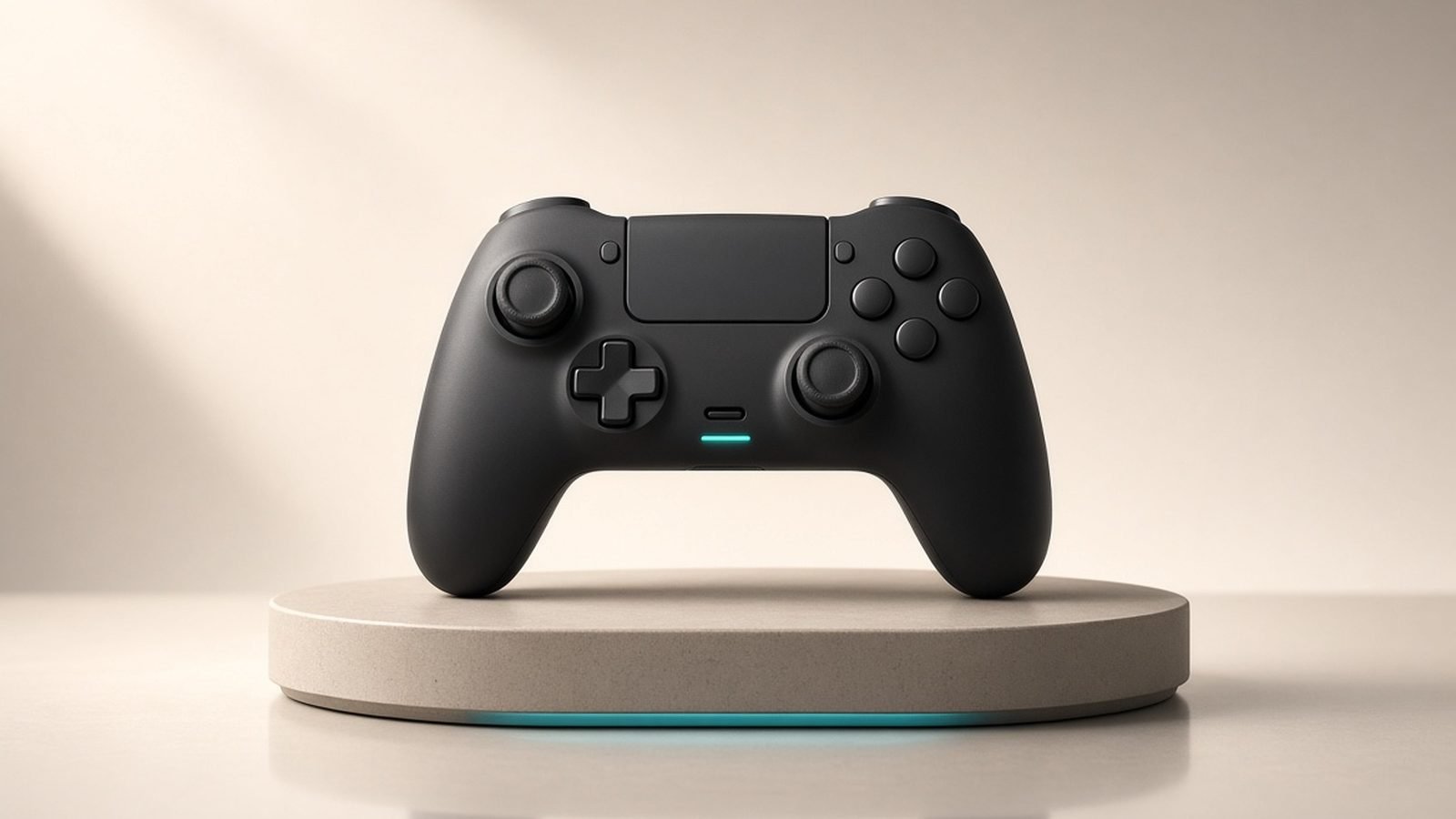
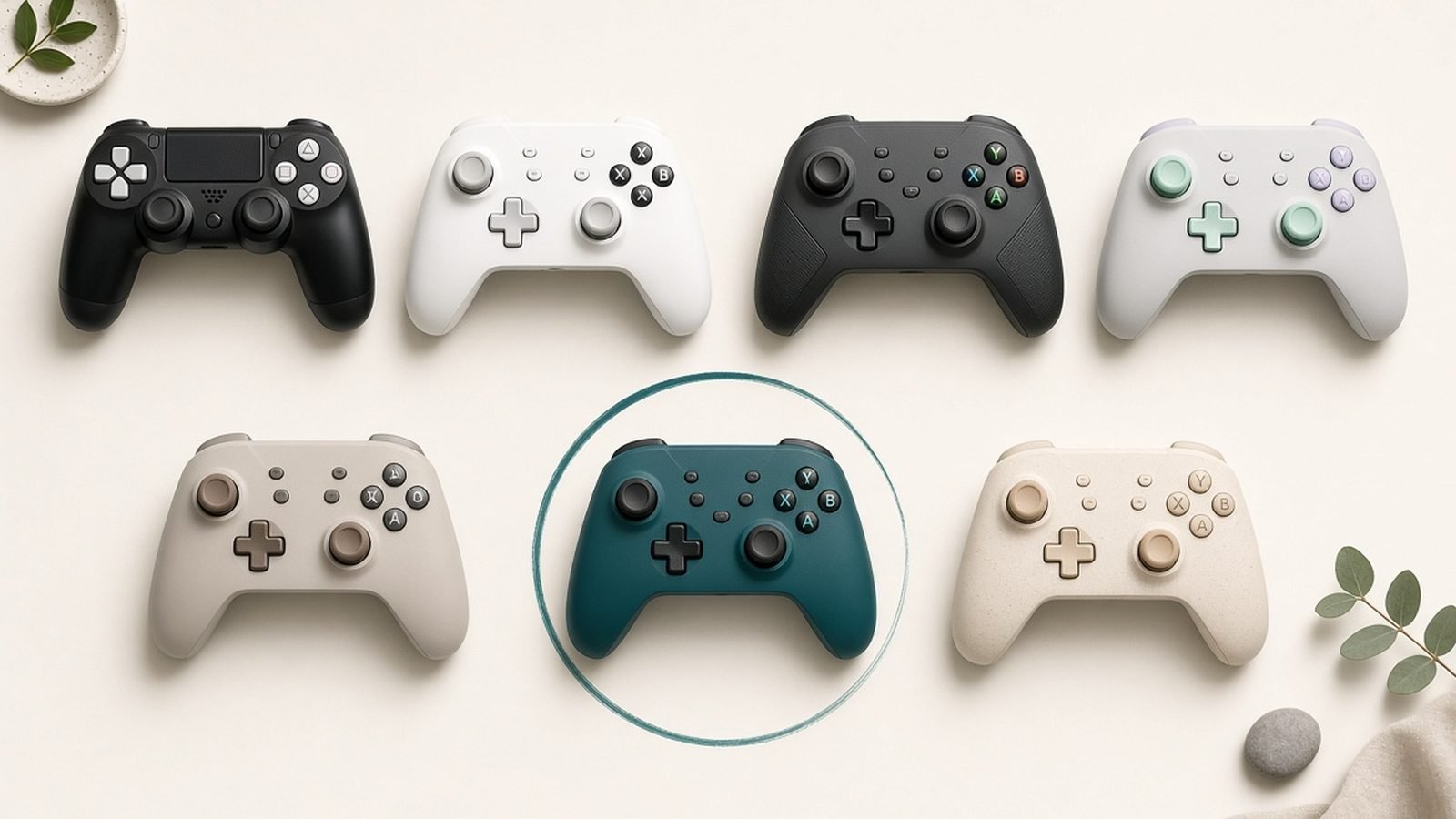
If you play docked or sink hours into a single session, the best Switch 2 controller is still Nintendo’s own Pro Controller. The full-size grip, proper D-pad, and reduced hand fatigue over the Joy-Con are the whole pitch, and it lands. The Switch 2 revision adds GL and GR back buttons you can remap on the fly, plus a 3.5mm headphone jack on the controller itself — genuinely useful for handheld-to-TV wireless audio and voice chat.
The catch is price and one spec omission. At around $85, it is not cheap, and the analog sticks are not Hall effect, so the long-term drift question that dogged the original Switch has not been fully engineered away. Based on owner reports so far the sticks feel solid, but you’re paying flagship money for standard potentiometer sticks. If drift worries you, read our Switch 2 Joy-Con 2 Drift: How to Fix It (and Prevent It) guide before deciding.
Pros - Best-in-class ergonomics for long or docked sessions - Remappable GL/GR back buttons - Built-in headphone jack and strong wireless range - Excellent D-pad for platformers and fighters
Cons - Expensive at ~$85 / ~£75 - Sticks are not Hall effect - No swappable battery
Who it’s for: anyone who plays docked regularly or for hours at a time. Handheld-only players who never dock can skip it. For the deeper breakdown, see our Switch 2 Pro Controller Review: Worth $85 Over the Joy-Cons?.
Check price: Nintendo Switch 2 Pro Controller
Best storage: microSD Express cards
Samsung 256GB microSD Express Card
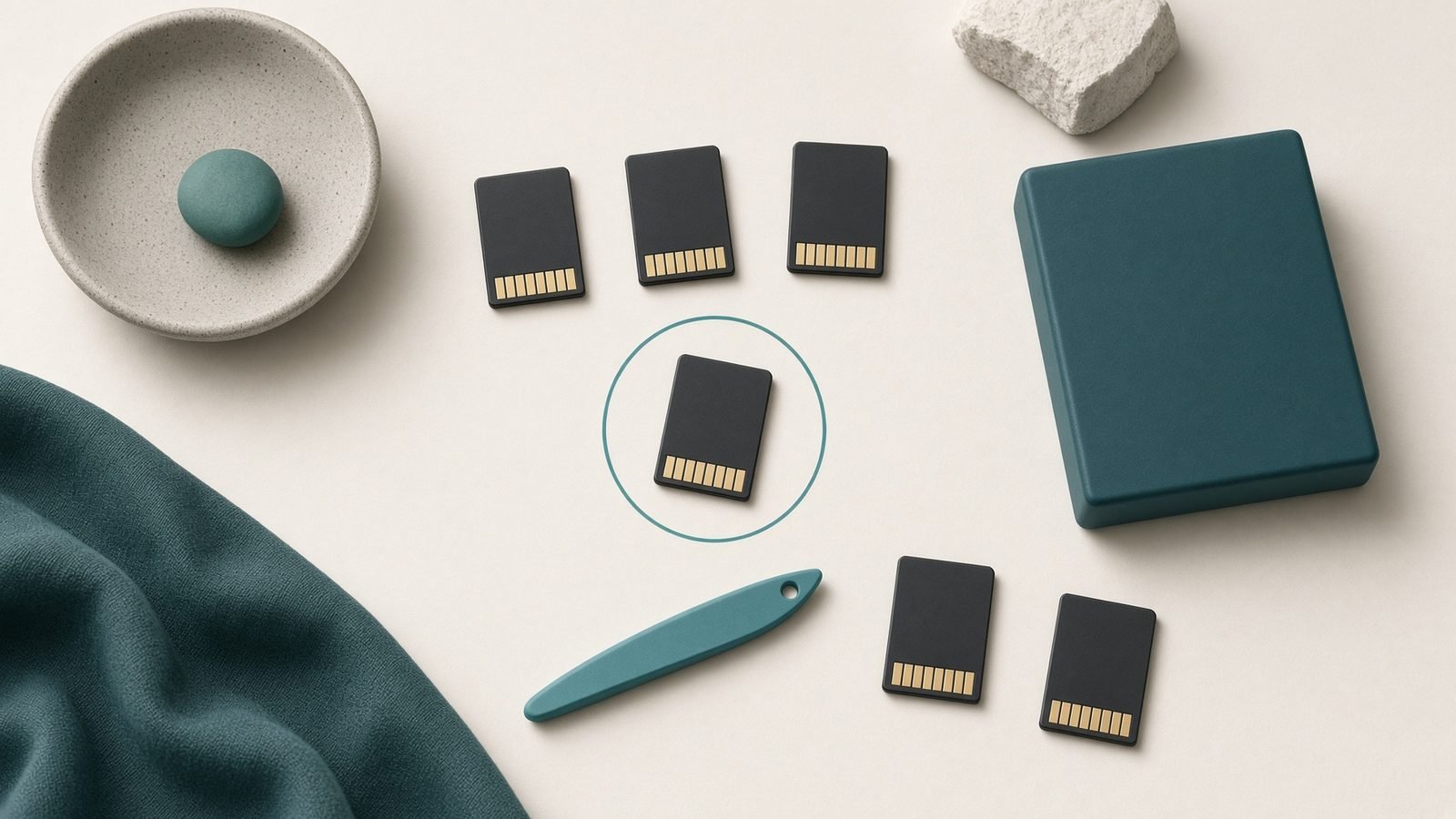
This one is not optional. The Switch 2 requires microSD Express cards — the faster spec with an internal NVMe-style controller — and it will refuse to use your old UHS-I microSD for game storage. Standard cards are simply too slow for how the Switch 2 streams data.
The 256GB Samsung microSD Express card is the sweet spot for most people: enough room for a healthy library without paying the steep premium 512GB and 1TB cards still command. On 2 October 2026 the officially licensed Samsung 256GB was $59.99 at Nintendo’s US store and from £41.99 in PriceSpy UK’s listings. It has dropped to about $39 in earlier sales, so it is worth watching for a promotion.
The trade-off is cost per gigabyte. Express cards are still far pricier per GB than the old microSD you might have in a drawer, and that old card won’t work here. Budget for it.
Pros - Meets the Express-class speed the Switch 2 demands - 256GB is the best capacity-to-price balance - Officially licensed; reliable in owner reports - Prices well below launch levels in 2026
Cons - Expensive per GB versus legacy microSD - Your existing microSD cards are incompatible for games
Who it’s for: every Switch 2 owner. If you buy digital or play anything sizeable, you need this. Compare capacities in our Best microSD Express Cards for Switch 2 in 2026 roundup, and see How to Move Switch 2 Games to a microSD Express Card to migrate what you already downloaded.
Check price: Samsung 256GB microSD Express Card
Best cases: Belkin Charging Case and budget picks
Belkin Charging Case for Switch 2
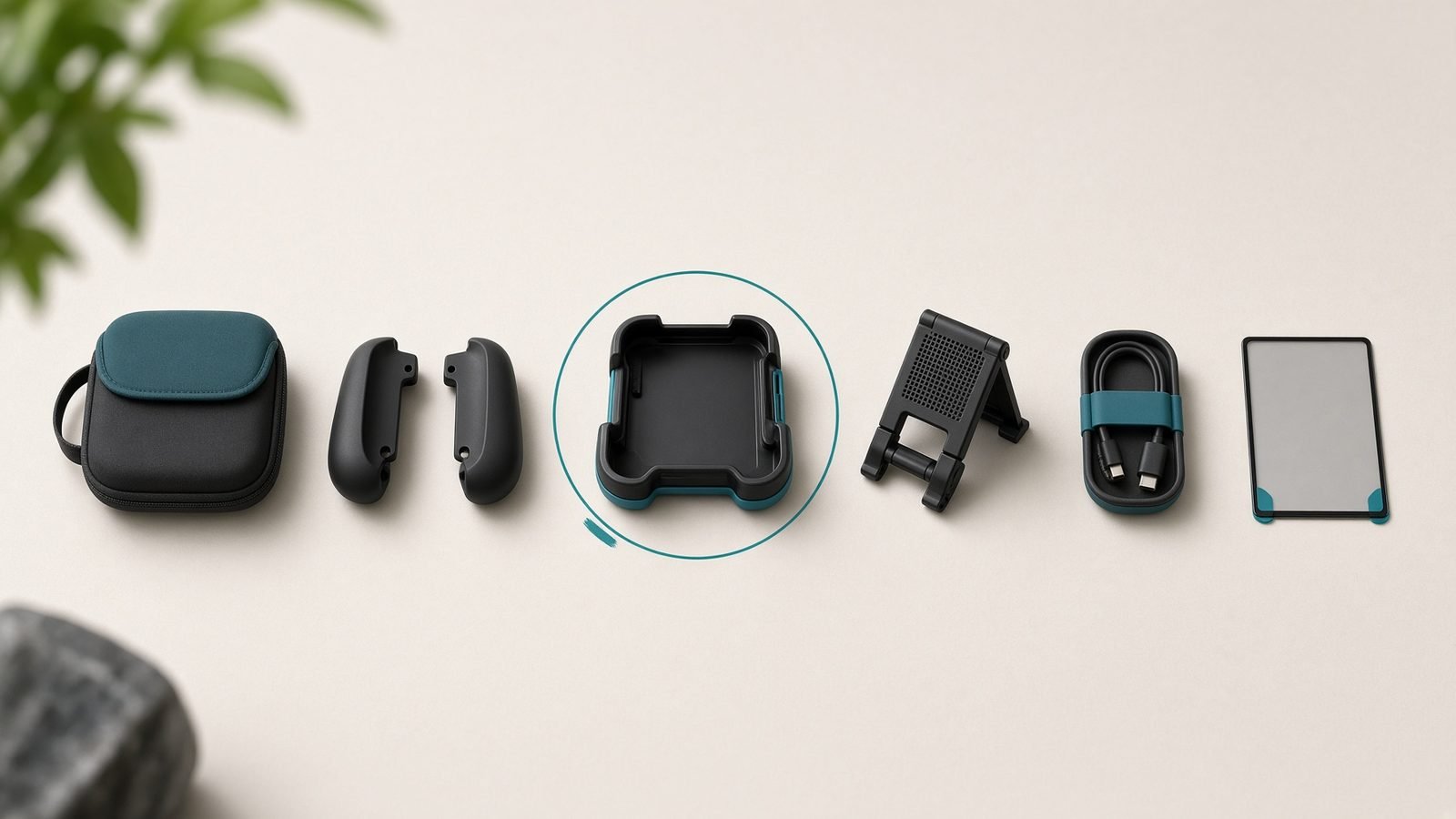
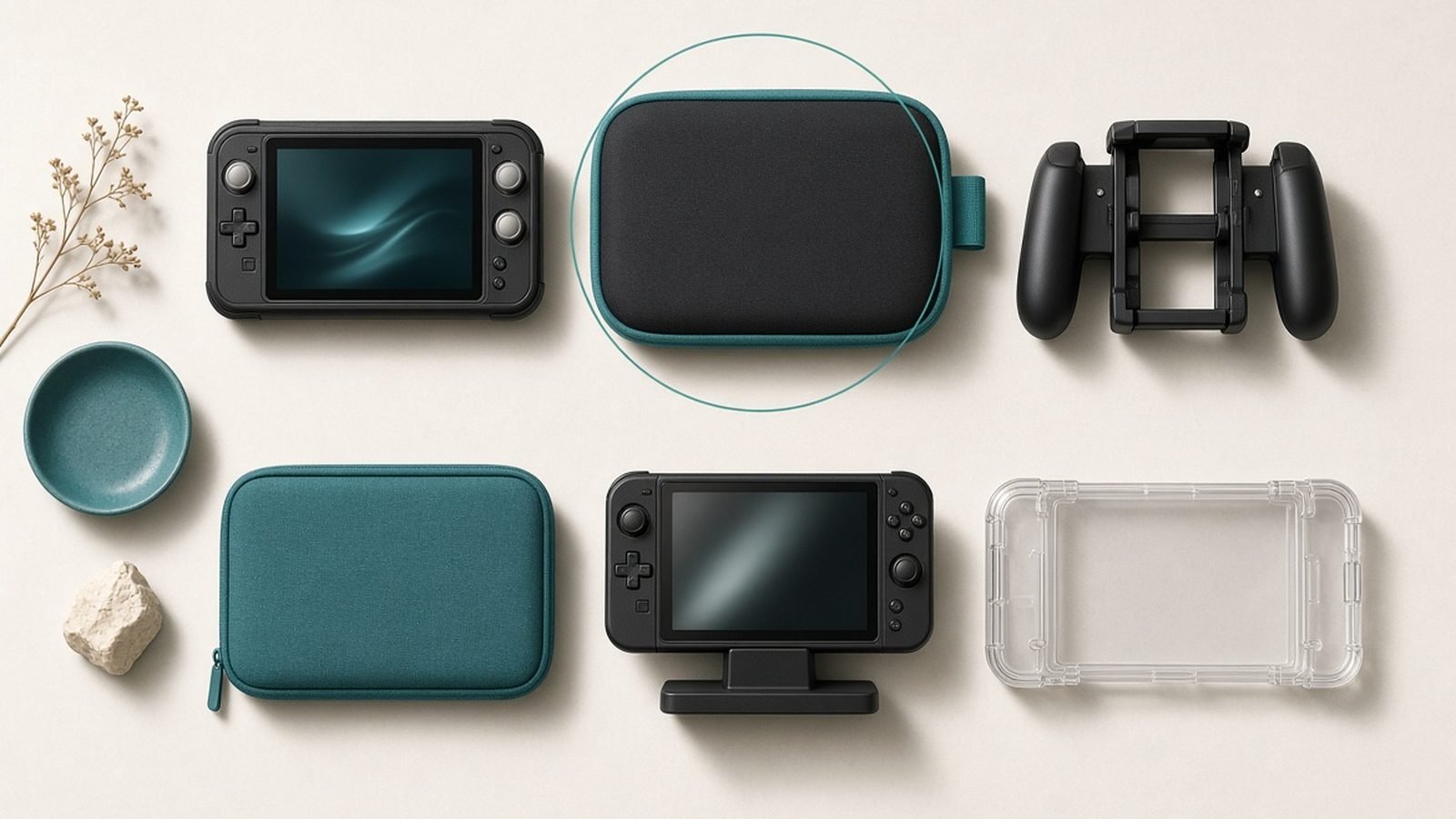
Most people need a case; fewer need this case. The Belkin Charging Case builds a 10,000mAh battery into the shell, so the console tops up while it’s stowed in your bag. It also includes a screen-protector flap, so your LCD is covered in transit without a separate purchase.
It’s a clever two-in-one, and for commuters or travellers who are always fighting the battery, it earns its keep. But it is bulkier and heavier than a plain case, and at around $70 you’re paying case-plus-power-bank money. If you already own a good power bank, that value evaporates.
Pros - Built-in 10,000mAh battery charges on the go - Integrated screen-protector flap - One item instead of two (case + top-up power)
Cons - Bulkier and heavier than a standard case - Pricey if you already own a power bank - 10,000mAh is a top-up, not a full multi-charge reservoir
Who it’s for: frequent travellers who want charging and protection in one. Everyone else: a plain hard-shell Switch 2 case for $15–25 protects the console just as well. Don’t overspend on protection you won’t use.
Check price: Belkin Charging Case for Switch 2
Best power bank for Switch 2
JSAUX 20,000mAh 65W Power Bank
The Switch 2 draws real power in handheld mode, especially playing demanding ports, so a weak battery pack will only slow the drain rather than reverse it. To actually charge while you play, you want 65W USB-C Power Delivery, and the JSAUX 20,000mAh 65W hits that mark for around $50.
The 65W output fast-charges the console at full speed, the 20,000mAh reservoir is good for multiple full charges, and because it’s a standard high-wattage PD bank it doubles as a laptop and phone charger. That makes it the most reusable accessory on this list. The only real downside is bulk — 20,000mAh is noticeably heavy in a small bag.
Pros - 65W PD charges the Switch 2 at full speed - 20,000mAh gives multiple charges - Works with laptops, phones, and other USB-C gear - Strong value at ~$50 / ~£45
Cons - Heavy for a small everyday bag - Overkill if you only ever play near an outlet
Who it’s for: anyone who plays away from home — flights, commutes, long trips. If you’re always docked, skip it. If you want the case-plus-battery combo instead, the Belkin above covers a lighter top-up need.
Check price: JSAUX 20,000mAh 65W Power Bank
Best headset and earbuds: SteelSeries
SteelSeries Arctis Nova 3 Wireless
The Switch 2’s wireless-audio story is better than the original’s, and the SteelSeries Arctis Nova 3 Wireless is the pick that makes the most of it. Its low-latency 2.4GHz USB-C dongle works in the dock and plugged into the console handheld, so you get lag-free wireless audio in both modes — something Bluetooth headsets still can’t reliably deliver for gaming.
The retractable mic is a genuine strength for online voice chat, and comfort holds up over long sessions in owner reports. The honest trade-off: there’s no active noise cancellation at this price, so it’s not the pick for blocking out a noisy train. For that, a good pair of ANC earbuds paired over Bluetooth (with the latency caveat) makes more sense.
Pros - Low-latency 2.4GHz dongle works docked and handheld - Strong, clear retractable mic for chat - Comfortable for long sessions - Reasonable at ~$110 / ~£100 for wireless gaming audio
Cons - No active noise cancellation - Another dongle to keep track of
Who it’s for: players who want proper low-latency wireless audio and voice chat across both docked and handheld play. Casual listeners can get by with any USB-C wired earbuds for a fraction of the cost.
Check price: SteelSeries Arctis Nova 3 Wireless
Screen protectors and small extras
The single best-value accessory here is the cheapest: a tempered-glass Switch 2 screen protector for around $10 / £9. The Switch 2’s larger LCD is exposed every time it goes in and out of the dock, and glass beats the friction of the dock’s edges far better than a bare screen. Buy a two-pack so a botched application isn’t a fresh order.
A few more small extras worth a look, and a couple to skip:
Worth it: a USB-C to HDMI adapter if you want a second travel dock, and a spare 65W USB-C charger to leave in a bag.
Worth it for some: a Joy-Con grip if you play couch multiplayer often.
Skip: decorative skins (cosmetic only), “cooling fans” that clip on (largely unnecessary for how the console is designed), and no-name battery packs under 45W that won’t charge while you play.
Don’t spend on cooling or cosmetics before you’ve covered storage, screen, and power.
Check price: Tempered-glass Switch 2 screen protector
Full accessory price table (USD / GBP)
| Accessory | Brand | Approx. USD | Approx. GBP | Priority |
|---|---|---|---|---|
| 256GB microSD Express card | Samsung | $59.99 | from £41.99 | Essential |
| Tempered-glass screen protector | Various | ~$10 | ~£9 | Essential |
| Hard-shell case (budget) | Various | ~$18 | ~£15 | High |
| Switch 2 Pro Controller | Nintendo | ~$85 | ~£75 | High |
| 20,000mAh 65W power bank | JSAUX | ~$50 | ~£45 | Medium |
| Arctis Nova 3 Wireless headset | SteelSeries | ~$110 | ~£100 | Medium |
| Belkin Charging Case | Belkin | ~$70 | ~£50 | Situational |
Prices are indicative and fluctuate with sales; always confirm on the retailer page.
The verdict: where your money is best spent
If you buy nothing else, buy the Samsung 256GB microSD Express card and a tempered-glass screen protector. Together that’s roughly $70, and they solve the two problems every Switch 2 owner hits in week one.
From there, spend based on how you play. Docked or long sessions? The Nintendo Switch 2 Pro Controller is the upgrade you’ll feel every day. Play on the move? The JSAUX 65W power bank is the most versatile purchase on this list because it charges everything you own. Want wireless audio that actually works for gaming? The SteelSeries Arctis Nova 3 Wireless delivers in both modes.
The Belkin Charging Case is the one to think hardest about — brilliant for travellers, redundant for everyone else. And a heads-up on urgency: with the US console price already raised in September, accessory deals are where the savings now live, so buy the essentials on sale rather than at full list. Deciding between systems entirely? Our Switch 2 vs Steam Deck OLED: Which Handheld Wins in 2026? comparison helps. More buying guides live in the Gaming.
FAQ
Do I really need a microSD Express card for the Switch 2? Yes, if you buy digital games or download anything sizeable. The internal storage fills quickly, and the Switch 2 only accepts the faster microSD Express standard for game storage — your old UHS-I microSD cards won’t work for games. A 256GB card is the best balance of capacity and price for most owners in 2026.
What are the must-have Switch 2 accessories on a budget? A tempered-glass screen protector (~$10) and a basic hard-shell case (~$15–25) cover protection cheaply, and a 256GB microSD Express card handles storage. That trio runs roughly $85–95 with the card at its $59.99 list price, and addresses the three needs every owner hits first. Controllers, power banks, and headsets are upgrades you add later based on how you play.
Is the Nintendo Switch 2 Pro Controller worth it? For docked play and long sessions, yes — the ergonomics, D-pad, GL/GR back buttons, and built-in headphone jack are a real step up from Joy-Con. The downsides are the ~$85 price and non-Hall-effect sticks. Handheld-only players who rarely dock can comfortably skip it and save the money.
Will any USB-C power bank charge the Switch 2 while I play? No. To charge while playing demanding games in handheld mode you need roughly 65W USB-C Power Delivery. Lower-wattage banks only slow the battery drain rather than reversing it. A 20,000mAh 65W bank charges at full speed and doubles as a laptop and phone charger, which makes it the most reusable accessory here.
Can I use Bluetooth headphones with the Switch 2? You can, but Bluetooth adds audio latency that’s noticeable in fast games. A headset with a low-latency 2.4GHz USB-C dongle, like the SteelSeries Arctis Nova 3 Wireless, avoids that lag and works both docked and handheld. Wired USB-C earbuds or the Pro Controller’s headphone jack are zero-latency budget alternatives.
Zen Tech Hub may earn a commission from links on this page, at no extra cost to you.