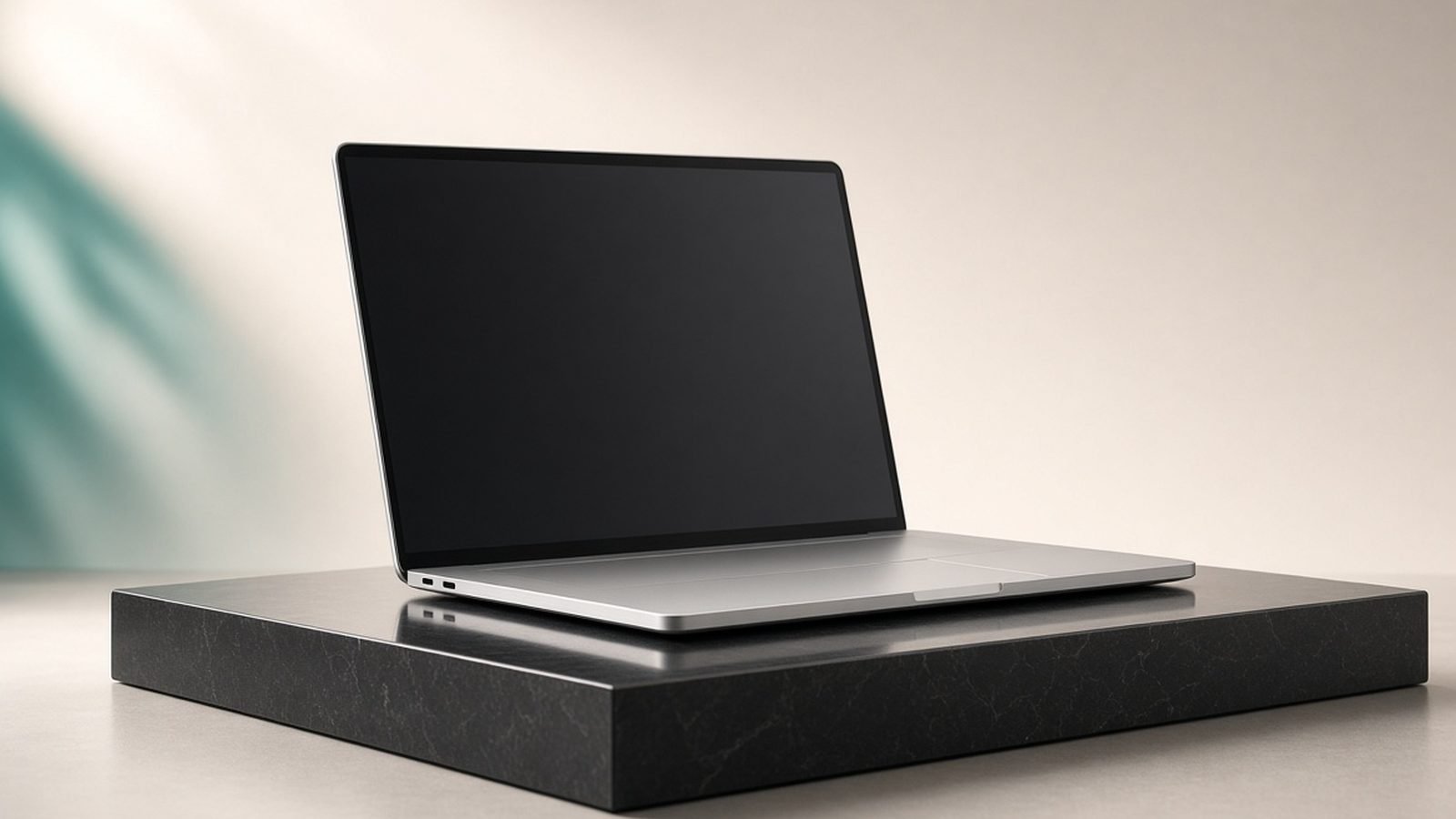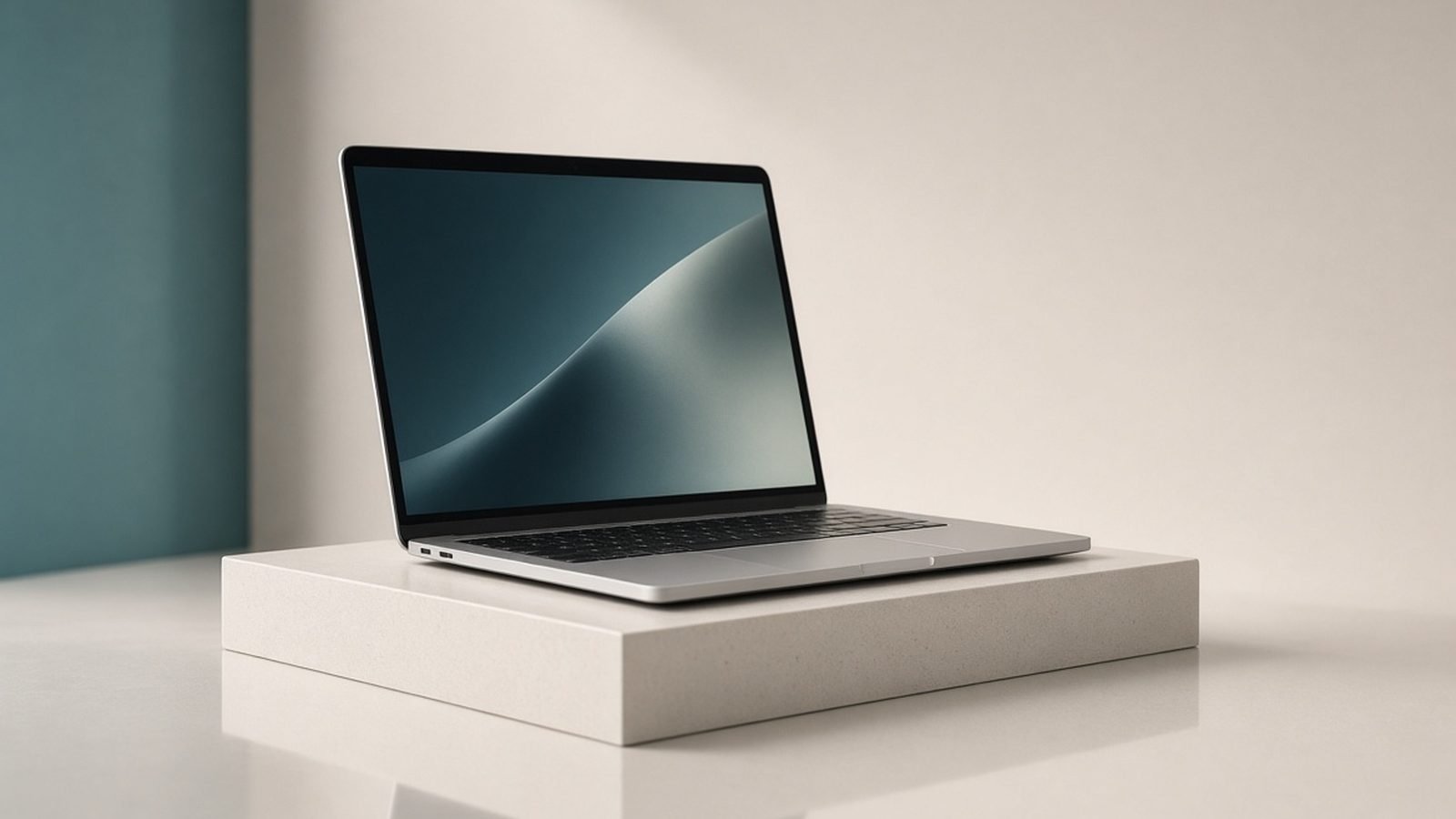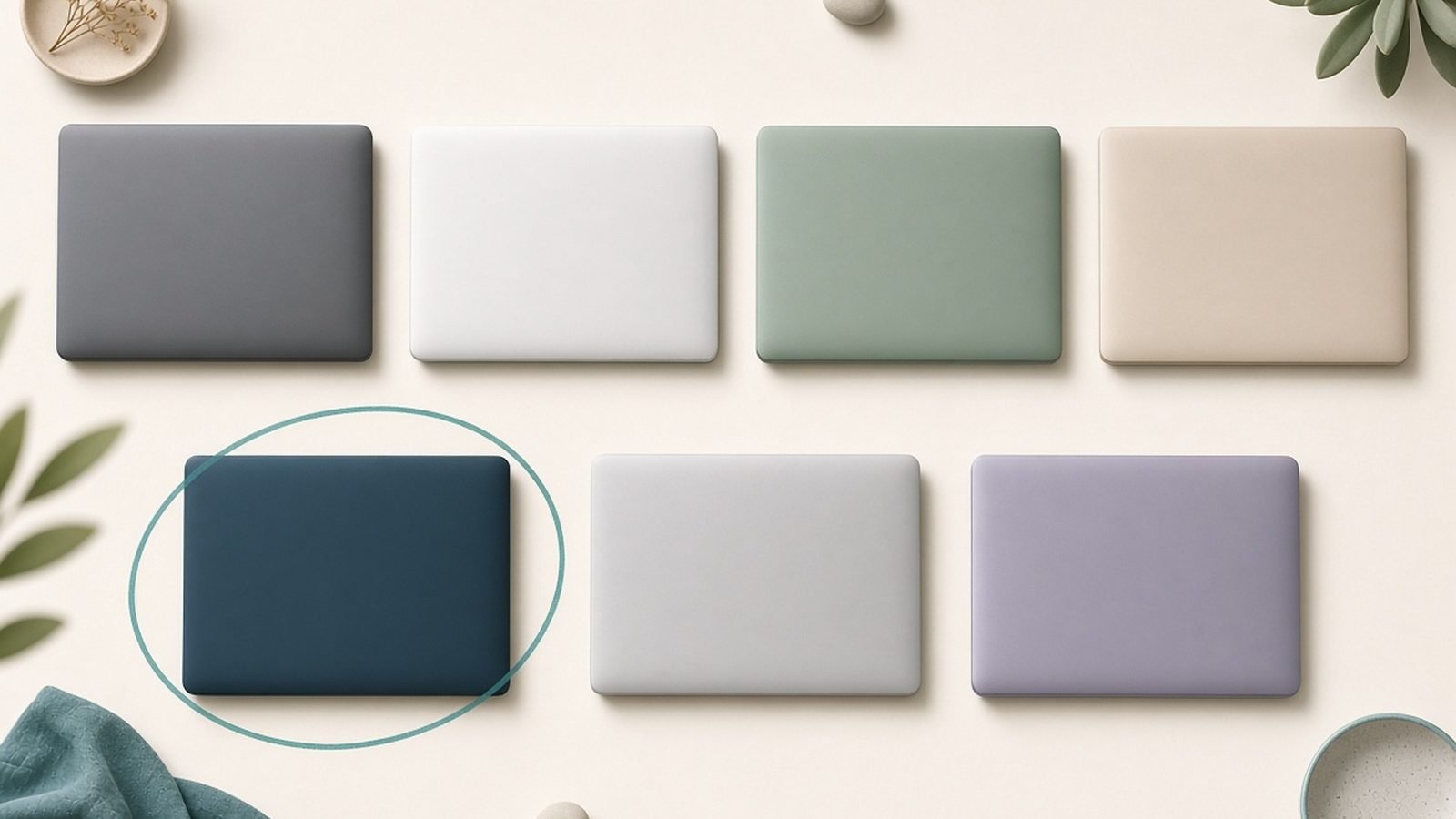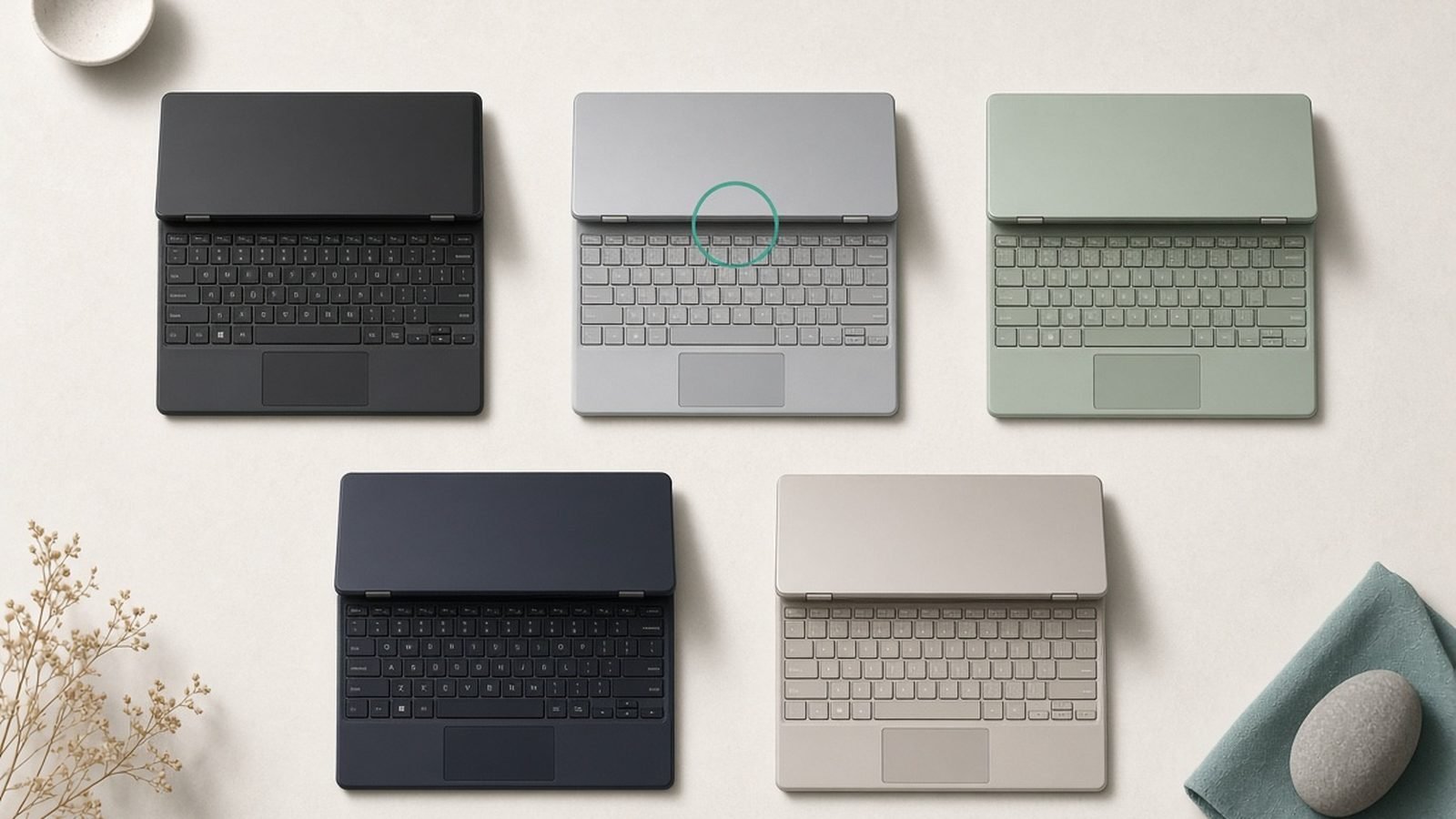
The Framework Laptop 13 is the laptop that treats you like an owner instead of a tenant: you can repair it, upgrade it, swap its ports and even replace its mainboard years down the line. This Framework Laptop 13 review is based on Framework’s published specs, its excellent public documentation and the large, vocal owner community that has grown around the platform — not on fabricated test numbers.
The short verdict: the Framework Laptop 13 is the best laptop to buy if you want genuine long-term repairability, upgradeability and modular ports, and you’re happy to trade a little polish, battery life and premium feel for that freedom. Tinkerers, sustainability-minded buyers, developers and anyone tired of throwaway hardware will love it. Buyers who want the thinnest, longest-lasting or flashiest machine should look elsewhere.
As configured here: AMD Ryzen AI 9 HX 370, 13.5in 2.8K display, 32GB RAM, 1TB SSD (DIY Edition, self-installed) — around $1,600 / £1,550 built up. A barebones DIY Edition starts near $899 / £849, and pre-built configs are available too.
Framework Laptop 13 at a glance
Pros
- The most repairable and upgradeable laptop you can buy — every part is user-replaceable
- Swappable Expansion Cards let you choose your own ports (USB-C, USB-A, HDMI, SD, storage)
- Upgradeable RAM, SSD, Wi-Fi and even the mainboard/CPU over time
- Latest AMD Ryzen AI and Intel Core Ultra mainboard options
- Superb documentation and a real spare-parts marketplace
Cons
- Battery life and thickness trail the best thin-and-lights
- Build feels solid but not as luxurious as an XPS or MacBook
- No discrete GPU option on the 13in model
- DIY Edition requires (easy) self-assembly and OS install
- You pay a modest premium for the modular design
| Spec | Framework Laptop 13 (2026) |
|---|---|
| Display | 13.5in, 3:2, 2.8K (2880×1920) 120Hz option, matte |
| CPU | AMD Ryzen AI 300 series or Intel Core Ultra (Series 2), swappable mainboard |
| GPU | Integrated (AMD Radeon 890M / Intel Arc) |
| RAM / Storage | Up to 96GB DDR5 (SO-DIMM, user-upgradeable) / user-installed M.2 SSD |
| Ports | 4× swappable Expansion Card slots (USB-C/USB-A/HDMI/SD/etc.) |
| Weight | ~1.3kg / 2.9lb |
| Price | around $899–$1,800 / £849–£1,750 |
The big idea: a laptop you actually own
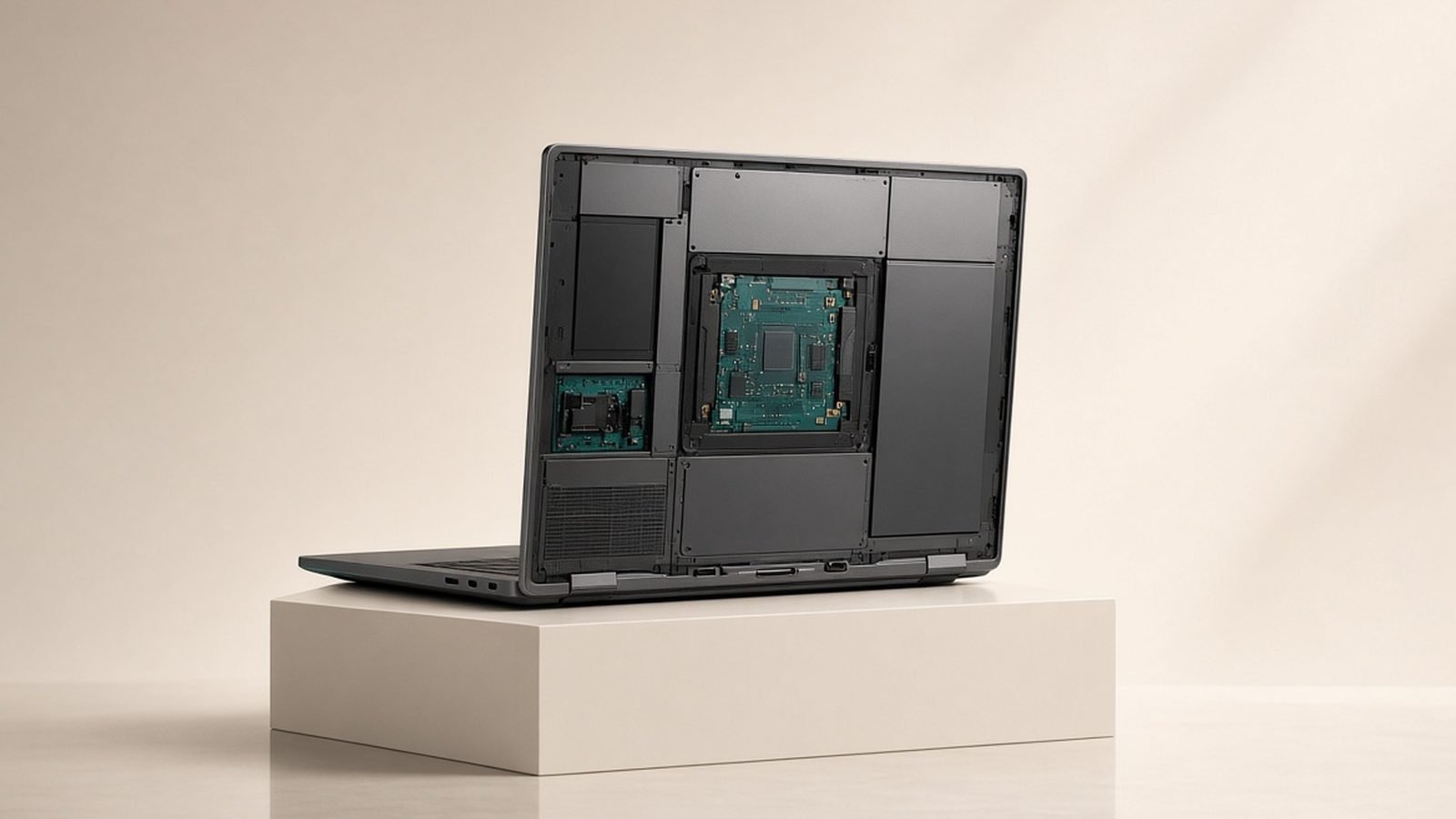
Every other laptop in our Best Laptops 2026: Top Picks for Every Need guide asks you to accept the machine as it shipped. The Framework Laptop 13 doesn’t. Its whole design is built around repair and upgrade: a printed QR code next to each internal component links to a guide, screws are captive so you can’t lose them, and Framework sells nearly every part — from the battery to the keyboard to the mainboard — in its own marketplace. When something breaks, you fix it. When it ages, you upgrade it rather than replace it.
The clearest expression of this is the Expansion Card system. Four bays on the sides accept swappable cards, so you decide your own ports: USB-C, USB-A, HDMI, DisplayPort, microSD, full SD, Ethernet, or even extra storage. Need two USB-A and an HDMI today and a different mix tomorrow? Pop them in and out in seconds. It’s the most flexible port setup in any laptop, and it quietly solves the dongle problem that plagues machines like the Dell XPS 16 (see our Dell XPS 16 Review 2026: Premium Windows Laptop Verdict).
Upgradeability: RAM, SSD, and the mainboard itself
Unlike almost every modern ultraportable, the Framework Laptop 13 uses standard, upgradeable SO-DIMM RAM (up to 96GB) and a user-installed M.2 SSD. You can start cheap and add memory or storage later, or bring your own parts to cut costs — a rarity in 2026, when most premium laptops solder everything.
The deeper play is the swappable mainboard. When a faster AMD Ryzen AI or Intel Core Ultra generation arrives, you can buy just the new board and reuse your existing chassis, screen, keyboard and battery — and Framework sells cases so the old board becomes a mini-PC. That upgrade path is unique, and it’s the strongest argument that this laptop can genuinely last many years rather than being replaced wholesale. For buyers who hate e-waste or planned obsolescence, nothing else comes close.
Design, display and keyboard
The 13.5in, 3:2 matte display (up to 2.8K, 120Hz) is a genuine highlight. The tall 3:2 aspect ratio gives you noticeably more vertical space for documents, code and web pages than a 16:10 screen, and the matte finish is easy on the eyes in bright rooms. It’s not an OLED-grade panel, but it’s sharp, pleasant and practical.
The chassis is aluminium and feels solid, though honest owner feedback is consistent: it’s well-built but not as thin or as luxurious as a MacBook or XPS, and there’s a little more flex. The keyboard is comfortable with good travel, and the trackpad is accurate if not best-in-class. This is a laptop that prioritises function and serviceability over shaving off the last millimetre — a fair trade for what it offers.
Performance and battery life
With current AMD Ryzen AI 300 or Intel Core Ultra (Series 2) mainboards, the Framework Laptop 13 is a capable everyday performer: productivity, browsing, coding, photo editing and light creative work all run well, and the AMD Radeon 890M or Intel Arc integrated graphics handle casual gaming. There’s no discrete GPU on the 13in model, so heavy 4K video or serious gaming isn’t its lane — for that, look at the RTX-equipped Dell XPS 16 or a dedicated gaming laptop.
Battery life is the honest weak point. Owner reports typically land around 7–10 hours of mixed use depending on mainboard and screen brightness — fine for a working day near power, but behind the efficiency champions like the ASUS Zenbook S16 (see ASUS Zenbook S16 Review 2026: Sleek and Capable) and the ThinkPad X1 Carbon. The modular design costs some internal volume, and endurance is where you feel it. The good news: because the battery is user-replaceable, you can fit a fresh one years later instead of buying a whole new laptop.
Value and who it’s for
Judged purely on specs-per-dollar on day one, the Framework Laptop 13 asks a small premium over conventional rivals. Judged on total cost of ownership across many years — with cheap repairs, self-sourced RAM and SSD, and board upgrades instead of full replacements — it can be the better long-term value, and by far the more sustainable choice.
Buy it if you value repairability, upgradeability and modular ports, want to keep a laptop for many years, or simply believe you should own and control your hardware. Skip it if you want the thinnest, longest-lasting or most premium-feeling machine, or you need discrete graphics.
Pros: Unmatched repairability and upgradeability, swappable ports, standard upgradeable RAM/SSD, great documentation, board-level upgrade path. Cons: Middling battery life, thicker and less luxurious than rivals, no dGPU, DIY assembly, modest premium.
Verdict
The Framework Laptop 13 is the rare laptop with a point of view: it bets that owning your hardware — repairing it, upgrading it, keeping it — matters more than shaving grams or maximising battery hours. It won’t win a beauty contest against a Dell XPS 16 or out-last an ASUS Zenbook S16 on a single charge, but it’s the only mainstream laptop genuinely built to last a decade, and for the right buyer that’s worth everything. If sustainability and repairability sit at the top of your list, this is the one. Compare the full field in Best Laptops 2026: Top Picks for Every Need and the work-focused options in Best Business Laptops 2026: Reliable & Secure.
FAQ
Is the Framework Laptop 13 worth buying in 2026? Yes, if repairability and long-term ownership matter to you. It’s the most upgradeable and serviceable laptop available, with swappable ports and a board-level upgrade path. It’s worth it specifically for tinkerers, sustainability-minded buyers and developers, less so if you want the thinnest or longest-lasting machine.
How repairable is the Framework Laptop 13? Extremely. Nearly every component is user-replaceable, each part has a QR-linked repair guide, screws are captive, and Framework sells the parts directly. Independent repairability scores rank it at or near the top of any laptop, and owners routinely fix and upgrade their own machines.
What are Framework Expansion Cards? They’re swappable port modules that slot into four bays on the sides of the laptop. You choose your own ports — USB-C, USB-A, HDMI, DisplayPort, SD, microSD, Ethernet or extra storage — and swap them in seconds, so you never carry a dongle for the ports you actually need.
Can you upgrade the CPU in a Framework Laptop 13? Yes, by swapping the entire mainboard. When a new AMD Ryzen AI or Intel Core Ultra generation ships, you can buy just the new board and reuse the rest of the laptop — a unique upgrade path that helps the machine last many years instead of being replaced.
How is the Framework Laptop 13’s battery life? It’s the main weak point. Owner reports typically see 7–10 hours of mixed use, behind efficiency leaders like the ASUS Zenbook S16 and ThinkPad X1 Carbon. It’s fine for a desk-based day near power, and the battery itself is user-replaceable when it eventually wears down.
Framework Laptop 13 vs Dell XPS 16 — which should I choose? Choose the Framework for repairability, upgradeability and modular ports; choose the XPS 16 for a premium build, an OLED display and discrete RTX graphics. They serve different buyers — our Dell XPS 16 Review 2026: Premium Windows Laptop Verdict covers the XPS side in detail.
Zen Tech Hub may earn a commission from links on this page, at no extra cost to you.