The Lenovo ThinkPad X1 Carbon is the laptop working professionals reach for by default, and for 2026 the latest generation refines a formula that already worked. This ThinkPad X1 Carbon review is based on Lenovo’s published specs, documentation and the deep pool of long-term business-owner feedback these machines generate — not on invented benchmark figures.
The short verdict: the X1 Carbon is the best all-round business ultraportable you can buy if you value a superb keyboard, a light and durable 14in body, strong battery life, and serious security and manageability — and you’re willing to pay a premium for it. It’s the safe, boring-in-the-best-way choice for professionals. Gamers and heavy creators need discrete graphics it doesn’t offer.
As configured here: Intel Core Ultra 7 (Series 2), 14in 2.8K OLED, integrated Arc graphics, 32GB RAM, 1TB SSD — around $2,099 / £1,999. Lower Core Ultra 5 / IPS builds start nearer $1,499 / £1,499, and Lenovo discounts these heavily.
ThinkPad X1 Carbon at a glance
Pros
- The best keyboard on any laptop — deep, precise, quiet
- Very light (~1.1kg) yet MIL-STD-tested carbon-fibre durability
- Excellent battery life for a business ultraportable
- Full ports: 2× Thunderbolt 4, 2× USB-A, HDMI
- Top-tier security, webcam privacy shutter and IT manageability
Cons
- Expensive at list price (buy on sale)
- Integrated graphics only — no discrete GPU option
- OLED and higher-res panels dent battery life
- Speakers are fine rather than great
- Design is conservative — you buy it for substance, not flash
| Spec | Lenovo ThinkPad X1 Carbon (Gen 13) |
|---|---|
| Display | 14in, up to 2.8K OLED or WUXGA IPS, low-power options |
| CPU | Intel Core Ultra 5/7 (Series 2), vPro options |
| GPU | Intel Arc (integrated) |
| RAM / Storage | 16–64GB LPDDR5x / 512GB–2TB SSD |
| Ports | 2× Thunderbolt 4, 2× USB-A, HDMI 2.1, headphone |
| Weight | ~1.1kg / 2.4lb |
| Price | around $1,499–$2,600 / £1,499–£2,500 |
Design and build: light, tough, unmistakably ThinkPad
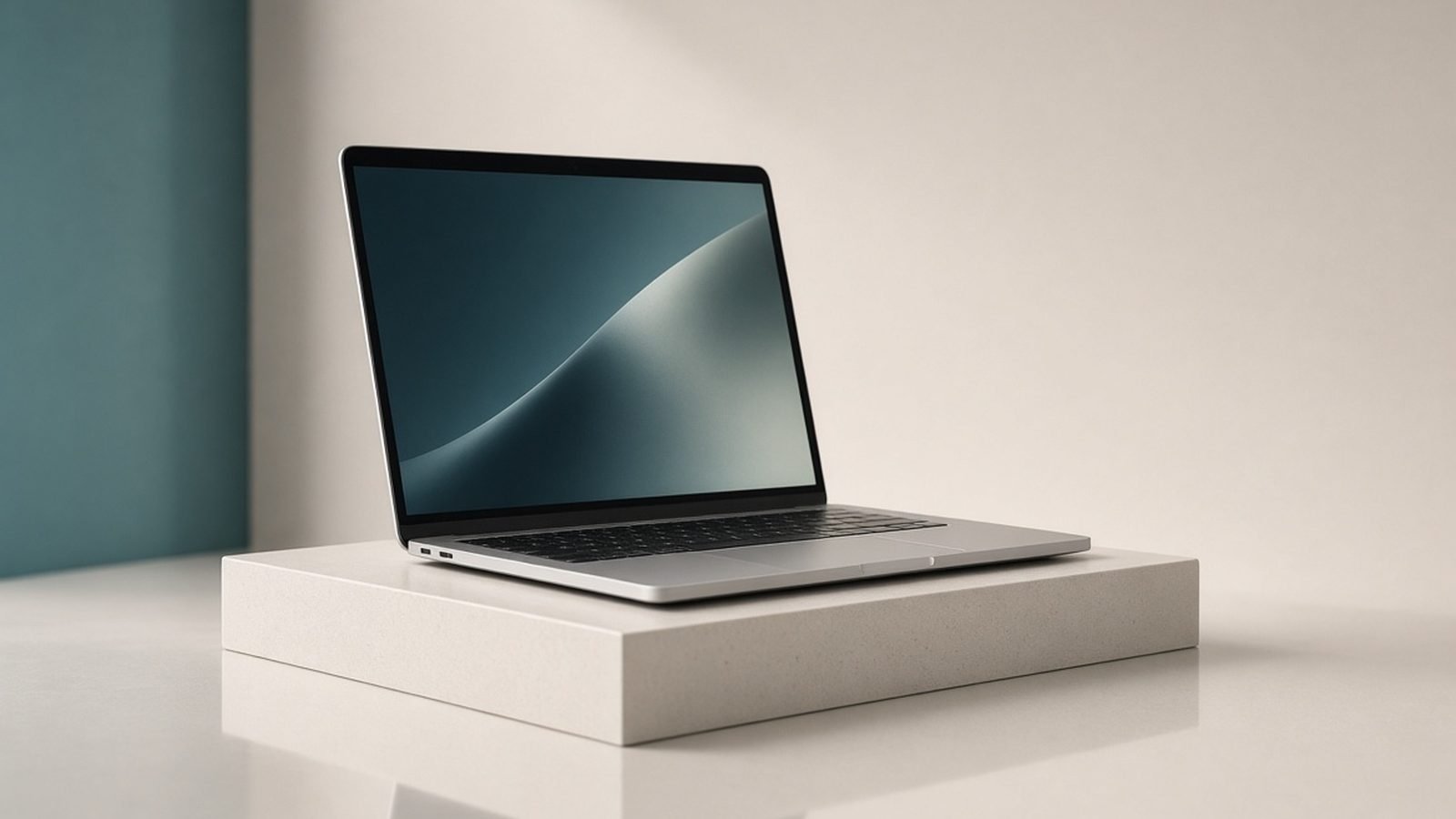
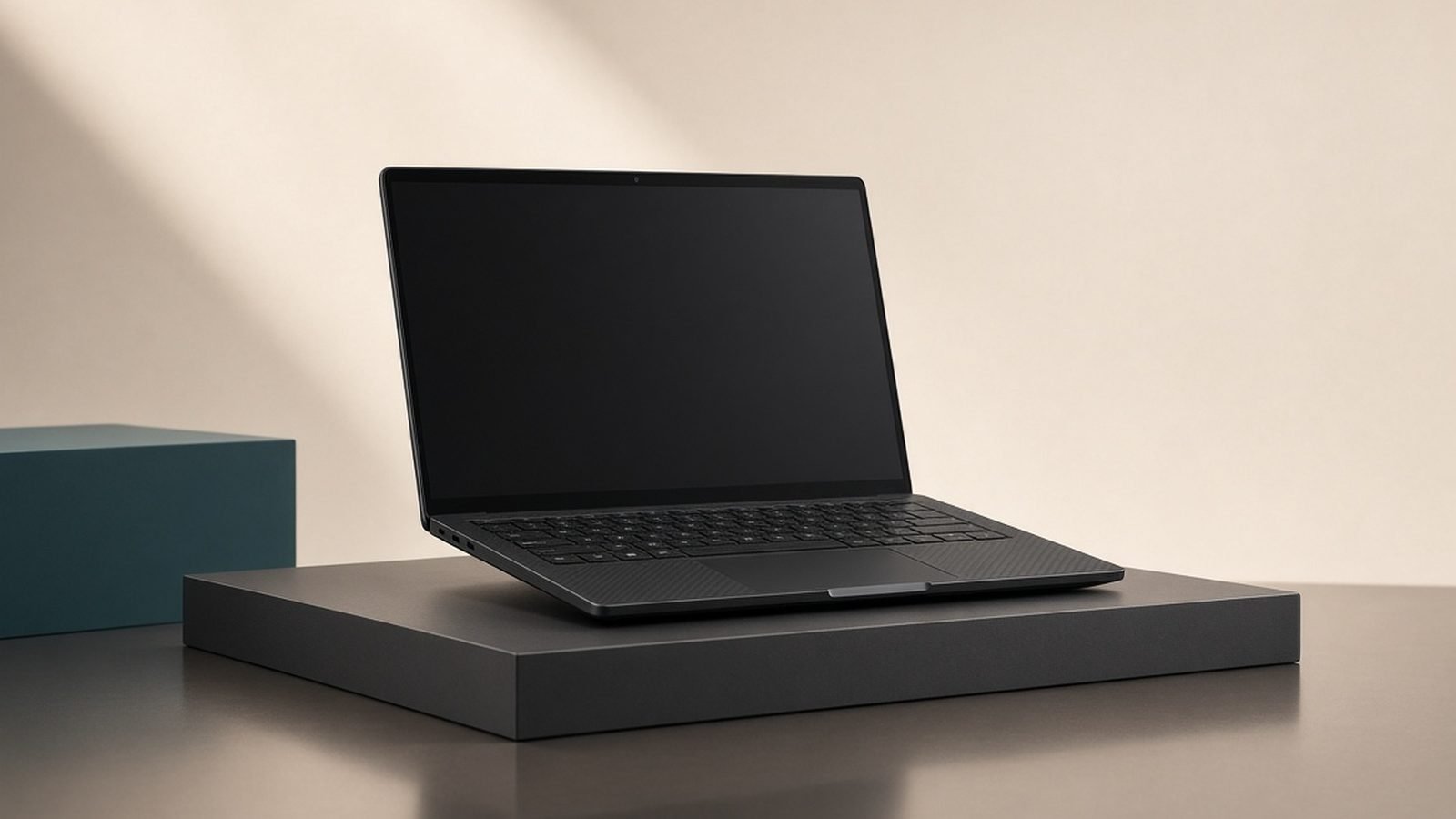
The X1 Carbon’s carbon-fibre-reinforced chassis is the industry benchmark for “light but not fragile.” At around 1.1kg it’s one of the lightest 14in laptops you can carry, yet it passes MIL-STD-810H durability testing and, based on years of owner feedback, survives daily commuter abuse better than flashier rivals. The soft-touch black finish shows fingerprints but reads as serious kit in any meeting.
You get the classic ThinkPad extras that professionals quietly depend on: a spill-resistant keyboard, a physical webcam privacy shutter, an IR camera and fingerprint reader for Windows Hello, and Lenovo’s security and fleet-management stack for IT departments. It’s a laptop built to be issued, managed and trusted at scale, which is a big part of why it anchors our Best Business Laptops 2026: Reliable & Secure guide.
Crucially, Lenovo keeps the ports business users actually need: two Thunderbolt 4 (USB-C), two USB-A and full-size HDMI. You can walk into a conference room and plug into the projector and a USB drive without hunting for a dongle — a practical advantage over the port-minimalist Dell XPS 16 in Best Laptops 2026: Top Picks for Every Need.
The keyboard and TrackPoint: still the best
If you type for a living, this is the reason to buy an X1 Carbon. The keyboard’s deep travel, sculpted keycaps and crisp, quiet feedback are consistently rated the best on any laptop, and owner feedback across generations backs that up. Long documents, code and email are simply more comfortable here than on the shallow keys of most thin-and-light rivals.
The red TrackPoint nub sits in the home row for people who never want to leave it, paired with dedicated physical mouse buttons above a smooth glass trackpad. You don’t have to use the TrackPoint, but the people who do swear by it — and it’s a genuine productivity edge for spreadsheet and terminal work.
Display and performance: efficient, not flashy
Lenovo offers the 14in panel in several flavours: a punchy 2.8K OLED for the best image quality, and low-power WUXGA IPS options that maximise battery. The OLED is lovely for media and photos; the low-power IPS is the smart pick if endurance matters most. All are 16:10, which gives you useful vertical space for documents.
Intel’s Core Ultra (Series 2) chips make this a quick machine for the work it’s built for: office suites, big browser sessions, video calls, coding and light photo editing all run smoothly and quietly, and the NPU powers on-device Windows AI features. What you won’t find is a discrete GPU — this is not a gaming or heavy-3D machine. For serious creative or gaming workloads you want the RTX-equipped Dell XPS 16 or a dedicated gaming laptop; for business computing, integrated Arc graphics are plenty.
Battery life and value
Battery life is a highlight, especially on the low-power IPS configurations, where owner reports commonly reach 12–16 hours of mixed office use — comfortably a full working day, often more. The 2.8K OLED trades some of that endurance for image quality, so choose your panel based on which you value more. Fast USB-C charging tops it up quickly between meetings.
Value is the one asterisk. At list price the X1 Carbon is expensive, but Lenovo discounts it aggressively and often — patient buyers regularly save hundreds. Judged at street price rather than MSRP, it’s one of the best business laptops going.
Buy it if you type a lot, travel often, and want a light, durable, secure, long-lasting laptop that IT and professionals both trust. Skip it if you need discrete graphics, want a flashier design, or can’t wait for a sale and won’t pay the full premium.
Pros: Best-in-class keyboard, very light and durable, great battery, full ports, top security. Cons: Pricey at list, integrated graphics only, OLED cuts battery, modest speakers, plain looks.
Verdict
The ThinkPad X1 Carbon remains the definitive business ultraportable in 2026: nothing else combines this keyboard, this weight, this durability, this battery life and this level of security and manageability. It won’t excite gamers or creators who need a GPU, and you should buy it on sale rather than at list price — but for professionals who live in documents, email and meetings, it’s still the one to beat. Compare it with the wider field in Best Laptops 2026: Top Picks for Every Need, the macOS alternative in MacBook vs Windows Laptop 2026: Which Is Right for You?, and convertible options in Best 2-in-1 Laptops 2026: Convertibles & Tablets.
FAQ
Is the ThinkPad X1 Carbon still worth it in 2026? Yes, for the right buyer. It’s the best all-round business ultraportable: unmatched keyboard, very light and durable carbon build, long battery life and top security. It’s expensive at list price, so buy it on one of Lenovo’s frequent discounts, and skip it only if you need discrete graphics.
Does the ThinkPad X1 Carbon have the best laptop keyboard? It’s widely regarded as the best. The deep travel, sculpted keys and quiet, precise feedback consistently top rankings, and long-term owners rate it the most comfortable keyboard for heavy typing. If you write or code all day, it’s a genuine reason to choose this laptop.
How long does the X1 Carbon battery last? On the low-power IPS configurations, owner reports commonly reach 12–16 hours of mixed office use — a full working day and often more. The brighter 2.8K OLED panel trades some endurance for image quality, so pick the panel that matches your priority.
ThinkPad X1 Carbon vs MacBook — which is better for business? The X1 Carbon wins on keyboard, ports, security manageability and Windows software; the MacBook counters with battery efficiency, build and macOS. It largely comes down to your company’s ecosystem and OS — our MacBook vs Windows Laptop 2026: Which Is Right for You? guide walks through the trade-offs.
Can the ThinkPad X1 Carbon do video editing or gaming? Only lightly. It uses integrated Intel Arc graphics with no discrete GPU, so it handles casual editing and older or light games but not heavy 4K timelines or modern AAA titles. For that, look at an RTX-equipped creator or gaming laptop instead.
Is the ThinkPad X1 Carbon durable? Very. The carbon-fibre-reinforced chassis passes MIL-STD-810H testing, the keyboard is spill-resistant, and years of business-owner feedback show it holding up to daily travel better than most premium ultraportables. It’s built to be an everyday work tool, not a delicate showpiece.
Zen Tech Hub may earn a commission from links on this page, at no extra cost to you.