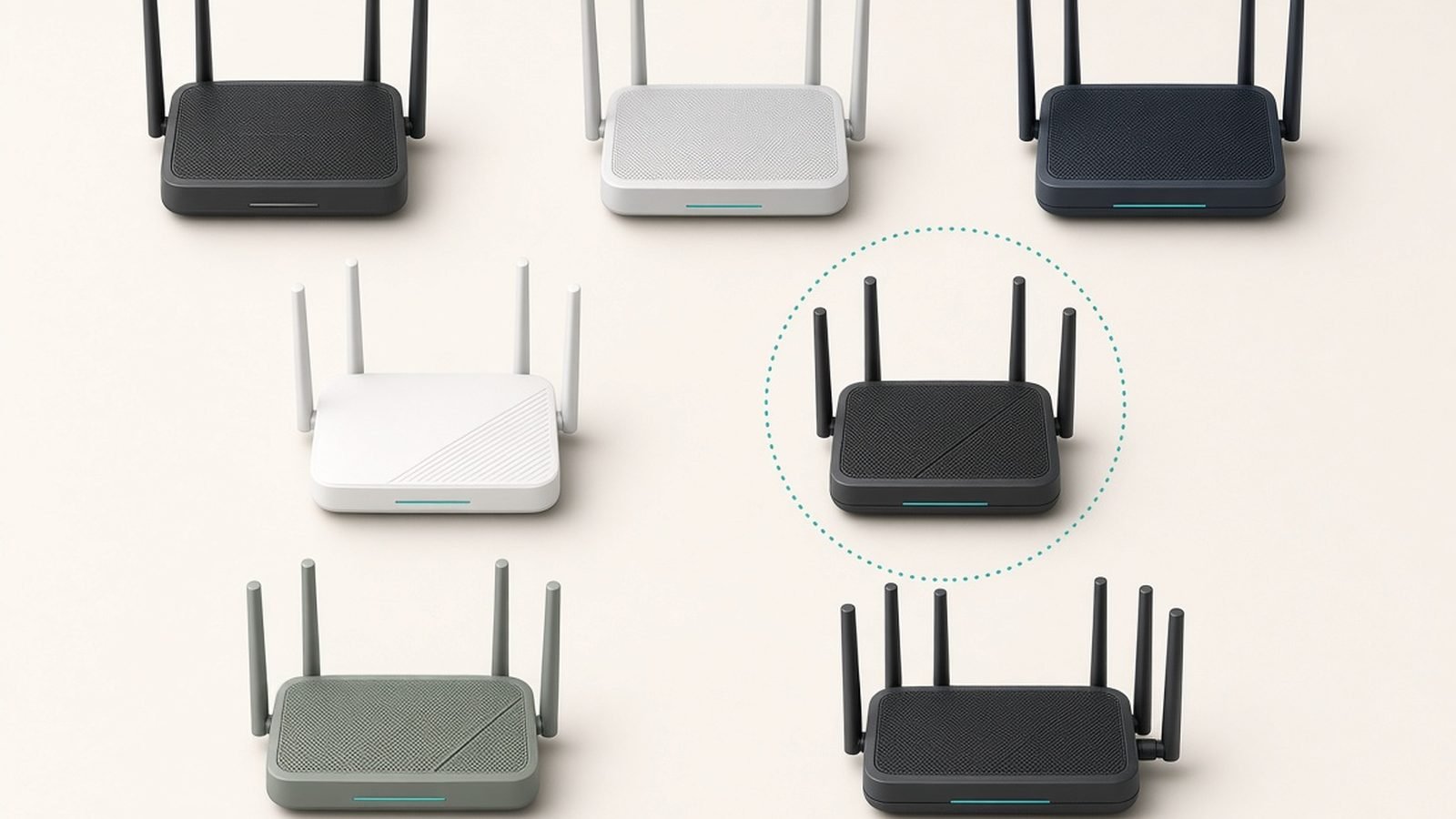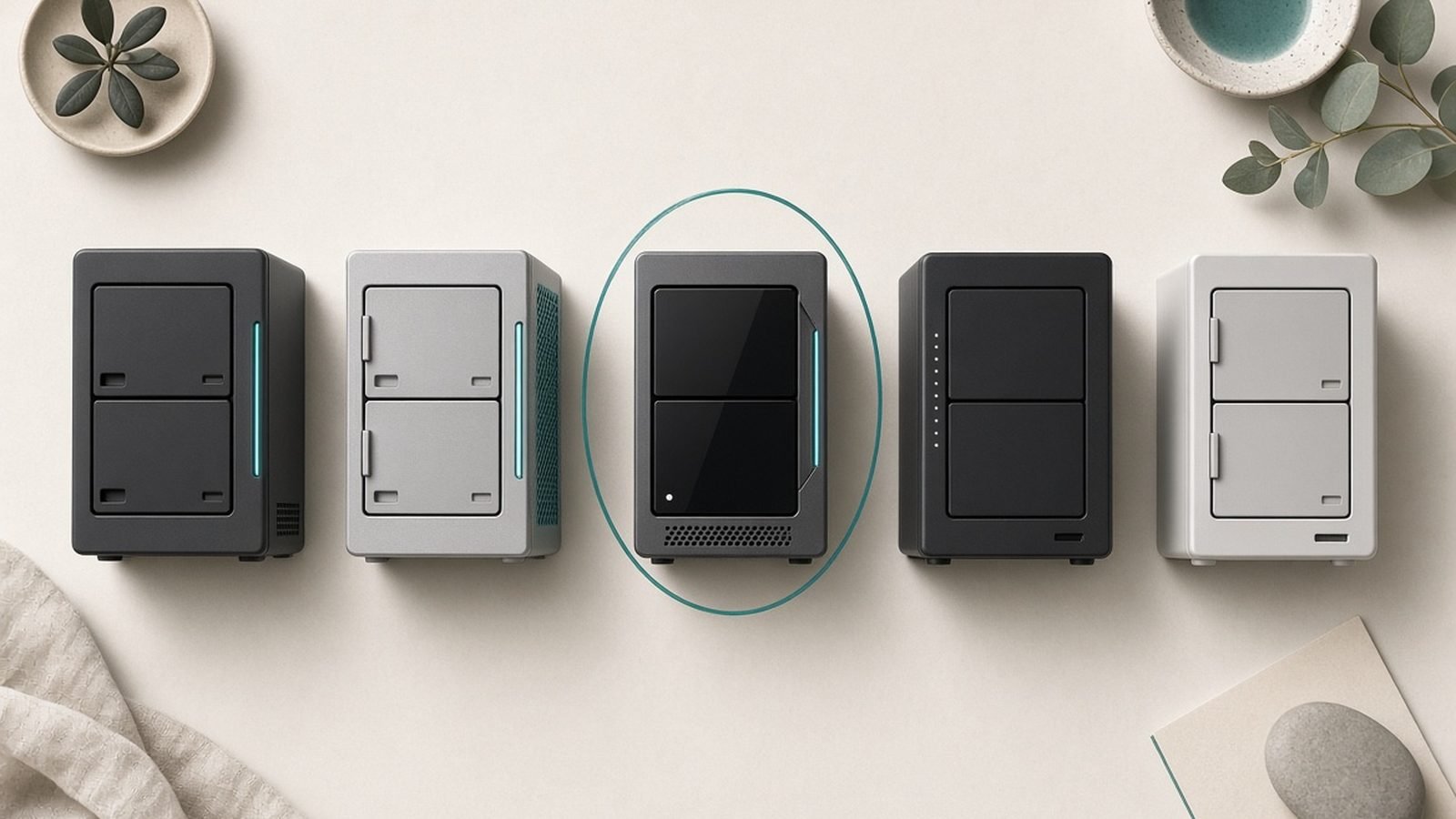
The best NAS for home use in 2026 comes down to one genuinely interesting fight: UGREEN’s aggressive hardware versus Synology’s mature software. Two years ago this guide would have been four Synology boxes and a shrug. Then UGREEN started shipping four-bay units with DDR5, 10GbE and desktop-class Intel chips for less than Synology charges for an ARM-adjacent box — and Synology spent a chunk of 2025 annoying its own fans with a third-party drive lockdown it has only partially walked back in DSM 7.3.
So the honest answer to “which NAS should I buy?” now depends on what you value. If you want the strongest hardware per pound or dollar — especially for Plex — UGREEN’s NASync DXP4800 Plus is our top pick. If you want the most polished, set-and-forget software for backups and family photos, Synology’s DiskStation DS925+ is still the box to beat. We’ve ranked four units below, based on spec-level research, long-term owner reports and the current state of both software platforms, plus the drive you should put in whichever one you buy.
For a deeper head-to-head on the two brands, see our full comparison: Synology vs UGREEN NAS (2026): DSM or Raw Power?.
Comparison Table: The Best Home NAS at a Glance
| Model | Bays | CPU | RAM (base/max) | Networking | Transcoding iGPU | Price (US/UK) |
|---|---|---|---|---|---|---|
| UGREEN NASync DXP4800 Plus — Best overall | 4 (+2 M.2) | Intel Pentium Gold 8505 (5-core) | 8GB DDR5 / 64GB | 10GbE + 2.5GbE | Yes | around $600 / £560 |
| Synology DS925+ — Best software | 4 (+2 M.2) | AMD Ryzen V1500B (4-core) | 4GB DDR4 ECC / 32GB | 2x 2.5GbE | No | around $640 / £520 |
| Synology DS225+ — Best 2-bay for beginners | 2 | Intel Celeron J4125 (4-core) | 2GB / 6GB | 2.5GbE + 1GbE | Yes | around $300 / £280 |
| UGREEN NASync DXP2800 — Best budget | 2 (+2 M.2) | Intel N100 (4-core) | 8GB DDR5 / 16GB | 2.5GbE | Yes | around $260 / £240 |
Prices move around, especially with UGREEN’s frequent flash sales — check current listings before you buy.
How We Evaluate a Home NAS
A NAS is a five-to-ten-year purchase that sits in a cupboard holding your family photos, so we weight things differently than we would for a laptop. Four criteria drive our rankings.
Software first. The operating system is what you’ll actually live with: backup scheduling, photo indexing, mobile apps, permissions, security updates. A brilliant chassis with clunky software is a bad NAS. This is where Synology’s DSM has historically towered over everyone, and where UGREEN’s UGOS Pro is closing the gap fast.
Transcoding capability. If Plex or Jellyfin is part of your plan, the CPU’s integrated graphics matter more than core count. Intel chips with Quick Sync can transcode 4K HEVC streams with barely any effort; AMD’s embedded Ryzen chips in current Synology Plus models can’t hardware-transcode at all.
Upgrade path. Can you add RAM? Are there M.2 slots for cache or SSD volumes? Can you go from two drives to four, or add 10GbE later? A NAS that grows with you beats one you replace in three years.
Noise, power and reliability. These live in bedrooms and living rooms. In our research we lean heavily on aggregated owner reports for fan noise, drive vibration and long-term failure patterns — the stuff spec sheets never mention.
Best Home NAS Overall: UGREEN NASync DXP4800 Plus
Around $600 / £560 (diskless)
The DXP4800 Plus is the reason this category got exciting again. For roughly the price of Synology’s DS925+, UGREEN gives you a 5-core Intel Pentium Gold 8505 (a 12th-gen Alder Lake chip with a proper Iris-class iGPU), 8GB of DDR5 expandable to 64GB, two M.2 NVMe slots, an SD card reader, HDMI 4K output — and both a 10GbE and a 2.5GbE port. On paper, nothing else near this price is close. It’s the best 4-bay NAS for most homes in 2026.
That hardware translates directly into real-world headroom. The Quick Sync iGPU chews through multiple 4K transcodes in Plex or Jellyfin, the 10GbE port means photo and video editors can work off the NAS at near-local speeds (with a compatible switch or direct connection), and 64GB of RAM capacity makes this a legitimate home-lab box for Docker containers and virtual machines — not just a file server.
The honest caveat is UGOS Pro. UGREEN’s operating system has matured impressively since launch — snapshots, proper backup tools, a genuinely good photo app with AI-powered search, and Docker support are all present — but it’s still years younger than DSM. Based on hundreds of owner reports, the core experience is now solid and stable; it’s the depth that’s missing. There’s no true equivalent of Synology’s Active Backup suite, third-party app selection is thinner, and power users often end up installing TrueNAS or Unraid on it instead (which UGREEN, to its credit, openly permits without voiding the warranty).
Who it’s for: Plex households, photographers and tinkerers who want maximum hardware for the money and are comfortable with a good-but-younger OS — or who plan to run their own.
Pros:
- Class-leading hardware: DDR5, 5-core Intel with strong iGPU, 64GB RAM ceiling
- 10GbE plus 2.5GbE built in — no other sub-$700 4-bay does this
- Excellent Plex/Jellyfin transcoding via Quick Sync
- Two M.2 slots usable for cache or fast SSD volumes
- UGREEN allows third-party OS installs without killing the warranty
Cons:
- UGOS Pro still trails DSM in backup depth and app ecosystem
- Shorter track record — UGREEN has been making NAS for ~3 years, not 20
- Fans are audible under sustained load, per owner reports
Verdict: The best home NAS of 2026 on raw value. Unless best-in-class software is your top priority, buy this.
Check price: UGREEN NASync DXP4800 Plus
Best Software Experience: Synology DiskStation DS925+
Around $640 / £520 (diskless)
If the DXP4800 Plus is the best hardware, the DS925+ is the best product. Synology’s DSM 7.3 remains the gold standard NAS operating system: Hyper Backup for versioned, encrypted backups to anywhere; Active Backup for Business protecting entire PCs and Microsoft 365 accounts at no extra cost; Synology Photos, which is the closest thing to a self-hosted Google Photos replacement that normal humans can run; and Synology Drive for Dropbox-style sync. For a household that wants to set up backups once and never think about them again, nothing else matches it. Read our full evaluation in Synology DS925+ Review: Still the Home NAS to Beat?.
The 2026 elephant in the room: drives. In 2025 Synology restricted its Plus-series NAS to Synology-branded and “verified” drives, and the backlash was fierce. DSM 7.3 significantly relaxed this — third-party drives from the likes of Seagate and WD now work for pools and key features again — but you may still see verification nags and a few functions (like some M.2-related features) that prefer Synology’s own media. It’s workable now; it just leaves a sour taste, and it’s a big reason UGREEN took our top slot.
The hardware itself is competent rather than exciting. The AMD Ryzen V1500B is a reliable quad-core with ECC memory support (genuinely nice for data integrity), and dual 2.5GbE ports can be bonded for ~5Gbps aggregate. But there’s no integrated GPU, so hardware transcoding for Plex is off the table — fine if your clients direct-play, a real limitation if they don’t. There’s also no 10GbE option on this generation, which stung long-time fans.
Who it’s for: Anyone whose NAS priorities are backup, family photo management, and remote access with minimal fiddling — and who values a 20-year software track record over spec-sheet wins. Also the best NAS for photos, full stop, thanks to Synology Photos.
Pros:
- DSM is still the most complete, polished NAS OS available
- Active Backup + Hyper Backup: unmatched free backup suite
- Synology Photos is the best self-hosted photo experience for families
- ECC memory support; quiet, efficient, proven platform
- DSM 7.3 restored broad third-party drive compatibility
Cons:
- No iGPU — unsuitable for heavy Plex transcoding
- Weaker, older hardware than UGREEN at a higher US price
- Residual drive-verification warnings on non-Synology disks
- No 10GbE upgrade path
Verdict: The best NAS for beginners who want it to “just work” for a decade, and the best choice for photo-first households.
Check price: Synology DiskStation DS925+
Best 2-Bay NAS for Beginners: Synology DiskStation DS225+
Around $300 / £280 (diskless)
Most first-time buyers don’t need four bays. Two drives in a mirror (RAID 1), automatic backups from every laptop and phone in the house, and a photo library that isn’t held hostage by a cloud subscription — that’s the whole job, and the DS225+ does it better than any other 2-bay we’ve researched. It’s our pick for the best 2 bay NAS and the easiest on-ramp for a NAS beginner.
The DS225+ pairs full DSM with an Intel Celeron that — unlike its bigger sibling the DS925+ — includes integrated graphics, so it can hardware-transcode 4K video in Plex or Jellyfin within reason. It also finally brings 2.5GbE to Synology’s small 2-bay line, alongside a 1GbE port. You get the same Synology Photos, Hyper Backup and Drive apps as the flagship models, and DSM’s setup wizard remains the friendliest in the business. If you’re new to all this, our walkthrough covers first-day setup step by step: How to Set Up a NAS: Beginner's Guide (2026).
Compromises exist, and you should know them. Base RAM is a slim 2GB (expandable to 6GB — do the upgrade if you’ll run Docker or heavy photo indexing), there are no M.2 slots, and two bays means your expansion story is “buy bigger drives” or “buy a bigger NAS.” That’s fine for backups and a modest media library; it’s limiting if you’re already hoarding 4K remuxes.
Who it’s for: First-time NAS owners, families replacing Google Photos/iCloud storage tiers, and anyone who wants the Synology experience at half the flagship price.
Pros:
- Full DSM experience — same great apps as models twice the price
- iGPU means real Plex hardware transcoding (unlike the DS925+)
- 2.5GbE at last in a small Synology
- Compact, quiet, low power draw per owner reports
Cons:
- 2GB base RAM is tight; max 6GB
- No M.2 slots or meaningful expansion path
- Same lingering third-party drive nags as other 2025/26 Synology models
Verdict: The default recommendation for a first NAS. Simple, safe, and genuinely pleasant to use.
Check price: Synology DiskStation DS225+
Best Budget NAS: UGREEN NASync DXP2800
Around $260 / £240 (diskless)
The DXP2800 is the cheapest NAS we’re comfortable recommending in 2026, and it’s a spec-sheet bully at the price. For less than the Synology DS225+, you get an Intel N100 — a genuinely capable quad-core with Quick Sync graphics — 8GB of DDR5 (four times the Synology’s base RAM), two M.2 NVMe slots, 2.5GbE and an HDMI port that can output your media library directly to a TV. As pure hardware, it embarrasses everything else under $300.
The trade-off is the same one that runs through this whole guide: software. UGOS Pro covers the essentials well — SMB shares, snapshots, phone photo backup, a Docker app for everything else — but its ecosystem is basic compared to DSM’s. Based on aggregated owner feedback, the most common pattern is buyers using it as a straightforward file/backup target plus a Jellyfin or Plex box via Docker, where it performs beautifully. If you want deep, integrated apps for every task, the Synology 2-bay above is worth the extra money.
Who it’s for: Budget-conscious buyers, Plex/Jellyfin streamers on a 2-drive budget, and tinkerers who’d rather have the N100’s muscle than a richer app store. The best budget NAS of 2026.
Pros:
- Unbeatable hardware per dollar: N100, 8GB DDR5, dual M.2, 2.5GbE
- Hardware transcoding handles multiple 1080p or a couple of 4K streams
- HDMI out for direct-to-TV playback
- Frequently discounted below list price
Cons:
- UGOS Pro app ecosystem is the thinnest of our picks
- Single 2.5GbE port, no link aggregation
- Two bays plus M.2 is flexible, but drive expansion is still capped
Verdict: The most NAS you can get for around $260 / £240 — as long as you’re happy with capable-but-basic software or Docker.
Check price: UGREEN NASync DXP2800
Best NAS for Plex: Which CPUs Actually Matter
The single most misunderstood part of NAS shopping is transcoding, so here’s the short version. Plex only transcodes when a client can’t play the original file — wrong codec, bandwidth limits, or burned-in subtitles. When that happens, an Intel CPU with Quick Sync (the iGPU in the Pentium Gold 8505, N100 and Celeron J4125 above) handles multiple 4K HEVC conversions with low power draw. AMD’s V1500B in the DS925+ has no iGPU, so every transcode hammers the CPU cores and 4K transcoding is effectively a non-starter.
Practical guidance from our research:
- Everything direct-plays (Apple TV 4K, Nvidia Shield, modern smart TVs on your LAN): any NAS here works, including the DS925+.
- Remote streaming to phones/browsers, or mixed devices: you want Quick Sync — the DXP4800 Plus is the best NAS for Plex in this guide, with the DXP2800 the budget route.
- Tone-mapped 4K HDR transcodes for several users: DXP4800 Plus, ideally with a Plex Pass for hardware acceleration.
One more note: Plex’s 2025 price rises pushed many owners to Jellyfin, which is free and runs well in Docker on all four picks — hardware transcoding included on the Intel boxes.
Don’t Forget the Drives: WD Red Plus vs Seagate IronWolf
A diskless NAS is a very nice paperweight. Budget for drives from day one, and only buy CMR NAS-rated drives — desktop drives using SMR recording can behave badly in RAID rebuilds.
Our default recommendation is the Seagate IronWolf 8TB at around $170 / £160 per drive. It’s CMR, rated for 24/7 NAS duty and workloads of 180TB/year, carries a 3-year warranty, and includes three years of Seagate’s Rescue data recovery service — a genuinely useful safety net most buyers don’t know they’re getting. Two of them in RAID 1 gives a beginner 8TB of protected storage; four in RAID 5 or SHR gives you roughly 24TB usable.
Check price: Seagate IronWolf 8TB
WD Red Plus is the equally valid alternative — also CMR, similar pricing, and in owner reports slightly quieter at idle, while IronWolf tends to edge it on sustained performance and includes the recovery service. Honestly, buy whichever is cheaper the day you order; both are proven. What matters more is buying two identical-capacity drives and enabling your NAS’s scheduled SMART tests.
And the 2026 Synology wrinkle, once more: with DSM 7.3, IronWolf and Red Plus drives work fine in the DS925+ and DS225+ for storage pools, though you may see “unverified drive” notices. Ignore the nag; the drives are fine, and this pairing is exactly what most Synology owners run.
DSM vs UGOS Pro: The Software Gap Explained
Since the whole synology vs ugreen decision hinges on software, here’s the gap in concrete terms as of mid-2026.
Where DSM still wins clearly: backup breadth (Active Backup for Business can image entire Windows PCs and back up Microsoft 365/Google Workspace for free), Synology Photos’ face/subject recognition and shared family libraries, the third-party package ecosystem, Surveillance Station for cameras, and two decades of security-response reputation. DSM also has SHR, Synology’s flexible RAID that lets you mix drive sizes efficiently.
Where UGOS Pro has caught up: the fundamentals. Storage management, snapshots, SMB/NFS performance, mobile photo backup with AI search, remote access, and a proper Docker implementation are all solid now, per widespread owner reports — a big shift from the rough 2024 launch. UGREEN has shipped updates at an impressive cadence.
Where UGOS Pro still trails: no Active Backup equivalent, fewer native apps (you’ll lean on Docker), less granular permissions for multi-user households, and a shorter security track record. The wildcard: UGREEN officially tolerates third-party operating systems, so a DXP4800 Plus running TrueNAS SCALE or Unraid is a popular power-user path that Synology hardware can’t economically match.
Our rule of thumb: if you’ll use more than two of Synology’s flagship apps, buy Synology. If you mainly need files, photos, and a media server, UGREEN’s hardware advantage wins.
How Much NAS Do You Actually Need?
RAID is not backup. RAID protects against a drive dying, not against ransomware, accidental deletion, or a house fire. Follow 3-2-1: three copies of important data, on two media types, one off-site (a cloud target or a NAS at a relative’s house — both Hyper Backup and UGOS support this).
Capacity planning: take your current data, double it, then add your annual photo/video growth for five years. For most families that lands at 4–12TB of usable space — comfortably inside a 2-bay with 8TB mirrored drives. Buy a 4-bay when you’re already past ~10TB, you shoot lots of video, or you’re building a serious media library, because migrating later is a chore.
RAID choices, simply: 2-bay = RAID 1 (mirror, half your raw capacity, one-drive fault tolerance). 4-bay = RAID 5 or Synology SHR (capacity of all drives minus one, one-drive fault tolerance). Skip RAID 0 entirely for anything you care about.
UK buyers: all four picks are sold and supported in the UK; the DS925+ is notably better value in Britain (around £520) than in the US, while UGREEN’s UK pricing fluctuates with frequent voucher promotions — check both before deciding. For more network gear guides, browse our hub: Networking & Wi-Fi.
Which Should You Buy?
- Best overall / best for Plex: UGREEN NASync DXP4800 Plus — unmatched hardware, fast-improving software.
- Best software, backups and photos: Synology DS925+ — DSM remains worth paying for if you’ll use it.
- Best first NAS: Synology DS225+ — the friendliest 2-bay on sale.
- Best budget: UGREEN DXP2800 — N100 power at a knockdown price.
- In every case: add two or four Seagate IronWolf 8TB (or WD Red Plus) drives.
FAQ: Home NAS
What is the best NAS for home use in 2026?
For most people it’s the UGREEN NASync DXP4800 Plus: a 4-bay with a 5-core Intel CPU, DDR5, 10GbE and hardware transcoding for around $600 / £560. If you’d rather have the most polished software for backups and photos than the strongest hardware, the Synology DS925+ is the better buy.
Is a 2-bay or 4-bay NAS better for home?
A 2-bay in RAID 1 covers most households: backups, photos and a modest media library, up to roughly 8–16TB usable. Choose a 4-bay if you already store more than ~10TB, want RAID 5/SHR efficiency, or expect a growing Plex library — migrating from a full 2-bay later is tedious.
Can I use non-Synology drives in a Synology NAS in 2026?
Yes. DSM 7.3 relaxed the 2025 restrictions, so third-party CMR NAS drives like Seagate IronWolf and WD Red Plus work in current Plus models, including the DS925+ and DS225+. You may still see “unverified drive” notices, and a few M.2-related features prefer Synology media, but storage pools work normally.
Which NAS is best for Plex?
One with an Intel CPU featuring Quick Sync graphics. The UGREEN DXP4800 Plus is the strongest Plex NAS in this guide, handling multiple 4K transcodes; the budget DXP2800 and Synology DS225+ also transcode well. Avoid the DS925+ for transcoding-heavy Plex use — its AMD chip has no iGPU.
Is UGREEN NAS as good as Synology?
On hardware, UGREEN is better at every price point — newer CPUs, more RAM, faster networking. On software, Synology’s DSM still leads in backup tools, photo management and app depth, though UGOS Pro has matured into a solid daily driver. Buy on software needs, not spec sheets.
How much should I spend on a home NAS?
Plan for around $500–1,000 / £450–950 all-in. A budget setup (UGREEN DXP2800 plus two IronWolf 8TB drives) runs roughly $600 / £560 total; a 4-bay DXP4800 Plus or DS925+ with four drives lands near $1,300 / £1,200. Remember the enclosure price never includes drives.
Zen Tech Hub may earn a commission from links on this page, at no extra cost to you.