If you want flagship Wi-Fi 7 connectivity — including 10-gigabit and fibre SFP+ ports — without paying eero or Orbi flagship prices, this TP-Link Deco BE85 review explains why it’s the value play at the high end. The BE85 is a tri-band BE22000-class mesh with dual 10G ports (one a versatile SFP+/RJ45 combo) and a 2.5G port on every single node, plus a robust free feature set that undercuts subscription-heavy rivals.
Here’s our verdict up front. The Deco BE85 offers the most connectivity per pound or dollar of any premium mesh in 2026. You get 10G ports and huge coverage for hundreds less than an Eero Max 7 or Orbi 970, with parental controls and core security free where eero and Netgear charge. The trade-offs: it’s tri-band rather than quad-band (no dedicated backhaul radio), the Deco app is busier than eero’s, and TP-Link’s US regulatory scrutiny may give some buyers pause.
Buy it if you have (or plan to get) a multi-gig fibre plan, a NAS or homelab, or a large home, and you want maximum ports and coverage for the money. Skip it if you want the absolute smoothest roaming and app experience (eero) or the highest peak throughput and dedicated backhaul (Orbi 970).
Key specs: Tri-band Wi-Fi 7 (BE22000 class) · 2x 10G ports per node (one SFP+/RJ45 combo) + 2.5G · up to ~7,800 sq ft (2-pack) · around $600 / £600 for two (street price).
Check price: TP-Link Deco BE85 (2-pack)
TP-Link Deco BE85 at a glance
| Deco BE85 | Deco BE63 | Eero Max 7 | Orbi 970 | |
|---|---|---|---|---|
| Wi-Fi | Wi-Fi 7, tri-band | Wi-Fi 7, tri-band | Wi-Fi 7, quad-band | Wi-Fi 7, quad-band |
| Ports per node | 2x 10G + 2.5G | 4x 2.5G | 2x 10G + 2x 2.5G | 10G WAN, 10G LAN, 2.5G |
| SFP+ fibre port | Yes (combo) | No | No | No |
| Coverage | ~7,800 sq ft (2-pack) | ~7,600 sq ft (3-pack) | ~7,500 sq ft (3-pack) | ~10,000 sq ft (3-pack) |
| Free parental controls | Yes, robust | Yes, robust | Basic (paywall) | Basic (paywall) |
| Smart-home radios | Matter-compatible | Matter-compatible | Thread, Zigbee, Matter | None |
| Typical price | ~$600 / £600 (2-pack) | ~$300 / £290 (3-pack) | ~$1,700 / £1,700 (3-pack) | ~$1,499 / £1,499 (3-pack) |
The story of this table is the price-to-ports ratio. The BE85 delivers 10G connectivity and an SFP+ fibre port that eero doesn’t offer at any price, for roughly a third of an Eero Max 7 3-pack — while including the parental controls both eero and Orbi charge extra for.
Price, pack options and UK availability
The Deco BE85 launched high but has settled: expect around $600 / £600 for a 2-pack and roughly $900 / £900 for a 3-pack at typical street prices, with single units around $350 / £350. TP-Link discounts aggressively during Prime Day and Black Friday, so patient buyers can do considerably better.
For TP-Link Deco BE85 UK buyers, the system sells through Amazon UK and major retailers with identical hardware. As with most networking gear, UK pricing tracks US pricing closely, so watch for deal events.
Sizing guide: one BE85 node covers a large area, a 2-pack (rated up to ~7,800 sq ft) suits most big homes, and a 3-pack handles sprawling or multi-story properties and thick-walled UK brick construction. Because each node carries dual 10G ports, wired backhaul is easy and cheap to set up — and it’s the single biggest real-world upgrade for a big-house mesh.
Check price: TP-Link Deco BE85 (2-pack)
Design and connectivity: the ports are the point
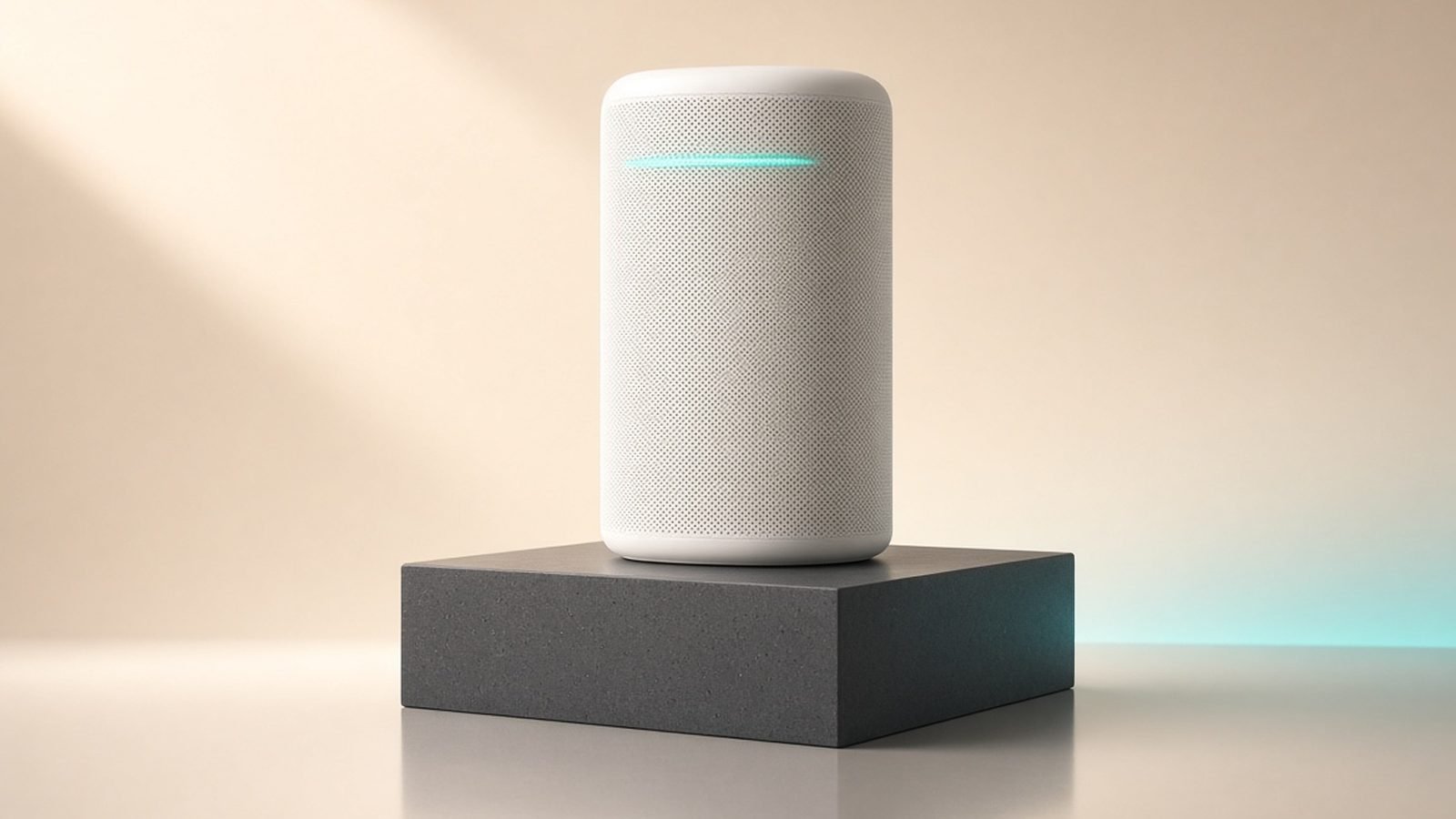
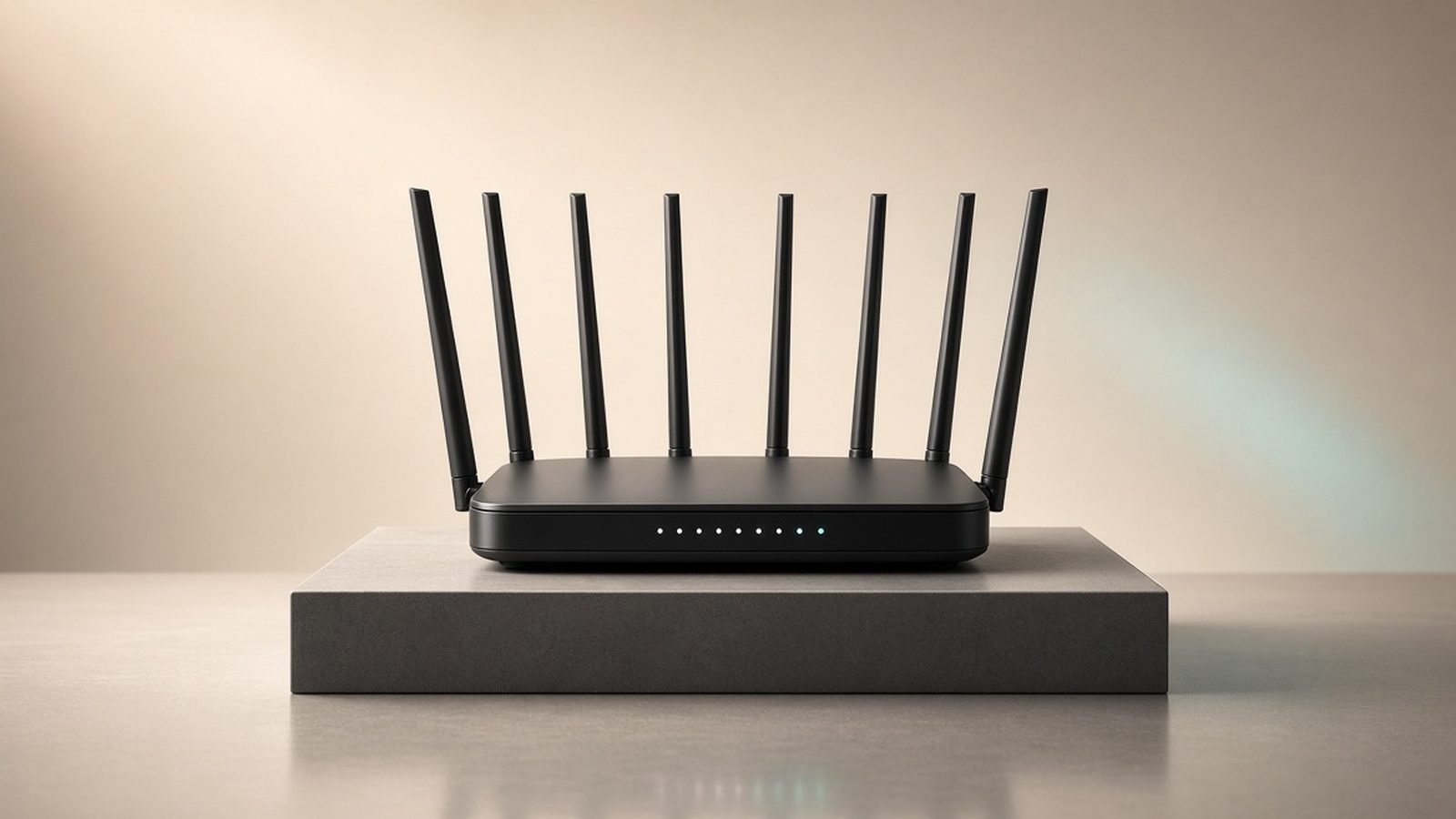
The BE85 units are tall white cylinders — larger than an eero, smaller and more discreet than an Orbi 970. They’re designed to sit out in the open, and they look at home on a shelf or desk.
Connectivity is where the BE85 earns its keep. Every node carries two 10G ports — one a flexible SFP+/RJ45 combo that accepts a fibre transceiver — plus a 2.5G port and USB. That combination is genuinely rare at this price: it lets you plug a multi-gig fibre line straight in, wire a NAS or workstation at 10G, and run 10G wired backhaul between nodes. For homelab owners and anyone on a 2Gbps+ fibre plan, this is connectivity eero simply doesn’t match, and that most homes can’t get for less.
Build quality is solid and the units run cool. The one design note: they’re not small, so a 2- or 3-pack is a visible presence in your home.
Performance: flagship hardware, tri-band trade-off
The numbers below are aggregated from published third-party reviews and owner-reported Deco BE85 speed test results, not our own lab bench. The consensus: this is a genuinely fast system that trades blows with pricier rivals.
- Close range, Wi-Fi 7 client: commonly well above 1.5Gbps on multi-gig plans, saturating gigabit fibre with room to spare.
- One floor away: typically strong tri-band speeds that clearly beat dual-band meshes.
- Far node, wired 10G backhaul: near-full speed at every node — the configuration the BE85 is built for.
- Far node, wireless backhaul: solid but not class-leading, because the BE85 is tri-band and shares its 6 GHz band between clients and backhaul.
That last point is the honest limitation. Unlike quad-band flagships (Eero Max 7, Orbi 970) that dedicate a full 6 GHz radio to backhaul, the BE85 shares the band. In a wired-backhaul setup that’s irrelevant. In a purely wireless multi-node layout across a large home, the dedicated-backhaul flagships hold far-node speeds a little better. The good news: those dual 10G ports make wiring backhaul cheap and easy, which sidesteps the issue entirely.
App, features and the subscription gap
The Deco app exposes far more than eero’s — address reservation, port forwarding, IoT network isolation, VPN client/server, band controls — while staying approachable. It’s busier and less polished than eero’s, with more upsell banners for HomeShield Pro, but the free feature list is dramatically longer.
That’s the BE85’s quiet trump card. TP-Link HomeShield includes parental controls with age-based filtering, time limits, basic QoS and network scanning free. HomeShield Pro (~$5.99/month, often discounted) adds deeper reporting and IoT protection — but most families never need it. Compare that with eero, where meaningful content filtering and security require eero Plus at ~$99.99/£99.99 a year, or Orbi, which charges for both Armor and parental controls. Over five years, that free-tier advantage can save you $500+/£500+.
The BE85 is Matter-compatible on the network side but contains no Zigbee radio and isn’t a Thread border router, so it won’t consolidate smart-home hubs the way an eero does. If that matters to you, weigh it in our Eero vs Deco (2026): Which Mesh Wi-Fi Should You Buy? head-to-head.
One caveat worth stating plainly: TP-Link faced US government scrutiny during 2024–2025 over security practices and ownership concerns. As of mid-2026 no consumer ban exists and Decos remain on sale in the US and UK. Keep firmware updated and enable automatic updates; buyers who remain uncomfortable should note eero raises its own privacy questions as an Amazon product.
Deco BE85 vs BE63 vs Eero Max 7
The deco be85 vs be63 decision comes down to ports and coverage-per-node. The BE63 (~$300 / £290 for three) is tri-band with four 2.5G ports per node and is our overall value pick for most homes — see the Eero vs Deco (2026): Which Mesh Wi-Fi Should You Buy? comparison. The BE85 costs more but adds dual 10G and SFP+ connectivity the BE63 lacks. Choose the BE85 only if you have multi-gig fibre, a NAS or homelab, or specifically want 10G wired backhaul; otherwise the BE63 is the smarter buy.
The deco be85 vs eero max 7 question is about priorities and price. Both are premium Wi-Fi 7 systems with 10G ports. The BE85 wins decisively on value (roughly a third of the price), adds an SFP+ fibre port, and includes free parental controls. The Max 7 counters with quad-band and a dedicated backhaul, seamless roaming, a far better app, and built-in Thread/Zigbee/Matter smart-home duties. For most buyers, the BE85’s value wins; for Alexa-heavy homes that want zero maintenance, the Max 7 justifies its premium.
Who should buy the Deco BE85 — and who shouldn’t
TP-Link Deco BE85 (2-pack) — best value flagship mesh for multi-gig homes
Around $600 / £600 for two. This is the system for people who want 10G connectivity, an SFP+ fibre port and large coverage without paying eero or Orbi flagship prices — and who’d rather not pay a subscription for parental controls.
Pros:
- Dual 10G ports per node plus an SFP+ fibre combo — connectivity eero doesn’t match at any price
- Robust parental controls and core security free (no mandatory subscription)
- Large coverage and easy, cheap 10G wired backhaul
- Deep app controls (VPN, port forwarding, IoT isolation) that enthusiasts want
- Far cheaper than an Eero Max 7 or Orbi 970 for comparable connectivity
Cons:
- Tri-band, so no dedicated backhaul radio — wireless far-node speeds trail quad-band flagships
- Busier app with upsell prompts; roaming slightly behind eero
- No Zigbee radio or Thread border router for smart-home hub duties
- TP-Link’s US regulatory scrutiny may concern some buyers
- Large units that are hard to hide
Verdict: the rational value pick at the high end — flagship-class connectivity and coverage for far less than eero or Orbi, with free features they charge for. Wire the backhaul if you can, and the tri-band limitation disappears.
If you don’t need 10G ports, save your money with the tri-band Deco BE63 or browse our full Best Mesh Wi-Fi Systems 2026: Wi-Fi 6 & Wi-Fi 7 Compared rankings and Best Wi-Fi 7 Routers 2026: Top Picks for Every Budget guide. Weighing it against the flagships? See the Netgear Orbi 970 Review 2026: Premium Wi-Fi 7 Mesh and Eero vs Orbi 2026: Which Mesh Wi-Fi System Wins? pieces.
FAQ: TP-Link Deco BE85
Is the Deco BE85 worth it?
For homes with multi-gig fibre, a NAS or homelab, or a need for 10G wired backhaul, yes — it delivers flagship connectivity and coverage for far less than an Eero Max 7 or Orbi 970, and includes parental controls those rivals charge for. If you don’t need 10G ports, the cheaper tri-band Deco BE63 delivers most of the experience for half the money.
What’s the difference between the Deco BE85 and BE63?
The BE85 adds dual 10G ports and an SFP+ fibre combo port per node; the BE63 has four 2.5G ports per node at a much lower price (~$300 / £290 for three). Both are tri-band Wi-Fi 7. Buy the BE85 for multi-gig fibre or 10G wired backhaul; buy the BE63 — our overall value pick — for everything else.
Does the Deco BE85 need a subscription?
No. HomeShield’s free tier covers parental controls, time limits and basic security — most owners never pay. HomeShield Pro (~$5.99/month) adds deeper reporting and IoT protection, but it’s optional. This is a real cost advantage over eero and Orbi, both of which paywall features the BE85 includes free.
How many Deco BE85 units do I need?
One node covers a large area, a 2-pack (up to ~7,800 sq ft) suits most big homes, and a 3-pack handles sprawling or multi-story properties. UK homes with solid brick internal walls typically benefit from one more node than square footage alone suggests. Wired 10G backhaul between nodes is the single best upgrade you can make.
Can the Deco BE85 use its SFP+ port for fibre internet?
Yes. One 10G port is an SFP+/RJ45 combo, so you can plug in a fibre transceiver for a direct fibre connection or use it as a standard 10G Ethernet port. That flexibility is genuinely rare in consumer mesh and a key reason homelab and multi-gig-fibre owners choose the BE85.
Is TP-Link Deco safe to use in 2026?
TP-Link faced US government scrutiny during 2024–2025 over security practices and ownership ties, but as of mid-2026 no consumer ban exists and Decos remain on sale in the US and UK. Keep firmware updated and enable automatic updates. Buyers who remain uncomfortable should note eero raises its own privacy questions as an Amazon-owned product.
Zen Tech Hub may earn a commission from links on this page, at no extra cost to you.