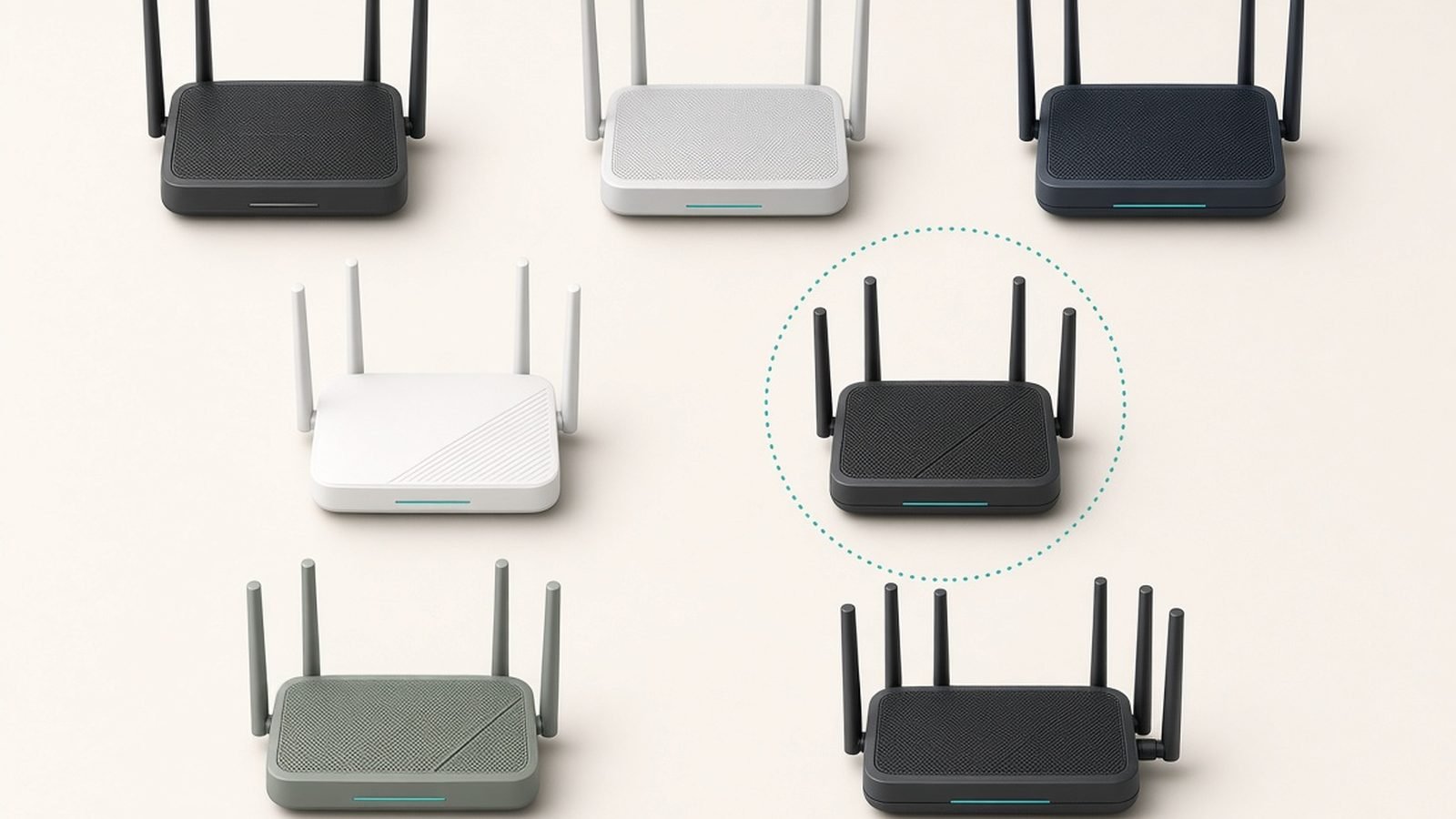
The eero vs Deco decision comes down to one trade-off, and it hasn’t changed in years: Amazon’s eero sells you simplicity and locks features behind a subscription, while TP-Link’s Deco gives you more hardware and more free features for less money — behind an app that asks a bit more of you.
In our research for this comparison — spec-sheet analysis across both 2026 line-ups, aggregated results from independent testing outlets, and hundreds of owner reports across Reddit, Amazon US/UK and support forums — a consistent picture emerged. Most buyers comparing eero vs Deco at the same budget should buy the Deco. But “most” is not “all”, and eero wins outright for two specific kinds of household. Let’s get you to the right box.
Quick Answer: Who Wins for Which Buyer
Buy TP-Link Deco if you want the most speed, coverage and Ethernet ports per pound or dollar, you refuse to pay a router subscription, or you have a large house to blanket on a budget. The Deco BE63 3-pack is the best-value tri-band Wi-Fi 7 mesh you can buy right now.
Buy eero if you want networking you never think about — the cleanest app in the business, the smoothest device roaming, and deep Alexa/Thread/Matter integration. You’ll pay more per square foot and see some features paywalled behind eero Plus, but the day-to-day experience is genuinely effortless.
| Eero 7 (3-pack) | Eero Pro 7 (3-pack) | Deco BE23 (2-pack) | Deco BE63 (3-pack) | Deco BE85 (2-pack) | |
|---|---|---|---|---|---|
| Price | ~$350 / £350 | ~$700 / £700 | ~$130 / £120 | ~$300 / £290 | ~$450 / £430 |
| Wi-Fi | Wi-Fi 7, dual-band | Wi-Fi 7, tri-band | Wi-Fi 7, dual-band | Wi-Fi 7, tri-band | Wi-Fi 7, tri-band |
| 6 GHz band | No | Yes | No | Yes | Yes |
| Wired ports (per unit) | 2x 2.5G | 2x 5G | 2x gigabit | 4x 2.5G | 2x 10G, 1x SFP+/RJ45 combo, 2.5G |
| Rated coverage | Up to 6,000 sq ft | Up to 6,000 sq ft | Up to 4,300 sq ft | Up to 7,600 sq ft | Up to 7,800 sq ft |
| Free parental controls | Basic (profiles/pause) | Basic (profiles/pause) | Yes, robust | Yes, robust | Yes, robust |
| Subscription | eero Plus, $9.99/mo | eero Plus, $9.99/mo | HomeShield Pro optional | HomeShield Pro optional | HomeShield Pro optional |
| Smart home radios | Thread, Zigbee, Matter | Thread, Zigbee, Matter | Matter-compatible | Matter-compatible | Matter-compatible |
Prices move around — both brands discount aggressively during Prime Day and Black Friday, so treat the figures above as typical street prices, not MSRPs.
Model Line-Ups Decoded: Eero 7/Pro 7/Max 7 vs Deco BE23/BE63/BE85
Both brands ship confusingly large catalogues, so here’s the 2026 decoder ring.
Eero’s Wi-Fi 7 range runs three tiers. The Eero 7 (~$350 / £350 for three) is the dual-band entry point — no 6 GHz radio, but 2.5G Ethernet and the full eero software experience. The Eero Pro 7 (~$700 / £700 for three) adds the 6 GHz band and 5G Ethernet ports, and it’s the sweet spot for gigabit-plus internet plans. Above that sits the Eero Max 7, a genuinely excellent but eye-wateringly expensive flagship (roughly $1,700 / £1,700 for three) that most homes simply don’t need.
TP-Link’s Deco BE range mirrors that structure at lower prices. The Deco BE23 (~$130 / £120 for two) is the cheapest way into Wi-Fi 7 mesh, full stop. The Deco BE63 (~$300 / £290 for three) is the tri-band value play, with a 6 GHz band and four 2.5G ports on every single node. The Deco BE85 (~$450 / £430 for two) is the fibre-lover’s option, with dual 10G ports plus an SFP+ combo port per unit — connectivity that eero doesn’t match at any price.
The pattern is obvious once you line them up: at every tier, the tp-link deco vs eero comparison shows Deco delivering the next tier up of hardware for the same money. Whether the software gap justifies eero’s premium is the rest of this article.
Price Per Square Foot: US and UK Comparison
Coverage claims are optimistic on both sides — real-world walls, especially UK brick and lath-and-plaster, cut them down. But as a like-for-like value metric, price per rated square foot is revealing.
| System | Typical price (US) | Rated coverage | Cost per 1,000 sq ft |
|---|---|---|---|
| Deco BE23 (2-pack) | ~$130 | 4,300 sq ft | ~$30 |
| Deco BE63 (3-pack) | ~$300 | 7,600 sq ft | ~$39 |
| Deco BE85 (2-pack) | ~$450 | 7,800 sq ft | ~$58 |
| Eero 7 (3-pack) | ~$350 | 6,000 sq ft | ~$58 |
| Eero Pro 7 (3-pack) | ~$700 | 6,000 sq ft | ~$117 |
UK pricing tells the same story: Deco systems typically cost 15–25% less than the equivalent eero tier, and near price-parity between dollars and pounds means UK eero buyers are paying a stiff effective premium.
For anyone searching “eero vs deco for a large house”, this table is the headline. A 4,000+ sq ft home needs three or four capable nodes, and at that scale Deco’s per-node savings compound: a Deco BE63 3-pack covers more rated area than an Eero Pro 7 3-pack for less than half the money. Owners in large homes also benefit from Deco’s four Ethernet ports per node, which make wired backhaul — the single biggest real-world upgrade for big-house mesh — cheap and easy. Eero supports wired backhaul too, but with only two ports per node, you’ll be buying switches.
Speed and Range: What Testing Shows
We haven’t run these systems through a lab ourselves; instead, here’s the consensus from independent testing outlets and aggregated owner reports.
Close-range throughput favours Deco at every matched price point. The BE63’s 6 GHz band gives it a decisive edge over the dual-band Eero 7 — independent tests consistently show tri-band Wi-Fi 7 systems delivering 1.5–2x the near-node speeds of dual-band rivals on Wi-Fi 7 clients. Against its true spec rival, the Eero Pro 7, the BE63 trades blows while costing ~$400 less as a 3-pack.
Range and through-wall performance is closer. Eero’s TrueMesh routing is genuinely clever about picking paths through multi-node setups, and reviewers consistently praise how well eero maintains usable speeds at the far ends of a network. Deco counters with brute force — more antennas, higher-gain radios at each tier — and generally posts better raw numbers at distance in published testing.
Roaming is eero’s quiet superpower. Based on hundreds of owner reports, devices hand off between eero nodes noticeably more smoothly — fewer dropped video calls when walking between rooms, fewer phones stubbornly clinging to a distant node. Deco roaming is fine for most homes, but it’s the most common technical complaint in Deco owner threads.
Backhaul matters more than any headline speed. The dedicated 6 GHz-capable backhaul on the Eero Pro 7, Deco BE63 and BE85 keeps far-node speeds high in wireless setups. The dual-band Eero 7 and Deco BE23 share client traffic and backhaul on the same bands, so expect meaningful speed loss at satellite nodes unless you wire them.
Bottom line on performance: in the eero 7 vs deco be63 matchup — the fight most real buyers face at ~$300–350 — the Deco BE63 is simply a class above on hardware. Eero’s routing polish narrows the gap but doesn’t close it.
App, Privacy and Control: Simplicity vs Features
This is where the eero vs deco decision gets personal.
The eero app is the best consumer networking app ever made, and it isn’t close. Setup takes ten minutes, the interface is calm and legible, and firmware updates arrive automatically and reliably. The flip side: eero deliberately hides almost everything. There’s no web interface, no way to split SSIDs by band, no manual channel selection, and limited QoS. Power users find it suffocating; everyone else finds it blissful.
The Deco app exposes far more — address reservation, port forwarding, IoT network isolation, VPN client/server, band controls — while remaining approachable. It’s busier and less polished, with more upsell banners for HomeShield Pro, but the free feature list is dramatically longer than eero’s.
Privacy deserves a paragraph, because it’s the top theme in every “deco vs eero reddit” thread. Eero means putting Amazon at the centre of your home network; eero states it doesn’t sell customer data, but plenty of buyers are simply unwilling to hand Amazon their traffic metadata. TP-Link, meanwhile, spent 2024–2025 under scrutiny from US authorities over security concerns and Chinese ownership ties — nothing has resulted in a consumer ban as of mid-2026, but it’s a live consideration. Neither brand offers full local control; if that’s a dealbreaker, you want Ubiquiti or ASUS instead — see our wider round-up. Best Mesh Wi-Fi Systems 2026: Wi-Fi 6 & Wi-Fi 7 Compared
Subscriptions: eero Plus vs TP-Link HomeShield
If one section decides your purchase, it’s this one. The eero subscription vs deco free-features gap is the most complained-about difference between the brands.
Eero Plus costs $9.99/month or $99.99/year (£9.99/£99.99 in the UK) and gates content filtering by profile, ad blocking, advanced security scanning, and bundled 1Password/Malwarebytes licences. Without it, eero’s free tier covers profiles, scheduled pauses and basic device management — and that’s about it. Over a five-year lifespan, eero Plus adds ~$500/£500 to your real cost of ownership, potentially more than the hardware itself.
TP-Link HomeShield includes parental controls with age-based filtering, time limits, basic QoS and network scanning free. HomeShield Pro (~$5.99/month, with frequent discounts) adds deeper reporting, IoT protection and more granular controls — but crucially, most families never need it. In our research, the majority of Deco owners run entirely on the free tier and don’t feel shortchanged; the majority of eero families with school-age kids end up subscribing.
Do the maths before you buy: an Eero 7 3-pack plus five years of eero Plus costs ~$850. That buys a Deco BE85 2-pack with change to spare.
Smart Home: Thread, Matter and Zigbee Support
Here eero punches back hard. Every current eero doubles as a Thread border router and Zigbee hub, works as a Matter controller within Alexa, and integrates natively with the Amazon ecosystem. If your home runs on Alexa, Echo speakers and a growing pile of Matter/Thread sensors, eero consolidates hubs into hardware you were buying anyway — a genuine, quantifiable saving.
Deco systems are Matter-compatible on the network side and play fine with everyone’s ecosystems, but they contain no Zigbee radio and don’t act as Thread border routers. Your smart home traffic flows through a Deco happily; the Deco just doesn’t participate the way an eero does.
For Google Home or Apple Home households, this advantage shrinks — Nest hubs and HomePods provide Thread border routing anyway — and the decision reverts to price and features, where Deco wins.
Reliability and Support Track Record
Firmware: eero’s automatic, staged rollouts are the gold standard; broken updates are rare and quickly pulled. TP-Link ships updates less predictably, and Deco owner threads feature occasional post-update bug reports — usually fixed, but sometimes slowly.
Hardware longevity: both brands are solid. Warranty is one year in the US from both (extended coverage with eero Plus); UK/EU consumer law gives buyers on both sides longer effective protection.
Support history: eero’s cautionary tale is discontinuing support for its 2016 first-generation hardware, a reminder that cloud-dependent routers live at the vendor’s pleasure. TP-Link has kept older Decos updated for longer than expected, though critical-vulnerability patch speed has drawn criticism. Owner-reported support experiences skew slightly in eero’s favour for responsiveness, and in TP-Link’s favour for not needing support in the first place.
Also worth knowing: if you’re weighing eero against Netgear’s flagship instead, we’ve covered that fight separately. Orbi vs Eero (2026): Wi-Fi 7 Mesh Heavyweights Compared
Head-to-Head Verdicts at Three Budgets
Around $150 / £130: Deco BE23 walks it
Eero doesn’t field a serious Wi-Fi 7 competitor at this price — you’d be buying older Eero 6+ stock. The Deco BE23 2-pack gets you genuine Wi-Fi 7, solid app features and enough coverage for most flats and small-to-medium homes.
Deco BE23 pros: unbeatable price for Wi-Fi 7; strong free feature set; easy setup. Deco BE23 cons: dual-band only, so satellite speeds sag on wireless backhaul; gigabit-only ports; 2-pack coverage suits smaller homes.
Verdict: the best cheap mesh upgrade of 2026. Buy it, wire the second node if you can, and move on with your life.
Check price: Deco BE23 (2-pack)
Around $350 / £350: Deco BE63 beats Eero 7 — the closest fight
This is the eero 7 vs deco be63 decision, and it’s where most readers land.
Eero 7 pros: flawless app and roaming; Thread/Zigbee/Matter built in; 2.5G ports. Eero 7 cons: no 6 GHz band at this price; parental controls and security paywalled behind eero Plus; only two ports per node.
Deco BE63 pros: tri-band with 6 GHz for less money; four 2.5G ports on every node; robust free parental controls; bigger rated coverage. Deco BE63 cons: busier app with upsell prompts; roaming less seamless; TP-Link trust questions bother some buyers.
Verdict: the Deco BE63 offers flagship-class hardware at a mid-range price and is our overall value pick in this entire comparison. Choose the Eero 7 only if Alexa smart-home integration or app simplicity genuinely tops your list — and budget for eero Plus if you have kids.
Check price: Deco BE63 (3-pack)
Around $700 / £700: Eero Pro 7 vs Deco BE85 — pick by priority
At the top end, the eero pro 7 vs deco be85 fight splits on what you value.
Eero Pro 7 pros: superb tri-band performance; class-leading roaming and reliability; full smart-home hub duties; 5G Ethernet. Read our full breakdown. Eero Pro 7 Review: Is Amazon's Wi-Fi 7 Mesh Worth It? Eero Pro 7 cons: priciest option here per square foot; subscription pressure remains; two ports per node.
Check price: Eero Pro 7 (3-pack)
Deco BE85 pros: dual 10G plus SFP+ fibre connectivity eero can’t touch; huge coverage per node; ~$250/£270 cheaper. Deco BE85 cons: 2-pack may need a third node in sprawling layouts; physically large units; app polish still trails eero.
Verdict: multi-gig fibre plan or a homelab? The Deco BE85’s ports make it the obvious buy. Smart-home-heavy Alexa household that wants zero maintenance? Eero Pro 7 earns its premium. For everyone else at this budget, the BE85 is more router for less money.
Check price: Deco BE85 (2-pack)
For more options beyond these two brands, browse our full networking coverage. Networking & Wi-Fi
FAQ: Eero vs Deco
Is eero or Deco better overall?
For most buyers, Deco wins the eero vs Deco fight on value: more speed, more Ethernet ports and more free features at every price. Eero is better if you prioritise app simplicity, seamless roaming, or Alexa/Thread/Zigbee smart home integration — and are willing to pay for hardware and, likely, the eero Plus subscription.
Do I need a subscription with eero or Deco?
Deco’s free HomeShield tier covers parental controls, time limits and basic security — most owners never pay. Eero’s free tier is thin; meaningful content filtering, ad blocking and security scanning require eero Plus at $9.99/£9.99 monthly. Over five years, that subscription can cost more than the routers did.
Which is better for a large house, eero or Deco?
Deco, in most cases. Systems like the BE63 offer more rated coverage per pack for less money, and four Ethernet ports per node make wired backhaul — essential for consistent speeds in 4,000+ sq ft homes — far easier. Eero’s superior roaming is a fair counterargument if your family moves around the house on video calls all day.
Is TP-Link Deco safe to use in 2026?
TP-Link faced US government scrutiny during 2024–2025 over security practices and ownership concerns, but as of mid-2026 no consumer ban exists and Decos remain on sale in the US and UK. Practically: keep firmware updated and enable automatic updates. Buyers who remain uncomfortable should note eero raises its own privacy questions, since it’s Amazon-owned.
Can I mix eero and Deco units in one network?
No. Mesh systems only mesh within their own ecosystem — an eero node won’t join a Deco network or vice versa. You can mix models within a brand (an Eero 7 with an Eero Pro 7, or a Deco BE23 with a BE63), which is a handy way to extend coverage cheaply later.
Does eero work without Amazon or Alexa?
Yes. You need an Amazon-linked eero account and the cloud service, but no Echo devices or Alexa subscription. That said, eero’s standout extras — Thread border routing, Zigbee hub duties, Matter control — deliver the most value inside the Alexa ecosystem. Outside it, you’re paying eero’s premium mostly for the app experience.
Zen Tech Hub may earn a commission from links on this page, at no extra cost to you.