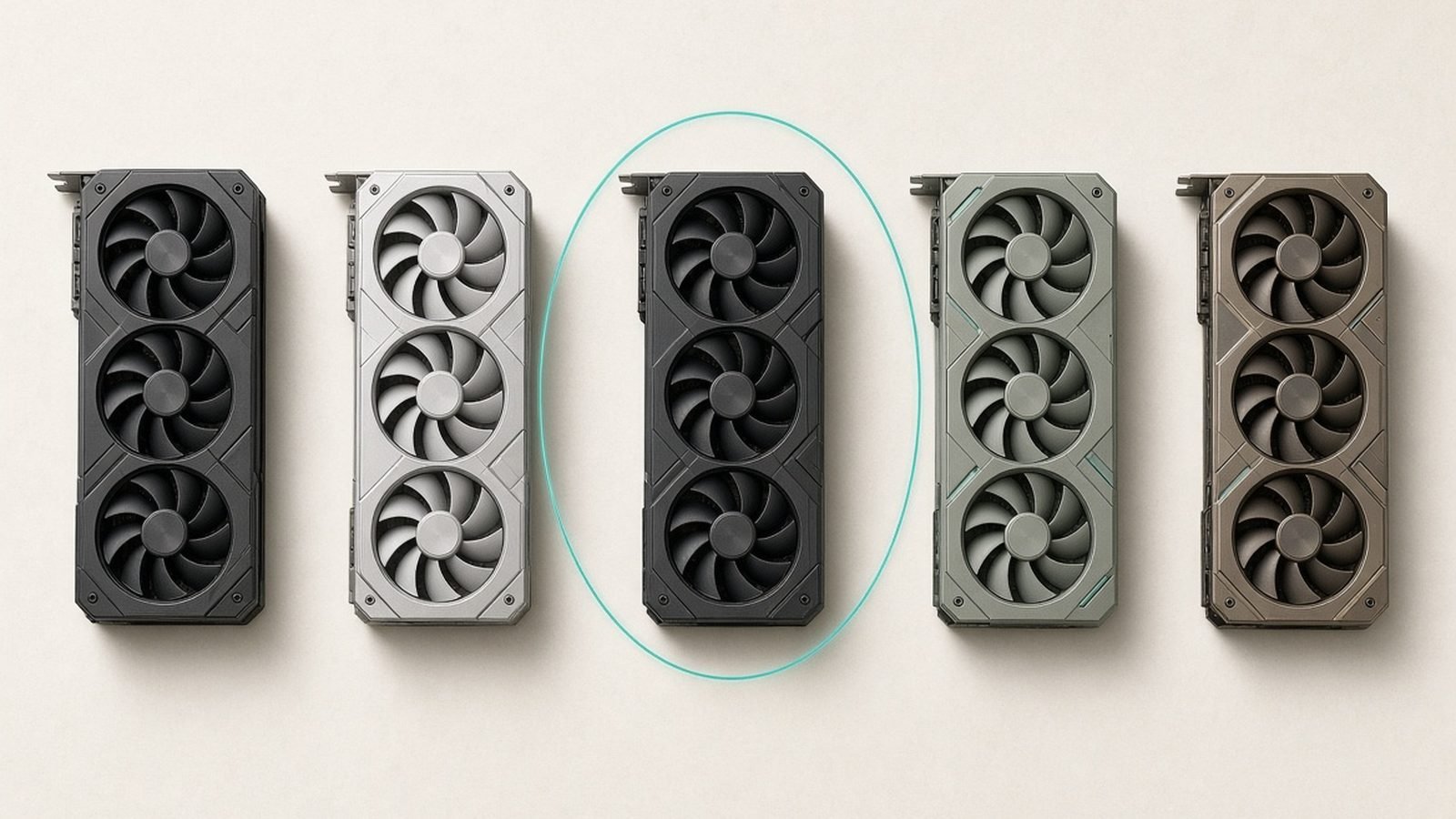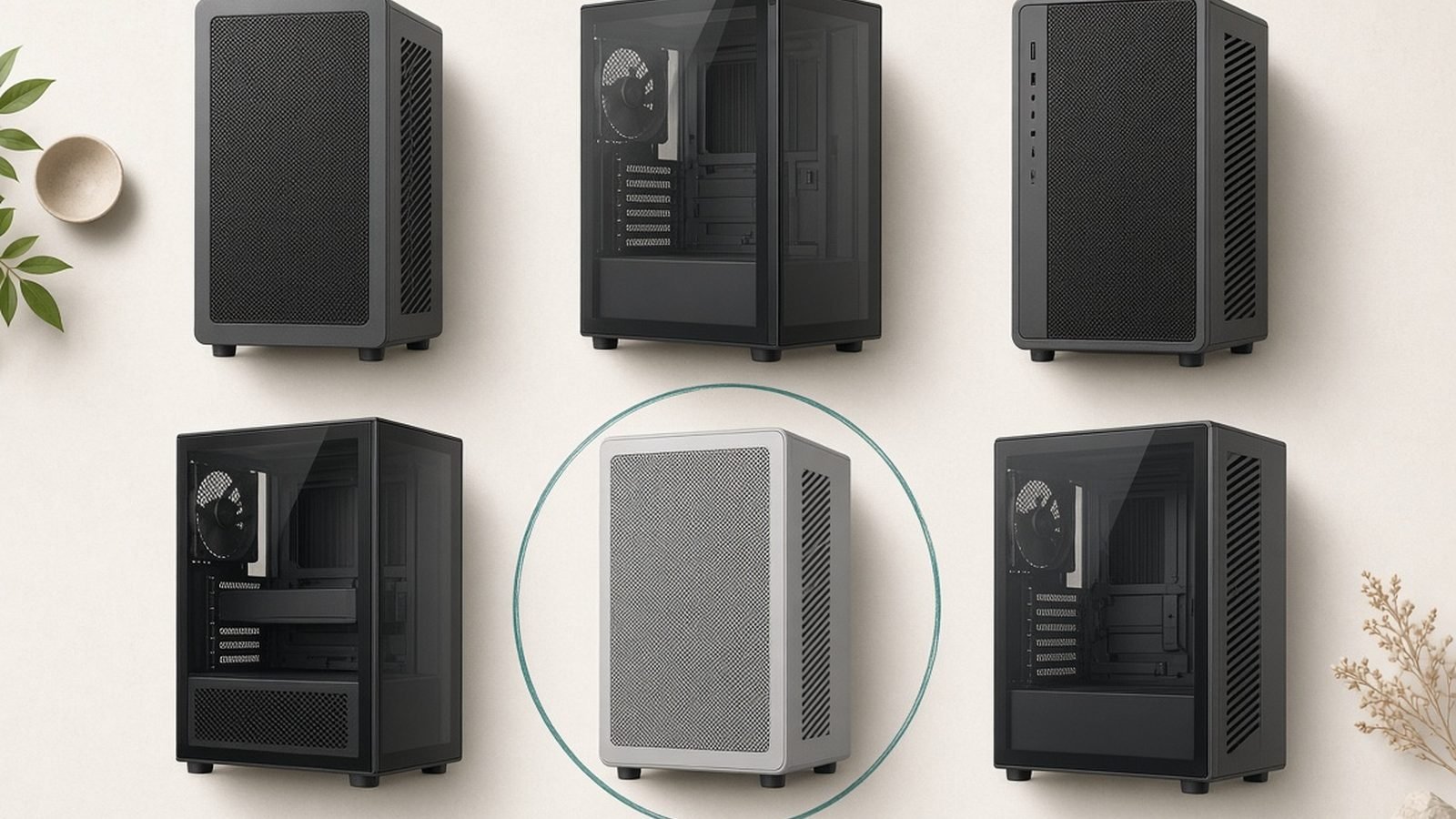
If your GPU throttles under load or your CPU idles hot, the case is often the quiet culprit. The best airflow PC case for your build is not the one with the flashiest glass panel; it is the one that gets cool air to your components and hot air out, without fuss. In this guide we rank the picks that do exactly that in 2026, from a value-packed all-rounder to a wood-front stunner that still breathes properly.
Modern CPUs and GPUs run hot. A high-end card can dump 350W-plus into a small volume of air, and a sealed-front case simply cannot cope. Airflow-first design fixes that at the source, and it usually costs less than the glossy alternatives. Below you will find the best airflow case ATX buyers should shortlist, whatever your budget.
Best airflow PC cases 2026 at a glance
| Case | Best for | Price (approx) | Pre-installed fans | Panel type |
|---|---|---|---|---|
| Lian Li Lancool 207 | Best overall | $100 / £95 | 3 (2x 140mm front, 1x rear) | Mesh front + glass |
| Fractal North (Mesh) | Best looks + airflow | $140 / £135 | 2x 140mm | Wood front + mesh side |
| Montech Air 903 Max | Best budget | $80 / £75 | 6x ARGB | Mesh front + glass |
| NZXT H7 Flow (2024) | Big AIOs & hot GPUs | $130 / £125 | 2x 120mm | Mesh front + glass |
Prices move around, so treat these as ballpark figures. Check the live listing before you buy.
What makes a case good for airflow
Three things separate a genuine airflow case from a marketing sticker.
Mesh where it matters. A perforated or mesh front panel lets intake fans pull unrestricted air across your GPU and cooler. A solid glass or metal front looks tidy but chokes the whole system. If air cannot get in, no fan curve will save you.
Real fan support. Look for at least two front intake mounts (140mm preferred), a rear exhaust, and top mounts for a radiator or extra exhaust. More mounting points mean you can build a proper front-to-back pressure path rather than fighting dead spots.
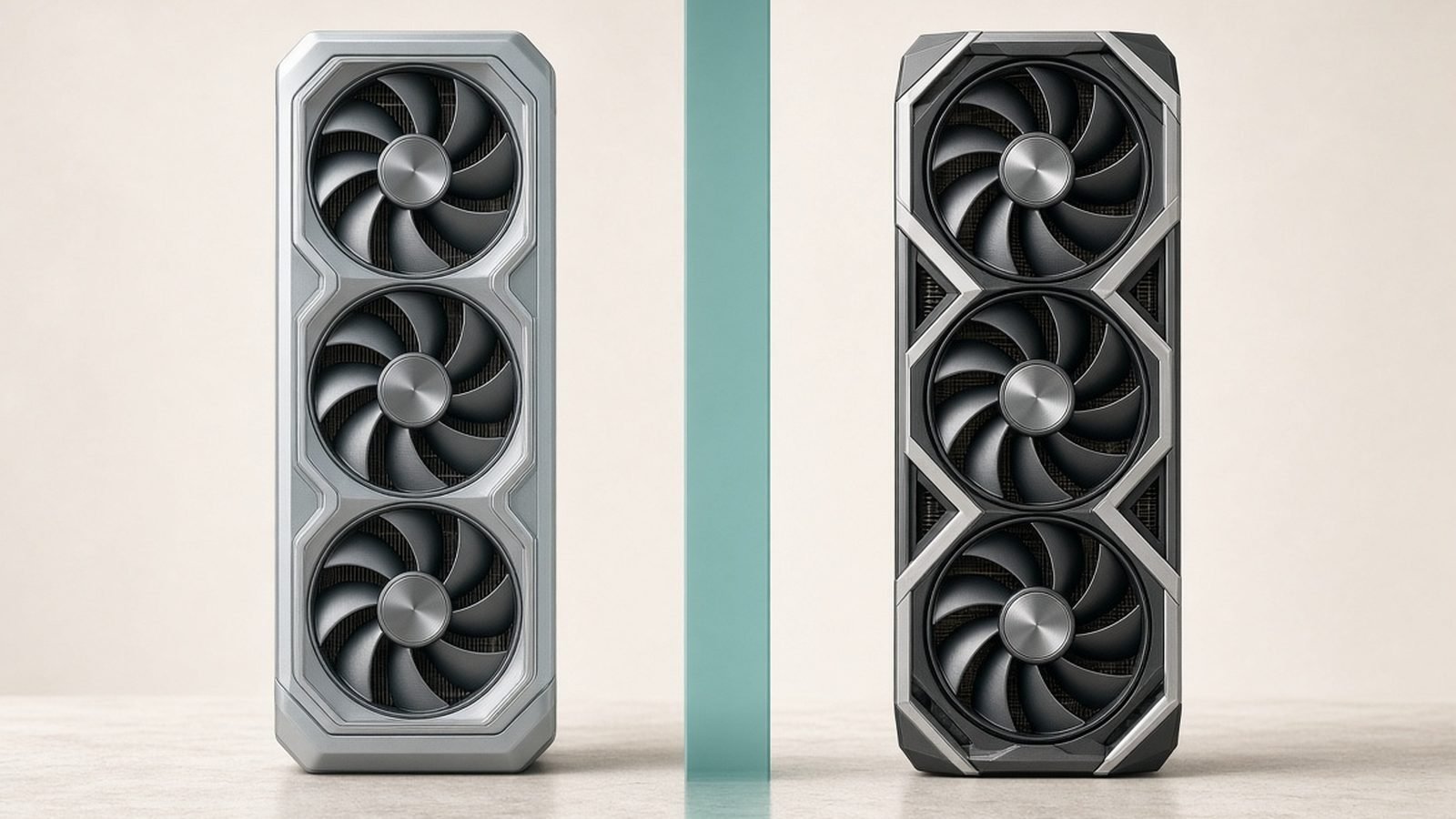
GPU clearance and layout. Long triple-fan cards need room to breathe, not just room to fit. Cases that mount the GPU close to a solid floor starve the card’s own fans. The better designs pull cool air straight onto the card, and a few now mount fans beneath the GPU to feed it directly.
Get those three right and you have the foundations of the best case for hot GPUs. Everything else is a bonus.
How we assess thermals and build quality
We do not run a paid lab, and we will not pretend to. Our verdicts come from close spec analysis, panel and fan-mount design, and aggregated owner feedback across retailer reviews, forums and enthusiast communities. In our research we weigh reviewer thermal data from trusted outlets against what real owners report after months of use.
That means we care about the boring stuff: whether dust filters are easy to remove, whether cable routing has actual tie-down points, whether the included fans are worth keeping or landfill. Build quality matters because a case is the one component you keep across three or four upgrades. A thermals-first case that also survives repeated rebuilds is the one worth your money.
Best overall: Lian Li Lancool 207
The Lancool 207 is the case we point most people to first, and the heart of any Fractal North vs Lian Li Lancool 207 debate. It nails the fundamentals and then adds a genuinely clever trick: bottom-mounted intake fans that blow cool air straight up into the graphics card.
Why it wins
The front intake sits behind a fine mesh, so the two 140mm fans pull air with minimal restriction. Because the layout is a touch more compact than a full tower, the airflow path stays tight and efficient rather than sprawling. Owner reports consistently praise GPU temperatures, and the bottom fan mount is the reason: hot cards get their own dedicated feed instead of recycling case air.
At around $100 / £95 with three fans included, the value is hard to argue with. It is the best mid-tower case 2026 for most builders who want strong thermals without a project-car budget.
Pros - Excellent GPU and CPU thermals out of the box - Bottom-mount fans feed the graphics card directly - Great value with three fans included - Clean, tool-friendly interior
Cons - Interior is compact-ish; very long custom loops get tight - Front glass section attracts fingerprints
Who it is for: anyone building a gaming or workstation rig who wants top-tier cooling and does not want to overthink it.
Check price: Lian Li Lancool 207
Best looks and airflow: Fractal North
The Fractal North is the case people stop and ask about. The real walnut or oak front slats give it a furniture-grade look that suits a living room as much as a desk. The catch, historically, was that beauty and airflow rarely mix. Fractal’s answer is the Mesh version, and it is the one we recommend for temperatures.
The airflow caveat that matters
The standard North uses a tempered glass side panel. It looks superb but restricts side intake. The Mesh side-panel variant swaps that glass for perforated steel, and in our research that single change is what turns the North from good-looking into genuinely capable. The wood front already breathes through the gaps between slats; pair it with the mesh side and you get airflow that holds its own against dedicated performance cases.
At around $140 / £135 you pay a premium for the aesthetics, and that is fair. Just buy the Mesh version if thermals are a priority.
Pros - Standout wood-front design that ages well - Mesh side panel delivers strong real-world temps - Solid build quality and premium feel - Good clearance for tall air coolers
Cons - Glass variant runs warmer; choose Mesh for cooling - Pricier than pure-performance rivals
Who it is for: buyers who want a case that looks like design, not gamer gear, and are willing to pick the Mesh panel to keep temps in check.
Check price: Fractal North (Mesh)
Best budget: Montech Air 903 Max
The Montech Air 903 Max is the answer to a simple question: what is the best budget PC case airflow option that does not feel like a compromise? At around $80 / £75 it ships with six ARGB fans pre-installed. Buying that many quality fans separately would cost nearly as much as the case itself.
Value that actually adds up
The mesh front and generous fan array mean this case moves a lot of air straight out of the box. Based on owner reports, thermals punch well above the price, and the included lighting is a bonus rather than the point. It is a fantastic base for a first build or a value-focused gaming rig.
The trade-offs are honest ones. The materials are thinner than the premium cases here, the steel flexes a little, and cable management is basic rather than luxurious. None of that hurts performance; it just means the finish is functional, not fancy.
Pros - Six pre-installed fans at a bargain price - Strong airflow straight out of the box - Roomy interior for the money - ARGB lighting included
Cons - Cheaper materials and some panel flex - Basic cable management, no fancy covers
Who it is for: budget builders and first-timers who want maximum cooling per pound or dollar and do not mind a plainer finish.
Check price: Montech Air 903 Max
Best for big AIOs and hot GPUs: NZXT H7 Flow (2024)
If you are running a 360mm AIO and a power-hungry flagship GPU, you want space and unobstructed intake. The NZXT H7 Flow (2024) is built for exactly that. The 2024 revision widened the mesh front and improved top radiator clearance over the original, which makes it a comfortable home for large liquid coolers.
Room to breathe
The full mesh front feeds a spacious interior, so a triple-fan GPU and a top-mounted 360mm radiator can coexist without fighting for air. NZXT’s cable management channels are among the tidiest in the class, which helps when you are stuffing a big loop and thick cables into one chassis. At around $130 / £125 it sits between the value picks and the boutique cases, and it earns that spot with sheer capacity.
Pair it with a strong 360mm cooler and the thermal headroom is excellent. For a deeper look at that class of cooler, see our Arctic Liquid Freezer III 360 Review: Best AIO Value?.
Pros - Excellent clearance for 360mm AIOs - Full mesh front for unrestricted intake - Best-in-class cable management - Handles the hottest GPUs comfortably
Cons - Only two fans included at this price - Larger footprint than the Lancool 207
Who it is for: enthusiasts with high-wattage GPUs and big liquid coolers who value space and clean cable routing.
Check price: NZXT H7 Flow 2024
Fan setup for the best airflow
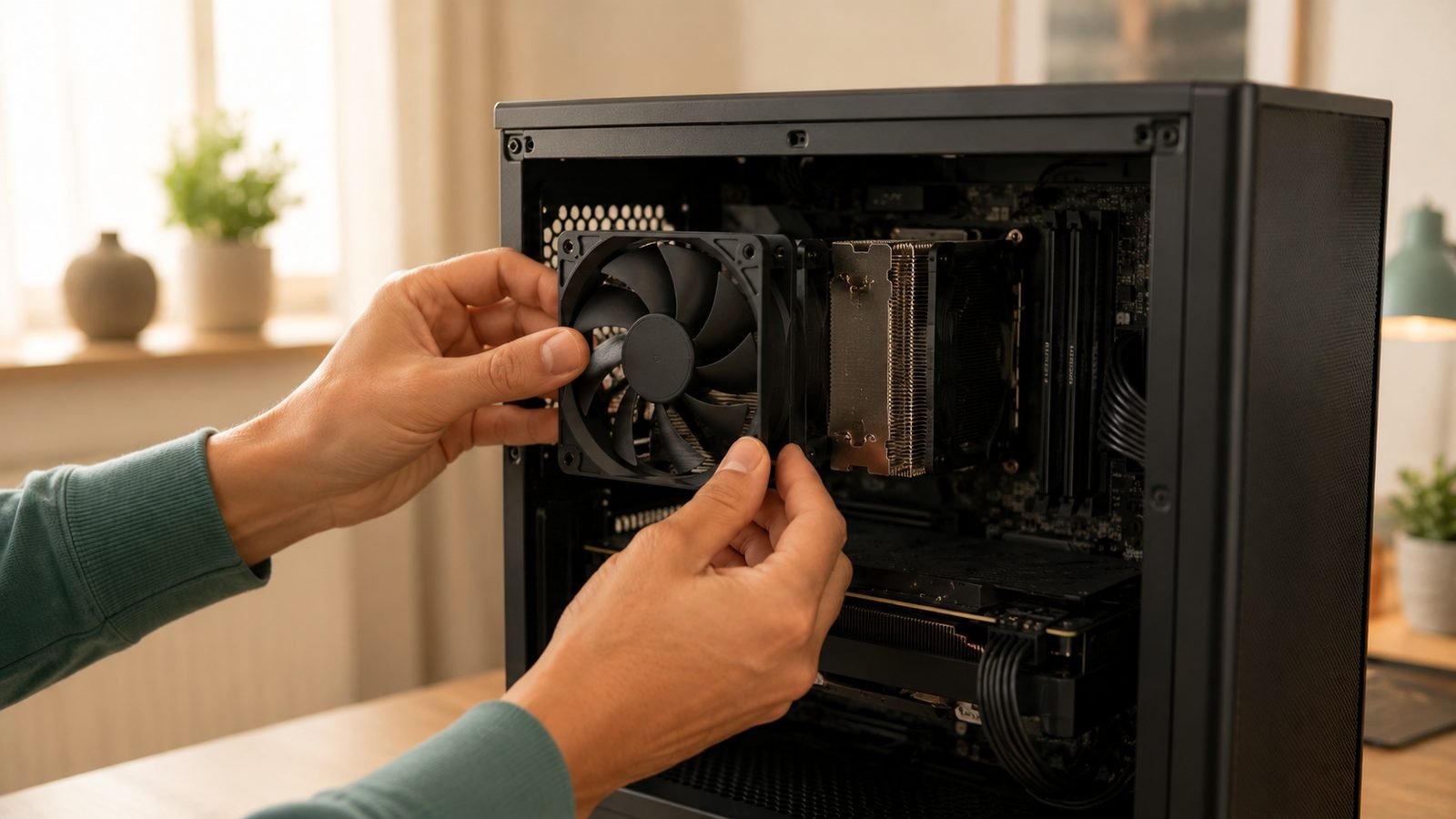
A great case only breathes as well as its fan configuration. The general rule is front and bottom fans as intake, rear and top as exhaust, with a slight positive pressure balance to reduce dust. Getting the direction, count and curves right can drop temperatures several degrees for free.
We walk through the whole process, including fan orientation and BIOS curves, in our dedicated guide: How to Set Up Case Fans for the Best Airflow. If you are planning a complete system around one of these cases, our Best 1440p Gaming PC Build Under $1500 (2026) pairs nicely with the Lancool 207.
Verdict: which airflow case should you buy?
For most people, the Lian Li Lancool 207 is the best airflow PC case in 2026. It delivers flagship-level thermals, includes three fans, and costs around $100 / £95. The bottom-mount GPU intake is the feature that seals it.
Choose the Fractal North Mesh if you want a case that looks like design and still cools well. Pick the Montech Air 903 Max if budget is king and you want six fans for the price of a couple. Go for the NZXT H7 Flow (2024) if you are building around a 360mm AIO and a hot flagship GPU. Any of the four will outperform a sealed-front glass case; the right one depends on your budget and your components.
For more component guides, visit our PC Hardware.
FAQ
Does a mesh front really improve temperatures? Yes, and often significantly. A mesh front lets intake fans pull air with little resistance, feeding cooler air straight to your GPU and CPU cooler. Based on owner reports and reviewer data, swapping from a solid front to a mesh design can lower component temperatures by several degrees under load, which directly reduces thermal throttling on hot cards.
Is the Lancool 207 or the Fractal North better? The Lancool 207 generally cools better thanks to its mesh front and bottom-mounted GPU fans, and it costs less. The Fractal North wins on looks with its wood front. In the Fractal North vs Lian Li Lancool 207 matchup, pick the Lancool for pure thermals and value, or the North Mesh if aesthetics matter more.
How many fans do I need for good airflow? Three is a sensible minimum: two front intakes and one rear exhaust. Adding a top exhaust or bottom intake helps with hot GPUs and large radiators. The Montech Air 903 Max ships with six fans, while others include two or three, so factor fan cost into your budget when comparing prices.
Are airflow cases louder than quiet cases? They can be, because mesh lets fan noise escape more freely than a sealed panel. In practice, a good airflow case lets you run fans at lower speeds to hit the same temperatures, which often makes it quieter overall. Tune your fan curves and the noise difference becomes minor for most builds.
Do I need a big case for a high-end GPU? Not necessarily. Clearance matters more than raw size. The compact-ish Lancool 207 handles long cards well, while the roomier NZXT H7 Flow is better if you also want a 360mm AIO. Always check the listed GPU length clearance against your specific card before buying.
Zen Tech Hub may earn a commission from links on this page, at no extra cost to you.