Getting airflow right is the cheapest performance upgrade in your PC. Learning how to set up case fans properly can drop your CPU and GPU temperatures by 5-10C, cut fan noise, and keep dust out of your system for years. You do not need exotic hardware to do it well. You need the right fan direction, a sensible intake-to-exhaust balance, and a tuned fan curve.
This guide walks through the practical layout we recommend for most mid-tower builds, explains the pressure and dust trade-offs, and shows you how to dial in curves in BIOS or software.
Airflow Basics: Intake, Exhaust and Fan Direction
Every case fan is either an intake (pulling cool air in) or an exhaust (pushing warm air out). Air inside your PC should move in one clear direction: cool air enters low and at the front, sweeps across your components, and exits high at the rear and top. That front-to-back, bottom-to-top flow mirrors how heat naturally rises.
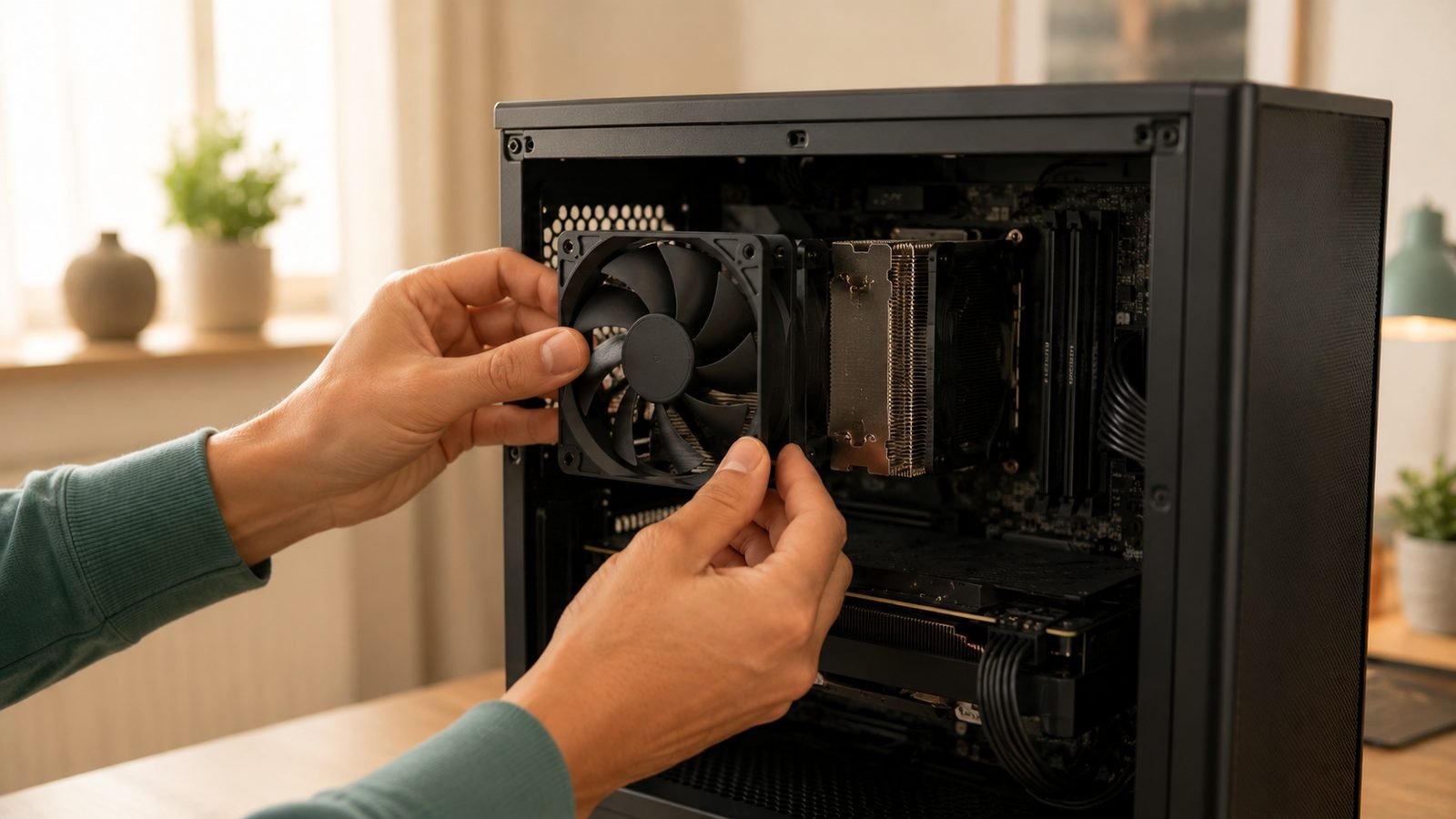
Getting case fan airflow direction right starts with reading the fan itself. Air flows in the direction the fan blades push, which is away from the side with the support struts and the frame arrows. Most fans have a small arrow on the frame showing airflow direction and a second showing blade spin. The open, smooth side is the intake face; the strutted side is the exhaust face.
Point intake fans so their smooth side faces outward at the front of the case. Point exhaust fans so their strutted side faces outward at the rear and top. Get one fan backwards and you create turbulence that sabotages the whole system.
Positive vs Negative Pressure (and Dust)
The positive vs negative pressure PC debate sounds academic, but it is really about dust.
Positive pressure: more intake airflow than exhaust. The case is slightly pressurised, so air is forced out through every gap. Dust only enters through your filtered intakes. This is what we recommend for most people.
Negative pressure: more exhaust than intake. The case sucks air in through every unfiltered crack and vent, pulling dust straight onto your components.
Positive pressure keeps interiors visibly cleaner over months of use, based on aggregated owner reports across build communities. The trade-off is marginally warmer temps than a maxed-out negative setup, but the difference is small and the cleaner internals are worth it. Aim for slightly more intake than exhaust, and keep your intake filters clean.
A Proven Front-Intake / Rear + Top-Exhaust Layout
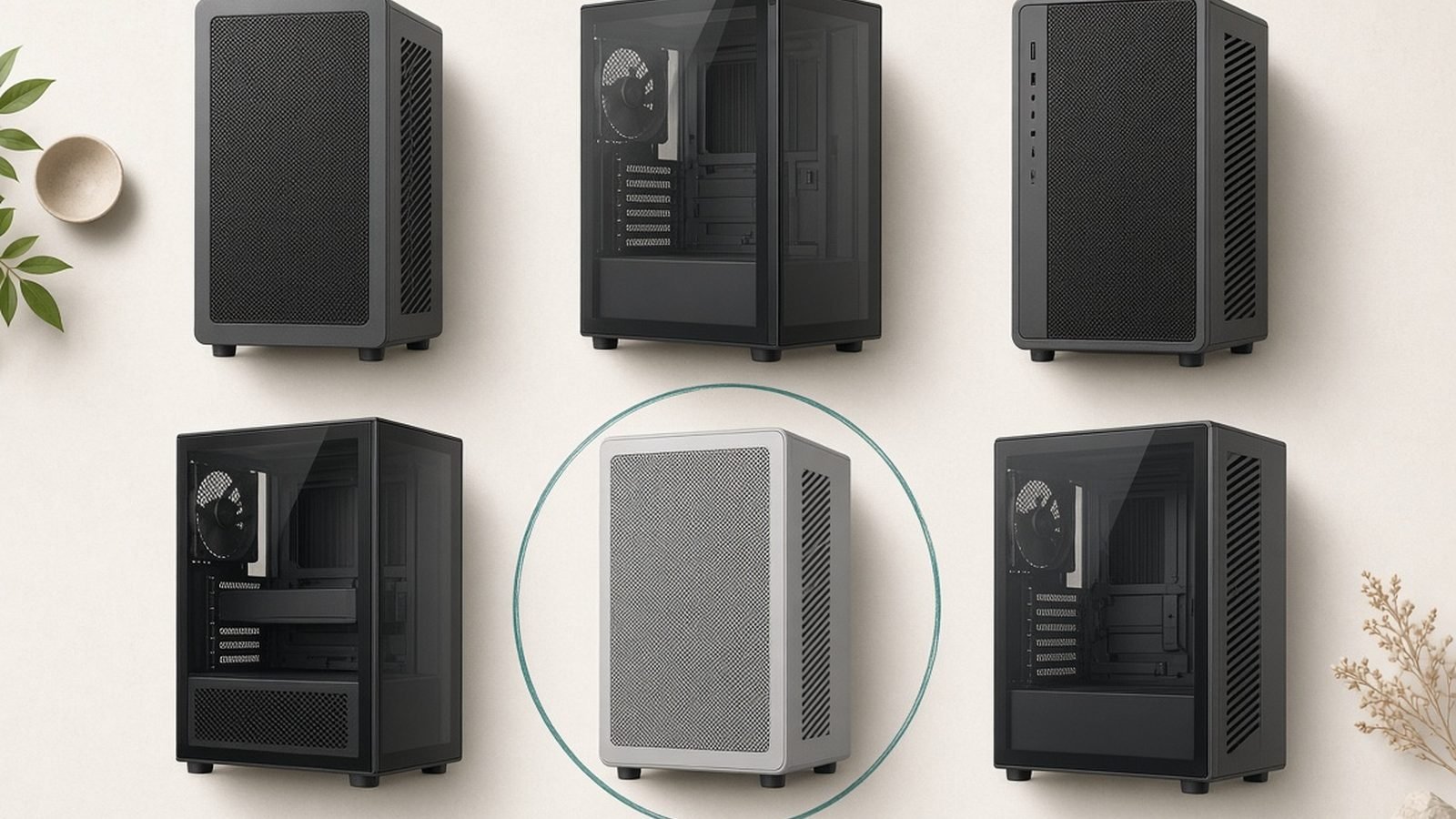
Here is the best fan configuration airflow setup we point most builders toward. We use the compact Lian Li Lancool 207 to demonstrate because its stock airflow is strong and its layout is typical of modern mesh-front cases.
Front: 2-3 intake fans pulling cool air across the motherboard and GPU.
Bottom: 1-2 intake fans (if your case supports them) feeding the GPU directly.
Rear: 1 exhaust fan clearing hot air off the CPU cooler.
Top: 1-2 exhaust fans venting rising heat.
This intake vs exhaust fans setup naturally creates the mild positive pressure you want: three or four intakes against two or three exhausts.
For fans, the Arctic P12 Max is our value pick. These are cheap, high-static-pressure 120mm fans that punch far above their price in multi-packs, ideal for filling a front intake array or feeding a radiator. There is no RGB, so they suit function-first builders.
Arctic P12 Max pros: - Excellent value in 3- and 5-packs (around $8 / £8 each) - Strong static pressure for filters and radiators - Wide 200-3300 RPM PWM range with a 0dB mode
Cons: - No RGB - Can get audible at full tilt
Check price: Lian Li Lancool 207
Lian Li Lancool 207 pros: - Strong stock airflow with pre-installed ARGB and PWM fans - Compact interior that still fits big coolers - Bottom-mounted PSU and rotated layout aid airflow
Cons: - Compact interior means tighter cable routing - Around $100 / £95, so not the absolute cheapest
AIO Radiator Placement and Fan Orientation
If you run an all-in-one liquid cooler, radiator placement changes the plan slightly. In our research, front-mounting a radiator as intake gives the coolest liquid temperatures because it feeds the rad fresh outside air, though it warms the air reaching your GPU a little.
Top-mounting the radiator as exhaust keeps GPU intake air cooler and is the better all-rounder for most gaming builds. Either way, orient the fans so they pull or push in the same overall front-to-back, bottom-to-top direction as the rest of your case.
For a deeper look at a top-tier 360mm unit, see our Arctic Liquid Freezer III 360 Review: Best AIO Value?.
Setting Fan Curves in BIOS/Software
Once the fans are physically right, tune them. A good fan curve setup 2026 ties fan speed to temperature so the PC stays quiet at idle and ramps only under load.
Enter BIOS/UEFI and find the fan control menu (often “Q-Fan,” “Smart Fan,” or “Fan Xpert”).
Set CPU fans to follow CPU temperature; set case fans to follow CPU or a motherboard sensor.
Build a gentle curve: near-silent below 45C, moderate at 60C, full speed by 80C.
Save and reboot, or use vendor software like Fan Control (free, third-party) for finer graphs.
Third-party Fan Control is our preferred tool because it can mix sensor sources and smooth out annoying spikes.
Testing Temps and Tuning Noise
Load the system and watch. Run a stress test or a demanding game for 20-30 minutes while monitoring temps with HWiNFO or your motherboard software.
Look for CPU and GPU temps stabilising below roughly 85C under sustained load. If they run hot, add intake or steepen the curve. If the PC is loud but cool, flatten the curve and let temps rise a few degrees. The goal is the quietest setup that keeps components in a safe range.
How Many Case Fans Do I Need?
A common question is how many case fans do I need. For most mid-towers, three to four fans is the sweet spot: two front intakes and one rear exhaust as a minimum, adding a top exhaust for higher-wattage builds. More fans help only up to a point, and each one adds noise. Prioritise placement and a good curve over sheer fan count.
Ready to build around this? See How to Build a Gaming PC: Step-by-Step for Beginners and our Best Airflow PC Cases in 2026: Top Picks Compared roundup, or return to the PC Hardware.
FAQ
Should intake or exhaust be stronger? Intake should be slightly stronger to create positive pressure. That forces air out through gaps rather than pulling dusty, unfiltered air in. A common ratio is three intake fans to two exhaust. Keep intake filters clean and your interior stays noticeably tidier over months of use, based on owner reports.
Which way do case fans face? The smooth, open side of a fan is where air is pulled in; the strutted side is where it blows out. For intakes, face the smooth side outward. For exhausts, face the strutted side outward. Frame arrows confirm airflow and blade direction if you are unsure.
Do I need high-static-pressure fans everywhere? No. Static-pressure fans like the Arctic P12 Max shine behind filters and radiators where they fight resistance. For open exhaust spots, standard airflow fans are fine. Many builders simplify by running pressure-optimised fans throughout, which works well and keeps parts consistent.
Is RGB worth it for airflow? RGB has zero effect on airflow or cooling performance. Lighting is purely aesthetic. If you want the cleanest temps per dollar, skip RGB and buy proven performers like the P12 Max. If looks matter, budget for it separately rather than compromising on fan quality.
Zen Tech Hub may earn a commission from links on this page, at no extra cost to you.