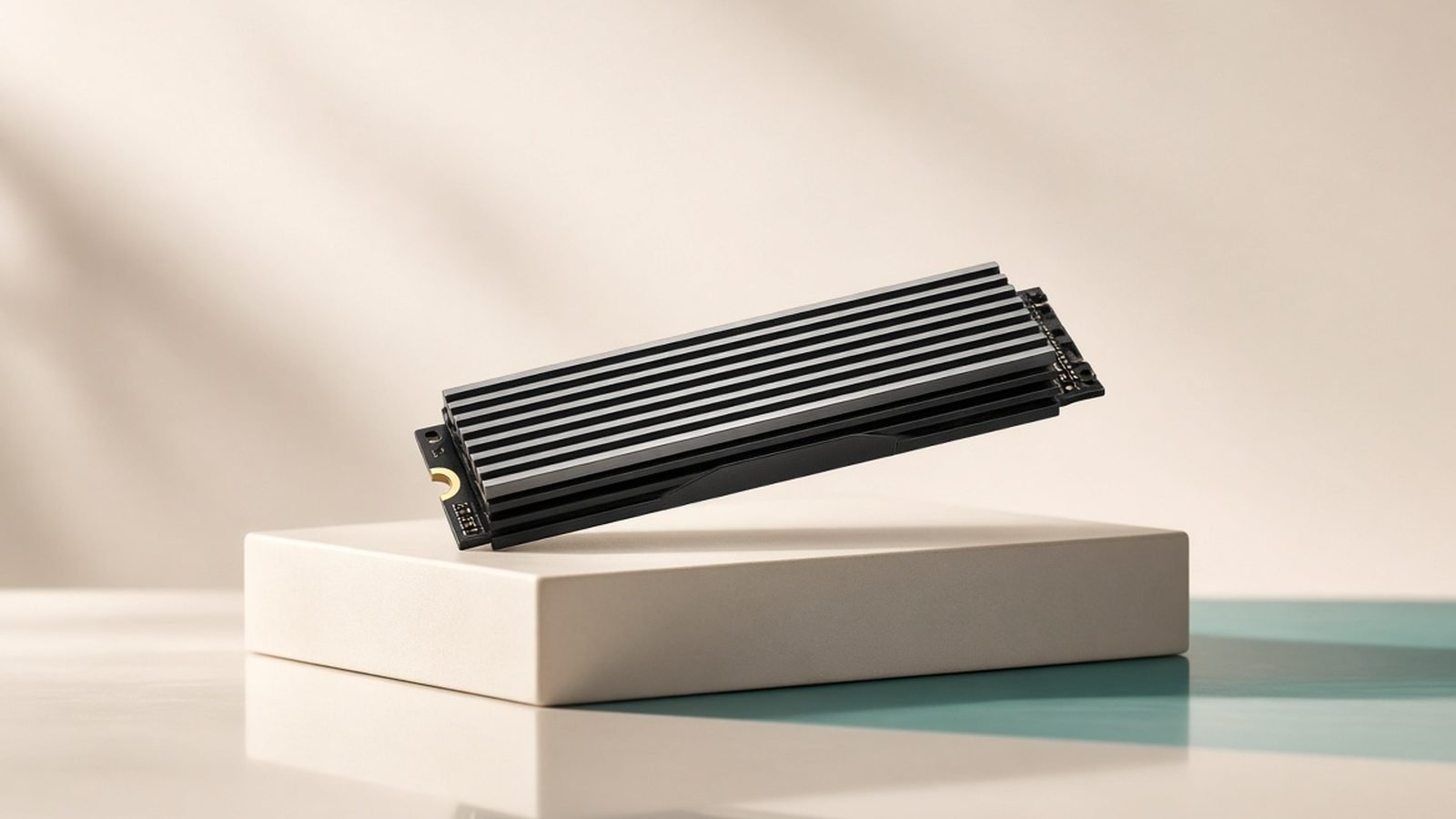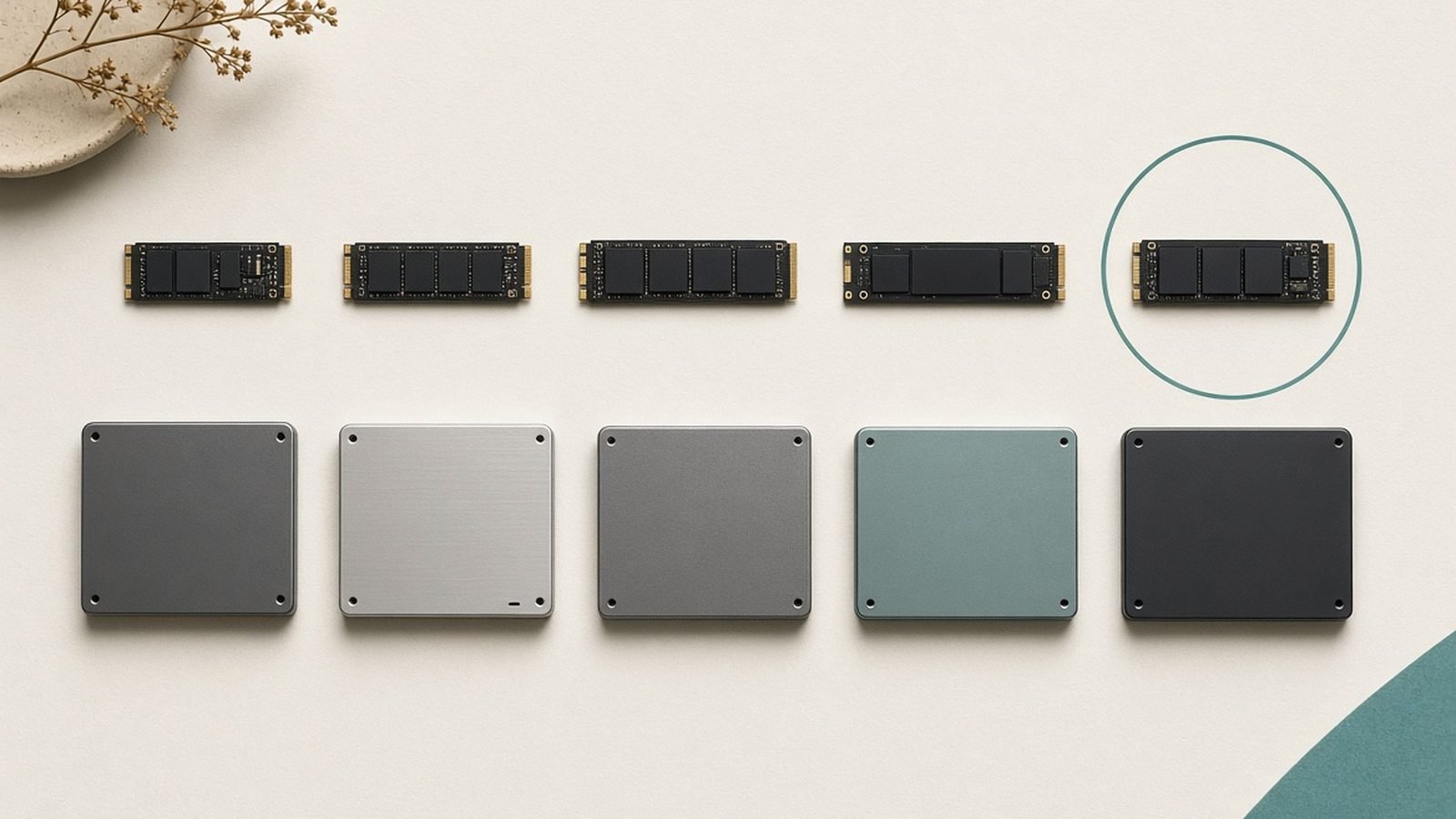
The best SSD 2026 offers for most people is the Samsung 990 Pro — a mature, fast PCIe 4.0 drive that’s quick, efficient, and reliable without the heat and cost of Gen 5. If you genuinely need maximum throughput for creator work, the Crucial T700 leads the PCIe 5.0 pack. And if you just want dependable capacity on a budget, a good SATA drive or a value NVMe still does the job for far less.
Below are six drives we’d actually buy right now, sorted by need, with honest trade-offs. One important caveat for 2026: a NAND flash shortage has scrambled SSD pricing, so every figure here is a moving estimate. Buy on a dip. Our analysis is based on published specs, documentation, and aggregated owner and reviewer feedback — not our own lab bench.
Update, 3 October 2026: every 2TB price on this page was re-sourced today and most had moved a long way from the July figures. The Samsung 990 Pro 2TB was $385.95 at Newegg and $389.99 at Amazon (Tom’s Hardware’s tracker, updated 1 October) while Samsung’s own US store listed it at $639.99; the PCIe 5.0 Crucial T700 2TB was $231.99 on Crucial.com, which means the Gen 5 drive now costs less than the Gen 4 990 Pro in the US. In the UK the order is the familiar one (990 Pro from £314.99 on PriceSpy, T700 £309.59 at Crucial UK). The picks below stand on performance, efficiency and track record, but if price is your deciding factor in the US, the T700 is the better buy today; the 990 Pro keeps the top spot for thermals, efficiency and PS5 fit. Our report on this week’s memory-driven price rises covers the wider pattern.
Best SSD 2026 at a glance
| Pick | Drive | Interface | Best for | Price (2TB) US / UK |
|---|---|---|---|---|
| Best overall | Samsung 990 Pro | PCIe 4.0 | Most gamers + PS5 | $385.95–$389.99 street ($639.99 Samsung list) / from £314.99 |
| Best alternative | WD Black SN850X | PCIe 4.0 | Gaming, big libraries | $318.11 heatsink model (Newegg, 1 Oct) / from £317.40 |
| Best PCIe 5.0 | Crucial T700 | PCIe 5.0 | Creators, max speed | $231.99 / £309.59 (Crucial.com) |
| Best value NVMe | Crucial P3 Plus | PCIe 4.0 | Cheap capacity | $119.99 / £185.99 (Crucial.com) |
| Best SATA | Crucial MX500 | SATA | Older PCs, upgrades | ~$139 (July 2026 check) / from £252.76 |
| Best portable | Samsung T9 | USB SSD | External storage | ~$189 / £179 (July 2026 check) |
Prices checked 3 October 2026 from Samsung.com (US and UK), Crucial.com (US and UK), Newegg, Tom’s Hardware’s SSD deals tracker (updated 1 October) and PriceSpy UK. Rows marked “July 2026 check” could not be re-sourced this time. Everything still moves weekly: buy on a genuine dip.
How we picked
We weighed real-world performance over headline sequential numbers, because in everyday use a drive’s random read speed, sustained write behavior, DRAM cache, thermals, and price-per-gigabyte matter far more than a benchmark’s peak figure. We also factored in reliability reputation, warranty, and — this year especially — value during the NAND shortage.
Our conclusions come from published specifications, manufacturer documentation, and the aggregated view of reviewers and long-term owners. We don’t quote invented benchmark numbers or claim hands-on testing we didn’t do. Where a drive runs hot, slows under sustained writes, or uses QLC NAND, we say so. For a gaming-specific deep dive, our Best NVMe SSD for Gaming in 2026 (PCIe 4.0 & 5.0) guide covers load times and PS5 details.
Best overall: Samsung 990 Pro
PCIe 4.0 · up to ~7,450 MB/s · DRAM · $385.95–$389.99 at Newegg and Amazon, $639.99 on Samsung.com / from £314.99 (2TB, checked 3 October 2026)
The Samsung 990 Pro remains the drive we recommend to the most people in 2026. It’s a mature, DRAM-equipped PCIe 4.0 SSD that pairs top-tier random performance with excellent power efficiency, so it runs cooler than many rivals — a real plus in laptops and compact builds. For a boot and primary drive, it does everything right.
It’s also PS5-ready. The base model fits the console’s slot, and Samsung sells a version with an integrated heatsink for a true drop-in install. That makes it a great single-drive choice for people who want one SSD that works everywhere. Firmware is proven and reliability reputation is strong.
On the classic Samsung 990 Pro vs WD SN850X debate, both are excellent and you won’t feel a difference in games. The 990 Pro edges ahead on efficiency and consistency; the SN850X sometimes undercuts on price. Buy whichever is cheaper on the day.
Pros:
- Excellent all-round PCIe 4.0 speed
- Very efficient, runs cool
- PS5-compatible, heatsink model available
- Proven reliability and firmware
Cons:
- Premium pricing during the shortage
- Base model has no heatsink
- Gen 4, not Gen 5, sequential speed
Who it’s for: Anyone who wants the safe, high-quality primary drive for a PC or PS5.
Best alternative: WD Black SN850X
PCIe 4.0 · up to ~7,300 MB/s · DRAM · $318.11 for the heatsink model at Newegg (Tom’s Hardware tracker, 1 October 2026) / from £317.40 (2TB, PriceSpy UK 3 October)
The WD Black SN850X is the 990 Pro’s closest rival and an outstanding drive in its own right. It’s a DRAM-equipped PCIe 4.0 SSD with excellent gaming performance, a Game Mode feature that pre-loads data, and capacities that scale up to 4TB and beyond for large libraries. In everyday use it’s every bit as snappy as Samsung’s flagship.
It runs a touch warmer than the 990 Pro under sustained load, and it’s less efficient, so for laptops the Samsung has a slight edge. But on a desktop with airflow, that difference is academic. WD often prices the SN850X competitively, and there’s a heatsinked model that’s a fine PS5 option.
Think of it as a coin-flip with the 990 Pro: both are top picks, and price on the day should decide it.
Pros:
- Excellent gaming performance
- Available in large capacities
- Heatsinked PS5 model available
- Often competitively priced
Cons:
- Runs slightly warmer than the 990 Pro
- Less efficient for laptops
- Gen 4 speeds only
Who it’s for: Gamers with big libraries who want 990 Pro-class performance, ideally when it’s cheaper.
Best PCIe 5.0: Crucial T700
PCIe 5.0 · up to ~12,400 MB/s · DRAM · $231.99 / £309.59 (2TB, Crucial.com US and UK, checked 3 October 2026)
If you want the fastest sequential speeds money can buy, the Crucial T700 is a flagship PCIe 5.0 drive pushing up to around 12,400 MB/s reads — roughly double a Gen 4 flagship. For bandwidth-heavy work it’s a monster: 8K video scrubbing, huge file transfers, large-scale compiles, and 3D asset pipelines all benefit from that headroom.
Here’s the honest part: for pure gaming, you won’t see double the performance. Based on aggregated game-load testing, real-world level loads on Gen 5 drives land within a hair of a good Gen 4 SSD, because games can’t saturate that bandwidth yet. Gen 5’s payoff is creator and professional workloads, not frame times.
It also runs hot. PCIe 5.0 drives need active or substantial passive cooling, so buy the heatsinked version or use a motherboard M.2 heatsink, and make sure you have a spare Gen 5 slot. For most people, a Gen 4 drive is the better value; the T700 is for those who will actually use the speed. For the generational breakdown, see PCIe 4.0 vs 5.0 SSD: Does It Matter for Gaming?.
Pros:
- Blistering PCIe 5.0 throughput
- Fantastic for creators and large files
- Excellent random performance
- DRAM-equipped
Cons:
- Runs hot, needs a heatsink
- Minimal real-world gaming gain over Gen 4
- Higher price and needs a Gen 5 platform
Who it’s for: Creators and enthusiasts who will genuinely use maximum throughput and can cool it.
Best value NVMe: Crucial P3 Plus
PCIe 4.0 · up to ~5,000 MB/s · DRAM-less QLC · $119.99 / £185.99 (2TB, Crucial.com US and UK, checked 3 October 2026)
Need affordable terabytes for a game library or a second drive? The Crucial P3 Plus is the classic value answer. It’s an entry-level PCIe 4.0 drive with lower rated speeds than the flagships, and it’s DRAM-less with QLC NAND, so it’s not the drive you build a high-end boot rig around. But for cost-per-gigabyte, it’s hard to beat, and it scales up in capacity nicely.
The trade-offs of a DRAM-less QLC design show up under sustained heavy writes: once the SLC cache is exhausted or the drive is nearly full, large sequential writes slow down more than on a DRAM drive. For storing games and media you access normally, most people never hit that wall. Treat it as overflow or secondary storage rather than your primary drive and it does a genuinely useful job.
Pros:
- Excellent price-per-gigabyte
- Good everyday performance
- Scales to large capacities
- Cool and efficient
Cons:
- Slower sustained writes when full
- QLC NAND, DRAM-less design
- Lower rated speeds than flagships
Who it’s for: Anyone who needs cheap capacity for a big library or a secondary drive.
Best SATA: Crucial MX500
SATA III · up to ~560 MB/s · DRAM · ~$139 (2TB, July 2026 check) / from £252.76 (PriceSpy UK, 3 October 2026)
Not every PC needs — or can even use — NVMe. If you’re upgrading an older laptop or desktop that only has SATA, or adding cheap bulk storage, the Crucial MX500 remains the go-to. It’s a proven, DRAM-equipped SATA SSD that’s dramatically faster than any hard drive and reliable enough to have earned a long-standing reputation.
SATA tops out around 560 MB/s, a fraction of NVMe speeds, but for its purpose that’s plenty — the jump from a spinning hard drive to any SSD is transformative for boot times and responsiveness. Don’t buy it for a modern high-end build; do buy it to breathe life into older hardware or to add a large, dependable secondary drive on the cheap.
Pros:
- Huge upgrade over hard drives
- Proven reliability
- DRAM cache
- Works in older SATA-only systems
Cons:
- Much slower than NVMe
- Not for modern high-end builds
- Aging interface
Who it’s for: Owners of older or SATA-only systems, and anyone adding cheap dependable storage.
Best portable: Samsung T9
USB 3.2 Gen 2x2 · up to ~2,000 MB/s · ~$189 / £179 (2TB, July 2026 check)
For external storage — backups, media libraries, working files you carry between machines — the Samsung T9 is our pick. Over USB 3.2 Gen 2x2 it reaches around 2,000 MB/s, far quicker than older portable drives, and its rubberized shell shrugs off knocks. It’s compact, well-built, and works across PCs, Macs, and compatible devices.
To hit its top speeds you need a matching USB 3.2 Gen 2x2 port; on slower ports it still performs well but not at peak. For most people, it’s the convenient, fast, durable external drive that just works, and it’s a sensible companion to a fast internal SSD for offloading finished projects or keeping a portable backup.
Pros:
- Fast for a portable drive
- Durable, compact design
- Broad device compatibility
- Good for backups and media
Cons:
- Top speed needs a Gen 2x2 port
- Pricier than a basic external HDD
- Slower than internal NVMe
Who it’s for: Anyone who needs fast, rugged external storage for backups or portable work.
How to choose an SSD in 2026
Match the drive to your slot and use. Confirm whether your system has an M.2 NVMe slot (and which PCIe generation) or only SATA. There’s no benefit buying a Gen 5 drive for a Gen 4 slot, and no point paying for NVMe if your machine is SATA-only.
Prioritize price-per-gigabyte during the shortage. With NAND prices volatile, paying a big premium for Gen 5 sequential speed you won’t use is a poor trade. For most gamers, a well-priced Gen 4 drive is the smart buy, and 2TB is the value sweet spot as installs balloon past 100GB.
Take thermals seriously on Gen 5. PCIe 5.0 drives run hot and need a heatsink or active cooling. If your motherboard doesn’t include an M.2 heatsink, buy the heatsinked drive model. A pairing with strong case airflow helps — see how to plan it in your overall build.
Don’t overbuy speed for gaming. Real game-load differences between fast Gen 4 and flagship Gen 5 drives are tiny. Spend the savings on capacity, or on a better graphics card or processor instead — see Best Graphics Cards 2026: GPUs for Every Budget and Best CPUs 2026: Gaming & Productivity Processors for where you’ll feel the upgrade.
Consider migration. Moving to a new drive is easy with the right tool — our How to Clone Windows to a New NVMe SSD guide walks through cloning your existing setup without a fresh install.
FAQ
What is the best SSD in 2026 for most people?
The Samsung 990 Pro is the best all-round SSD in 2026. It’s a fast, efficient, reliable PCIe 4.0 drive that’s PS5-ready and ideal as a boot and primary drive. The WD Black SN850X is a near-identical alternative, so buy whichever is cheaper. Only step up to a Gen 5 drive like the Crucial T700 if you do heavy creator work that genuinely uses the extra bandwidth.
Is a PCIe 5.0 SSD worth it in 2026?
For most people, no. Based on aggregated testing, PCIe 5.0 drives are barely faster than good PCIe 4.0 drives in real games, because games can’t use that bandwidth yet. Gen 5 is worth it for creators doing 8K video, huge file transfers, or large compiles. It also runs hot and needs a heatsink. For gaming and general use, a fast Gen 4 drive is the smarter, cheaper choice.
Samsung 990 Pro vs WD SN850X — which is better?
Both are excellent PCIe 4.0 drives and either is a great buy. The 990 Pro is slightly more efficient and runs cooler, which helps in laptops and small builds. The SN850X is available in larger capacities and often undercuts on price. You won’t notice a real-world difference in gaming, so buy whichever is better priced on the day you shop.
Do I still need a SATA SSD?
Only for specific cases. If you’re upgrading an older or SATA-only system, or adding cheap bulk storage, a SATA drive like the Crucial MX500 is a huge upgrade over a hard drive and costs less than NVMe. For any modern build with M.2 NVMe slots, choose NVMe instead — it’s dramatically faster for a similar price per gigabyte.
Should I wait for SSD prices to drop?
If you can wait, watch for sale events, since shortage pricing swings hard week to week. But supply is expected to stay tight through 2026, so don’t hold out indefinitely. Buy a well-priced drive on a genuine dip rather than paying a spike, and prioritize price-per-gigabyte over headline speed. Capacity you’ll actually use beats sequential numbers you won’t.
How much SSD capacity do I need?
For a primary gaming and work drive, 2TB is the 2026 sweet spot — modern game installs regularly exceed 100GB, and 1TB fills up fast. 4TB carries a heavier shortage premium but suits large libraries. Many builders pair a fast 2TB NVMe boot drive with a cheaper high-capacity value drive for overflow, which balances speed and cost nicely.
Zen Tech Hub may earn a commission from links on this page, at no extra cost to you.