You hit the power button, fans spin, RGB glows and the screen stays black. A PC no display on boot fault is the most common “my new build is dead” panic, and the good news is that most cases are a loose part or a memory-training hiccup, not a fried component. This guide walks you through an ordered triage so you fix the problem instead of shotgunning parts.
Work top to bottom. Don’t skip steps, and change only one thing at a time so you know what actually fixed it.
Fixing PC no display on boot: first checks (cables, input, GPU port)
Before opening the case, rule out the boring stuff. A surprising share of “PC turns on but no display” reports are just the monitor on the wrong input.
Monitor input source. Cycle through HDMI 1, HDMI 2 and DisplayPort — many monitors don’t auto-detect reliably.
Right port on the PC. With a graphics card, your cable must plug into the GPU (lower down, on the card), not the motherboard’s ports near the USB stack. This is the classic “no signal to monitor new PC” mistake.
Cable and power. Swap the video cable, try another port, and confirm the monitor isn’t in standby.
Peripherals. Unplug USB hubs, dongles and secondary drives that could stall POST.
If you get an image now, great. If not, move on.
Reading motherboard debug LEDs and beep codes
Modern boards tell you where they’re stuck — learn to read them and skip hours of guessing.
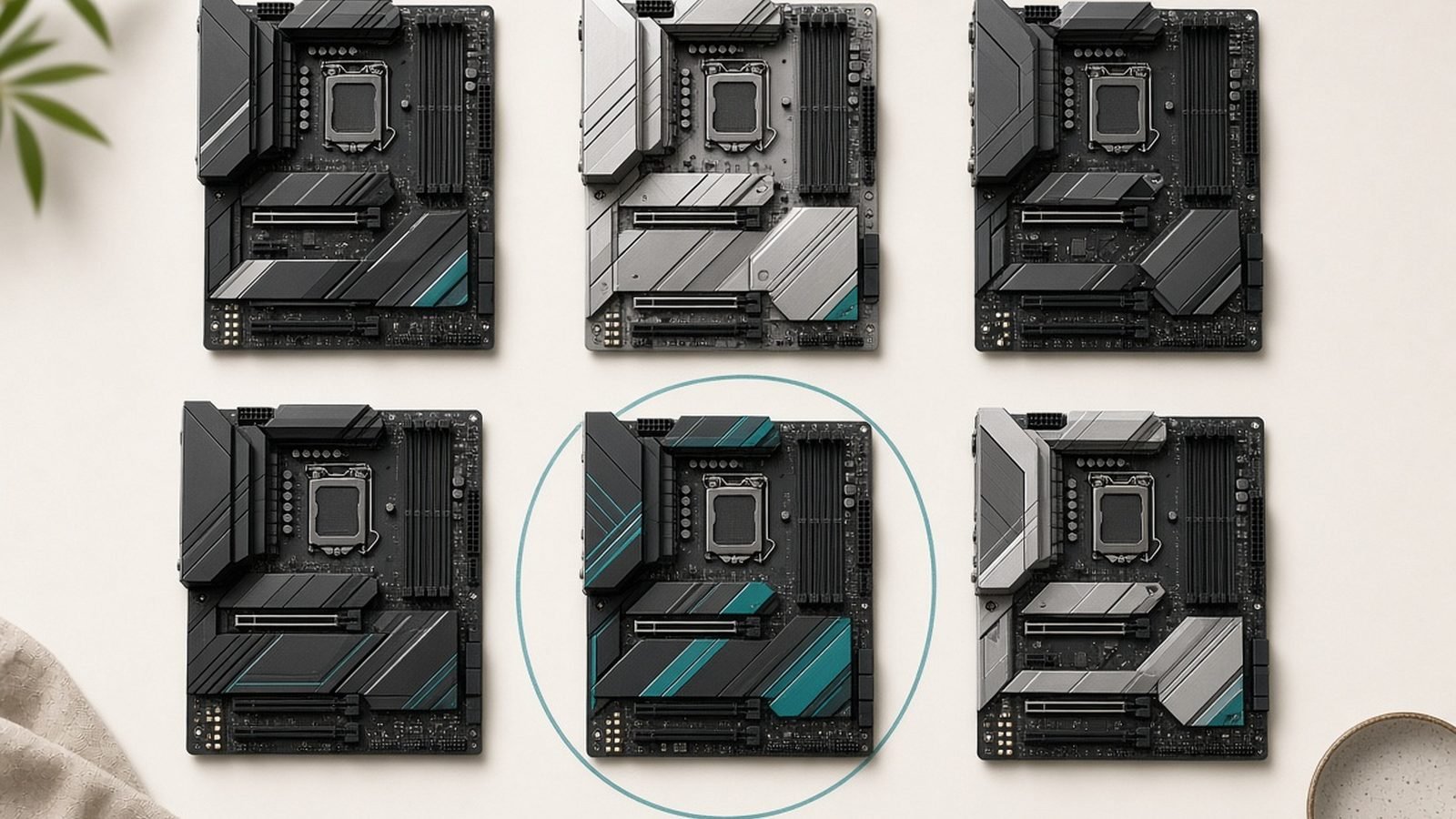
Boards like the MSI B850 Tomahawk WiFi have four EZ Debug LEDs labelled CPU, DRAM, VGA and BOOT. Whichever stays lit is the stage POST failed at:
CPU (red): power, seating, or a bent socket pin.
DRAM (a motherboard debug LED red at the memory stage): RAM not detected, badly seated, or failing training.
VGA: graphics card not detected — reseat the GPU or its power.
BOOT: it POSTed but can’t find your drive — a different problem entirely.
Higher-end boards add a two-digit Q-Code; look it up in your manual. Boards with a speaker give beep codes — one short beep is healthy, repeats point to RAM or GPU. Note which LED is lit before you touch anything.
Check price: MSI B850 Tomahawk WiFi
Reseat RAM, GPU and power connectors
Power down, switch the PSU off, and hold the case power button for ten seconds to discharge. Then reseat whatever the debug LED pointed at.
RAM: push each stick until both clips snap. Half-seated memory is the number-one cause of a “new build won’t POST.” Use the manual’s recommended slots — usually A2 and B2.
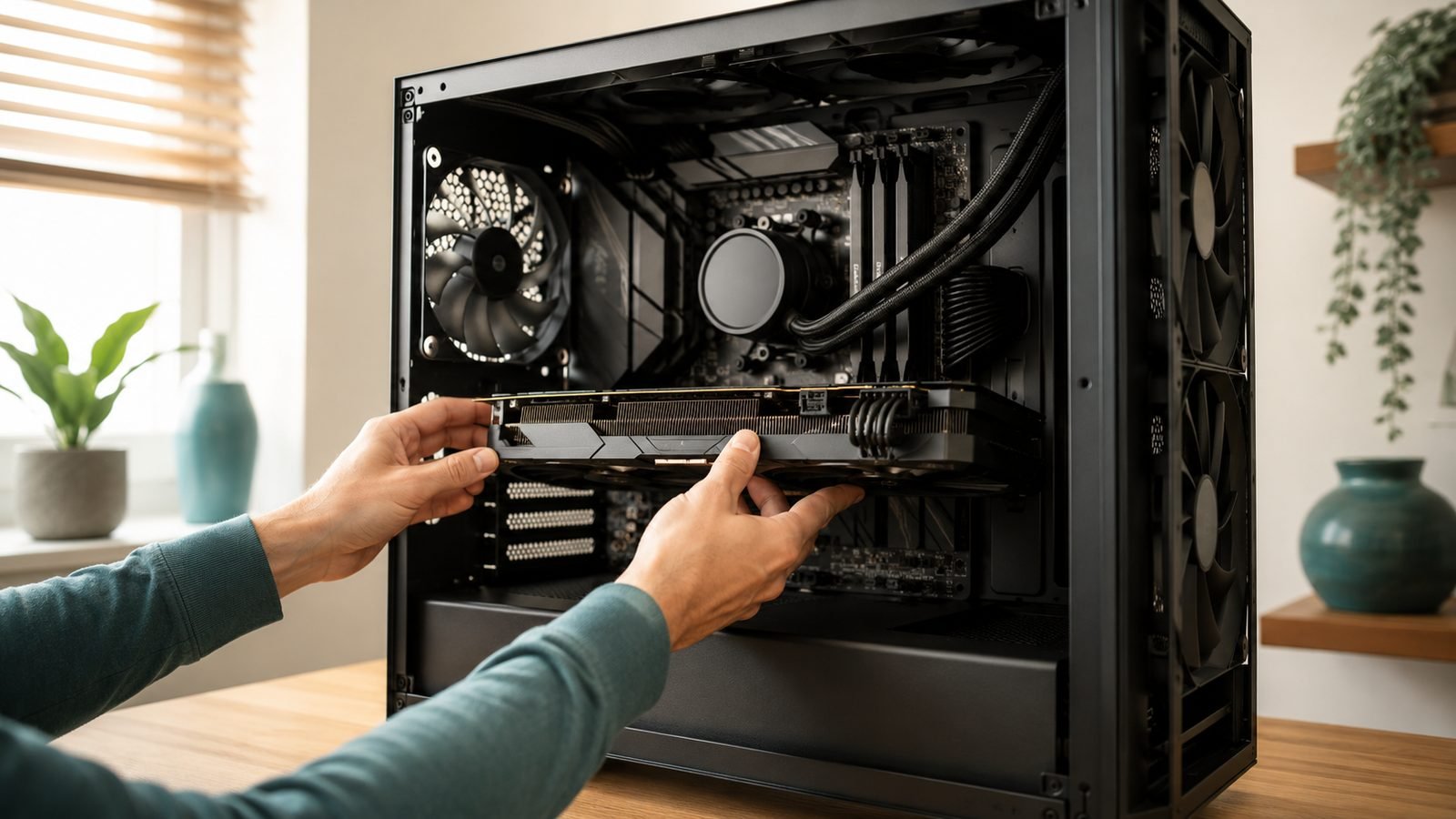
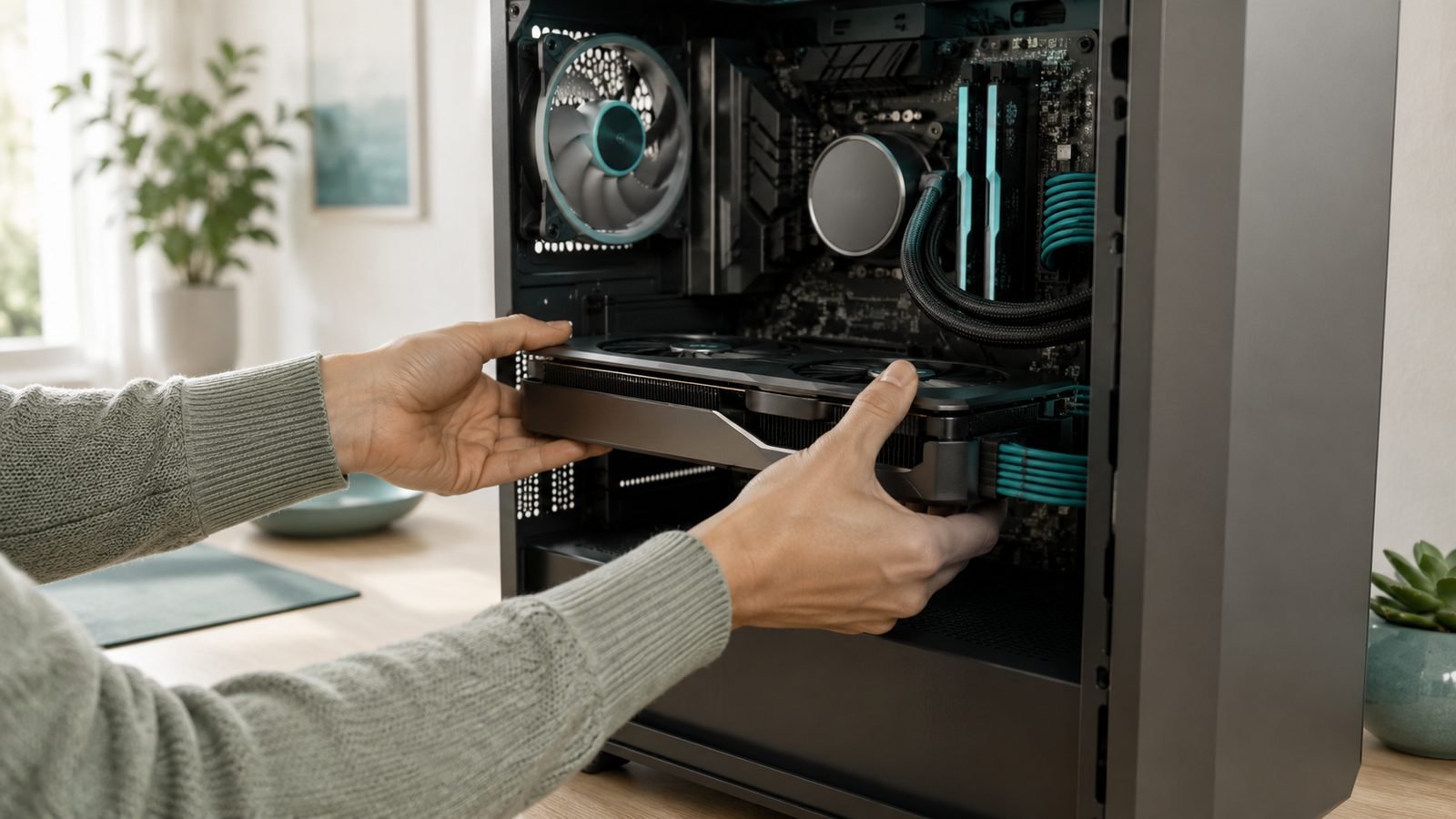
GPU: reseat until the PCIe latch clicks, then reconnect its power cables fully. On modern cards, push the 12VHPWR connector until it clicks — a partial insertion can stop POST.
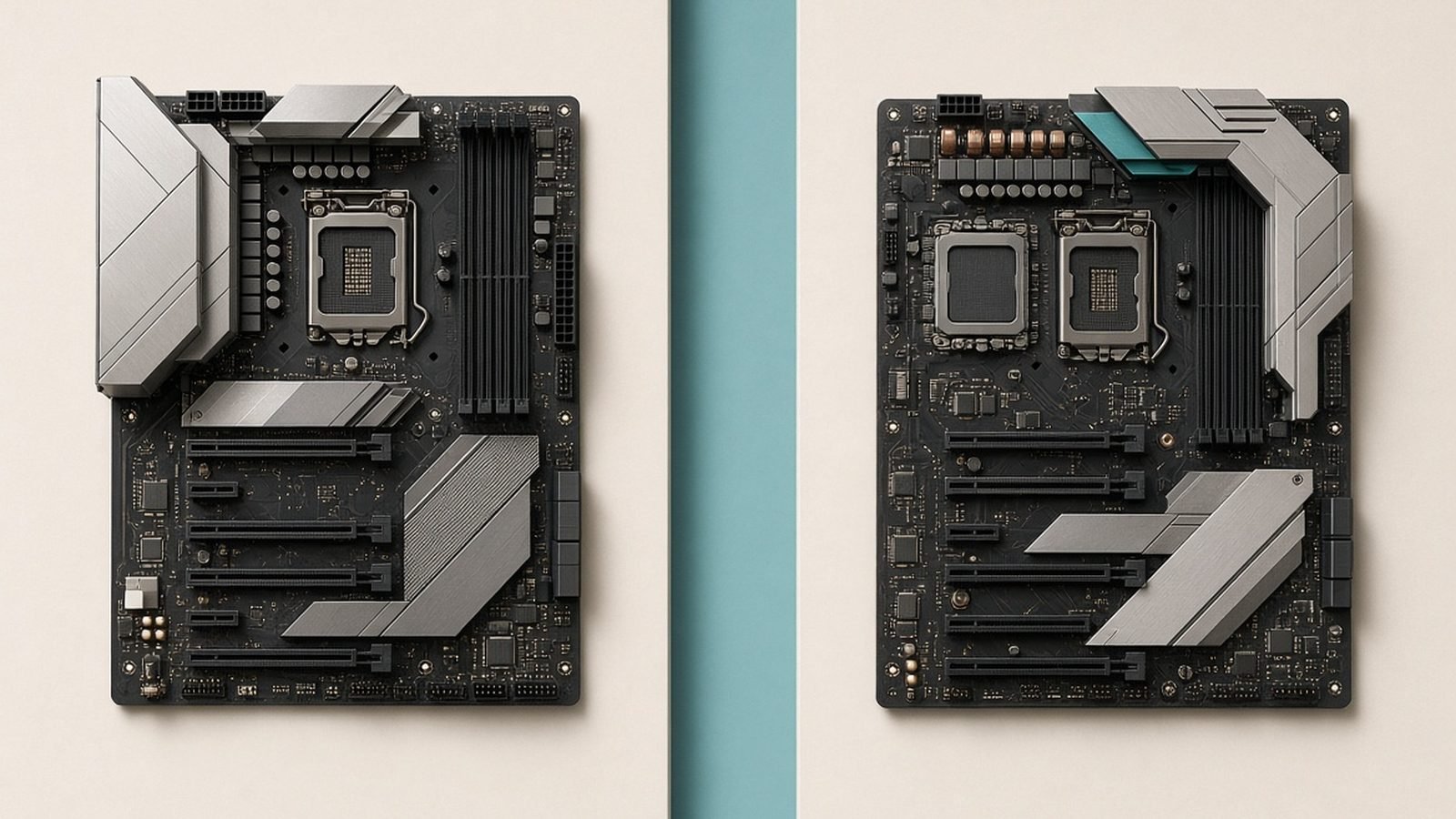
Power connectors: confirm the 24-pin and, critically, the 8-pin (or 8+4) CPU/EPS connector at the top of the board are fully home. A missing EPS cable gives fans-but-no-display every time.
Re-test. If the “PC boots no display GPU” symptom persists with the VGA LED lit, try another PCIe slot or test on integrated graphics (below).
Clear CMOS and disable EXPO
If the DRAM LED lingers or the system power-cycles before going dark, you’re likely looking at a memory-training failure — very common on AM5 with fast DDR5.
Kits such as the Corsair Vengeance DDR5-6000 CL30 32GB ship at JEDEC speed and only hit their rated 6000MT/s once you enable the EXPO profile. On a fresh board, or after a BIOS update, that profile can fail to train and leave a black screen. Based on owner reports, it’s one of the most-seen no-POST scenarios on new Ryzen builds — and the fix is simple.
Clear CMOS to reset BIOS to defaults:
Power off and unplug the PSU.
Press the Clear CMOS button/jumper (check your manual), or remove the coin cell for five minutes.
Reconnect and boot — the board reverts to safe defaults and EXPO is off.
Once you get a picture, re-enable EXPO deliberately. If it fails to train again, first boot may take 30-60 seconds of black screen while it retrains — be patient and don’t cut power. Full walkthrough: How to Enable EXPO for DDR5 RAM (Ryzen AM5).
Check price: Corsair Vengeance DDR5-6000 CL30 32GB
Test with minimal hardware (one stick, iGPU)
Still black? Strip the build to the bare minimum to isolate the culprit.
One RAM stick only, in the single-DIMM slot from your manual (usually A2). Swap to the other stick to rule out a bad module.
Integrated graphics. Most Ryzen 7000/9000 and Intel chips have an iGPU. Remove the card, plug the monitor into the motherboard output and boot. Display now means your GPU, slot or its power is the issue.
Outside the case. Bench the board on its box with just CPU, cooler, one stick and PSU to rule out a standoff short.
Add parts back one at a time until the fault reappears. That’s your culprit.
When it’s a DOA part (RMA path)
If minimal-hardware testing with known-good spares still gives you a PC no display on boot, you may have a dead-on-arrival part. Test the PSU with a tester or spare, try a different known-working RAM kit and CPU if you can, and confirm no standoff short.
Isolate the single failing component, then contact the retailer with your invoice and packaging. Bent AM5 socket pins are usually a motherboard RMA, not a CPU one. DOA rates are low but real — don’t burn a week assuming you did something wrong.
Preventing it on your next build
Seat RAM and GPU until they click, and plug in the EPS/CPU cable first — it’s the easiest to forget.
Bench the board outside the case for the first POST.
Update BIOS before enabling EXPO on a new kit.
Buy a board with debug LEDs so diagnosis takes minutes, not hours.
New to this? Follow How to Build a Gaming PC: Step-by-Step for Beginners. Choosing parts? See Best B850 Motherboards for Ryzen in 2026 and the PC Hardware.
Recommended gear for painless diagnosis
MSI B850 Tomahawk WiFi — around $220 / £210. A mid-range AM5 board whose EZ Debug LEDs turn “why is it dead?” into a 30-second answer.
Pros: Clear per-stage debug LEDs; strong VRM; solid DDR5 support. Cons: No two-digit Q-Code display; overkill if you never overclock. Best for: first-time builders who want fast, obvious diagnostics.
Corsair Vengeance DDR5-6000 CL30 32GB — around $105 / £100. The default EXPO kit for Ryzen and a frequent star of no-POST tickets that reseating and a clean EXPO enable almost always solve.
Pros: Great value at the AM5 sweet-spot speed; wide compatibility. Cons: May need a patient first-boot retrain; enable EXPO manually. Best for: AM5 gaming builds that want 6000MT/s without drama.
FAQ
Why does my PC turn on but show no display? Fans and lights only mean the PSU delivered power, not that the system POSTed. The usual culprits are a loose RAM stick, a cable in the motherboard port instead of the GPU, or a failed EXPO training attempt. Work the triage above in order and watch your board’s debug LED to see which stage is failing.
What does a red DRAM debug LED mean? A motherboard debug LED red at the DRAM stage means the board can’t initialise memory. Reseat both sticks until the clips snap, confirm they’re in the manual’s recommended slots, and clear CMOS to drop EXPO. If it persists, test one stick at a time to find a bad module or slot.
Does clearing CMOS delete my files? No. A clear CMOS fix for no POST only resets BIOS settings — boot order, EXPO, fan curves — to factory defaults. Your drives and files are untouched. You’ll just re-enable EXPO and re-check your boot device afterwards. It’s a safe, reversible first move whenever a build won’t display.
How long should a first boot with new DDR5 take? Longer than you’d expect. On AM5, the first POST after enabling EXPO or updating BIOS can sit on a black screen for 30-60 seconds while the board trains memory. Don’t cut power. If it’s still dark after two minutes with the DRAM LED lit, clear CMOS and try again.
Could a new build not POST because of a DOA part? Possible, but not the first assumption. After reseating everything, clearing CMOS and testing one stick plus the iGPU, swap in known-good spares to isolate the failing component. Only then start an RMA — most “new build won’t POST” cases are seating or configuration, not dead hardware.
Zen Tech Hub may earn a commission from links on this page, at no extra cost to you.