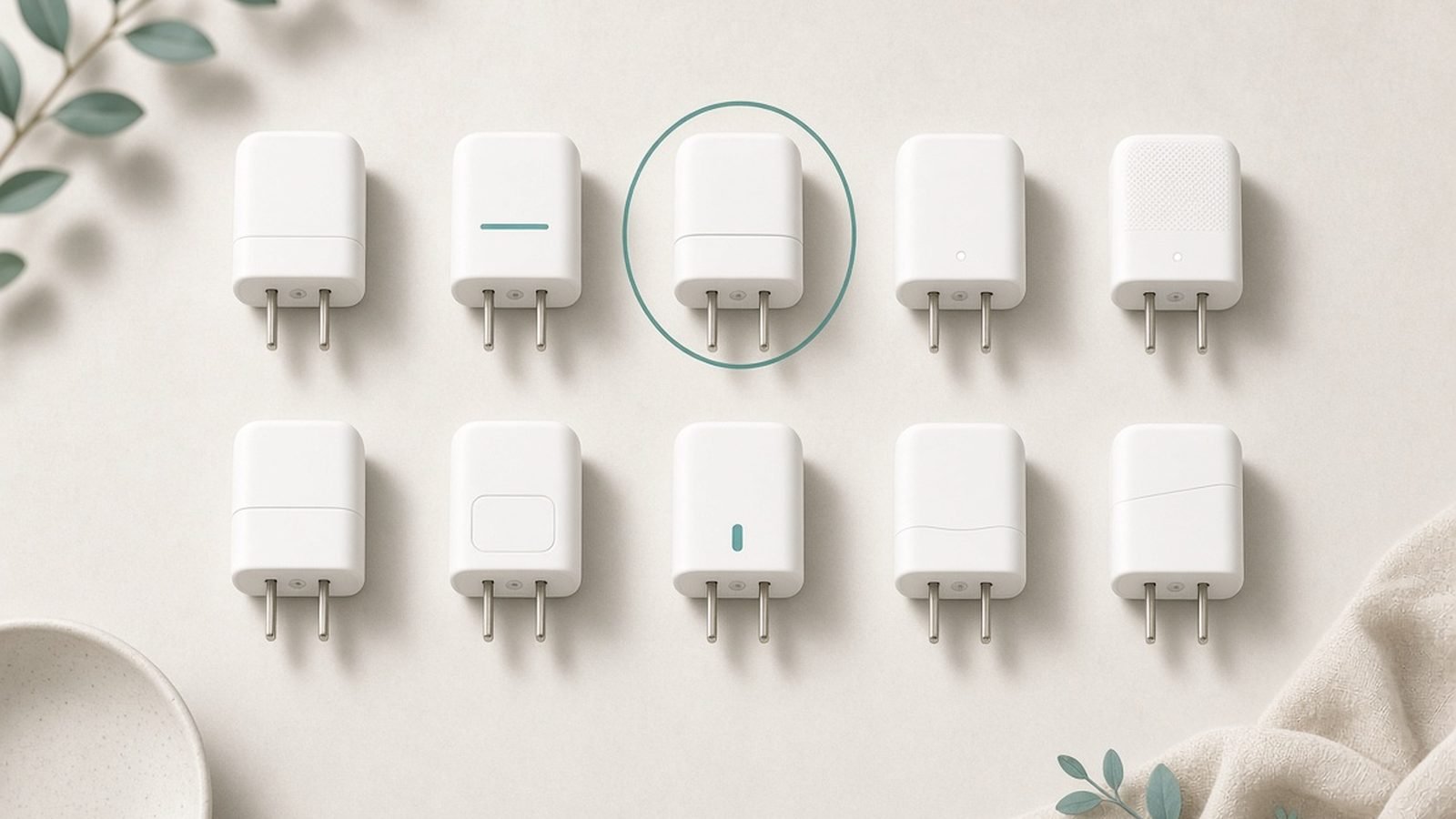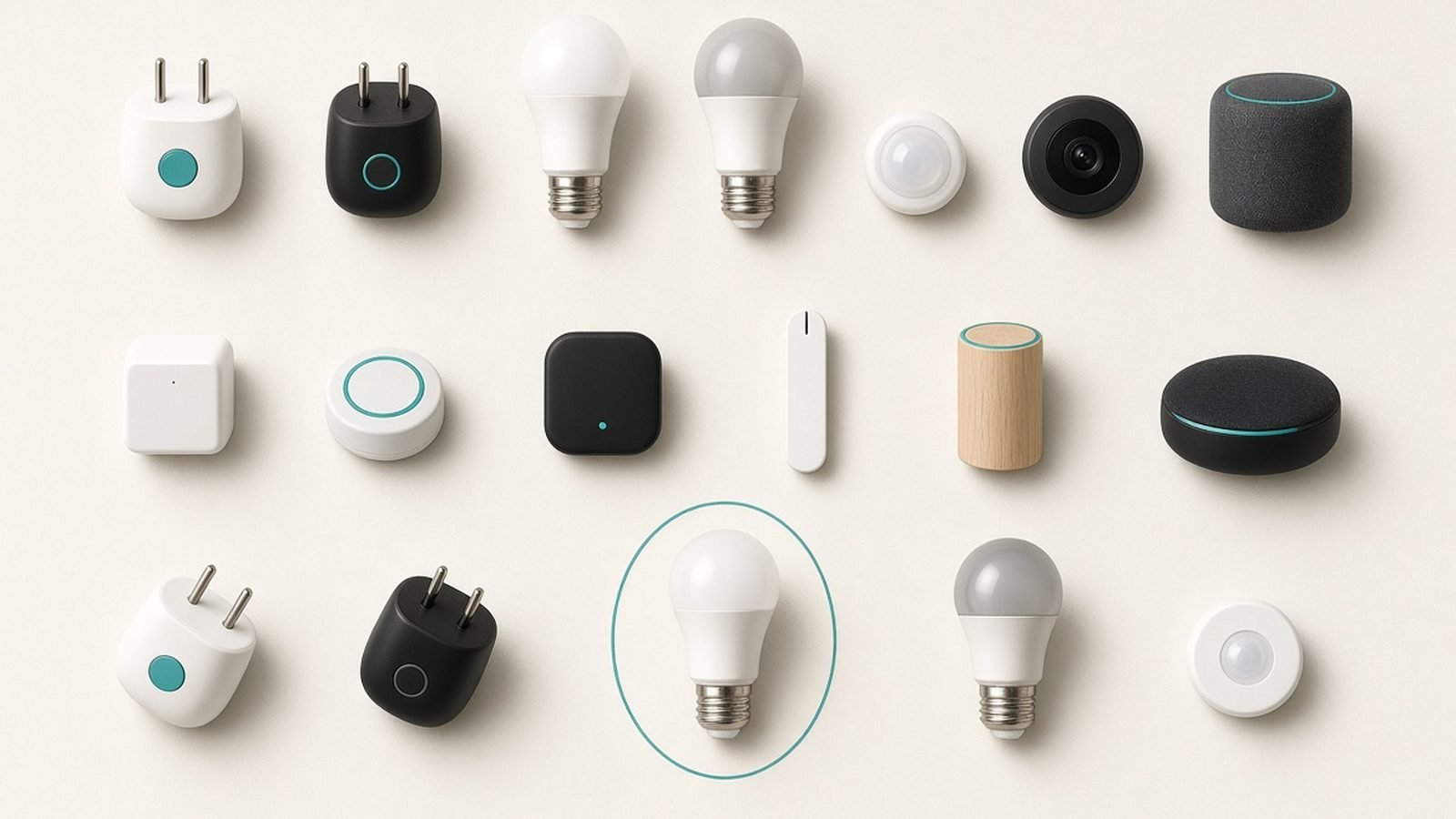
A first smart home goes better when you buy in order of how little each device asks of you, not how impressive it looks. A smart plug and a smart speaker are cheap and need no rewiring or drilling, so they come first; everything after that follows as you learn what you actually want automated, and some of it needs real installation or carries monthly fees that matter more than the sticker price. That is why the opening pick is a TP-Link Kasa/Tapo smart plug (around $12 / £11): for the price of lunch it teaches you app and voice control without touching your wiring. This guide is a starter map, not a spec race — it names one solid pick in each core category and the honest reason to buy (or skip) it.
We’ve researched the current field across the US and UK — Matter support, ecosystem fit, subscription traps, and thousands of owner reports — to recommend a sensible first device in each category. Below are seven picks spanning speaker, plug, bulb, camera, doorbell, lock, and thermostat, each with a clear “who it’s for” and the trade-off. For deep dives, we link to our dedicated guides throughout.
Best smart home devices 2026 at a glance
| Category | Our starter pick | Best for | Price (US / UK) |
|---|---|---|---|
| Smart speaker | Amazon Echo Dot / Echo | Voice control hub | around $50 / £55 |
| Smart plug | TP-Link Kasa / Tapo P110 | Cheapest first step | around $12 / £11 |
| Smart bulb | Philips Hue / Govee | Lighting scenes | around $15-50 / £14-45 |
| Security camera | Blink / Eufy indoor | Keeping an eye on home | around $35-80 / £35-80 |
| Video doorbell | Ring / Eufy doorbell | Seeing who’s at the door | around $60-150 / £50-130 |
| Smart lock | Yale / August lock | Keyless entry | around $130-250 / £120-230 |
| Smart thermostat | Google Nest / ecobee | Saving on heating | around $130-250 / £180-220 |
Prices swing with sales, and smart-home gear discounts hard around major shopping events.
How we picked the best smart home starter devices
Our analysis rests on published specifications, platform and Matter documentation, subscription terms, and aggregated owner feedback across US and UK users — not lab testing we didn’t run. Four factors decided it.
Low risk to start. The best first devices are cheap and don’t require rewiring or drilling, so a beginner can try smart home without commitment. That’s why plugs and speakers lead, and why we’re upfront about which categories need real installation.
Ecosystem fit. Everything gets easier when your devices share one voice assistant and, ideally, Matter. We favored picks that work across Alexa, Google, and Apple where possible, and flag where a device locks you in.
Honest subscription costs. Cameras and doorbells often hide their real price in monthly cloud fees. We call out which devices work well without a subscription, because that ongoing cost matters more than the sticker.
Genuine usefulness. Smart home is full of gadgets that impress once and gather dust. We picked categories and devices that earn their place daily — control, security, and savings — over novelties.
Best first buy: a smart plug (TP-Link Kasa / Tapo P110)
Around $12 / £11 — the cheapest, lowest-risk way to understand smart home.
Start here. A smart plug turns any lamp, fan, heater, or coffee maker into a scheduled, app- and voice-controlled device, with no wiring and no risk. The Kasa EP25 (US) / Tapo P110 (UK) adds energy monitoring, so you also see what your appliances cost to run. It plugs in, connects to Wi-Fi in minutes, and immediately gives you the core smart-home experience: “turn the lamp on at sunset,” “switch off the heater from my phone.”
The reason it’s the best first device is that it teaches you the concepts — apps, routines, voice control, schedules — for the price of lunch, and if smart home isn’t for you, you’ve lost almost nothing. It’s also genuinely useful long-term for lamps, seasonal lights, and measuring power-hungry appliances. For the full rundown of models, energy monitoring, and Matter options, see our dedicated guide to the Best Smart Plugs 2026: Cheapest Way Into Home Automation.
Pros:
- Cheapest possible entry point
- No wiring or installation risk
- Energy monitoring on the P110/EP25
- Genuinely useful for lamps and appliances
Cons:
- Only controls whatever plugs into it
- Wi-Fi models aren’t Matter (some SKUs are)
- Bulky on a UK double socket
Who it’s for: Absolutely anyone starting out, or anyone who wants cheap control and energy data.
Check price: TP-Link Kasa EP25 / Tapo P110
Verdict: The best first smart-home device, full stop — buy one before anything else.
Best smart speaker: Amazon Echo Dot / Echo
Around $50 / £55 — the voice hub that ties a smart home together.
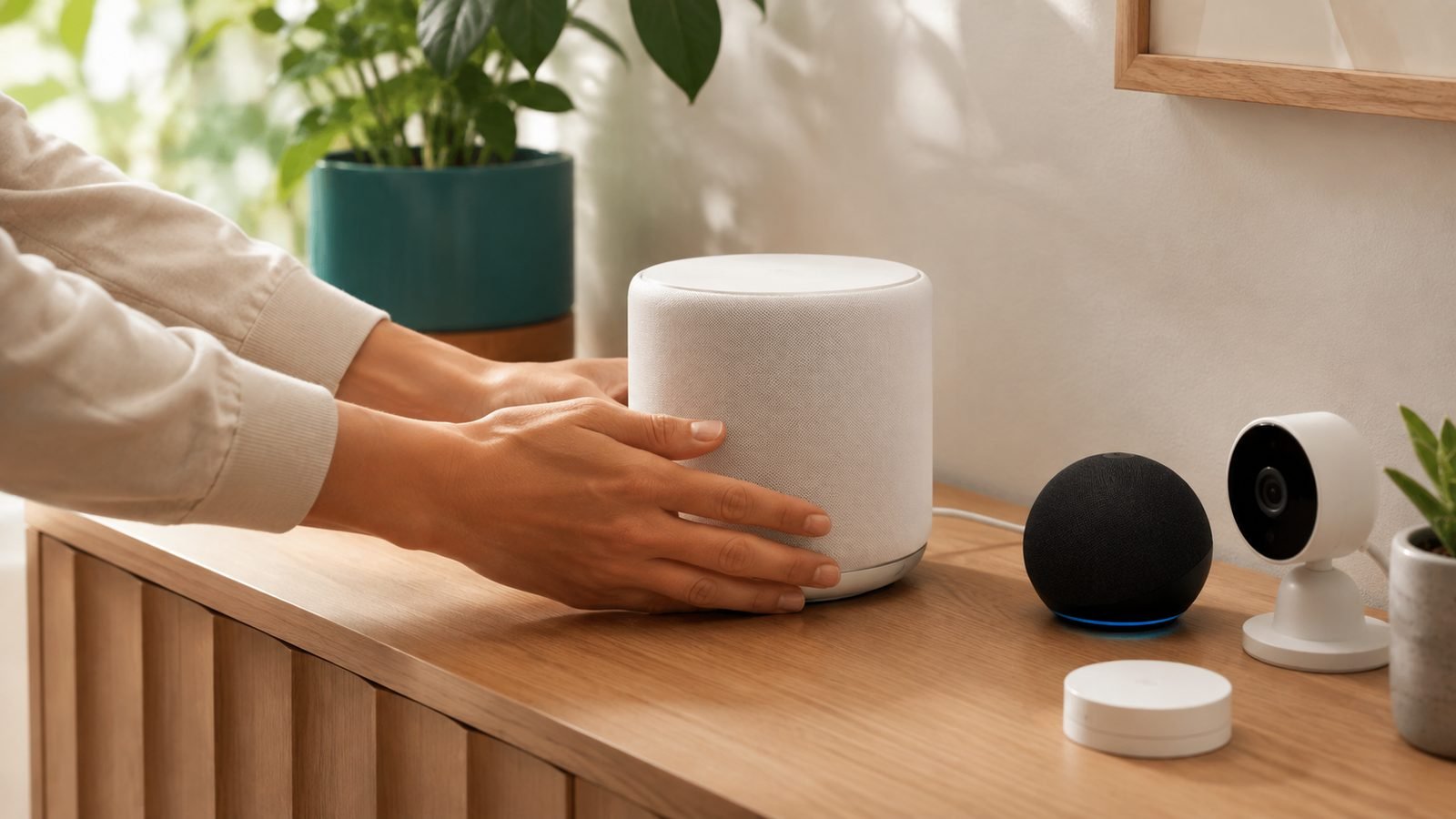
A smart speaker is the second thing to buy, because voice control is what makes a smart home feel effortless. The Echo Dot (compact) or full-size Echo gives you Alexa, the most widely supported assistant for third-party smart-home gear, plus music, timers, and hands-free control of your plugs, lights, and cameras. Many Echo models also act as a Matter and Zigbee hub, letting them connect certain devices directly without extra bridges.
Alexa’s breadth is the draw: more smart-home products work with Alexa out of the box than with any rival, making the Echo the safest hub for a mixed-brand home. If you’re an Apple household, a HomePod mini with Siri is the equivalent; Google homes want a Nest speaker. But for most beginners building across brands, an Echo is the pragmatic center.
The trade-offs are privacy and nudging. An always-listening microphone in your home is a real consideration, and Amazon promotes its own services through the device. You can mute the mic and ignore the upsells, but weigh the privacy trade honestly. As a cheap, capable smart-home hub and voice controller, though, it’s the standard.
Pros:
- Widest smart-home compatibility (Alexa)
- Doubles as a Matter/Zigbee hub on many models
- Cheap, especially on sale
- Music, timers, and hands-free control
Cons:
- Always-listening mic raises privacy questions
- Amazon upsells its own services
- Sound quality is basic on the Dot
Who it’s for: Beginners building a mixed-brand smart home who want the most compatible voice hub.
Verdict: The most compatible voice hub for the money — buy an Echo (or your ecosystem’s equivalent) second.
Best smart lighting: Philips Hue / Govee
Around $15-50 / £14-45 — the upgrade that changes how a room feels.
Smart lighting is where most people fall for smart home, because scenes and schedules genuinely change how a space feels. Philips Hue is the premium standard: rock-solid reliability, the best app, and a huge range of bulbs, strips, and fixtures — though its best experience uses a Hue Bridge hub. Govee is the value alternative, with vivid color, fun effects, and lower prices, ideal for accent lighting and gaming setups. Both work with Alexa, Google, and (via Hue) Apple Home.
Start with a couple of color bulbs in the rooms you use most, set a warm evening scene and a bright morning one, and you’ll quickly see the appeal. Hue is the choice when reliability and ecosystem depth matter; Govee is the choice when you want maximum color and effects for less money. Our full comparison of the two, plus alternatives, lives in Best Smart Light Bulbs 2026: Philips Hue & Alternatives.
The trade-offs: Hue’s up-front cost is high, especially once you add the Bridge, and Govee’s app and reliability, while improved, sit a notch below Hue’s. Neither is a bad choice — it’s premium-and-dependable versus cheap-and-colorful.
Pros:
- Scenes and schedules transform rooms
- Hue: best reliability and app
- Govee: vivid color and effects for less
- Works with the major assistants
Cons:
- Hue is expensive, often needs a Bridge
- Govee app/reliability a step behind Hue
- Costs add up across a whole home
Who it’s for: Anyone wanting ambience and automated lighting — Hue for reliability, Govee for value and color.
Check price: Philips Hue starter kit
Verdict: Buy Hue for a dependable premium system or Govee for colorful value — either is a great third purchase.
Best security camera: Blink / Eufy indoor
Around $35-80 / £35-80 — eyes on your home, ideally without a subscription.
A camera is often the first “serious” smart-home buy, and the key decision is subscriptions. Blink (Amazon-owned) is the cheap, easy entry with long battery life; Eufy is the pick for people who want local storage and no monthly fee, saving footage on the device rather than the cloud. Both cover the core job — motion alerts, live view, two-way talk — with Eufy leaning toward privacy and one-time costs, Blink toward low up-front price.
The reason subscriptions dominate this category is that many cameras lock features like recorded clips and person detection behind monthly plans, so a “cheap” camera can cost more over time than a pricier one that stores locally. Decide early whether you’ll pay monthly or want subscription-free hardware — it changes which brand fits. Our full breakdown of the best options, including subscription-free picks, is in Best Home Security Cameras 2026: Indoor & Outdoor Picks.
The trade-offs: subscription-free cameras like Eufy cost more up front and have smaller ecosystems, while cheap cameras like Blink push you toward cloud plans for full functionality. Privacy-conscious buyers should favor local storage; convenience-first buyers may accept a subscription.
Pros:
- Motion alerts, live view, two-way talk
- Eufy: local storage, no monthly fee
- Blink: cheap, long battery life
- Deters and documents intruders
Cons:
- Cloud plans add ongoing cost
- Subscription-free hardware costs more up front
- Always-on cameras raise privacy concerns
Who it’s for: Anyone wanting home monitoring — Eufy if you want to avoid subscriptions, Blink for cheap simplicity.
Verdict: Buy Eufy to avoid monthly fees or Blink for the cheapest start — just decide on subscriptions first.
Best video doorbell: Ring / Eufy
Around $60-150 / £50-130 — see and speak to whoever’s at the door.
A video doorbell is one of the most-used smart-home devices because deliveries and visitors happen daily. Ring is the mainstream default — easy setup, wide compatibility, and a mature app — but its best features rely on a Ring Protect subscription. Eufy again offers the subscription-free alternative, storing recordings locally. Both let you see, hear, and talk to callers from your phone, and battery models install without wiring.
The value question mirrors cameras: Ring is cheap and polished but nudges you toward monthly fees for recorded clips, while Eufy costs a bit more up front to skip them. For renters or anyone avoiding drilling, battery doorbells from either brand install in minutes. The core benefit — never missing a delivery or a caller, and having a record of who came by — is genuinely useful.
The trade-offs are subscriptions and privacy. Ring’s ecosystem is broad but Amazon-owned and cloud-centric; Eufy is more private but has a smaller feature set and occasional integration limits. Wired models give the most reliable performance if you have existing doorbell wiring.
Pros:
- See, hear, and talk to callers remotely
- Battery models install without wiring
- Eufy: local storage, no subscription
- Ring: polished app, wide compatibility
Cons:
- Ring’s best features need a subscription
- Cloud footage raises privacy questions
- Battery models need periodic recharging
Who it’s for: Anyone who wants to see who’s at the door — Ring for polish, Eufy to avoid fees.
Check price: Ring Battery Video Doorbell
Verdict: Buy Ring for the easiest mainstream experience or Eufy for subscription-free peace of mind.
Best smart lock: Yale / August
Around $130-250 / £120-230 — keyless entry and remote control of your door.
A smart lock adds real convenience — unlock for guests remotely, get alerts when family arrives, stop hiding a spare key — and is a mid-journey upgrade once you’re comfortable with smart home. Yale and August (both under the same group) lead for reliability and ecosystem support, with models that either replace your whole lock or retrofit onto your existing deadbolt from the inside, keeping your outside key. They work with Alexa, Google, and often Apple Home, and many now support Matter.
The retrofit approach is a big deal for renters and the cautious: you keep your existing keys and door hardware while adding app control, auto-lock, and access codes. Auto-locking alone — never wondering if you locked up — wins people over. For a deeper look at fingerprint and keypad options, see Best Smart Locks 2026: Keyless Entry Compared & Ranked.
The trade-offs are cost, batteries, and installation. Smart locks are among the pricier starter devices, they run on batteries you must keep charged, and full-replacement models require some DIY. Security-wise, a good smart lock is safe, but keep firmware updated and choose established brands over unknowns.
Pros:
- Remote lock/unlock and access codes
- Auto-lock removes “did I lock it?” worry
- Retrofit models keep your existing key
- Broad assistant and Matter support
Cons:
- Pricey compared to plugs and bulbs
- Battery-dependent
- Full replacement needs installation
Who it’s for: People comfortable with smart home who want keyless convenience and remote access.
Check price: Yale / August Smart Lock
Verdict: A worthwhile mid-journey upgrade — buy a retrofit model if you rent or want to keep your keys.
Best smart thermostat: Google Nest / ecobee
Around $130-250 / £180-220 — the device that can actually pay for itself.
A smart thermostat is the smart-home buy most likely to save you money, by learning your schedule and not heating an empty house. Google Nest (the Learning Thermostat and cheaper Nest Thermostat) auto-learns your routine and adjusts itself; ecobee adds room sensors so it heats based on where you actually are, plus built-in voice control. Both cut wasted heating and cooling, and both work with the major assistants. UK buyers should confirm compatibility with their heating system, as wiring differs.
The reason it tops the “worth it” list is the payback: reducing heating and cooling waste can meaningfully lower energy bills over a year, so the device recovers part of its cost — unlike most smart gadgets. Nest suits people who want a hands-off, self-learning device; ecobee suits those who want sensor-based precision and control. Professional installation is sometimes needed depending on your wiring.
The trade-offs are compatibility and up-front cost. Not every heating system is supported, especially in the UK, so check before buying, and installation can require care with wiring. But of everything here, this is the device that most justifies its price through savings.
Pros:
- Can lower energy bills meaningfully
- Nest self-learns your schedule
- ecobee adds room sensors and voice
- Works with major assistants
Cons:
- Compatibility varies (check UK wiring)
- Higher up-front cost
- May need professional installation
Who it’s for: Homeowners wanting a smart-home device that pays back part of its cost through energy savings.
Check price: Google Nest / ecobee Thermostat
Verdict: The smartest money-saving smart-home buy — choose Nest for hands-off learning, ecobee for sensor precision.
How to choose and build a smart home
Four principles keep it painless.
Start cheap and grow. Buy a smart plug and a speaker first. Live with them, learn what you actually want automated, then add lights, cameras, or a thermostat. Building slowly beats a big upfront kit you half-use — and it’s far cheaper to change course early.
Pick one ecosystem and stick to it. Decide early whether your home runs on Alexa, Google, or Apple, and favor devices that support it. A single assistant means everything responds to the same commands and lives in fewer apps. Matter support helps future-proof this choice across brands.
Budget for subscriptions, not just hardware. Cameras, doorbells, and some services carry monthly fees that dwarf the device price over time. If you want to avoid them, choose local-storage brands like Eufy from the start rather than getting locked into cloud plans.
Prioritize devices that earn their keep. Plugs, lights, cameras, and thermostats get used daily and, in the thermostat’s case, can save money. Novelty gadgets rarely do. Spend on the categories that solve a real, recurring annoyance in your home.
FAQ: smart home devices
What smart home device should I buy first?
A smart plug — specifically a TP-Link Kasa EP25 or Tapo P110 at around $12 / £11. It’s the cheapest, lowest-risk way to experience app and voice control, needs no wiring, and is genuinely useful for lamps and appliances. Pair it with a smart speaker like an Echo Dot for voice control, and you have the foundation of a smart home for well under $70.
Do I need a smart home hub?
Increasingly, no. Many devices connect straight to Wi-Fi, and several smart speakers (like newer Echo and Nest models) double as Matter/Zigbee hubs. Some ecosystems — notably Philips Hue at its best — still use a bridge, and Zigbee/Z-Wave devices need a compatible hub. Check each device, but a beginner can build a lot without a dedicated hub.
What is Matter and does it matter?
Matter is a cross-industry standard that lets smart-home devices from different brands work together across Alexa, Google, and Apple Home. It reduces the risk of buying into a dead end, since Matter devices should keep working even if you switch platforms. It’s worth favoring Matter-supported gear when the price is similar, though plenty of excellent non-Matter devices remain fine choices.
Which voice assistant is best for smart home?
Alexa has the widest third-party device support, making it the safest choice for a mixed-brand home, which is why an Echo is a common first hub. Google Assistant is strong and integrates well with Android and Nest. Apple’s Siri/HomeKit is the most private but works with fewer devices. Pick based on the phones and speakers you already own.
How much does it cost to start a smart home?
You can begin for well under $100 / £100: a smart plug (around $12 / £11) and a smart speaker (around $50 / £55) cover control and voice. From there, lights, cameras, doorbells, locks, and thermostats each add $15-250 depending on the category. The smart approach is to start small and add devices only as you find genuine uses.
Are smart home devices a privacy risk?
They can be, so choose deliberately. Always-listening speakers and cloud cameras collect data, so favor brands with local storage (like Eufy) for sensitive areas, keep firmware updated, use strong unique passwords, and mute microphones when you want. Established brands with clear privacy policies are safer than cheap unknown ones. Used sensibly, the convenience can be worth the manageable trade-offs.
Zen Tech Hub may earn a commission from links on this page, at no extra cost to you.