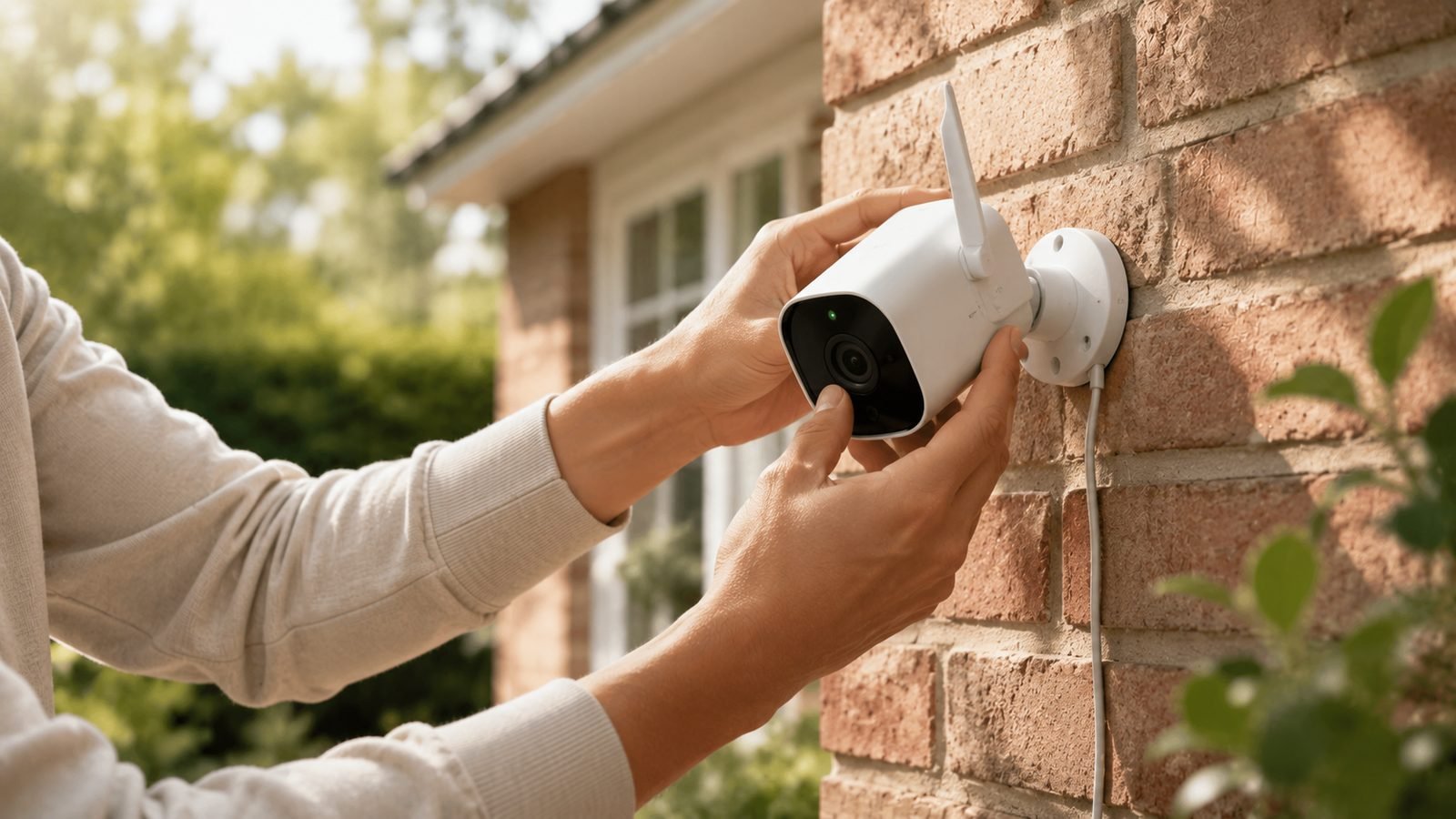
Local vs cloud camera storage comes down to a trade-off between control and convenience. In one sentence: local storage (a microSD card, hub, or NVR in your home) is cheaper long-term, more private, and works without internet, while cloud storage is more resilient to theft, easier to access anywhere, and unlocks smarter features — but usually costs a monthly fee. For most homes, the best answer is both.
This explainer breaks down how each method actually works, what it really costs over a few years, where each one fails, and how to decide. No jargon, no brand loyalty — just the facts you need to pick storage you won’t regret.
The two approaches in plain English
Local storage keeps your footage on hardware you own and physically hold. That might be a microSD card slotted into the camera, a base station with a hard drive, or a network video recorder (NVR) wired to multiple cameras. The video never has to leave your house.
Cloud storage uploads your clips to a company’s servers over the internet. You watch them through an app, and the footage lives in a data centre — accessible from anywhere, but dependent on your broadband, the provider’s service, and (almost always) a subscription.
Plenty of 2026 cameras support both: they record locally by default and offer optional cloud backup for a fee. Understanding the difference lets you avoid paying for cloud you don’t need — or relying on local storage a burglar can walk off with.
Cost over time: where cloud gets expensive
This is the clearest dividing line.
Local storage is a one-time cost. A 128GB microSD card runs about $15–25 / £12–20 and holds days or weeks of footage depending on resolution. A home NVR with a 2TB drive is a larger upfront outlay — roughly $200–400 / £180–350 — but then records continuously for years with no recurring bill.
Cloud storage is a subscription that never stops. Typical plans:
| Service tier | Rough monthly cost | What it usually covers |
|---|---|---|
| Single-camera cloud | $3–4 / £3–4 | One camera, ~30–60 day history |
| Multi-camera plan | $10–15 / £10–15 | Unlimited cameras, richer AI alerts |
| Premium/pro tiers | $20+ / £20+ | Longer history, 24/7 recording, extras |
Do the math over three years: a $10/month plan is $360 / £360 — several times the price of a card or a small NVR. That recurring cost is exactly why subscription-free cameras have become so popular; our guide to the Best Home Security Cameras With No Subscription in 2026 covers models built around local storage, and the broader Best Home Security Cameras 2026: Indoor & Outdoor Picks roundup notes which plans each system pushes.
Privacy and security: who can see your footage
Local storage is more private. Video stored on your own SD card or NVR isn’t sitting on a third party’s servers, isn’t subject to a provider’s data policies, and can’t be handed over in a company-wide breach. For nurseries, bedrooms, or anyone uneasy about a corporation holding their home footage, local is the calmer choice.
Cloud storage introduces trust. Reputable providers encrypt footage in transit and at rest, and the best offer end-to-end encryption. But you’re trusting their security, their staff access policies, and their response to law-enforcement requests. High-profile breaches and employee-snooping incidents over the years are a real, if occasional, risk.
There’s a flip side, though: local storage can be physically stolen or destroyed. A thief who grabs the camera or smashes the NVR takes your only copy of the evidence with them. Cloud footage is already off-site the instant it’s recorded — the crime is captured even if the camera ends up in the burglar’s pocket. This is local storage’s single biggest weakness.
Reliability: internet, power and hardware
Local storage keeps working when the internet doesn’t. A broadband outage, an ISP fault, or a provider’s server going down doesn’t stop a camera recording to its own SD card or NVR. For rural homes or anyone with flaky internet, that independence is decisive.
Cloud storage depends on your upload speed and the provider staying online. Continuous cloud recording eats upload bandwidth — several cameras streaming 2K can saturate a modest connection and slow everything else in the house. And if the provider has an outage, you simply lose recording for that window.
Both approaches have hardware failure modes. SD cards wear out — cheap ones can fail within a year of constant writes, so buy a high-endurance card designed for surveillance. NVR hard drives eventually die too. Cloud shifts that maintenance burden to the provider, which is a genuine convenience if you’d rather not think about it.
A weak home network undermines either option — cloud uploads stall and even local hub-based cameras drop off. If your cameras keep disconnecting, our Smart Home Wi-Fi Optimization: Stop Devices Dropping Off guide is the fix.
Features: where cloud still pulls ahead
Cloud providers use their server horsepower to offer things local storage often can’t:
- Advanced AI detection — distinguishing people, vehicles, packages, and pets, with fewer false alerts.
- Rich, searchable timelines and facial recognition on premium tiers.
- Easy sharing of clips to family or police, straight from the app.
- Automatic off-site backup — no single point of failure.
Local storage has closed the gap fast, though. Many 2026 cameras now run person/vehicle detection on-device, so you get smart alerts without a subscription, storing only the clips that matter. The best of both worlds is a camera that does on-device AI and records locally — increasingly common at the mid-range.
How to choose: a simple framework
Pick based on what you actually care about most:
- Lowest long-term cost / privacy first → local storage. Choose a camera with a microSD slot or a hub, run on-device AI, and skip the subscription.
- Theft resilience / access-anywhere / hands-off → cloud storage. Best where the camera itself is exposed and could be stolen.
- You want it all → a hybrid camera that records locally by default with optional cloud backup for the critical outdoor cameras only. Pay for cloud on the front door; keep interior cameras local.
- Multiple cameras, continuous recording → a local NVR is the most economical path; cloud continuous recording at that scale gets expensive fast.
A common, sensible setup: local storage everywhere, plus a cheap single-camera cloud plan on the one outdoor camera most likely to be tampered with.
The bottom line
Neither is universally “better.” Local storage wins on cost, privacy and offline reliability; cloud wins on theft resilience, remote access and advanced features. The friction point is almost always the subscription — so if a monthly fee bothers you, start with local and add cloud only where theft risk justifies it. To see which cameras do this well, compare the Best Home Security Cameras With No Subscription in 2026 and the wider Best Home Security Cameras 2026: Indoor & Outdoor Picks guide.
FAQ
Do I really need cloud storage for my security cameras?
No. A camera with local storage and on-device AI detection records and alerts perfectly well without any subscription. Cloud storage is worth adding mainly for theft resilience — footage that’s already off-site if the camera is stolen — and for advanced features. Many people run local as the default and pay for cloud on just one exposed outdoor camera.
Is local storage safe from hackers?
Local storage isn’t exposed to a provider’s servers, which removes one whole category of risk. But the camera is still on your network, so keep its firmware updated and use a strong, unique password. The bigger local risk is physical: a thief can take the SD card or NVR, so keep recorders out of sight.
How much footage does a microSD card hold?
It depends on resolution and whether the camera records continuously or only on motion. As a rough guide, a 128GB high-endurance card holds several days of continuous 2K footage, or a few weeks of motion-only clips. Always buy a high-endurance card rated for surveillance — standard cards wear out quickly under constant writing.
What happens to cloud footage if I cancel my subscription?
Typically you lose access to stored clips, often after a short grace period, and recording stops. Some services let you download clips before cancelling. This lock-in is a reason to prefer cameras that also store locally, so cancelling a plan doesn’t leave you with no recording at all.
Can I use both local and cloud storage together?
Yes, and it’s the most robust setup. Many cameras record locally by default and upload important clips to the cloud as backup. You get offline reliability and privacy from local storage, plus theft resilience and remote access from the cloud — usually on a cheaper plan since you’re only backing up key clips, not everything.
Zen Tech Hub may earn a commission from links on this page, at no extra cost to you.