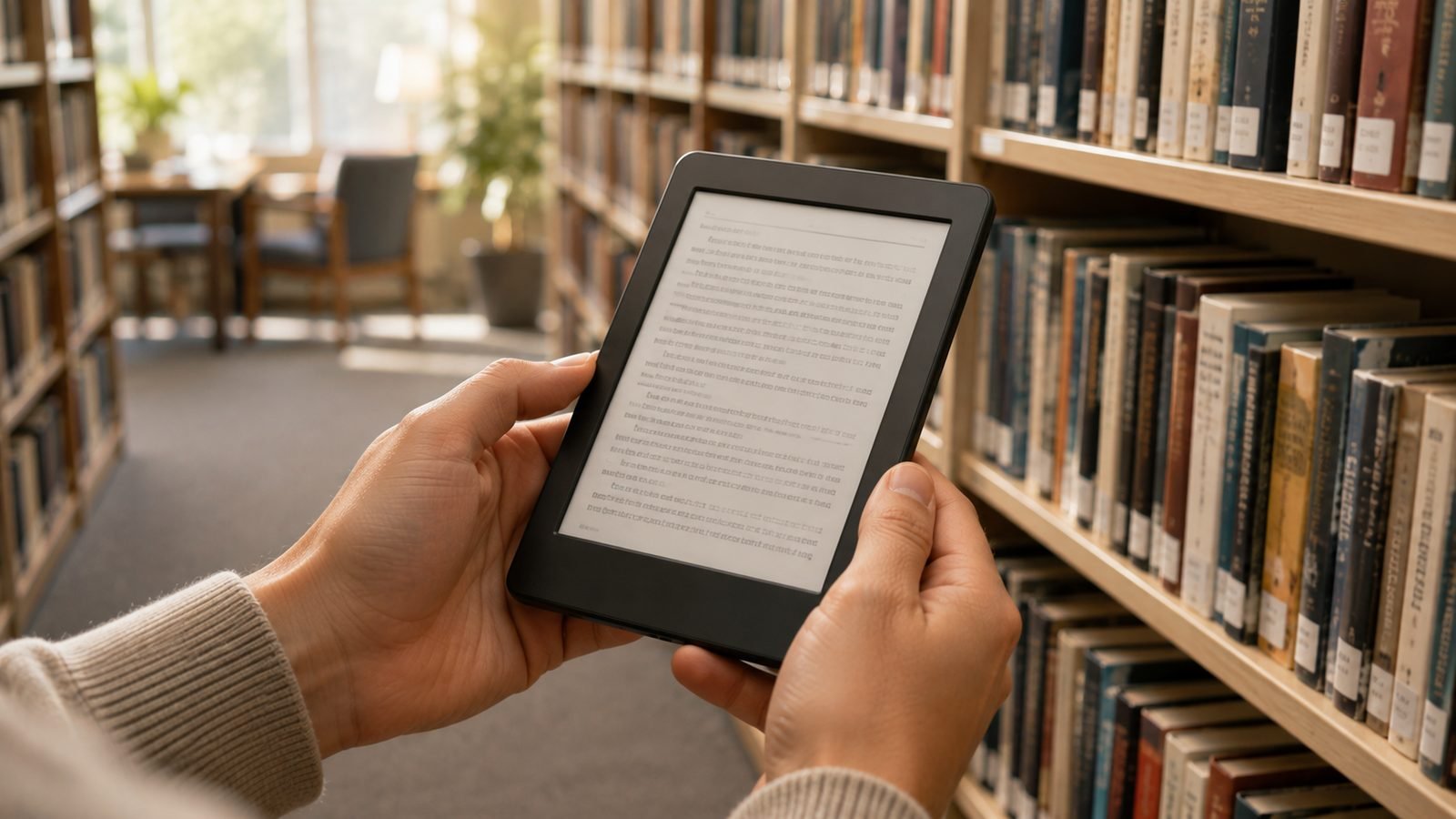
One of the best reasons to own a Kobo is that it reads ePub files natively — no conversion, no walled garden, no fuss. If you’re switching from Kindle or just want to load your own library, learning how to transfer ePub to Kobo takes about five minutes. This guide covers all three methods (USB, Calibre, and cloud), plus how to fix books that refuse to appear.
Three ways to put books on a Kobo (pick your method)
There’s no single “right” way to put books on a Kobo. The best method depends on how many books you have, whether you want tidy metadata, and how much you value going cable-free.
| Method | Best for | Speed | Needs a computer? |
|---|---|---|---|
| USB drag-and-drop | A few books, quick jobs | Fast | Yes |
| Calibre | Large libraries, tidy metadata | Medium | Yes |
| Cloud (Drive/Dropbox) | Cable-free, newer Kobos | Medium | No |
We walk through each in order of simplicity. If you’re still choosing hardware, the current colour line-up — the 7-inch Kobo Libra Colour (around $229.99 / £219.99) and the compact Kobo Clara Colour (around $149.99 / £149.99) — both handle every method here, though only newer models get built-in cloud transfer.
Method 1: How to transfer ePub to Kobo by USB (drag-and-drop)
This is the fastest way to put books on a Kobo and needs no software.
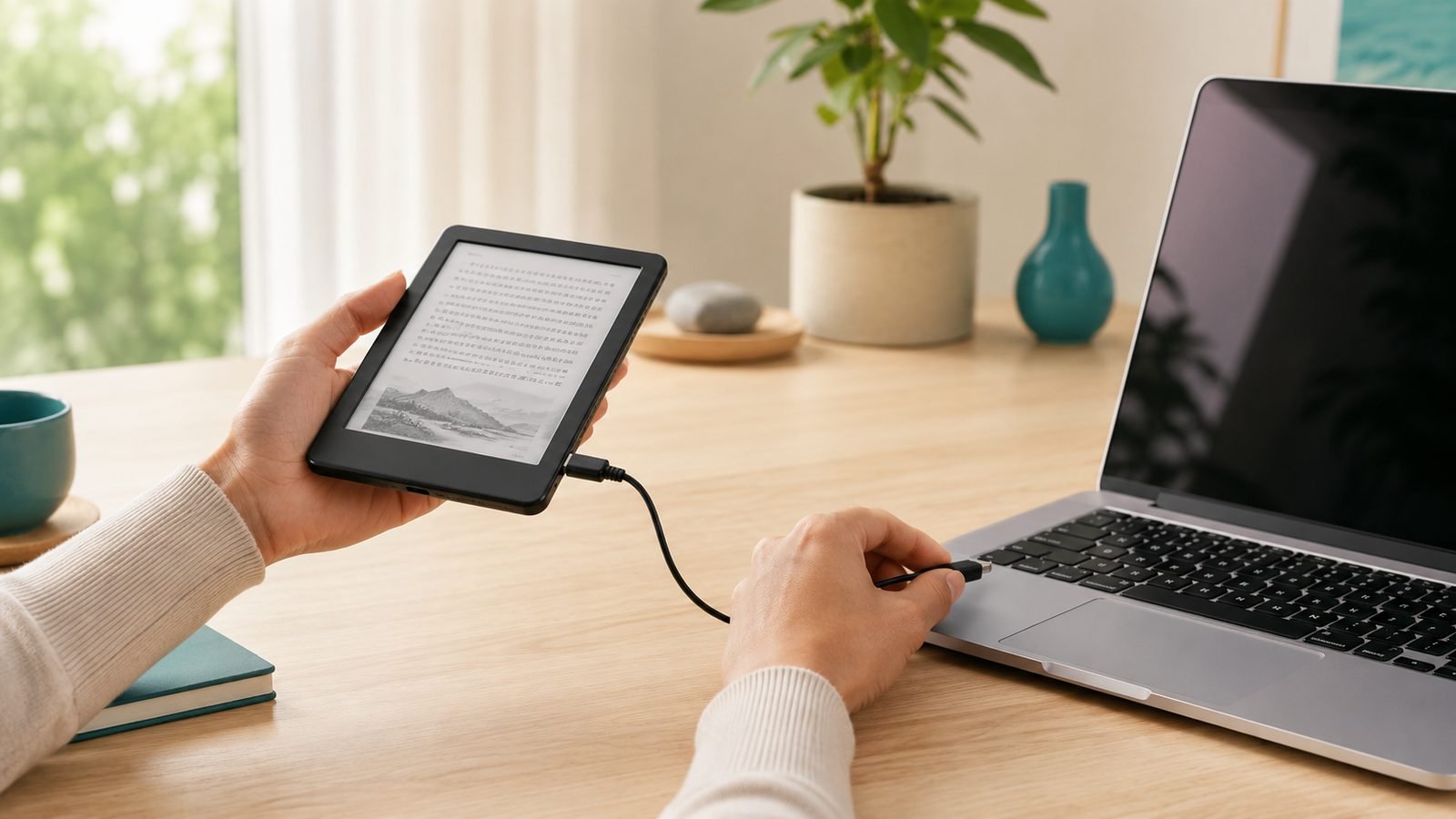
Connect your Kobo to a computer with its USB cable.
Tap Connect on the Kobo screen when prompted.
The Kobo mounts as a USB drive (like a memory stick). Open it in File Explorer (Windows) or Finder (Mac).
Drag your .epub files into the top-level Kobo folder — you don’t need a special subfolder.
Safely eject the drive and unplug.
Your books appear under My Books within a few seconds. This is ideal for a handful of titles you already have on your desktop.
Check price: Kobo Libra Colour
If Kobo USB transfer is not working, the usual culprit is the cable: many cheap USB-C cables are charge-only and won’t create a data connection. Use the original cable, try a different port, and tap Connect on the Kobo when prompted.
Method 2: Calibre — the power-user setup
is free, open-source library software, and a Calibre Kobo transfer is the gold standard once you have more than a few dozen books. It fixes messy metadata, downloads missing covers, and converts other formats (like MOBI or AZW3 from an old Kindle) into ePub automatically.
Install Calibre on your computer and open it.
Add books with the Add books button — drag a whole folder in if you like.
Connect your Kobo by USB and tap Connect. Calibre detects it and shows a Device icon.
Select the books you want, click Send to device, and Calibre copies them across (converting format if needed).
Power users add the free KoboTouchExtended plugin, which improves how chapters and formatting render on Kobo hardware. Calibre also remembers what’s already on the device, so you’re never guessing what you’ve transferred. For a large migration off Kindle, this is the setup we’d recommend.
Method 3: Google Drive / Dropbox cloud transfer on newer Kobos
Newer Kobos can pull files straight from the cloud — no cable at all. This Kobo Google Drive / Dropbox feature is a genuine differentiator versus Kindle, and the easiest way to send ePub to Kobo wirelessly.
On the Kobo, go to More (≡) > Settings > Accounts.
Link your Google Drive or Dropbox account and sign in.
Open My Books, tap the cloud/import option, and browse your linked storage.
Select the ePub (or PDF) files you want and tap to download them onto the device.
Upload books to a Drive or Dropbox folder from your phone or laptop, then grab them on the Kobo anywhere you have Wi-Fi. It’s perfect if your computer is elsewhere, or if you receive an ePub by email. This feature is available on current-generation devices like the Libra Colour and Clara Colour.
Check price: Kobo Clara Colour
Borrowing library books directly with OverDrive
You don’t need a computer for library books on Kobo either. Many Kobo models have OverDrive (the engine behind Libby) built in. Link a supported library card in Settings > OverDrive, then borrow from the Kobo store search — borrowed titles drop into My Books and return themselves when due. Where OverDrive isn’t integrated, borrow in a browser and side-load by USB or Calibre.
Kobo also offers Kobo Plus, a subscription with a rotating catalogue of ebooks and audiobooks. It usually includes a free trial, so it’s worth sampling before you commit if you read a lot.
DRM basics: what you can and can’t transfer
Here’s the honest part. DRM-free ePubs — from Kobo, Google Play Books exports, Project Gutenberg, or most indie authors — transfer freely by any method above.
Books with Adobe DRM (many library and store purchases) must be authorised with an Adobe ID first, then transferred via Adobe Digital Editions or a Calibre setup configured for it. And Kindle books bought from Amazon carry Amazon’s own DRM: they won’t open on a Kobo as-is. We don’t cover stripping DRM — it may breach the retailer’s terms and local law. Buy DRM-free and none of this friction exists.
Fix: transferred books not showing up
If your Kobo books are not showing up after a transfer, work through this checklist:
Wait and refresh. After ejecting, give the device 30 seconds to index. Large libraries take longer.
Check the file format. Kobo reads ePub, PDF, and several others — but not Amazon’s .azw/.kfx. Convert those to ePub in Calibre first.
Confirm the file location. Books should sit in the root of the Kobo drive, not buried in a random subfolder.
Restart the Kobo. Hold power for a hard reboot to force a fresh library scan.
Rebuild via Calibre. Re-sending through Calibre often repairs a title the device skipped.
Bad file. A corrupt or DRM-locked ePub silently won’t appear — test it in a desktop reader first.
FAQ
Does a Kobo read ePub files without converting them? Yes. ePub is the Kobo’s native format, so DRM-free ePubs open directly with no conversion — the big advantage over Kindle. Drag the file across by USB, Calibre, or cloud and it appears in My Books ready to read.
Can I transfer Kindle books to a Kobo? Not directly. Amazon purchases use Amazon’s DRM and won’t open on a Kobo. DRM-free files you own (or unprotected MOBI/AZW3 books) can be converted to ePub in Calibre and side-loaded. For library reading, use Kobo’s built-in OverDrive instead.
How do I send an ePub to my Kobo wirelessly? On current models, link Google Drive or Dropbox in Settings, upload the ePub to that cloud folder from any device, then download it on the Kobo over Wi-Fi. Built-in OverDrive also lets you borrow library books with no cable involved.
Why won’t my Kobo connect over USB? Nine times out of ten it’s a charge-only cable. Swap to the original or a known data cable, try another port, and tap Connect on the Kobo when it appears. If the device never prompts, reboot it while plugged in.
Verdict
For most people, USB drag-and-drop is all you’ll ever need. Move to Calibre when your library grows or you’re migrating off Kindle, and lean on cloud transfer plus OverDrive once you want to ditch the cable. Any current Kobo handles it all — the Clara Colour if you want compact and affordable, the Libra Colour for a bigger screen and page-turn buttons.
Kobo Libra Colour Review: The Best Kindle Alternative in 2026 · Kindle Paperwhite vs Kobo Libra Colour: Which to Buy in 2026 · Best E-Readers 2026: Kindle & Kobo Picks Compared (US & UK) · Best E-Ink Tablets for Note-Taking 2026: Scribe vs Kobo vs reMarkable · Tablets & E-Readers
Zen Tech Hub may earn a commission from links on this page, at no extra cost to you.