If you own a Kindle and you have ever felt boxed in by Amazon’s store, this Kobo Libra Colour review is written for you. The Libra Colour is the e-reader that finally makes leaving Kindle feel like an upgrade rather than a compromise: a 7-inch colour e-ink screen, physical page-turn buttons, waterproofing, native library borrowing, and — refreshingly — no lockscreen ads. It is not perfect, and colour e-ink comes with real trade-offs, but for the right reader it is the most compelling non-Amazon reader you can buy right now.
Here is the honest breakdown, including where a plain Kindle Paperwhite still wins.
Verdict up front: is the Kobo Libra Colour worth it?
Yes — with one condition. If you value ergonomics, open formats, and borrowing library books directly on the device, the Libra Colour is worth it and easily the best Kindle alternative in 2026. The page-turn buttons and one-hand grip alone justify the step up from a slab-style reader.
But if you read mostly plain novels, buy everything from Amazon, and never touch a stylus, the cheaper Kindle Paperwhite will serve you just as well for less money. Colour e-ink is a lovely bonus for comics and covers, not a reason on its own. (Unsure which Kindle that would be? Our which Kindle should you buy guide sorts the lineup.)
| Kobo Libra Colour | Kindle Paperwhite (12th gen) | |
|---|---|---|
| Screen | 7in colour Kaleido 3 e-ink | 7in black-and-white |
| Buttons | Physical page-turn | Touch only |
| Price (approx) | around $229.99 / £219.99 | around $159.99 / £159.99 |
| Waterproof | Yes (IPX8) | Yes (IPX8) |
| Stylus support | Yes (Stylus 2, extra) | No |
| Library borrowing | Built-in (OverDrive) | Via Libby app/send-to-Kindle |
| Lockscreen ads | None | On ad-supported model |
| Store lock-in | Open ePub | Amazon-centric |
Check price: Kobo Libra Colour
Price and what’s in the box (stylus sold separately)
The Kobo Libra Colour lands at around $229.99 / £219.99, which puts it roughly $70 above a Kindle Paperwhite. In the box you get the reader, a USB-C cable, and a quick-start guide. That is it.
Crucially, the stylus is not included. The Kobo Stylus 2 is a separate purchase at around $69.99 / £69.99, so budget for that if handwriting matters to you. There is no bundled case either, and given the IPX8 rating you may still want one for the screen.
For UK buyers, the Kobo Libra Colour is widely stocked with steady availability, and pricing is close to US parity once tax is considered.
Check price: Kobo Libra Colour
Design: page-turn buttons and one-hand reading
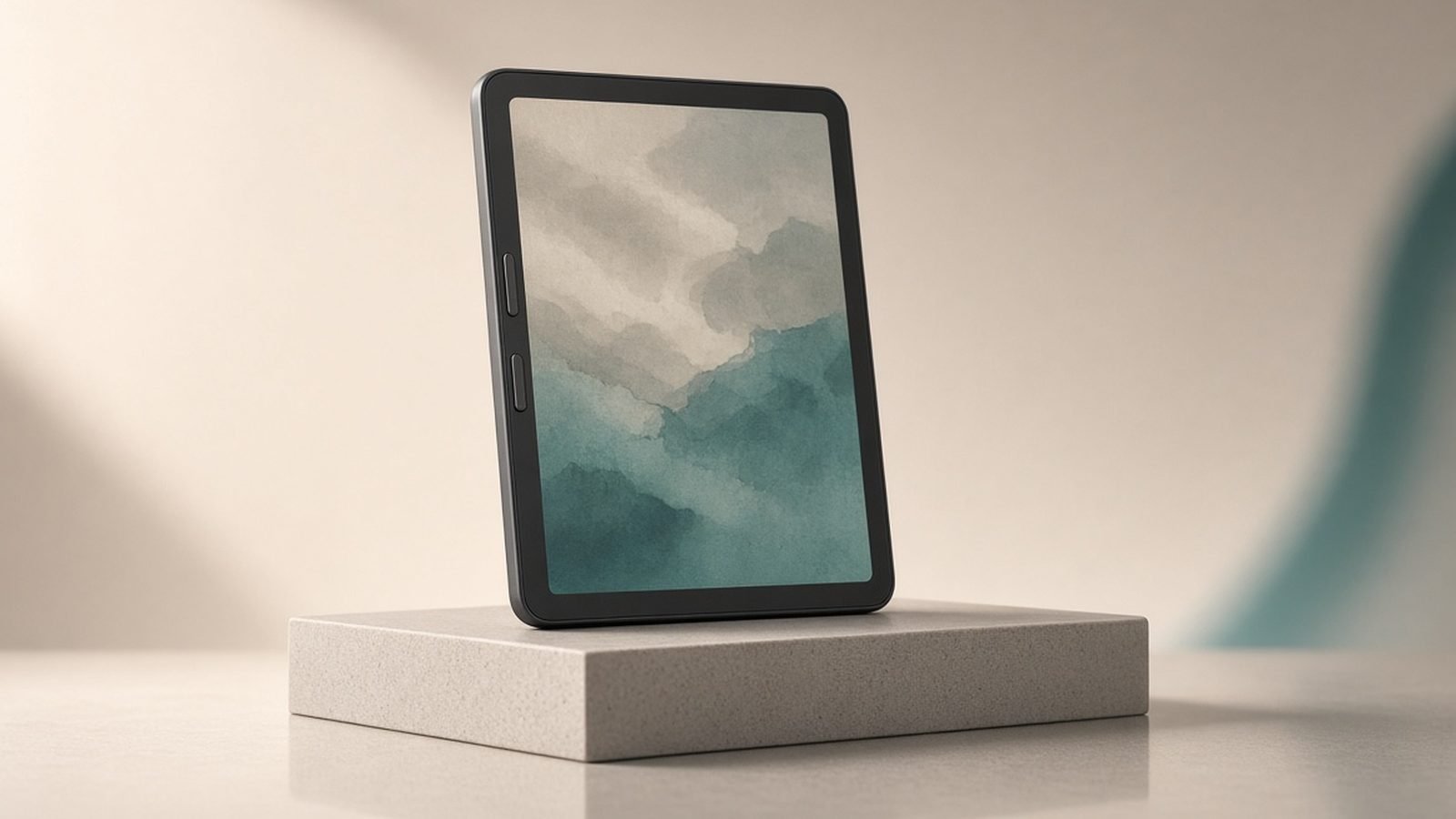
This is where the Libra Colour earns its keep. The asymmetric body puts a thick bezel down one side with two physical page-turn buttons, so you can hold and read one-handed for hours without stretching a thumb across the glass. Auto-rotation means it works comfortably in either hand.
Based on owner reports, this ergonomic design is the single feature people miss most when they go back to a button-less reader. It weighs about 200g, feels solid, and the IPX8 rating means bath and poolside reading are fair game. The flush, textured back resists fingerprints and the recessed power button stays out of the way — a genuinely well-considered piece of hardware.
Kaleido 3 colour display in real reading
The headline feature is the 7-inch Kaleido 3 colour e-ink panel. In our research into how this technology behaves, the honest picture is nuanced. Colour is real, muted, and best thought of as watercolour rather than an LCD tablet — great for book covers, highlights, comics, manga, and children’s books.
The trade-off is the one every colour e-ink reader shares: the colour filter layer slightly mutes black-and-white page contrast and can introduce a faint texture up close. For plain-text novels, a mono Kindle or Kobo Clara arguably looks crisper. Colour resolution also drops below the sharp black-and-white text resolution, so illustrations look softer than the words around them.
Is that a dealbreaker? For most readers, no. The front light is even, adjustable warmth is included, and after a day you stop noticing the muting. Just do not buy this expecting phone-grade colour. For the wider debate on panel types, see our E-Ink vs LCD for Reading: Eyes, Battery & Sunlight Explained explainer.
Writing and highlighting with the Kobo Stylus 2
Pair the Libra Colour with the Kobo Stylus 2 and it becomes a light note-taking device. The kobo libra colour stylus experience covers two things: freehand notebooks (with basic handwriting conversion and a handful of templates) and marking up or highlighting inside books and PDFs. If handwriting is the main event, step up to one of the picks in our guide to the best e-ink tablets for note-taking.
It is not a Kobo Elipsa or reMarkable replacement — the 7-inch screen is small for serious longform writing, and the feature set is lighter. But for jotting margin notes, sketching a quick diagram, or colour-coding highlights, it works well.
The Stylus 2 charges over USB-C rather than eating disposable batteries, supports highlight and eraser shortcuts via its side button, and clips magnetically to the reader. If you know you want handwriting, add it at checkout; if you are unsure, you can always buy it later.
Pros
Class-leading one-hand ergonomics with physical buttons
Colour e-ink genuinely helps covers, comics and highlights
Open ePub support and built-in library borrowing
No lockscreen ads, IPX8 waterproof
Cons
Colour layer mutes black-and-white contrast slightly
Stylus is a $69.99 / £69.99 extra
More expensive than a Kindle Paperwhite
Colour resolution softer than text
Ecosystem: OverDrive library borrowing, ePub and Kobo Plus
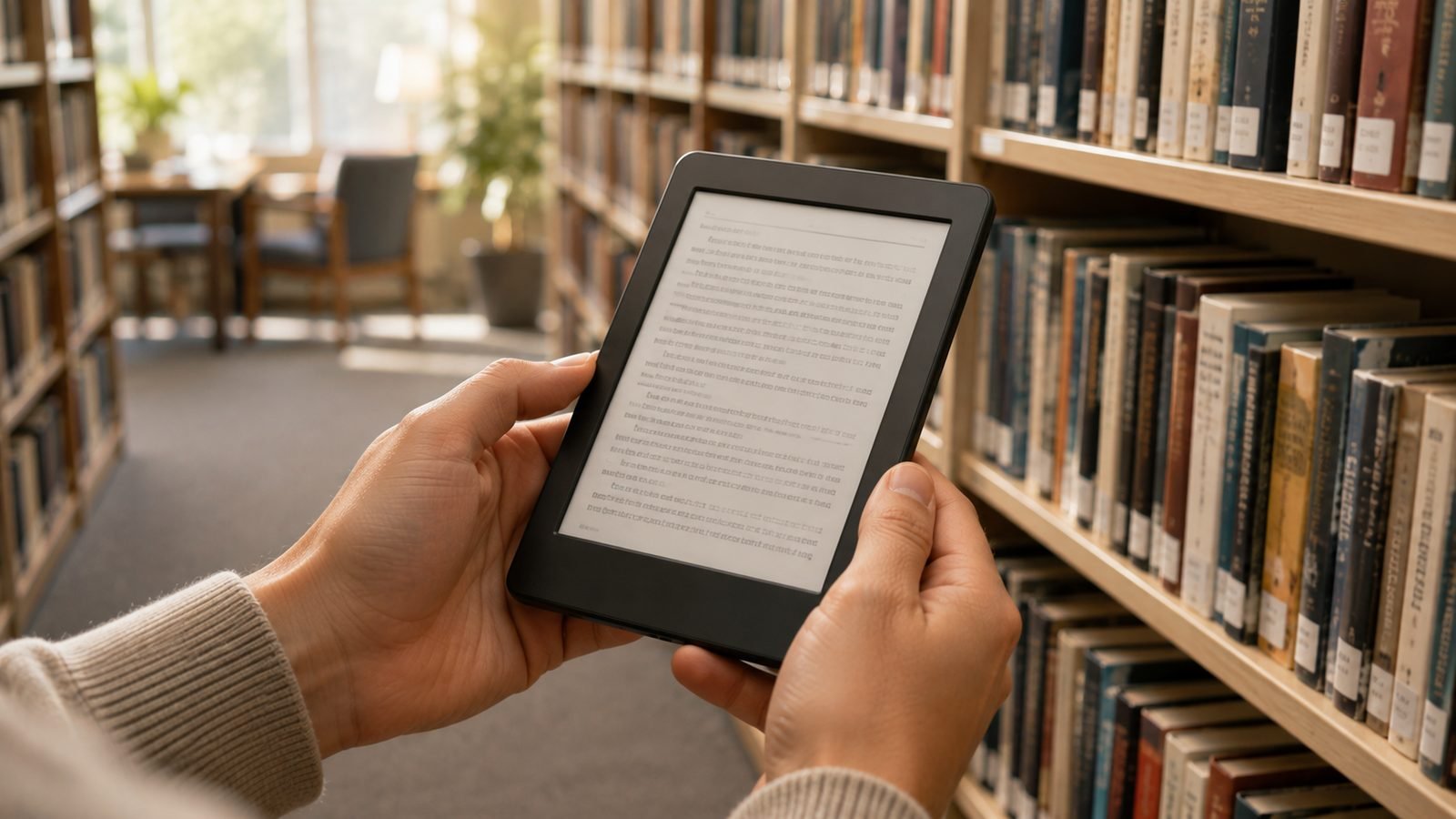
This is the real reason to switch. Kobo builds OverDrive library borrowing directly into the device — search your local library, borrow, and the book lands on your Kobo without a computer or a second app. For heavy library users that is a killer feature the Kindle handles less gracefully.
The Libra Colour also reads ePub natively, so books from anywhere in the open ecosystem just work. There is no Amazon walled garden. Kobo Plus, the optional subscription, offers read-and-listen tiers if you want an all-you-can-read model similar to Kindle Unlimited.
If you are migrating a Kindle library, be honest with yourself: Amazon purchases are locked to Amazon, and DRM-stripping is a legal grey area we will not recommend. But for DRM-free files and your own documents, our How to Transfer ePub Books to a Kobo (USB, Calibre & Cloud) guide walks through using Calibre to move everything across cleanly.
Battery life and quirks
Kobo libra colour battery life is measured in weeks, not hours, like every e-ink reader. Based on owner reports, expect several weeks of typical reading between charges, with colour content, higher brightness, and stylus use pulling that down. It charges over USB-C.
A few quirks worth knowing. Colour e-ink refreshes a touch slower than mono, so fast comic page-flipping shows brief ghosting. Some owners report occasional software sluggishness that firmware has steadily improved. None of these are dealbreakers — just the texture of living with the device.
Who should buy it over a Kindle
Buy the Kobo Libra Colour if you want physical buttons, borrow library books constantly, own DRM-free or ePub files, or simply want out of Amazon’s ecosystem. In the kobo libra colour vs kindle paperwhite matchup, the Kobo wins on ergonomics, format freedom, and colour.
Stick with the Kindle Paperwhite if you are deep into Amazon’s store, read mostly plain text, and want to save around $70. It is a superb, cheaper reader for that reader.
For the full head-to-head, read our Kindle Paperwhite vs Kobo Libra Colour: Which to Buy in 2026 comparison, or browse the whole field in our Best E-Readers 2026: Kindle & Kobo Picks Compared (US & UK) roundup and the Tablets & E-Readers.
Check price: Kindle Paperwhite (12th gen)
FAQ
Is the Kobo Libra Colour worth it in 2026?
For readers who want physical page-turn buttons, native library borrowing, and open ePub support, yes — it is the best Kindle alternative available. If you only read plain novels bought from Amazon, the cheaper Kindle Paperwhite makes more sense. The colour screen is a bonus for covers and comics, not a standalone reason to buy.
Kobo Libra Colour vs Kindle Paperwhite: which is better?
The Kobo wins on ergonomics, colour, library borrowing, and format freedom, while the Kindle wins on price and Amazon store integration. Choose the Kobo to escape lock-in and read one-handed; choose the Kindle to save money and stay inside Amazon’s ecosystem. Both are waterproof, 7-inch, and excellent readers.
Does the Kobo Libra Colour come with a stylus?
No. The Kobo Stylus 2 is sold separately at around $69.99 / £69.99. You only need it if you want handwritten notebooks or freehand mark-up and highlighting. Plain reading, touch highlights, and library borrowing all work fully without it, so the stylus is an optional add-on rather than a requirement.
Can I move my Kindle books to a Kobo?
Amazon-purchased books are DRM-locked to Kindle, so they do not transfer freely. DRM-free ePub files and your own documents move across easily using Calibre — see our transfer guide. For an ongoing Kindle library, the practical answer is to keep buying open or library titles on the Kobo going forward rather than migrating locked purchases.
How long does the battery last?
Based on owner reports, the Kobo Libra Colour lasts several weeks of typical reading per charge. Heavy colour content, high brightness, and stylus use shorten that meaningfully. It charges over USB-C, and like all e-ink readers it sips power only when turning pages, so real-world endurance depends far more on your habits than on raw screen-on time.
Zen Tech Hub may earn a commission from links on this page, at no extra cost to you.