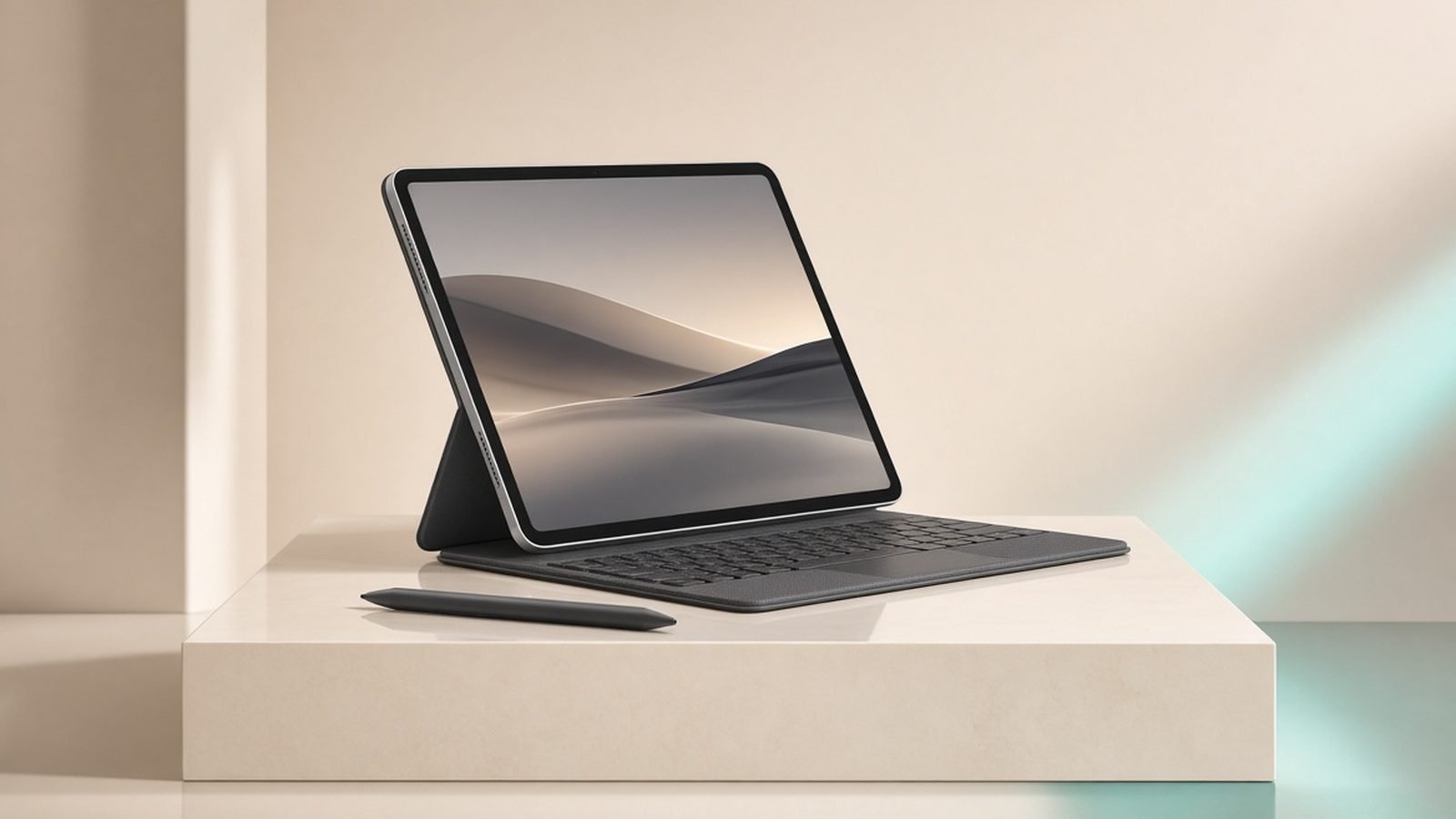
The iPad Air M3 vs iPad Pro M5 decision comes down to three things, not a spec sheet the length of your arm: the display, the RAM, and roughly $400 to $500 of your money. Nail those and everything else — cameras, Wi-Fi versions, Face ID — is noise. Most people reading this do not need the Pro, and Apple is very happy to let you talk yourself into it.
So let’s do the opposite. Below is the honest breakdown of where that extra money goes, who genuinely benefits, and who is about to overpay for a screen they’ll never push to its limit. Both tablets are excellent. Only one is right for you.
Price and configuration gap (US & UK)
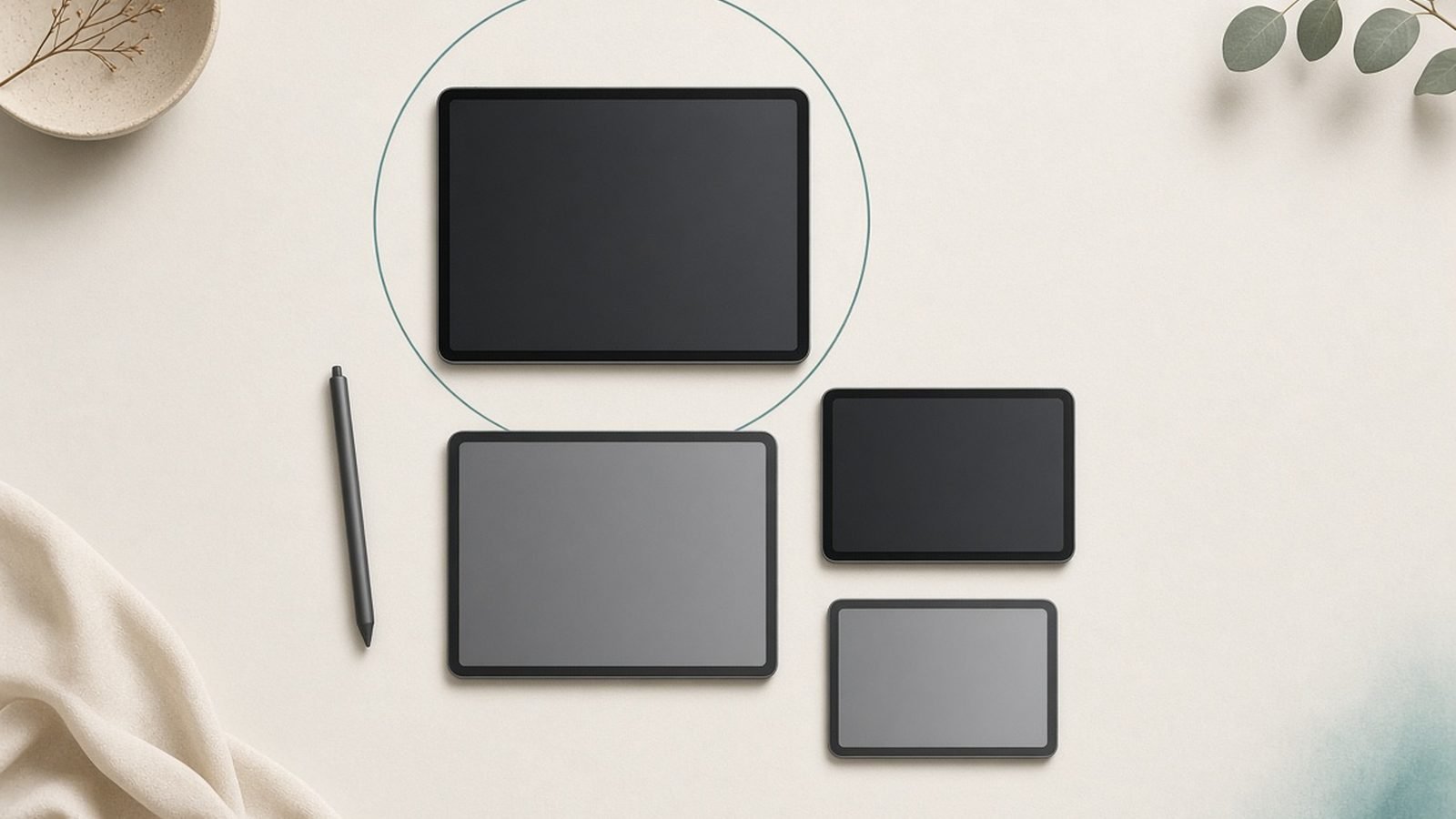
Here’s the starting-price reality before a single accessory. The Air comes in 11-inch and 13-inch sizes; so does the Pro. Same footprint, very different bill.
| Model | Size | Chip | Starting price (US) | Starting price (UK) |
|---|---|---|---|---|
| iPad Air (M3) | 11” | M3 | around $599 | around £599 |
| iPad Air (M3) | 13” | M3 | around $799 | around £799 |
| iPad Pro (M5) | 11” | M5 | around $999 | around £999 |
| iPad Pro (M5) | 13” | M5 | around $1,299 | around £1,299 |
Match them like-for-like on size and the gap is $400 (11-inch) or $500 (13-inch). That is before storage upgrades, before the Pencil, before a keyboard. In the iPad Air vs iPad Pro 2026 conversation, this gap is the whole story — and it only grows once accessories land in the basket.
Check price: iPad Air 11 / 13 (M3)
Check price: iPad Pro 11 / 13 (M5)
Display: 60Hz LCD vs Tandem OLED ProMotion
This is the single biggest difference between iPad Air and Pro, and it’s the one you’ll actually feel every day.
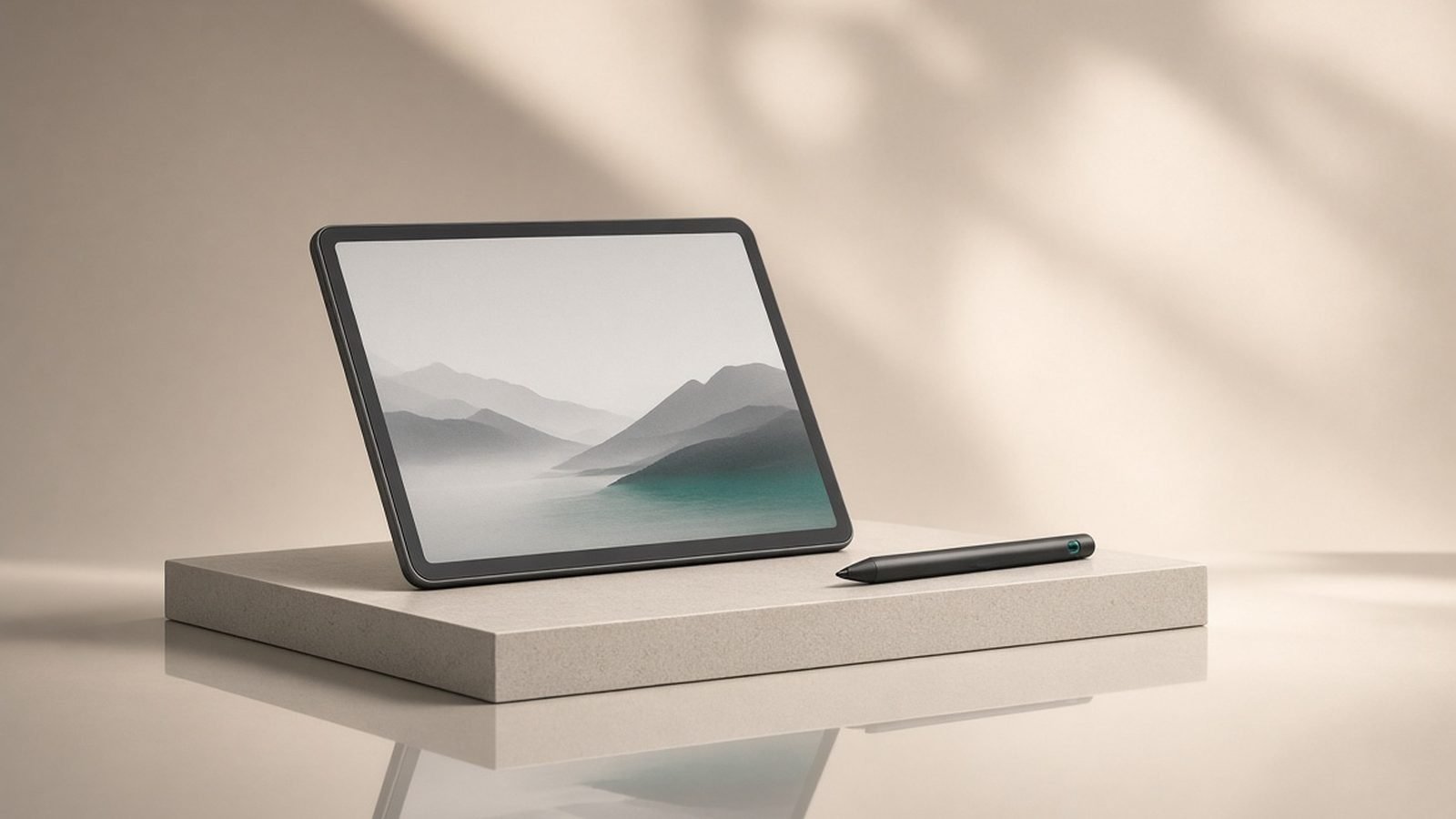
The Air uses a bright, accurate 60Hz LCD. It looks great in a vacuum. The Pro uses Apple’s Tandem OLED — two OLED panels stacked for eye-searing brightness — with 120Hz ProMotion. That means perfect blacks, HDR that genuinely pops, up to 1,000 nits full-screen (far more for HDR highlights), and buttery scrolling and Pencil tracking.
For anyone doing colour-critical work — photo editing, HDR video, professional illustration — the OLED is not a luxury, it’s the reason to buy. Based on owner reports, the jump from LCD to Tandem OLED is the upgrade people notice within the first hour. The 120Hz refresh also makes iPad air or pro for drawing a real question: Pencil latency feels tangibly lower on ProMotion.
But be honest with yourself. If you read, browse, take notes, watch Netflix and sketch for fun, the 60Hz LCD will never frustrate you. You cannot miss what your workflow doesn’t demand.
Performance: M3 vs M5 in real workflows
The M5 is faster than the M3. It also has more RAM — the Pro ships with 12GB (16GB on the 1TB and 2TB tiers) versus 8GB on the Air. In our research, that RAM gap matters more than raw chip speed for the people who need it.
Where the M5 pulls ahead in real workflows:
Multi-stream 4K and ProRes timelines in Final Cut / LumaFusion
Heavy 3D, CAD and rendering apps
Large multi-layer Procreate and Photoshop files
Dozens of Safari tabs plus Stage Manager on an external display
Where you’ll never see the difference: notes, email, Office, browsing, streaming, casual gaming, single-track editing, everyday drawing. The M3 chews through all of it without breaking a sweat. If your honest answer to “is the iPad Pro M5 worth it” is “for the speed,” pause — the Air is already faster than the workload you’re describing.
Worth noting for upgraders: the iPad Air M3 vs iPad Pro M4 question from last year now becomes Air M3 vs Pro M5. The Pro’s generational lead widened, but the Air’s value case didn’t move — it’s still the sensible default.
Apple Pencil, keyboards and accessories cost
This is where the real price gap hides. Both tablets support the Apple Pencil Pro and Apple Pencil (USB-C), and both work with Apple’s Magic Keyboard range — but the Pro’s keyboard is the pricier aluminium model.
A realistic Pro setup — 256GB or 512GB, Magic Keyboard, Apple Pencil Pro — pushes past $1,400 / £1,400 fast. The equivalent Air build lands hundreds less because both the tablet and its keyboard cost less to begin with.
If you plan to type a lot, budget for the keyboard on either model and factor it into the comparison. It’s the accessory that quietly doubles the “cheap tablet” you thought you were buying. See our guide on how to [use your iPad as a second monitor]How to Use an iPad as a Second Monitor (Mac & Windows) before spending on a keyboard you might not need.
Battery, cameras and extras
Both deliver Apple’s familiar all-day battery — roughly 10 hours of mixed use — and real-world stamina is close enough that it won’t decide this for you.
The Pro adds the extras you’d expect at the price: Wi-Fi 7, faster Thunderbolt/USB-C, a landscape front camera with Centre Stage tuned for video calls, Face ID, and a slightly better rear camera system with LiDAR. The Air sticks with Touch ID in the power button, Wi-Fi 6E, and a solid-but-simpler camera setup.
None of these are dealbreakers for most buyers. Face ID is nicer; Touch ID is fine. Wi-Fi 7 is future-proofing you probably won’t saturate for years. Nice to have — not $400 of nice to have.
Who actually needs the Pro (artists, editors, ProRes users)
Buy the iPad Pro M5 if you are:
A video editor cutting multi-cam or ProRes, or shooting ProRes to the tablet
A professional illustrator or designer who needs OLED colour accuracy and 120Hz
A 3D artist, CAD user or developer running genuinely heavy apps
Someone who lives in Stage Manager across an external display all day
For these users, the Tablet Pro earns its keep — the iPad for video editing case and the OLED-sensitive iPad air or pro for drawing case are exactly what the M5 and Tandem OLED were built for. The iPad Pro M5 vs Air 13 decision, in particular, favours the Pro when your canvas is your income.
iPad Pro 11 / 13 (M5) — pros and cons
Pros: - Tandem OLED with 120Hz ProMotion — best tablet display made - M5 plus 12–16GB RAM for pro video, 3D and huge files - Wi-Fi 7, Face ID, ProRes capture, landscape camera
Cons: - $400–$500 more before accessories; real cost tops $1,400 - Overkill for browsing, notes, streaming and casual drawing - Thinner design is beautiful but easy to over-buy for
Check price: iPad Pro 11 / 13 (M5)
Value verdict: where the $400–$500 goes
For roughly two-thirds of buyers, the iPad Air M3 is the smarter purchase — full stop. It delivers around 90% of the Pro experience: the same core iPadOS, the same Apple Pencil Pro support, the same clean design, more than enough power. You give up the OLED, the 120Hz, and the extra RAM. If those three don’t map onto real, paid or serious work you do, the Air wins on value and it isn’t close.
That extra $400 to $500 buys a professional-grade display and headroom for pro workloads. It is money well spent for editors and artists — and money set on fire for students, note-takers and streamers. Know which one you are.
Not sure the Air is even the right ceiling? Our [which iPad should I buy]Which iPad Should You Buy in 2026? Every Model Compared guide runs the full lineup, and if you’re value-hunting, [best tablets under $500]Best Tablets Under $500 in 2026: 7 Picks for US & UK Buyers widens the field.
iPad Air 11 / 13 (M3) — pros and cons
Pros: - Around 90% of the Pro experience for two-thirds of the price - M3 handles everything short of heavy pro workloads - Apple Pencil Pro support; 11” and 13” sizes - The value pick for students and hobbyist artists
Cons: - 60Hz LCD, not OLED or ProMotion - 8GB RAM caps the heaviest multitasking and 3D - Touch ID, Wi-Fi 6E, simpler cameras
Check price: iPad Air 11 / 13 (M3)
Our pick for most people: the iPad Air (M3). Buy the Pro only if you ticked a box in the “who needs the Pro” list above.
Want the full breakdown on the value pick? Read our [iPad Air M3 review]iPad Air M3 Review: The Only iPad Most People Should Buy, and browse everything in the [tablets and e-readers hub]Tablets & E-Readers.
FAQ
Is the iPad Pro M5 worth it over the Air?
Only if you need at least one of three things: the Tandem OLED 120Hz display for colour-critical work, the extra RAM for pro video or 3D, or ProRes capture. For browsing, notes, streaming, office work and casual drawing, the Air M3 does the same job for $400 to $500 less. Most buyers should save the money.
What’s the real difference between iPad Air and Pro?
Three differences decide it: display (60Hz LCD vs Tandem OLED ProMotion), RAM (8GB vs 12–16GB), and price. Everything else — Face ID vs Touch ID, Wi-Fi 7 vs 6E, cameras — is minor. If those three headline differences don’t map onto your actual workflow, you’re paying for capability you won’t use.
Which iPad is better for drawing?
Both support the Apple Pencil Pro, so hobbyists are well served by the Air. Professional illustrators should choose the Pro: the OLED’s colour accuracy and 120Hz ProMotion lower perceived Pencil latency and make large multi-layer files smoother. If drawing is a paid craft, the Pro’s screen justifies itself; if it’s a hobby, the Air is plenty.
Is the iPad Air M3 good enough for video editing?
For single-track and light multi-track 1080p or 4K edits in LumaFusion, yes — the M3 handles it comfortably. Serious editors running multi-cam timelines, ProRes footage or heavy effects will hit the 8GB RAM ceiling and want the Pro’s M5 and 12–16GB. Match the tablet to your heaviest project, not your average one.
How much does a full iPad Pro M5 setup really cost?
Budget past $1,400 / £1,400. Start at $999/£999 (11-inch) or $1,299/£1,299 (13-inch), then add storage, the Magic Keyboard and the Apple Pencil Pro. Accessories are the same story on the Air but cheaper across the board — another reason the Air’s total-cost advantage is bigger than the sticker gap suggests.
Zen Tech Hub may earn a commission from links on this page, at no extra cost to you.