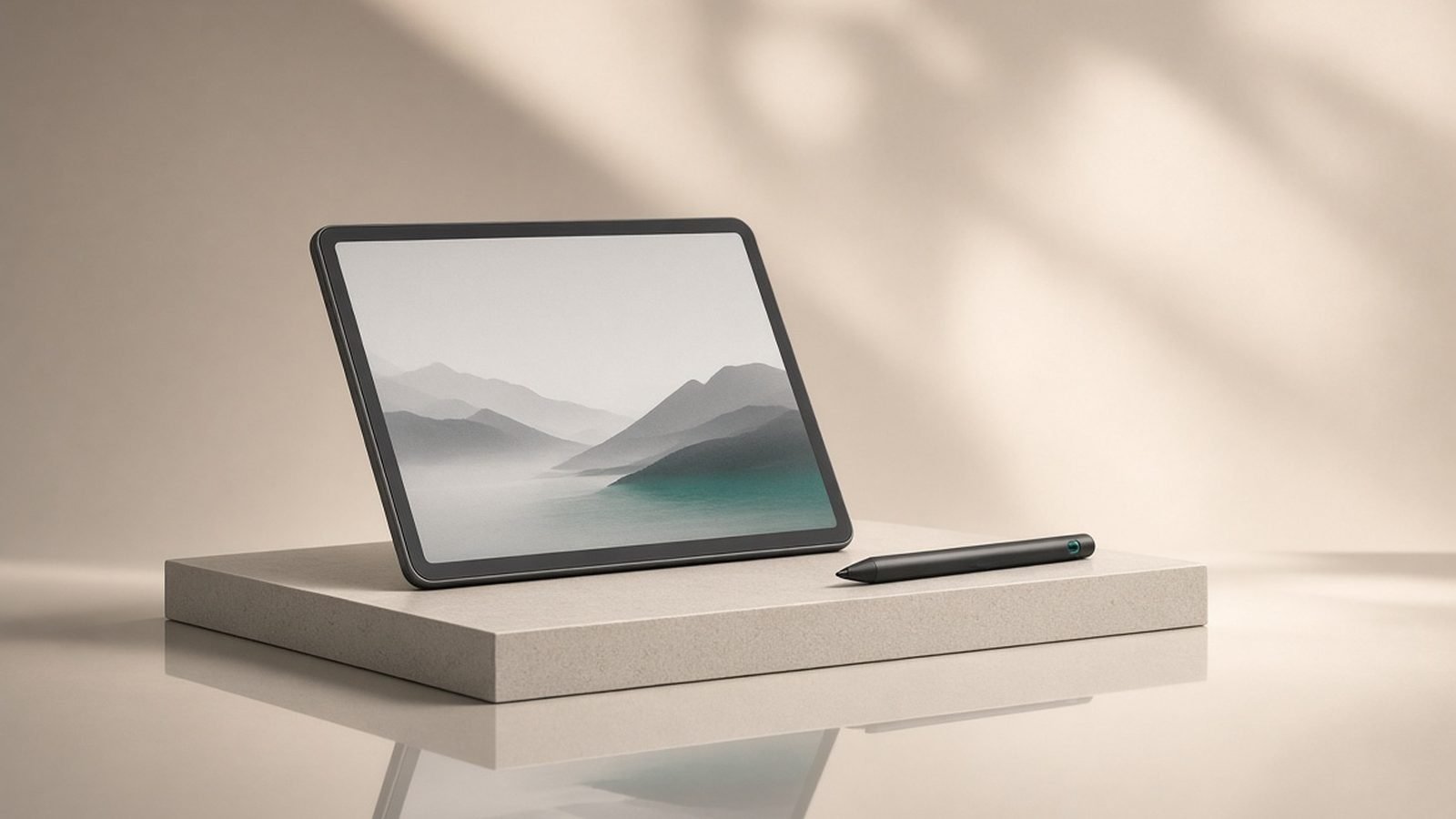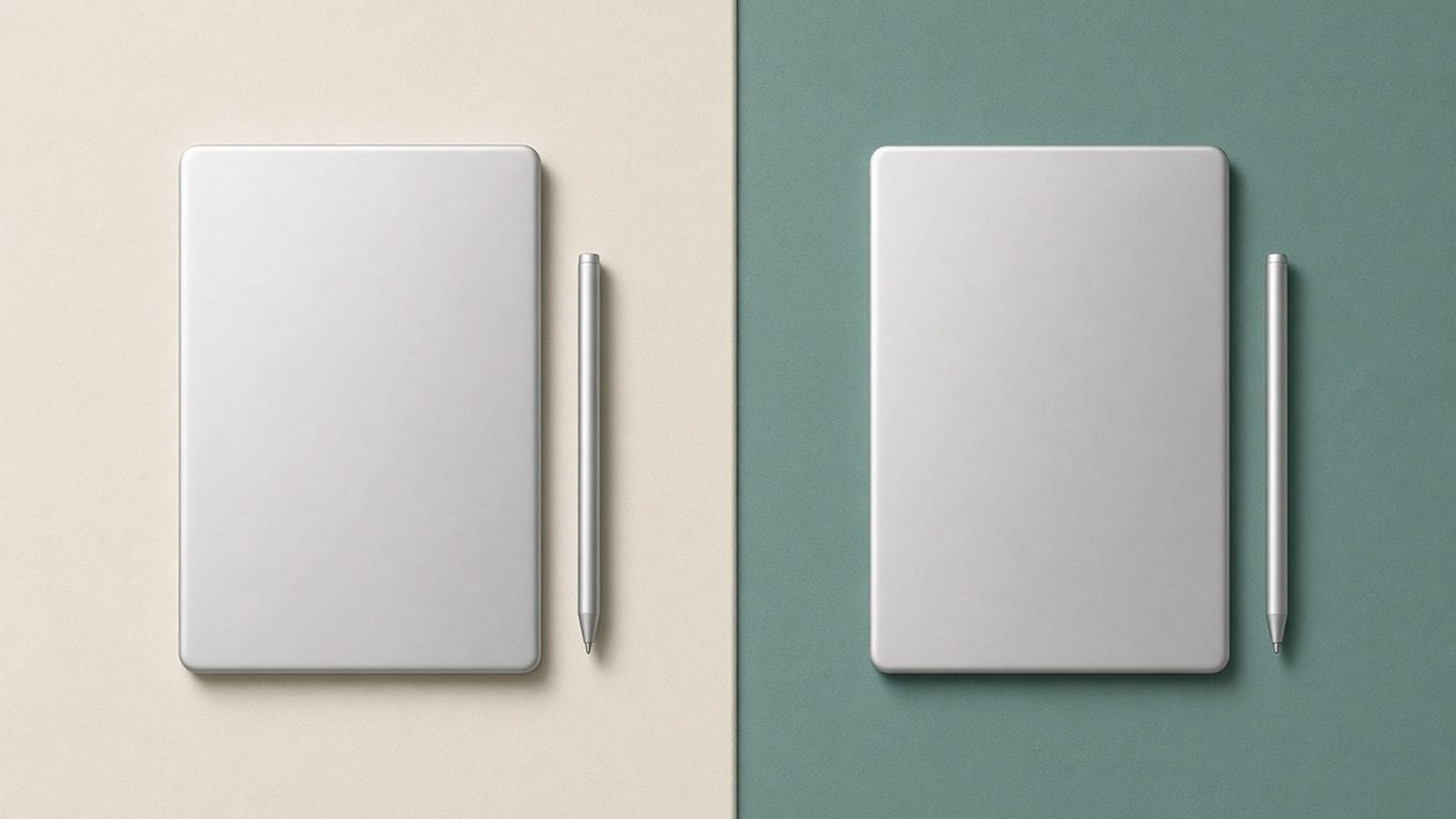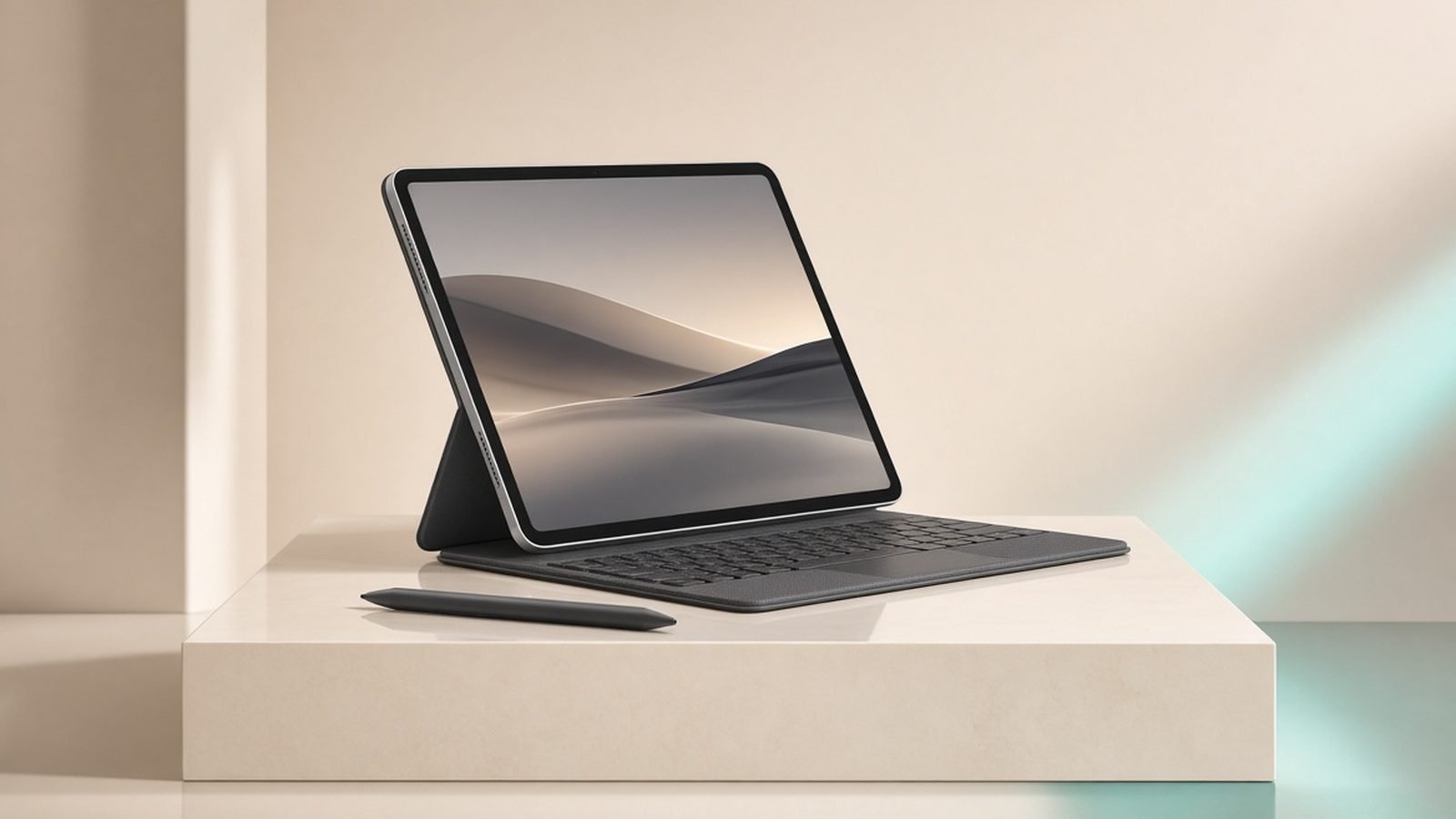
This iPad Pro M5 review cuts to the chase: the M5 iPad Pro is the best tablet Apple has ever made, and for a specific group of buyers it is worth every penny of its high price. It pairs the new M5 chip with a stunning OLED Tandem display, Face ID, and the thinnest chassis Apple has shipped. But “best” and “right for you” are different questions. For most people, this is more tablet than they need, and the iPad Air M3 does 90% of the job for roughly half the money.
Here is the verdict without scrolling: buy the iPad Pro M5 if you edit video, draw professionally, or want an OLED 120Hz screen you will use every day. Everyone else should read our reasoning and probably save their cash.
Starting price: around $999 / £999 (11-inch, 256GB); 13-inch from around $1,299 / £1,299.
Check price: iPad Pro 11-inch (M5)
iPad Pro M5 at a glance
The M5 Pro is an iterative but meaningful update over the M4 model. The headline changes are the faster M5 chip, improved on-device AI performance for Apple Intelligence, and continued refinement of the Tandem OLED panel Apple calls Ultra Retina XDR. The design, port layout, and accessory support carry over, which is good news if you already own a Magic Keyboard or Apple Pencil Pro.
Pros: class-leading OLED Tandem display, blistering M5 performance, genuinely thin and light, Face ID, superb Thunderbolt connectivity, full Pencil Pro and Magic Keyboard support.
Cons: very expensive once you add accessories, iPadOS still limits pro workflows, overkill for casual users, storage tiers add up fast, no meaningful upgrade if you own the M4.
Design and build: thin to the point of showing off
Physically, the iPad Pro M5 is a marvel. Apple kept the ultra-slim profile it introduced with the M4 generation — the 13-inch model is thinner than an iPod nano ever was — and the aluminium chassis feels rigid despite that. It is noticeably lighter than any 13-inch tablet has a right to be, which matters if you hold it for hours to read or draw.
Face ID sits in the landscape edge, which is the correct orientation for a device most people dock in a keyboard. USB-C is Thunderbolt-grade here, not the slower USB 3 you get on the Air, so external SSDs, 4K capture, and pro displays all connect at full speed. That single difference is a bigger deal for creators than the spec sheet suggests.
The trade-off is fragility. A tablet this thin demands a case, and the premium finish shows fingerprints. This is a device you will want to protect from day one.
The OLED Tandem display is the real reason to buy
If there is one feature that justifies the Pro premium, it is the screen. The Ultra Retina XDR display uses two OLED panels stacked to boost brightness, producing deep blacks, 1,000 nits of full-screen brightness, and peaks well beyond that for HDR. Next to the Air’s laminated LCD, the difference is obvious the moment you watch HDR video or edit photos.
It also runs ProMotion at 120Hz. Scrolling is glass-smooth, and Apple Pencil Pro latency drops to the point where drawing feels immediate. For anyone who reads, draws, or edits for hours, this is the panel that reduces eye fatigue and makes the tablet a pleasure rather than a tool. Compared with the compromise 60Hz screen on the Air — a fair trade at that price, as we explain in our iPad Air M3 Review: The Only iPad Most People Should Buy — the Pro’s display is in a different league.
M5 performance and Apple Intelligence
The M5 chip is fast in a way that outstrips what iPadOS can currently ask of it. Based on Apple’s published figures and early owner reports, it delivers strong gains in graphics and neural performance over the M4, with the biggest real-world benefit showing up in on-device AI tasks and sustained workloads like video export.
In practice, the M5 never becomes the bottleneck. Multi-track 4K edits in Final Cut Pro, large layered canvases in Procreate, console-grade gaming, and heavy Stage Manager multitasking all run without hesitation. Apple Intelligence features — writing tools, image generation, smarter Siri, and notification summaries — run on-device and benefit from the M5’s expanded neural engine headroom.
The honest caveat, covered more fully in our iPad Air M3 vs iPad Pro M5: Don’t Pay $400 More by Mistake comparison: for everyday tasks, you will not feel a night-and-day difference between M5 and M4, or even M3. This chip is about future-proofing and pro workloads, not making Safari faster.
Pros: enormous performance ceiling, excellent for pro video and art, on-device Apple Intelligence, stays current for years.
Cons: most of the power goes unused by iPadOS, no everyday speed benefit over recent chips.
Accessories, iPadOS and the real cost
The sticker price is only the start. To use the Pro as a laptop replacement you will want the Magic Keyboard (around $299–349 / £299–349) and, for creative work, the Apple Pencil Pro (around $129 / £129). Add those to a 13-inch model with more storage and you are well past $1,700 / £1,700 — laptop territory, and worth pausing on.
iPadOS remains the ceiling. It has improved with better windowing and external display support, but it still is not macOS. Pro apps exist and are excellent, yet file management, background tasks, and some professional software remain more capable on a Mac. Buy the Pro because you want the best tablet, not because you expect it to fully replace a computer.
Battery life
Apple rates the Pro M5 at around 10 hours of web and video, and real-world reports line up with that for mixed use. The efficient M5 and OLED panel help; expect a full working day of notes, browsing, and streaming. Heavy 4K exports or sustained gaming pull it down toward six or seven hours, which is normal for a device this powerful. Thunderbolt charging is reasonably quick, and standby drain is minimal.
iPad Pro M5 vs iPad Air M3 and the rest
The Air M3 is the tablet most people should buy, and we say so plainly. It has M-class power, full Pencil Pro support, and frequent discounts, giving up only the OLED screen, Face ID, and Thunderbolt. If you are not sure you need the Pro, you probably do not — start with our Which iPad Should You Buy in 2026? Every Model Compared guide, or if budget is the priority, the Best Tablets Under $500 in 2026: 7 Picks for US & UK Buyers round-up.
Android holdouts weighing the ecosystem should read our Best Android Tablets 2026: Samsung, OnePlus & More guide; the Galaxy Tab S11 Ultra is the closest Android has to a Pro rival, with a bigger screen and included stylus for less money, at the cost of the iPad app library.
Who should buy the iPad Pro M5
Buy it if you are a professional video editor who needs Thunderbolt and the OLED screen; a serious illustrator who lives at 120Hz; or someone who simply wants the best tablet on the market and values the display and build over value for money. For these buyers, the Pro earns its premium.
Skip it if your needs are everyday — streaming, browsing, notes, casual drawing. The Air M3 or even the standard iPad will serve you better per pound and per dollar. And do not upgrade from an M4 Pro; the gains are not worth it.
Verdict
The iPad Pro M5 is the ultimate tablet in the literal sense — nothing else combines this display, this power, and this build. Whether it is the ultimate tablet for you depends entirely on whether you will use what you are paying for. Creators and display enthusiasts: this is a triumph. Everyone else: admire it, then buy the Air.
FAQ
Is the iPad Pro M5 worth it in 2026? For professional creators, yes — the OLED Tandem display, M5 speed, and Thunderbolt connectivity are unmatched. For everyone else, no. The iPad Air M3 delivers most of the experience for around half the price. Buy the Pro only if you will genuinely use the display quality and performance every day, not just for the badge.
iPad Pro M5 vs M4 — should I upgrade? No. If you own the M4 iPad Pro, the M5 is not a meaningful upgrade for everyday use. The gains are modest and mostly matter for sustained pro workloads and on-device AI headroom. Keep your M4. The M5 is the right choice only if you are buying new and want maximum longevity.
Can the iPad Pro M5 replace a laptop? For many workflows, yes, but not all. It excels at writing, design, video, and browsing with a Magic Keyboard attached. However, iPadOS still limits file management, background processing, and some pro software compared with macOS. Treat it as a superb tablet that handles a lot of laptop work, not a guaranteed full replacement.
Which size should I get, 11-inch or 13-inch? Choose the 11-inch for portability and one-handed use; it suits note-takers and commuters. Pick the 13-inch if the iPad is your main creative canvas or couch computer — the larger OLED is superb for video editing and drawing. Both share the M5 chip and identical features, so it is purely a size and price decision.
Is the OLED screen worth the extra money over the iPad Air? If you watch HDR content, edit photos or video, or draw for hours, yes — the OLED Tandem panel and 120Hz ProMotion are transformative for those uses. If you mostly browse, stream standard video, and take notes, the Air’s 60Hz LCD is perfectly good and saves you a lot of money.
For more tablet buying guides, visit the Tablets & E-Readers.
Zen Tech Hub may earn a commission from links on this page, at no extra cost to you.