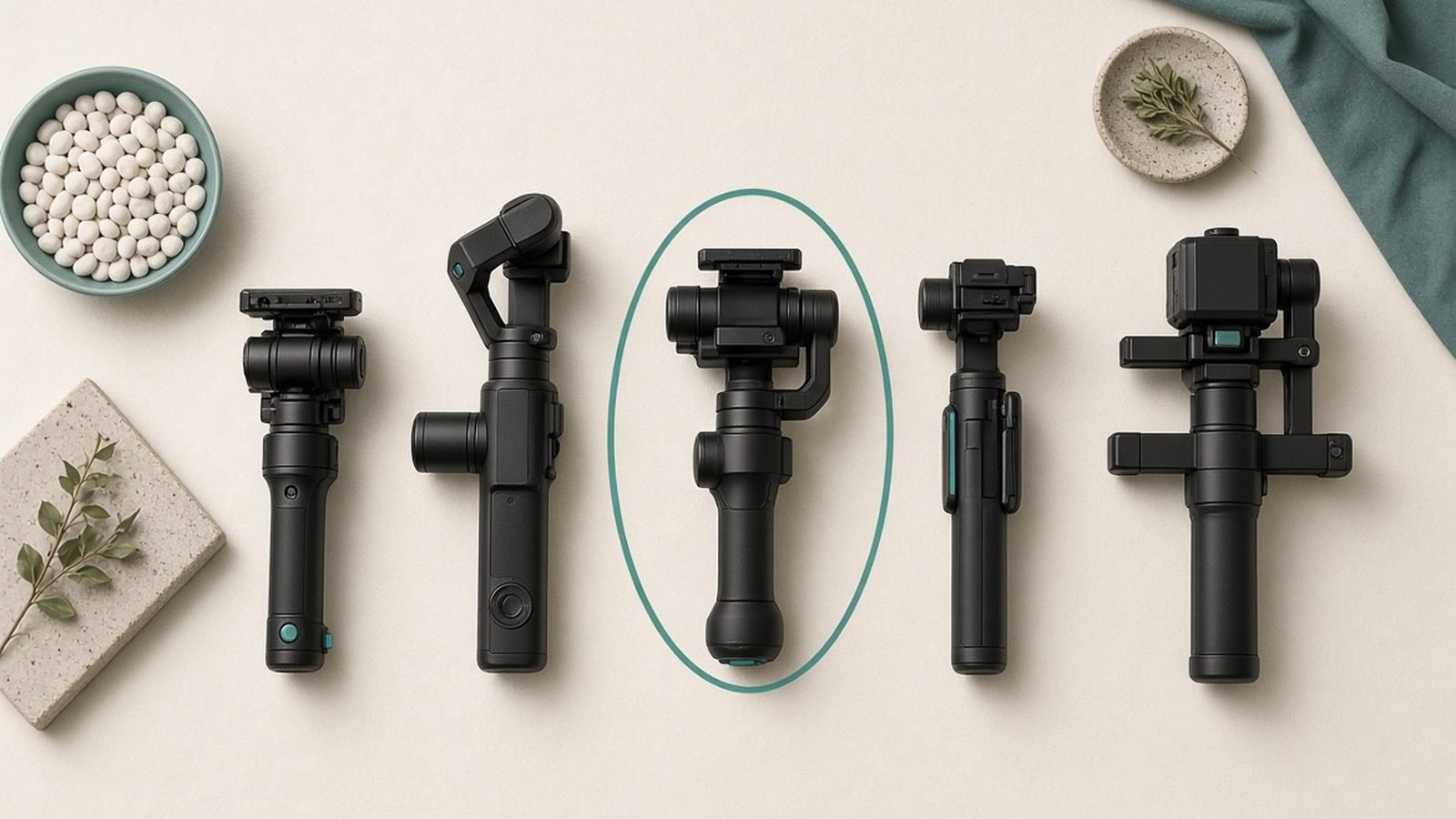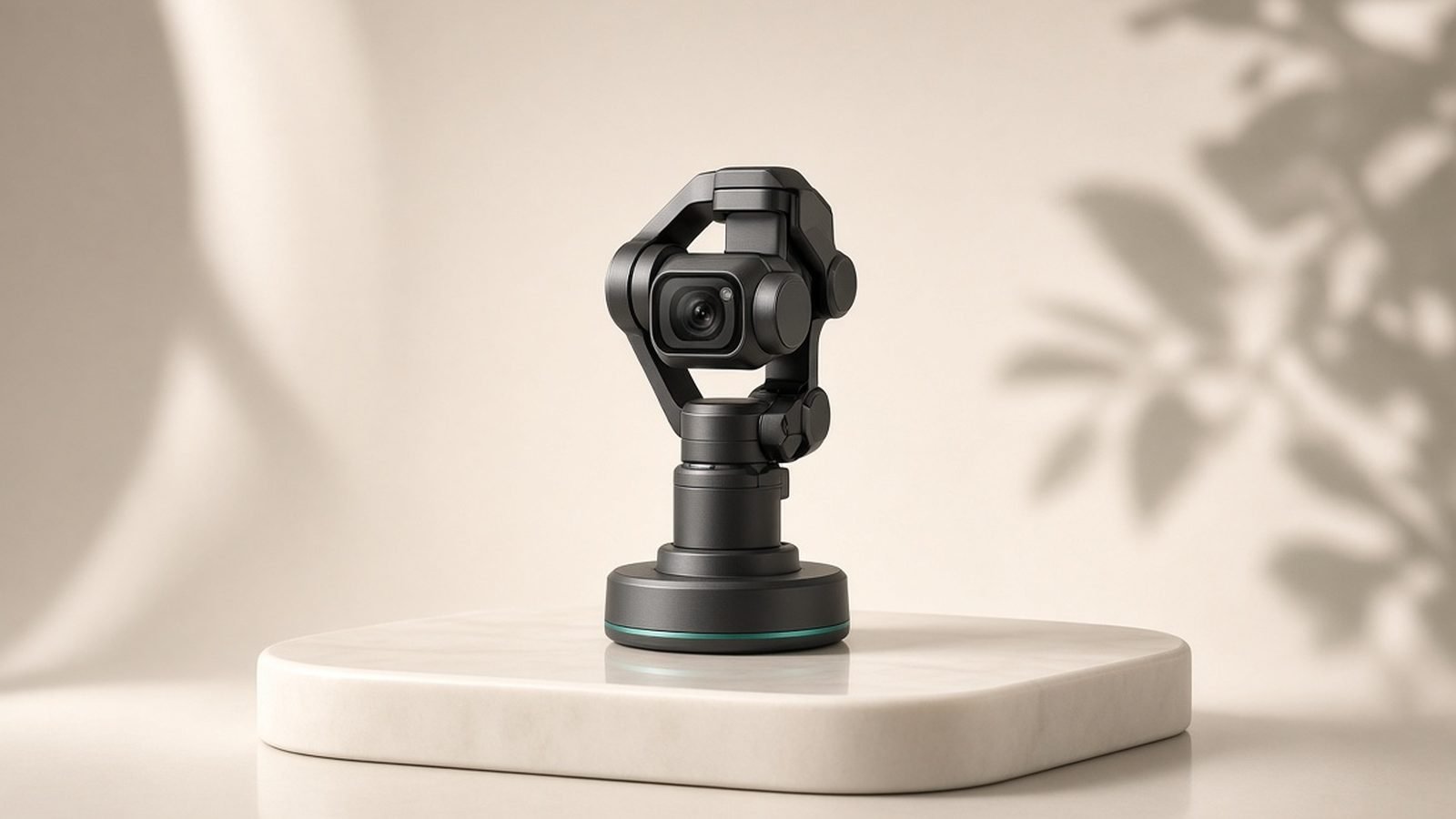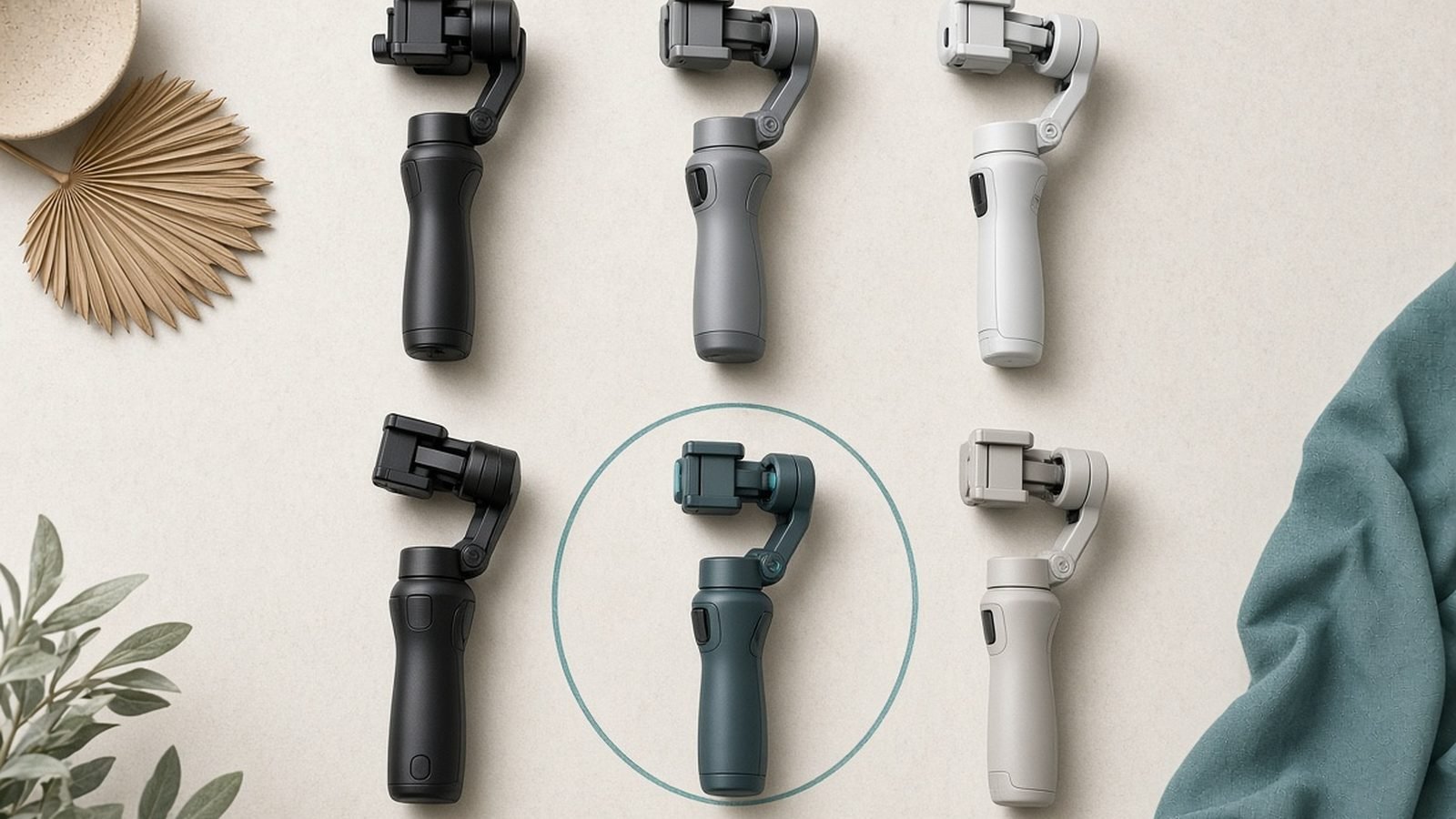
If your videos come out looking shaky, jittery, or seasick, you have probably run into the word “gimbal.” So what is a gimbal, exactly? In short, a gimbal is a motorised handle that holds your phone or camera and physically cancels out the wobble of your hands as you walk, pan, and move. The result is footage that glides instead of bounces.
That is the one-line answer. Whether you actually need one depends entirely on what you shoot and how you shoot it. Let’s break it down.
What Is a Gimbal?
A gimbal is a self-levelling mount. Small brushless motors sit on pivots around your device, and a motion sensor detects every tilt and shudder from your grip. Hundreds of times per second, the motors counter-rotate to keep the camera pointed exactly where you aimed it. You move; the camera stays calm.
The word itself is old, borrowed from the pivoting mounts that kept ship compasses level at sea. Modern electronic gimbals just add motors and a chip, but the point is the same: hold something steady while everything around it moves. You will also hear “stabiliser” — for most shoppers the terms overlap, but the distinction matters, and we cover the gimbal vs stabilizer question below.
How a 3-Axis Gimbal Works
Most gimbals you can buy today are “3-axis,” and understanding those three axes is the whole trick. Here is the 3-axis gimbal explained in plain terms. The three axes are:
Pitch (tilt) — stops the camera nodding up and down as you walk.
Roll — keeps the horizon level so your shot never leans left or right.
Yaw (pan) — smooths side-to-side sweeps so pans feel intentional, not twitchy.
Each axis has its own motor. So how does a gimbal work when all three fire at once? The internal sensor, an inertial measurement unit, reads the movement of your hand, and the processor tells each motor how far to rotate to cancel it. A cheaper 1-axis or 2-axis gimbal only corrects some of that motion, which is why 3-axis is the sensible baseline for video.
Crucially, a gimbal fixes rotational shake, not the up-and-down bobbing from your footsteps. Walk smoothly and it looks cinematic; sprint down stairs and even the best unit will show some vertical bounce.
Gimbal vs Digital / In-Phone Stabilisation
Your phone already stabilises video, so why buy hardware? This is the real gimbal vs stabilizer decision, and it comes down to mechanical versus digital.
Digital stabilisation (including phone modes like Apple’s Action mode) fixes shake in software by cropping into the frame and shifting the image around. It is free and always in your pocket, but it eats resolution, can struggle in low light, and produces a slightly warped “jello” look during fast motion.
A gimbal stabilises before the sensor records anything, mechanically. No crop, no quality loss, and it holds up in dim conditions where digital fails. It also unlocks moves software cannot fake: long tracking shots, smooth low-angle glides, and locked-off panning. Many people now combine both, letting the gimbal handle big movement while in-phone stabilisation cleans up the rest.
Types of Gimbals (Phone, Camera, Action)
Not all gimbals are built for the same job. The gimbal for phone vs camera choice mostly comes down to payload and portability.
Phone gimbals are light, foldable, and often pack a tripod and extension rod into the handle. They are the easiest entry point and the best value for most people. The DJI Osmo Mobile 7P is the go-to example here, with built-in subject tracking that keeps you centred while you present, plus an extending rod for higher angles and group shots.
Check price: DJI Osmo Mobile 7P
Some phone gimbals lean hard into AI. The Insta360 Flow 2 Pro is a good example of a tracking-first design aimed at solo creators, using onboard AI (and Apple DockKit) to follow you around the room with no second person holding the camera.
Check price: Insta360 Flow 2 Pro
Camera gimbals are bigger, heavier, and built to carry a mirrorless body plus lens. They give the smoothest results and the most control, but you pay in weight, setup time, and price.
Action-cam gimbals are compact units for GoPro-style cameras, though many action cameras now have such good built-in stabilisation that an external gimbal is optional. There is also a whole category of cameras with the gimbal built in, like the DJI Osmo Pocket 3, which we cover separately.
Do You Actually Need One?
Here is the honest answer, because “do I need a gimbal” deserves a straight reply rather than a sales pitch.
You probably need one if: you shoot walking-and-talking vlogs, film events or weddings, create product or real-estate video, do a lot of tracking or movement shots, or your handheld footage genuinely looks shaky enough to distract viewers.
You probably don’t if: you mostly shoot static talking-head content on a tripod, film short clips where modern in-phone stabilisation is already “good enough,” or you shoot fast, chaotic action where an action cam’s digital stabilisation is more practical than a handle.
Based on aggregated owner reports, the most common regret is not the money but the friction: a gimbal you have to balance, power on, and pair adds a step, and gear that lives in a drawer helps nobody. If most of your shots are locked-off on a tripod, your money is better spent elsewhere.
What to Look For When Buying
Once you have decided a gimbal earns its place in your bag, these are the features that actually change your results, whatever your gimbal uses:
Payload — it must comfortably handle your device, ideally with a case or lens attached.
Axes — choose 3-axis for video. Skip 1- and 2-axis unless budget is the only factor.
Battery life — most give 8-12 hours; check it survives a full shoot day.
Tracking — AI subject tracking is a genuine game-changer for solo creators.
Built-in extras — an integrated tripod and extension rod add real versatility for little bulk.
Weight and fold size — the lightest gimbal you’ll actually carry beats the most capable one you leave at home.
For phone shooters after specific picks, see our full breakdown in the guides linked below.
Best Gimbal for iPhone in 2026 DJI Osmo Pocket 3 Review: Still the Best Vlog Camera? Cameras & Creator Gear
Verdict
A gimbal is not a gadget everyone needs, but for anyone who moves the camera while recording, it is one of the highest-impact upgrades you can make, turning shaky clips into smooth, professional-looking video with almost no editing.
If you move-and-shoot regularly, buy one. A modern phone gimbal like the DJI Osmo Mobile 7P (around $149 / £139) or the AI-tracking Insta360 Flow 2 Pro (around $159 / £149, frequently discounted) is the easiest, best-value way in. If you mostly shoot static on a tripod, save your cash. Match the tool to how you actually shoot.
FAQ
How does a gimbal work?
A gimbal works using small motors and a motion sensor. The sensor detects every tilt and wobble from your hand hundreds of times a second, and the motors instantly counter-rotate the camera to cancel that movement across three axes: pitch, roll, and yaw. The camera stays pointed exactly where you aimed it, even as your grip moves.
Is a gimbal better than phone stabilisation?
For big movement, yes. A gimbal stabilises mechanically before recording, so there is no crop, no quality loss, and it works well in low light. In-phone digital stabilisation crops the frame and can look warped during fast motion. For small shakes on otherwise still shots, modern phone stabilisation is often good enough on its own.
Do I need a gimbal for my phone?
Only if you move the camera while filming. If you shoot walking vlogs, events, or lots of tracking shots, a gimbal is a big upgrade. If you mostly film static talking-head clips on a tripod, your phone’s built-in stabilisation will usually do the job, and the gimbal will spend most of its life in a drawer.
What is a 3-axis gimbal?
A 3-axis gimbal has a separate motor for each of the three ways a camera can rotate: pitch (tilt up and down), roll (leaning side to side), and yaw (panning left and right). Correcting all three gives the smoothest, most stable footage, which is why 3-axis is the standard recommendation over cheaper 1- and 2-axis models.
Zen Tech Hub may earn a commission from links on this page, at no extra cost to you.