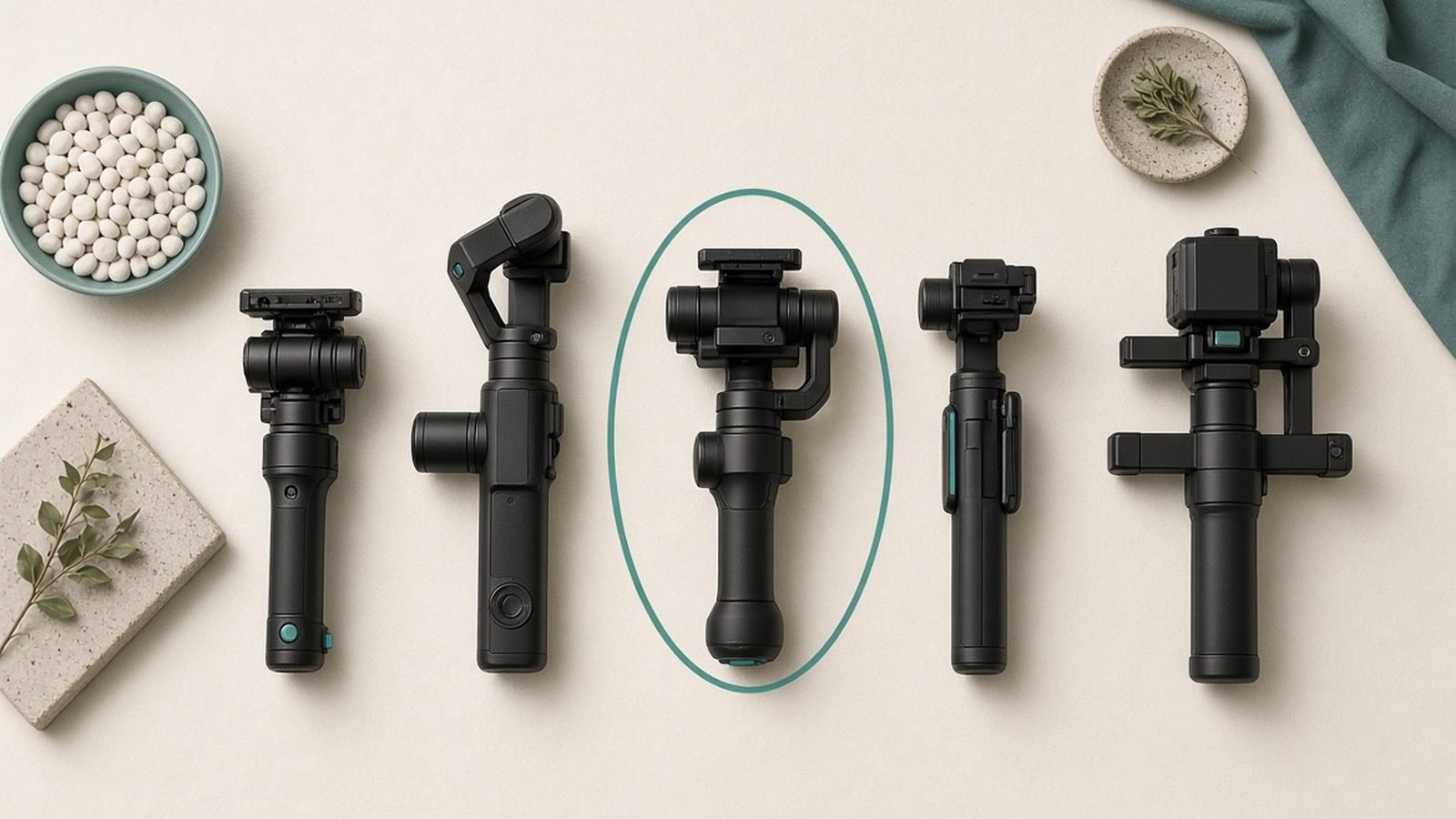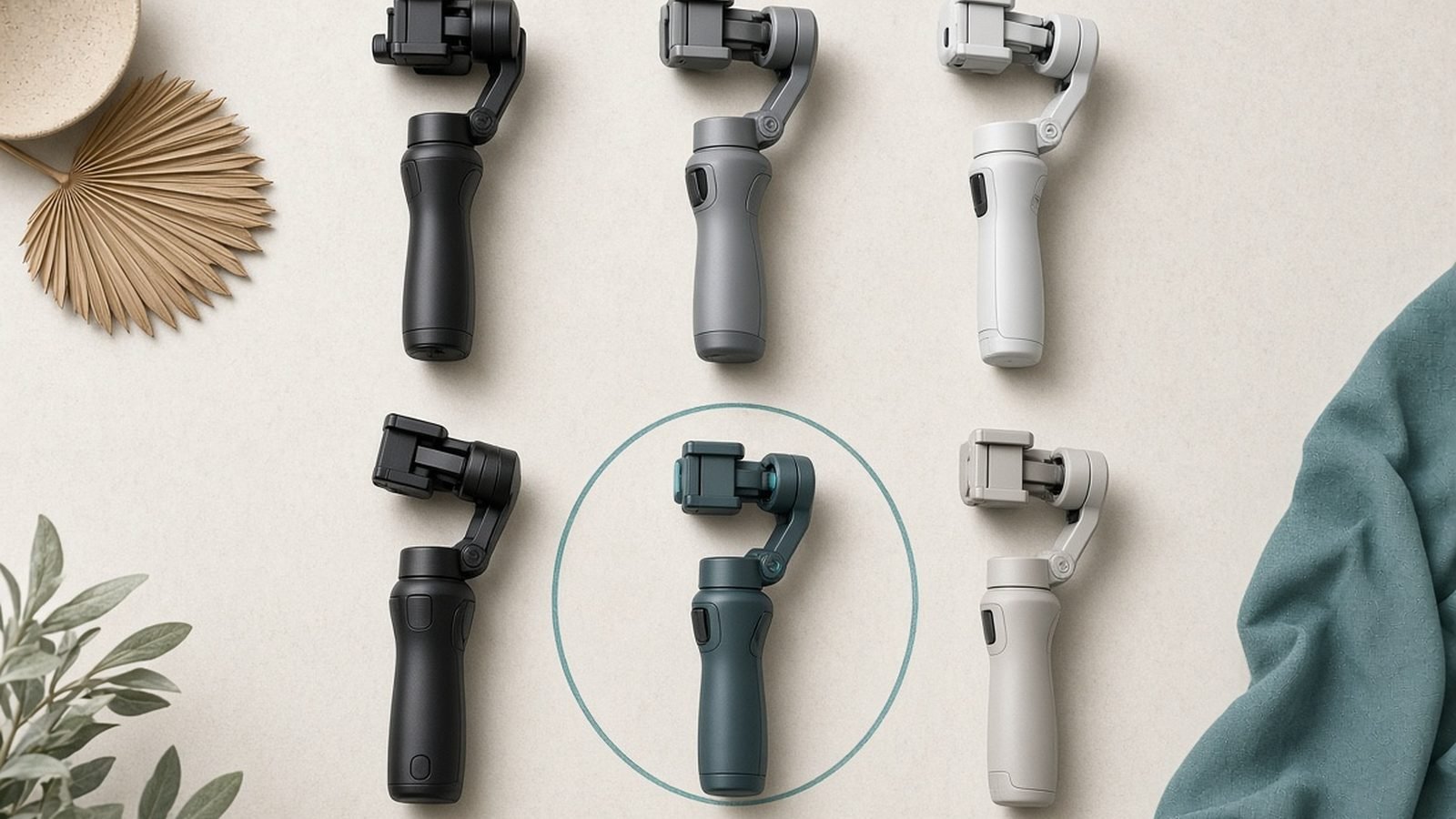
If your handheld footage still looks jittery despite a modern phone, a gimbal is the fix. The best gimbal for iPhone does what software cannot: it physically counteracts your hand shake with motors, keeps the horizon level, and unlocks smooth pans, walking shots and subject tracking. This guide covers the three phone stabilizers worth buying in 2026, who each one is for, and the real compromises behind the marketing.
We focus on iPhone here, but every pick is also one of the best gimbal for Android options too. The mechanics are identical; only the companion app differs.
Comparison: Best iPhone Gimbals at a Glance
| Gimbal | Best for | Price (US / UK) | Standout feature | Watch out for |
|---|---|---|---|---|
| DJI Osmo Mobile 7P | Most people | ~$149 / £139 | Built-in rod + tracking module | App nags for login |
| Insta360 Flow 2 Pro | Solo creators | ~$159 / £149 | AI subject tracking | Best tracking needs Insta360 app |
| Zhiyun Smooth 5S | Heavy phones | ~$159 / £145 | Strong motors, physical dials | Bulkier to carry |
What a Gimbal Does (and When You Need One)
A gimbal is a motorised handle with three rotating axes (pan, tilt and roll). Tiny sensors detect movement hundreds of times a second, and the motors spin to cancel it out. The result is footage that glides even while you walk, jog or climb stairs.
You need one if you shoot movement: walk-and-talk vlogs, follow shots, real estate walkthroughs, gym clips or travel B-roll. You probably do not need one for static talking-head videos on a tripod, where in-phone stabilisation is already plenty.
New to the category? Our What Is a Gimbal and Do You Actually Need One? explainer breaks down the axes and motor types in plain English.
How We Picked
We did not run a paid lab. Instead, in our research we compared full manufacturer specs, weighed each gimbal’s payload against real iPhone Pro Max weights (with cases), and read through hundreds of aggregated owner reports across retailer reviews, forums and creator communities. We weighted four things: stabilisation quality, tracking reliability, portability, and how much friction the companion app adds. Price mattered, but a cheap phone gimbal that frustrates you daily is no bargain.
Best Overall: DJI Osmo Mobile 7P
If you want one gimbal that quietly does everything, this is it. The Osmo Mobile 7P is the pick for most iPhone owners in 2026 and, in our view, the best smartphone gimbal 2026 has produced so far.
The headline is the built-in extension rod, roughly a 215mm reach that pulls out for high-angle and low-angle shots without a separate accessory. It ships with the Multifunctional Module, a small clip-on unit that handles subject tracking natively (no third-party app required) and adds a fill light and gesture control. Battery life lands around 10 hours in real use, and it folds down small enough for a jacket pocket.
Based on owner reports, stabilisation is confident and the tracking module locks onto faces and pets reliably. The recurring gripe is the DJI Mimo app occasionally nagging for an account login before you can access some features, which is annoying when you just want to hit record.
Pros - Built-in extension rod and tripod, no extra kit needed - Native tracking module works outside DJI’s app - Long battery life and fast, magnetic phone mounting
Cons - App occasionally prompts for account login - Tracking module is a small extra piece to keep track of
Who it’s for: Everyday creators, vloggers and travellers who want a do-it-all phone stabilizer for video without overthinking it.
Check price: DJI Osmo Mobile 7P
Verdict: The safest recommendation on this list. If you buy blind, buy this.
Best for Tracking: Insta360 Flow 2 Pro
If your videos are mostly you, filming yourself, the Insta360 Flow 2 Pro is the sharper tool. Its standout is AI subject tracking that keeps you centred as you move around, plus Apple DockKit support so tracking works inside 200+ third-party apps, not just Insta360’s own.
It folds into a genuinely pocketable slab, includes a built-in tripod and selfie stick, and has a small selfie mirror so you can frame yourself with the phone facing away. In our research, owners rate the tracking among the most tenacious in this class, holding a lock through fast, erratic movement that trips up rivals.
The honest caveat: the best tracking and gesture features shine brightest inside the Insta360 app. DockKit covers a lot, but for the full toolkit you will lean on Insta360’s software. Street prices also swing hard, we have seen it dip well below list during sales, so it is worth checking before you buy.
Pros - Class-leading AI subject tracking - Apple DockKit tracking across many apps - Built-in mirror, tripod and selfie stick
Cons - Full feature set needs the Insta360 app - Frequent price swings make timing matter
Who it’s for: Solo creators, TikTokers and vloggers who film themselves and want the phone to follow them hands-free.
Check price: Insta360 Flow 2 Pro
Verdict: The tracking champion. If you shoot solo, this beats the DJI for you specifically.
Best for Heavier Phones: Zhiyun Smooth 5S
Big phone in a chunky case, plus a clip-on lens or mic? You need torque, and the Zhiyun Smooth 5S has the strongest motors here. It is built to swing heavier payloads without straining, so the largest Pro Max handsets (cases on) stay balanced and steady where lighter gimbals wobble.
It also leans into hands-on control. There are physical dials and buttons for zoom, focus and mode switching, which feels far more like operating a camera than tapping a screen. A magnetic fill light bundles in for low-light shooting. This is the enthusiast’s pick.
The trade-off is size and weight. Based on owner reports, the Smooth 5S is noticeably bulkier and heavier to carry all day than the DJI or Insta360, and it is more gimbal than a casual shooter needs. But for demanding rigs, that heft is the point.
Pros - Powerful motors handle large phones with cases - Physical control dials for camera-style operation - Magnetic fill light included
Cons - Bulkier and heavier to carry - Overkill for light, casual shooting
Who it’s for: Enthusiasts running heavy phones with accessories, and anyone who wants tactile physical controls.
Verdict: The workhorse. Buy it if payload and physical controls matter more than pocketability.
Gimbal vs In-Phone Stabilisation
The big objection: my iPhone already has OIS and cinematic stabilisation, so do I even need a gimbal? Fair question, and the honest answer is: sometimes not.
In-phone stabilisation (optical OIS plus software EIS) is excellent for small shakes, everyday clips and static shooting. Apple’s Action mode and similar Android modes smooth out a surprising amount. If most of your footage is filmed standing still or with gentle movement, a gimbal may be redundant.
Where software still loses is sustained, larger motion. Software stabilisation crops into the frame and can produce a slightly warped, “jelly” look during fast pans or brisk walking. A gimbal corrects motion at the source with no crop and no warping, and it enables things software cannot: locked-off subject tracking, smooth orbit shots, precise low-angle glides.
Rule of thumb: static or gentle shooter, save your money. Motion-heavy shooter, a gimbal is a real upgrade. If you want one device that does both stabilisation and camera in a single unit, weigh a pocket cinema camera instead, our DJI Osmo Pocket 3 vs Osmo Nano: Which to Buy? comparison covers that all-in-one route.
Accessories and Apps
A few add-ons make any pick better. A clip-on wireless mic transforms audio on walk-and-talks. A small counterweight helps balance heavier phones on lighter gimbals. And a spare USB-C cable matters, because most of these can charge your phone from their internal battery in a pinch.
On apps: DJI Mimo, Insta360 and ZY Cami each unlock their gimbal’s smart features (tracking, timelapse, gestures). You can also shoot in your native camera app or Apple’s DockKit-aware apps for basic stabilised footage without signing in, which sidesteps most login friction. Learn the app once; the payoff is fast, repeatable shots.
FAQ
Do I need a gimbal if my iPhone already has stabilisation? Only if you shoot movement. In-phone OIS and software modes handle small shakes and static clips well. But for walking shots, fast pans or hands-free subject tracking, a gimbal corrects motion physically with no crop or warping, delivering results software cannot match. Static shooters can skip it.
Are these gimbals good for Android too? Yes. All three are among the best gimbal for Android choices as well as iPhone. The motors and mounts are platform-agnostic; you just install the Android version of the companion app. One caveat: Apple DockKit tracking is iPhone-only, so on Android you rely on each brand’s own app for tracking.
What is the cheapest good phone gimbal? Prices swing with sales, but the Insta360 Flow 2 and DJI Osmo Mobile 7 (the non-P models) regularly drop into genuine cheap phone gimbal territory. They lose the extension rod or advanced tracking module but keep core three-axis stabilisation, which is the part that matters most.
Will a gimbal hold my phone with a case on? Usually yes, but heavy cases and clip-on lenses add weight that can strain lighter motors. If you run a large phone loaded with accessories, the Zhiyun Smooth 5S has the torque to handle it. For slim cases on standard phones, any pick here balances fine.
Which should I buy overall? The DJI Osmo Mobile 7P for most people, the Insta360 Flow 2 Pro if you film yourself and need tracking, and the Zhiyun Smooth 5S for heavy phones and physical controls. All three are strong; match the pick to how you actually shoot.
Want more creator gear guides? Browse our Cameras & Creator Gear for cameras, mics and accessories.
Zen Tech Hub may earn a commission from links on this page, at no extra cost to you.