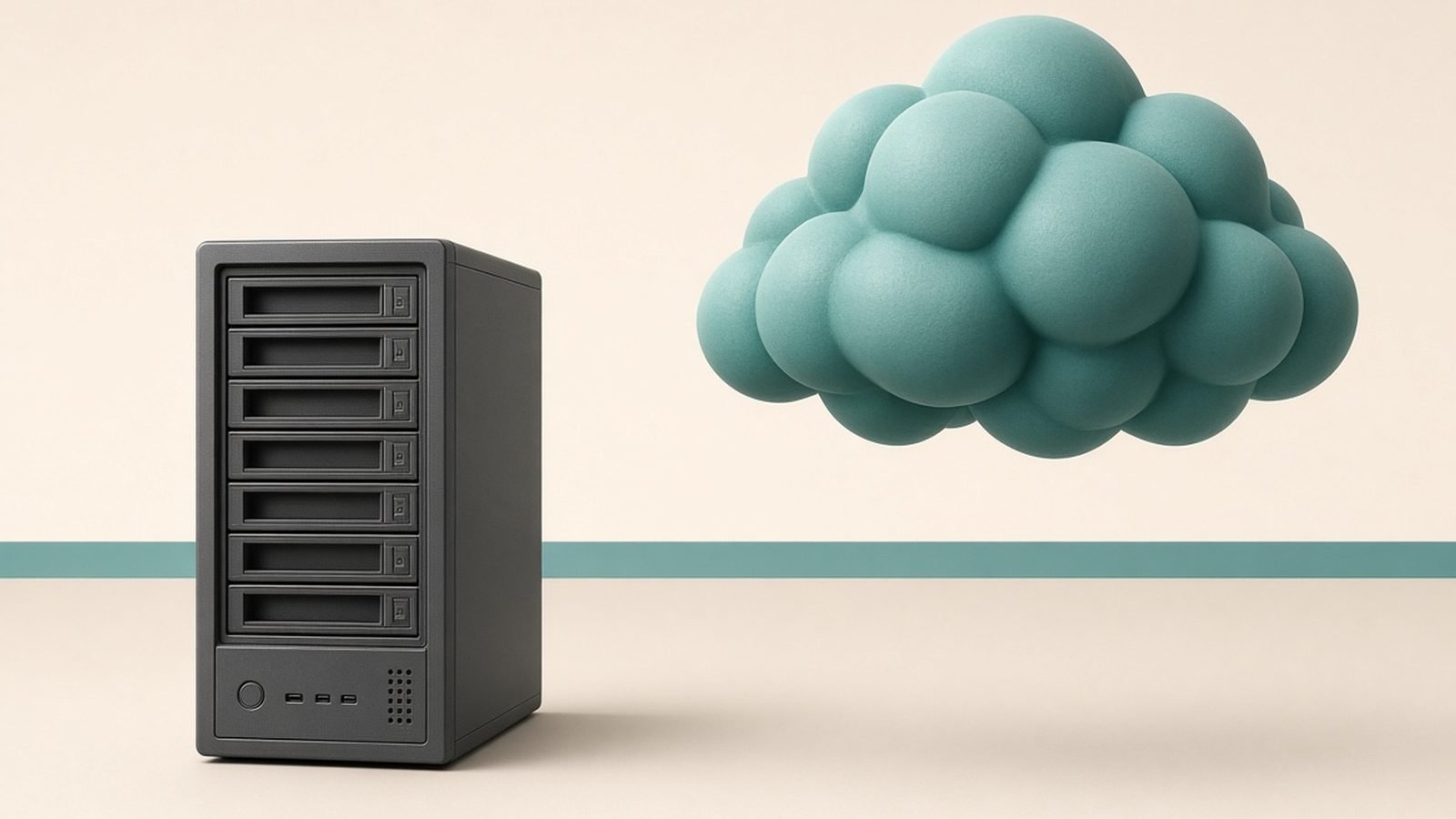
Strip away the branding and nas vs cloud storage is really one question: do you want to own a private data centre or rent one? Owning — a NAS — front-loads the cost into hardware you maintain yourself, which is why it only starts winning once you store enough: work out the real cost over time at several terabytes and the cost-per-terabyte, privacy and local speed all tip decisively its way, ideal for large photo and video libraries and media servers. Renting — cloud storage — reverses the deal: you pay for ever, but off-site protection and maintenance become someone else’s job, the better trade for smaller collections. And for anything irreplaceable, it was never either/or — the smartest setup uses both.
This guide compares the two on the things that actually decide it — real cost over time, privacy, backup safety, and speed — then tells you exactly who should pick which. The short version: buy a NAS for capacity and ownership; use cloud for convenience and off-site safety; and for anything irreplaceable, the smartest setup uses both.
NAS vs cloud storage at a glance
| Factor | Home NAS | Cloud storage |
|---|---|---|
| Upfront cost | High (box + drives) | None |
| Ongoing cost | Low (power only) | Monthly/annual subscription |
| Cost at scale (4TB+) | Cheaper over time | Gets expensive fast |
| Local speed | Very fast (gigabit LAN) | Limited by your internet |
| Remote access | Yes, with setup | Yes, effortless |
| Off-site safety | No (unless you add it) | Built in |
| Privacy/control | You own the data | Provider holds the data |
| Maintenance | You manage it | Provider manages it |
| Best for | Large libraries, media, control | Smaller sets, simplicity, off-site backup |
The one-line verdict: a NAS is a private data centre you own and maintain; cloud storage is that same capability rented, off-site and hands-off.
What each one actually is
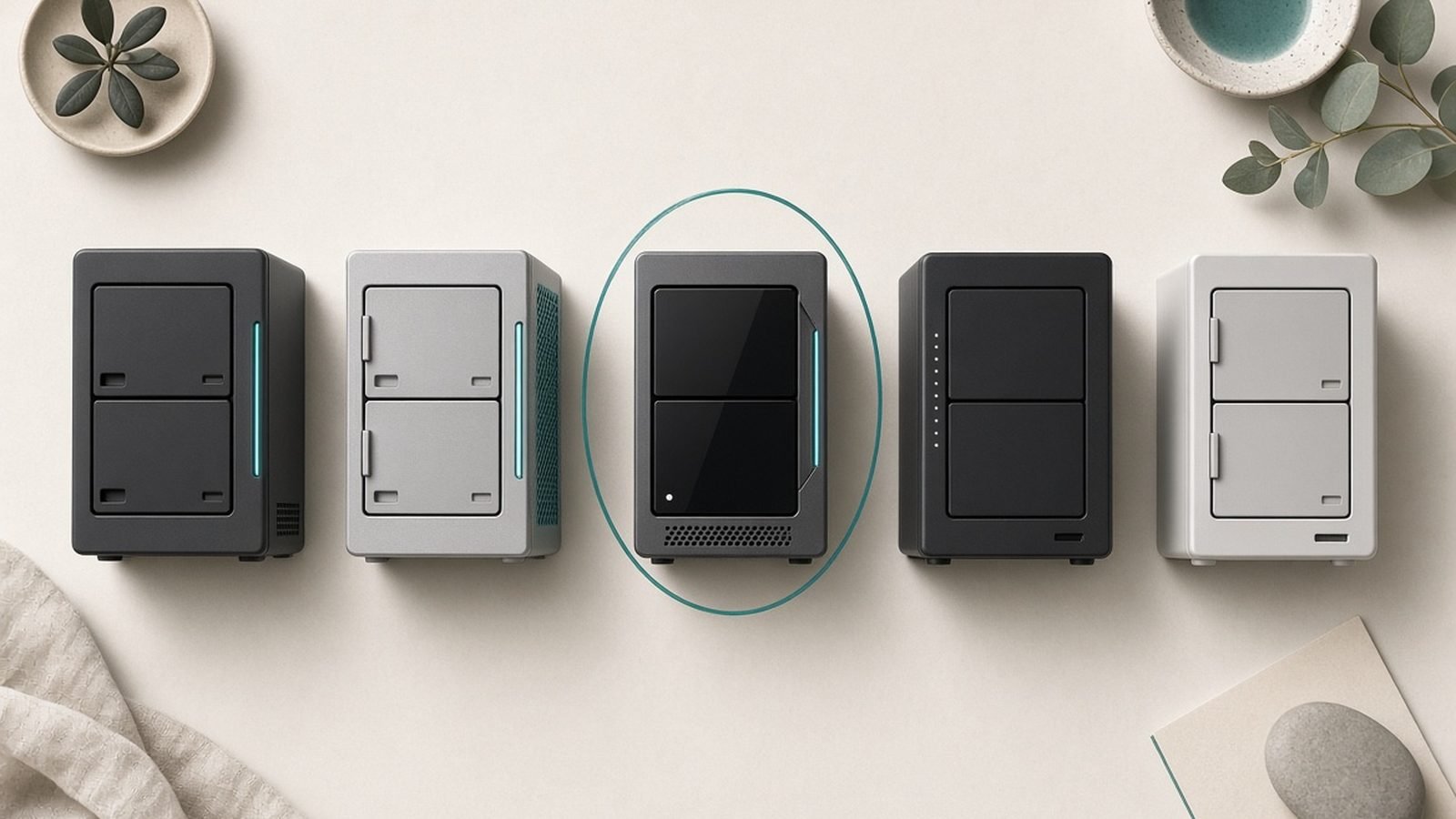
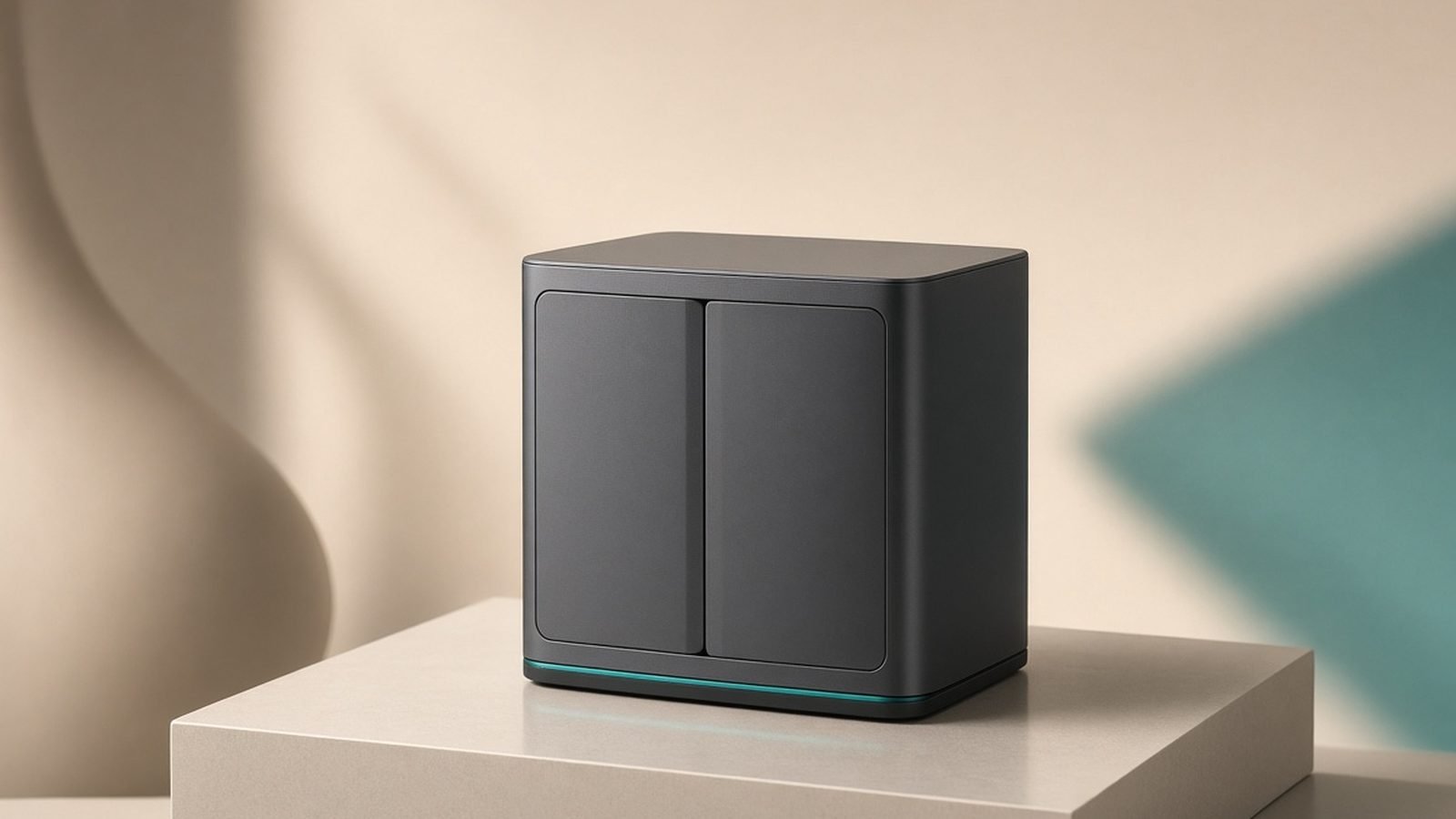
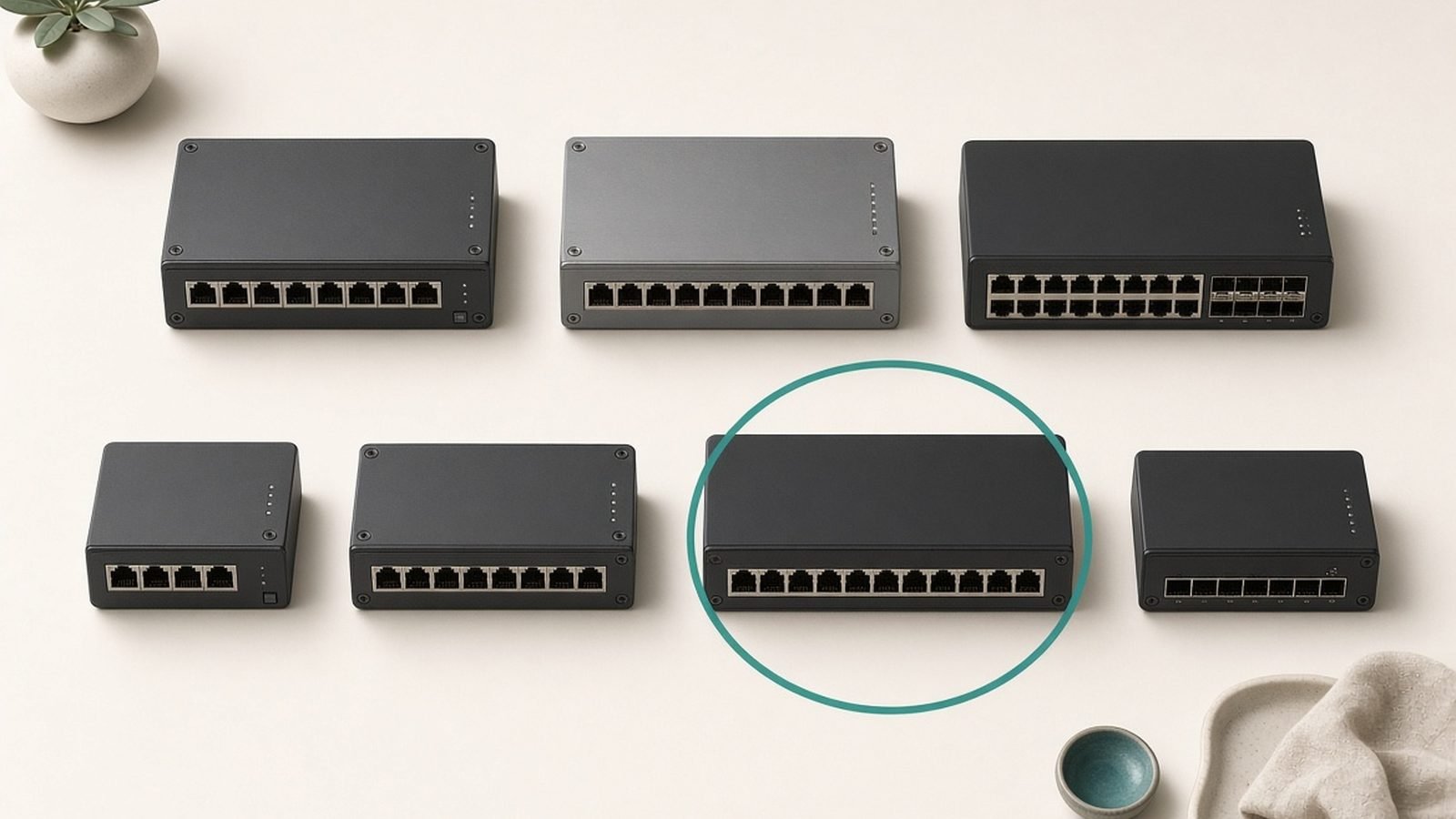
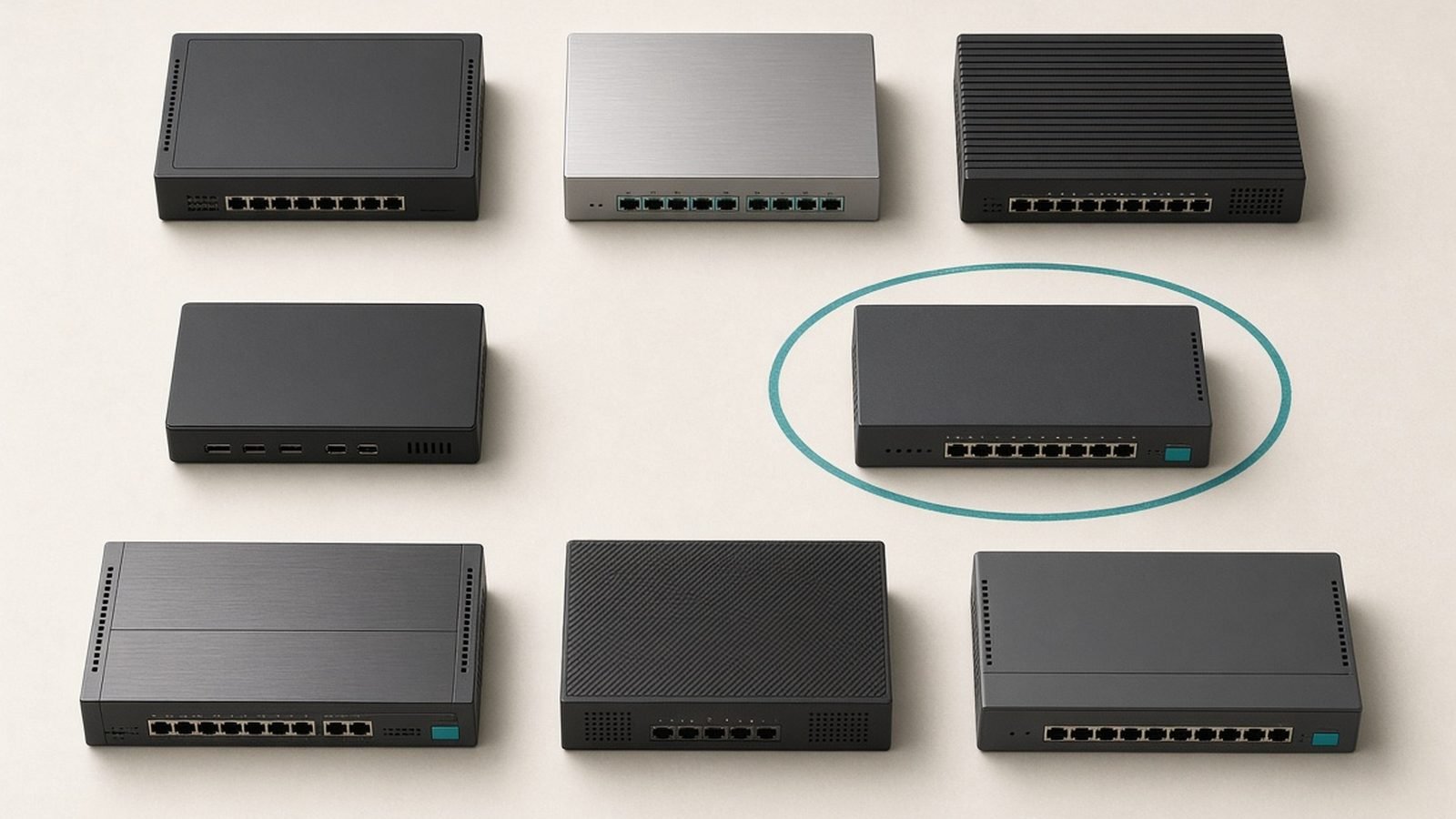
A NAS is a small always-on box that holds two or more hard drives and connects to your home network, so every device in the house — and, once configured, you from anywhere — can reach the files on it. Modern units from Synology, UGREEN, QNAP and others run app ecosystems that turn the box into a photo backup target, a Plex or media server, a file sync hub and a personal cloud. You buy the enclosure once and add drives to suit; see our Best Home NAS 2026: Top Picks for Backup, Plex & Photos round-up for the hardware and Best NAS Drives for Home 2026: Backup & Media Picks Ranked for the disks that go inside.
Cloud storage is space you rent on a provider’s servers — Backblaze, iDrive, Google, Apple, Microsoft, Dropbox and the rest. You upload files over the internet and reach them from any device with an app or browser, and the provider handles the hardware, redundancy and uptime. You pay monthly or annually for the capacity you use. Our Best Cloud Storage 2026: Top Personal Plans Compared guide compares the leading services and their real pricing.
They solve overlapping problems from opposite directions: one keeps your data at home under your control, the other keeps it off-site under someone else’s.
Cost: the crossover point that decides it
This is where the nas vs cloud storage decision is usually won or lost, and it hinges on how much data you have.
Cloud costs nothing upfront but never stops charging. Consumer plans commonly land around $10 / £8 a month for 2TB, or roughly $120 / £96 a year — every year, forever, rising as your library grows. Back up 8TB of photos and video and you’re paying for four of those plans or a pricier tier. The meter never stops.
A NAS is the reverse: a large upfront cost, then almost nothing. A solid two-bay enclosure runs around $300–$450 / £280–£420, and drives add on top — think $150–$250 / £140–£230 for a good multi-terabyte NAS hard drive. So a capable 8TB-usable setup might cost $600–$800 / £560–£750 to build, plus a few dollars of electricity a month.
The maths: that same $600–$800 buys five to seven years of a 2TB cloud plan — and the NAS gives you far more capacity. Below roughly 1–2TB, cloud is cheaper and simpler. Above a few terabytes, or over a multi-year horizon, a NAS is dramatically cheaper per terabyte and the gap widens every month. If you’re weighing is a nas cheaper than cloud storage, the answer is: only once you have enough data and time for the upfront cost to amortise — but for large libraries kept for years, it’s not close.
One honest caveat: drives fail and need replacing every few years, so budget for that. It’s still cheaper than perpetual rent at scale.
Privacy and control: who holds your data
A NAS keeps your files in your home, on hardware you own. Nobody scans them, no terms of service change under you, and no account suspension can lock you out of your own memories. For privacy-conscious users, families storing personal photos, or anyone who dislikes the idea of a corporation holding their data, this is the single biggest reason to choose a NAS — a genuinely private cloud at home.
Cloud providers, by contrast, hold your data on their servers. Reputable ones encrypt it and are highly secure, and for most people that’s perfectly fine. But you’re trusting a third party: with their security practices, their pricing decisions, their account policies, and in some cases their scanning of content. Most are trustworthy; the point is that control isn’t yours.
The trade-off runs the other way too. Owning your data means owning the responsibility — securing the NAS, keeping its software updated, and not exposing it carelessly to the internet. A poorly-secured NAS is a genuine risk. Cloud offloads that burden entirely to professionals. Privacy favours NAS; security-without-effort favours cloud.
Backup safety: the point most people get wrong
Here’s the trap: a NAS on its own is storage, not a backup. If it sits in your home and your home suffers a fire, flood or burglary, your data goes with it — even a multi-drive NAS with redundancy, because RAID protects against a drive failing, not against the whole box being lost or destroyed. Redundancy is uptime insurance, not a backup.
Cloud storage’s greatest strength is that it is inherently off-site. Whatever happens at home, a copy lives in a data centre elsewhere. This is why, for protecting irreplaceable files, cloud has a real safety advantage a standalone NAS can’t match.
The professional standard both approaches point to is the 3-2-1 rule: three copies of your data, on two types of media, with one off-site. The ideal setup satisfies it neatly — your working files and the master library on a NAS (fast, local, private), backed up to the cloud (off-site, disaster-proof). Many NAS units can back themselves up to a cloud service automatically, giving you the best of both. If you’ll only ever have one copy, make it the cloud; if you want the best protection, use both.
Speed and access: local gigabit vs your internet line
For moving large amounts of data around your own home, a NAS is far faster. Over a wired gigabit network it reads and writes at speeds cloud can’t approach, because cloud is capped by your internet connection — especially your upload speed, which on many home plans is a fraction of the download. Backing up a large photo library to the cloud for the first time can take days; to a NAS it’s minutes to hours.
That makes a NAS excellent for local, bandwidth-heavy work: editing video off the box, streaming a 4K movie library to TVs around the house, or backing up several computers nightly. If your router or Wi-Fi is the bottleneck for that traffic, tuning it helps — our Best Router Settings for Gaming (Lower Ping in 2026) guide covers the same QoS and band principles that keep a busy home network responsive.
Cloud wins on remote, anywhere access. Reaching your files from a phone on mobile data, sharing a folder with someone, or collaborating is effortless and needs no setup. A NAS can do remote access too, but it takes configuration and is limited by your home’s upload speed. For everyday reach-it-anywhere convenience with modest amounts of data, cloud is simply easier.
Maintenance and effort: hands-on vs hands-off
Be honest with yourself about this one. A NAS is a small computer you administer: initial setup, software and security updates, occasional drive replacement, and troubleshooting when something misbehaves. It’s not hard, and modern units are friendlier than ever, but it is ongoing involvement. If you enjoy that — or want the capability and control enough to learn — it’s a feature, not a chore.
Cloud storage is close to zero-effort: install an app, and it syncs and backs up in the background while the provider handles everything else. For people who want their files protected without ever thinking about hardware, that hands-off nature is worth paying for.
Which should you buy?
Choose a NAS if you store several terabytes or more, want a private media server or photo library, care about owning and controlling your data, do bandwidth-heavy local work, or are looking at a multi-year horizon where the upfront cost pays back many times over. Pair it with cloud or an off-site backup for anything irreplaceable. Start with the enclosure — a Synology two-bay is the most-recommended entry point — then add drives.
Check price: Synology 2-bay NAS
Choose cloud storage if you have a smaller collection (roughly under 1–2TB), want off-site safety with no effort, don’t want to own or maintain hardware, need effortless anywhere-access and sharing, or simply prefer a predictable subscription to a large upfront spend. It’s also the right first step for anyone whose current “backup” is a single external drive — that drive can fail or be lost, and cloud fixes the off-site gap immediately.
Choose both if the data is irreplaceable and the budget allows — the NAS as your fast, private, high-capacity library, and cloud as the automatic off-site backup that satisfies the 3-2-1 rule. For family photos and years of video, this is the setup we’d steer most serious home users toward.
FAQ
Is a NAS cheaper than cloud storage?
Over time and at scale, yes. Cloud has no upfront cost but charges monthly forever — roughly $120 / £96 a year for 2TB — while a NAS costs $600–$800 / £560–£750 to build but then costs only electricity. Below about 1–2TB, cloud is cheaper and simpler. Above a few terabytes or over several years, a NAS wins clearly on cost per terabyte, even accounting for eventual drive replacement.
Is a NAS a backup?
Not by itself. A NAS is storage that lives in your home, so a fire, flood, theft or ransomware can take it and your data together. Even RAID redundancy only protects against a single drive failing, not the loss of the whole box. To count as a real backup, a NAS needs a second, off-site copy — which is exactly where cloud storage complements it.
NAS or cloud for photos?
For a small phone library, cloud is easier and gives instant off-site safety. For a large or growing photo and video collection you want to own, a NAS is more economical and private, and doubles as a media server. The best answer for irreplaceable photos is both: keep the master library on a NAS and back it up to the cloud so a home disaster can’t wipe out your memories.
Can I access a NAS from anywhere like cloud storage?
Yes, but it takes setup. NAS makers offer apps and services for secure remote access, so you can reach your files away from home. The catch is speed — remote access is limited by your home’s upload bandwidth, which is often slow — and you must secure it properly, since a carelessly exposed NAS is a security risk. Cloud remains easier for effortless, fast anywhere-access.
Is cloud storage safer than a NAS?
For protection against physical disaster, yes — cloud is off-site by nature, so a fire or theft at home can’t destroy it. Reputable providers are also professionally secured. A NAS keeps data private and under your control but is only as safe as your home and your security practices, and it’s vulnerable to local disasters unless backed up elsewhere. The safest approach combines both.
What’s the best way to back up files in 2026?
Follow the 3-2-1 rule: three copies, on two types of media, with one off-site. In practice that often means your files on your computer, a copy on a local NAS or external drive for fast recovery, and an automatic cloud backup for off-site protection. A single external hard drive isn’t enough — if it fails or is lost, the data is gone. Redundancy across locations is what keeps files truly safe.
Zen Tech Hub may earn a commission from links on this page, at no extra cost to you.