If you read a lot, the single biggest hardware decision you’ll make is the screen. The e-ink vs LCD for reading debate isn’t marketing noise — the two technologies work in fundamentally different ways, and each one is genuinely better for different kinds of reading. This explainer breaks down how each screen behaves, what the science actually says about eye strain and blue light, and which type suits novels, comics, PDFs and kids.
Short version: e-ink wins for long-form text and battery life, LCD (and OLED) wins for colour, speed and flexibility. But the details matter, so let’s get into them.
How e-ink actually works (and why it looks like paper)
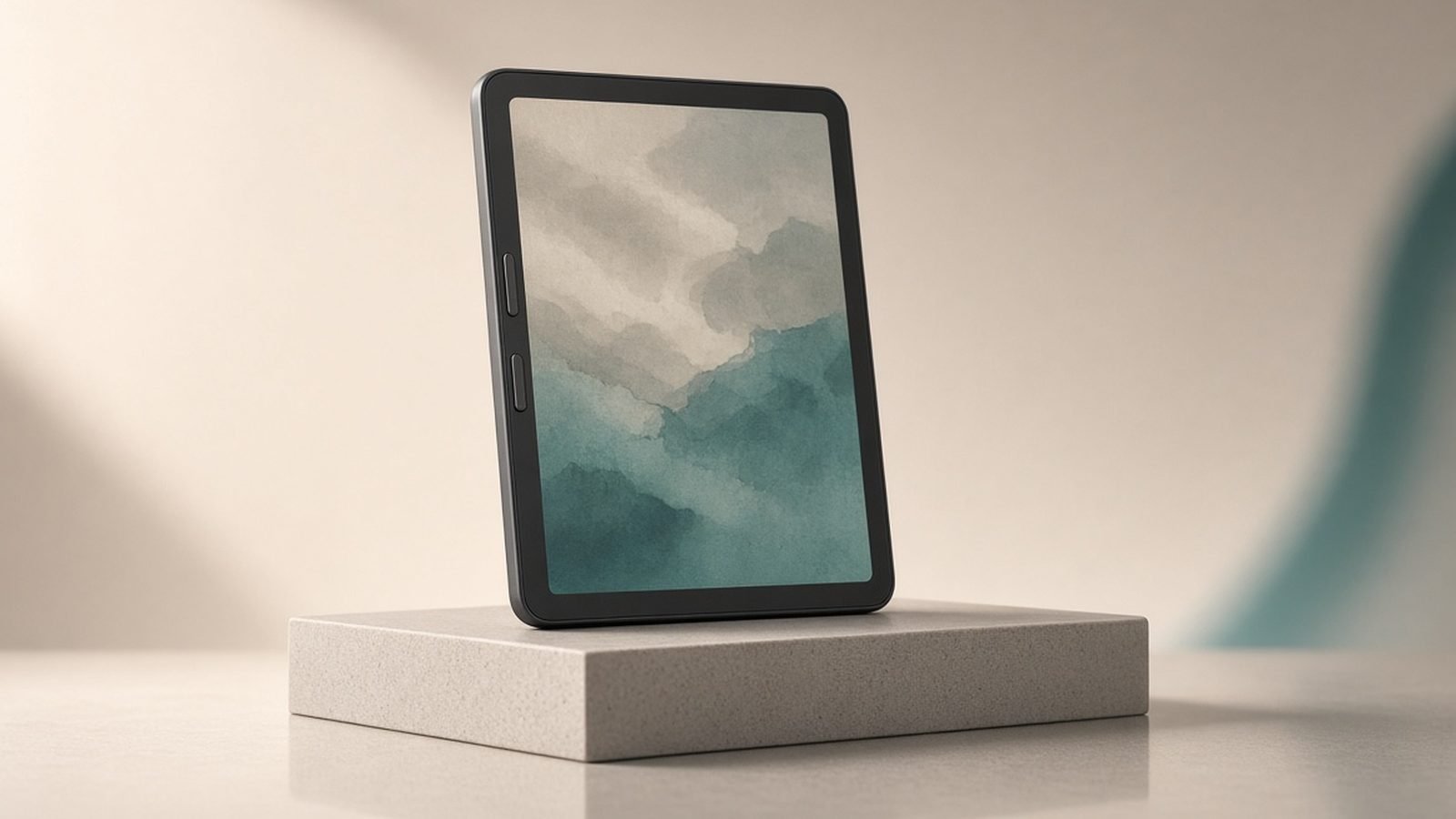
Here’s the e-ink screen explained in plain terms. An e-ink display is filled with millions of microcapsules containing tiny black and white pigment particles suspended in clear fluid. Apply a positive or negative charge and the particles rise or sink, forming letters and images. Crucially, once the image is set, it holds with zero power — the screen only draws energy when the page changes.
Because e-ink reflects ambient light rather than emitting it, the page looks like ink on paper. There’s no backlight firing photons at your eyes; you’re reading reflected light, exactly as you would a paperback. That’s why e-ink feels calmer and why it stays readable in direct sun. The trade-offs: slow refresh, occasional “ghosting” of old text, and — on standard panels — no colour.
How LCD and OLED tablet screens differ
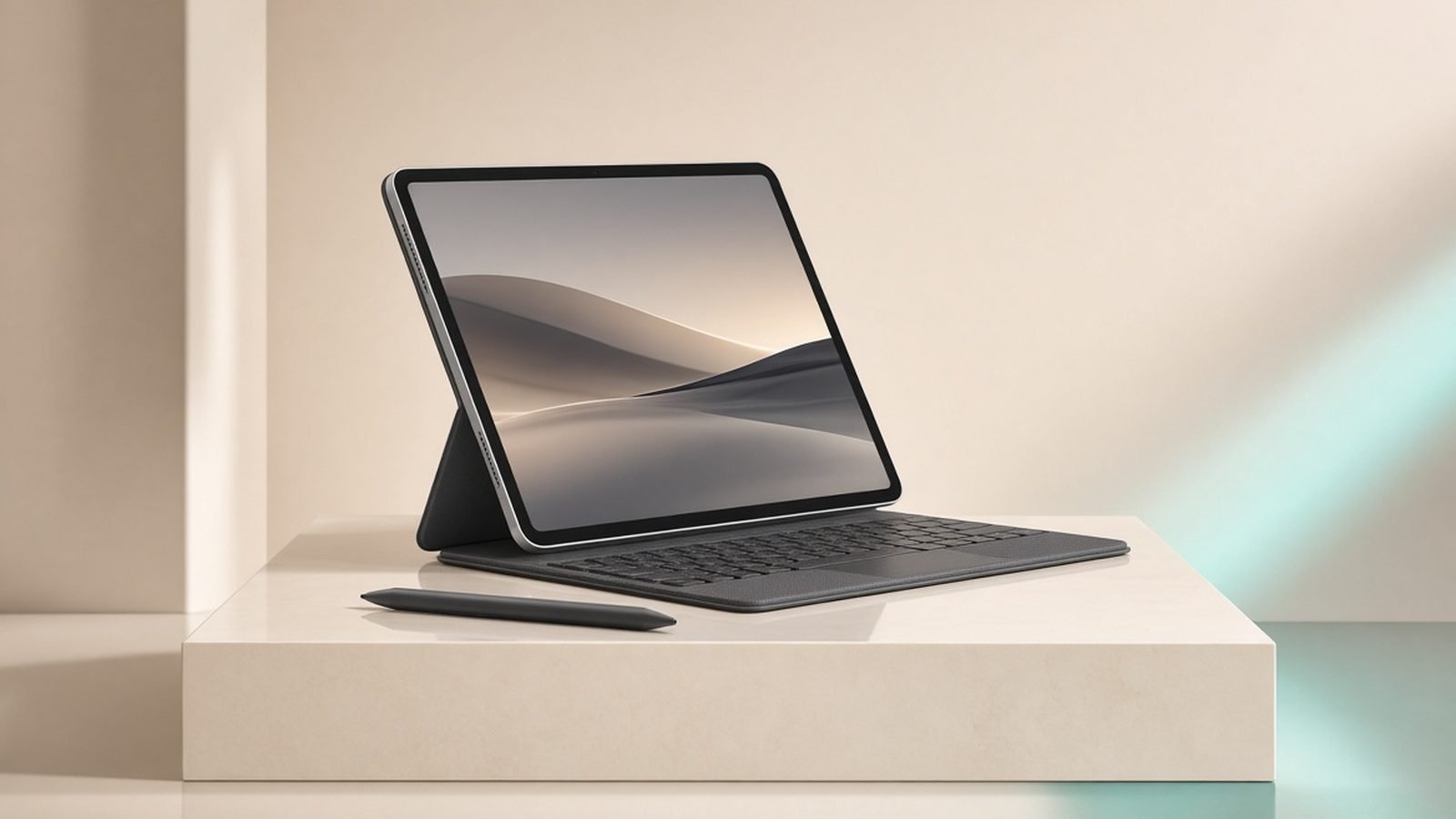
An LCD tablet like an iPad works the opposite way. A backlight shines through liquid-crystal layers and colour filters, emitting light directly toward you. OLED (used on higher-end tablets and phones) drops the backlight and lights each pixel individually, giving deeper blacks and richer colour.
Both are emissive, high-refresh and full-colour. That makes them brilliant for comics, magazines, illustrated cookbooks, colour PDFs and video — content e-ink handles poorly or not at all. The cost is battery life measured in hours rather than weeks, and a bright light source pointed at your face, which becomes the crux of the kindle vs tablet for reading question.
Eye strain and blue light: what the evidence says
So is e-ink better for your eyes? The honest answer is “partly, and mostly at night.”
Digital eye strain is real, but the main culprits are well established: reduced blink rate, poor posture and screen glare — not the display technology alone. On that front e-ink helps, because there’s no flicker and no glare-prone glossy backlight, and the paper-like contrast is easy to focus on for hours. In our research across owner reports, the most consistent comment from heavy readers is simply that e-ink causes less fatigue over long sessions.
Blue light is where the evidence is strongest. Harvard Health and multiple sleep studies (including well-cited research from the Proceedings of the National Academy of Sciences) have found that evening exposure to blue-enriched light from emissive screens suppresses melatonin, delays your body clock and reduces next-morning alertness. That’s the science behind reading on iPad vs Kindle at night: an LCD or OLED tablet pushes bright, blue-rich light at you, while a front-lit e-ink reader (light shining across the surface, not into your eyes) with a warm amber setting is far gentler before sleep.
Does e-ink cause eye strain? Rarely from the screen itself — though a poorly adjusted front-light or reading in the dark can still tire anyone out. Set the warmth up, keep brightness moderate, and blink.
Battery life and sunlight readability compared
This is e-ink’s landslide. Because it only sips power when turning pages, a modern e-reader lasts weeks on a charge; a tablet lasts a long evening. If you travel, commute or read in bed without a charger nearby, that gap is transformative.
Sunlight is the other clear win. E-ink reflects sunlight, so it gets more readable outdoors — perfect for beaches and gardens. A glossy LCD becomes a mirror in direct sun; even bright OLED struggles against glare. For poolside reading, it’s not close.
Where LCD claws back: speed and versatility. Scrolling, pinch-zooming a technical PDF, flipping through a graphic novel or switching to email all feel instant. E-ink’s slower refresh makes those tasks feel sluggish.
Colour e-ink in 2026: Kaleido 3 and beyond
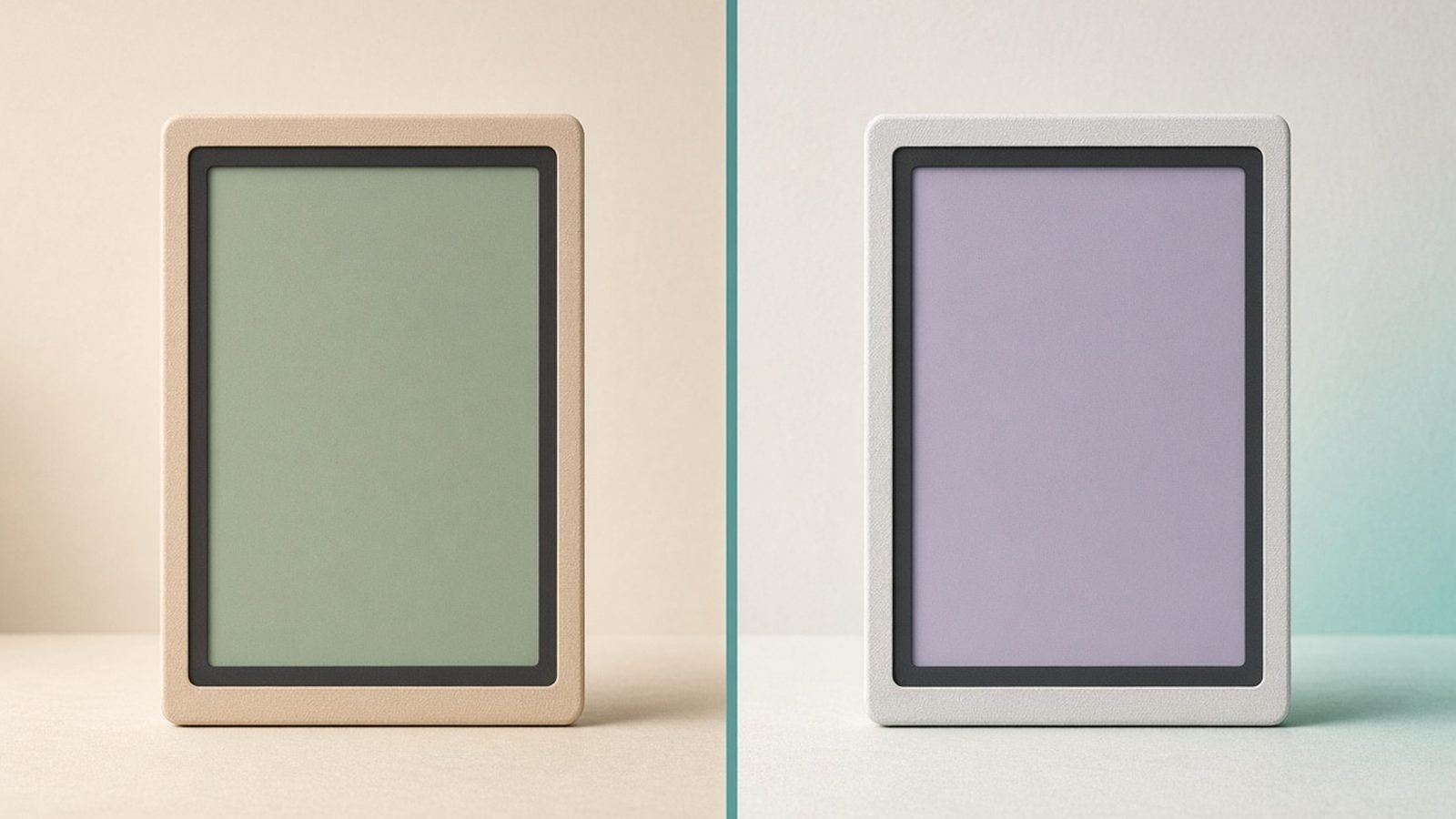
The big story of the last few years is colour e-ink. The dominant technology, Kaleido 3, layers a colour filter array over a standard black-and-white panel. It brings genuine colour to e-readers while keeping the paper-like, sunlight-friendly, weeks-long-battery character.
Manage your expectations, though. Kaleido 3 colour is muted and slightly grainy compared to an iPad — think tasteful watercolour, not glossy magazine. Colour resolution is lower than the sharp black-and-white text layer, so line art and vivid comics look softer. Newer panels (Gallery 3 and successors) push saturation higher but remain slower and pricier. For book covers, highlighted notes, colour diagrams and casual comics, Kaleido 3 is a lovely middle ground; for detailed full-colour art, LCD still wins.
Which screen for which reader (novels, comics, PDFs, kids)
Novels and long-form non-fiction: E-ink, every time. Best eye comfort, best battery, best in sun.
Comics, manga and graphic novels: Colour and speed matter — LCD/OLED, or colour e-ink if you value eye comfort over vividness.
Technical PDFs and textbooks: Large LCD tablet. Zooming, annotating and reflowing complex layouts is painful on small, slow e-ink.
Bedtime readers: E-ink with a warm front-light, for the sleep reasons above.
Kids: LCD tablets offer interactive, colourful content and parental controls; e-ink suits older children who read text and where you want less screen stimulation.
Recommended devices for each screen type
Three devices cleanly represent the three paths.
Amazon Kindle Paperwhite (12th gen) — the e-ink pick
Around $160 / £160. The default recommendation for text readers: crisp 300ppi e-ink, adjustable warm front-light, weeks of battery, waterproofing and Amazon’s huge store.
Pros: Best-in-class text, sunlight-friendly, superb battery, warm light for night reading. Cons: Black-and-white only, slow for PDFs, locked to Amazon’s ecosystem.
Best for anyone who mainly reads novels and wants the least eye fatigue.
Check price: Kindle Paperwhite (12th gen)
Apple iPad 11-inch (A16) — the LCD pick
Around $299–$349 / £299–£329. The right answer for comics, colour PDFs and mixed use. A fast, bright LCD that doubles as a full tablet.
Pros: Vivid full colour, instant scrolling and zoom, brilliant for comics/PDFs/video, does everything else too. Cons: Emissive screen is worse at night, poor in direct sun, battery in hours not weeks.
Best for readers who want one device for illustrated content and general use.
Check price: iPad 11-inch (A16)
Kobo Libra Colour — the colour e-ink middle ground
Around $230 / £220. Kaleido 3 colour e-ink with page-turn buttons, warm light, waterproofing and broad format support including library ebooks.
Pros: Colour covers and notes on paper-like e-ink, sunlight-readable, great battery, physical buttons. Cons: Colour is muted and grainy, pricier than mono readers, slower than LCD.
Best for readers who want e-ink comfort with a splash of colour.
Check price: Kobo Libra Colour
Verdict
For the e-ink vs LCD for reading question, match the screen to the content. Read mostly text, especially at night or outdoors? E-ink is the clear, evidence-backed choice — start with the Kindle Paperwhite. Read comics, colour PDFs or want one do-everything device? Get an LCD tablet like the iPad. Want a foot in both camps? Colour e-ink such as the Kobo Libra Colour is the compromise, as long as you accept softer colour.
Explore more in our Tablets & E-Readers, and if you’ve decided on a screen, see Best E-Readers 2026: Kindle & Kobo Picks Compared (US & UK), Which Kindle Should You Buy in 2026? All 6 Models Ranked, Which iPad Should You Buy in 2026? Every Model Compared and Best E-Ink Tablets for Note-Taking 2026: Scribe vs Kobo vs reMarkable.
FAQ
Is e-ink better for your eyes than an LCD tablet? For long reading sessions, generally yes. E-ink reflects ambient light with no flicker or glare, which most heavy readers find less fatiguing. The bigger, science-backed advantage is at night: e-ink emits little to no blue light, so it’s less likely to disrupt melatonin and sleep than a bright emissive tablet.
Does e-ink cause eye strain? Rarely from the screen itself. E-ink has no backlight flicker and paper-like contrast, so strain usually comes from reading in the dark, an overly bright front-light or simply not blinking enough. Use a moderate, warm light setting and take breaks, and most people read for hours comfortably.
Kindle vs tablet for reading — which should I buy? If you mostly read novels, a Kindle or Kobo wins on eye comfort, battery and sunlight. If you read comics, colour PDFs or want a device that also handles video, web and email, a tablet is more versatile. Many keen readers own both and use each for what it’s best at.
Is colour e-ink like Kaleido 3 worth it? It depends on expectations. Kaleido 3 brings genuine colour to paper-like, sunlight-readable e-ink with long battery life — great for covers, notes, diagrams and casual comics. But colour is muted and slightly grainy versus an LCD. If you want vivid, detailed art, an LCD tablet is still the better buy.
Zen Tech Hub may earn a commission from links on this page, at no extra cost to you.