The AirPods Pro 3 heart rate sensor is the headline upgrade in Apple’s latest earbuds, turning a pair of ANC earphones into a genuine workout tool. Tuck them in, start a session, and the buds read your pulse from inside your ear — no Apple Watch, no chest strap, no extra hardware. This guide covers how the sensor works, how to switch it on, how to run a tracked workout, and where it falls short. Based on our research and aggregated owner reports, it is impressive for the money, with a few clear catches.
How the in-ear heart rate sensor works
Each AirPods Pro 3 bud carries a tiny optical (PPG) heart rate sensor that fires infrared light into your ear and measures how blood flow changes the reflected signal — the same photoplethysmography principle an Apple Watch uses at the wrist. The ear canal is actually a strong spot for this: it is well-perfused and shielded from a lot of the arm swing that throws off wrist readings.
The catch is that the sensor only runs during a workout. Unlike a watch or a smart ring, AirPods Pro 3 do not track your heart rate 24/7, they do not log resting rate overnight, and they do not measure HRV in the background. Think of them as an on-demand training sensor, not an always-on health monitor.
AirPods Pro 3 Fitness app setup (no Apple Watch needed)
The best part: setup is basically automatic. You need an iPhone running iOS 26 or later and firmware-updated AirPods Pro 3.
Update your iPhone to iOS 26+ and make sure your AirPods are on the latest firmware (leave them charging near your unlocked iPhone for a few minutes).
Open the Fitness app on your iPhone — this is the same app that used to require an Apple Watch. It now works standalone.
Wear both buds. Heart rate monitoring switches on when you start a supported workout; there is no separate toggle to hunt for.
If nothing appears, open Settings > [your AirPods] > Heart Rate and confirm the feature is enabled. That is the whole AirPods Pro 3 Fitness app setup — no pairing dance, no account juggling.
Starting a tracked workout with AirPods Pro 3
For AirPods Pro 3 workout tracking, open the Fitness app, tap the workout type (outdoor run, indoor cycle, HIIT, yoga and 50+ others), and hit start. Your iPhone uses the buds for heart rate and its own GPS and motion sensors for pace and distance, so you can leave the phone strapped to your arm or in a pocket.
Prefer to go phone-free? Ask Siri through the AirPods to “start an outdoor walk,” and the session logs to your iPhone once you reconnect. You will feel a light chime when a workout begins and ends.
How to see heart rate on AirPods Pro 3 mid-workout
Wondering how to see heart rate on AirPods Pro 3 in real time? Keep the Fitness app open during the session — live BPM shows on the workout screen. Turn on spoken audio cadence for a glance-free option. After the session, the full curve lives in Health.
Viewing your data in the Health app
Every tracked session syncs to the Health app automatically. Open Health, tap Browse > Heart > Heart Rate, and you will see your workout traces alongside any other sources. Under Activity, each session stores duration, average and max heart rate, and estimated energy burned.
So, do AirPods Pro 3 track calories? Yes — active and total calories are estimated from your heart rate plus the profile data (age, weight, sex) in your Health card. Keep that profile accurate, because garbage in means garbage out on the calorie math.
AirPods Pro 3 heart rate accuracy: how it compares
This is the question that matters. On AirPods Pro 3 heart rate accuracy, the picture from independent testing and owner reports is genuinely encouraging — with limits.
Steady-state cardio (easy runs, walks, cycling, rowing at a constant effort): readings track close to a chest strap, often within a couple of BPM. This is the buds at their best.
Intervals and sprints: the sensor can lag behind fast heart rate spikes and occasionally undershoot during explosive efforts, where a chest strap still wins.
Weightlifting and burpees: jaw clenching, head movement and ear flex introduce noise, so expect the odd dropout.
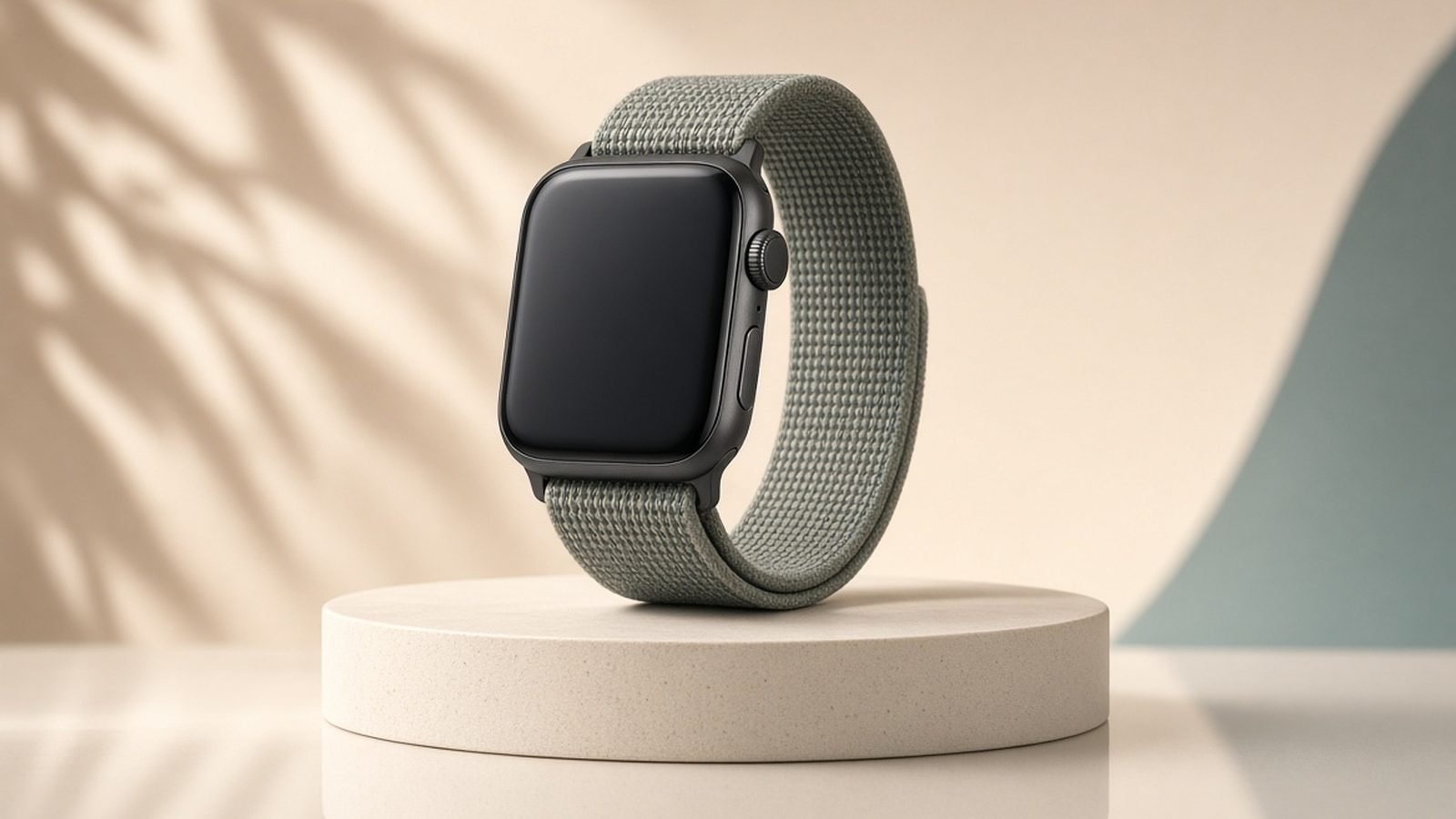
On AirPods heart rate vs Apple Watch, the two are close for continuous exercise. The Watch pulls ahead for 24/7 tracking, sleep, ECG, blood oxygen and fall detection — none of which the AirPods attempt.
Limitations: when the sensor pauses or drops out
Being upfront: the AirPods Pro 3 sensor is not bulletproof.
Fit is everything. A loose seal wrecks readings. Use the ear tip size that gives a firm, sealed fit and run the in-app fit test.
Heavy sweat and vibration during hard efforts can cause momentary dropouts, shown as gaps in the trace.
Battery cost. Heart rate monitoring plus ANC eats into runtime, so a long session drains faster than music-only listening.
Workouts only. Close the workout and the sensor stops. No background resting-rate or HRV data.
Do you still need an Apple Watch?
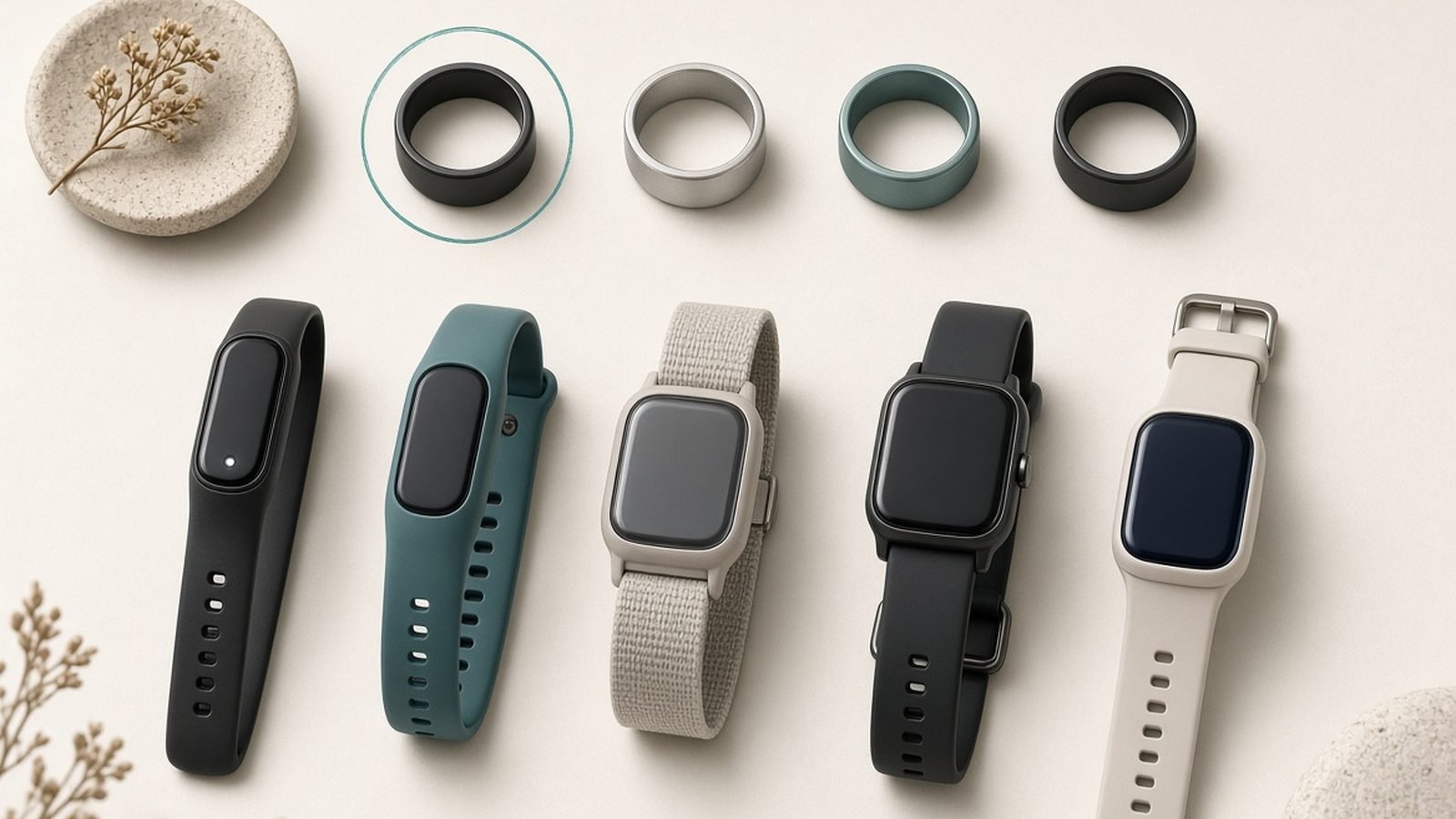
If you already own an Apple Watch, the AirPods do not replace it — the Watch remains the more complete health device. But if you have never wanted a screen on your wrist and mainly train with earbuds in already, AirPods Pro 3 are a legitimate standalone workout heart rate monitor, and one of the few that doubles as best-in-class ANC earbuds and a hearing-aid-grade audio tool.
Want a hearable that also broadcasts heart rate to gym machines and Android phones? The Powerbeats Pro 2 are the sportier, hook-eared alternative with the same underlying tech.
AirPods Pro 3 — pros and cons
Pros - In-ear heart rate validated close to chest straps for steady-state cardio - Standalone Fitness app tracking, no Apple Watch required - Class-leading ANC and hearing-aid feature in one device
Cons - Heart rate only during workouts — no 24/7 or overnight tracking - Can drop out during high-intensity intervals and lifting - iOS/iPhone only for the full feature set
Who it’s for: iPhone owners who train with earbuds and want solid workout heart rate without strapping on a watch.
Price: around $249 (often $199 street) / £219.
Verdict
For a first-generation feature, AirPods Pro 3 heart rate tracking punches well above expectations. It is accurate enough for the runs, rides and steady sessions most people actually do, the setup is effortless, and it needs no second device. Just know its lane: this is a workout sensor, not an all-day health tracker. If you want continuous monitoring, sleep and HRV, pair it with a watch or ring. If you simply want reliable exercise heart rate from earbuds you already wear, it delivers.
FAQ
Do AirPods Pro 3 track heart rate all day? No. The sensor only runs during an active workout in the Fitness app. There is no 24/7 monitoring, no overnight resting heart rate, and no background HRV. For always-on tracking you still need an Apple Watch, a Garmin, or a smart ring like Oura.
Do I need an Apple Watch to use AirPods Pro 3 heart rate? No — that is the point. The Fitness app on an iPhone running iOS 26 handles everything. If you do own a Watch, the two work together, but the AirPods track heart rate perfectly well on their own with just an iPhone.
How accurate is AirPods Pro 3 heart rate? Very good for steady-state cardio, often within a few BPM of a chest strap in testing. It can lag or drop out during sprints, intervals and weightlifting, where a chest strap still wins. A sealed ear tip makes a big difference.
Do AirPods Pro 3 track calories? Yes. Each tracked workout estimates active and total calories from your heart rate combined with the age, weight and sex in your Health profile. Keep that profile up to date, since the calorie estimate is only as good as the data behind it.
Do AirPods Pro 3 work with Android for heart rate? The full heart rate and Fitness experience is iPhone-only. Android users who want in-ear heart rate should look at the Powerbeats Pro 2, which can broadcast heart rate to compatible apps and gym equipment across platforms.
Related reading: Apple Watch Series 11 Review: 10 Months On, Still Worth It? · Best Fitness Trackers 2026: Bands That Beat Smartwatches · What Is a Good HRV? Heart Rate Variability Explained · Wearables
Zen Tech Hub may earn a commission from links on this page, at no extra cost to you.