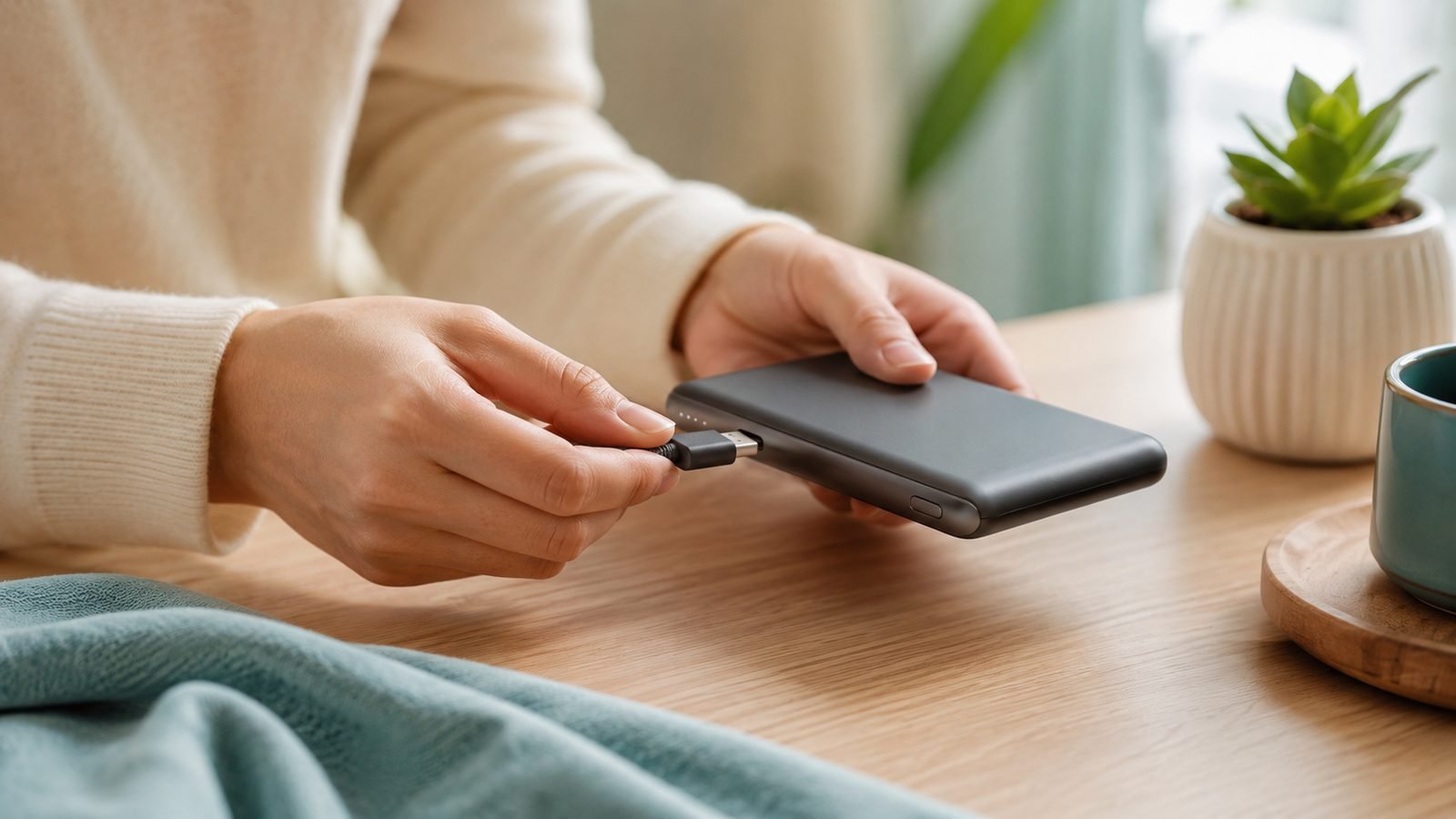
Power banks fail from habits, not bad luck. Inside every one are lithium cells that wear in two distinct ways — cycle wear, which accrues each time you charge and discharge, and calendar wear, which happens with time alone and accelerates sharply when the cells sit full or hot. That second kind is the one most people feed without realising it, by storing a bank at 100% in a warm drawer or a parked car. The good news: the habits that extend a power bank’s lifespan are free and genuinely simple, and this guide orders all eight of them by impact — none needs an app or any special hardware.
The rest is detail — but the detail matters, because power banks fail from habits, not bad luck. This guide walks through eight practical steps, in order of impact, that slow the chemical wear inside the lithium cells. None of them require an app or special hardware.
Why Power Banks Lose Capacity in the First Place
Every power bank holds lithium-ion or lithium-polymer cells, and those cells wear in two ways. Cycle wear happens each time you charge and discharge — most cells are rated for 300–500 full cycles before they drop to about 80% of original capacity. Calendar wear happens just from time passing, and it speeds up dramatically at high charge levels and high temperatures.
That second point is the one most people miss. A bank stored at 100% in a hot car ages faster sitting still than one used daily and stored cool. So “using it less” is not the goal — using it gently is.
Step 1: Stop Charging It to 100% and Draining It to 0%
The single highest-impact habit. Lithium cells are most stressed at the extremes of their range: full charge holds the cell at high voltage (calendar wear), and deep discharge risks dropping below the protection cutoff.
- For daily-carry banks, unplug around 80–90% when practical rather than leaving them on the charger overnight.
- Recharge when the bank hits roughly 20%, not when it’s flat.
- The occasional full charge is fine — you don’t need to be neurotic — but a bank that lives permanently at 100% or repeatedly hits 0% will lose capacity noticeably faster.
Banks with a digital percentage display make this easy. On LED-dot models, treat “one dot left” as your floor and “all dots, still charging” as your ceiling.
Step 2: Keep It Cool — Heat Is the Silent Killer
Heat accelerates every ageing reaction inside a lithium cell. A bank kept at 30°C (86°F) can age roughly twice as fast as one kept at 20°C (68°F), and above about 40°C (104°F) the damage compounds quickly.
- Never leave a bank on a car dashboard, a sunny windowsill, or a radiator.
- Don’t charge it inside a sealed bag or under a pillow, where its own charging heat has nowhere to go.
- If a bank is hot to the touch after fast-charging a laptop, let it cool before recharging it again.
Cold is far less damaging than heat, with one exception: never charge a bank that’s below freezing (see Step 6).
Step 3: Don’t Fast-Charge When You Don’t Need To
Fast charging is convenient, but pushing 45W, 65W or 100W into a bank generates more heat and more stress than a gentle top-up. That’s a fair trade when you’re in a hurry — the point isn’t to avoid fast charging, it’s to avoid it needlessly.
If a bank is charging overnight or sitting on your desk all afternoon, use a slower 20W-class charger instead of your fastest brick. The cells run cooler and age more slowly. Save the high-wattage charger for when you actually need the bank topped up fast. Understanding how these speeds are negotiated helps — see USB Power Delivery (USB-PD) Explained.
Step 4: Top Up an Idle Bank Every 1–2 Months
A power bank left in a drawer for a year is the classic capacity-loss story. Lithium cells self-discharge slowly, and if the voltage drifts too low the protection circuit cuts off — leaving the bank apparently dead and, in the worst cases, permanently damaged.
- Store idle banks at around 50–80%, not full and not empty.
- Set a reminder to top them back up to that range every one to two months.
- Before a trip, charge a stored bank the day before, not weeks ahead.
This one habit prevents the most common way spare banks quietly die.
Step 5: Use Good Cables and the Right Charger
A failing or underrated cable makes a bank work harder, charge slower, and run warmer — all of which nudge wear upward, and a bad cable is also the top cause of a bank that seems to charge poorly. If yours is slow to fill, work through How to Fix Slow USB-C Charging before blaming the cells.
- Use a cable rated for the wattage your bank accepts. A quality braided USB-C cable such as the Check price: Anker 240W USB-C Cable handles any bank you’ll own.
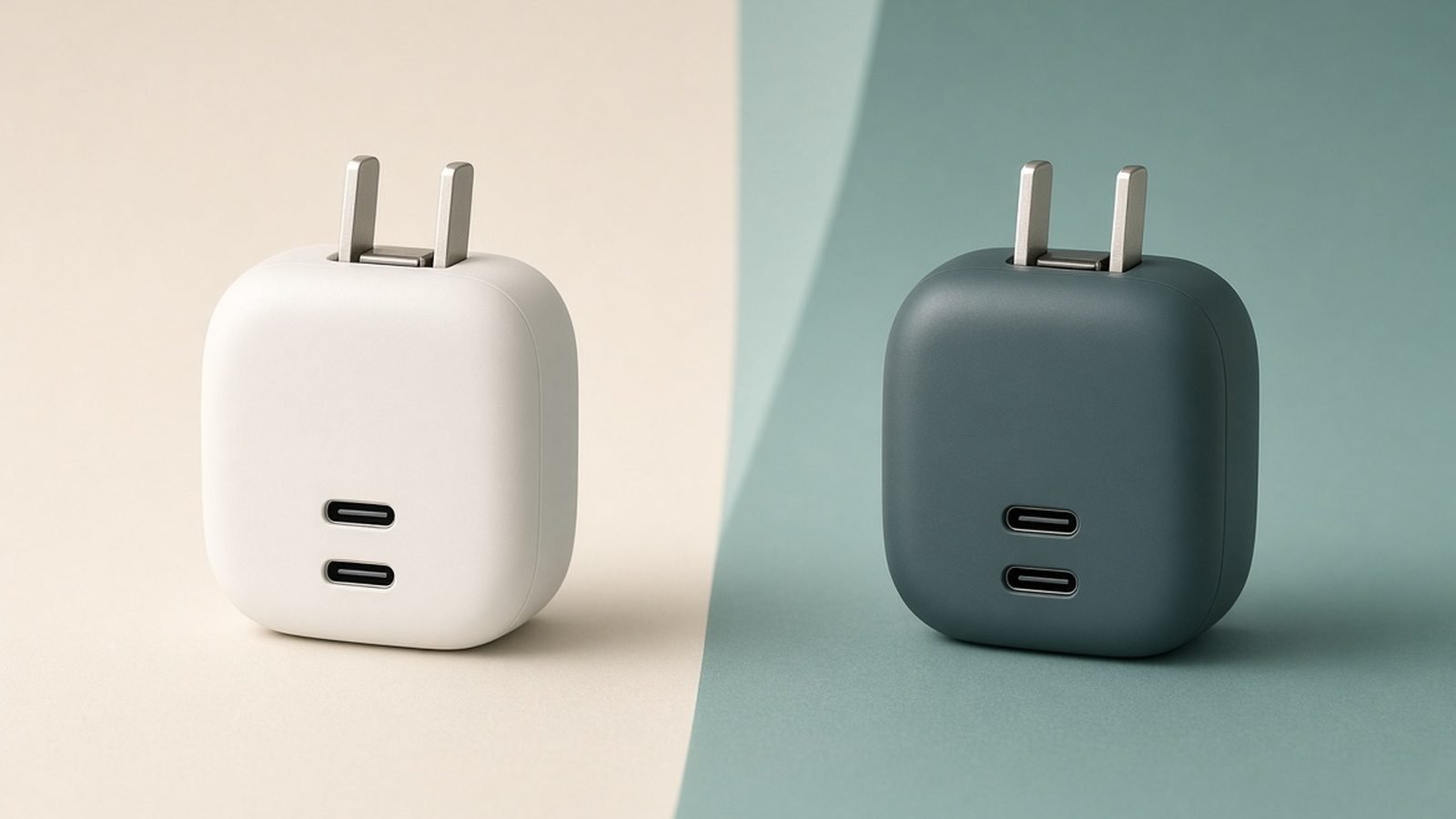
- Pair the bank with a properly rated wall charger — a modern GaN unit runs cooler and cleaner than an old brick. Our picks are in Best GaN Chargers 2026: 30W to 160W Compared & Ranked.
- If you want the science on why identical-looking cables behave differently, read USB-C Cables Explained: Why They're Not All the Same.
Step 6: Respect Temperature When Charging
Lithium cells refuse to charge safely when they’re too cold or too hot, and forcing the issue causes lasting harm.
- If a bank has been in a cold car overnight, bring it to room temperature before charging. Charging a sub-freezing lithium cell causes permanent metallic plating inside the cell — invisible, irreversible capacity loss.
- Likewise, let a hot bank cool before plugging it in.
Patience of 30–60 minutes here saves months of lifespan.
Step 7: Store It Properly for the Long Term
If you’re putting a bank away for a season — say a travel battery you only use twice a year — set it up to survive.
- Charge to 50–60% before storage.
- Keep it somewhere cool and dry, ideally room temperature or slightly below.
- Avoid airtight bags with silica gel packs pressed against it; a drawer or padded pouch is fine.
- Check and top up to 50–60% every couple of months.
Step 8: Know When to Retire It
No care routine makes a lithium cell immortal. A bank that only holds half its rated capacity, gets hot easily, or trips its protection often has simply worn out — and continuing to use a degraded bank isn’t worth the risk.
Retire a power bank immediately if it is swollen, unusually hot, or smells chemical. A puffed casing means the cell is gassing and must be recycled, not used. Never put a lithium bank in household waste — drop it at a battery-recycling point (Best Buy, Staples or Call2Recycle in the US; supermarket or council recycling points in the UK).
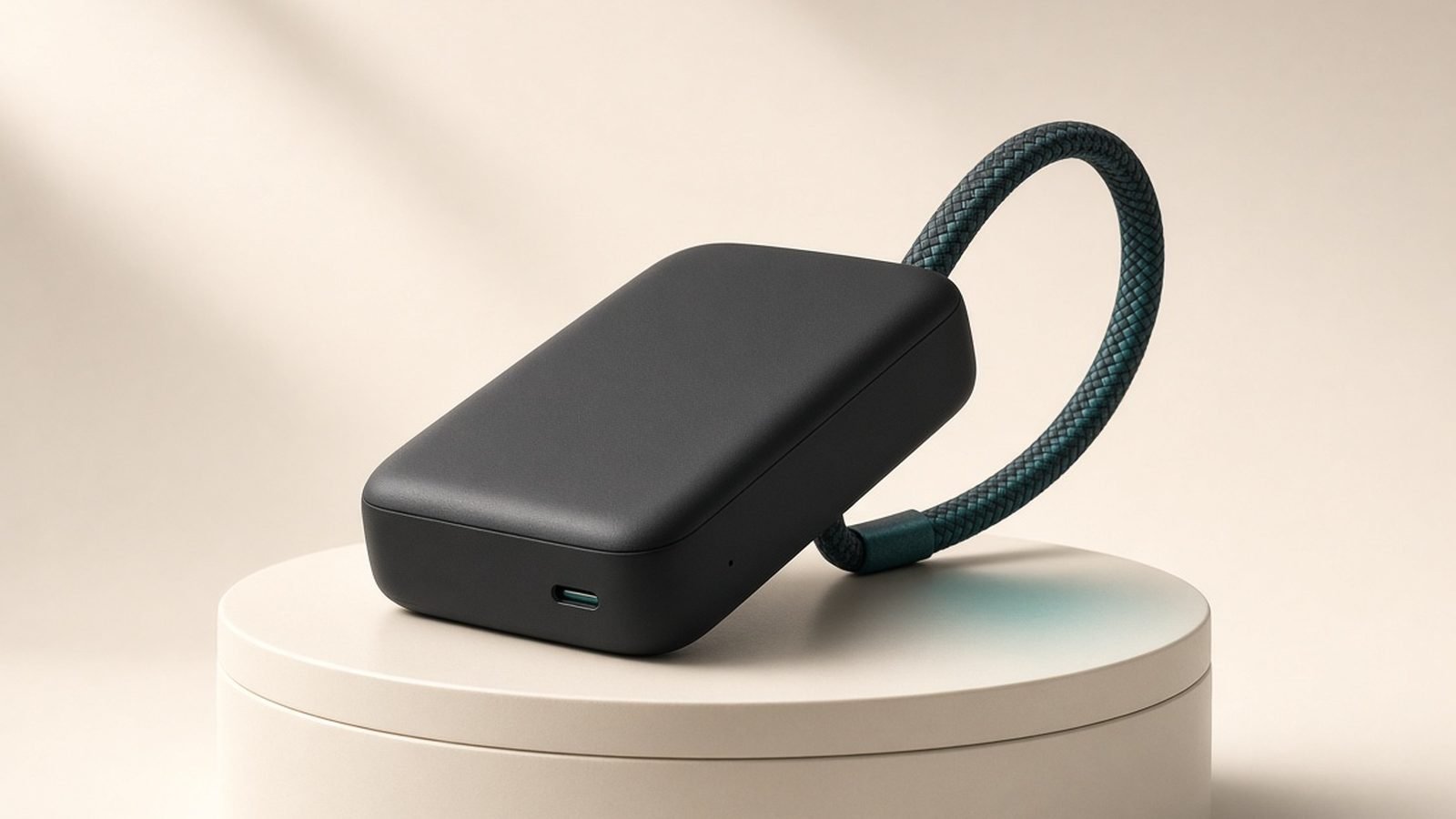
When it’s time to replace, a bank with a built-in cable removes a common failure point, and higher-quality cells hold up better over years. For laptop-capable options see Best Power Banks for Laptops in 2026: 100W+ Picks Compared.
Troubleshooting Common Lifespan Mistakes
- “I leave it plugged into the wall permanently as a backup.” This is the worst-case scenario for calendar wear. Charge it, unplug it, and top up monthly instead.
- “It lives in my car.” Temperature swings in a car — freezing nights, baking afternoons — age cells faster than almost anything. Bring it indoors.
- “I only charge it when it’s completely dead.” Deep discharges add stress and risk tripping the cutoff. Recharge around 20%.
- “It got hot so I stuck it in the fridge.” Don’t. Rapid temperature change causes condensation inside the casing. Let it cool naturally at room temperature.
FAQ
How long should a power bank last?
A well-cared-for power bank typically lasts three to five years, or roughly 300–500 full charge cycles, before capacity noticeably drops. Heat, permanent 100% storage, and frequent deep discharges can cut that to under two years, while gentle partial charging and cool storage push it toward the upper end.
Is it bad to leave a power bank charging overnight?
Occasionally, no — most banks stop drawing power once full. The real harm is habitual: leaving it at 100% every night keeps the cells at high voltage, which accelerates calendar wear. If you charge overnight, use a slower charger and consider unplugging in the morning rather than letting it sit full all day.
Should I fully discharge my power bank before recharging?
No. That’s a myth carried over from old nickel batteries. Lithium cells prefer partial cycles — recharge around 20% rather than draining to 0%. Deep discharges add stress and risk dropping below the protection cutoff, which can leave the bank apparently dead.
How should I store a power bank I’m not using?
Charge it to 50–60%, keep it somewhere cool and dry, and top it back up to that range every one to two months. Never store it flat or fully charged for long periods. Before a trip, top it up the day before rather than relying on a battery that’s been idle for months.
Why has my power bank lost so much capacity?
The usual culprits are heat and extremes. A bank stored full in warm conditions, or one repeatedly drained to zero, loses capacity far faster than one kept cool and partially charged. Cells also simply age — after 300–500 cycles most drop to about 80%, and there’s no way to reverse that wear.
Can I recover a power bank that appears dead after storage?
Sometimes. If it self-discharged below the cutoff, plug it into a low-power 5W charger and leave it for two to three hours even with no lights showing — the protection chip may trickle it back to life. If it stays dead, is swollen, or smells chemical, recycle it at a battery drop-off point.
Zen Tech Hub may earn a commission from links on this page, at no extra cost to you.