USB Power Delivery (USB-PD) is the universal fast-charging standard that lets a single USB-C charger safely power anything from earbuds to a 240W gaming laptop. It works by having the charger and device negotiate — they agree on the exact voltage and current before any real power flows, so each device gets as much as it can safely take and no more.
That negotiation is the whole idea, and it’s why one good PD charger can replace a drawer full of proprietary bricks. This guide explains how USB-PD works, what the wattage and PPS numbers mean, how it differs from brand-specific fast charging, and how to tell whether your gear actually supports it.
What USB-PD Actually Is
USB-PD is a charging protocol that runs over the USB-C connector. The connector is the road; USB-PD is the traffic-control system that decides how much power travels down it. Older USB delivered a fixed, feeble 5V at up to 0.5–2.5A (2.5–12.5W). USB-PD threw that ceiling out.
The current spec, USB-PD 3.1, supports up to 240W — enough for almost any laptop on the market. Crucially, it’s bidirectional: the same port can charge a device or be charged by one, which is how a laptop can power a phone and later be charged by a power bank through the same socket.
How the Negotiation Works
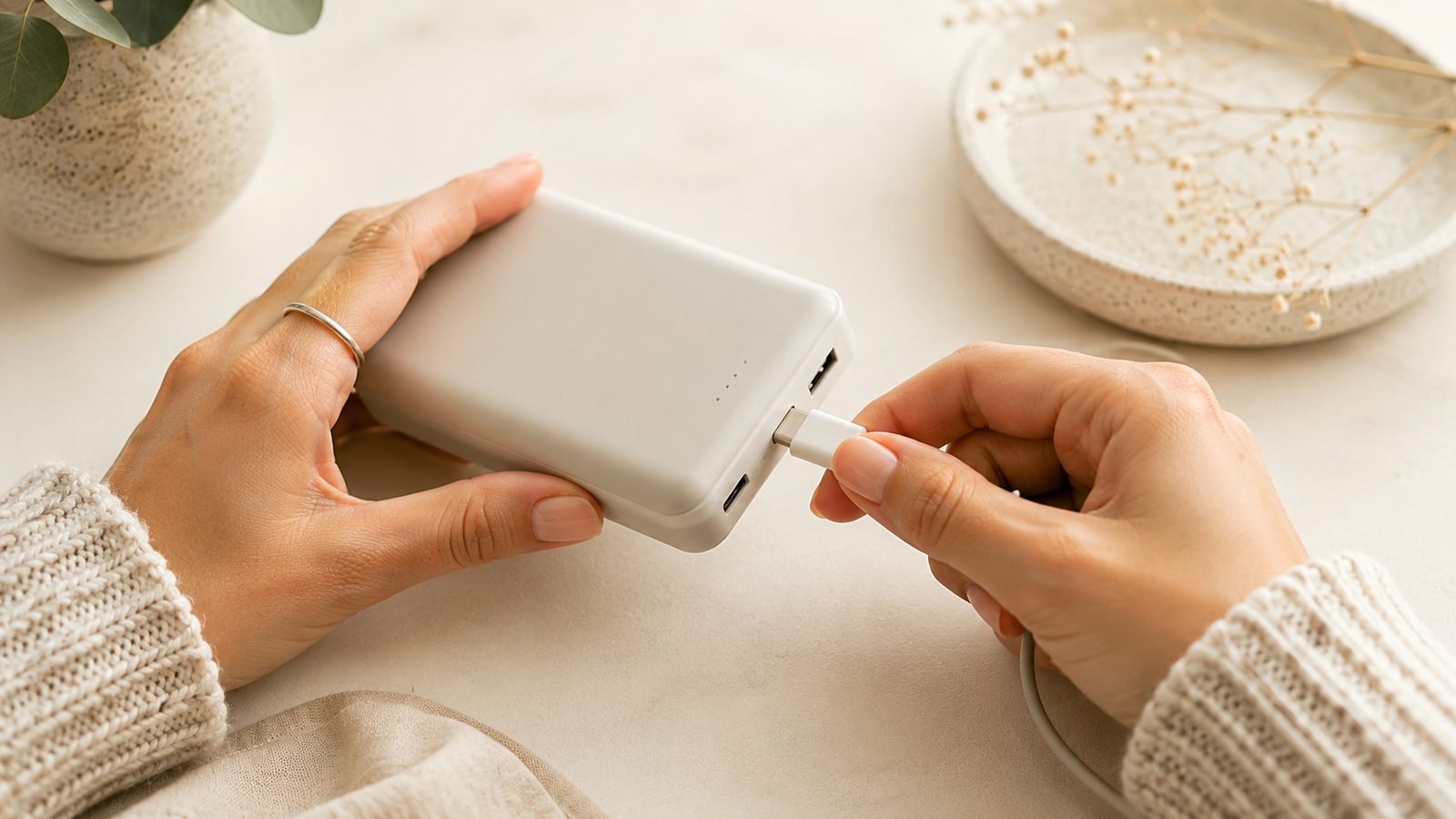
When you plug a PD device into a PD charger, a conversation happens in milliseconds, entirely over the USB-C connector’s control pins:
- The device asks the charger, “What can you offer?”
- The charger replies with a menu of power profiles — for example 5V/3A, 9V/3A, 15V/3A, 20V/5A.
- The device picks the highest profile it can safely accept and requests it.
- The charger switches to that voltage, and only then does full power flow.
This handshake is why PD is safe: a 100W charger won’t force 100W into a phone that only wants 27W. The phone simply requests a lower profile. If either side doesn’t support PD, they fall back to a slow 5V default — which is exactly what causes many cases of unexpectedly How to Fix Slow USB-C Charging.
Understanding the Wattage: Volts × Amps
Watts are just voltage multiplied by current (W = V × A), and PD raises power by stepping up voltage rather than only pushing more current. Higher voltage delivers more power without needing dangerously thick, hot cables.
| PD profile | Voltage × Current | Power | Typical device |
|---|---|---|---|
| 5V × 3A | 5V, 3A | 15W | Phones, earbuds |
| 9V × 3A | 9V, 3A | 27W | Fast-charging phones |
| 15V × 3A | 15V, 3A | 45W | Tablets, ultrabooks |
| 20V × 5A | 20V, 5A | 100W | Laptops |
| 28–48V × 5A | up to 48V, 5A | up to 240W | Gaming/pro laptops |
Note the current rarely exceeds 5A. Anything above 60W (20V/3A) requires a cable with an e-marker chip to carry the extra current safely — a common reason a laptop won’t fast-charge on a thin cable. That cable detail is covered in USB-C Cables Explained: Why They're Not All the Same.
PPS: The Feature That Makes Modern Phones Charge Fast
PPS (Programmable Power Supply) is an extension of USB-PD, and it’s the part that matters most for recent phones. Standard PD offers fixed voltage steps (5V, 9V, 15V, 20V). PPS lets the device fine-tune the voltage in tiny 20mV increments in real time.
Why that helps:
- The charger delivers exactly the voltage the battery wants at that moment, wasting less energy as heat.
- Cooler charging means the phone can safely sustain higher wattage for longer.
- Samsung’s “Super Fast Charging” (up to 45W) and Google Pixel’s fastest speeds both require a PPS-capable PD charger. A plain PD charger without PPS charges them at a slower rate.
So if you own a recent Samsung or Pixel and charging feels slow, check that your charger lists PPS, not just “PD” or “fast charge.”
USB-PD vs Proprietary Fast Charging
Before PD matured, brands built their own incompatible standards, and some remain:
- Qualcomm Quick Charge (QC): common on many Android phones. Newer versions (QC4+, QC5) are cross-compatible with PD, but older ones aren’t.
- OnePlus/Oppo SuperVOOC, Xiaomi HyperCharge: proprietary systems that hit very high wattages (80–120W+) only with the maker’s own charger and cable. On a third-party PD charger they fall back to a safe, slower PD rate.
The trend is clear: PD (with PPS) is the universal standard the whole industry is converging on, and the EU’s USB-C mandate accelerates that. For most people, a single quality PD-PPS charger is the right call. Modern GaN units pack high PD wattage into a tiny body — see Best GaN Chargers 2026: 30W to 160W Compared & Ranked.
Why USB-PD Matters
The payoff of all this negotiation is consolidation. One 100W PD charger with a couple of ports can charge a laptop, a phone and earbuds at once, each getting the right power profile. That’s fewer chargers to own, fewer to pack for travel, and less e-waste — the reason regulators pushed USB-C as the common standard in the first place. For laptop-capable batteries that use PD to charge full-size machines, see Best Power Banks for Laptops in 2026: 100W+ Picks Compared.
The Limits
PD isn’t magic. A few things to keep in mind:
- Both devices must support PD — and ideally PPS — for top speed. One weak link caps the whole chain.
- Cables matter. Above 60W you need an e-marker cable; a poor cable silently limits or even blocks fast charging.
- Wattage is a ceiling, not a promise. A 240W charger charges your phone only as fast as the phone allows. Buying more watts than your devices support doesn’t speed anything up — though it does future-proof for a laptop later.
FAQ
What is USB Power Delivery in simple terms?
It’s a fast-charging standard that lets a USB-C charger and device negotiate the right amount of power before any flows. Instead of a fixed low voltage, PD offers a menu of higher-power profiles, and the device picks the highest it can safely take. That’s how one charger can power everything from earbuds to a 240W laptop.
How do I know if my charger supports USB-PD?
Check the label or listing for “USB-PD,” “Power Delivery,” or “PD 3.0/3.1.” The charging port will be USB-C. For the fastest charging on recent Samsung and Pixel phones, also look for “PPS.” Generic “fast charge” branding alone doesn’t guarantee PD, so confirm the specific term.
What’s the difference between PD and PPS?
PPS is an extension of USB-PD. Standard PD offers fixed voltage steps like 9V and 15V, while PPS lets the device fine-tune voltage in tiny 20mV increments in real time. That reduces heat and enables the fastest speeds on phones like Samsung Galaxy and Google Pixel, which require a PPS-capable charger to hit their peak wattage.
Is USB-PD the same as Quick Charge?
No, they’re different standards. Quick Charge is Qualcomm’s proprietary system, common on Android phones. Newer versions (QC4+ and up) are cross-compatible with USB-PD, but older ones aren’t. USB-PD is the open, industry-wide standard, and it’s what most new devices and the EU’s USB-C rules are built around.
Does a higher-wattage PD charger charge my phone faster?
Only up to your phone’s own limit. A phone that maxes at 27W will draw 27W from a 20W charger (slow) but no more than 27W from a 100W charger. Extra wattage doesn’t speed up a device beyond its rating — though it’s useful if you later want to charge a laptop with the same charger.
Why is my device charging slowly even with a PD charger?
Common causes: the cable lacks an e-marker chip needed above 60W, the device doesn’t support PPS (limiting Samsung/Pixel speeds), or the two devices never agreed on a fast profile and fell back to 5V. A dirty port or thermal throttling can also cap the rate. Test with a known-good cable first.
Zen Tech Hub may earn a commission from links on this page, at no extra cost to you.