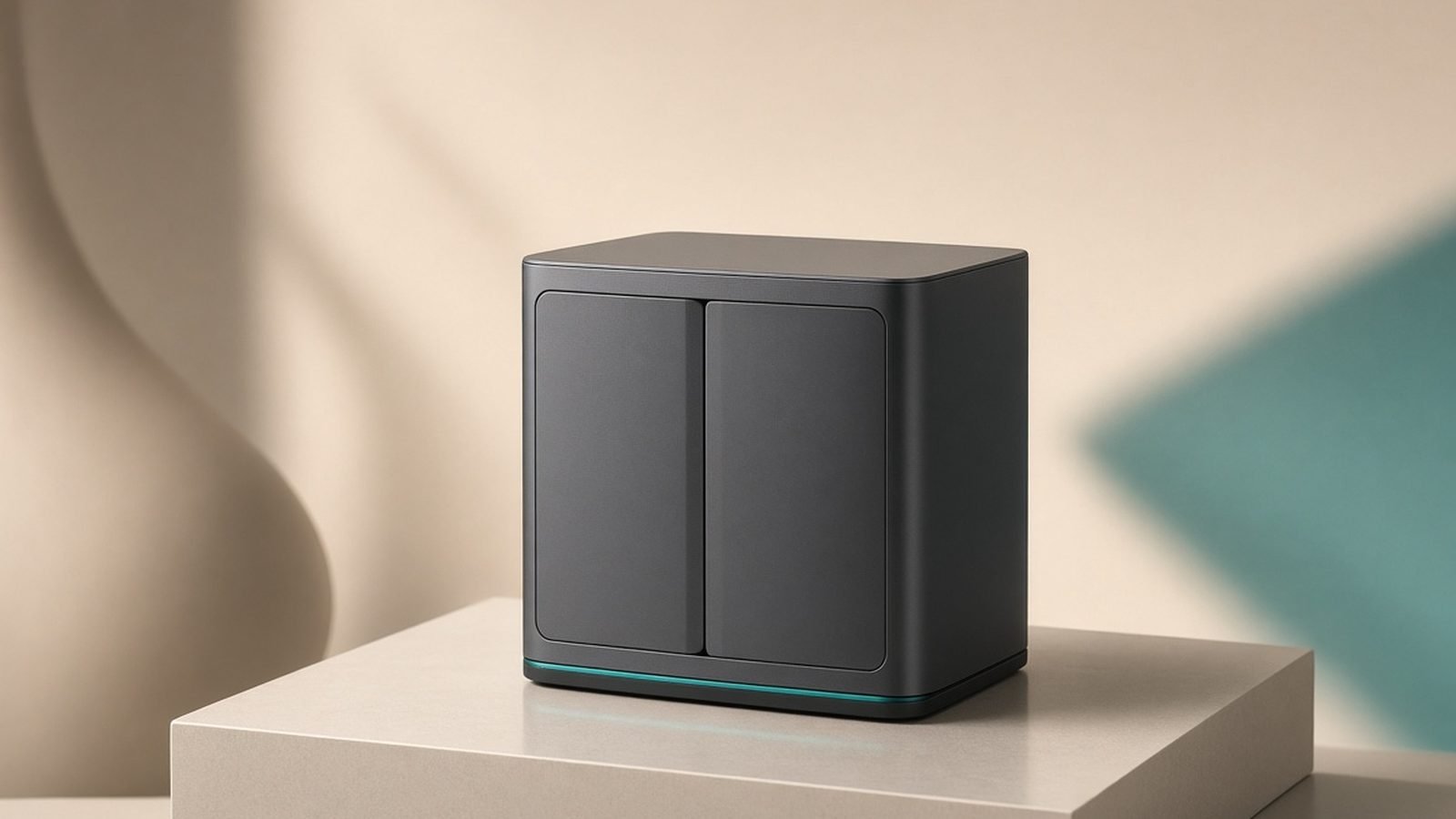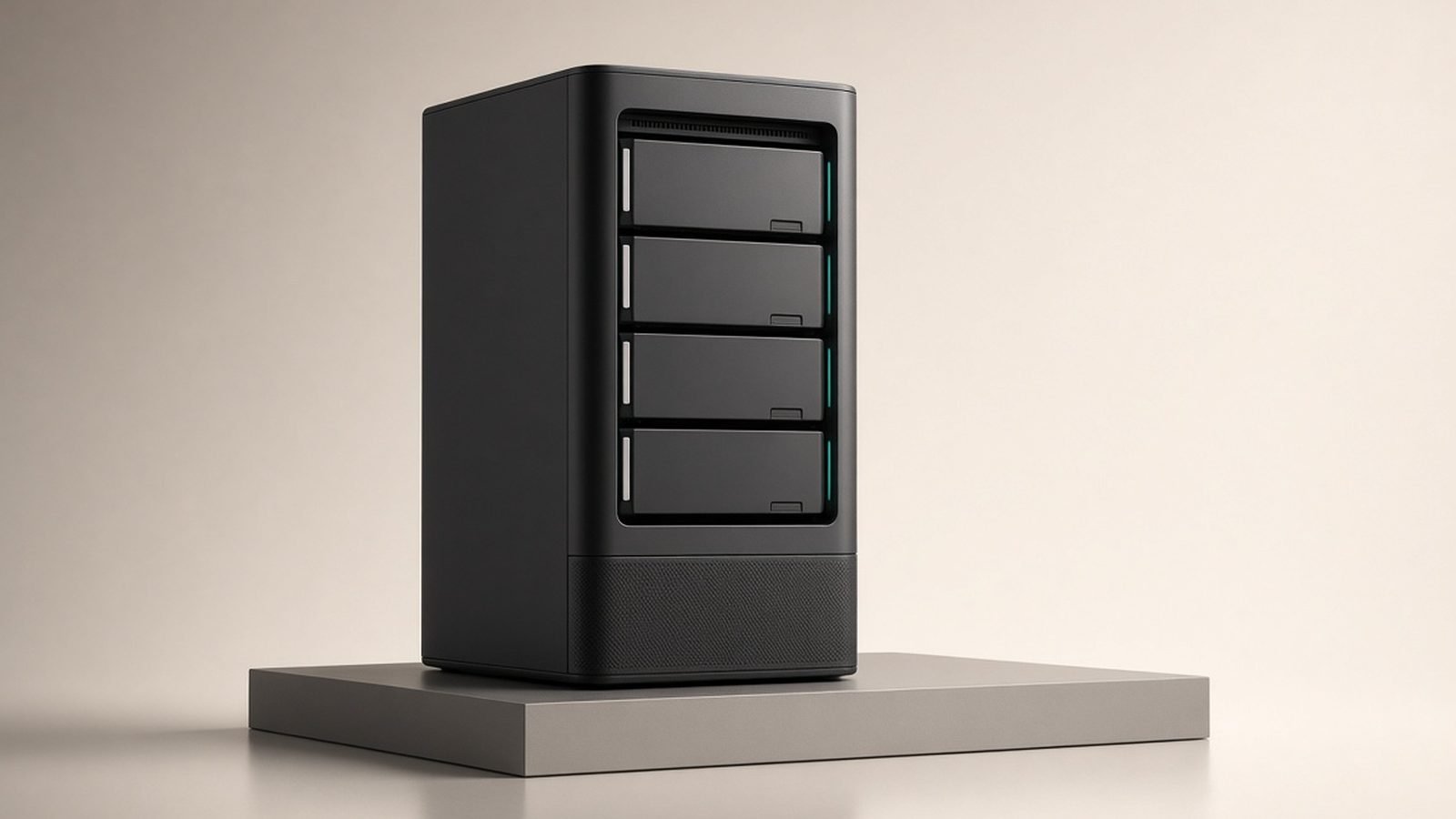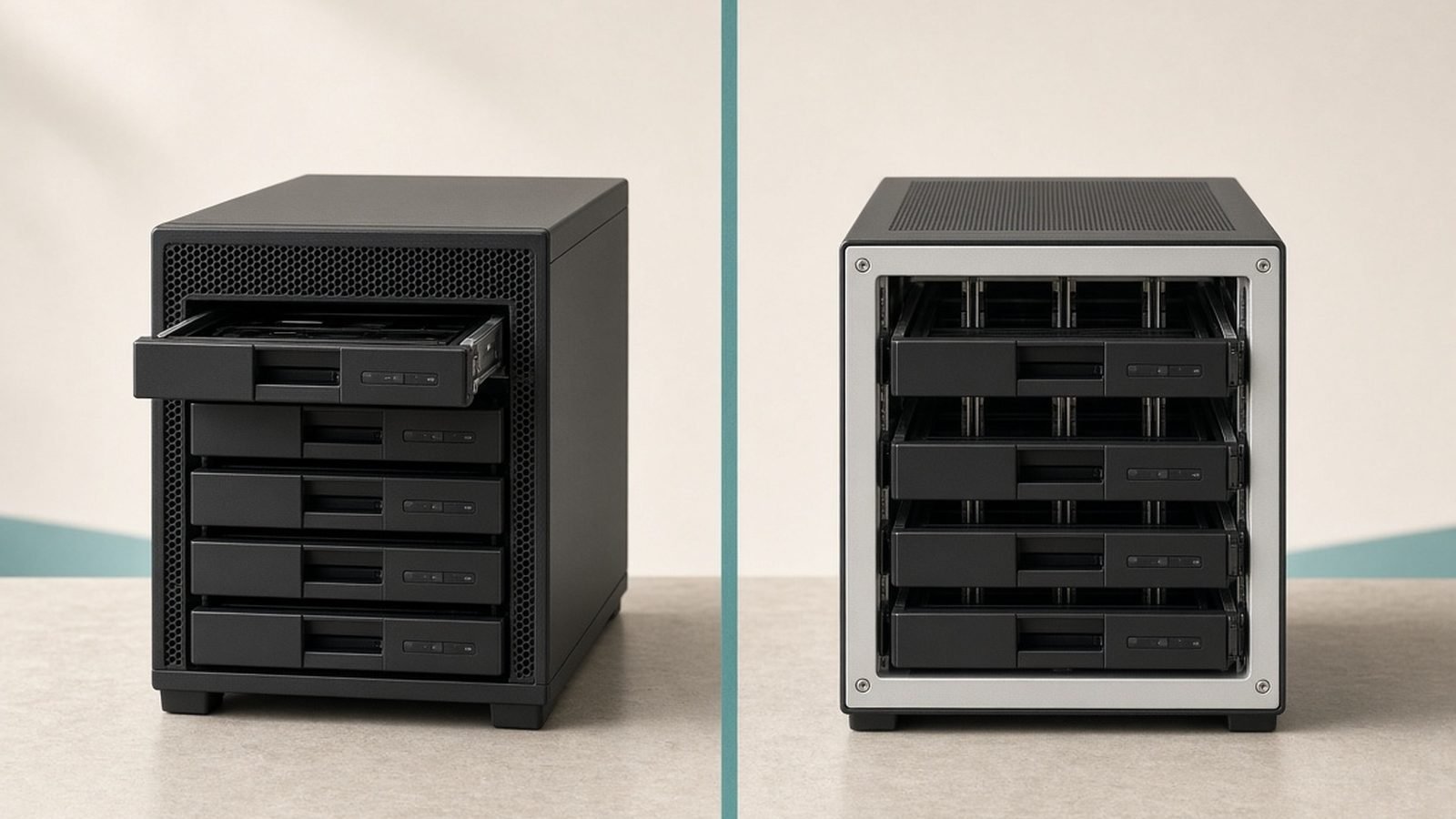
The Synology vs UGREEN question has become the defining home-NAS debate of 2026, and it splits cleanly along one line: Synology sells you software with hardware attached, while UGREEN sells you serious hardware and asks you to live with younger software. Two years ago recommending a UGREEN NASync over a DiskStation felt contrarian. After Synology’s drive-compatibility fiasco — and its partial climb-down in DSM 7.3 — it’s now a genuinely fair fight.
In our research across spec sheets, firmware changelogs, and hundreds of owner reports on Reddit, SynoForum, and retailer reviews, a consistent picture emerged. This guide compares the mid-range flagships (DXP4800 Plus vs DS925+), the budget 2-bays (DXP2800 vs DS225+), the operating systems, media performance, security posture, and true total cost — then gives you a verdict for four kinds of buyer.
Quick Answer: Pick by Priority, Not by Brand
- Buy UGREEN if hardware value is your priority. The NASync DXP4800 Plus gives you 10GbE networking, DDR5 memory, and an Intel iGPU for around $600 / £560 — Synology sells nothing comparable at the price.
- Buy Synology if software is your priority. DSM remains the most polished, complete NAS operating system on the market. Synology Photos, Hyper Backup, and Active Backup for Business are worth real money, and the DS925+ (around $640 / £520, diskless) is their best-value host.
- On a budget? The UGREEN DXP2800 (around $260 / £240) beats the Synology DS225+ (around $300 / £280) on raw specs, but the DS225+ is the safer pick for a set-and-forget beginner.
| UGREEN DXP4800 Plus | Synology DS925+ | UGREEN DXP2800 | Synology DS225+ | |
|---|---|---|---|---|
| Price (diskless) | ~$600 / £560 | ~$640 / £520 | ~$260 / £240 | ~$300 / £280 |
| CPU | Intel Pentium Gold 8505 (5C) | AMD Ryzen V1500B (4C/8T) | Intel N100 (4C) | Intel Celeron J4125 (4C) |
| RAM (base/max) | 8GB DDR5 / 64GB | 4GB DDR4 ECC / 32GB | 8GB DDR5 / 16GB | 2GB DDR4 / 6GB |
| Networking | 1× 10GbE + 1× 2.5GbE | 2× 2.5GbE | 1× 2.5GbE | 2× 1GbE |
| iGPU (transcoding) | Yes | No | Yes | Yes |
| M.2 NVMe slots | 2 (storage or cache) | 2 (cache; storage w/ approved SSDs) | 2 | No |
| HDMI out | Yes | No | Yes | No |
| OS | UGOS Pro | DSM 7.3 | UGOS Pro | DSM 7.3 |
The 2026 Context: Synology’s Drive-Lock Backlash and the DSM 7.3 Reversal
You can’t compare UGREEN NAS vs Synology in 2026 without this backstory. In 2025, Synology shipped its Plus-series models with hard restrictions on third-party hard drives: unverified disks triggered warnings, blocked storage pools, and disabled features. Owners revolted, reviewers hammered the policy, and reporting from outlets like NAS Compares and Newegg linked it to a sharp drop in NAS sales.
In October 2025, Synology blinked. DSM 7.3 restored third-party drive support for storage pools on 2025 Plus models — you can once again build volumes on Seagate IronWolf or WD Red drives without fighting the OS. Some friction remains (certain M.2 NVMe storage-pool features and drive analytics still favor Synology-branded disks), but the worst of the lock-in is gone.
Why it still matters: the episode told buyers what Synology is willing to try, and it handed UGREEN, TerraMaster, and QNAP a wave of shoppers actively hunting for Synology alternatives in 2026. UGREEN caught most of them — its NASync line was the right product at exactly the right moment.
Hardware Head-to-Head: DXP4800 Plus vs DS925+
This is the matchup most buyers actually cross-shop, and on paper it isn’t close.
UGREEN NASync DXP4800 Plus — the hardware value king
Around $600 / £560 diskless, the DXP4800 Plus pairs a 5-core Intel Pentium Gold 8505 (with Iris Xe-class integrated graphics) with 8GB of DDR5, expandable to a frankly absurd 64GB. Networking is the headline: a full 10GbE port plus 2.5GbE, where the DS925+ tops out at dual 2.5GbE. Two M.2 NVMe slots accept any SSD for cache or storage pools, and there’s an HDMI 2.0 port and SD card reader on the front — genuinely useful for photographers dumping cards.
Based on hundreds of owner reports, build quality surprises people: all-metal chassis, quiet drive trays, and a clean first-run experience. UGREEN also officially tolerates third-party OS installs (TrueNAS, Unraid) without voiding the warranty on the hardware — a meaningful escape hatch Synology has never offered.
Note the 2026 refresh: the newer DXP4800 Pro steps up to a Core 5 (Series 1) class chip and typically sells for roughly $100 / £90 more. If you’ll run heavy Docker stacks or many VMs, it’s the better long-term buy; for storage, Plex, and backups, the Plus remains the value pick.
Pros
- 10GbE + 2.5GbE standard at this price is unmatched
- DDR5, 64GB max RAM, and an iGPU for transcoding
- HDMI out, SD reader, NVMe storage pools with any SSD
- Third-party OS installs don’t void the hardware warranty
Cons
- UGOS Pro is still maturing — fewer first-party apps than DSM
- Backup tooling is functional but shallow next to Hyper Backup
- Shorter security track record; company is new to firmware stewardship
Check price: NASync DXP4800 Plus
Synology DiskStation DS925+ — the ecosystem play
At around $640 / £520 diskless, the DS925+ runs an AMD Ryzen V1500B — a capable but aging quad-core with no iGPU — alongside 4GB of ECC DDR4 (max 32GB) and dual 2.5GbE. ECC memory is a legitimate advantage for data integrity that UGREEN doesn’t offer at this tier, and the DS925+ supports the DX525 expansion unit for growth to nine bays.
But you’re not paying for silicon here. You’re paying for DSM, a decade of refinement, and a NAS that owners routinely describe as boringly reliable. For a deeper dive, see our full Synology DS925+ Review: Still the Home NAS to Beat?.
Pros
- DSM 7.3: the best NAS software, full stop
- ECC memory and a long multi-generation reliability record
- Expandable to 9 bays via DX525
- DSM 7.3 restored third-party hard drive support
Cons
- No iGPU — hardware transcoding is off the table
- No 10GbE option at any price on this model
- DDR4, older CPU, and slower NVMe policies than UGREEN
- Costs more while offering less hardware
Check price: DiskStation DS925+
Budget Head-to-Head: UGREEN DXP2800 vs Synology DS225+
The ugreen dxp2800 vs synology ds225+ decision is the classic first-NAS dilemma.
The DXP2800 (around $260 / £240) is a spec bargain: Intel N100, 8GB DDR5, 2.5GbE, two NVMe slots, and HDMI out. That’s more computer than some four-bay units offered three years ago, and it runs Jellyfin or Plex with hardware transcoding comfortably.
Pros: class-leading specs; NVMe slots at a budget price; HDMI for direct playback. Cons: UGOS Pro’s rough edges land hardest on beginners; RAM caps at 16GB; fewer hand-holding guides exist.
The DS225+ (around $300 / £280) uses the veteran Celeron J4125 with just 2GB of RAM, but it has an iGPU for transcoding and — crucially — DSM. Synology Photos alone can replace a Google Photos subscription, and setup genuinely takes under 30 minutes with our How to Set Up a NAS: Beginner's Guide (2026) guide.
Pros: DSM polish makes it the easiest NAS to live with; hardware transcoding; excellent mobile apps. Cons: 2GB base RAM is stingy in 2026; 1GbE networking feels dated; no NVMe slots.
Check price: DiskStation DS225+
Our call: tinkerers and media-first buyers take the DXP2800; anyone buying for a household that must “just work” takes the DS225+.
Software: UGOS Pro vs DSM
Here Synology earns its premium. The ugos pro vs dsm gap has narrowed dramatically since 2024, but it hasn’t closed.
Backup. DSM’s Hyper Backup handles versioned, deduplicated backups to almost anywhere; Active Backup for Business backs up PCs, Macs, VMs, and Microsoft 365 at no extra cost — a feature small businesses pay real subscription money for elsewhere. UGOS Pro covers scheduled folder backups, cloud sync, and Time Machine targets competently, but versioning depth and restore workflows trail well behind.
Photos. Synology Photos is the best first-party NAS photo app: fast face and subject recognition, shared libraries, and reliable mobile auto-upload. UGREEN Photos has improved quickly — face recognition and timeline views are solid now — but album sharing and search still feel a generation behind in owner reports.
Docker and VMs. Surprisingly, UGREEN competes well here. UGOS Pro ships a capable Docker UI, and the DXP4800 Plus’s CPU and RAM ceiling make it the better container host. DSM’s Container Manager is friendlier but historically slower to update its underlying engine. Power users on either platform end up in Portainer anyway.
Mobile apps. Synology’s suite (Photos, Drive, DS File) is mature and dependable. UGREEN’s single consolidated app is slicker-looking but shallower, with occasional sync quirks reported.
The escape hatch. UGREEN lets you wipe UGOS Pro and install TrueNAS or Unraid without warranty drama. If you view NAS hardware as a platform, that flexibility is worth a lot — and it’s the standard answer to “is ugreen nas any good if the software disappoints?” Yes, because you’re not stuck with the software.
Plex and Media Server Performance
If Plex is your main use case, this section decides the whole synology vs ugreen debate.
The DXP4800 Plus and DXP2800 both carry Intel iGPUs with Quick Sync, which means smooth hardware-accelerated 4K HEVC transcoding in Plex (with Plex Pass) or Jellyfin. The HDMI ports also allow direct-attached playback to a TV — niche, but free.
The DS925+ has no iGPU. It will direct-play and direct-stream 4K beautifully, but any transcode falls on the CPU, and a single 4K HEVC-to-1080p software transcode will bring the Ryzen V1500B to its knees. Synology has effectively exited the transcoding market on its Plus desktop line — only the budget DS225+ retains an iGPU.
Media verdict: UGREEN, decisively. For remote streaming to mixed devices, the DXP4800 Plus is the best sub-$700 Plex NAS we’ve assessed in 2026. Our Best Home NAS 2026: Top Picks for Backup, Plex & Photos roundup reaches the same conclusion.
Security Track Record and Update Cadence
This is UGREEN’s weakest flank, and honest ugreen nasync review coverage has to say so.
Synology has a two-decade record of running its own security team, a mature PSIRT with public advisories, a bug bounty, and roughly 8-10 years of security patches per model. When vulnerabilities land, fixes ship fast and are documented. That institutional muscle is what “set and forget” actually rests on.
UGREEN entered the NAS market in 2024. Update cadence has been decent — UGOS Pro receives regular feature and security updates, and the company has committed to long-term support — but there is simply no long-run evidence yet. Early firmware had some rough patches (aggressive telemetry defaults, since made opt-out, drew criticism in owner communities).
Practical mitigations apply to both brands: never expose the admin interface directly to the internet, use a VPN or the vendor’s relay (QuickConnect / UGREENlink) cautiously, enable 2FA, and keep automatic security updates on. Do that and either platform is reasonably safe; skip it and neither is.
Security verdict: Synology, on evidence rather than incident count.
Total Cost of Ownership (Including Drives)
Drives dominate NAS budgets, and post-DSM 7.3 both brands accept standard NAS drives, so drive costs are now identical. Figures below assume Seagate IronWolf 8TB drives at roughly $170 / £160 each.
4-bay build (2× 8TB, RAID 1/SHR):
| Component | UGREEN DXP4800 Plus | Synology DS925+ |
|---|---|---|
| Enclosure | ~$600 / £560 | ~$640 / £520 |
| 2× 8TB IronWolf | ~$340 / £320 | ~$340 / £320 |
| Total | ~$940 / £880 | ~$980 / £840 |
2-bay build (2× 8TB, RAID 1/SHR):
| Component | UGREEN DXP2800 | Synology DS225+ |
|---|---|---|
| Enclosure | ~$260 / £240 | ~$300 / £280 |
| 2× 8TB IronWolf | ~$340 / £320 | ~$340 / £320 |
| Total | ~$600 / £560 | ~$640 / £600 |
Two wrinkles worth noting. UK pricing currently favors Synology at the 4-bay tier — the DS925+ frequently dips below the DXP4800 Plus in Britain, which flips the value math for UK readers. And factor software into “cost”: if Synology Photos and Active Backup replace subscriptions you’d otherwise pay for, DSM can claw back its premium within a year or two. Idle power draw is similar across the pairs (roughly 10-30W depending on drives), so electricity won’t decide this in either country.
Verdicts: Which Should You Buy?
For beginners: Synology DS225+. The dumbest-sounding advice is often right — buy the one you won’t have to think about. DSM’s guided setup, SHR’s flexible RAID, and best-in-class mobile apps make the DS225+ the NAS least likely to end up unplugged in a cupboard.
For Plex users: UGREEN DXP4800 Plus. Quick Sync transcoding, 10GbE, and 64GB RAM headroom at $600 / £560 make this the obvious media-server pick; the DS925+ can’t transcode at all. Heavy Docker users should consider the DXP4800 Pro refresh for the stronger CPU.
For photographers: Synology DS925+. Synology Photos’ recognition, sharing, and mobile backup remain the closest thing to self-hosted Google Photos, and ECC memory protects irreplaceable RAW libraries. The front SD slot on UGREEN is tempting, but the software gap matters more for a working archive.
For small businesses: Synology DS925+ — with a UGREEN asterisk. Active Backup for Business, Synology Drive, and the proven patch record justify the premium for anyone whose data pays the bills. The asterisk: if your business need is fast shared storage for video editing, the DXP4800 Plus’s 10GbE wins on pure throughput.
For budget tinkerers: UGREEN DXP2800. The most computer per dollar in the entry tier, and a perfect TrueNAS or Unraid donor if UGOS Pro ever frustrates you.
Browse more network storage guides in our Networking & Wi-Fi.
FAQ: Synology vs UGREEN
Is UGREEN NAS any good in 2026?
Yes. Based on hundreds of owner reports, UGREEN’s NASync hardware is excellent — strong CPUs, DDR5, 2.5GbE/10GbE networking, and solid build quality at prices Synology doesn’t match. UGOS Pro has matured into a capable OS, though it still trails DSM in backup depth, photo management, and third-party apps. If the software ever disappoints, you can install TrueNAS or Unraid without voiding the hardware warranty.
Which is better for Plex, Synology or UGREEN?
UGREEN, clearly. The DXP4800 Plus and DXP2800 include Intel iGPUs with Quick Sync for smooth 4K hardware transcoding, plus HDMI output for direct playback. Synology’s DS925+ has no iGPU, so it can only direct-stream; any transcoding overwhelms its CPU. Among these four, only Synology’s budget DS225+ retains hardware transcoding, and UGREEN beats it on every other media spec.
Did Synology remove the third-party hard drive restrictions?
Mostly, yes. After heavy backlash and reported sales declines, Synology’s DSM 7.3 update (October 2025) restored the ability to create storage pools on third-party hard drives like Seagate IronWolf and WD Red on 2025 Plus models. Some secondary limits remain around certain M.2 NVMe features and drive health analytics, but the practical lock-in that drove buyers toward Synology alternatives is largely gone.
Can UGREEN’s UGOS Pro replace DSM?
For core duties — file sharing, RAID management, Docker, basic backups, photo libraries — UGOS Pro now covers what most home users need. It cannot yet replace DSM’s advanced tooling: Hyper Backup’s versioned restores, Active Backup for Business, Surveillance Station’s depth, or Synology’s mature mobile suite. Power users can sidestep the comparison entirely by installing TrueNAS or Unraid on UGREEN hardware.
Is the DXP4800 Plus better than the DS925+?
On hardware, unquestionably: 10GbE vs 2.5GbE, DDR5 vs DDR4, 64GB vs 32GB max RAM, an iGPU, HDMI, and open NVMe storage pools — often for less money in the US. The DS925+ counters with ECC memory, 9-bay expandability, and DSM’s superior software. Buy the DXP4800 Plus for performance and media; buy the DS925+ for backup workflows and long-term, low-touch reliability.
Should I wait for newer models before buying?
No compelling reason to wait mid-2026. UGREEN’s DXP4800 Pro refresh is already available if you want more CPU, and Synology’s 2025/2026 Plus line (DS925+, DS225+) is current with DSM 7.3. Both platforms are in a stable window; prices on the original DXP4800 Plus have actually improved since the Pro launched, making it a better value than at release.
Zen Tech Hub may earn a commission from links on this page, at no extra cost to you.