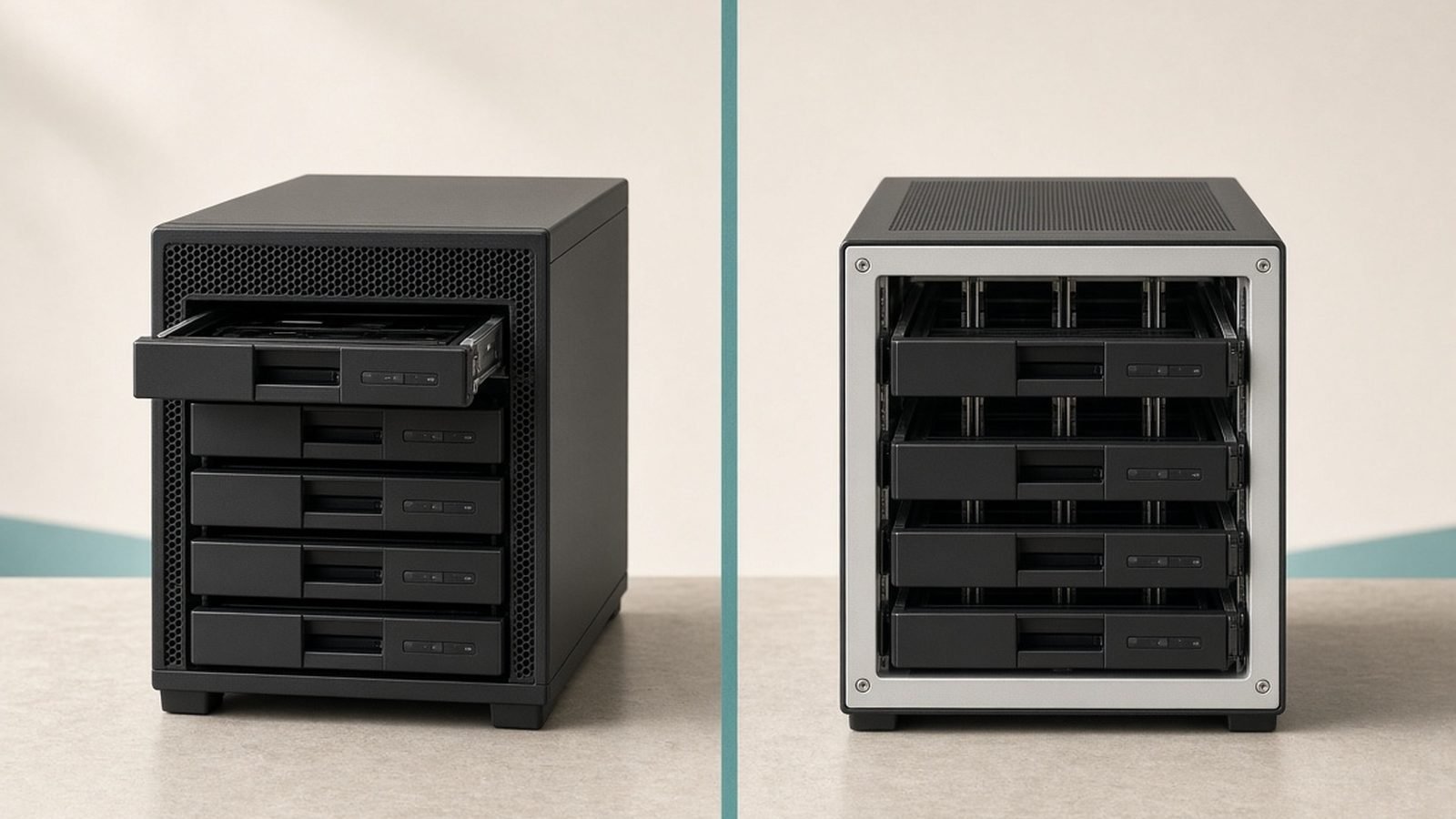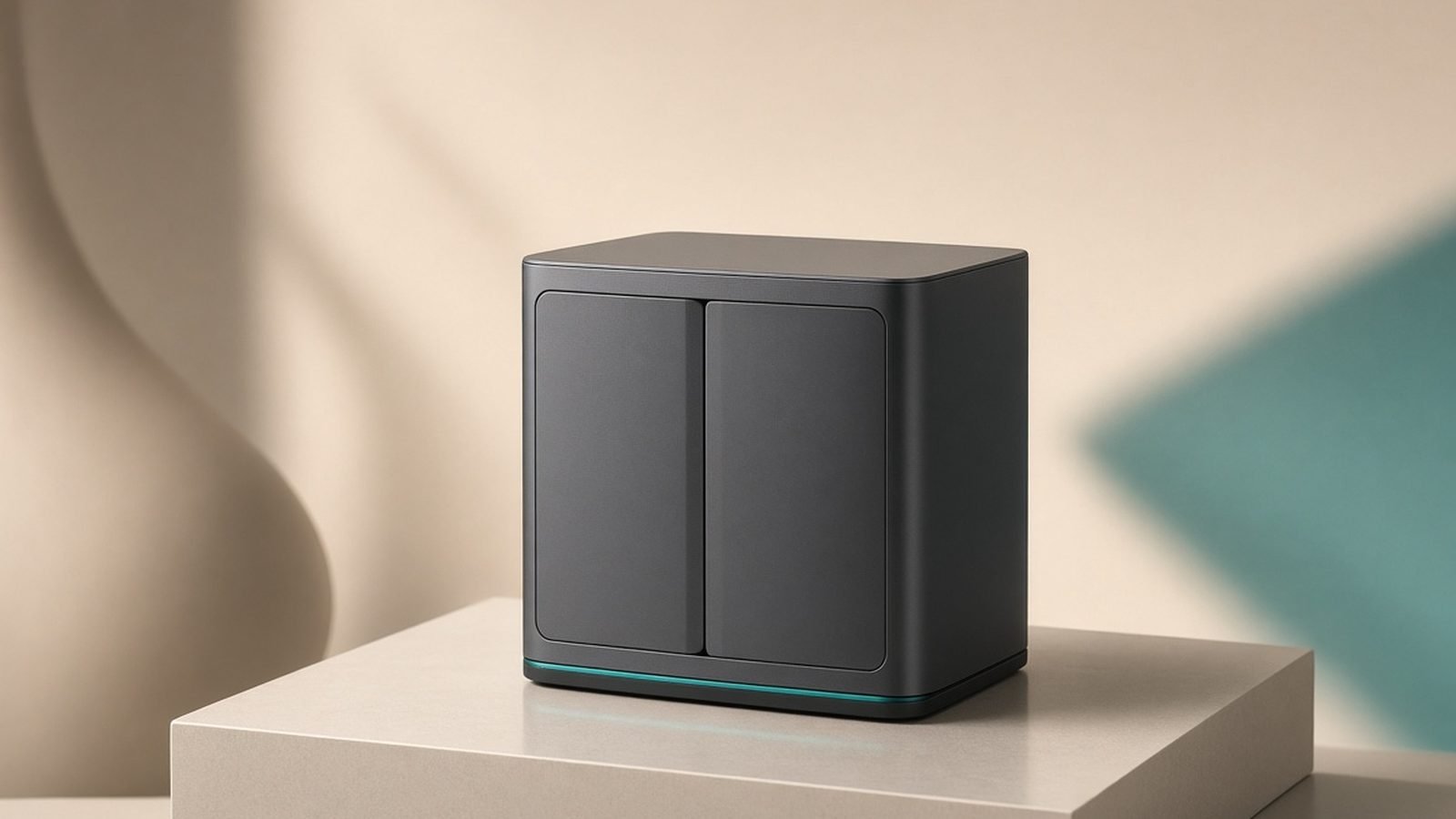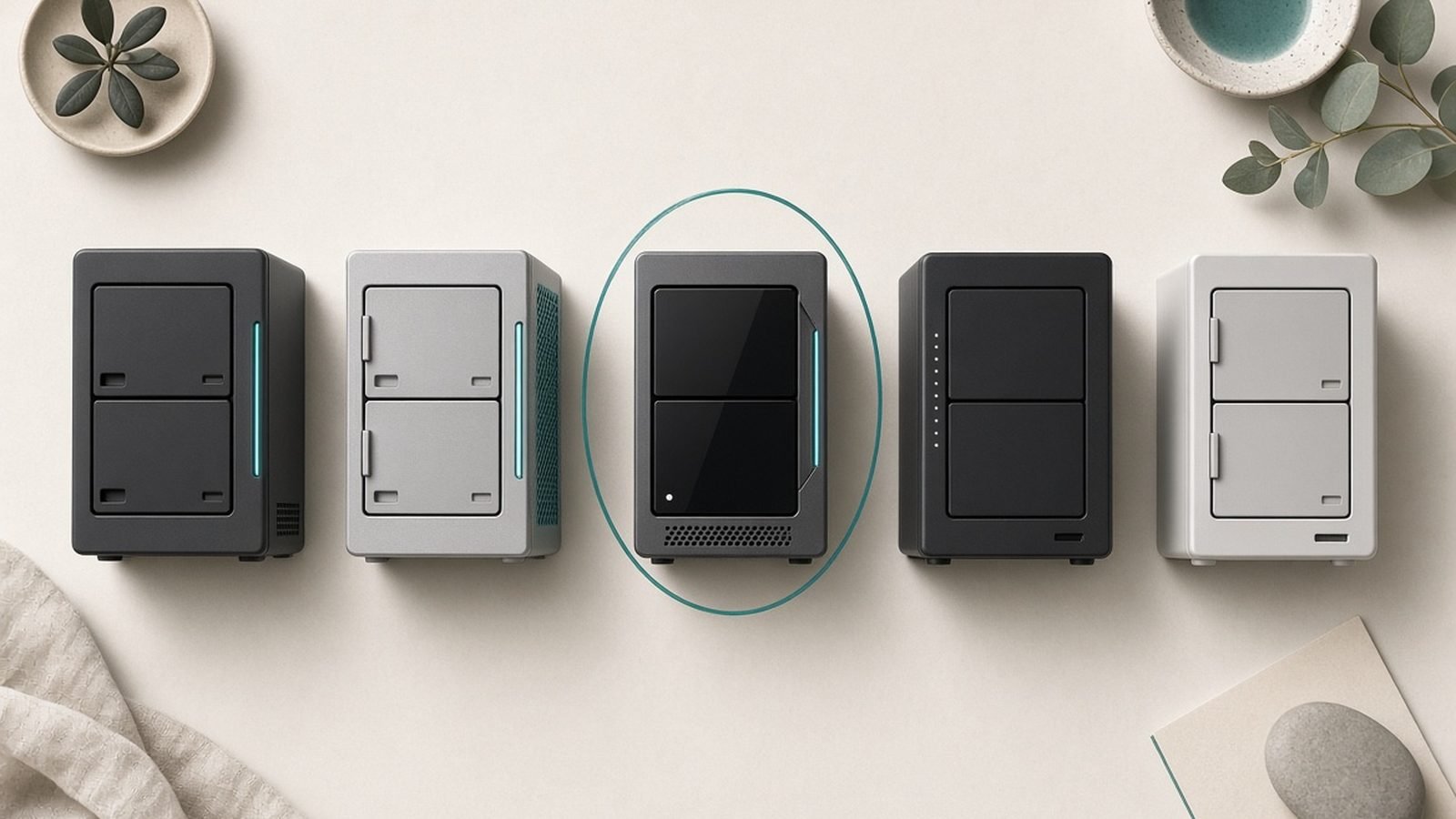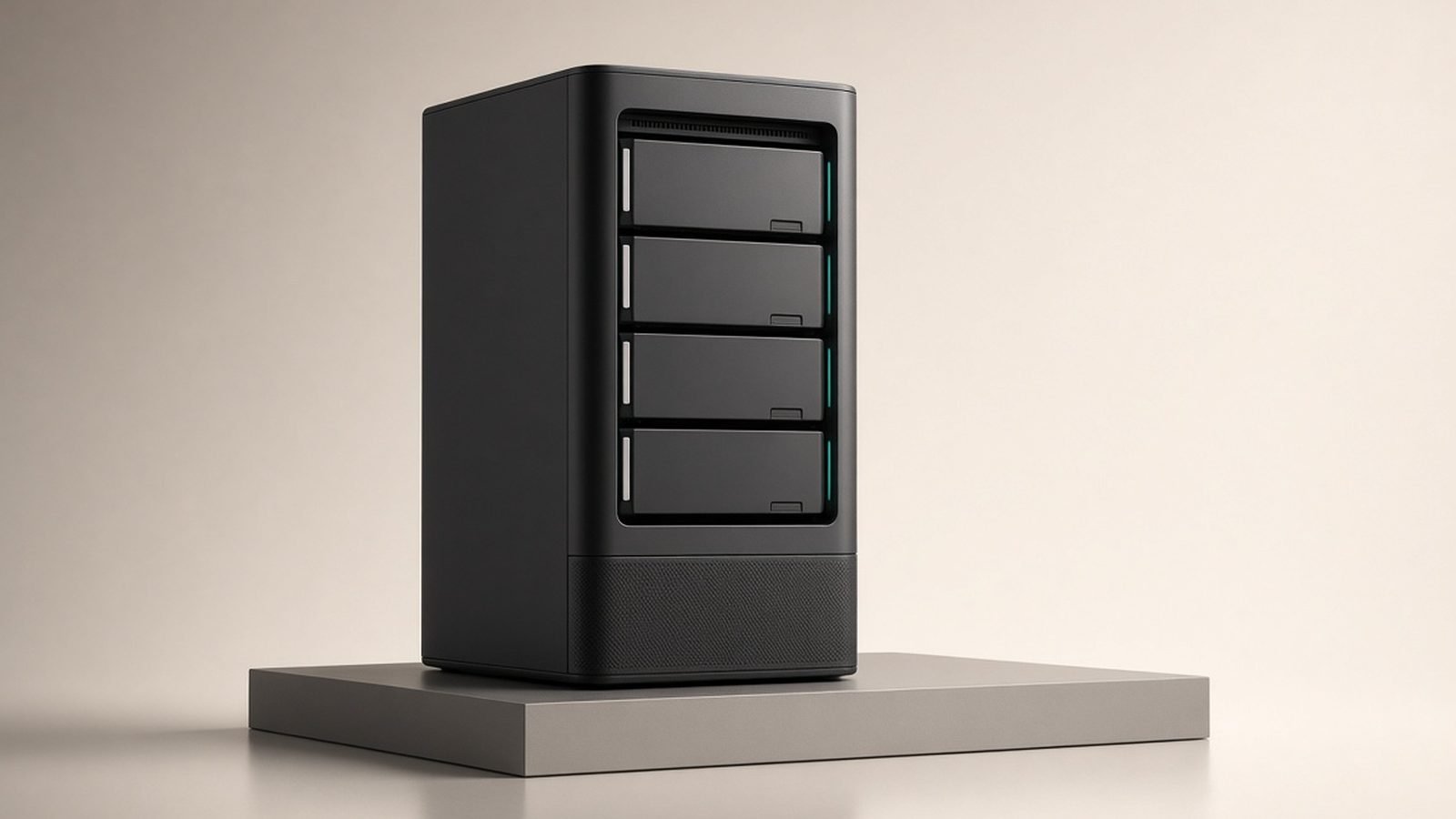
A year after launch, this Synology DS925+ review has a different job than the ones published in May 2025. Back then, the story was Synology locking its hardware to Synology-branded drives — and reviewers rightly hammered it for that. In late 2025, Synology blinked. DSM 7.3 restored third-party drive support, and that single update changes the buying maths for 2026.
So here’s the question that actually matters now: with the drive drama (mostly) resolved, is the DS925+ the four-bay NAS to buy — or has UGREEN’s better-specced, cheaper hardware ended Synology’s reign?
Our verdict up front: the DS925+ is the best four-bay NAS for people who value software, reliability, and a decade of ecosystem polish over raw hardware. DSM is still untouchable. But if your NAS life revolves around Plex transcoding or 10GbE speed, the UGREEN DXP4800 Plus gives you objectively stronger silicon for less money — and Synology has no answer for that at this price.
Check price: Synology DiskStation DS925+
DS925+ at a Glance vs the Competition
| Synology DS925+ | Synology DS923+ | UGREEN DXP4800 Plus | |
|---|---|---|---|
| Price (diskless) | ~$640 / £520 | ~$600 / £500 (fading stock) | ~$600 / £560 |
| CPU | AMD Ryzen V1500B (4C/8T) | AMD Ryzen R1600 (2C/4T) | Intel Pentium Gold 8505 (5C/6T) |
| iGPU (Plex transcoding) | No | No | Yes (Intel UHD) |
| RAM | 4GB DDR4 ECC (max 32GB) | 4GB DDR4 ECC (max 32GB) | 8GB DDR5 (max 64GB) |
| Networking | 2x 2.5GbE | 2x 1GbE + optional 10GbE | 1x 10GbE + 1x 2.5GbE |
| M.2 NVMe slots | 2 (cache; pools need Synology SSDs) | 2 (same) | 2 (cache or pools, any brand) |
| Expansion | USB-C to DX525 (5 bays) | eSATA to DX517 | None |
| Software | DSM 7.3 | DSM 7.3 | UGOS Pro |
Pricing note: US street price hovers around $639 with periodic dips to ~$590; UK pricing sits around £520. Treat all figures as “around” — NAS pricing moves with drive bundles and sales events.
Price and What’s in the Box (US/UK)
The DS925+ launched at $639.99 in the US and around £520 in the UK, and a year on that’s still roughly where it sits outside of sale weeks. In the box: the four-bay enclosure, two Cat 5e cables, a power adapter, drive tray keys, and screws for 2.5-inch drives. 3.5-inch drives mount tool-free.
Remember it ships diskless. A realistic starter build — the NAS plus two 8TB WD Red Plus drives in RAID 1 (SHR) — lands around $1,000 / £850. That’s the honest ds925+ price to budget for, not the sticker on the enclosure.
Check price: WD Red Plus 8TB x2
Specs: Ryzen V1500B, Dual 2.5GbE, Four Bays
The DS925+ runs AMD’s Ryzen V1500B — a quad-core, eight-thread embedded chip at 2.2GHz. It’s the same processor Synology has used in bigger units like the DS1621+ since 2020, so it’s proven, efficient, and comfortably faster than the dual-core R1600 in the DS923+ for multitasking. It is also, and there’s no way to sugar-coat this, a six-year-old CPU in a 2025 product.
You get 4GB of ECC DDR4 (expandable to 32GB across two slots), two M.2 2280 NVMe slots, four drive bays supporting SHR/RAID for roughly 80TB+ raw with today’s large drives, and dual 2.5GbE ports with Link Aggregation and SMB Multichannel support.
Two spec decisions define this machine. First, Synology finally retired the ancient dual 1GbE setup — 2.5GbE as standard was overdue and welcome. Second, and less welcome: the DS925+ dropped the 10GbE upgrade option. The DS923+ had a mini-PCIe slot for Synology’s 10GbE module; the DS925+ has no upgrade path beyond its 2.5GbE ports. For a “Plus” NAS you might keep for eight years, that’s a genuinely strange regression. Expansion also moves from eSATA to a USB-C port for the new five-bay DX525.
The Drive Compatibility Saga: Where Synology Stands After DSM 7.3
This is the section that makes older reviews obsolete, so let’s be precise about ds925+ drive compatibility in 2026.
At launch, Synology required drives from its “verified” list — overwhelmingly Synology-branded — to create storage pools on 2025 Plus models. Stick in a perfectly good WD Red or Seagate IronWolf and you’d face blocked pool creation and missing health monitoring. The backlash was ferocious, sales reportedly suffered, and in October 2025 Synology reversed course with DSM 7.3, restoring third-party HDD and 2.5-inch SSD support for storage pools on 25-series units.
Where does that leave you? Update to DSM 7.3 or later on day one and you can build pools with WD Red Plus, IronWolf, Toshiba N300 — the drives everyone actually buys. Non-verified drives may still show informational “unverified” notices rather than full green ticks, and based on hundreds of owner reports since the update, that’s a cosmetic annoyance, not a functional one. The one restriction that remains: M.2 NVMe storage pools (as opposed to cache) still require Synology’s own SSDs.
Our take: Synology deserves credit for listening and criticism for trying it in the first place. Factor the episode into your trust calculus — but as of 2026, drive lock-in is no longer a reason to skip the DS925+.
DSM 7.x: Still the Best NAS Software, Full Stop
If DSM weren’t excellent, this review would be short, because on hardware alone the DS925+ loses to cheaper rivals. But DSM 7.3 remains the reason people buy Synology.
Synology Photos is the closest thing to a self-hosted Google Photos replacement that non-tinkerers can actually run — face recognition, timeline view, solid mobile backup. Synology Drive gives you private Dropbox-style sync across devices. Active Backup for Business is a genuinely free, genuinely good backup suite for PCs, Macs, VMs, and Microsoft 365 — a feature competitors charge for or simply lack. Hyper Backup handles versioned off-site backups to another NAS or cloud (remember: RAID is not a backup). Surveillance Station is the best NVR software on any NAS, though it only includes two camera licences.
It’s not just the features; it’s the maturity. Permissions, snapshots with Btrfs, quiet self-healing, sensible security defaults, and roughly a decade of DSM updates on past models. UGREEN’s UGOS Pro has improved fast and covers the basics well, but in our research it still trails DSM meaningfully in backup tooling, surveillance, and ecosystem depth. If a NAS is an appliance you want to forget about, DSM is the argument.
How to Set Up a NAS: Beginner's Guide (2026)
Performance: File Transfers, Docker, VMs
With the dual 2.5GbE ports, expect real-world SMB transfers in the 280MB/s region over a single link, and owner reports consistently show SMB Multichannel pushing aggregate throughput toward the 500MB/s mark with both ports on a 2.5GbE switch. For backups, media libraries, and multi-user home offices, that’s plenty. It’s also the ceiling — no 10GbE, ever, on this unit.
The V1500B’s four cores and eight threads make the DS925+ a comfortable Docker box. Container Manager handles the usual homelab stack — Pi-hole, Home Assistant, Vaultwarden, *arr apps, Tailscale — without drama, and the ECC memory is a quiet reliability bonus few rivals offer at this size. Virtual Machine Manager will run a lightweight Linux VM fine; just budget for a ds925+ ram upgrade first, because 4GB disappears quickly once containers and VMs pile up. The two slots take up to 32GB (2x16GB); Synology officially supports only its own ECC modules, though owner reports show compatible third-party ECC SO-DIMMs generally working — at your own warranty risk.
NVMe caching via the two M.2 slots helps random-access workloads like Photos indexing, though most home users won’t notice it in day-to-day file serving.
Synology DS925+ Plex and Media: The Transcoding Caveat
Here is the single biggest reason to not buy this NAS, so read carefully if Plex is your priority.
The Ryzen V1500B has no integrated GPU, which means no hardware transcoding. When Plex needs to convert a file — a 4K HEVC remux to a bandwidth-limited phone, burned-in subtitles, a client that can’t play the codec natively — the DS925+ must do it on CPU. A single 1080p software transcode is manageable; 4K transcodes will stutter, and multiple simultaneous ones are a non-starter.
If every client in your house direct-plays (Nvidia Shield, Apple TV, modern smart TVs), none of this matters and the DS925+ serves 4K files beautifully. But if you share libraries with remote friends and family or watch on mixed devices, the synology ds925+ plex experience is a hard limitation. The UGREEN DXP4800 Plus’s Intel iGPU chews through multiple hardware transcodes; so does a $150 used mini-PC running Plex alongside a NAS that just stores files. Know which household you are before spending $640.
DS925+ vs DS923+ vs UGREEN DXP4800 Plus
Ds925+ vs ds923+ is straightforward. The DS925+ doubles CPU cores (4C/8T vs 2C/4T), upgrades to dual 2.5GbE from dual 1GbE, and costs about the same. The DS923+ counters with one card: its optional 10GbE module. If you already run a 10GbE network and can still find a DS923+ in stock, it’s the faster file server; for everyone else, the DS925+ is simply the better machine and the one with the longer support runway.
Synology ds925+ vs ugreen dxp4800 is the real fight, and on hardware it isn’t close. For roughly $600 / £560, the UGREEN gives you a newer 5-core Intel chip, double the RAM (8GB DDR5, expandable to 64GB), a built-in 10GbE port plus 2.5GbE, an iGPU for flawless Plex transcoding, and unrestricted M.2 NVMe pools. On spec-per-pound, the DS925+ loses every category that has a number attached.
What UGREEN can’t sell you is DSM. UGOS Pro is improving quickly, but its backup ecosystem, surveillance software, photo management, and long-term update track record are years behind — and a NAS purchase is mostly a ten-year software subscription paid up front. You can run TrueNAS or Unraid on the UGREEN to close the gap, but then you’re the sysadmin. For a deeper head-to-head, see our full comparison. Synology vs UGREEN NAS (2026): DSM or Raw Power?
Long-Term Costs: Drives, RAM, Expansion
Think in total cost of ownership. Two WD Red Plus 8TB drives (~$180 / £165 each) give you 8TB of mirrored, CMR, NAS-rated storage — our default recommendation for a first build, with two empty bays for painless SHR expansion later. A ds925+ ram upgrade to 16GB or 32GB runs $80–$300 depending on whether you buy Synology’s modules or compatible ECC sticks. When four bays fill up, the DX525 expansion unit adds five more over USB-C for around $500 / £420 — pricey, but cheaper than replacing the whole NAS.
Power draw is modest (roughly 35–40W under load, under 15W with drives hibernated), so running costs are trivial in the US and tolerable even at UK electricity prices.
Synology DiskStation DS925+ — around $640 / £520
Pros
- DSM 7.3 is still the best NAS operating system, by a distance
- Quad-core V1500B with ECC RAM: strong for Docker, snapshots, multi-user duty
- Dual 2.5GbE standard, with SMB Multichannel support
- Drive lock-in reversed — third-party HDDs work for pools post-DSM 7.3
- Free, class-leading backup and surveillance apps
Cons
- No iGPU: Plex hardware transcoding is off the table
- No 10GbE option — a downgrade from the DS923+
- Six-year-old CPU at a premium price
- M.2 storage pools still require Synology SSDs; only 4GB RAM out of the box
Verdict: the safest, most polished four-bay NAS you can buy in 2026 — as long as you don’t need transcoding or 10GbE.
UGREEN NASync DXP4800 Plus — around $600 / £560
Pros
- 10GbE built in, iGPU transcoding, 8GB DDR5 — outguns the DS925+ everywhere
- Unrestricted NVMe pools; happily runs TrueNAS/Unraid
- Frequently discounted below list
Cons
- UGOS Pro trails DSM in backup, surveillance, and maturity
- Shorter track record on security updates and long-term support
Verdict: the hardware-per-dollar champion — buy it for Plex or 10GbE, or as a TrueNAS host.
WD Red Plus 8TB (x2) — around $180 / £165 each
Pros
- CMR recording (crucial for RAID rebuilds), 3-year warranty, quiet 5,640rpm operation
- The consensus safe pick in owner reliability reports
Cons
- Slower than 7,200rpm IronWolf Pro class drives; larger capacities cost less per TB
Verdict: the sensible first pair for any four-bay build — mirror them, keep two bays free.
Who Should Buy the DS925+ (and Who Should Go UGREEN)
So, is Synology worth it in 2026? Yes — for the right buyer, and more defensibly than it was a year ago, now that DSM 7.3 has un-burned the drive-compatibility bridge.
Buy the Synology DS925+ if you want an appliance: private photo backup for the family, versioned PC/Mac backups, Docker for a few services, and a box you configure once and trust for years. DSM’s polish, ECC memory, and Synology’s update record are worth the hardware premium for this buyer. That’s our overall recommendation, and it’s why the DS925+ keeps its spot in our best home NAS guide. Best Home NAS 2026: Top Picks for Backup, Plex & Photos
Buy the UGREEN DXP4800 Plus instead if Plex transcoding, 10GbE, or maximum hardware for your money tops your list — or if you plan to install TrueNAS and don’t need hand-holding.
Buy neither if your whole use case is “back up my laptop”: a $100 external drive plus cloud storage is cheaper and simpler. For more four-bay options and network gear, browse our networking hub. Networking & Wi-Fi
FAQ: Synology DS925+
Does the DS925+ work with WD Red and Seagate IronWolf drives?
Yes — since the DSM 7.3 update (October 2025), third-party hard drives like WD Red Plus and Seagate IronWolf can create storage pools on the DS925+ without workarounds. You may still see an “unverified drive” information notice, but owner reports confirm full functionality. Only M.2 NVMe storage pools remain restricted to Synology’s own SSDs.
Is the Synology DS925+ good for Plex?
It’s good for direct play and poor for transcoding. The Ryzen V1500B has no integrated GPU, so any transcode runs on CPU — fine for one 1080p stream, unusable for 4K conversions. If your TVs and apps direct-play your files, it’s excellent; if you share remotely with mixed devices, choose the UGREEN DXP4800 Plus or a separate Plex box.
What’s the difference between the DS925+ and DS923+?
The DS925+ has double the CPU cores (quad-core V1500B vs dual-core R1600) and dual 2.5GbE instead of dual 1GbE, making it noticeably faster for containers and multitasking. The DS923+ counters with an optional 10GbE upgrade module, which the DS925+ lacks entirely. Unless you specifically need 10GbE, the DS925+ is the better buy.
How much RAM does the DS925+ support?
It ships with 4GB of ECC DDR4 and officially supports up to 32GB via two SO-DIMM slots (2x16GB). Synology only certifies its own modules; compatible third-party ECC SO-DIMMs are widely reported to work, but you accept warranty risk. Upgrade to at least 8–16GB if you plan to run Docker containers or virtual machines.
How much does a DS925+ setup actually cost?
Budget around $640 / £520 for the diskless unit, plus drives. A sensible starter build with two 8TB WD Red Plus drives in RAID 1 (SHR) totals roughly $1,000 / £850, leaving two bays free for future expansion. Add $80+ if you want a RAM upgrade for containers or VMs.
Is Synology still worth it in 2026 after the drive controversy?
For software-first buyers, yes. Synology reversed the drive restrictions in DSM 7.3, and DSM remains the most complete, reliable NAS operating system — Photos, Active Backup, and Surveillance Station have no equal at this price. If raw hardware value matters more to you than software polish, UGREEN now makes the stronger case.
Zen Tech Hub may earn a commission from links on this page, at no extra cost to you.