Finding the best Samsung tablet in 2026 is less about the hardware and more about decoding Samsung’s own naming. The lineup runs from the £799 Galaxy Tab S11 down to sub-£150 slabs that share a family look but almost nothing else. Pick wrong and you either overpay for power you’ll never touch, or you buy a budget tablet that stutters six months in.
We’ve cut through it. Below is a plain-English decoder, then our picks for every budget — with the honest trade-offs Samsung’s marketing skips. Every flagship and FE here ships with the S Pen in the box, every one gets Samsung’s headline software support, and not one of them is the right buy for everybody. Here’s how to find the best Samsung tablet for you.
Samsung’s tablet lineup explained (S vs FE vs A series)
Three letters do all the work. Tab S is the flagship line — AMOLED screens, the good S Pen, IP68 water resistance, DeX desktop mode. Tab S FE (“Fan Edition”) is the flagship experience trimmed for price: an LCD panel, a slower chip, but the same S Pen and durability. Tab A is the budget tier — fine for Netflix and browsing, forget about serious multitasking.
The confusing part is the numbers. A “Tab S10 FE” is newer than a “Tab S11” is old — Samsung staggers the FE and A refreshes a generation behind the flagships. So in mid-2026 the current stack is the Tab S11 series (flagship), the Tab S10 FE (value), and the Tab A11+/A9+ (budget). Keep that map in your head and the rest is easy.
| Tablet | Best for | Screen | S Pen | Price (USD / GBP) |
|---|---|---|---|---|
| Galaxy Tab S11 | Overall pick | 11” 120Hz AMOLED | In box | ~$799 / ~£799 |
| Galaxy Tab S11 Ultra | Premium / laptop replacer | 14.6” 120Hz AMOLED | In box | $1,199–$1,299 / £1,199–£1,269 |
| Galaxy Tab S10 FE | Best value | 10.9” 90Hz LCD | In box | ~$449 / ~£429 |
| Galaxy Tab A11+ | Budget with support | 11” 90Hz LCD | No | ~$250 / ~£269 (often ~£219) |
| Galaxy Tab A9+ | Cheapest that’s worth it | 11” 90Hz LCD | No | ~$219 / ~£169 (often less) |
Best overall: Galaxy Tab S11
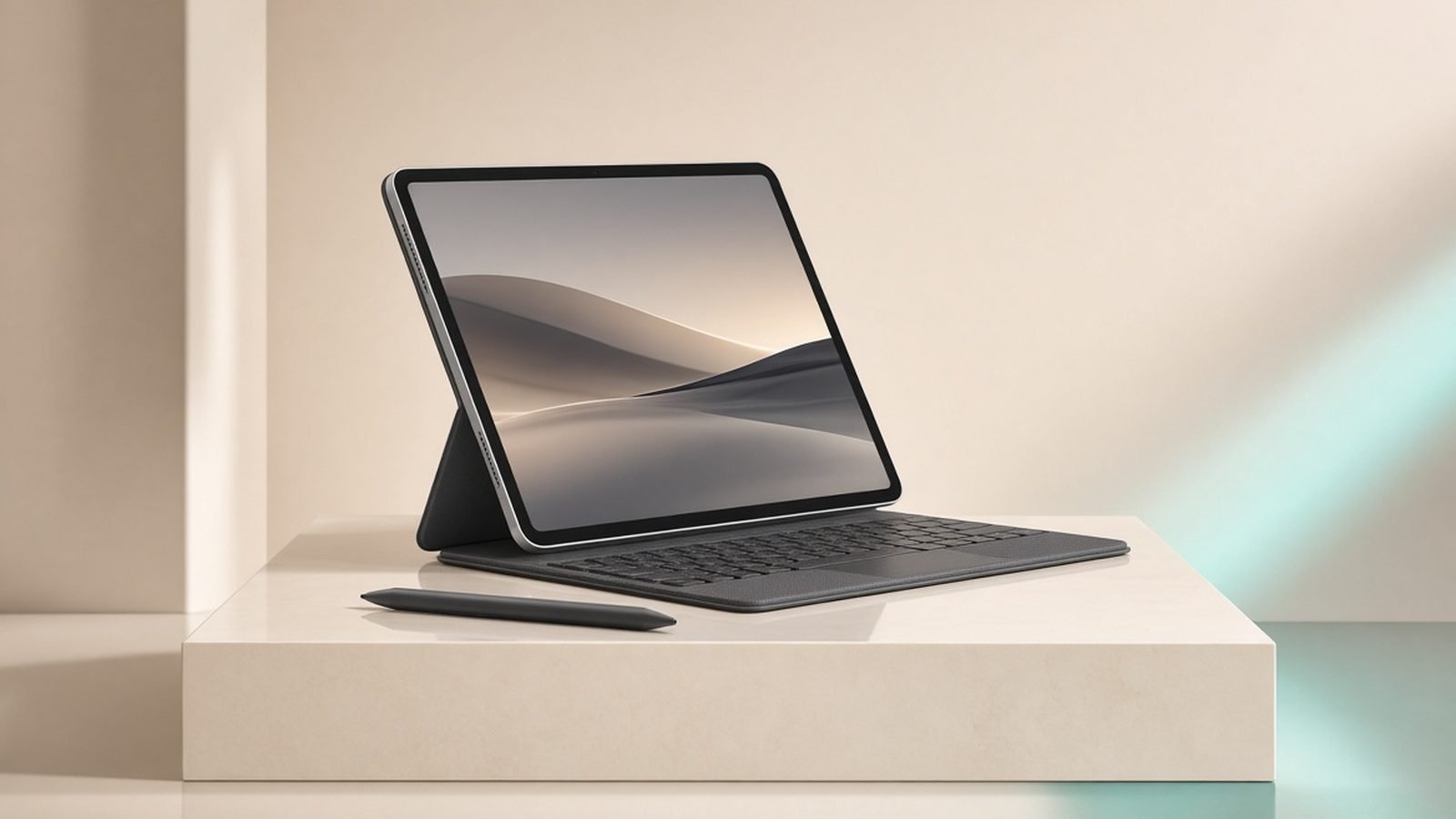
The Galaxy Tab S11 is the sane flagship. You get an 11-inch 120Hz AMOLED that’s genuinely gorgeous, the MediaTek Dimensity 9400+ chip, IP68 dust and water resistance, and the S Pen included — no £129 accessory tax like Apple charges. At around $799 / £799 it undercuts the Ultra by hundreds while keeping everything most people actually use a tablet for.
This is the best Samsung tablet with S Pen for the average buyer: note-takers, students, couch browsers who occasionally sketch or mark up PDFs. In our research the AMOLED panel and slim, light body are the standouts — it’s a tablet you’ll happily hold in bed. DeX turns it into a passable laptop stand-in when paired with a keyboard case.
The honest catch: the Dimensity 9400+ is fast, but it still trails Apple’s M-series silicon in raw grunt and sustained performance. For 99% of tablet tasks you’ll never notice; for heavy video export or pro-level 3D you might. And the keyboard case is, as ever, sold separately.
Pros - Stunning 11” 120Hz AMOLED, IP68 rated - S Pen in the box, low latency for notes and drawing - Compact, light flagship size that’s easy to hold - 7 years of OS and security updates
Cons - Chip trails Apple M-series on peak performance - Keyboard case costs extra - Only a modest step up from last year’s S10
Who it’s for: anyone who wants a top-tier Android tablet without Ultra bulk or Ultra pricing.
Galaxy Tab S11 vs iPad Air M3: Android or Apple in 2026?
Best premium: Galaxy Tab S11 Ultra
If you want the biggest, most cinematic Android tablet money can buy, the Galaxy Tab S11 Ultra is it. The 14.6-inch 120Hz AMOLED is a genuine monster — for movies, split-screen multitasking and drawing on a canvas the size of a magazine, nothing in the Android world touches it. The S Pen is included, DeX runs beautifully on all that real estate, and with a keyboard it’s the closest an Android slate comes to replacing a laptop.
That’s the pitch, and the Galaxy Tab S11 vs S11 Ultra decision really comes down to two things: screen size and money. The Ultra is $1,199–$1,299 / £1,199–£1,269 and it is big and heavy — this is a two-hands-and-a-stand device, not a bedtime reader.
The recurring critique in owner reports and reviews alike is value: at this price you’d expect class-leading silicon, and the Dimensity 9400+ (the same chip as the far cheaper S11) underwhelms against what an iPad Pro delivers per pound. You’re paying for the screen, not the speed.
Pros - Enormous 14.6” 120Hz AMOLED — best-in-class for media and drawing - S Pen included; superb DeX laptop-replacement experience - IP68, premium build, huge battery
Cons - Chipset feels underwhelming at flagship-plus pricing - Big, heavy, awkward one-handed - Keyboard case pushes the real cost well past £1,300
Who it’s for: creative pros and multitaskers who want the largest S Pen canvas and will actually use DeX daily. This is also our pick for the best Samsung tablet for drawing at scale.
Check price: Galaxy Tab S11 Ultra
Best value: Galaxy Tab S10 FE
The Galaxy Tab S10 FE is the tablet we recommend most often, and this Galaxy Tab S10 FE review roundup keeps landing on the same verdict: it’s where Samsung’s value lives. For around $449 / £429 you get the S Pen included, IP68 water resistance, and the full 7 years of updates — features that used to be flagship-only, now at a mid-range price.
You give up two things versus the S11: the screen is a 90Hz LCD rather than a 120Hz AMOLED, and the chip is a mid-tier Exynos rather than the Dimensity flagship. In side-by-side use the LCD is noticeably less punchy and blacks look grey in a dark room. But for note-taking, browsing, streaming and light art, based on owner reports it’s more than fast enough and the battery life is excellent.
If your budget can’t stretch to the S11 but you still want a stylus and real Samsung longevity, this is the smart money.
Pros - S Pen included and IP68 at a mid-range price - Full 7-year update promise - Great battery life; light and durable
Cons - 90Hz LCD, not AMOLED — weaker contrast and motion - Mid-tier Exynos chip, not for heavy workloads - Only 60Hz feel in some apps
Who it’s for: students and everyday users who want the S Pen and long-term support without flagship spend.
Check price: Galaxy Tab S10 FE
Best Tablets Under $500 in 2026: 7 Picks for US & UK Buyers
Best budget: Galaxy Tab A11+ / Tab A9+
At the bottom of the range, two tablets do the job. The Galaxy Tab A11+ brings a 90Hz 11-inch screen, quad speakers and — unusually for a budget slate — a longer software support window than these tablets normally get. There’s no S Pen and, honestly, at its ~$250 / ~£269 RRP it’s a touch overpriced. But it dips to around £219 (and lower on Amazon) regularly, and at that price it’s a tidy media tablet.
The Galaxy Tab A9+ is the perennial cheap favourite. At ~$219 / ~£169 — and often nearer $149 / £139 on sale — it’s perfectly good for video, browsing and kids’ apps. The chip is ageing and it has only two OS updates left, so treat it as a two-to-three-year device, not a long-term buy. It’s also our go-to recommendation for a knockabout tablet for children.
Pros - A11+: 90Hz screen, quad speakers, better-than-usual budget support - A9+: genuinely cheap, reliable for media and browsing - Both light and easy to hand to kids
Cons - No S Pen on either - A11+ is poor value at full RRP — buy on sale - A9+ chip is ageing with limited updates remaining
Who it’s for: second-screen streaming, travel, and children. Buy on a deal, not at list price.
Best Kids Tablets 2026: Fire, Samsung & iPad Compared by Age
S Pen, DeX and 7-year updates: what you actually get
Three Samsung buzzwords sell these tablets, so here’s what’s real. The S Pen is included on every Tab S and FE model — no charging, no pairing, low latency, and it’s excellent for notes and sketching. The Tab A series gets no stylus at all.
DeX turns the tablet into a windowed desktop with a taskbar when you connect a keyboard or monitor. It’s genuinely useful on the S11 and Ultra; it’s fiddly and cramped on smaller screens. Don’t buy a tablet for DeX unless you’re getting an S11-class device.
The 7-year updates promise is the quiet killer feature. On the S11, Ultra and S10 FE, seven years of OS and security patches means the tablet stays current far longer than most rivals — a real total-cost-of-ownership win. The A series gets a shorter window, which is exactly why we tell you to buy those on discount.
Samsung vs iPad: the honest 60-second answer
Buy an iPad if you want the fastest chip per pound, the biggest app and accessory ecosystem, and the best drawing apps (Procreate). Apple’s M-series silicon simply outperforms Samsung’s tablet chips, and iPadOS tablet apps are more polished.
Buy a Samsung tablet if you want a superior AMOLED screen at most price points, an S Pen included instead of sold separately, proper multi-window multitasking and DeX, expandable microSD storage, and tighter integration with an Android phone. For media, note-taking and value, Samsung frequently wins; for raw power and pro creative apps, Apple still leads.
Which iPad Should You Buy in 2026? Every Model Compared
When Samsung tablets go on sale (trade-in tricks)
Samsung tablets follow a predictable discount rhythm, and paying RRP is usually a mistake. The big windows are the spring sales (March–April), Amazon Prime Day in July, Black Friday and the January sales. New-model launches also knock the outgoing generation down hard — when the S11 landed, S10-era pricing tumbled.
For the best Samsung tab deals in the UK, watch Currys and Samsung’s own store for bundle offers (free keyboard cases or storage upgrades) rather than just headline price cuts. Samsung’s trade-in programme is the real lever: sending in almost any old tablet or phone — even a cracked one — often beats the cash discount, and Samsung frequently over-values trade-ins during launch promos. Stack a trade-in with a bundle and student or newsletter codes for the lowest effective price.
Verdict: which is the best Samsung tablet?
For most people, the Galaxy Tab S11 is the best Samsung tablet in 2026 — flagship screen, S Pen included, sensible size and price. Want the biggest canvas and a laptop replacement? The Tab S11 Ultra, if you can stomach the value trade-off. On a budget, the Tab S10 FE delivers the S Pen and 7-year support for far less, and the Tab A11+ / A9+ cover pure streaming and kids’ duty — bought on sale.
FAQ
Which Samsung tablet is best for drawing?
For serious artists, the Galaxy Tab S11 Ultra’s 14.6-inch AMOLED gives you the largest, most cinematic canvas with the included S Pen and low latency. If you want portability, the standard Tab S11 offers the same great pen experience on an 11-inch screen. Both beat the FE for drawing thanks to their AMOLED panels and faster chips.
Do all Samsung tablets come with an S Pen?
No. Every Galaxy Tab S and Tab S FE model includes the S Pen in the box at no extra cost — that covers the S11, S11 Ultra and S10 FE here. The budget Galaxy Tab A series (A11+ and A9+) does not include or support the S Pen, so choose an S or FE model if a stylus matters.
Is the Galaxy Tab S11 or S11 Ultra better?
It depends on size and budget. The Galaxy Tab S11 vs S11 Ultra split is really 11-inch versus 14.6-inch. The Ultra wins for media and drawing on a huge screen and laptop-style DeX use, but it’s heavier and pricier. The S11 is lighter, cheaper and more comfortable to hold, with the same chip. Most people are happier with the S11.
How long do Samsung tablets get updates?
The Galaxy Tab S11, S11 Ultra and Tab S10 FE all get seven years of OS and security updates — among the longest in the industry and a strong reason to buy an S or FE model. The budget Tab A series gets a shorter window, which is why we recommend buying those on discount and treating them as shorter-term devices.
Are Samsung tablets better than iPads?
For screen quality, included S Pen, multitasking, DeX desktop mode and expandable storage, Samsung often wins. For raw chip performance and the best creative apps, Apple’s iPads lead. If you own an Android phone and want value plus a great AMOLED display, go Samsung; if you want the fastest tablet and Procreate, go iPad.
Zen Tech Hub may earn a commission from links on this page, at no extra cost to you.