Getting your Oura ring sizing right is the single most important thing you do before spending $349 or more on a smart ring. Unlike jewelry you can resize at a shop later, a smart ring is a sealed device — the sensors are baked into a fixed band. Order the wrong size and your only option is a return and re-order, which means weeks without data.
The good news: Oura makes this easy with a free sizing kit, and the fit rules are simple once you know them. This guide walks through the process, plus how Oura sizes compare to the Samsung Galaxy Ring and RingConn Gen 2.
Why smart ring sizing is different from jewelry sizing
A wedding band just has to slide on and look right. A smart ring has to press its optical sensors — the green and red LEDs on the inside — flush against the palm side of your finger, 24 hours a day. Too loose and those sensors lift off the skin, wrecking heart-rate and SpO2 accuracy. Too tight and it traps sweat and gets stuck.
That’s why Oura uses its own scale (sizes 4 to 15) rather than assuming your normal ring size. In our research, owner reports are full of people who guessed their “usual” size and ended up with a ring that spun freely or wouldn’t clear the knuckle. Don’t guess.
How the free Oura sizing kit works (and how long it takes)
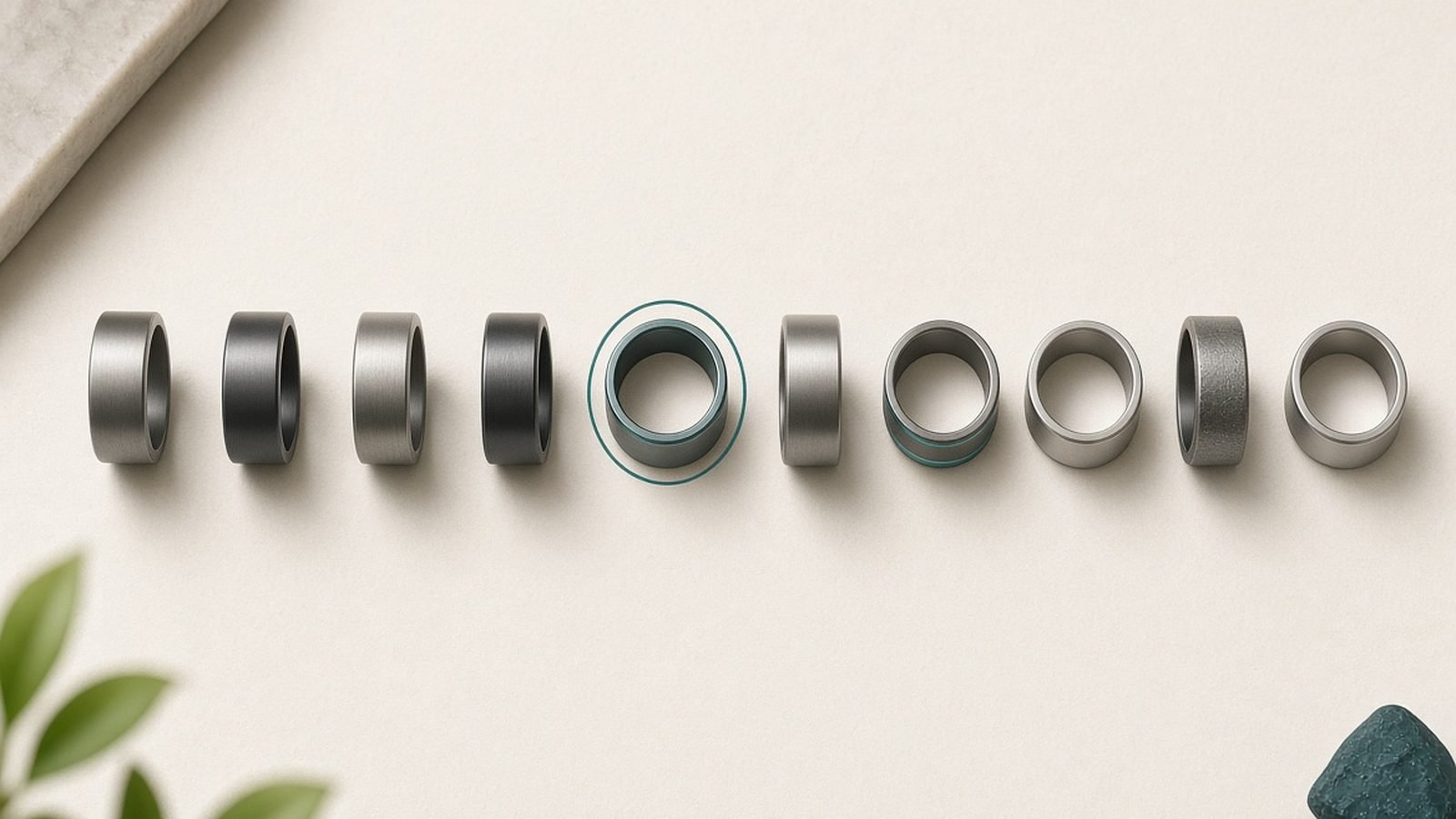
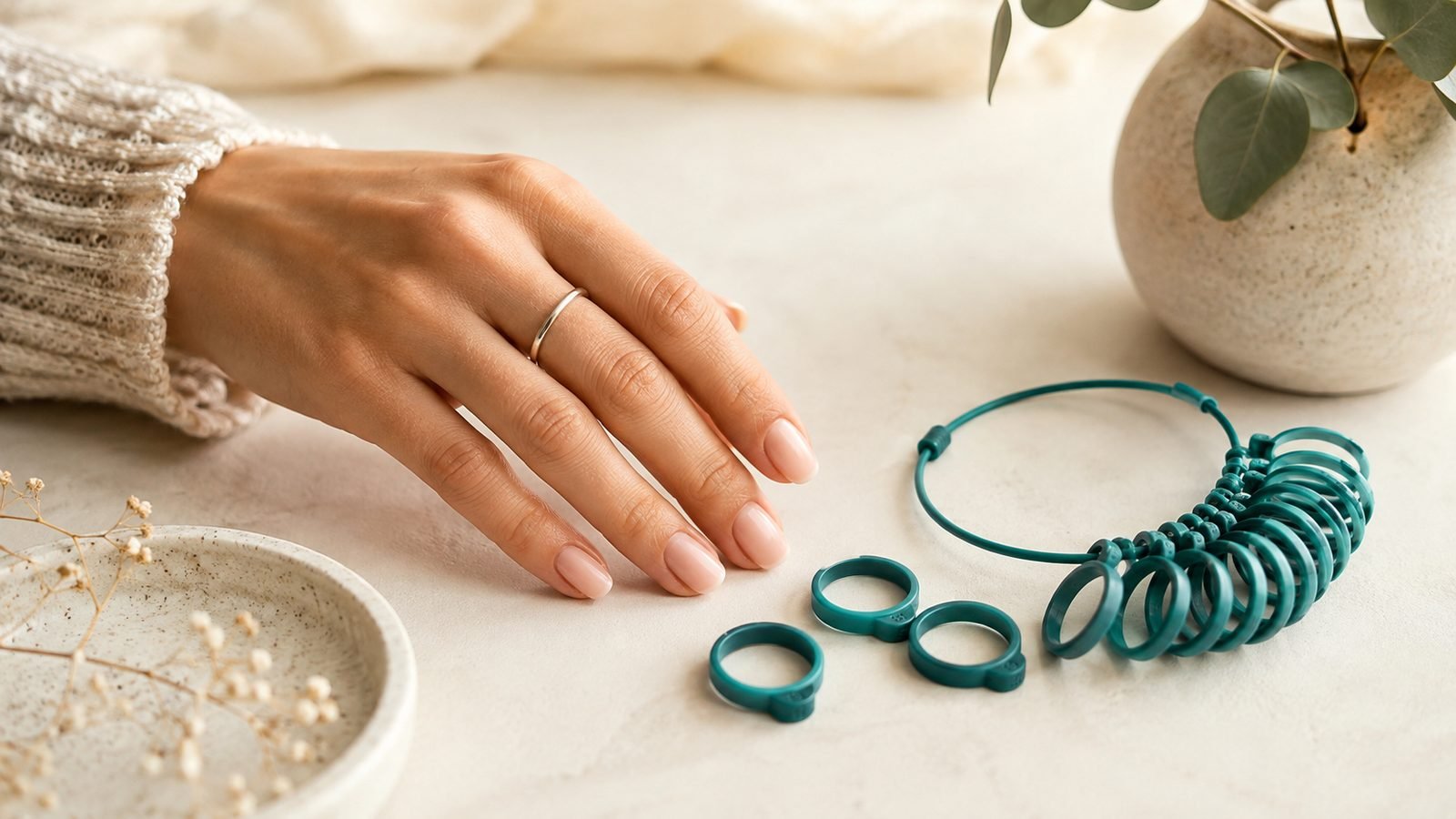
Before you buy, Oura ships a free plastic sizing kit — a set of lightweight dummy rings in every size. The flow:
Order the sizing kit (free with an Oura purchase; a small deposit is credited back).
Delivery typically takes a few days in the US and UK.
Try the sizers on and pick the one that fits your chosen finger.
Wear that sizer for at least 24 hours, including a full night’s sleep, before you confirm.
That overnight step is the answer to “oura ring sizing kit how long” — the wearing period matters more than shipping time. Fingers swell and shrink through the day, and the sizer needs to stay comfortable at your tightest and loosest moments.
Which finger should you wear Oura on?
Oura officially recommends the index, middle, or ring finger, and it optimises accuracy for the index finger. So the honest answer to “which finger for Oura ring” is: pick the finger where the fit is best and steadiest, then tell the app which one you chose.
A few practical notes from owner reports:
The index finger tends to give the cleanest signal and is Oura’s top pick.
The middle finger suits people whose index knuckle is much wider than the base.
Avoid the thumb and pinky — the ring isn’t tuned for them.
Size each finger separately; your ring and index fingers can differ by two full Oura sizes.
How tight is right: the fit checklist and knuckle test
Aim for snug, not tight. The ring should feel secure with no gap between the band and your skin, but slide off without a fight.
Run this checklist with the sizer on:
The knuckle test: it should take a little resistance to push over your knuckle, then sit comfortably at the base. If it glides straight over, it’s too big.
The spin test: it can rotate slowly but shouldn’t flop around freely.
The morning check: if it’s still comfortable when you wake up (fingers are puffier then), you’ve nailed it.
If your Oura ring is too loose, the sensors drift off your skin and nighttime heart-rate and blood-oxygen readings become patchy. When torn between two sizes, most owners are better served by the smaller one, provided it clears the knuckle without pain.
Sizing mistakes that ruin accuracy (and the returns policy)
The classic errors we see in owner feedback:
Skipping the overnight wear. Fingers shrink at night; a daytime-only test overstates your size.
Assuming Oura size vs normal ring size are the same. They’re a different scale — always use the kit.
Sizing after a workout or a salty meal, when fingers are swollen.
Ignoring the app’s finger setting, which affects how the algorithm reads your signal.
Can you resize an Oura ring? No — there’s no physical resize. If it doesn’t fit, you use Oura’s return window (generally 30 days from delivery) to exchange sizes. That’s exactly why the free sizer exists.
Do Galaxy Ring and RingConn sizes match Oura sizes?
No — and this trips people up. Each brand uses its own internal scale, so galaxy ring sizing vs oura is not a 1:1 match, and neither is RingConn’s. A size 10 Galaxy Ring is not a size 10 Oura, and RingConn Gen 2 (around $299 / £279) runs its own scale too.
If you’re cross-shopping, order each brand’s own sizing kit. The few minutes it takes beats a mis-sized $300 ring.
Verdict: measure twice, order once
The Oura Ring 4 (from around $349 / £349 plus a $5.99 / £5.99 monthly membership) rewards patience at the sizing stage. Use the free kit, wear your chosen sizer through a full night, size each finger separately, and confirm with the knuckle test. Do that and you’ll get accurate data from day one instead of a return label.
For where Oura sits against the competition, see our Best Smart Rings 2026: Oura, Galaxy Ring & Cheaper Rivals roundup, the head-to-head in Oura Ring 4 vs Samsung Galaxy Ring: Which Wins in 2026?, and our full Samsung Galaxy Ring Review: Worth It Without a Subscription?. More buying guides live in the Wearables.
FAQ
How long does the Oura sizing kit take? Shipping usually runs a few days in the US and UK, but the part that matters is wearing your chosen sizer for a full 24 hours — including one night’s sleep — before you confirm. Fingers change size through the day, so this overnight check is what stops you ordering the wrong size.
Is my Oura size the same as my normal ring size? No. Oura uses its own scale from size 4 to 15, not standard US or UK jewelry sizes. Even if you know your wedding-band size, use the free sizing kit. Owner reports consistently show guessing leads to a ring that’s too loose or won’t clear the knuckle.
What if my Oura ring is too loose? A loose ring lets the sensors lift off your skin, which degrades heart-rate and SpO2 accuracy, especially overnight. There’s no way to resize the ring physically, so use Oura’s return window (generally 30 days) to exchange it for the next size down that still clears your knuckle.
Which finger is best for the Oura Ring? Oura recommends the index, middle, or ring finger and optimises for the index. Choose whichever gives the snuggest, steadiest fit, then set that finger in the app. Size each finger separately, as they can differ by two Oura sizes, and remember the thumb and pinky aren’t supported.
Can I use my Oura size for a Galaxy Ring? No. Samsung Galaxy Ring and RingConn Gen 2 each use their own sizing scales, so numbers don’t transfer between brands. Order each brand’s own sizing kit before buying.
Zen Tech Hub may earn a commission from links on this page, at no extra cost to you.